
Session replay connector
Connect PostHog, FullStory or LogRocket with a read-only key and link a customer’s session replays to an investigation as evidence.
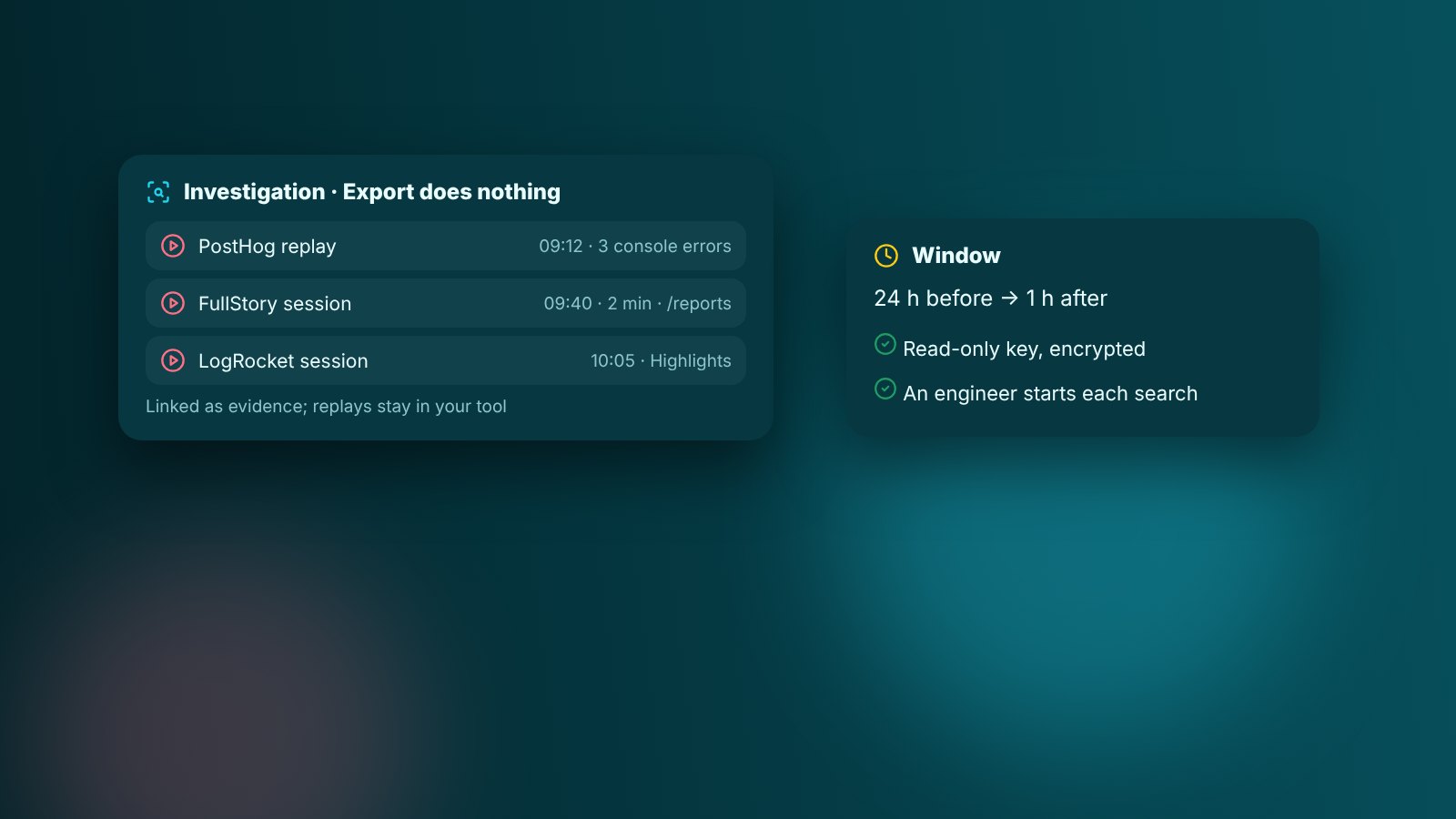
When a customer reports that something “does nothing”, watching their session is often the quickest way to see what happened. The session replay connector finds the customer’s sessions in your replay tool around the time of the ticket and links them to the investigation as evidence. It is the Session replay connector add-on ($149 a month), and it is on during the free trial.
Connect your replay tool
An admin connects it under Investigate → Observability → Session replay. Use a key that can only read.
| Tool | What to enter | Key and access |
|---|---|---|
| PostHog | Project ID; your host if you are not on us.posthog.com (for example https://eu.posthog.com) | Personal API key (phx_…) with person:read and session_recording:read only |
| FullStory | Nothing else | API key with the Standard role |
| LogRocket | App ID as org/app | API key from Settings → General settings |
Keys are encrypted at rest and never shown again. Test checks that the key can read; Disconnect deletes it.
Find replays for an investigation
- Open the investigation, then the Evidence tab, and enter the customer’s email or your app’s user ID.
- The search covers 24 hours before the ticket until an hour after. You can set your own window, up to 31 days.
- Each session found is linked as evidence with its link, start time, length, start page and console-error count, where the tool provides them. Searching again doesn’t add duplicates.
- New evidence re-runs the investigation’s analysis, as any other evidence does.
How each tool is searched
PostHog    GET {host}/api/projects/{project}/persons/?email=…
           GET {host}/api/projects/{project}/session_recordings/?person_uuid=…&date_from=…&date_to=…
FullStory  GET https://api.fullstory.com/v2/sessions?email=…   (or uid=…)
LogRocket  POST https://api.logrocket.com/v1/orgs/{org}/apps/{app}/highlights/   then GET …/highlights/?id=…
LogRocket has no public API to list a user’s sessions; its Highlights API returns them with links and a summary written by LogRocket’s own AI. That summary is shown as third-party text and is never treated as a fact. FullStory returns session links and start times only.
What stays the same
- An engineer starts every search. The customer’s email or user ID is sent only to your own replay tool, and only then.
- Replays stay in your tool. TR-AI stores the link and the numbers above, not the recording.
- A replay shows what the customer did, not why it failed. It is evidence for a person to watch, never a confirmed cause.
- Finding and linking replays makes no AI calls.
403 addon_required and the dashboard shows the add-on and its price when a workspace without the add-on uses these pages.