
Connect your reliability data
What each module reads, and how to send it.
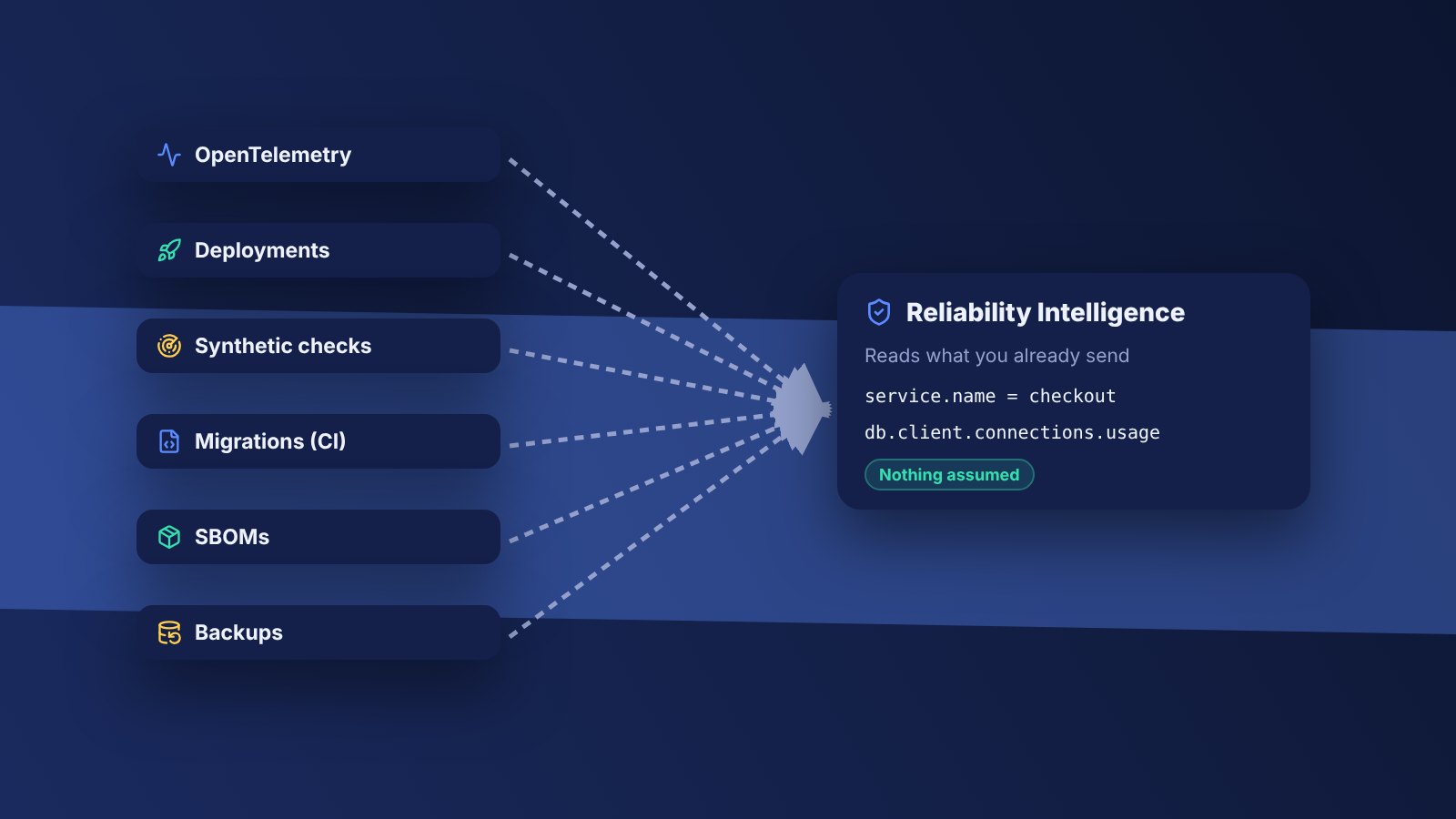
Reliability Intelligence works from data you already have. Nothing is assumed: a module without its data says what is missing.
| Data | Used by | How to send it |
|---|---|---|
| Traces | SLOs, dependency map, architecture | OTLP/HTTP to /api/otel/:trialId/v1/traces, or the Sentry, Datadog, Azure Monitor and Rollbar connectors |
| Metrics | SLOs, forecasting, experiments | OTLP/HTTP to /api/otel/:trialId/v1/metrics, or the same connectors |
| Deployments | Error budget per release, vulnerabilities, timeline | Your CI or deploy provider (Deployments in the dashboard) |
| Configuration, infrastructure and flag changes | Change correlation in investigations, the deployment timeline and the operations twin | Pushes that touch config, infra or migration files; LaunchDarkly webhooks (Deployments → Connect); AWS CloudTrail and Azure Activity Log write events through the AWS and Azure security connections; or the generic JSON format |
| Alerts | Investigations and the observability view, next to errors | Firing alerts from the Prometheus connection (/api/v1/alerts) |
| Synthetic checks | SLOs, experiment and restore validation | Synthetic monitoring in the dashboard |
| Good / total events | SLOs from your own counters | POST /v1/reliability/sli-events |
| Migration files | Migration assurance | tr-migrations.mjs in CI, or POST /v1/reliability/migrations |
| SBOMs | Dependency risk, architecture | POST /v1/reliability/sboms (CycloneDX or SPDX JSON) |
| Backups | Disaster recovery | POST /v1/reliability/backups from your backup tooling |
| Declared operations | Experiments, restores, failovers | TR_OP_* on your own agent, registered under Remediation → Operations |
OpenTelemetry
Send OTLP/HTTP JSON with the workspace’s ingest token in the Authorization header. Set up the OpenTelemetry connection under Integrations (TR Investigate) to get the endpoint and token. The service comes from service.name and the environment from deployment.environment.name (or deployment.environment).
These metric names are recognised for capacity forecasting and SLOs:
| OpenTelemetry metric | Shown as |
|---|---|
| http.server.request.duration, http.server.duration | Latency, request count and 5xx count |
| system.cpu.utilization, process.cpu.utilization | CPU % |
| system.memory.usage, process.memory.usage | Memory (MB) |
| system.filesystem.utilization | Disk used % |
| db.client.operation.duration, db.client.duration | Database latency |
| db.client.connections.usage, db.client.connection.count | Database connections |
| db.size, db.database.size | Database size (GB) |
| messaging.queue.depth, messaging.consumer.lag, messaging.kafka.consumer.lag | Queue depth |
| availability, availability.ratio | Availability % |
Calls between services come from traces. Databases, caches, queues and third parties are inferred from span names and labelled as inferred.
Migrations in CI
Download tr-migrations.mjs (Node 18 or later) and set TR_API_KEY. It runs on your side; TicketResolve never runs a migration and never sees database credentials.
node tr-migrations.mjs submit --service api --env production [--fail-on high] files…sends the files for analysis.TR_DB_URL=… node tr-migrations.mjs validate <id>runs the read-only validation queries (one aggregate SELECT each, in a READ ONLY transaction) and sends back only the numbers. Use a database user that can only read.node tr-migrations.mjs gate <id>exits 0 only when the migration is approved. Put it before the step that runs the migration.node tr-migrations.mjs report <id> --status succeededrecords what the pipeline did.
SBOMs
Upload a CycloneDX or SPDX JSON SBOM (up to 8 MB) per service, with the version or commit it was built from, so it can be matched to the deployed release. Advisory lookups (OSV, CISA KEV, EPSS, NVD) are off until an administrator turns them on under Dependency risk → Settings; until then, vulnerabilities show as not checked.
Backups
Report each backup with service, resource, kind, status, finished_at and, where you have them, size, checksum, whether it was verified, an off-site flag and the retention date. Backups are checked against each service’s RPO, schedule and retention. A backup is never treated as proof of recoverability; only a passing restore test is.
Operations on your own agent
Declare each operation as an environment variable on the agent, for example TR_OP_CACHE_LATENCY_ON="cmd:/opt/chaos/cache-latency.sh on" or TR_OP_RESTORE_ORDERS="http:POST http://127.0.0.1:8080/restore", then register it under Remediation → Operations. Commands are fixed; TicketResolve passes no arguments. Experiments and recovery tests also need the service and environment on the module’s allowlist, and production needs an administrator to allow it and a second approval.
Not connected yet
- Cloud billing: needed for cost forecasts.
- Kubernetes resources, infrastructure-as-code, API contracts and regions: the architecture model doesn’t read them yet, so replica counts and single-region concentration aren’t assessed. The Architecture page lists these as needing configuration.
See the API reference for every reliability endpoint.