
Connect fleet: installed agents
Install the TicketResolve Connect agent permanently on a customer’s machines. It collects only for a request the customer approves for that machine.
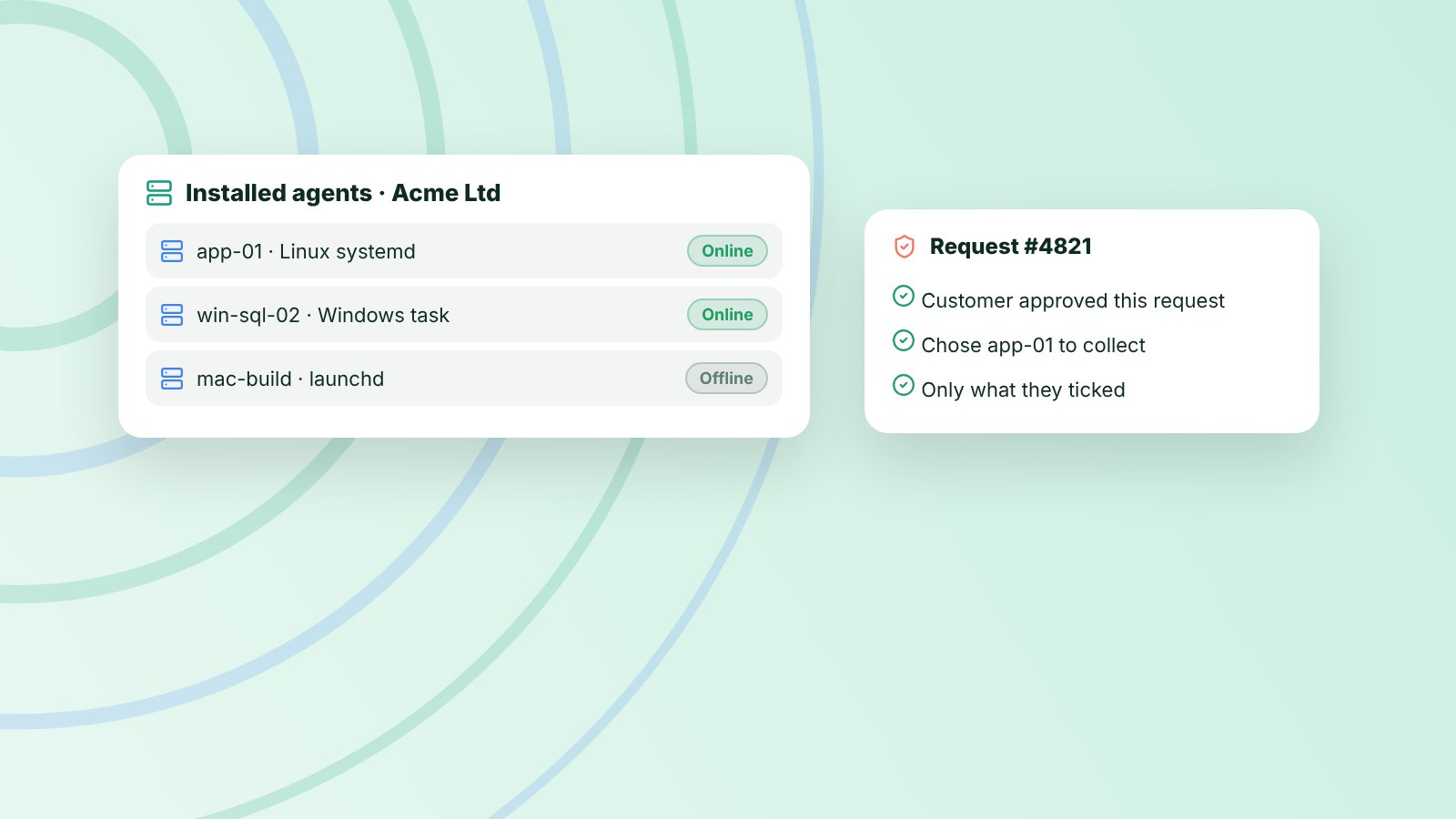
The Connect fleet add-on ($499 a month) keeps the Connect agent installed on a customer’s machines, so a support request doesn’t wait for someone to download and start it. It works with Customer environment connect, which it needs.
1. Add the customer organisation
Under Investigate → Connect → Installed agents, an admin adds the organisation and gets an enrollment token (tre_…). It is shown once, works for 7 days and can enroll any number of that organisation’s machines. It gives access to nothing.
2. The customer’s IT installs it
sudo mkdir -p /opt/ticketresolve && sudo curl -fsSL https://www.ticketresolve.ai/agent/tr-connect-agent.mjs -o /opt/ticketresolve/tr-connect-agent.mjs
sudo node /opt/ticketresolve/tr-connect-agent.mjs --enroll tre_… --url https://www.ticketresolve.ai
sudo TR_LOG_FILES=/var/log/app/app.log node /opt/ticketresolve/tr-connect-agent.mjs --install-service
--enrollswaps the enrollment token for the machine’s own token, saved next to the agent and readable by its owner only.--install-serviceruns it at start-up: a systemd service on Linux, a launchd job on macOS, a scheduled task at start-up running as SYSTEM on Windows. It keeps theTR_…settings you set (log files, config files, read-only database URLs), because a service doesn’t inherit your shell.--uninstall-serviceremoves it. Node 18 or later is needed.
3. Each request is still approved
- On a request that is waiting for the customer, choose Let the customer choose an installed machine and the organisation.
- The authorization page lists that organisation’s machines. The customer ticks what may be collected and chooses a machine, or “No” to run the agent themselves.
- At its next heartbeat (every 30 seconds) that machine receives a token for that request only and collects exactly as a hand-started agent would. The request’s timeline records who chose the machine and when it started.
Revoking
Revoke a machine, or remove the whole organisation, from the same page. A revoked machine’s token stops working at once: it stops at its next heartbeat, and any request it was collecting for loses its token. The customer can still end access to any request from the authorization page.
Agent endpoints
POST /api/connect/fleet/v1/enrollwith the enrollment tokenPOST /api/connect/fleet/v1/heartbeatwith the machine token: returns a token for each request approved for this machine- Then the usual
/api/connect/agent/v1/tasks,heartbeatandresultswith that request’s token