
AI Chief Revenue Officer: how it works
The revenue command center, where each figure comes from, targets and coverage, sales efficiency, pipeline review, customers and retention, signals and permissions.
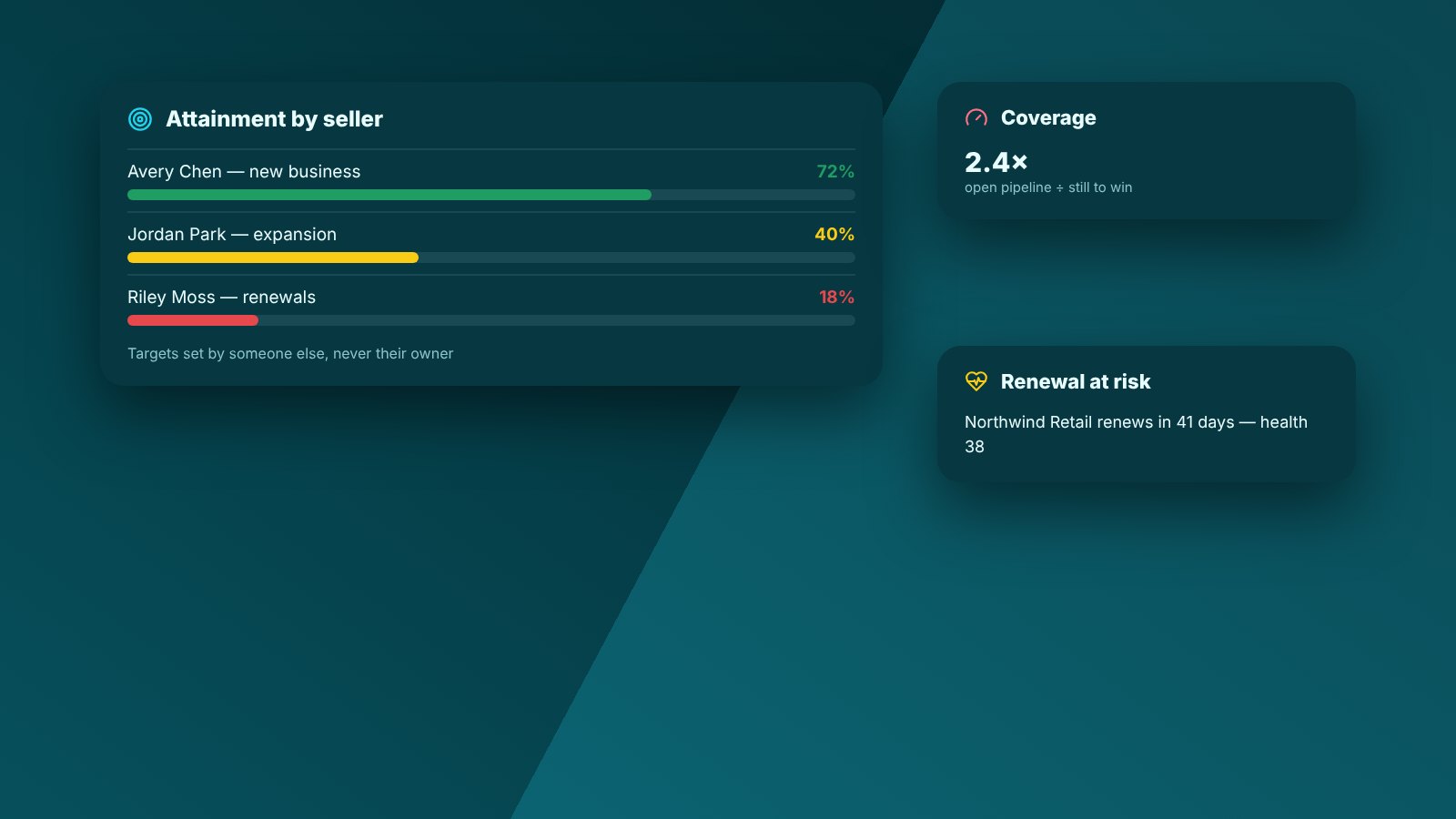
The AI Chief Revenue Officer brings bookings, pipeline, retention and renewals into one view for the fiscal quarter, with targets for the team and every seller. It is an add-on at $149 per CRO seat a month and part of the 7-day free trial. Open it from AI Chief Revenue Officer in the dashboard.
Where each figure comes from
| Figure | Source | Method |
|---|---|---|
| Bookings | RevOps Intelligence | Deals won with a close date in the quarter, by new business, expansion and renewal |
| Open and weighted pipeline, commit | RevOps Intelligence | Open deals closing in the quarter; weighted by CRM probability; commit is the CRM “commit” category, or 80% probability and above where none is set |
| Win rate, sales cycle, average deal, lost reasons | RevOps Intelligence | Deals won or lost in the four quarters before the one shown |
| Contract base, churn, concentration, renewals | Customer Success | Contract value on active accounts; accounts marked churned in the last 12 months; the largest customer’s share; renewal dates in the next 90 days with the latest health score |
| Billed, collected, overdue | Billing Intelligence | Invoices issued and payments received in the last 12 months; open invoices past their due date |
Targets, attainment and coverage
Targets are set per fiscal quarter for the whole team or one seller (as the CRM names them), and measure all bookings, new business, expansion, renewals or pipeline created. Quarters follow the fiscal year start in Settings. Nobody sets their own target.
- Attainment is bookings won ÷ the bookings target.
- Coverage is open pipeline closing in the quarter ÷ what is still to win. It isn’t shown once the target is met.
- Gap after weighted is what would still be missing if the weighted pipeline closed.
Signals
Calculated, never written by AI: coverage below the minimum (3× by default), deals with no activity for 30 days, close dates moved twice or more, open deals past their close date, a customer above 25% of contract value, renewals in 90 days with health below 50, overdue invoices, and a fall of 10 points or more in last quarter’s win rate against the four-quarter rate.
Revenue work
| Record | Lifecycle | Rules |
|---|---|---|
| Revenue initiative | Identified → assessed → awaiting approval → approved → in progress → measuring → verified → closed | Needs a business case and how the revenue gained will be measured before it is submitted. Counts only when someone other than the owner verifies the revenue actually gained, with evidence. Closed with lessons learned. |
| Commercial opportunity | Identified → assessing → pursuing → won or dropped | Cross-sell, upsell, new segments and regions, bundles and win-backs, optionally for one customer. |
| Pricing change | Draft → awaiting approval → approved → live → reviewed | Needs the current and proposed price and the rationale; reviewed with the effect it actually had. |
| Go-to-market plan | Draft → active → completed | Segment or region, motion, channels, goals and milestones. |
| Partner | Prospect → negotiating → active → paused or ended | Resellers, referral, technology, strategic and marketplace partners — no personal details. |
| Decision | Recorded · superseded | Never edited — a new decision replaces it. |
The AI CRO, scenarios and the revenue review
- Ask in AI CRO. Status questions — coverage, attainment, signals, renewals, sellers, win rate, approvals — are answered from the calculation with no AI. Other questions use one written answer from the daily limit (30 by default) and every point cites numbered figures; uncited points are removed and numbers that aren’t in the figures are flagged.
- Scenarios change the win rate, add pipeline, change deal size or churn, and show expected bookings for the quarter (won plus weighted pipeline) and the contract base a year out, per currency, before and after. Estimates only — nothing changes.
- The revenue review (Markdown) covers bookings, pipeline, targets, efficiency, the team, customers and retention, signals, initiatives, pricing changes and this quarter’s decisions — calculated.
- Each day, people who can view revenue are told about high signals and approvers about decisions waiting — once each.
Permissions and seats
| Permission | Allows |
|---|---|
| View revenue | The command center, pipeline, customers and retention, targets and reports |
| Work in the AI CRO | Setting targets and running initiatives — needs a seat |
| Revenue amounts | Bookings, pipeline, contract and target amounts — without it, rates, counts and ratios only |
| Revenue leader | Your own deals and targets (matched to your name as the CRM records the owner) — no seat |
| Approve revenue initiatives | Initiatives and pricing changes within your limit — never your own |
| AI CRO settings | Seats, fiscal year, signal thresholds, approval limits and the daily AI limit |
Built-in roles: Chief Revenue Officer, Revenue Strategy Analyst and Revenue Leader. Executives and auditors can view. Contacts are never shown.