
AI Project Manager: how it works
Portfolios, programs and projects, the lifecycle and its gates, charters, the work breakdown, the calculated status, scheduling and the critical path, baselines, change requests, risks, resources, budgets, sprints, the AI Project Manager, templates and permissions.
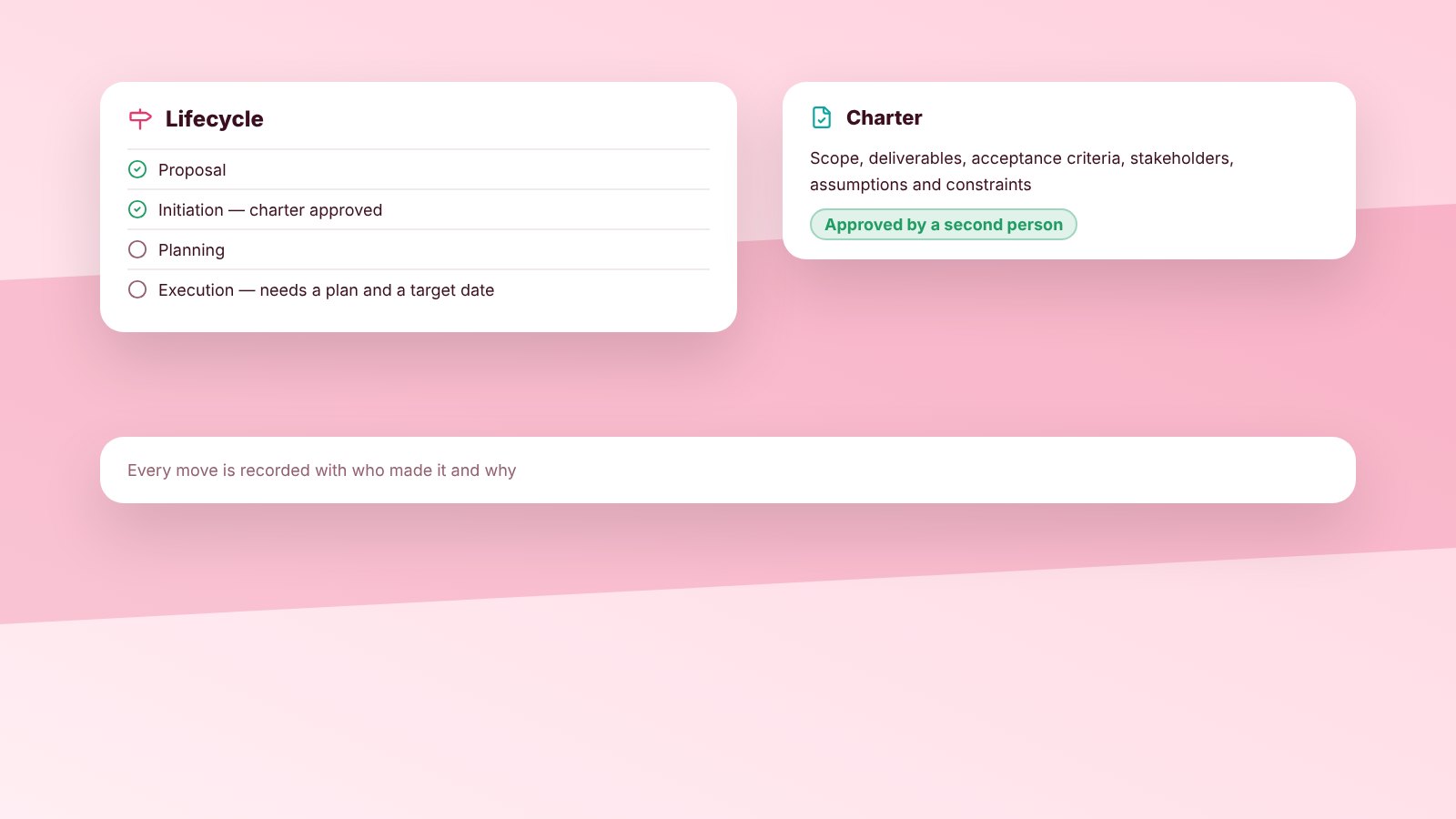
The AI Project Manager (PMO) runs projects of every kind — software, support, customer success, marketing, sales, operations, finance and people — from proposal to closure. It is an add-on at $99 per Project Manager seat a month and part of the 7-day free trial. Open it from AI Project Manager in the dashboard.
Portfolios, programs and projects
- Group projects into programs (related projects under one objective) and portfolios.
- Each project has a code, kind, priority, objective, business case, manager, sponsor, start and target dates, and can link to an Engineering Intelligence project to show its status alongside.
- Restricted projects are visible only to their members and to people with Project management settings.
Lifecycle and gates
| Move | Needs |
|---|---|
| Proposal → Initiation | The charter approved by someone with “Approve project decisions” who didn’t propose the project |
| Planning → Execution | At least one task and a target date |
| Execution → Closing | No open tasks and no open milestones |
| Closing → Closed | A closing note — what was delivered and what was learned |
| Any → Cancelled | “Approve project decisions” and a reason |
Projects can also be put on hold and resumed. Every move is recorded with who made it and why. Changing an approved charter sends it back for approval.
Work breakdown and milestones
- Tasks and subtasks are numbered as a work breakdown structure (1, 1.1, 1.2, 2…), with an assignee, status (to do, in progress, blocked, done, cancelled), priority, start and due dates, estimated and actual hours, progress and a milestone.
- A blocked task needs to say what it is blocked on.
- Milestones have due dates and can be marked contractual.
- Assigning a task adds the person to the project. Assignees update their own tasks — status, progress, actual hours and blockers — without a seat; changing the plan needs one.
The calculated status
| Status | When |
|---|---|
| No plan yet | There are no tasks |
| Not started | The start date is in the future |
| Delayed | Past the target date before finishing, or a milestone is overdue |
| At risk | Progress trails the share of time used by more than the at-risk gap (15 points by default), a task is blocked, or 20% or more of tasks are overdue |
| On track | None of the above |
Progress counts only the lowest-level tasks, weighted by their estimate (1 hour when there is none); done counts as 100% and cancelled tasks are left out. Time used is the share of the days from start to target that has passed.
Schedule and critical path
- Link the lowest-level tasks with dependencies: finish to start, start to start or finish to finish, with a lag in days. A link that would make a loop is refused.
- Each task’s duration comes from its start and due dates, else its estimate at 8 hours a day, else 1 day. A forward and backward pass gives every task its earliest and latest dates and its float; tasks with no float form the critical path, and its finish is compared with the target date. Remaining work is scheduled from today: finished tasks keep their dates, work in progress keeps what’s left of its duration, and nothing not yet started begins before today.
- The Gantt view shows tasks with their progress, the critical path, the approved baseline, milestones, today and the target date.
- The forecast is the finish date if work continues at the rate achieved so far. It is shown as an estimate.
Baselines and change requests
- A baseline snapshots every task and milestone date and the target date. The project manager proposes it and someone else with “Approve project decisions” approves it. Slippage of tasks, milestones and the target is measured against the latest approved baseline.
- Anyone on the project can request a change — scope, schedule, budget or resources — with its reason, impact, days, new target date, budget change and effort. Someone other than the requester decides it; rejecting needs a reason. A budget increase needs an approver within their approval limit.
- An approved change with a new target date moves the project’s target date. Nothing else is changed automatically.
Risks and issues
Risks are scored probability × impact (1–5 each; 15 or more is high) with an owner, a response, a due date and a status. Issues — things already happening — have a severity, an owner, the action being taken and a resolution, which is needed to resolve them. High open risks without a response are flagged, and the command center counts high risks, serious issues, and changes and baselines waiting for a decision.
Resources and capacity
- Allocate people to a project for a share of their time between two dates, with a role and, for people with Project budgets, an hourly rate. Allocating someone adds them to the project.
- Capacity shows each person week by week for the next 8 weeks: their allocations across all active projects, and the remaining estimated hours of their open tasks due that week. A week is over capacity above 100% allocated or above the weekly hours in Settings (40 by default).
Budget, costs and earned value
- The project manager proposes a budget by category (labour, contractors, software, hardware, vendor, travel, other). Someone else with “Approve project decisions” approves it, within their approval limit. After that, the budget changes only through an approved change request.
- Costs are recorded by hand. Labour is calculated: each task’s actual hours × the assignee’s hourly rate on the project. Hours without a rate are shown so nothing is silently left out.
- Earned value: BAC is the approved budget; planned value is BAC × the share of time used; earned value is BAC × progress; actual cost is costs plus labour. CPI = EV ÷ AC, SPI = EV ÷ PV, and the estimate at completion is BAC ÷ CPI — an estimate that assumes the current efficiency continues.
- Budgets and costs need “Project budgets”.
Sprints
Plan sprints with a goal and dates, give tasks story points and move them from the backlog into a sprint. Starting a sprint records the committed points; only one sprint runs at a time. Closing it records the completed points and a retrospective note and returns unfinished tasks to the backlog. Velocity is the average completed points of the last three closed sprints, and the burndown is calculated from when tasks were completed.
The AI Project Manager
- Ask in AI Project Manager. Status questions — which projects are delayed, milestones due, risks, capacity, budgets, the critical path, decisions waiting — are answered from the calculation with no AI.
- Other questions (“What should each team prioritise this week?”) use one written answer from the daily limit (30 by default, 0–100) and need Manage projects and a seat. The answer uses only numbered figures from the projects you can see — restricted projects you can’t see are never included — and every point cites them. Uncited points are dropped and numbers not in the figures are flagged.
- Draft with AI (inside a project) turns a brief into phases, tasks with estimates and dependencies, milestones and risks, using one written output. Nothing is added until you accept the tasks you want; then they become ordinary tasks, dependencies, milestones and risks.
- The portfolio report lists every visible active project by program with its status, progress against time, target date, next milestone, the reasons behind its status and its high risks — calculated, as Markdown.
Templates
Save a project as a template: its work breakdown with estimates, its milestones as days from the start, and its charter’s deliverables, acceptance criteria and constraints. Starting a project from a template recreates them, with milestone dates set from the new start date; the charter still needs approval.
Command center and status reports
- The command center shows active projects by status, the projects needing attention with their reasons, milestones due in the next 14 days and charters awaiting approval.
- A weekly status report keeps the calculated status (green, amber or red), overdue and blocked tasks, open milestones, and the manager’s notes on what was done, what’s next and the issues. The colour can’t be overridden.
- My work lists the open tasks assigned to you across projects.
Permissions and seats
| Permission | Allows |
|---|---|
| View projects | Every project that isn’t restricted, portfolios, programs and the command center |
| Manage projects | Proposing and running projects — needs a Project Manager seat |
| Project budgets | Budgets, costs, hourly rates, labour cost and earned value |
| Project team member | The projects you’re on and updating your own tasks — nothing else |
| Approve project decisions | Charters, baselines, change requests, budget increases within your limit and cancellations — never your own |
| Project management settings | Seats, approval limits, capacity hours, the at-risk gap and the daily AI limit |
Built-in roles: PMO Director, Project Manager, Project Coordinator and Team Member. Executives and auditors can view.