
AI Business Operations Copilot · included
Part of Finance & Operations · Included with any TicketResolve Intelligence add-on
Ask your business a question and see the records behind the answer
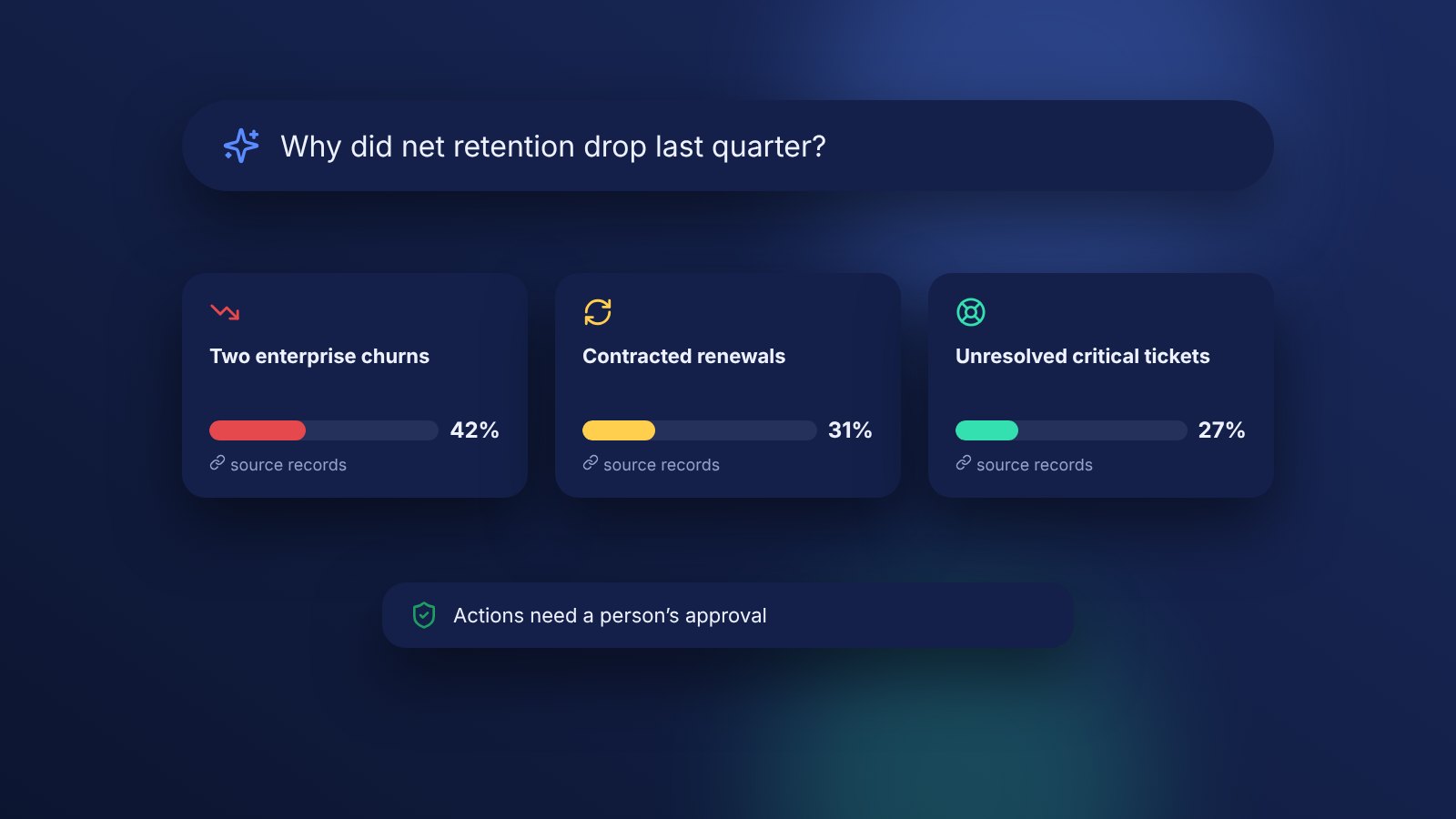
“How is the business doing?” “Who owes us the most?” “What does this customer’s renewal depend on?” One Copilot answers across support, customer success, renewals, billing and revenue — calculated where it can be, written from the evidence where it can’t, and clear about what it couldn’t see.
Design principles
Consistent answers you can check
Each module’s own figures
Health, renewal risk, receivables, forecasts and the risk radar come from the same rules the modules use, so the Copilot never disagrees with them.
Facts and hypotheses kept apart
Every written fact cites the record it came from; statements without valid evidence are dropped, and hypotheses are labelled.
Your permissions, not more
It answers as the person asking: modules they can’t view and modules the workspace doesn’t have are left out and named.
Actions through people and approvals
It drafts actions; people own them. Notifications and playbook runs go through each module’s own permissions and a second person’s approval where set; it never contacts customers or moves money.
What’s included
What the Copilot does today
Business overview
One calculated view across support, customer success, renewals, billing and revenue: tickets and TR-AI resolution, health and churn risk, renewals at risk, receivables and failed payments, ARR, forecast and the risk radar.
Routed questions
A question about invoices, renewals, deals or health goes to that module’s calculated answers — the same ones its own Copilot gives.
Cross-module investigations
Why revenue changed (new, expansion, contraction and churn, each customer counted once), high-value customers at risk, technical issues by revenue at risk, revenue recovery and churn patterns — calculated, with method and limitations.
Action Center
Tasks, notifications and playbook runs with owner, due date, evidence, approvals and history — and retention, recovery and incident workflows started straight from an investigation finding.
Executive reports
Executive summary, revenue at risk, customer health, billing and collections, and support impact — calculated for the areas each person can open, saved, exported as CSV or printed, and scheduled daily, weekly or monthly to the people you choose.
Proactive alerts
Rules with thresholds — ticket spikes, SLA breaches, falling recurring revenue, high-value customers at risk, overdue cash and technical issues hitting customers — checked every hour without AI, once per customer per week, with acknowledge and resolve.
Business context
Your definitions, policies, preferences, ownership and decisions, approved by an administrator before written answers use them — cited as evidence, never treated as instructions.
Business briefs
A short written brief for leadership from the evidence across every area you have, with what needs attention and what needs a decision.
One customer, every area
Ask about a customer and get their health, renewals, overdue invoices, failed payments, deals and support tickets in one answer.
Support figures
Tickets, TR-AI resolution rate, escalations, SLA breaches, CSAT and top categories — available on every plan.
History
Every question and answer is kept, with the records it used.
Across modules
One question, every module you have
The Copilot reads the shared customer and revenue layer underneath Customer Success, Renewal, Billing and RevOps Intelligence and the support data TicketResolve already holds, so a customer is the same customer everywhere.
- Support data on every plan
- Customer Success, Renewal, Billing and RevOps Intelligence when the workspace has them
- Currencies never added together
- Each answer says which areas it used and which it couldn’t see
Pricing
Included with any Intelligence add-on
There is no extra price. The Copilot comes with Customer Success, Renewal, Billing or RevOps Intelligence and answers across every module your workspace has. It is part of the 7-day free trial.
Included with any TicketResolve Intelligence add-on — from the price list on the pricing page
- Answers only the areas your workspace has and each person may view — the rest is listed as not covered
- Calculated answers are unlimited and use no AI
- Written answers and business briefs come from the daily limit shared by all the Copilots (10 a day by default, up to 50)
- Written answers need a seat in at least one module the person works in
Controls
Evidence first, and nothing done behind your back
Written answers are made from the records listed under them, in one AI call, and checked: every fact must cite a record or it is dropped.
Safety controls
- Permissions of the person asking, per module
- No AI is used to calculate a figure, score or forecast
- Tickets, notes and other records are treated as data, never as instructions
- A failed AI call doesn’t count toward the daily limit
Frequently asked questions
Ask your business a question
Start a 7-day free trial with an Intelligence add-on, or book a demo with your own data.