
AI Director of Cost Optimization: how it works
Discovery across your connected products, the transparent opportunity score, efficiency guardrails, business cases, initiatives, verified savings, the AI Director, scenarios and permissions.
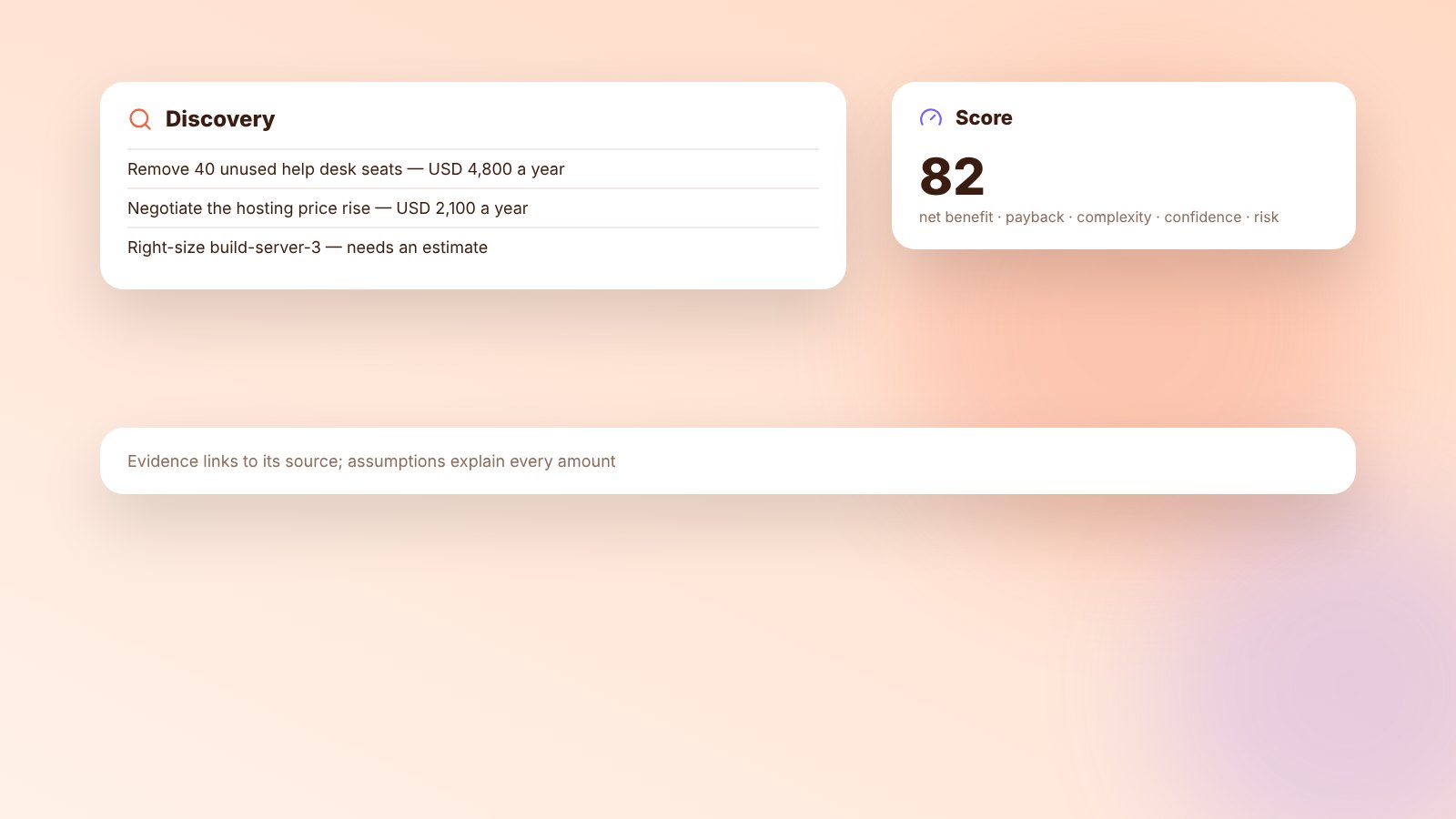
The AI Director of Cost Optimization finds savings across the organization, checks that they won’t harm service, and counts them only when they are verified. It is an add-on at $149 per Cost Optimization seat a month and part of the 7-day free trial. Open it from AI Director of Cost Optimization in the dashboard.
Discovery
Discovery runs daily (and on demand) and reads the products that own the data. It never reads payroll detail or restricted projects. A finding is raised once; a dismissed finding stays dismissed.
| Detector | Finds | Source |
|---|---|---|
| Unused licence seats | Contracts with more than 20% of seats unused; saving = unused seats × price per seat | AI VP of Operations |
| Overlapping tools | Two or more vendors paid for software, cloud, hosting or telecom in one category | AI VP of Operations |
| Price rises at renewal | A contract renewed more than 5% higher; saving = the increase | AI VP of Operations |
| Renewals needing a decision | Auto-renewing contracts with notice due in 60 days (no amount) | AI VP of Operations |
| Expense categories above average | A category more than 20% above its 5-month average (no amount until explained) | AI CFO |
| Idle servers | Servers averaging under 10% CPU and 30% memory over 14 days (no amount — server cost isn’t recorded) | DevOps & SRE |
| Process rework | Processes with 20%+ rework, priced from runs × rework rate × hours × cost per hour | AI VP of Operations |
| Project cost overruns | Projects whose estimate at completion exceeds the budget by 10%+ (cost avoidance) | AI Project Manager |
Each opportunity shows its evidence with links to the source, its assumptions, and its amount — or that it needs an estimate. You can record your own opportunities and dismiss any with a reason.
The score
Every opportunity scores 0–100 as a weighted average of five inputs, each shown with its value: the annual net benefit over a three-year view (savings a year + one-time savings ÷ 3 − implementation cost ÷ 3) against the savings scale in Settings; payback (3 months or less scores 100, 36 or more scores 0; no payback until the implementation cost is estimated); complexity (1–5); confidence (high 100, medium 60, low 25); and risk (low 100, medium 50, high 0). Weights are set in Settings. Opportunities with complexity of 2 or less, payback within 3 months and at least medium confidence are quick wins.
Efficiency guardrails
- Each opportunity is assessed on ten dimensions — customer experience, service quality, operational efficiency, productivity, delivery, reliability, security, compliance, workforce and revenue — as no, minor, moderate or severe impact. Moderate and severe need a reason.
- Settings name the critical dimensions for each department (by default customer experience, security, compliance and reliability).
- Safeguards are checked automatically: no supported amount, no implementation cost estimate, low confidence, and cost moved to another department rather than removed.
- The result is clear, incomplete (a critical dimension not assessed or a safeguard needing review) or blocked (severe impact on a critical dimension). Only a clear opportunity becomes an initiative — unless someone with “Approve cost initiatives” who didn’t raise it records an override with a reason. Changing the assessment cancels the override.
Business cases and initiatives
- The business case records savings a year and once, cost avoidance, any cost moved elsewhere (not counted as a saving), implementation cost, payback, the three-year net, and how the saving will be measured — the metric, its baseline and target.
- An initiative moves from draft to submitted, approved, in progress, implemented, verified, monitoring and closed — or rejected with a reason. Approval needs “Approve cost initiatives”, can’t come from the author or owner, and must be within the approver’s limit (implementation cost plus savings a year).
- Verification records the amount actually saved and how it was checked, by someone other than the owner and the author. Only verified amounts count as realized.
- Each month the owner records whether the saving is still in place and how much it is worth. Below 80% of the verified amount, or not in place, the saving is flagged as eroding and the initiative can be reopened.
- An initiative can link to an AI Project Manager project and shows its calculated status.
Savings in business cases, approved savings and realized savings are totalled separately, per currency.
The AI Director, scenarios and reports
- Ask in AI Director. Status questions — quick wins, realized savings, eroding savings, initiatives, the biggest opportunities — are answered from the calculation with no AI. Other questions use one written answer from the daily limit (30 by default) and need a seat; every point cites numbered figures, uncited points are dropped and numbers not in the figures are flagged. It never recommends a saving blocked by a guardrail.
- Scenarios show what chosen opportunities could save a year — the full estimates and a confidence-weighted view (90% of high, 60% of medium and 30% of low-confidence estimates) — with one-time savings and implementation cost, per currency. Blocked and unestimated opportunities are left out and listed. Nothing is changed.
- The executive report (Markdown) lists identified, approved and realized savings, the top opportunities, those blocked by guardrails, eroding savings and the initiatives — calculated.
- After the daily discovery, people with “Approve cost initiatives” are told about new opportunities scoring 70 or more and savings that are eroding — once each.
Permissions and seats
| Permission | Allows |
|---|---|
| View Cost Optimization | The command center, opportunities, guardrails, initiatives and the spend baseline |
| Work in Cost Optimization | Running discovery, recording and assessing opportunities, business cases and initiatives — needs a seat |
| Cost Optimization amounts | Spend, savings, implementation costs and contract values — never payroll detail |
| Cost owner | The opportunities and initiatives you own, and recording their monthly checks |
| Approve cost initiatives | Business cases within your limit, guardrail overrides and verification — never your own |
| Cost Optimization settings | Seats, score weights, critical guardrails, approval limits and the daily AI limit |
Built-in roles: Director, Analyst and Cost Owner. Executives and auditors can view.