
Incident Correlation for Support: Turning a Flood of Tickets Into One Incident
When something breaks, fifty customers write in at once and five agents investigate the same problem. Group related tickets into one incident using timing, wording, error codes and environment, explain every grouping, let people confirm, split or dismiss, measure customer impact and turn it into a known issue. With an illustrative outage, start to finish.
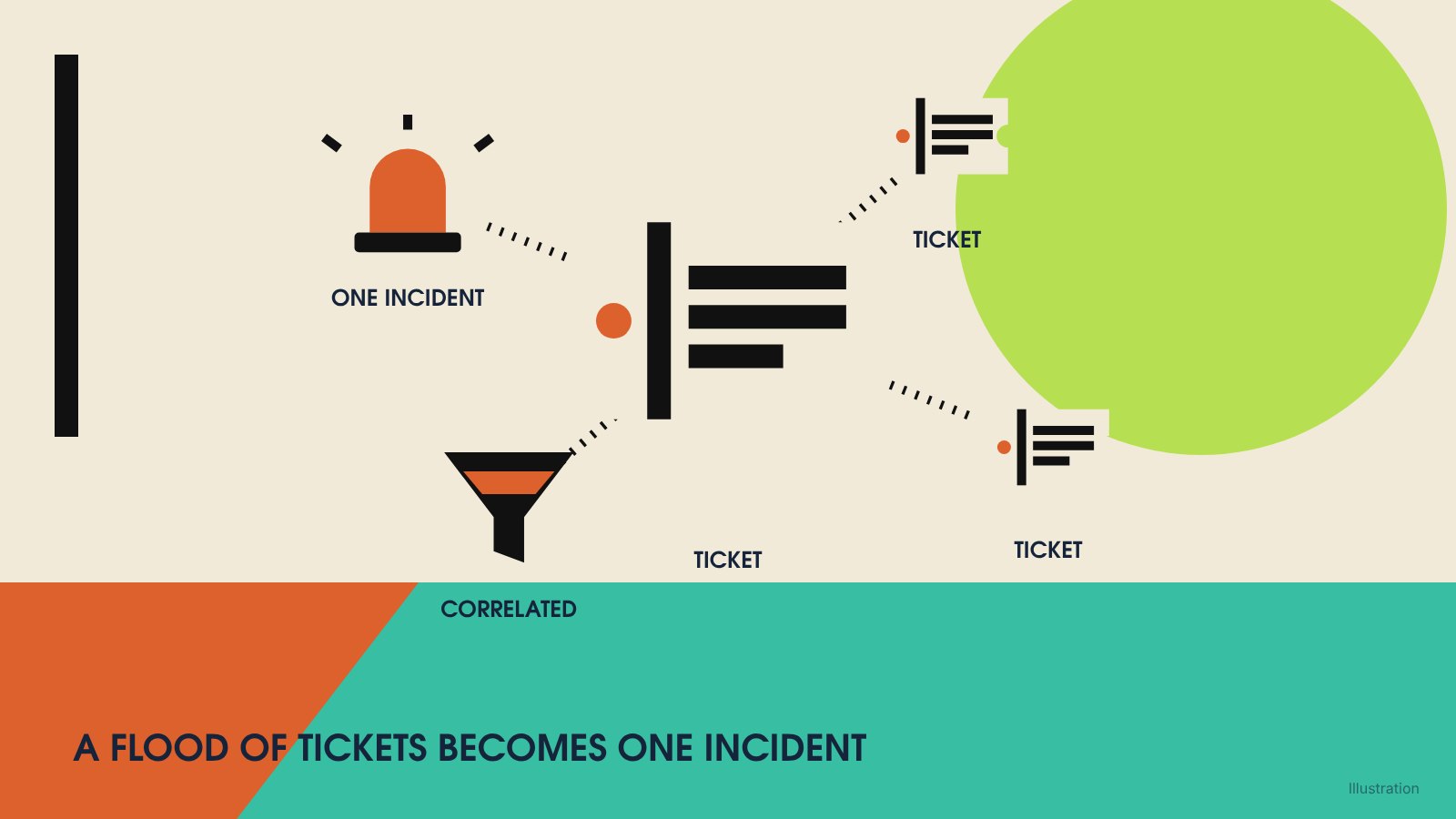
An export job fails at 09:00. By 09:30 there are forty tickets in the queue. Four agents are troubleshooting the same bug from scratch, engineering hears about it from a fifth person in Slack, and nobody can say how many customers are affected.
Incident correlation fixes this: group related tickets into one incident, as early as possible, with evidence that they really belong together.
Here's that morning in detail at a company that sells an online accounting tool to small businesses:
- 09:05: "Can't download my VAT report." An agent asks for the browser.
- 09:10: "PDF export is broken." A second agent asks for a screenshot.
- 09:15: "Error E-4012 when exporting." A third agent searches the knowledge base.
- 09:20: "Reports won't generate." A fourth agent escalates as a one-off.
- 09:30: forty tickets. Someone in Slack asks engineering whether "exports are down". Engineering asks how many customers. Nobody knows.
Four agents spent the first half hour on the same problem, asking customers questions that didn't matter, because no one could see the tickets were one thing.
First, the basics
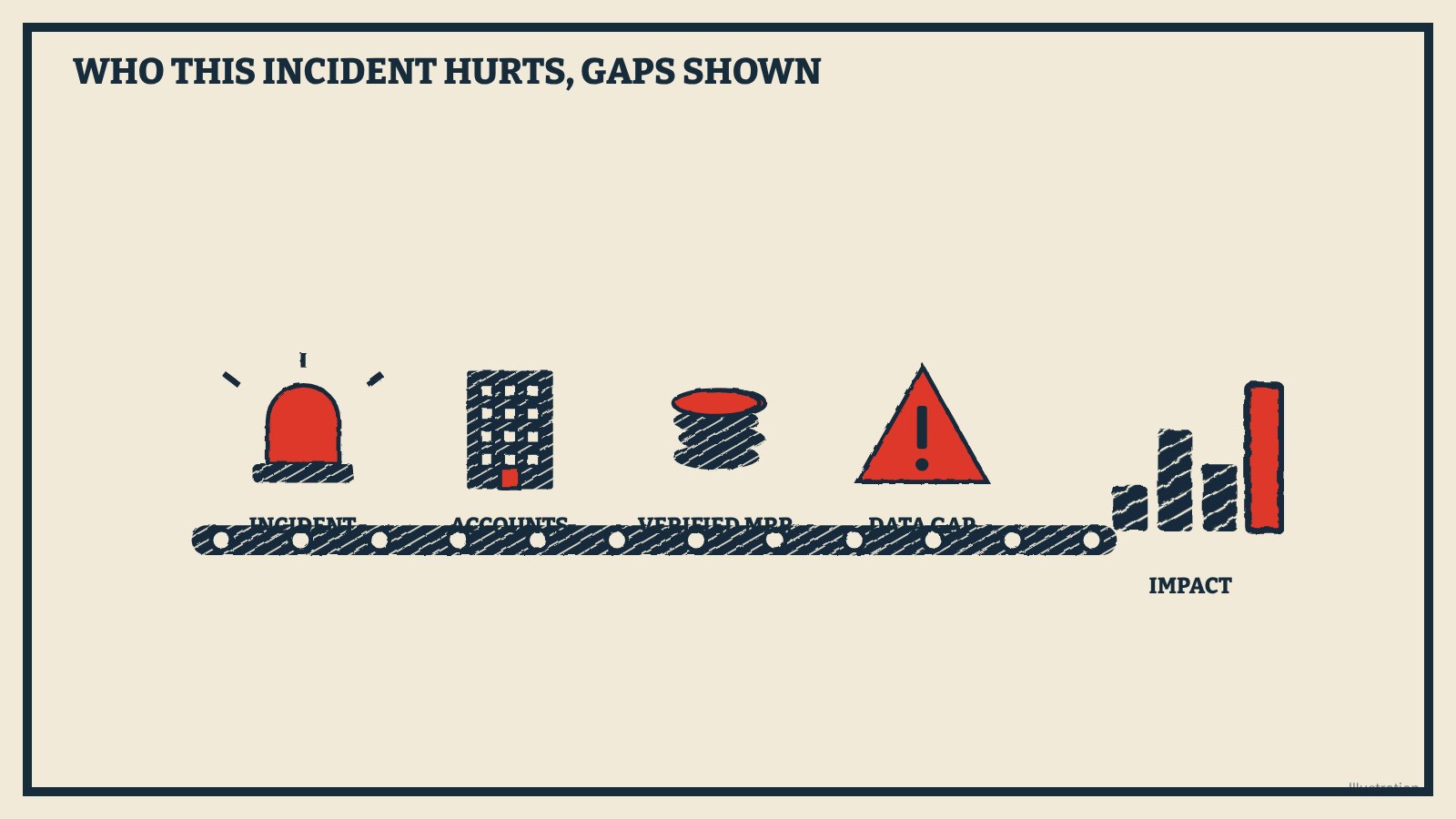
- An incident is one underlying problem affecting many customers.
- Correlation means grouping tickets that share signals suggesting the same cause.
- Usual volume is how many tickets a topic normally gets at that hour of the week.
- A shared error code is the same code appearing across many tickets.
- Splitting moves tickets that are a different problem into their own incident.
- A known issue is one place for a problem's status and workaround, with updates to affected customers.
- Customer impact is how many different customers are affected, not just how many tickets.
Why does this matter? During an outage, every minute spent investigating the same problem twice is a minute not spent fixing it or telling customers. Grouping tickets early, with reasons people can check, lets the team work the problem once and communicate once.
The problem, in plain terms
- Agents investigate the same bug in parallel.
- Customers describe it differently, so it doesn't look like one thing.
- Engineering hears late, and without numbers.
- Automatic grouping without reasons isn't trusted.
- Two problems arriving together get mixed up.
Signals that tickets belong together
- Timing: many more tickets about one topic than usual for that hour of the week.
- Similar wording: the same symptom described in different words.
- Shared error codes: "E-4012" in 30 of 40 tickets is hard to argue with.
- Shared environment: most on the same version, region or integration.
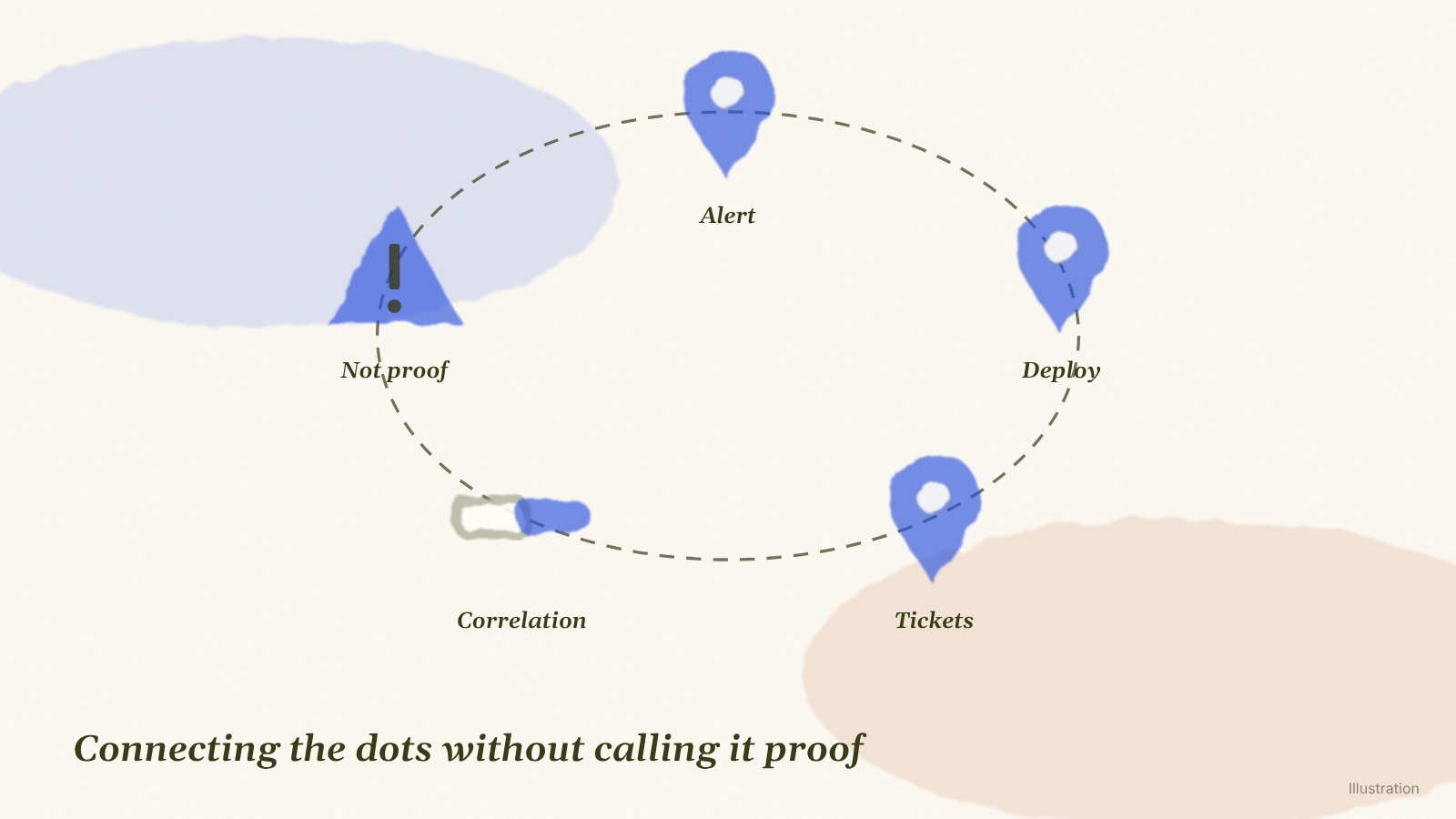
No single signal is proof. Together, they let a person decide quickly.
Explain every grouping
An automatic cluster that nobody can explain gets ignored. Every suggested incident should say why, in terms anyone can check: "38 tickets since 09:05, 9× the usual; 75% mention E-4012; 60% are on version 3.2."
Let people confirm, split and dismiss
Clustering makes mistakes. Two different problems can arrive at the same time and look alike. Reviewers need to:
- Confirm a real incident, so everyone treats it as one.
- Dismiss a false alarm.
- Split off tickets that are a different problem.
- Add or remove single tickets, keeping the link to each original ticket.
Measure the customer impact
For the incident manager and engineering, report affected customers (not just tickets), how many were handed to the team, who has written more than once, and tickets per hour, so you can see whether it's growing or fading.
From incident to known issue
Once confirmed, an incident should become a known issue: one place for the status and workaround, with automatic updates to every affected customer. See incident communication with known issues.
How TR-AI handles incidents
The incident workspace (/dashboard/incidents) builds on TR-AI's spike detection:
- Suggested incidents when similar tickets arrive much faster than usual, and new matching tickets added as they arrive.
- Why these tickets were grouped, using only what the tickets share: volume against the usual level, similarity, error codes, versions and common words.
- Impact: tickets, customers affected, tickets handed to your team, customers who wrote more than once, tickets per hour.
- Confirm, dismiss, split, add or remove, with who did it recorded.
- Turn into a known issue in one click, with the summary, examples and error codes filled in.
Every ticket in an incident also has its own investigation. Running the incident itself (owner, timeline, updates, verified resolution) is covered in the incident command centre.
A worked example, start to finish
Here's the accounting-tool morning with the incident workspace. The names and numbers are illustrative.
09:12. Eight export tickets have arrived in twelve minutes; the usual for Tuesday 09:00 is about one. TR-AI suggests an incident: "Exports failing".
09:14. Kwame, the support lead, opens it. Why these tickets were grouped:
- 8 tickets since 09:02, about 8× the usual for this hour.
- 6 of 8 mention E-4012.
- 5 of 8 are on version 3.2.
- Common words: export, PDF, report, download.
He reads three tickets. They're the same problem described differently. He confirms the incident. His name and the time are recorded.
09:20. Twelve more tickets arrive and are added automatically as they match. Agents opening any of them see the incident banner and stop investigating separately.
09:25. Kwame notices two tickets about slow dashboards. Different symptom, no E-4012. He ticks them and splits them into a new incident, linked back to the original. It turns out to be a separate, minor database slowdown.
09:28. Impact: 22 tickets, 19 customers, 14 handed to the team, 3 customers who wrote twice, tickets per hour still rising.
09:30. Kwame turns the incident into a known issue in one click. The summary, example subjects and E-4012 as a keyword are filled in. He adds a workaround: "Export one month at a time while we fix this." TR-AI now answers new matching tickets with the workaround.
09:32. He sends engineering the incident link: 19 customers, started 09:02, E-4012, version 3.2, rising.
10:15. Engineering fixes a memory limit in the report service. The known issue moves to monitoring, then resolved; every affected customer gets the update.
What changed: by 09:14 the team knew it was one problem, by 09:30 every new customer got a workaround, and engineering had numbers instead of a question in Slack.
Five more real-world scenarios
1. A false alarm
Situation. A marketing email creates a burst of billing questions.
How TR handles it. The grouping shows no shared error code and normal wording; a reviewer dismisses it.
2. Different words, same problem
Situation. "Can't download", "export broken" and "report won't load".
How TR handles it. Similarity is by meaning, not exact words.
3. A late ticket
Situation. A customer reports the problem an hour later.
How TR handles it. New matching tickets are added as they arrive; a person can also add one by its number.
4. A wrong match
Situation. One ticket doesn't belong.
How TR handles it. Remove it; the link to the original ticket is kept.
5. A fading incident
Situation. Tickets per hour drop after the fix.
How TR handles it. The impact view shows it fading, which helps confirm the fix.
Before and after
Before. Four agents on the same bug, questions that didn't matter, a vague question to engineering and nobody knowing the impact.
After. A suggested incident with reasons in twelve minutes, confirmed by a person, tickets added as they arrive, a different problem split off, a known issue with a workaround, and engineering briefed with numbers.
How to tell it's working
- Agents stop investigating the same problem separately.
- Engineering gets impact numbers early.
- New customers get a workaround within minutes of confirmation.
- Splits and dismissals are rare but used.
Who it's for
- Support leads during outages.
- Agents who'd otherwise duplicate work.
- Engineering and incident managers.
How it fits with the rest of TicketResolve
Incidents build on spike detection, feed known issues and the incident command centre, and link to deployments that came just before. Affected customers' health reflects the incident, and defect priorities use the linked tickets to rank the fix.
How do you detect duplicate support tickets during an outage?
Compare each new ticket with recent ones by meaning, not exact words, and flag topics arriving much faster than the usual rate for that time of the week. Then let a person confirm the group. Machines are good at spotting the pattern; people are good at deciding whether it's real.
What to tell engineering
How many customers are affected, when it started, the shared error codes and environment, how the volume is changing, and links to the original tickets. That's the whole message. Everything else can follow from the incident page.
Why a person confirms
Automatic grouping is fast but can be wrong in both directions: two problems mixed together, or a busy hour mistaken for an outage. Asking a person to confirm takes a minute and stops the team from sending the wrong workaround to the wrong customers. It also means the incident has a name attached from the start, which helps everyone know who to talk to.
Mistakes to avoid
- Confirming without reading a few tickets.
- Leaving mixed problems unsplit.
- Counting tickets instead of customers.
- Not creating a known issue once confirmed.
Do it in TicketResolve, step by step
Where: Incidents (/dashboard/incidents). You'll need: spike detection on; ticket history to know what's usual. Full guides: Incidents: group, review and split tickets, Known issues and KB health, spike detection and churn alerts.
- Open the suggested incident.
- Read why the tickets were grouped: volume, similarity, error codes, versions, common words.
- Read a few tickets and confirm or dismiss.
- Fix the grouping: remove, add by number, or split.
- Read the impact: customers, handed off, wrote twice, tickets per hour.
- Turn it into a known issue and add a workaround.
- Send engineering the incident link.
How to check it worked: the incident shows its reasons, impact and who confirmed it, and new matching tickets are added automatically.
Frequently asked questions
What is incident correlation in customer support? Grouping tickets about the same underlying problem into one incident, using timing, similar wording, shared error codes and shared environment, so the team works it once and communicates once.
How do you detect duplicate support tickets during an outage? Compare each new ticket with recent ones by meaning, not exact words, and flag topics arriving much faster than the usual rate for that time of the week. Then let a person confirm the group.
What should an incident summary for engineering include? How many customers are affected, when it started, the shared error codes and environment, how the volume is changing, and links to the original tickets.
Can TR-AI split an incident that mixed two problems? Yes. Tick the tickets that belong to the other problem and split them into a new incident, which keeps a link to the original.
Are new tickets added automatically? Yes, as they match.
Who confirms an incident? A person, and their name is recorded.
Can I add a ticket by hand? Yes, by its number.
How do I tell customers? Turn the incident into a known issue with a workaround.
Does each ticket keep its own investigation? Yes.
Explore Topics
Written by
Ghulam Shabbir
Content creator and writer sharing insights and stories.