
How to Prioritize Product Bugs by Customer Impact (Not by Who Shouts Loudest)
Engineering backlogs are usually ordered by gut feel and the last escalation. A transparent score built from customers affected, severity, recurrence, churn risk, revenue and adoption, with written weights, capped revenue, visible missing data and overrides with reasons, gives support and product one ranking they can both defend. With an illustrative backlog review, start to finish.
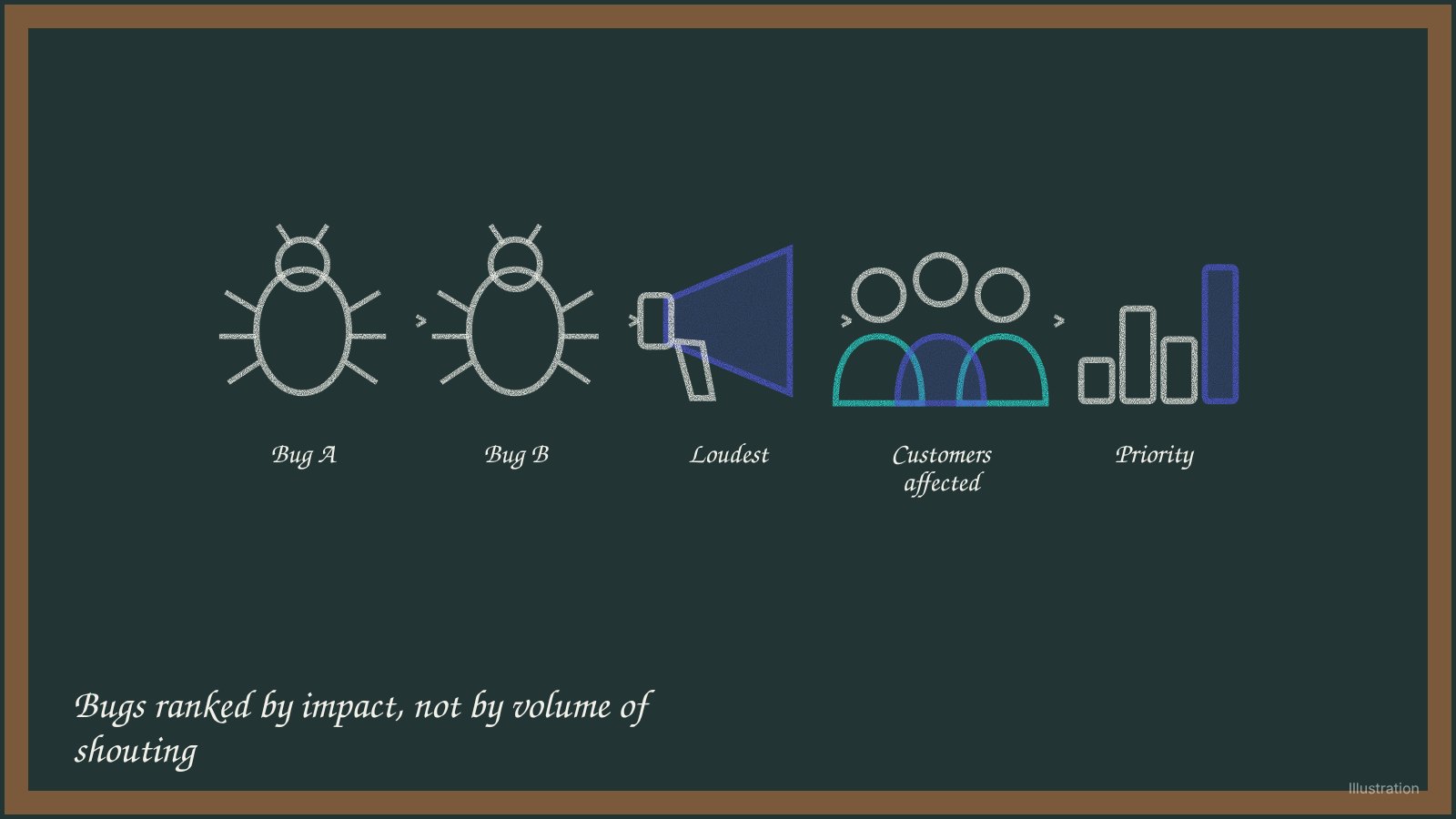
Every support team has watched a bug that affects one large customer jump the queue while a bug that annoys two hundred smaller customers waits for months. Neither choice is always wrong, but when nobody can explain the ranking, both support and engineering lose trust in it.
Here's a backlog review at a company that sells an online booking system to fitness studios:
- The meeting opens with the account manager for the largest customer: "They've threatened to leave over the calendar sync bug. It has to be first."
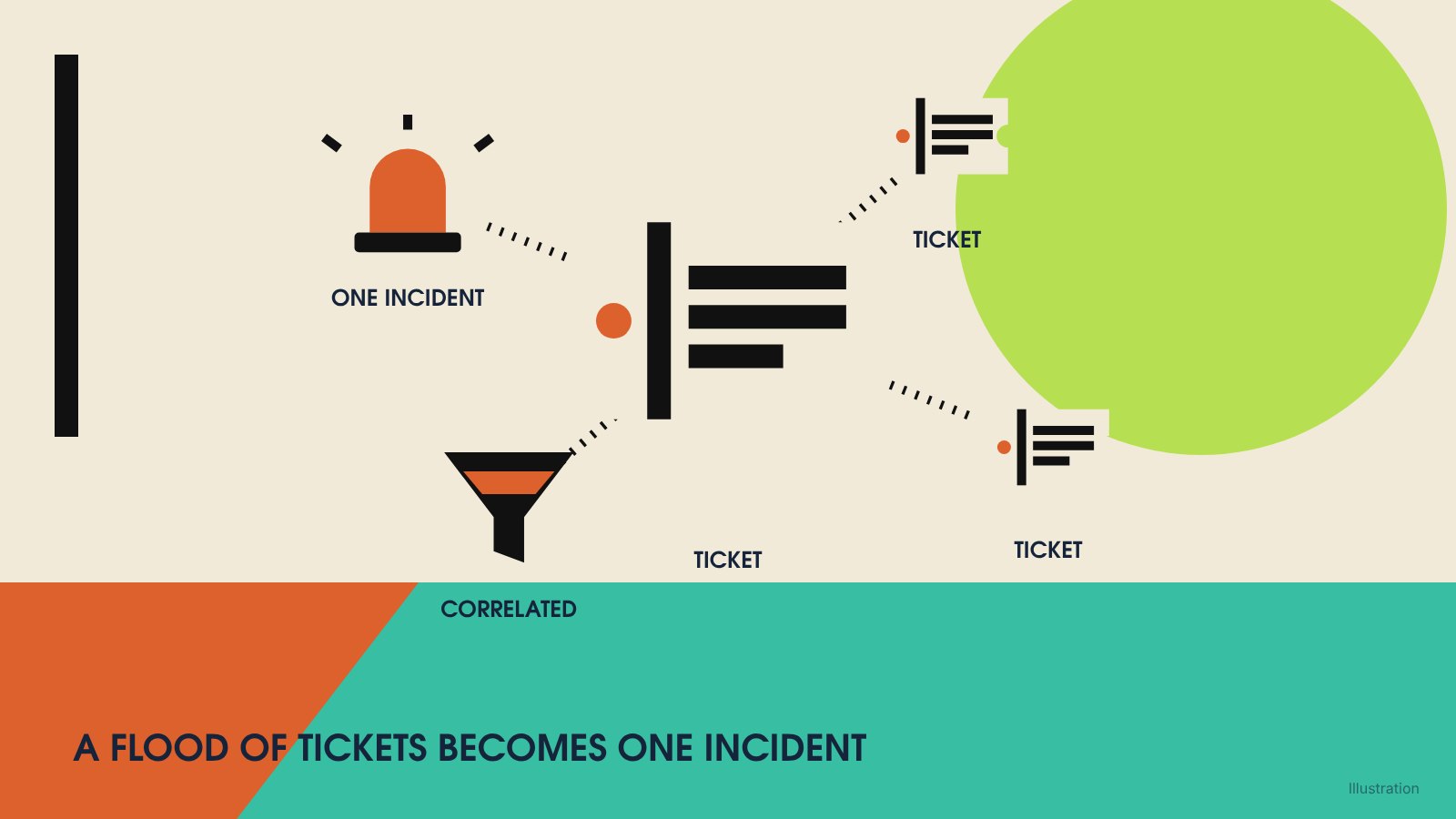
- Support mentions that 140 studios have reported that class reminders arrive an hour late since the daylight-saving change. It has 190 tickets, but only one Jira issue.
- The product manager asks how many studios use reminders. Nobody knows.
- Engineering asks whether the calendar sync bug affects anyone else. Nobody knows that either.
- The decision: calendar sync first, because it was the loudest. The reminder bug waits another six weeks. Twelve small studios cancel in that time, citing "reminders never work".
The meeting wasn't careless. It simply had no shared, visible way to weigh the evidence, so the most recent and most forceful argument won.
First, the basics
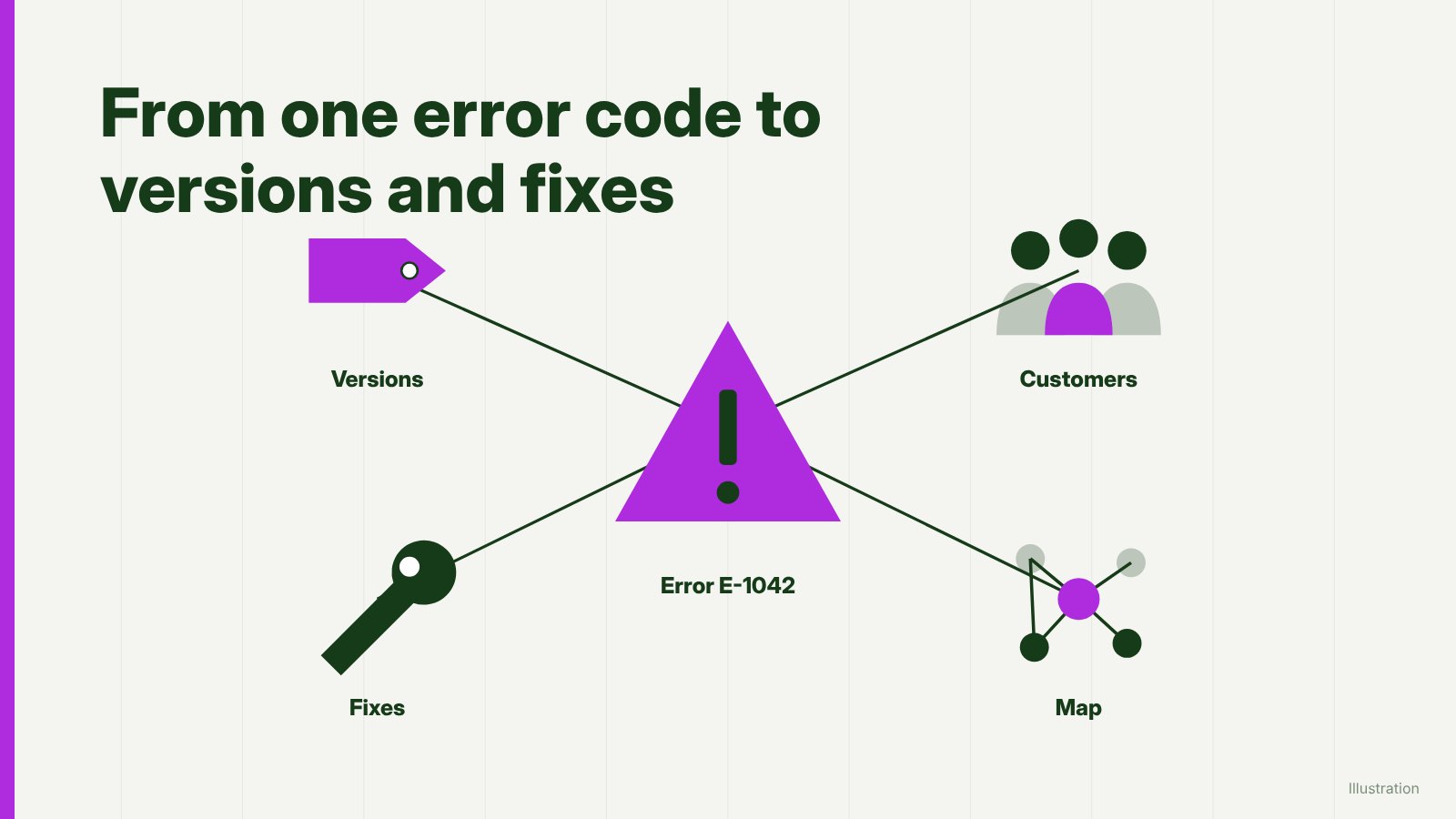
- A known issue groups tickets about the same problem into one record.
- A defect is a bug in the product, usually tracked by engineering.
- Customer impact is how many different customers are affected, not just how many tickets.
- Severity is how bad the problem is: data loss and outages are worse than cosmetic issues.
- Recurrence is whether it's happening more often recently.
- Churn risk is how likely affected customers are to leave.
- MRR (monthly recurring revenue) is what a customer pays each month.
- An override is a person changing the priority, with a written reason.
Why does this matter? Engineering time is the scarcest resource in most software companies. A ranking everyone can read, argue with and adjust openly means the right bugs get fixed first, and support can tell customers honestly where their problem stands.
The problem, in plain terms
Why gut-feel prioritization fails
- Recency wins. The last escalation feels like the most important one.
- Volume is invisible. Engineering sees one ticket in Jira; support sees forty in the queue.
- Revenue dominates. A single big account can push everything else down without anyone saying so.
The six factors that matter
A useful score combines what support already knows:
- Customer impact: how many different customers are affected.
- Severity: data loss and outages outrank cosmetic problems.
- Recurrence: is it growing this week?
- Retention risk: are affected customers already at risk of leaving?
- Revenue at risk: MRR of affected customers, where it's known.
- Feature adoption: how widely the feature is used.
A sensible starting weight is 25 / 20 / 15 / 15 / 15 / 10. Adjust it to your business, but write the weights down.
Rules that keep the score honest
- Explain every point. Each factor should show the number behind it: "40 customers affected (55 tickets)".
- Missing data counts as zero, and says so. Never estimate revenue you don't have.
- Revenue must not decide alone. Cap its contribution so it can't outweigh all the other factors together.
- People can override, with a reason. A legal deadline or a contractual commitment is a valid reason; it should be visible next to the score.
Bring support data to the backlog
The score only works if tickets are linked to the defect. Group tickets about the same problem into a known issue, link new ones as they arrive, and the impact and recurrence numbers update themselves. See incident correlation and bug reports from support to engineering.
How TR-AI does it
TR-AI's Defect priorities page (/dashboard/defects) ranks every open known issue with these six factors, using linked tickets, churn predictions, MRR recorded on engineering requests and how often the issue's keywords appear in tickets. Weights are adjustable, every factor shows its reason and missing data, revenue is capped, and anyone working issues can set P0–P3 with a reason. The summary shows customers affected, how many are at risk of leaving and the known MRR affected.
A worked example, start to finish
Here's the fitness-studio backlog review again, with Defect priorities. The names and numbers are illustrative.
Before the meeting. Support has grouped tickets into known issues all along. The two disputed bugs look like this on the Defect priorities page:
Class reminders arrive an hour late (known issue, 190 linked tickets)
- Customer impact: 140 customers (190 tickets). High.
- Severity: moderate (a feature works incorrectly; no data lost).
- Recurrence: growing, 60 new tickets this week.
- Retention risk: 18 affected customers flagged at risk of leaving.
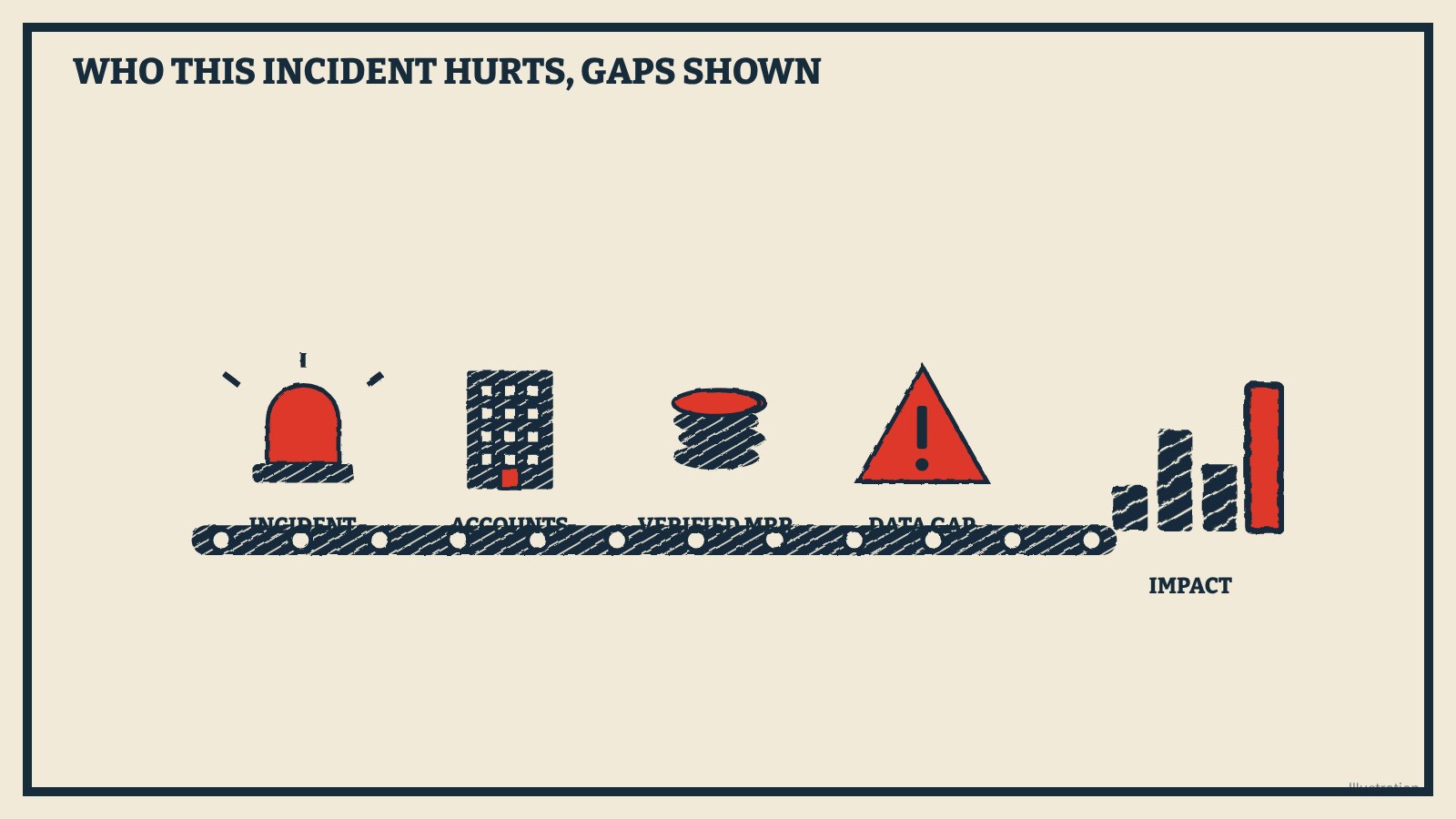
- Revenue at risk: MRR known for 95 of 140 customers; 45 missing, counted as zero.
- Adoption: reminders appear in a large share of all tickets mentioning notifications.
- Score: highest on the list.
Calendar sync duplicates events (known issue, 6 linked tickets)
- Customer impact: 2 customers.
- Severity: moderate.
- Recurrence: flat.
- Retention risk: 1 customer at risk.
- Revenue at risk: high for one large customer, capped so it can't outweigh everything else.
- Adoption: low.
- Score: fourth.
The meeting. The account manager still wants calendar sync first. The product manager opens the page. Everyone can see why reminders rank higher: 140 customers, growing, 18 at risk. Nobody has to argue from memory.
The override. The large customer's contract includes a written commitment to fix sync problems within 30 days. That's a real reason. The product manager sets calendar sync to P1 with the reason "Contractual 30-day fix commitment, clause 7.2", visible next to its score. Reminders become P0.
The outcome. Both bugs are scheduled: reminders this sprint, calendar sync the next, inside the contract window. Support tells the 140 studios the reminder fix is in progress, and the large customer gets a date that meets the contract.
What changed: the loudest voice still got heard, but through a written override, not by quietly outranking 140 customers.
Five more real-world scenarios
1. A data-loss bug with few reports
Situation. Three customers lost records after an import.
How TR handles it. Severity is high, so it ranks well despite low volume; anyone can set P0 with the reason.
2. No revenue data
Situation. Your CRM isn't connected, so MRR is unknown.
How TR handles it. Revenue counts as zero and the page says it's missing; the other five factors still rank the list.
3. A bug that's fading
Situation. Tickets about an old bug have dropped off.
How TR handles it. Recurrence falls, so it slips down the list on its own.
4. Different weights for your business
Situation. You sell to enterprises, and retention matters more than volume.
How TR handles it. Adjust the weights, and write the change down so everyone knows why.
5. An unlinked spike
Situation. Tickets about a bug aren't linked to its known issue.
How TR handles it. Link them; impact and recurrence update themselves.
Before and after
Before. A meeting decided by the loudest voice, one Jira issue hiding 190 tickets, nobody knowing adoption or impact, and twelve cancellations while the wrong bug was fixed first.
After. Six factors with visible numbers, missing data shown as missing, revenue capped, a written override for a real contractual reason, and both bugs scheduled in the right order.
How to tell it's working
- Backlog meetings refer to the page, not to memories.
- Overrides have reasons anyone can read.
- Support can tell customers where a bug stands.
- Fewer "why wasn't this fixed?" escalations.
Who it's for
- Product managers owning the backlog.
- Support leads bringing the evidence.
- Engineering managers planning sprints.
- Account managers who need a fair process for big customers.
How it fits with the rest of TicketResolve
Defect priorities use known issues and their linked tickets, churn predictions from customer health, and MRR recorded on engineering requests. Issues flow to engineering through the engineering tracker, and fixes are confirmed with fix verification before customers are told.
Why cap revenue?
Revenue matters; a bug that puts a large share of income at risk deserves attention. But uncapped, one big account can outweigh every other factor combined, and the ranking stops reflecting how many customers are actually hurting. Capping revenue keeps it as one important voice among six. When a big customer really should come first, an override with a reason says so openly.
Why show missing data?
A score that quietly guesses revenue or adoption looks precise and isn't. Showing "MRR missing for 45 customers, counted as zero" tells everyone exactly how much to trust that factor, and gives someone a clear job: connect the CRM or record MRR on engineering requests.
Reviewing the weights once a quarter
Weights are a business decision, not a technical one, and the right balance changes as a company grows. A young product might weight customer impact and recurrence heavily; a company with a few large contracts might give retention more room. Review the weights each quarter with product, support and engineering together, write down the change and the reason, and look at whether last quarter's top-ranked bugs were the ones that actually mattered. If they weren't, the weights are the first thing to adjust.
Mistakes to avoid
- Leaving tickets unlinked to known issues.
- Letting revenue decide alone.
- Overriding without a reason.
- Changing weights silently.
Do it in TicketResolve, step by step
Where: Defect priorities (/dashboard/defects) and Known issues (/dashboard/known-issues). You'll need: known issues with linked tickets; MRR recorded where you know it. Full guides: Defect priorities: which known issue to fix first, Known issues and Send known issues to engineering.
- Group tickets into known issues and keep linking new ones.
- Record MRR on engineering requests where you know it.
- Open Defect priorities and read the ranked list.
- Open each factor to see its number and any missing data.
- Agree the weights with product and engineering, and write them down.
- Override with a reason when a deadline or contract requires it.
- Share the summary: customers affected, at risk and known MRR affected.
How to check it worked: every open known issue has a score with explained factors, and every override shows its reason.
Frequently asked questions
How do you prioritize bugs in a SaaS product? Score each bug on customers affected, severity, recurrence, churn risk, revenue at risk and feature adoption, with written weights, and let people override the score with a stated reason.
Should revenue decide bug priority? It should count, but never on its own. Cap revenue's contribution so a single large account can't outweigh everything else.
What if we don't know a customer's revenue? Count it as zero and show that the data is missing. Guessing makes the ranking impossible to defend.
Who should own bug prioritization? Product or engineering decides, but support supplies the evidence: which customers, how many tickets, and whether it's growing.
What are the default weights? 25 / 20 / 15 / 15 / 15 / 10 for impact, severity, recurrence, retention, revenue and adoption.
Can I change the weights? Yes. Adjust them to your business and write the change down.
Who can set P0–P3? Anyone working issues, with a reason.
Where does churn risk come from? From churn predictions on affected customers.
What makes the numbers update? Linking tickets to the known issue.
Explore Topics
Written by
Ghulam Shabbir
Content creator and writer sharing insights and stories.