
Incident Communication for Support Teams: How to Handle Known Issues Without Drowning in Tickets
When a bug or outage hits, hundreds of customers write in. How to handle known issues well: one approved message per stage, matching however customers describe it, finding who already wrote in, updates before they chase you, and a “fixed” message to everyone. With an illustrative export incident, start to finish.
An export breaks after a release. Within an hour, forty tickets say some version of "my CSV download just spins". By the afternoon there are two hundred. Each agent writes their own reply, some promise a fix today, some offer a workaround that doesn't work, and nobody keeps a list of who wrote in. When engineering ships the fix three days later, most of those customers never hear about it. They find out by trying again, or they churn.
This is a known-issue problem, and every growing product has it. It's rarely a lack of care. It's a lack of process: no single message, no list of affected customers, no trigger for the update. This guide covers how support teams handle known issues and incidents well, from the first ticket to the "it's fixed" message.
First, the basics
- A known issue is a confirmed problem many customers will report.
- A stage is where the incident stands: investigating, identified, fix in progress, monitoring, resolved or won't fix.
- A status message tells customers what's affected, any workaround and when they'll hear next.
- Matching recognises the issue from customers' own words and error codes.
- Linked tickets are the customers to update later.
- An ETA is an expected fix date, given only if engineering committed to one.
Why does this matter? Incidents are when customers decide whether to trust you. One accurate message, regular updates and a "fixed" message to everyone turns a bad week into a well-handled one, and it saves your team hundreds of improvised replies.
The problem, in plain terms
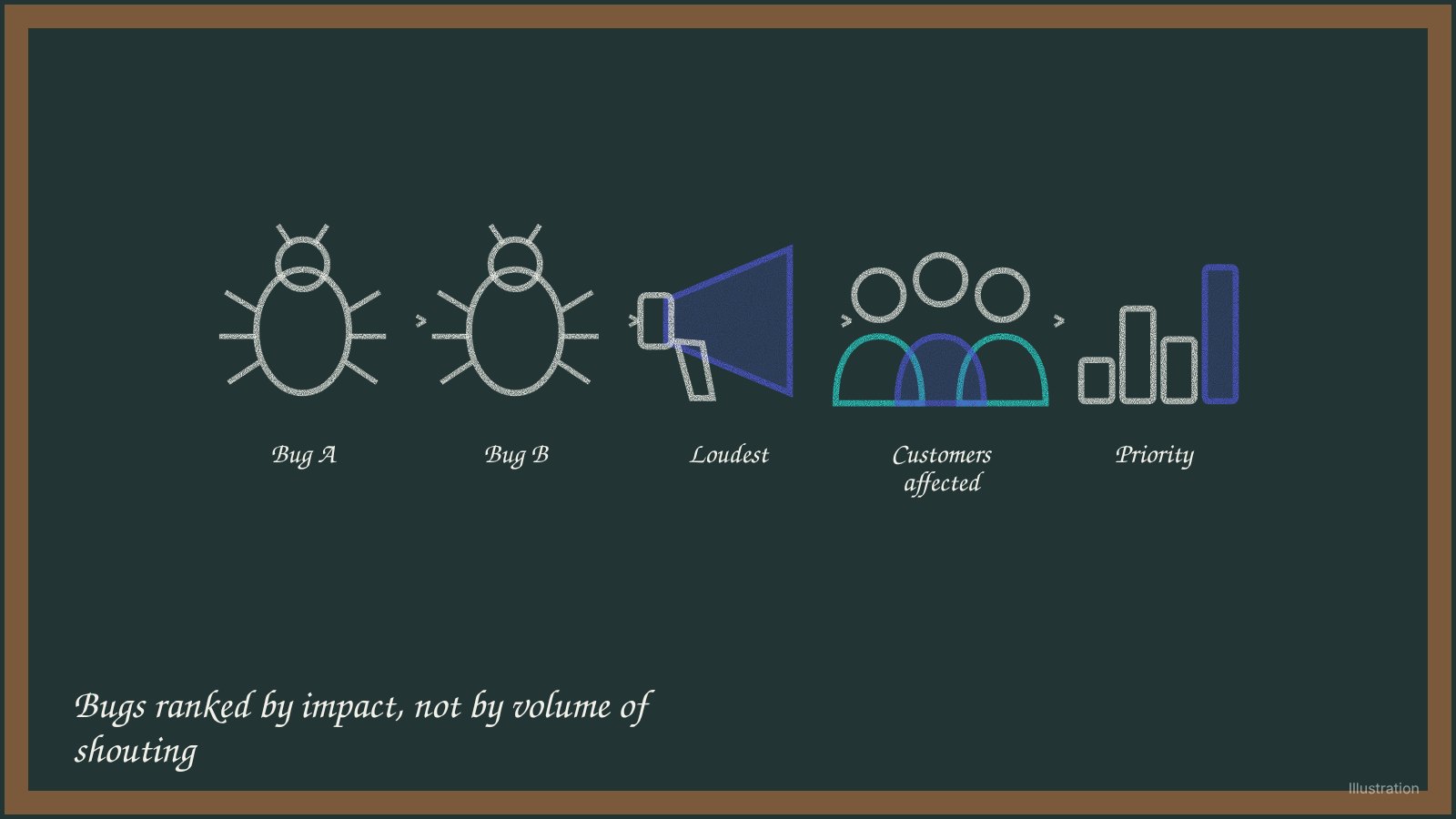
- Every agent writes a different reply.
- Fix dates get promised that nobody committed to.
- Nobody keeps a list of who wrote in.
- "Any update?" tickets pile up.
- The fix ships and customers never hear.
What counts as a known issue
A known issue is a problem your team has confirmed and is working on, which customers will keep writing in about until it is fixed. Examples:
- An outage or degraded service ("login is slow", "the API returns 502")
- A bug with a clear symptom ("exports never finish", "invoice PDFs show the wrong currency")
- A third-party problem you can't fix but must explain ("payments via one provider are delayed")
- A limitation you've decided not to fix yet, which still needs a consistent answer
The test: if more than a handful of customers will describe the same problem in different words, treat it as a known issue rather than answering ticket by ticket.
The five parts of good incident communication
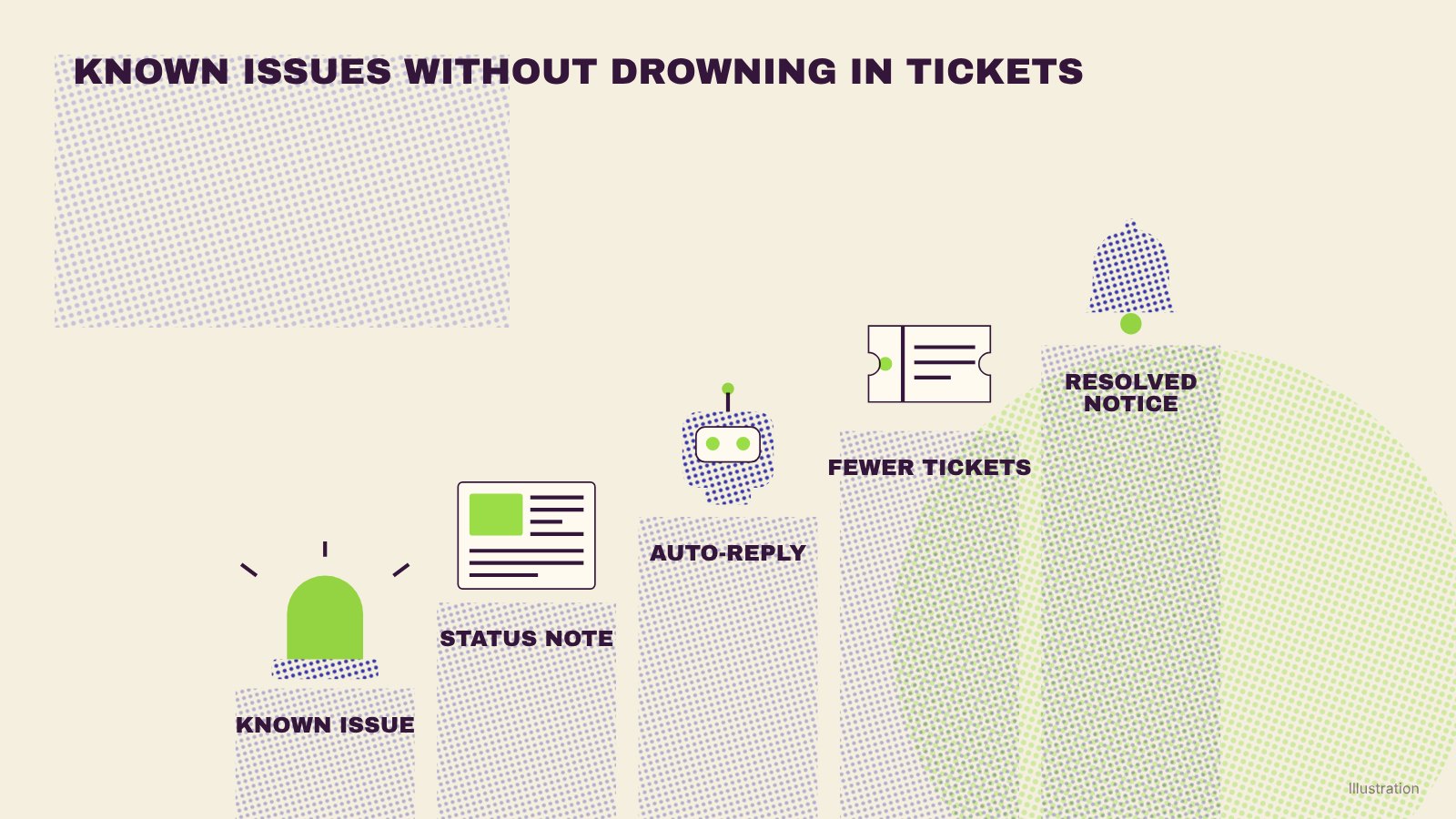
1. One approved message per stage
Write the customer message once and get it approved. Then use it everywhere. A good status message says what is affected, that you know about it, whether there is a workaround, and when they will hear from you next. It avoids promising a fix date unless engineering has committed to one.
Messages change as the incident moves, so write one per stage: investigating, identified, fix in progress, monitoring, resolved and, sometimes, won't fix.
2. Recognise the issue however customers describe it
Customers don't use your internal bug title. One writes "export spins forever", another "CSV download never completes", a third pastes ERR_EXPORT_504. Matching needs example phrasings, keywords and error codes, not one exact phrase. It also has to work on every channel: email, chat, messaging and phone.
3. Find the customers who already wrote in
By the time an issue is confirmed, dozens of tickets about it are already sitting in the queue. Search recent open tickets for the same symptom, check the list (some matches will be false positives), and send each real one the current status. Every one of them should be linked to the issue, so you know exactly who to update later.
4. Update customers before they chase you
Silence makes customers write again, and every "any update?" is another ticket. Send a short "not fixed yet, here is where we are" update on a regular schedule, every couple of days for a long-running issue, until it is resolved. Each update goes on the customer's own ticket, so the history stays in one place.
5. Close the loop when it's fixed
The most often skipped step is also the one customers value most: telling every affected customer it is fixed. Send the "resolved" message to everyone linked to the issue, once each. Then decide what happens to the ticket: solve it at once, wait for the customer to confirm, or close it after a few quiet days.
Customers who report the problem late, after the fix, should get "we fixed this on [date], please try again", not an outdated status.
Connecting support to engineering
Most known issues are bugs, so support communication depends on engineering status. If support has to keep asking engineering "is it fixed yet?", updates get delayed and customers wait. Link the known issue to the engineering ticket in Jira, Linear or GitHub, and let the issue's stage follow the engineering status. When engineering marks it done, customers hear about it. More on that in how to get bug reports from support to engineering.
Spotting incidents early
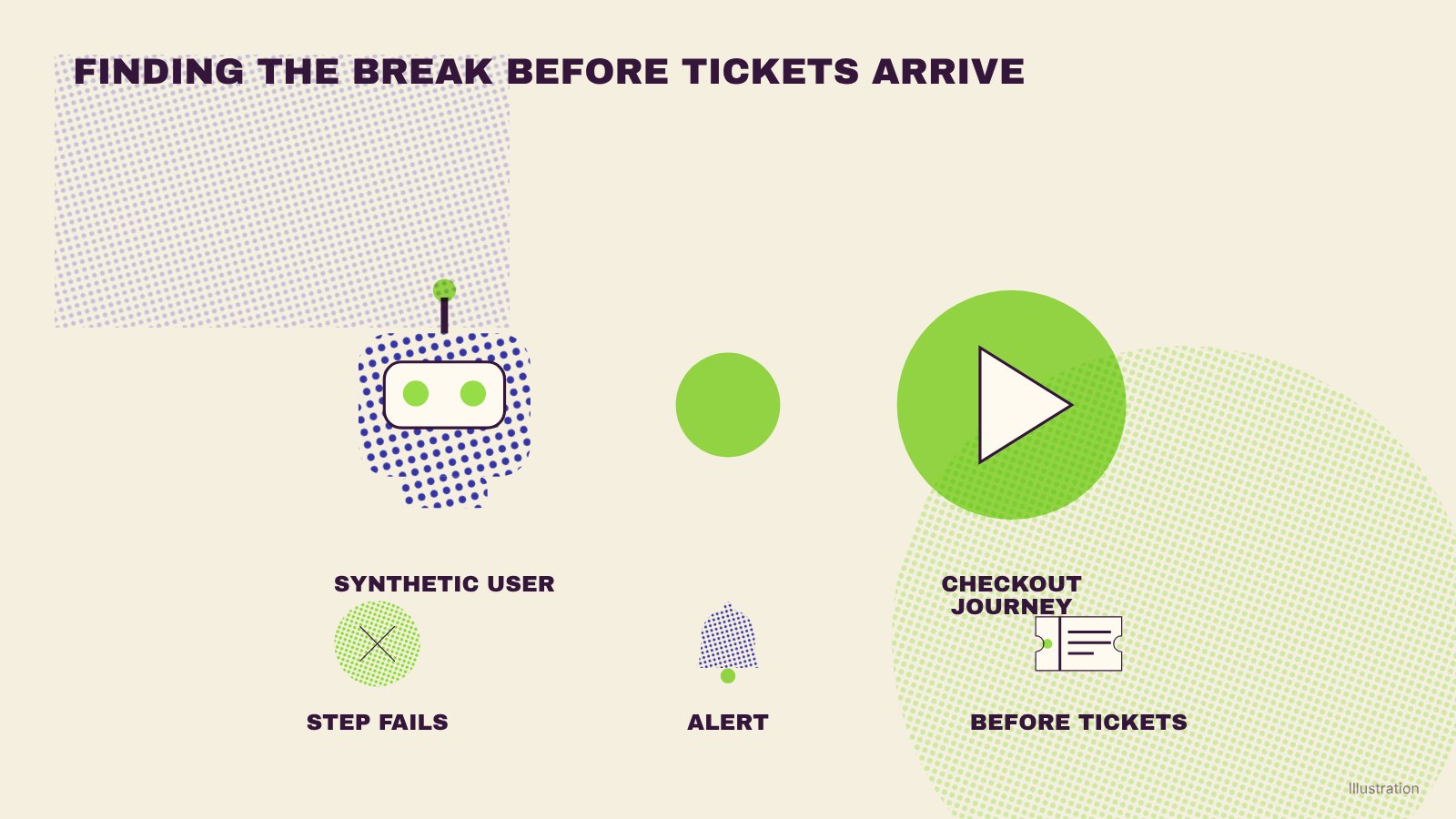
The earlier you confirm an issue, the fewer customers get an improvised answer. Signals worth watching:
- A spike in tickets with similar wording or the same error code
- The same question failing repeatedly (low-confidence answers, reopens)
- Several customers mentioning the same release or date ("since this morning", "after the update")
How TR-AI handles known issues
Known issues in TR-AI follow the process above, on every plan:
- Create the issue with a title, the customer-facing description, severity, product area, an optional workaround and an optional expected fix date. Add example phrasings, keywords and error codes so TR-AI recognises it however it is described.
- Messages per stage are drafted in your brand voice for investigating, identified, fix in progress, monitoring, resolved and won't fix. You edit and approve them. Placeholders fill in the workaround and the expected fix date.
- New tickets on every channel (help desks, email, chat widget, messaging and voice) are matched. A matching ticket gets the current status message instead of a guessed answer, is linked to the issue, and stays open. In Zendesk and Freshdesk it is set to Pending and tagged. If the ticket also asks something else, TR-AI answers that part as usual and adds the notice.
- "Find affected tickets" lists recent tickets that look affected. You untick any that aren't, approve, and each one gets the current status once.
- Updates every 2 days by default go to everyone linked to an open issue until it's resolved. You can change the interval per issue: daily, every 2 or 3 days, weekly, or only when the stage changes.
- Resolved sends the final message to every linked customer, once each. You choose whether the ticket is solved straight away, after the customer confirms, after a few days without a reply, or left open. For 7 days afterwards, late reporters are told "we fixed this on [date]".
- Suggested known issues (Bronze and Growth Pro plans) come from ticket spikes and from repeated failing answers, as drafts with sample tickets.
- Engineering sync connects a known issue to Jira Software, Linear, GitHub Issues, Assembla or monday.com. The issue then moves with the engineering ticket every 10 minutes, so customers are updated when the fix starts and when it ships.
Known-issue notices are sent even when TR-AI is in assisted (review) mode, because your team wrote and approved the text. They are never cached or reused for unrelated questions.
A checklist for your next incident
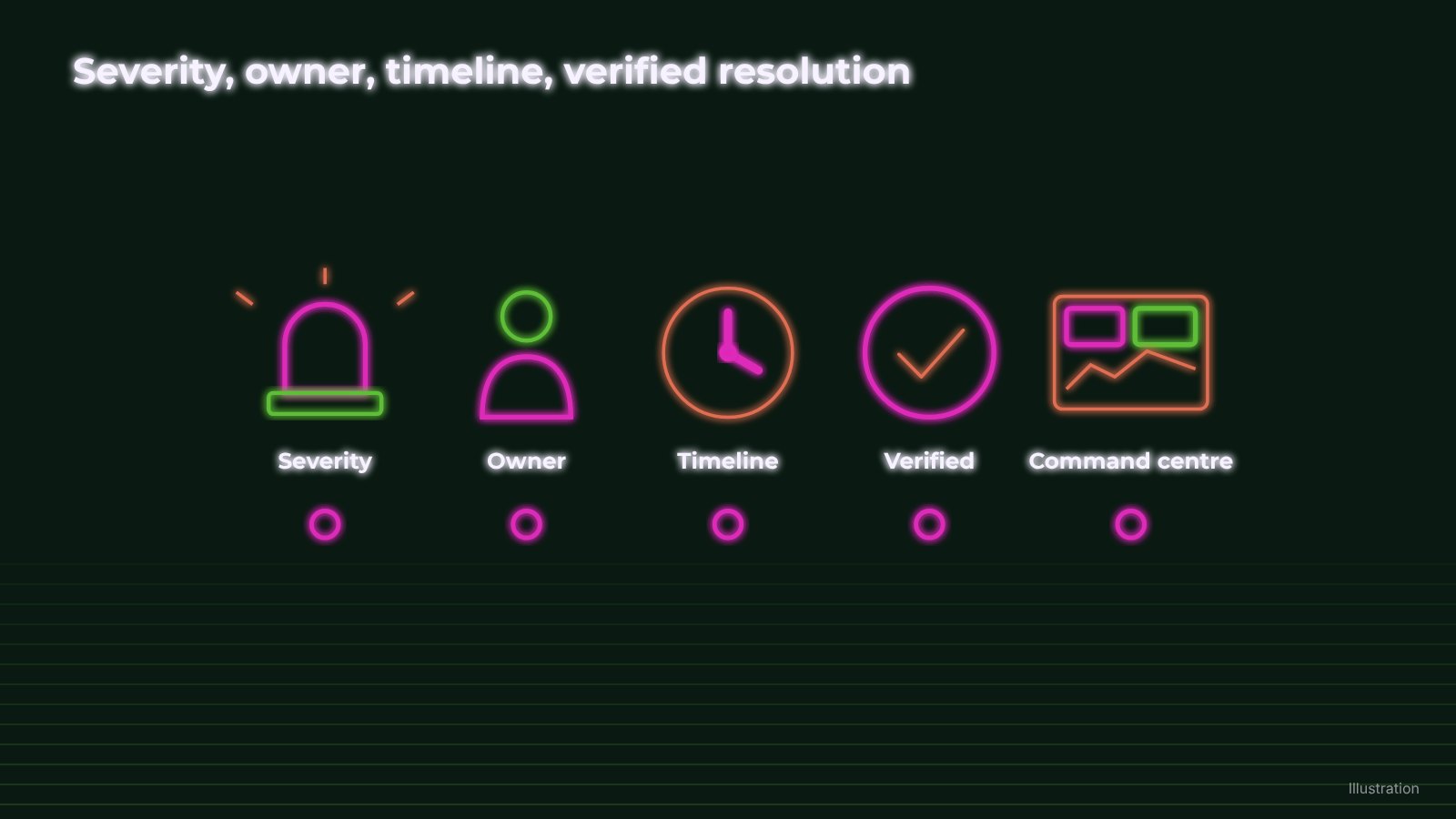
- Confirm the issue and give it an owner.
- Write the stage message, plus a workaround if there is one.
- Add the phrasings and error codes customers are using.
- Find and update the customers who already wrote in.
- Link it to the engineering ticket.
- Set the update interval.
- When it is fixed, send the resolved message to everyone linked.
- Afterwards, add what you learned to your support playbook.
A worked example, start to finish
Here's the export incident from the start of this post, handled with TR-AI. The company and numbers are illustrative.
Tuesday 10:30. Spotted. A spike of tickets mentioning "export spins" and ERR_EXPORT_504 appears as a suggested known issue, with sample tickets.
10:45. Created. Hana, the support lead, confirms it in Known issues: title "CSV exports don't finish", customer-facing description, severity high, product area Reports, workaround "export in date ranges of 7 days or less". No ETA yet. She adds phrasings ("CSV download spins forever", "export never finishes") and the error code.
10:55. Messages. TR-AI drafts a message per stage in the brand voice. Hana edits the "identified" one and approves it.
11:00. The backlog. "Find affected tickets" lists 43 recent tickets. Hana unticks 3 that are about a different export, approves, and the other 40 each get the current status once and are linked.
11:00 onwards. New tickets. On email, chat and WhatsApp, matching tickets get the status message instead of a guessed answer, are linked, and stay open. In Zendesk they're set to Pending and tagged. One customer also asks about invoices; TR-AI answers that part as usual and adds the notice.
11:10. Engineering. The known issue is linked to the Jira ticket. When engineering moves it to In progress, the issue follows within 10 minutes and customers get the "fix in progress" message.
Thursday. Update. No fix yet. Two days on, every linked customer gets a short "not fixed yet, here's where we are" update on their own ticket. "Any update?" tickets stay low.
Friday 15:00. Fixed. Jira moves to Done. The known issue becomes resolved, and every linked customer (by now around 200) gets the resolved message once. Hana chose "solve after a few days without a reply".
The next week. A customer who was away writes about the export. For 7 days after the fix, late reporters are told "we fixed this on Friday, please try again".
What changed: one approved message instead of two hundred improvised ones, no promised dates, every affected customer known, updates before they chased, and everyone told it was fixed.
Five more real-world scenarios
1. A third-party outage
Situation. A payment provider is delayed and you can't fix it.
How TR handles it. Create a known issue anyway; stages and updates work the same.
2. Won't fix
Situation. You decide not to fix a limitation yet.
How TR handles it. The won't-fix stage gives everyone a consistent answer.
3. Assisted mode
Situation. TR-AI is in review mode.
How TR handles it. Known-issue notices are still sent, because your team wrote and approved the text.
4. A slow-moving issue
Situation. A fix is weeks away.
How TR handles it. Change the interval per issue: daily, every 2 or 3 days, weekly, or only when the stage changes.
5. Messaging customers
Situation. Affected customers wrote in on WhatsApp.
How TR handles it. With proactive messages on for SMS and WhatsApp, updates reach them too, using an approved template outside the 24-hour window.
Before and after
Before. Two hundred improvised replies, some promising a same-day fix, no list of affected customers, and most of them never told the fix shipped.
After. One approved message per stage, matching on every channel, 40 backlog tickets updated in one approval, regular updates, engineering sync, and a resolved message to everyone.
How to tell it's working
- Fewer "any update?" tickets during incidents.
- Every linked customer gets the resolved message.
- No promised dates engineering didn't commit to.
- Issues are confirmed earlier from suggestions.
Who it's for
- SaaS and platform teams with releases and outages.
- Support leads running incidents.
- Teams with many channels to keep consistent.
Mistakes to avoid
- Promising fix dates.
- Not linking the backlog of tickets.
- Going silent between stages.
- Forgetting the resolved message.
Do it in TicketResolve, step by step
Where: Known issues (/dashboard/known-issues). You'll need: any plan; Bronze or Growth Pro for suggested known issues; a tracker for engineering sync. Full guides: Known issues, Engineering tracker sync and Proactive messages.
- Describe it: Dashboard → Known issues → New known issue, with title, description, severity, area, workaround and ETA if you have one.
- Teach it phrasings, keywords and error codes.
- Check and approve the stage messages.
- Find affected tickets, untick false matches and approve.
- Link the engineering ticket.
- Set the update interval.
- Resolve it and choose what happens to tickets.
How to check it worked: a new ticket describing the issue gets the current status message and appears in the issue's linked list.
Frequently asked questions
What is a known issue in customer support? A known issue is a problem your team has confirmed and is working on, such as a bug, an outage or a third-party failure, that many customers will report. It is handled with one approved status message, a list of affected customers and a final "fixed" message, instead of ticket-by-ticket replies.
How often should you update customers during an incident? Often enough that they don't need to chase you. For a long-running issue that is usually every one to three days, or whenever the status changes. Each update should say what has changed and when the next one will come.
How do you tell customers a bug is fixed? Link every affected ticket to the issue while it is open. When the fix ships, send the resolved message to each linked customer once, on their own ticket. Then solve the ticket or wait for their confirmation, depending on your process.
Should known-issue replies be automated? The sending can be, safely, because the wording is written and approved by your team in advance. Automation makes sure every affected customer gets the same accurate message and the final "it's fixed" update, which is the step most often missed when it's done by hand.
Does TR-AI recognise the issue on chat and phone? Yes. New tickets on help desks, email, the chat widget, messaging and voice are matched.
How often are updates sent? Every 2 days by default, adjustable per issue.
What happens to late reporters? For 7 days after resolving, they're told the date it was fixed.
Are known-issue notices cached? No. They're never cached or reused for unrelated questions.
Which plans include it? Every plan; suggested known issues are on Bronze and Growth Pro.
Explore Topics
Written by
Ghulam Shabbir
Content creator and writer sharing insights and stories.