
An Incident Command Centre for Support: Severity, Owner, Timeline and Verified Resolution
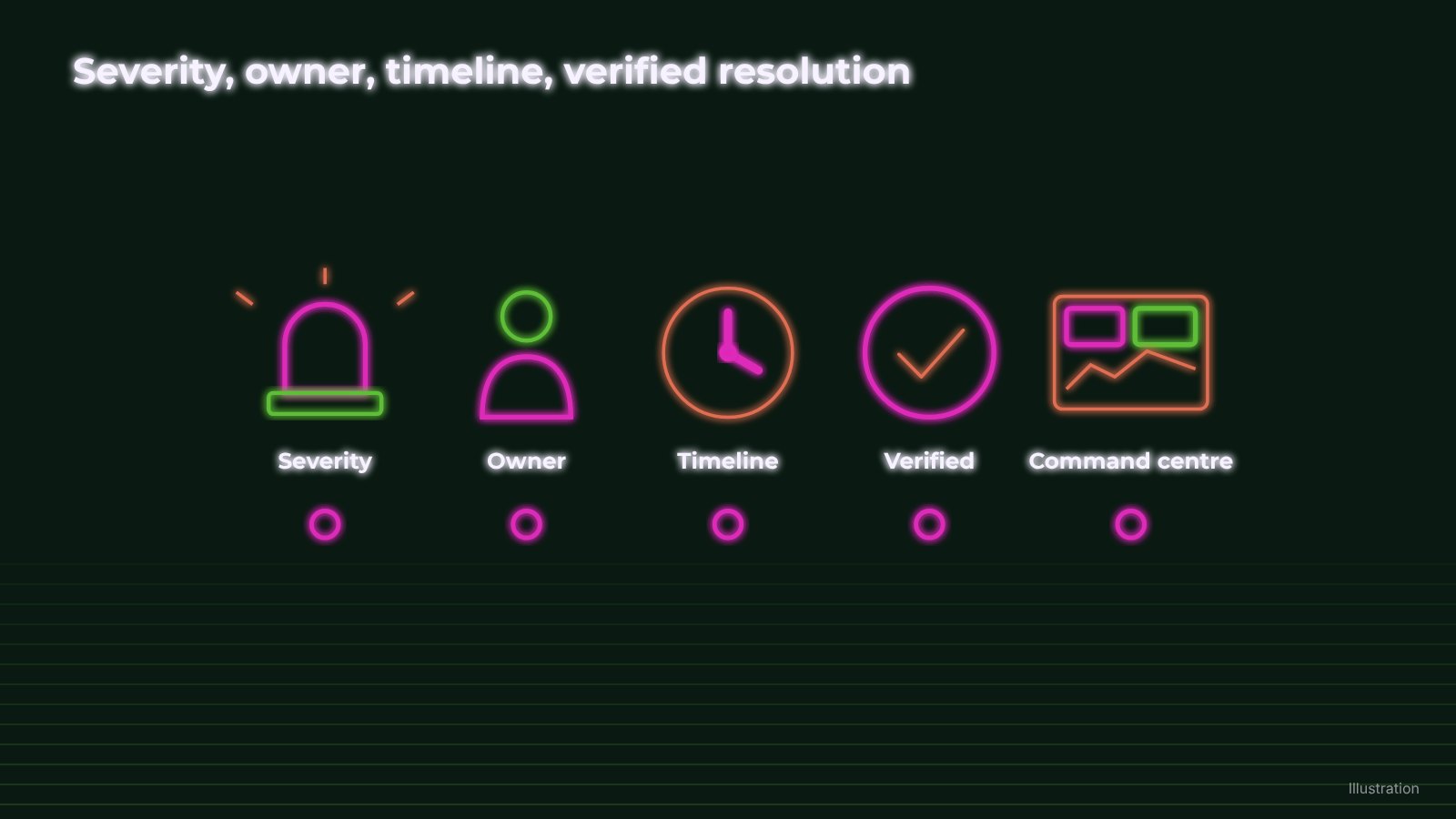
When an incident hits support, the hard parts are who owns it, what happened when, what to tell customers and when it is really over. A command centre puts severity, one owner, the phase, tickets, releases, checks, errors and updates on one timeline, drafts updates from facts for a person to send, and lets only a person resolve it, with proof. With an illustrative outage, start to finish.
Incident correlation turns fifty tickets into one incident. Then the incident needs running: someone in charge, a clear picture of what happened, updates people can rely on and an honest end.
Here's how an incident drifts without that at a company that sells an online banking app to credit unions:
- 07:50: login failures start. Tickets pile up. Three agents each start a thread in a different channel.
- 08:20: someone posts "probably the release last night" in one channel. Someone else tells a customer "we're aware and it's fixed soon".
- 08:45: engineering asks who's coordinating. Nobody is sure.
- 09:30: a fix is deployed. A lead posts "resolved!".
- 09:50: tickets keep arriving; the fix only covered one login method. The incident is reopened. Customers get a second, contradictory update.
- A week later: nobody can reconstruct the timeline for the postmortem.
The fix itself took 90 minutes. The confusion around it is what customers remember.
First, the basics
- An incident is a problem affecting many customers at once, such as an outage or a broken feature.
- Severity (SEV1 to SEV4) says how bad it is and who gets pulled in.
- The owner, sometimes called the incident commander, coordinates; they don't necessarily fix it.
- The phase says where things stand: investigating, cause identified, or fix in place and monitoring.
- A timeline is the ordered record of what happened.
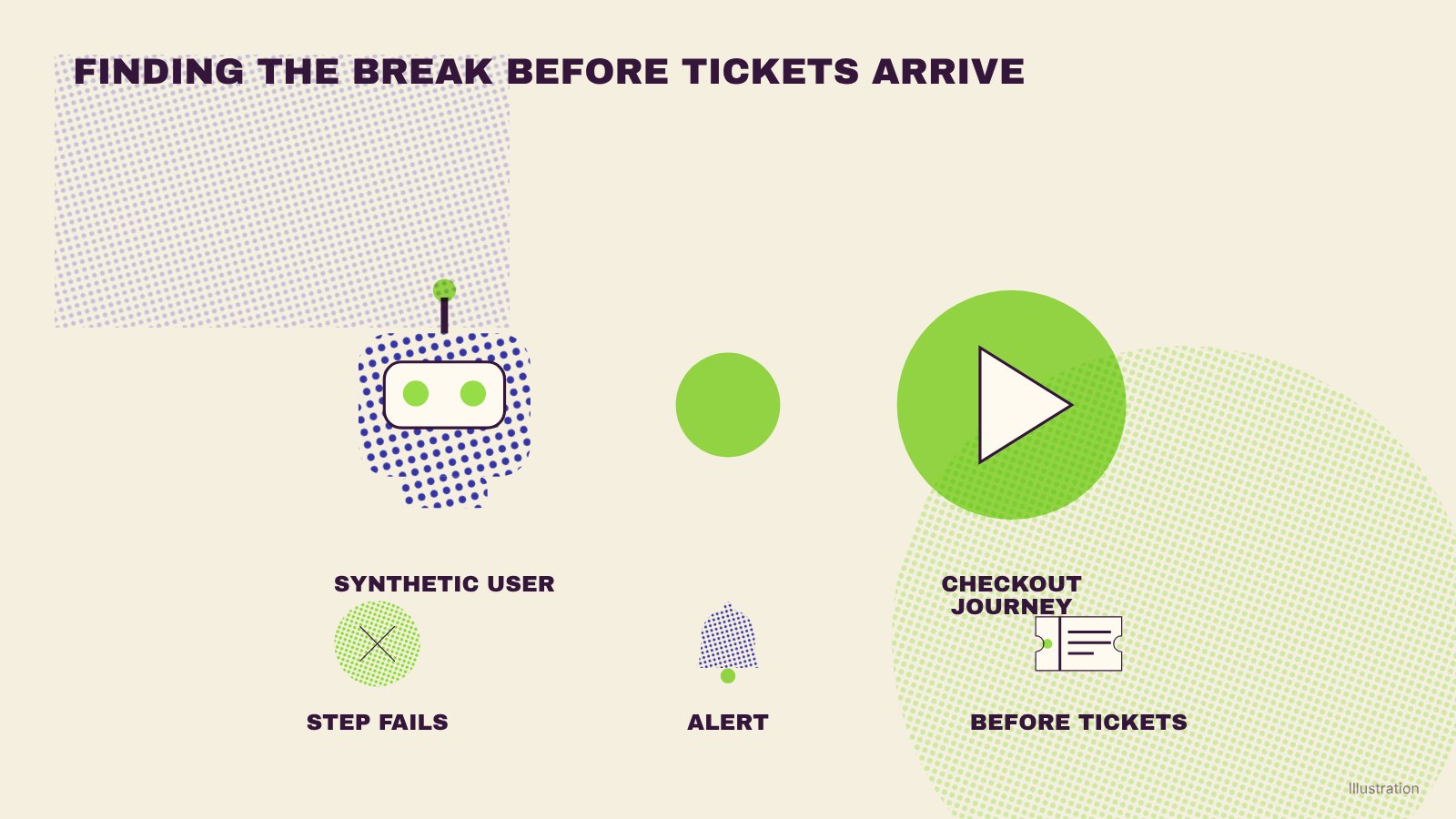
- A synthetic check is an automated test that keeps trying something customers do, such as signing in.
- Verified resolution means there's evidence the problem is gone, not just that a fix was deployed.
- A postmortem is the write-up afterwards: impact, timeline, cause and follow-ups.
Why does this matter? Customers forgive outages more easily than confusion. One owner, one timeline and honest updates make an incident feel handled, and proof before "resolved" stops the worst moment of all: telling customers it's fixed when it isn't.
The problem, in plain terms
- Nobody owns it, so everyone and no one is coordinating.
- Facts are scattered across channels and tools.
- Updates guess at causes and timelines.
- "Resolved" is declared when the deploy finishes.
- The postmortem starts from nothing.
The basics: severity, owner, phase
- Severity (SEV1–SEV4) sets urgency and who gets pulled in.
- One owner: the person who coordinates, not necessarily who fixes it.
- Phase: investigating, cause identified, fix in place, monitoring.
Every change goes on the record with who made it and when.
One timeline
Most of the facts already exist in different tools. Put them in order:
- tickets as they arrived;
- releases just before it started, as leads, not conclusions;
- synthetic check failures and recovery;
- error records from your monitoring;
- engineering tickets on the linked known issue;
- the team's own updates.
Updates from facts, edited by people
A first draft of the internal and customer update can be written from those facts: impact, start time, the owner, the next update time. It must not guess the cause, and nothing should be sent automatically. A person edits it and sends customer updates from the help desk or the known issue.
Resolution needs proof
The most common incident mistake is declaring it over too early. Resolving should require one of:
- the linked synthetic check passed its last runs;
- no new tickets about it for an hour;
- a person's written confirmation of what was checked, and with whom.
The system can move an incident to monitoring when a check recovers; only a person resolves it.
The postmortem
The timeline already holds most of a postmortem: impact, sequence of events, how the fix was verified. The root cause and follow-ups stay with engineering.
In TR-AI
On a confirmed incident in Incidents (/dashboard/incidents), the command centre shows severity, owner, phase, the unified timeline, draft updates, verified resolution and a postmortem draft. No AI model is used to write the drafts; they're built from the recorded facts.
A worked example, start to finish
Here's the banking-app outage with the command centre. The names, times and numbers are illustrative.
07:50. Login tickets arrive faster than usual. TR-AI groups 22 of them into a suggested incident.
07:58. Tunde, the support lead on duty, reviews why they were grouped (shared error code, same login screen, volume well above normal) and confirms the incident. He sets SEV1 and makes himself owner. Phase: investigating.
08:00. The timeline fills in. Tickets as they arrived from 07:48. A release of the authentication service at 07:30, shown as a lead. The synthetic login check failing since 07:46. Error records: TokenSigningError in the auth service from 07:45.
08:05. First update. The draft reads: "Since about 07:45, some customers can't sign in. We're investigating. Next update by 08:30. Owner: Tunde." No guessed cause. Tunde edits a word and sends the customer update from the known issue. Every affected ticket gets it.
08:25. Engineering confirms the release rotated a signing key but missed one login method (biometric). Tunde moves the phase to cause identified and sends the 08:30 update on time.
09:30. A fix is deployed. The synthetic login check recovers. TR-AI moves the incident to monitoring. It does not mark it resolved.
09:50. Two new tickets arrive: biometric login still fails on Android. The synthetic check only tested password login. Tunde keeps the incident in monitoring and tells engineering.
10:40. A second fix covers Android biometric login. Tunde asks two affected credit unions to try again; both confirm it works.
11:45. No new tickets for over an hour, and two customers have confirmed. Tunde resolves the incident with the note: "Fix verified: no new tickets since 10:35; confirmed by two affected credit unions on Android biometric login."
Next day. The postmortem draft already contains impact, the full timeline and how the fix was verified. Engineering adds the root cause and a follow-up: add biometric login to the synthetic check.
What changed: one owner from minute eight, updates on time and without guesses, no premature "resolved", and a postmortem that wrote half of itself.
Five more real-world scenarios
1. A release that wasn't the cause
Situation. A release happened just before, but errors are in another service.
How TR handles it. Releases appear as leads, not conclusions; the timeline shows where the errors actually are.
2. Nothing new to say
Situation. The next update is due and nothing has changed.
How TR handles it. Send it anyway: "no change yet, next update at 10:00". Keeping to the time builds trust.
3. A check recovers early
Situation. The synthetic check passes before all customers are fixed.
How TR handles it. The incident moves to monitoring only; a person resolves it with proof.
4. A low-severity issue
Situation. A cosmetic bug affects a report layout.
How TR handles it. SEV4: tracked on the same timeline without pulling in on-call engineers.
5. Two problems mixed together
Situation. An incident's tickets turn out to be two different problems.
How TR handles it. Split the tickets into a new incident, linked back to the original.
Before and after
Before. Three channels, a guessed cause sent to customers, nobody coordinating, "resolved" declared too early, a second contradictory update, and no timeline for the postmortem.
After. SEV1 with one owner in eight minutes, one timeline, updates drafted from facts and sent by a person on time, monitoring until proof, and a postmortem draft ready the next day.
How to tell it's working
- Every incident has an owner within minutes.
- Updates go out on the promised time.
- No incident is reopened after being resolved.
- Postmortems start from a full timeline.
Who it's for
- Support leads who coordinate incidents.
- On-call engineers who fix them.
- Communications and success teams who talk to customers.
How it fits with the rest of TicketResolve
The command centre builds on incident correlation, known issues, deployments, synthetic checks, monitoring tools and engineering tickets. Customer updates go out through the known issue or the help desk, and affected customers' health reflects the incident.
Why the owner doesn't have to be the fixer
The person fixing the problem needs to focus on the fix. The owner keeps everything else in step: the timeline, the updates, the customer questions, who's been pulled in. Splitting the two jobs is why incidents with a clear owner feel calmer, even when the fix takes just as long.
Why drafts never guess the cause
An update that says "caused by last night's release" before anyone knows is worse than no cause at all. If it's wrong, you have to correct it publicly. Drafts built only from recorded facts (impact, start time, owner, next update) are always true, and a person can add the cause once it's confirmed.
Writing updates customers trust
Good incident updates say four things in plain language: what customers are experiencing, since when, what you're doing about it, and when they'll hear from you next. They avoid internal names and jargon, and they never promise a fix time you don't control. Keep each update short enough to read on a phone. And when the incident is over, send a final update that says it's resolved and how you checked, so customers don't have to wonder.
Mistakes to avoid
- No named owner.
- Guessing the cause in customer updates.
- Missing the promised update time.
- Resolving when the deploy finishes.
Do it in TicketResolve, step by step
Where: Incidents (/dashboard/incidents). You'll need: incident correlation turned on; synthetic checks and monitoring help. Full guides: Incidents: group, review and split tickets, Known issues and Synthetic checks.
- Review why tickets were grouped and confirm the incident.
- Set severity and the owner.
- Read the timeline: tickets, releases, checks, errors and engineering tickets.
- Edit the draft update and send it; set the next update time.
- Move the phase as things change.
- Wait for proof: a passing check, an hour without new tickets, or confirmation.
- Resolve with a note on how it was verified, then complete the postmortem draft.
How to check it worked: the incident shows an owner, a timeline, sent updates and a resolution note with its proof.
Frequently asked questions
Who should own an incident in support? One named coordinator, often a support lead, who keeps the timeline, updates and customers in step while engineering fixes the cause.
How often should customers get incident updates? Set the next update time in each update and keep to it, even if the update is "no change yet".
When is an incident really resolved? When the fix is verified (a passing check, no new tickets for a period, or confirmation from affected customers), not when the deploy finishes.
Are updates sent automatically? No. A person edits and sends them.
Does the draft include the cause? No. It's built from recorded facts and never guesses.
Can TR-AI resolve an incident? No. It can move it to monitoring when a check recovers; only a person resolves it.
What severities are there? SEV1 to SEV4.
Is an AI model used for drafts? No.
What goes in the postmortem draft? Impact, the sequence of events and how the fix was verified; engineering adds the root cause and follow-ups.
Explore Topics
Written by
Ghulam Shabbir
Content creator and writer sharing insights and stories.