
Did the Last Release Cause These Tickets? Deployment Correlation for Support
Tickets jump an hour after a release and everyone asks the same question. Put deployments from your CI/CD tool next to your tickets, compare a fixed window before and after, look for new error codes, incidents and affected customers, and tell engineering what you see without blaming a release that may be innocent. With an illustrative afternoon, start to finish.
Support usually learns about a bad release before anyone else does. The first sign is not an alert; it is three customers in twenty minutes describing the same broken export. The question that follows is always the same: did we just ship something?
Answering it should not take a Slack thread. Support needs to see releases next to tickets.
Here's the Slack thread version at a company that sells an online invoicing tool to freelancers:
- 14:20: three tickets in a row: "PDF export gives a blank page."
- 14:25: an agent asks in the support channel: "Did anything go out today?"
- 14:40: someone replies: "I think there was a release at lunch? Ask in #engineering."
- 15:10: an engineer confirms version 2.4.0 shipped at 14:02 and asks for ticket numbers and the exact error.
- 15:45: the agent collects them by hand. By now there are eleven tickets.
- 16:30: engineering rolls back. Twenty-three customers have written in.
The facts (a release at 14:02, a new error code from 14:18, tickets climbing) all existed by 14:25. They were in two systems that nobody had put side by side.
First, the basics
- A deployment (or release) is a new version going live, reported by your CI/CD tool.
- CI/CD tools build and ship your software: GitHub Actions, GitLab CI/CD, CircleCI, Argo CD, Jenkins and others.
- A webhook is a message one tool sends another when something happens, such as "deployment finished".
- A before / after window is the same length of time on each side of the release, such as two hours.
- Ticket rate is how many tickets arrive per hour.
- A new error code is one that appears in tickets after the release and in none before.
- Correlation means two things happened together; it isn't proof that one caused the other.
Why does this matter? Support sees customer impact first. If releases sit next to tickets, an agent can say "a release went out at 14:02 and these tickets started at 14:18, with a new error code" within minutes, and engineering gets evidence it can act on. If the release didn't change anything, that's worth knowing too.
The problem, in plain terms
- Engineering knows what shipped; support knows what customers hit. Rarely in the same place.
- The link depends on memory.
- Hand-offs are vague: "something seems wrong".
- Every release gets blamed, even innocent ones.
- Nobody knows the last good version when a rollback is discussed.
Why support needs deployment data
Engineering knows what shipped. Support knows what customers are hitting. The two rarely sit in the same place, so the link between "version 2.4.0 went to production at 14:02" and "export tickets tripled from 14:20" is made by whoever happens to remember both.
Putting them side by side helps in three ways:
- Faster triage. An agent looking at a new bug report can see that a release went out an hour earlier.
- Better hand-offs. Engineering gets the release, the commit and the tickets in one brief instead of "something seems wrong".
- Fewer false alarms. If tickets did not change after a release, that is worth knowing too.
What to compare before and after a release
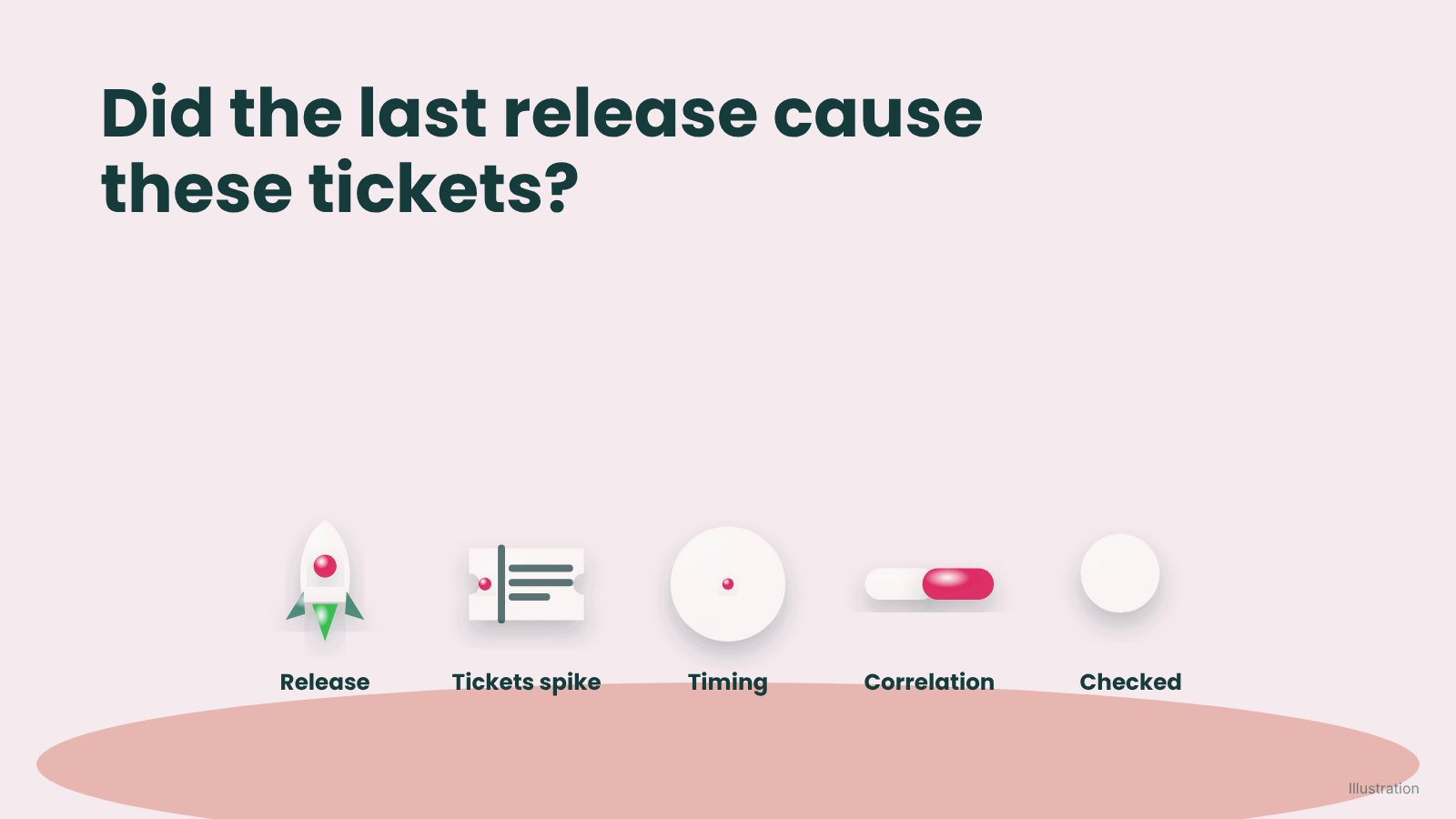
A useful comparison looks at a fixed window on each side of the deployment (two hours is a good default) and asks:
- Did the ticket rate change? Count tickets in the window before and the window after. A partial window after a very recent release should be projected, not compared raw.
- Are there new error codes? An error code that appears in several tickets after the release and in none before is the strongest single signal.
- Did an incident start? If tickets were grouped into an incident shortly after the release, link the two.
- Who is affected? How many different customers wrote in, and do any mention the new version number?
Correlation is not causation
A release shortly before a spike is a lead, not a verdict. Traffic peaks, a third-party outage or a marketing email can produce the same pattern. A good tool says "worth checking" and shows why, rather than naming a culprit. It should also list the evidence against: that timing alone is not proof.
Rolling back belongs to engineering. Support's job is to put the evidence in front of the people who can decide, including which version was the last good one.
Connecting your CI/CD tool
Most tools can send a webhook when a deployment finishes:
- GitHub Actions: deployment status and workflow-run events, signed with a shared secret.
- GitLab CI/CD: deployment and pipeline events, with a secret token.
- CircleCI: workflow-completed webhooks, signed.
- Argo CD: a notifications webhook with a bearer header.
- Jenkins or anything else: a small JSON POST at the end of the deploy job.
Whatever the tool, insist on signed requests and on idempotency: the same deployment sent twice should be stored once.
How TR-AI does it
In TR-AI, an admin connects the tool under Deployments (/dashboard/deployments) and gets a webhook secret, shown once. Every release then shows:
- tickets in the two hours before and after, and the change in rate;
- error codes that appear only after it;
- incidents that started after it, and how many customers wrote in;
- a verdict (Worth checking, Watch, No change or Too early) with every reason listed.
A release from the six hours before a ticket also appears in that ticket's investigation as a possible cause, with "a deployment shortly before is not proof" as evidence against it. Incidents list the releases just before they started; see incident correlation. No AI model is involved: it is counting and comparing. For comparing error rates and latency from your monitoring tools, see before-and-after deployment comparison.
A worked example, start to finish
Here's the invoicing-tool afternoon with Deployments connected. The names, versions and numbers are illustrative.
Set-up, done once. Hamid, an admin, connects GitHub Actions under Deployments. TR-AI shows the webhook secret once; he adds it to the repository's webhook settings. Deployment-status events now arrive signed.
14:02. Version 2.4.0 deploys to production. The release appears in Deployments with its commit. Verdict: Too early, because the after-window has barely started.
14:20. Three tickets: "PDF export gives a blank page." The first agent to open one, Lucia, sees in the ticket's investigation: Release 2.4.0, 18 minutes before this ticket. Possible cause. Against: a deployment shortly before is not proof.
14:35. Lucia opens the release in Deployments:
- Tickets: 9 in the two hours before; 14 in the 33 minutes since, projected to well above the before-rate.
- New error code:
PDF_RENDER_EMPTYin 8 tickets after the release, none before. - Incident: "Blank PDF exports" grouped at 14:31, after the release.
- Customers: 12 different customers; two mention "since the update".
- Verdict: Worth checking, with each reason listed.
14:40. Lucia posts the release page link in the engineering channel: "2.4.0 at 14:02. New error PDF_RENDER_EMPTY in 8 tickets since 14:18, none before. Incident open. 12 customers. Last release before it: 2.3.9."
14:55. Engineering confirms a font-loading change in 2.4.0 and rolls back to 2.3.9. Support sends the incident update to linked tickets.
Later that week. Release 2.4.1 ships. Tickets in the after-window are flat, no new error codes, no incidents. Verdict: No change. Nobody wastes time wondering.
What changed: the evidence reached engineering at 14:40 instead of 15:45, with the last good version already named, and eleven fewer customers were affected.
Five more real-world scenarios
1. An innocent release
Situation. Tickets rise after a release because a marketing email went out.
How TR handles it. No new error codes, no incidents, tickets about a different topic: the verdict stays Watch or No change, with reasons.
2. A release minutes ago
Situation. Someone checks ten minutes after a deploy.
How TR handles it. The verdict is Too early; the partial window is projected rather than compared raw.
3. A duplicate webhook
Situation. GitHub sends the same deployment event twice.
How TR handles it. It's stored once.
4. Jenkins
Situation. Your team deploys with Jenkins.
How TR handles it. Add a small JSON POST at the end of the deploy job.
5. A ticket the next morning
Situation. A ticket arrives five hours after a release.
How TR handles it. Releases from the six hours before a ticket appear in its investigation as a possible cause, with the evidence against.
Before and after
Before. "Did anything go out today?", a chain of channels, ticket numbers collected by hand, and a rollback two and a half hours after the first ticket.
After. The release next to the tickets, a new error code spotted in minutes, a verdict with reasons, a brief with the last good version, and a rollback under an hour after the first ticket.
How to tell it's working
- Support stops asking "did anything go out?".
- Engineering briefs include the release, error codes and customers.
- Innocent releases are cleared quickly.
- Rollback decisions happen faster, with the last good version named.
Who it's for
- Support agents and leads who see impact first.
- Release managers and on-call engineers.
- Product teams checking how releases land.
How it fits with the rest of TicketResolve
Deployments feed ticket investigation, TR Investigate and the incident command centre timeline. With monitoring connected, the before-and-after comparison adds error rates and latency. Engineering intelligence waits for a release that mentions an engineering issue before calling a fix live.
Choosing the window
Two hours before and after works for most SaaS products. A very recent release needs its partial window projected, or the comparison will understate the change. Products with low ticket volume may need a longer window to see anything at all; very busy products can use a shorter one.
Why verdicts, not blame
"Worth checking" invites someone to look. "Caused by 2.4.0" ends the conversation, sometimes wrongly. Listing every reason, including that timing alone isn't proof, keeps the team honest and stops a release from being blamed for a problem it didn't cause.
Writing the message to engineering
The best hand-off fits in four lines: the release and its time; the new error code and how many tickets carry it, with "none before"; whether an incident is open and how many customers wrote in; and the last good version. Link the release page so anyone can check the reasons. Avoid "your release broke X"; "these tickets started 18 minutes after 2.4.0, with a new error code" gives engineering the same urgency without the argument.
Mistakes to avoid
- Comparing a partial window raw.
- Unsigned webhooks.
- Treating every release as a suspect.
- Support rolling back instead of engineering.
Do it in TicketResolve, step by step
Where: Deployments (/dashboard/deployments) and any ticket investigation. You'll need: an admin to connect your CI/CD tool. Full guides: Deployments: what happened to tickets after each release, Incidents and Ticket investigation.
- Connect your CI/CD tool under Deployments and copy the webhook secret, shown once.
- Add the webhook in GitHub Actions, GitLab, CircleCI or Argo CD, or a JSON POST from Jenkins.
- Check a release appears after the next deployment.
- Open a release to see tickets before and after, new error codes, incidents and customers.
- Read the verdict and every reason.
- Send engineering the release page with the last good version.
- Check ticket investigations for releases in the six hours before.
How to check it worked: each release shows tickets before and after, any new error codes, incidents and a verdict with reasons.
Frequently asked questions
How do I know if a release caused a spike in support tickets? Compare a fixed window before and after the release: the ticket rate, error codes that are new after it, incidents that started after it, and tickets that mention the new version. Several signals together make it worth checking; timing alone does not.
Which CI/CD tools can send deployment events to support? GitHub Actions, GitLab CI/CD, CircleCI, Argo CD and Jenkins can all send a webhook when a deployment finishes. Any other tool can send a small JSON request from the deploy script.
Should support roll back a release? No. Support should show engineering the evidence and the last good version; rolling back is engineering's decision.
What window should I use around a deployment? Two hours before and after works for most SaaS products. A very recent release needs its partial window projected, or the comparison will understate the change.
What verdicts are there? Worth checking, Watch, No change and Too early, each with its reasons.
Is the webhook secret shown again? No. It's shown once.
What if a deployment is sent twice? It's stored once.
Is an AI model used? No. It's counting and comparing.
Do releases appear in ticket investigations? Yes, for releases in the six hours before the ticket, with the evidence against.
Explore Topics
Written by
Ghulam Shabbir
Content creator and writer sharing insights and stories.