

Evidence-Based Troubleshooting: How Support Teams Diagnose Technical Tickets Faster
Technical tickets stall when agents guess. Classify first, rank possible causes by evidence, look hard for the evidence against each one, know the customer’s environment, ask or escalate when the evidence runs out, and close the loop so the next agent starts from what worked. With an illustrative sync ticket, start to finish.
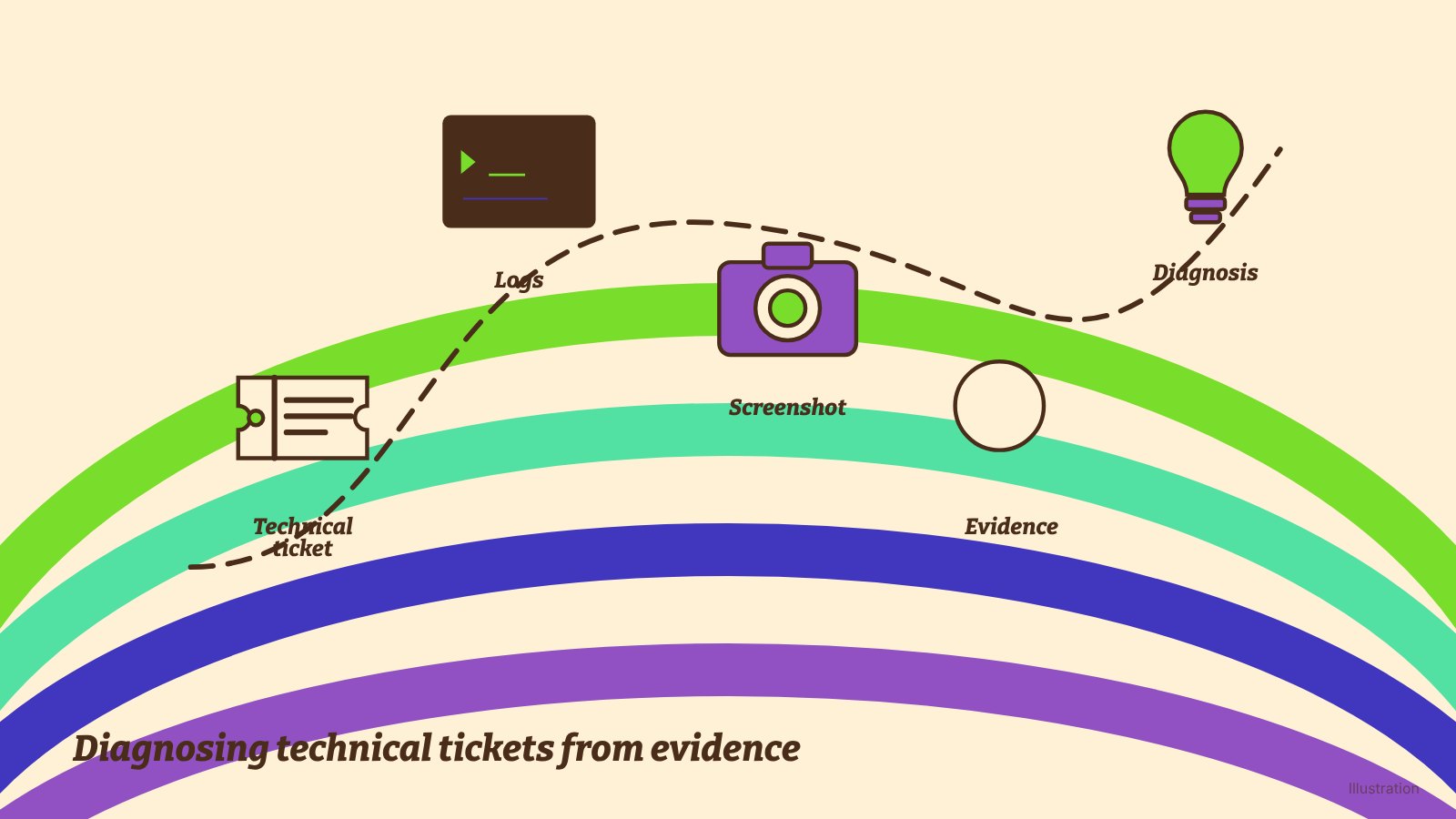
Technical tickets for B2B software rarely fail because nobody knows the answer. They fail because the first guess was wrong, the customer was on a different version than the fix assumed, or nobody asked for the error message until the third reply.
This post covers a simple, repeatable way to troubleshoot with evidence instead of guesses.
Here's the guessing version at a company that sells field-service software to plumbing and heating firms:
- Monday 09:00: "Jobs aren't syncing to our technicians' phones."
- Monday 09:15: the agent remembers a similar ticket and sends its fix: log out and back in on each phone.
- Monday 15:00: "Tried that on all twelve phones. Still not syncing."
- Tuesday 10:00: a second agent suggests reinstalling the app.
- Tuesday 16:00: "Reinstalled. Nothing." The customer is now visibly annoyed.
- Wednesday: a support engineer finally asks for the error on the phone screen:
SYNC_409 conflict. It's a known issue on Android app 5.8 with jobs edited offline. The fix from Monday was for iOS 5.6, two years ago.
Three days and twenty-four phone resets, because the first guess was never checked against the evidence.
First, the basics
- Classification is deciding what kind of problem it is: bug, outage, sign-in, integration, data, performance or a how-to question.
- Severity is how serious it is: production down, data at risk, how many people affected.
- A possible cause is a candidate explanation, not yet confirmed.
- Evidence for is what supports it; evidence against is what doesn't fit.
- A known issue is a recorded problem with a status and often a workaround.
- A spike is many similar tickets arriving faster than usual.
- An environment profile keeps each customer's setup, with where and when each fact was learned.
Why does this matter? Every wrong guess costs the customer a round trip and some patience. Ranking causes by evidence, and checking what doesn't fit before sending a fix, gets the right answer sooner and stops agents from sending yesterday's fix to today's problem.
The problem, in plain terms
- The first guess wins, unchecked.
- Fixes are reused across versions and platforms.
- Error messages are asked for late.
- Environment details are asked for again every ticket.
- "The cause is…" stops everyone else looking.
1. Classify before you diagnose
Decide what kind of problem it is: a bug, an outage, sign-in, an integration, data, performance, or a how-to question that only looks like a bug. Then set a severity from what the ticket actually says: is production down, is data at risk, how many people are affected? Both drive who handles the ticket and how fast.
2. Rank possible causes by evidence
List the candidate causes and rank them by what you can point to:
- A known issue the symptoms match: the strongest evidence, if it's still open.
- An ongoing spike: twenty similar tickets in the last hour is evidence by itself.
- Earlier tickets your team solved with the same symptoms. Several earlier tickets with the same fix count for more than one.
Call each one a possible cause until it's confirmed. Writing "the cause is…" before you know makes the next person stop looking.
3. Look for the evidence against
This is the step most teams skip. Before you send an earlier fix, check:
- Environment: was the earlier ticket on Safari when this customer uses Chrome? On version 3.1 when they're on 3.2?
- Error text: a different error code usually means a different problem.
- Age: a fix from two years ago may describe a product that no longer exists.
- Seen once: one earlier ticket is a lead, not a pattern.
4. Know the customer's environment
Customers tell you their setup: version, OS, browser, deployment, database, sign-in provider. Then they tell you again in the next ticket, because nobody wrote it down. Keep a profile per customer, and for every fact note where it came from and when. A version mentioned eight months ago is a question to confirm, not a fact.
5. Ask for what's missing, or escalate
If no possible cause is strong, don't guess. Ask once, specifically, for the steps, the exact error and the versions. When the impact is high and the evidence is thin, escalate with everything collected so far.
6. Close the loop
When you find the cause, mark it. Over time you'll see which kinds of evidence predict the right answer, and the next agent starts from it.
How TR-AI helps
Every ticket in TR-AI has a ticket investigation (in Level 2, /dashboard/level2):
- Issue type and a severity suggestion, each with its reason, both editable.
- Up to five possible causes ranked by evidence: matching known issues, ongoing spikes, and tickets your team solved (similar fixes grouped). Each shows the evidence for it, the evidence against it, a Likely / Possible / Weak label and the next step.
- What's still missing, with a ready-made question for the customer.
- A recommendation that asks or escalates when the evidence is weak.
- Customer environment profiles built from what customers told you, with the source ticket, date and freshness of every fact. Agents confirm, correct or remove facts.
It uses no AI model and sends nothing to the customer. It learns only from tickets people solved, and every hand-off still includes the escalation brief.
A worked example, start to finish
Here's the field-service sync ticket with a ticket investigation. The names and versions are illustrative.
Monday 09:00. The ticket. "Jobs aren't syncing to our technicians' phones."
09:01. Classification. Issue type: integration / sync. Severity suggestion: high, reason: "work blocked for several people (twelve technicians mentioned)". The agent, Imran, leaves both.
09:01. Environment. The customer's profile, from a ticket in August: Android, app 5.8, seen three months ago (ageing). Nothing about iOS.
09:01. Possible causes, ranked:
- Known issue: "SYNC_409 when jobs are edited offline (Android 5.8)" · Likely. For: symptoms match "jobs not syncing"; customer on Android 5.8 per profile. Against: no error code in the ticket yet. Next step: ask for the error on screen.
- Solved tickets: "log out and back in" (2 tickets) · Weak. For: same symptom. Against: both on iOS 5.6; two years old.
- Ongoing spike · none.
Still missing: the exact error on the phone, whether jobs were edited offline.
09:05. One specific question. Imran copies the ready-made question and adjusts it: "Could you check one phone and tell us the exact message it shows when sync fails? And were any of these jobs edited while the phone had no signal?"
10:30. The reply. "It says SYNC_409 conflict. Yes, two technicians were in a basement on Friday."
10:35. Imran marks the known issue "This is it", sends its workaround (open the conflicted job, choose the office version, then sync), and confirms the profile facts (Android, 5.8). He rules out the log-out fix.
11:00. Sync works on all twelve phones. The customer writes back: "Thanks, first time we've had an answer that worked first time."
What changed: one question instead of two wrong fixes, the right answer in under two hours, and the old iOS fix marked as not applying, so the next agent sees that too.
Five more real-world scenarios
1. A how-to that looks like a bug
Situation. "The report shows the wrong totals."
How TR handles it. Classification may point to how-to; possible causes include the article on report filters, with evidence for and against.
2. A spike in progress
Situation. Twenty similar tickets in the last hour.
How TR handles it. The spike ranks as a strong possible cause by itself; the ticket can be linked to the incident.
3. Nothing strong
Situation. No known issue, no spike, no matching solved tickets.
How TR handles it. The recommendation is to ask for what's missing or escalate, not to guess.
4. A stale environment fact
Situation. The profile says version 4.2 from eight months ago.
How TR handles it. It's marked as ageing or stale, so the agent confirms it before relying on it.
5. A wrong severity
Situation. The suggestion says medium, but the customer's warehouse is stopped.
How TR handles it. Change it from the drop-down; it's kept and marked "Set by your team".
Before and after
Before. A remembered fix for a different platform, a second guess, twenty-four phone resets, and the error code asked for on day three.
After. A classification and severity with reasons, causes ranked with evidence against, one specific question, the known issue confirmed, and a fix that worked first time.
How to tell it's working
- Fewer "that didn't work" replies.
- Error messages are asked for early.
- "This is it" and "Rule out" are used regularly.
- Escalations include what was checked.
Who it's for
- Level 1 and Level 2 agents on technical products.
- Support engineers.
- Support leads coaching troubleshooting.
How it fits with the rest of TicketResolve
Ticket investigation draws on known issues, spike detection, past resolutions and environment profiles. It links to Explore from the error text, feeds AI quality with confirmed causes, and hands off with the escalation brief. For production evidence (errors, traces, deployments), TR Investigate goes further.
Why "evidence against" is the most important column
Evidence for a cause is easy to find; a similar symptom is enough. Evidence against is what stops the wrong fix: a different platform, a different error code, an old version. Making it visible next to every cause turns "this looks like that ticket" into "this looks like that ticket, except for these three things".
When should an agent escalate?
When no possible cause is supported by strong evidence and the impact is high, or when the details needed to diagnose it can't be collected at the first level. Escalating with what's been checked is a good outcome; guessing to avoid escalating isn't.
Teaching the method to new agents
The six steps work as a checklist for new team members: what kind of problem, how serious, which causes, what doesn't fit, what's known about the customer, and whether to ask or escalate. Reviewing a few investigations together each week, especially ones where a cause was ruled out, teaches more than any article. New agents quickly learn that the best troubleshooters aren't the ones who know every answer, but the ones who check before they send.
Mistakes to avoid
- Sending a remembered fix without checking the environment.
- Asking for everything instead of what's missing.
- Writing "the cause is" before confirming.
- Not marking what turned out to be right.
Do it in TicketResolve, step by step
Where: any ticket's investigation in Level 2 (/dashboard/level2). You'll need: nothing to set up; known issues and solved tickets make it stronger. Full guides: Ticket investigation: possible causes ranked by evidence, Customer environment profiles and Known issues.
- Check the classification and severity, and change them if they're wrong.
- Read the possible causes, each with evidence for and against.
- Check the environment profile and its freshness.
- Ask for what's missing with the ready-made question.
- Mark "This is it" on the right cause, or "Rule out" on wrong ones.
- Escalate with the brief when evidence is thin and impact is high.
How to check it worked: the ticket shows a confirmed cause, ruled-out causes at the bottom, and confirmed environment facts.
Frequently asked questions
What is evidence-based troubleshooting in customer support? Ranking the possible causes of a problem by what you can point to (known issues, ongoing incidents, earlier solved tickets), checking the evidence against each, and asking or escalating instead of guessing when the evidence is weak.
Why should support teams track the customer's environment? Most "the fix didn't work" replies come from a fix written for a different version, browser or deployment. A profile with the source and date of each fact avoids asking again and catches mismatches.
When should an agent escalate a technical ticket? When no possible cause is supported by strong evidence and the impact is high, or when the details needed to diagnose it can't be collected at the first level.
Does TR-AI use AI to guess the root cause? No. Ticket investigation is built from known issues, spike detection, tickets your team solved and the customer's profile, with no AI model involved. Every possible cause shows its evidence.
How many possible causes are shown? Up to five, ranked.
What do the labels mean? Likely, Possible and Weak describe how strong the evidence is.
Is anything sent to the customer? No. The investigation is for your team.
What happens when I mark a cause? "This is it" confirms it; "Rule out" moves it to the bottom. These answers feed AI quality.
Can I change the severity? Yes. Your choice is kept and marked "Set by your team".
Explore Topics
Written by
Ghulam Shabbir
Content creator and writer sharing insights and stories.