
Connecting the Dots in an Incident — Without Calling It Proof
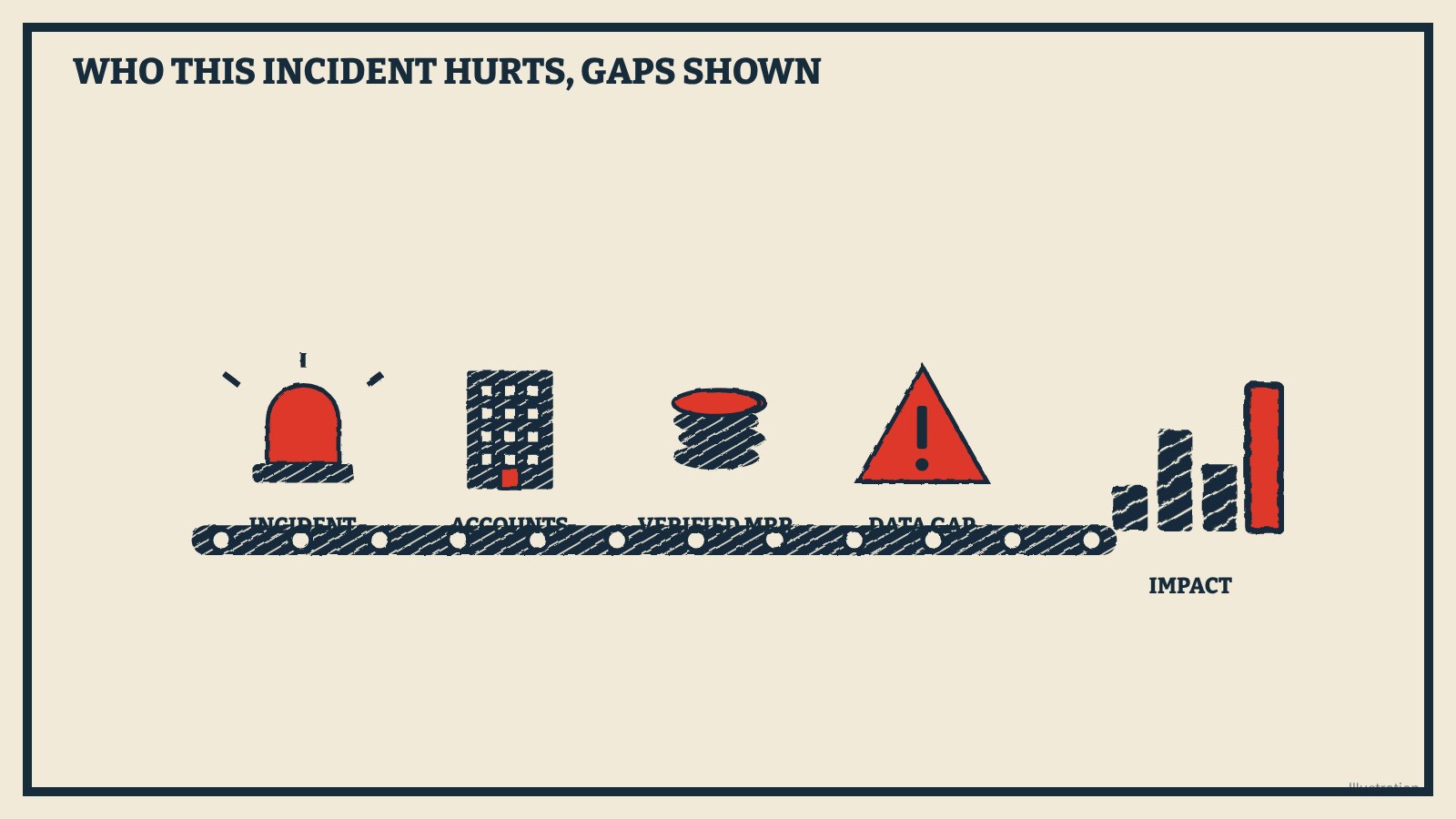
During an incident, the alert, the error, the release and the engineering ticket usually live in four different tools. Incident correlation puts them next to the tickets with the evidence for each link rated strong, moderate or weak, flags duplicate incidents, and recommends a severity people still decide.
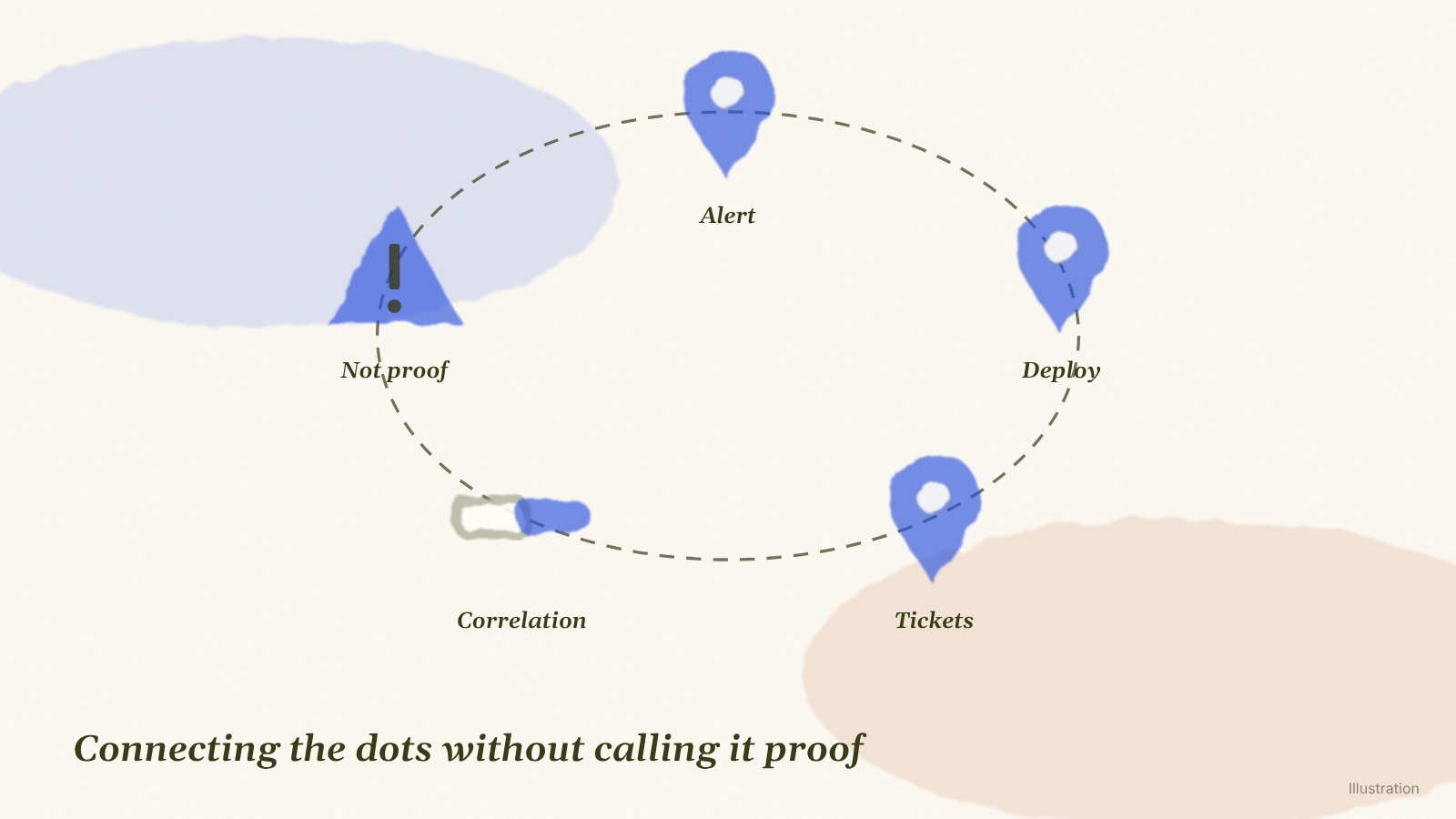
Twelve tickets about export timeouts. A latency alert on the export service. A release forty minutes earlier. An engineering ticket someone opened yesterday. Somebody has to put those together, and has to be careful not to blame the release just because it happened first.
Here's how that usually goes. At a company that sells reporting software, an incident is opened at 14:20 for "invoice export timeout". At 14:30 a different agent opens another for "export errors". In the incident channel:
- The support lead pastes a screenshot of the latency alert from the monitoring tool.
- An engineer says "there was a release at 13:40, it's probably that". The release is rolled back.
- Nobody notices an engineering ticket from yesterday: "export queue workers running out of memory on large accounts".
- The two incidents run in parallel for an hour, each with its own updates.
The rollback doesn't help. The cause was yesterday's memory problem, made worse by month-end volume. The release just happened to be there.
First, the basics
- An incident groups tickets about the same problem.
- Correlation means things happen together; it isn't proof that one caused the other.
- A monitoring alert fires when a metric crosses a threshold. An error signature identifies a specific error.
- A release is a deployment of new code. An engineering issue tracks work in your tracker.
- Link strength here is strong, moderate or weak, with reasons.
- A duplicate incident is a second incident for the same problem.
- Severity (SEV1–4) is how serious an incident is; investigation priority (0–100) is how urgently to look into it.
- Incident command is the process people use to run an incident.
Why does this matter? In an incident, the first plausible link often gets acted on. Showing every related signal with the evidence for each link, and rating timing alone as weak, keeps the team from fixing the wrong thing, and catching duplicates keeps everyone working on one incident.
The problem, in plain terms
- Signals are spread across four tools.
- Timing gets mistaken for cause.
- Duplicate incidents split the response.
- Existing engineering issues are missed.
- Severity is set on gut feel.
What lines up, and how strongly
Every incident now shows the monitoring alerts, error signatures, releases and engineering issues around it. Each is rated strong, moderate or weak, with the reasons:
- it started close in time to the incident
- it shares the incident's key words
- it involves the same service the tickets mention
- it's tied to the same known issue
Timing alone is always weak. A release that happened to ship forty minutes earlier is a lead, not a cause. When someone confirms a link, it's kept and marked with who linked it.
Duplicates and impact
Two incidents opened ten minutes apart about "invoice export timeout" and "export errors" are probably one problem. Incidents with similar tickets, words or customers at the same time are flagged, and Merge into this one brings their tickets together.
The incident also shows how many organisations are affected and how many of them are enterprise or VIP accounts.
A recommended severity and priority
From customers, organisations, enterprise exposure, agreeing monitoring alerts and whether tickets are still rising, the incident gets a recommended severity (SEV1–4) and an investigation priority (0–100), each with its reasons. They're recommendations: people still set the severity in incident command.
A worked example, start to finish
Here's the export incident again, with correlation. The details are illustrative.
14:20. The incident "invoice export timeout" opens with 12 tickets.
14:21, related signals, rated.
- Engineering issue ENG-881, "export queue workers running out of memory on large accounts", opened yesterday: strong: shares key words (export, large accounts), involves the same service (export-worker), tied to the same known issue.
- Latency alert on export-worker, started 14:05: strong: close in time, same service.
- Error signature
WorkerOOMKilled: moderate: same service, shares export. - Release 7.3.1 at 13:40: weak: timing only; it touched the billing service, not export-worker.
14:30, a duplicate. A second incident, "export errors", opens. Both are flagged as likely duplicates: similar tickets, words and customers at the same time. The support lead clicks Merge into this one; 6 more tickets join the first incident.
14:31, impact and recommendation. 11 organisations, 2 enterprise or VIP. Monitoring alerts agree; tickets still rising. Recommended severity: SEV2, investigation priority: 78, each with its reasons.
14:35, incident command. The incident commander sets SEV2. Instead of rolling back 7.3.1, the team opens ENG-881: the memory problem is hitting month-end volumes. The engineer who owns it raises worker memory for large accounts and limits concurrent exports per account.
14:36, confirmed link. The commander confirms the link to ENG-881; it's kept and marked with who linked it.
15:10. Exports recover. No unnecessary rollback, one incident instead of two, and the right engineering issue from the start.
Five more real-world scenarios
1. A release with the same service
Situation. A release touched the same service and shipped just before.
How TR handles it. Rated higher than timing alone, because it involves the same service, with the reasons shown.
2. Only timing
Situation. A config change happened 20 minutes before, on an unrelated service.
How TR handles it. Weak: timing alone.
3. Not really a duplicate
Situation. Two incidents look similar but are different problems.
How TR handles it. They're flagged, not merged; people decide.
4. Many enterprise accounts
Situation. Most affected organisations are enterprise.
How TR handles it. Enterprise exposure raises the recommended severity, with the reason.
5. Tickets slowing
Situation. New tickets have stopped arriving.
How TR handles it. Whether tickets are still rising is one of the inputs to the recommendation.
Before and after
Before. Two incidents for one problem, a screenshot in a channel, a rollback of a release that wasn't involved, and yesterday's engineering issue missed.
After. Every related signal rated with its reasons, timing alone marked weak, the right engineering issue rated strong, duplicates merged, and a recommended severity people set themselves.
How to tell it's working
- Rollbacks follow strong links, not timing.
- Duplicate incidents are merged early.
- Existing engineering issues are found in the first minutes.
Who it's for
- Incident commanders and support leads.
- On-call engineers deciding what to roll back.
- Engineering teams whose issues should be found, not re-reported.
How it fits with the rest of TicketResolve
Correlation sits on every incident, using monitoring alerts, error signatures, releases, engineering issues and known issues. Customer impact and proactive outreach build on it.
Why timing alone is weak
In any busy system, something always happened shortly before an incident: a release, a config change, a cron job. If timing were enough, every incident would have a suspect. Real links share more: the same service, the same words, the same known issue. That's why timing alone is always rated weak, and why the evidence for each rating is shown.
Reading a related-signals list in the first five minutes
The first minutes of an incident are noisy, so it helps to read the list in a fixed order.
- Start with the strong links. They share more than timing: the same service, the same words, the same known issue. If an engineering issue is rated strong, open it before anything else; someone may already understand the problem.
- Then read the moderate ones. An error signature on the same service often tells you what is failing, even when it doesn't tell you why.
- Read weak links last, and treat them as leads. A release rated weak because of timing alone is worth a look only if nothing stronger explains the tickets. Check which service it touched before anyone talks about rolling it back.
- Look at duplicates before you post an update. If a second incident is flagged, merging first means one set of updates and one owner, instead of two channels telling customers slightly different things.
- Read impact and the recommendation together. Organisations, enterprise or VIP accounts, agreeing alerts and a rising trend explain why the recommended severity is what it is. If you disagree, set a different severity in incident command; the recommendation is there to inform the decision, not to make it.
What a confirmed link is for
Confirming a link isn't paperwork. It records, during the incident, what the team actually believed was connected and who said so. Afterwards, that record is what the review starts from: which engineering issue was the cause, which alert first showed it, which release was ruled out. Because each confirmed link keeps who linked it, nobody has to reconstruct the story from a chat channel a week later.
Mistakes to avoid
- Rolling back the nearest release without checking its service.
- Running duplicate incidents in parallel.
- Treating the recommendation as the decision.
Do it in TicketResolve, step by step
Where: Incidents (/dashboard/incidents). You'll need: monitoring, error tracking, deployments and an issue tracker connected. Full guides: Incidents: group, review and split tickets and TR Investigate reliability.
- Open the incident.
- Read related signals: alerts, error signatures, releases and engineering issues, each rated with reasons.
- Confirm links you know are real; they're kept with who linked them.
- Check duplicate flags and Merge into this one where it's the same problem.
- Read impact: organisations and enterprise or VIP accounts.
- Read the recommended severity and priority, with reasons.
- Set severity yourself in incident command.
How to check it worked: related signals show strength and reasons, and confirmed links show who linked them.
Frequently asked questions
What signals are shown? Monitoring alerts, error signatures, releases and engineering issues.
How is link strength decided? Closeness in time, shared key words, the same service, and the same known issue.
Is timing enough for a strong link? No. Timing alone is always weak.
What happens when someone confirms a link? It's kept and marked with who linked it.
How are duplicates found? Similar tickets, words or customers at the same time.
What does merging do? Brings the tickets together in one incident.
What does the recommendation use? Customers, organisations, enterprise exposure, agreeing alerts and whether tickets are rising.
Who sets severity? People, in incident command.
Can a weak link become strong? Its rating reflects the evidence it shares with the incident. A person can confirm any link they know is real; it's then kept and marked with who linked it.
Does merging close the other incident? Merge into this one brings the tickets together in one incident, so the response runs in one place.
Do I need every source connected? No. Correlation uses whatever you've connected: monitoring alerts, error signatures, releases and engineering issues. Each extra source adds signals to rate, and a missing one simply means fewer related signals on the incident.
Explore Topics
Written by
Ghulam Shabbir
Content creator and writer sharing insights and stories.