
Two Minutes a Day: Running Stand-Ups for a Support Team
A ticket stuck “in progress” for four days usually means someone was waiting and nobody who could help knew. The written daily stand-up takes two minutes, fills itself from each agent’s activity, puts blocked and watch-out reports at the top of the lead’s board, and posts to #standup for the conversation.
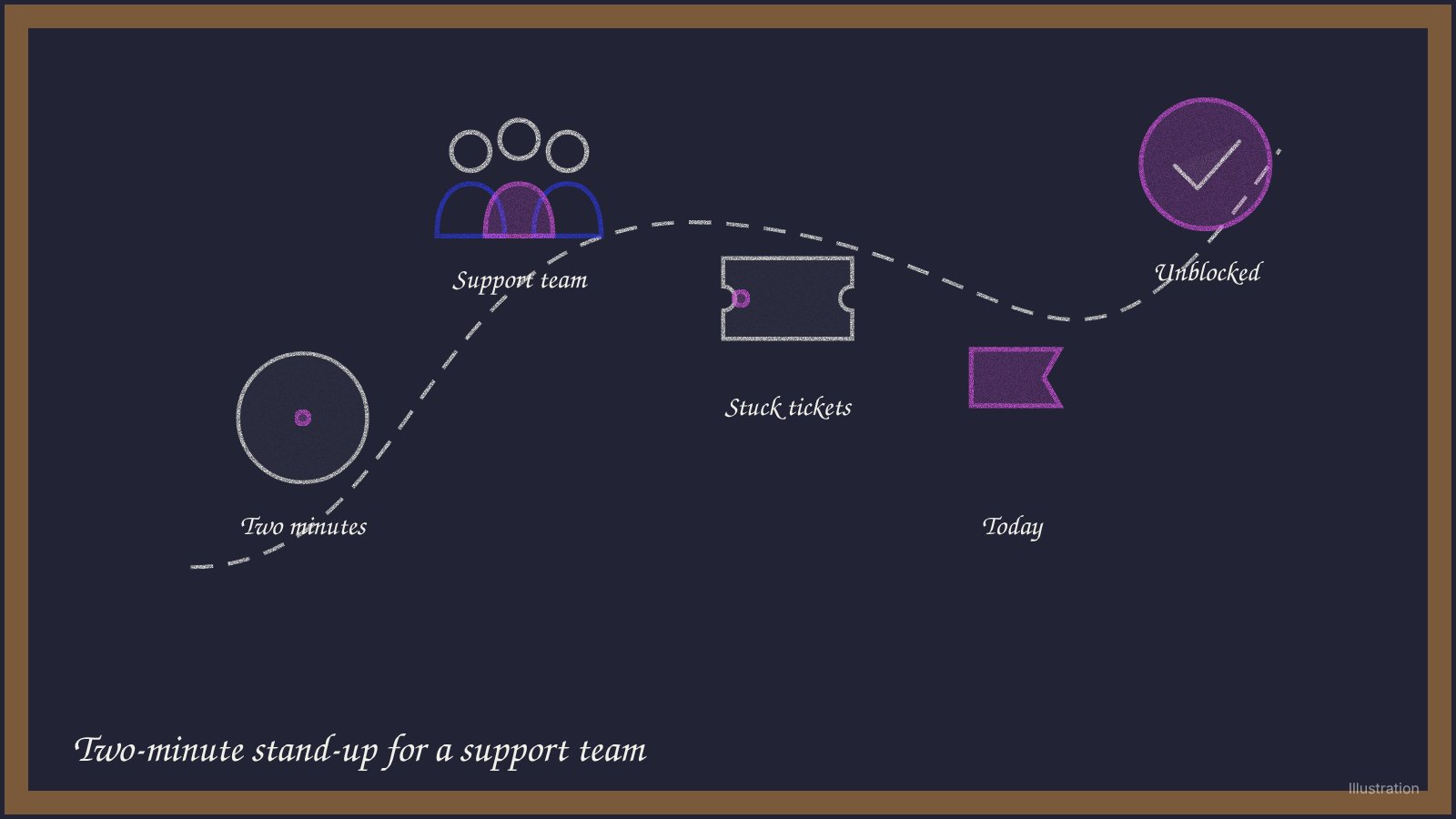
A ticket that's been "in progress" for four days rarely got there because someone was lazy. It got there because the agent was waiting (on engineering, on a customer's logs, on a refund approval) and nobody who could help knew.
That's what a stand-up is for. Support teams just rarely have one: shifts overlap badly, people are mid-conversation with customers, and a 15-minute meeting every morning is expensive.
Here's how that looks at a company that sells a meal-kit subscription, with a support team spread across Manila, Lisbon and Toronto:
- Monday. An agent in Lisbon, Inês, picks up a ticket from a customer threatening to cancel over repeated missing ingredients. She needs a refund approved above her limit.
- Tuesday. The approver is in Toronto and doesn't know. Inês mentions it in a chat thread that scrolls away.
- Wednesday. An agent in Manila notices three more tickets about the same missing ingredient from one warehouse, but assumes someone else has flagged it.
- Thursday. The customer cancels. The warehouse problem has now produced 30 tickets.
Nobody did anything wrong. The team just had no place where "I'm blocked" and "watch out, this is spreading" landed in front of the lead.
First, the basics
- A stand-up is a short daily check-in: what you did, what you're doing, what's in your way.
- A written stand-up does the same in writing, so people in different time zones can take part.
- A roadblock is something stopping you. A red flag is something the team should know about.
- No roadblocks, watch out, blocked are the three levels an agent can choose.
- A Support Lead is the person who runs the team day to day.
- #standup is a team chat channel where reports are posted.
- The due time is when reports are expected each day.
Why does this matter? Most stuck tickets are stuck for a reason someone else could fix in minutes. A two-minute written report, with blocks and warnings at the top of the lead's view, gets help to the right place before a customer gives up.
The problem, in plain terms
- Blocks stay invisible to the people who could unblock them.
- Warning signs (an angry customer, an SLA at risk, a spike) aren't shared.
- Meetings across time zones are hard and expensive.
- Writing reports from memory takes time.
- Reminders turn into nagging.
The written stand-up
TR-AI's Daily stand-up (Work → Daily stand-up) asks each agent four things:
- Completed yesterday. Ticket numbers, with a note if it helps.
- Still in progress. And why.
- Planning to finish today.
- Roadblocks and red flags. Marked no roadblocks, watch out or blocked.
"Fill in from my activity" starts the list from the agent's own records: replies they approved, queue items they handled, and anything they planned yesterday but haven't finished. They check it and submit. Two minutes.
The board
The Team tab is the Support Lead's morning view: who has submitted and who hasn't, blocked and watch-out reports at the top, and totals for tickets completed, in progress and planned. Pick any past day to look back.
Red flags are the point. "Customer threatening to cancel over #4812", "SLA on #4790 breaches at 2 pm", "five tickets about the same CSV export error": these are the lines a lead needs to see before the day gets away.
The conversation
Reports post to a #standup channel in team chat, so people can reply in a thread. When the team does want to talk, Start stand-up call opens a video call with everyone in one click.
The habit
Leads set the due time, time zone and days, and who isn't expected to submit. Anyone who hasn't submitted 30 minutes after the due time gets one e-mail reminder, with no nagging beyond that.
A worked example, start to finish
Here's the meal-kit team's week, with the daily stand-up. The details are illustrative.
Setup. The Support Lead, Marcus, sets the due time to 09:00 Lisbon time, weekdays, and marks two part-timers as not expected on Fridays.
Tuesday 08:50, Inês. She opens Work → Daily stand-up and clicks Fill in from my activity. It adds the replies she approved and the queue items she handled yesterday, plus the refund ticket she planned to finish but hasn't. She adds a note: "#5120, waiting on refund approval above my limit; customer threatening to cancel." She marks it blocked and submits. Two minutes.
Tuesday 09:00, Ana in Manila. Her report includes a red flag: "Three tickets about missing chickpeas from the Leeds warehouse", marked watch out.
Tuesday 09:30, the board. Marcus opens the Team tab. Inês's blocked report and Ana's watch-out report are at the top. Totals show tickets completed, in progress and planned. Two people haven't submitted; one is a Friday part-timer, correctly not expected.
Tuesday 09:35, unblocking. Marcus replies in Inês's thread in #standup: "Approved. Go ahead with the refund." Inês processes it at 09:40. The customer stays.
Tuesday 09:40, the warning. Marcus contacts the operations team about the Leeds warehouse. They find a supplier shortage. Support adds a known issue and a short reply for affected customers. The 30 tickets that would have arrived by Thursday don't.
Tuesday 09:30, a reminder. An agent who hasn't submitted gets one e-mail reminder. Nothing more.
Friday, a call. The team wants to talk through a new returns policy. Marcus clicks Start stand-up call. Everyone joins in one click.
Five more real-world scenarios
1. A quiet day
Situation. An agent has nothing blocking them.
How TR handles it. They choose no roadblocks and submit.
2. Updating during the day
Situation. A block clears at noon.
How TR handles it. The agent updates the report; the update is posted too.
3. Looking back
Situation. The lead wants to see last Wednesday.
How TR handles it. Pick any past day on the Team tab.
4. Not posting to the channel
Situation. An agent's note mentions something sensitive.
How TR handles it. They can untick posting to #standup.
5. Someone on leave
Situation. An agent is on holiday.
How TR handles it. Leads set who isn't expected to submit.
Before and after
Before. A blocked refund for three days, a spreading warehouse problem nobody flagged, a cancelled customer and 30 tickets.
After. A blocked report at the top of the lead's board, an approval in a thread five minutes later, a watch-out that turned into a known issue, and no meeting required.
How to tell it's working
- Blocked tickets get unblocked the same morning.
- Spikes are flagged by agents before dashboards show them.
- Submission rates stay high without nagging.
Who it's for
- Support Leads running distributed teams.
- Agents who need help from people in other time zones.
- Managers who want a daily view without a daily meeting.
How it fits with the rest of TicketResolve
The daily stand-up uses each agent's approved replies and queue activity, posts to team chat's #standup channel, and starts video calls for the team. Red flags often lead to known issues, escalations or incidents.
Writing a useful red flag
A good red flag is specific and actionable. "Customer threatening to cancel over #4812" tells the lead which ticket and why it matters. "SLA on #4790 breaches at 2 pm" gives a deadline. "Five tickets about the same CSV export error" points at a pattern. Vague flags like "busy day" or "some angry customers" don't help anyone act. If you're not sure whether something is worth flagging, use watch out; the lead can decide.
Why one reminder
A stand-up only works if people want to do it. Repeated reminders turn a two-minute habit into a chore, and chores get done badly. One e-mail, 30 minutes after the due time, catches people who simply forgot, and leaves the rest to the team's own rhythm.
Running the board as a lead
The Team tab is most useful if the lead treats it as a short, fixed part of the morning.
- Open it at the same time every day, shortly after the due time.
- Read blocked reports first and act on each one before anything else. A reply in the thread, an approval, or a message to the person who can help.
- Read watch-out reports next. Decide whether each one is a one-off or a pattern. Several agents flagging the same thing usually means a known issue or an incident.
- Glance at who hasn't submitted. One reminder has already gone out; a quick word is better than a second e-mail.
- Look at the totals for trends, not for ranking people. A team whose in-progress count keeps rising is waiting on something.
- Close the loop. When you unblock someone, say so in the thread, so the whole team sees blocks get handled.
When a call is better
Written stand-ups handle most days. A call is better when something needs discussion rather than a decision: a new policy, a tricky customer, a process that isn't working. Start stand-up call opens one with the team in a click, so you can have the conversation without scheduling a meeting.
Mistakes to avoid
- Submitting without checking what "Fill in from my activity" added.
- Burying blocks in the in-progress list.
- Turning the board into a performance ranking.
Do it in TicketResolve, step by step
Where: Work → Daily stand-up (/dashboard/standup). You'll need: team chat for #standup; Support Lead access to set the schedule. Full guides: Daily stand-ups and Team chat.
- (Leads) Set the due time, time zone and days, and who isn't expected.
- Open Daily stand-up and click Fill in from my activity.
- Check and edit completed, in progress and planned tickets, with notes.
- Choose no roadblocks, watch out or blocked, and describe it.
- Submit; it posts to #standup unless you untick it.
- (Leads) Open the Team tab: blocked and watch-out reports first.
- Reply in threads or click Start stand-up call.
How to check it worked: the Team tab shows who submitted, with blocked and watch-out reports at the top.
Frequently asked questions
Where is it? Work → Daily stand-up.
What does it ask? Completed yesterday, still in progress, planning to finish today, and roadblocks or red flags.
How long does it take? About two minutes, with Fill in from my activity.
What does Fill in from my activity add? Replies you approved, queue items you handled, and yesterday's unfinished plan.
What does the lead see? Who submitted, blocked and watch-out reports first, and totals.
Where are reports posted? To #standup in team chat, unless you untick it.
Can we talk instead? Yes. Start stand-up call opens a video call with the team.
How are reminders sent? One e-mail, 30 minutes after the due time.
Can I update my report later? Yes. Updates during the day are posted too.
Who sets the schedule? Support Leads set the due time, time zone, days and who isn't expected.
Explore Topics
Written by
Ghulam Shabbir
Content creator and writer sharing insights and stories.