
Did the Release Break It? Before-and-After Deployment Comparison Without Guesswork
Tickets spike after a release and everyone blames the deploy. Sometimes they’re right, often they aren’t. Compare the same window before and after, for the service that was actually deployed, and score the link with evidence rather than timing. A practical guide with a worked example.
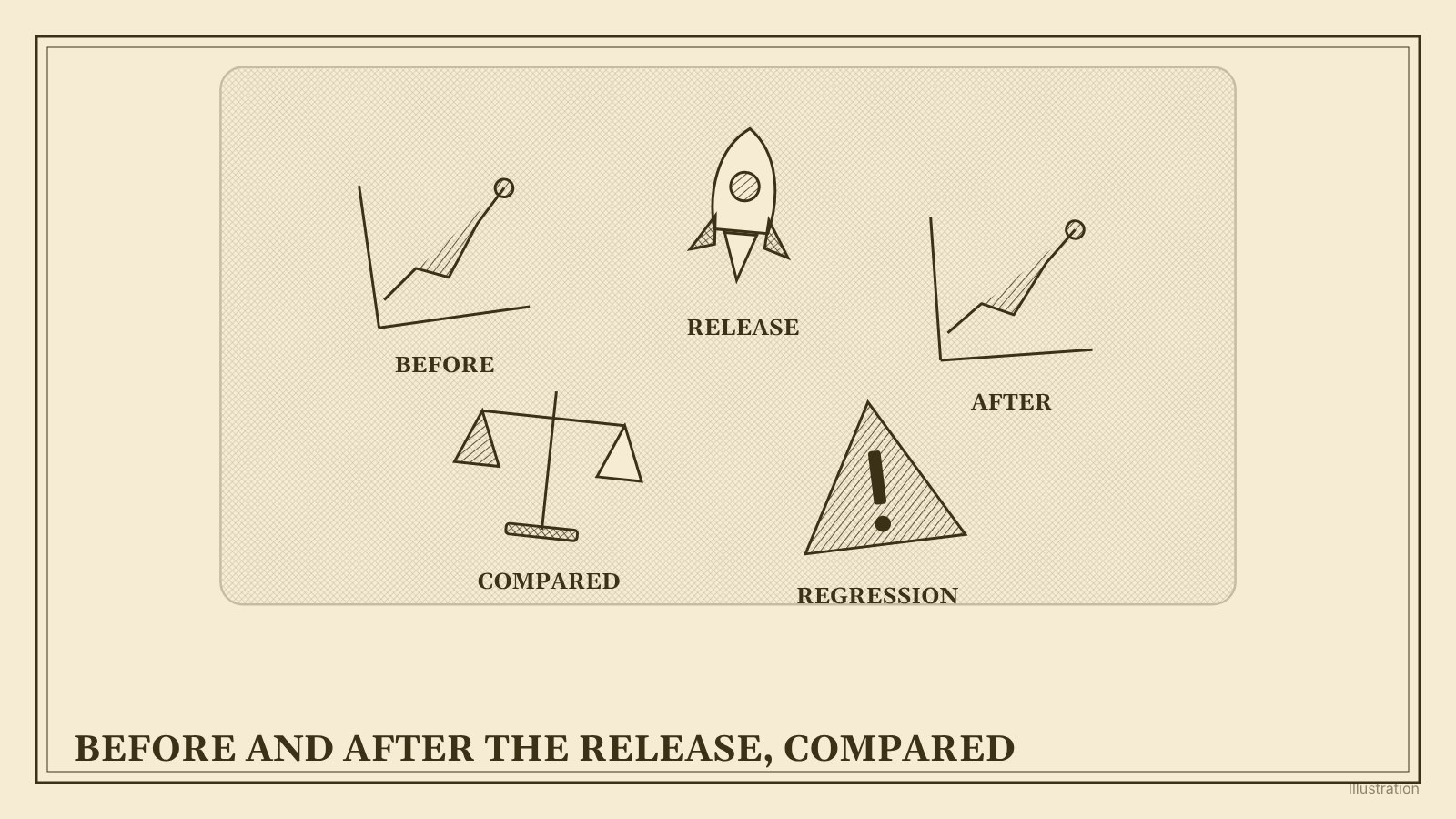
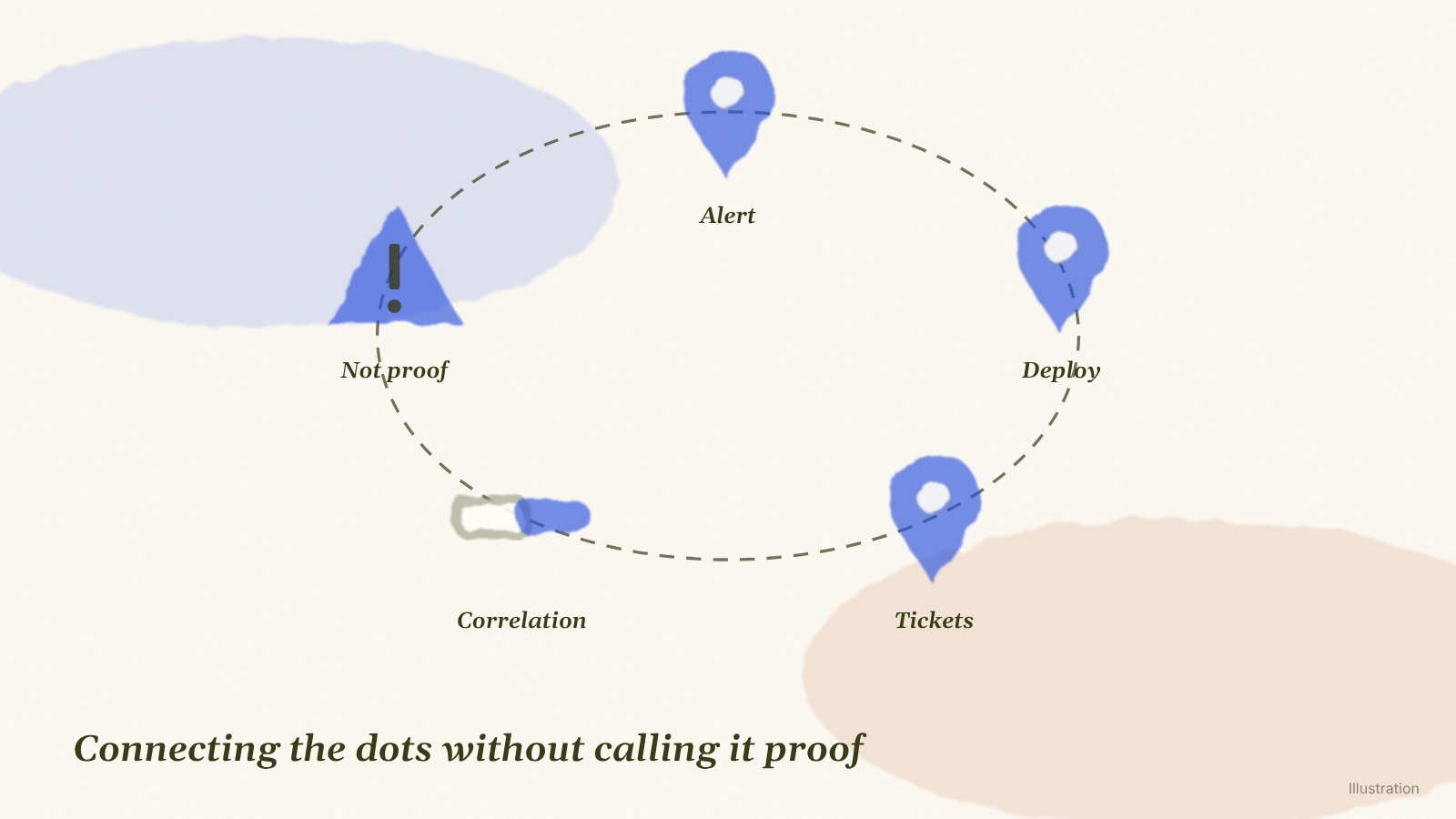
"It started right after the release" is the most common theory in any incident, and one of the least reliable. Two things happening close together is not evidence that one caused the other. Before anyone rolls back, compare what actually changed, in the service that was actually deployed.
Here's how a timing theory plays out at a company that sells scheduling software to dental clinics:
- 09:40: release 4.12.0 of the
booking-apigoes out. - 10:05: support sees a burst of tickets: "Patients can't confirm appointments by text."
- 10:10: someone posts in the incident channel: "It's the 4.12 release. Roll it back."
- 10:40: the rollback finishes. Tickets keep arriving.
- 11:30: an engineer finds the real cause: the SMS provider had rotated its webhook signing key at 09:55, and the
sms-gatewayservice, which wasn't part of the release, was rejecting every confirmation.
The rollback cost an hour, removed two genuine fixes from production, and pointed everyone at the wrong service. Nothing in booking-api had changed for the worse. The timing was the only evidence, and timing alone is weak evidence.
First, the basics
- A deployment (or release) is a new version of a service going live in an environment.
- A regression is something that worked before a change and doesn't after it.
- A before / after window is the same length of time on each side of the deployment, such as 30 minutes before and 30 minutes after.
- Error rate is the share of requests that failed, usually 5xx responses out of all requests.
- A new error signature is an error type seen for the first time after the release, in that service.
- A release tag links an error to the version that produced it, for example a Sentry release or a commit hash.
- Correlation means two things happened together; it doesn't say which caused which, or whether either did.
Why does this matter? Rollbacks are expensive and blame is sticky. A team that checks before acting rolls back the releases that really broke something, keeps the ones that didn't, and finds the real cause sooner because it isn't stuck on the wrong one.
The problem, in plain terms
- Timing feels like proof. The release is the most recent visible change, so it gets blamed first.
- Other changes are invisible. Vendor changes, configuration pushes, certificate rotations and traffic spikes don't show up in the release channel.
- Different tools use different names. CI says
acme/booking-api; monitoring saysbooking-api; one saysprod, the otherproduction. - Nobody compares like with like. "Errors are up" without a before figure is a feeling.
- The result is binary. "The release caused it" or "it didn't", when the honest answer is usually a degree of evidence.
Compare the same window on both sides
Pick a window that suits the service: 15 minutes for a busy API, an hour or a day for something quieter. Then compare before and after for the service that was deployed:
- Errors and error rate, so a traffic increase doesn't look like a regression.
- Response time, CPU and memory.
- New error signatures first seen after the release, in that service.
- Errors tagged with the release or its commit.
- Support tickets and synthetic check failures for the same service.
If the after-window isn't over yet, say so, and wait or project carefully. A comparison of 30 minutes before against 6 minutes after is not a comparison.
Score the evidence, not the timing
Give each kind of evidence fixed points so anyone can see why the result came out the way it did: the same service, the same environment, a new error signature, a matching release tag, a real change in error rate, a real change in latency, tickets about the same service, synthetic failures, and history (have earlier releases of this service caused new errors?). If only timing lines up, cap the score and say that timing is all there is.
The result is a level: likely related, possibly related, weak link or no evidence. Never "caused". Cause is something a person confirms.
Match service names carefully
Map CI names to monitoring names once, and show which telemetry services were compared on every deployment. If the mapping is missing, the comparison should say "no telemetry found for this service", not quietly compare the wrong one.
A release is context, not a universal suspect
A strong regression in billing tells you nothing about a customer's expired API key in another service. An investigation should only treat a deployment as a possible cause when it touches the same service, or the service whose errors matched the report.
In TR-AI
Open Deployments (/dashboard/deployments) for every release your CI/CD tool reports: the before / after charts, new errors, the evidence table with points for each factor, the tickets and customers affected, and Investigate this release. Inside any TR Investigate investigation, releases from the 24 hours before the report are compared the same way, and a release only becomes a possible cause when it's the same service, or the service whose errors matched the report.
A worked example, start to finish
Here's the dental-scheduling morning again, with a before / after comparison. The names, versions and numbers are illustrative.
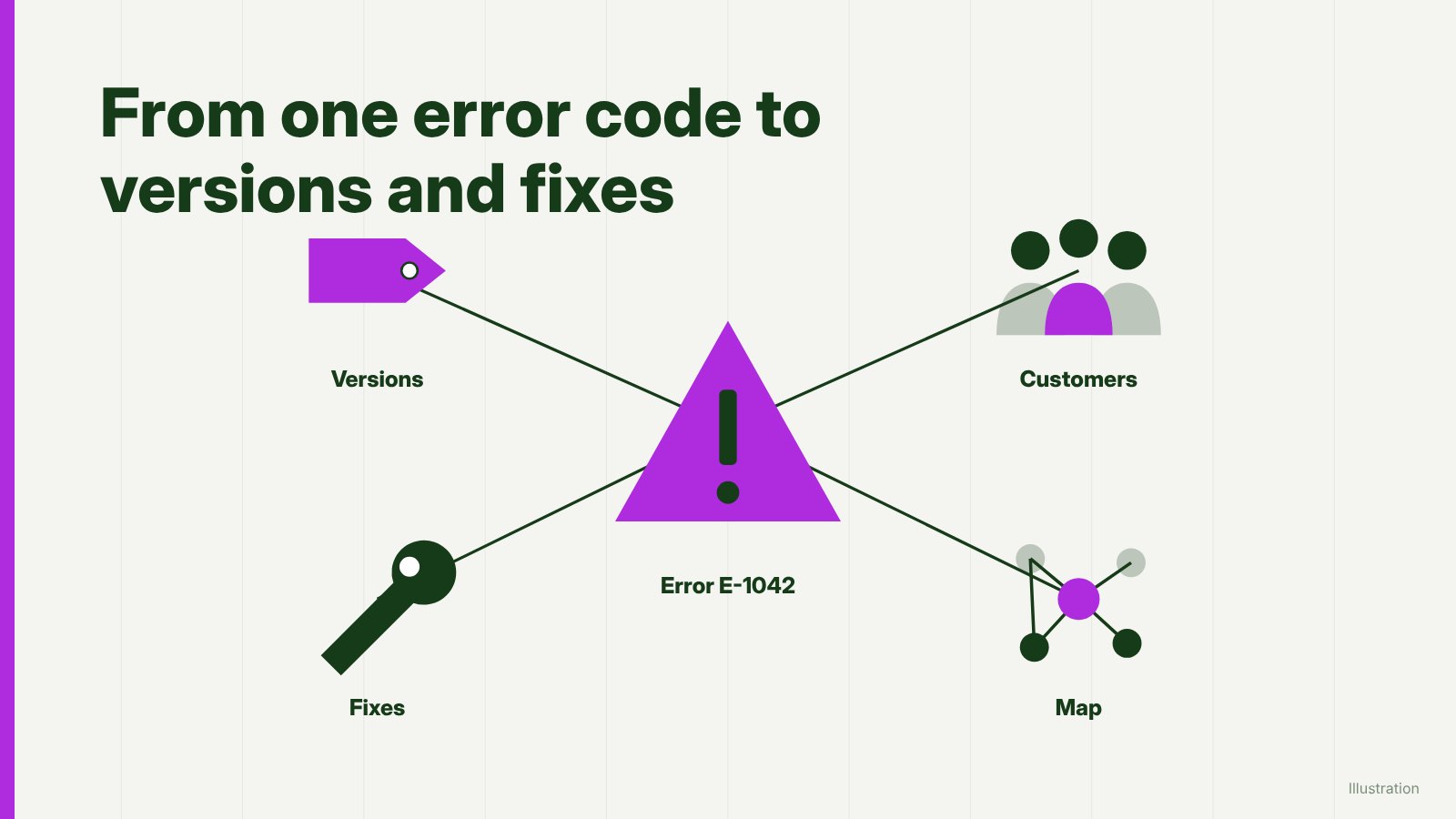
09:40. Release 4.12.0 of booking-api arrives from GitHub Actions. TR-AI maps it to the booking-api service in Datadog and starts the comparison with a 30-minute window.
10:10. The after-window is complete. The deployment page shows:
- Error rate: 0.4% before, 0.5% after. Within normal variation.
- Response time: p95 210 ms before, 205 ms after.
- New error signatures in
booking-api: none. - Errors tagged 4.12.0: two, both a known validation warning that existed in 4.11.
- Tickets: 23 in the after-window, but the classifier links them to SMS confirmation, not booking.
- Result: weak link. Factors: same environment, timing. Against: no new errors, no rate change, tickets about a different service.
10:12. Leila, the support lead, opens the investigation for the ticket burst instead. Production evidence shows a spike of 401 invalid signature errors in sms-gateway from 09:55. No release of sms-gateway happened that morning. The vendor-change evidence points to the SMS provider's key rotation.
10:25. Engineering updates the signing key. Fix verification compares the next 30 minutes against the failing window: the 401 errors stop, and new confirmation tickets stop.
What didn't happen: a rollback of 4.12.0. Its two genuine fixes stayed in production, and the team spent its hour on the service that was actually failing.
Five more real-world scenarios
1. A release that really did break something
Situation. After a release of payments-api, a new TimeoutError appears, tagged with the release, and the error rate triples.
How TR handles it. New signature, release tag, rate change and matching tickets all score. The result is likely related, and the page offers to investigate the release and, if your rollback policy is set, to request a rollback for someone else to approve.
2. Only timing
Situation. Tickets rise after a release, but nothing in that service changed.
How TR handles it. The score is capped and the page says timing is the only evidence. The team looks elsewhere.
3. Traffic, not a regression
Situation. Error counts double after a release, but so do requests; a marketing email went out.
How TR handles it. The error rate is flat, so the comparison doesn't treat the higher count as a regression.
4. The window isn't over
Situation. Someone checks five minutes after the deploy.
How TR handles it. The after-window is marked incomplete, so a short, noisy sample isn't read as a result.
5. Names that don't match
Situation. CI reports web-frontend; monitoring calls it storefront.
How TR handles it. The page shows which telemetry services were compared, so a missing mapping is visible and fixable instead of silently comparing nothing.
Before and after
Before. A release, a ticket burst, a confident message in the incident channel, a rollback, and an hour lost on the wrong service.
After. A side-by-side comparison for the service that changed, a "weak link" with the reasons, an investigation pointed at the real errors, and a fix verified with fresh telemetry.
How to tell it's working
- Rollbacks are rarer and more often right. Each one has evidence behind it.
- Incident channels quote factors, not just timestamps.
- Releases with no effect are cleared quickly, so the search moves on.
Who it's for
- Support leads who see the ticket spike first.
- On-call engineers deciding whether to roll back.
- Release managers who want to know which releases caused trouble and which were blamed unfairly.
How it fits with the rest of TicketResolve
Deployments feed TR Investigate, where a matching release becomes one possible cause among others. Known issues and incidents link to the release that started them. Fix verification compares fresh telemetry after a fix, and engineering intelligence waits for a release that mentions the engineering issue before calling a fix live.
Why a level and not "caused"
A before / after comparison measures how strongly the evidence links a release to a problem. It can't see everything: a vendor change, a database migration run by hand, or a configuration flag flipped in another tool. "Likely related" tells the team where to look first; a person who checks the code or the logs confirms the cause.
When to roll back anyway
Sometimes the impact is severe enough that rolling back first and investigating later is the right call, even with a moderate score. That's a judgement for the people on call. What the comparison adds is a record: what the evidence said at the moment of the decision, so the post-incident review can see whether the rollback helped.
Mistakes to avoid
- Comparing counts, not rates.
- Comparing the whole platform instead of the service that changed.
- Reading an incomplete after-window.
- Treating a release as the cause of every ticket in the next hour.
Do it in TicketResolve, step by step
Where: Deployments (/dashboard/deployments) and any investigation in TR Investigate (/dashboard/investigate). You'll need: your CI/CD tool sending deployments, and a monitoring tool connected. Full guides: Deployments: what happened to tickets after each release, TR Investigate and TR Investigate reliability.
- Connect your CI/CD tool: GitHub Actions, GitLab CI/CD, Jenkins, CircleCI, Argo CD, Bitbucket Pipelines, or any tool that can send a signed JSON webhook.
- Connect monitoring (Sentry, Datadog, New Relic, Grafana, CloudWatch or OpenTelemetry) so there's telemetry to compare.
- Open a deployment and choose the window.
- Read the evidence table: which factors scored, which didn't, and which telemetry services were compared.
- Check the tickets and customers linked to the same service.
- Investigate this release when the result is likely or possibly related.
- Optionally set a rollback policy under Integrations → Rollback policy, so a rollback request needs a second person's approval.
How to check it worked: each deployment shows a before / after comparison, a level with its factors, and the services compared.
Frequently asked questions
Which CI/CD tools work? GitHub Actions, GitLab CI/CD, Jenkins, CircleCI, Argo CD, Bitbucket Pipelines and any tool that can send a signed JSON webhook. Each delivery is accepted once.
Does TR-AI roll back the release? No. It can recommend a rollback to the previous successful release. With a rollback policy, someone requests it with a reason and a different person approves it before your CI/CD webhook is called once.
What window should I use? Short (15 to 30 minutes) for busy services, longer for quiet ones. The window must be complete on both sides.
Why is the score capped when only timing matches? Because two things happening close together isn't evidence that one caused the other.
What if service names differ between tools? The page shows which telemetry services were compared, so a missing or wrong mapping is easy to spot.
Does a release count as a cause for every ticket afterwards? No. Only for reports about the same service, or the service whose errors matched the report.
Does TR-AI ever say a release "caused" a problem? No. It reports likely related, possibly related, weak link or no evidence. People confirm causes.
Can it catch problems before tickets arrive? Yes, when errors, latency or synthetic checks change after a release. Tickets are one factor among several.
Is customer data shown in the comparison? Affected customers are linked from their tickets, and only people with access to those tickets can see them.
Explore Topics
Written by
Ghulam Shabbir
Content creator and writer sharing insights and stories.