
Synthetic Monitoring for Support Teams: Find the Break Before the Tickets Arrive
Customers are often the first monitoring system a SaaS company has. Synthetic checks run the journeys customers depend on every few minutes with a safe test account, so support hears about a broken sign-in or export before the queue fills up, opens an incident with evidence, and leaves closing it to a person. With an illustrative 2 a.m. failure, start to finish.
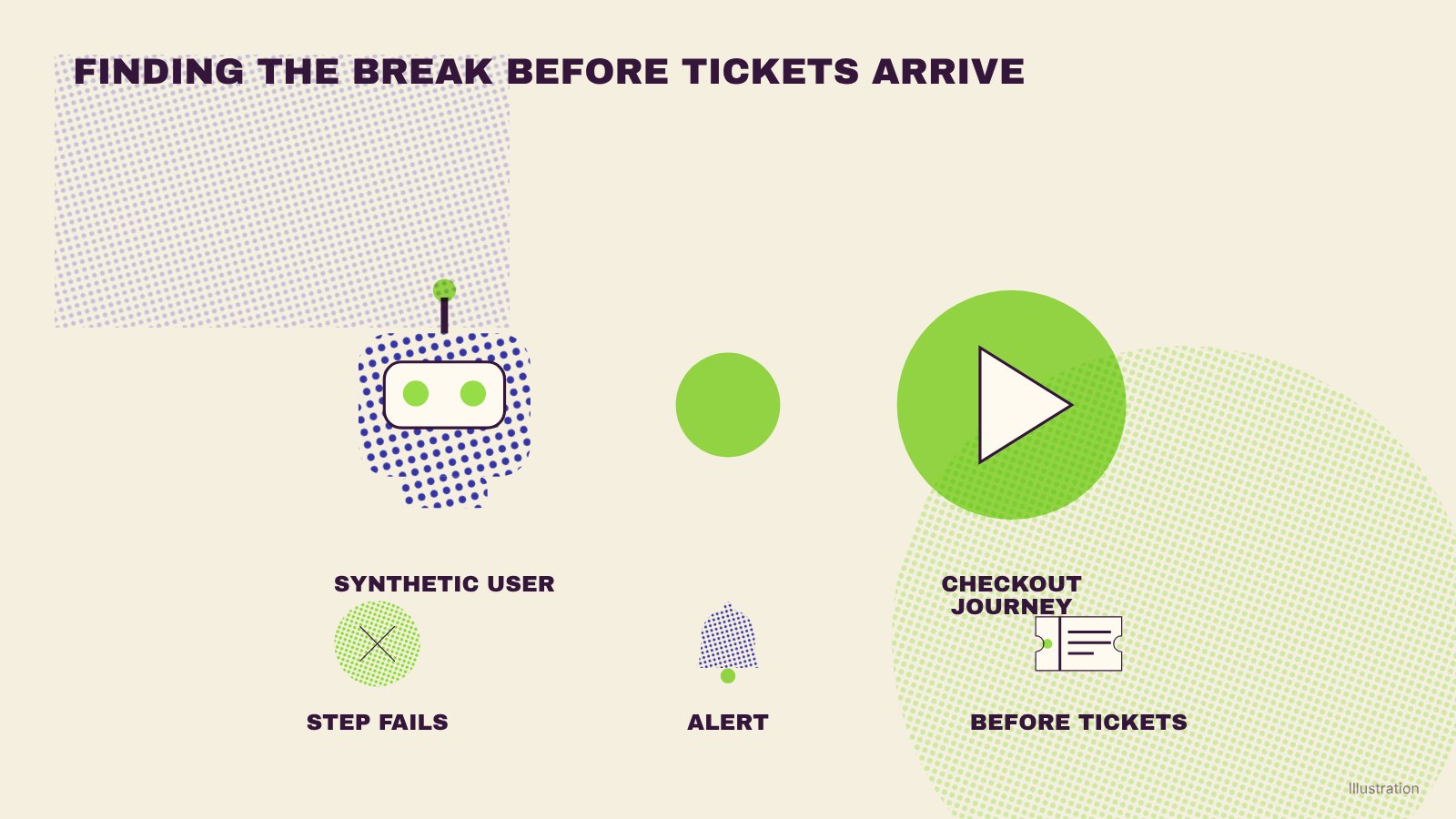
When a sign-in page breaks at 2 a.m., the first alert is often a customer. By the time the third ticket arrives, the problem has been live for an hour and the support team is reacting instead of preparing.
Synthetic monitoring flips that. A script does what a customer does (loads the page, signs in, opens a report) every few minutes, and tells you when it stops working.
Here's how a night goes without it at a company that sells an online learning platform to schools:
- 01:40: a configuration change breaks the "Sign in with school account" button. The health endpoint still says everything is fine.
- 06:30: the first teacher in an early time zone can't sign in. She writes in.
- 07:15: forty tickets. The morning shift arrives to a full queue and no idea what's wrong.
- 07:40: the AI keeps suggesting "clear your cookies and try again", because nothing tells it there's an outage.
- 08:30: engineering fixes it. Support spends the rest of the morning apologising.
The break was live for almost five hours before anyone inside the company knew. A check running every five minutes would have caught it at 01:45.
First, the basics
- A synthetic check is a short, scripted journey run on a schedule against your product.
- An HTTP check requests a page or endpoint and checks the status code, some text and the response time.
- A browser journey drives a real headless browser through steps: go to a page, fill a field, click, expect text.
- A test account is a login with no real customer data and no payment method, used only by checks.
- Consecutive failures means failing several runs in a row, which filters out one-off blips.
- Recovery is when a failing check passes again.
- An incident groups the problem, the tickets about it and the updates in one place.
Why does this matter? Support feels outages first and longest. Knowing before customers do lets support prepare replies, stop the AI from giving useless advice, link tickets to an incident and tell customers when it's fixed, instead of discovering it from an angry queue.
The problem, in plain terms
- Customers are the alarm.
- Health endpoints miss real breaks, like a button that does nothing.
- The AI keeps answering as if nothing were wrong.
- Checks that change data are dangerous in production.
- "Check passed" is mistaken for "customers are fine".
What a synthetic check is
A synthetic check is a short, scripted journey run on a schedule:
- HTTP checks request a page or endpoint and check the status code, a piece of text and the response time. They are cheap and catch outages.
- Browser journeys drive a real headless browser: go to a page, fill in a form, click a button, expect some text. They catch the breaks a health endpoint misses: a login button that does nothing, a report that never loads.
Why support should care
Engineering usually owns monitoring, but support feels the impact first. When a check fails, support can:
- prepare a known-issue reply before the first ticket;
- hold automated answers on that topic so customers aren't told to "try again";
- open an incident and link incoming tickets to it;
- tell customers when it is fixed, because recovery is recorded.
Designing safe checks
Synthetic checks run against production, so they must never cause harm:
- Use a test account with no real customer data and no payment method.
- Never change data. HTTP checks should only read (GET or HEAD). Browser journeys should never click anything that deletes, pays, buys, subscribes, cancels or refunds.
- Alert on repeated failures, not one. A single blip is noise; two or three in a row is a problem.
- Keep evidence. A screenshot of where the journey failed saves the first ten minutes of investigation.
Recovery is not resolution
When the check passes again, record it, but don't close the incident automatically. Customers may still be affected by queued jobs or cached errors. A person should confirm with customers before closing.
How TR-AI does it
In TR-AI, Synthetic checks (/dashboard/synthetic) run HTTP checks and browser journeys every 5 to 1440 minutes per environment, with a test account stored encrypted. After the failures you choose, the owner and your alert addresses get one email and an incident opens in Incidents. When the check passes again, recovery is noted on the check and the incident, and a person closes it. Clicks on destructive or financial actions are refused when the check is saved and again before clicking. Releases from your CI/CD tool appear alongside; see deployment correlation.
A worked example, start to finish
Here's the learning-platform night with synthetic checks. The names and times are illustrative.
Set-up, done once. Marta, the support operations lead, creates two checks in Synthetic checks:
- "Home page", an HTTP check: GET
/, expect 200 and the text "Sign in", every 5 minutes. - "School sign-in", a browser journey: go to
/login, click "Sign in with school account", fill the test account's username and password, expect "My classes". Every 5 minutes, alert after 2 failures in a row.
She ticks that the test account has no real customer data or payment method. Its password is stored encrypted and never shown again.
01:40. The configuration change breaks the school sign-in button.
01:45 and 01:50. "School sign-in" fails twice in a row, with a screenshot: the button is clicked, nothing happens. "Home page" still passes.
01:50. Marta and the on-call address get one email. An incident opens in Incidents, with the failing check and its screenshot on the timeline. A release from 01:35 appears alongside as a lead.
01:55. The on-call engineer sees the screenshot, finds the configuration change, and starts the rollback.
02:00. Marta, woken by the email, drafts a known-issue reply and holds automated answers on sign-in so the AI won't suggest clearing cookies.
02:25. The check passes again. Recovery is recorded on the check and the incident. The incident is not closed automatically.
06:30. The early-time-zone teacher signs in without trouble. Marta checks that no sign-in tickets arrived overnight, confirms with one school that sign-in works, and closes the incident.
What changed: a five-hour customer-discovered outage became a 45-minute internal one, fixed before most customers were awake.
Five more real-world scenarios
1. A one-off blip
Situation. A check fails once and passes the next time.
How TR handles it. It only alerts after the failures in a row you choose.
2. A check that would delete data
Situation. Someone adds a step that clicks "Delete report".
How TR handles it. Clicks on destructive or financial actions are refused when the check is saved and again before clicking.
3. A staging environment
Situation. You want checks on staging too.
How TR handles it. Checks are per environment, so staging and production each have their own.
4. A release just before
Situation. A check fails ten minutes after a deploy.
How TR handles it. Releases from your CI/CD tool appear alongside, as leads to investigate.
5. Recovery with lingering problems
Situation. The check passes but cached errors still affect some customers.
How TR handles it. Recovery is recorded; a person confirms with customers before closing.
Before and after
Before. A broken button nobody noticed for five hours, forty tickets at 07:15, an AI suggesting cookies, and a morning of apologies.
After. Two failures in ten minutes, one email, an incident with a screenshot, a rollback before 02:30, automated answers held, and an incident closed by a person after confirming.
How to tell it's working
- Incidents are opened by checks, not by the first ticket.
- Overnight breaks are fixed before customers wake up.
- The AI stops giving generic advice during outages.
- No check has ever changed data.
Who it's for
- Support operations leads.
- On-call engineers.
- SaaS teams with customers across time zones.
How it fits with the rest of TicketResolve
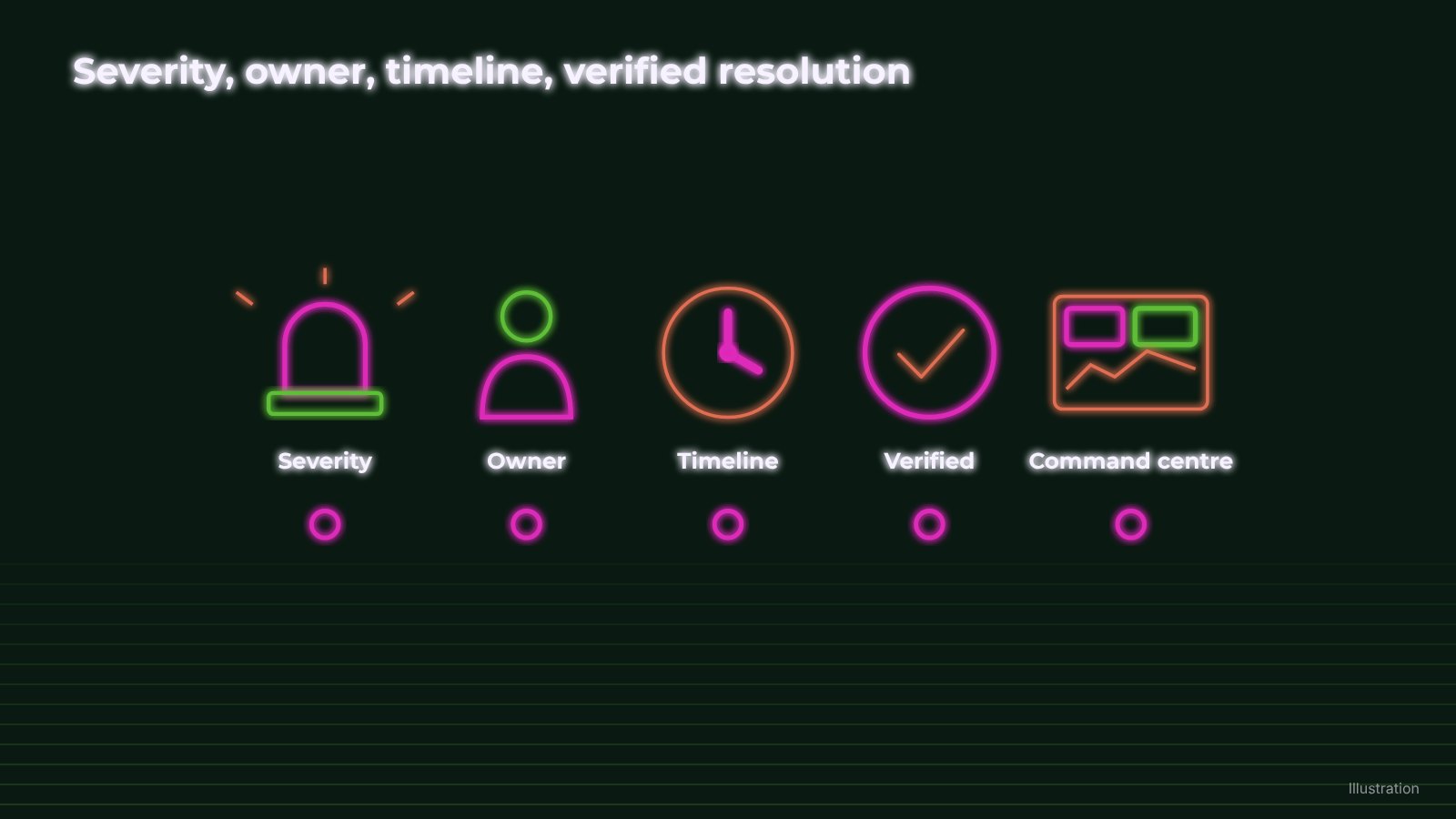
Failing checks open incidents and appear on the incident command centre timeline, next to deployments. Recovery helps verify resolution. Checks also feed TR Investigate as evidence and can be run from your own network with synthetic agents for internal services.
What to check first
Every 5 minutes for critical pages such as sign-in, and every 15–60 minutes for longer journeys. Start with sign-in, the main page customers land on after sign-in, and the one or two actions they do most (opening a report, sending a message). Add more only when an incident shows a gap.
Why one email, not many
A failing check every five minutes could send twelve emails an hour. Sending one when the threshold is reached, and recording recovery when it passes, keeps the alert meaningful. People act on alerts that are rare and right.
Writing journeys that don't break for the wrong reason
A browser journey that fails because a button's label changed from "Sign in" to "Log in" isn't an outage, but it still wakes someone up. Use stable text customers actually see, keep journeys short, and update a check in the same release that changes the page it tests. When a journey fails, the screenshot usually shows at a glance whether the product broke or the check did.
Mistakes to avoid
- Using a real customer's account.
- Checks that change data.
- Alerting on a single failure.
- Closing the incident when the check recovers.
Do it in TicketResolve, step by step
Where: Synthetic checks (/dashboard/synthetic) and Incidents (/dashboard/incidents). You'll need: a test account with no real customer data or payment method. Full guides: Synthetic checks: catch a break before customers do, Incidents and Deployments.
- Open Synthetic checks → New check (admins): name, base address (https), environment, how often (5–1440 minutes) and failures in a row before alerting.
- Add steps: HTTP (GET or HEAD a path, expected status, text, time limit) or Browser (go to a page, fill a field, click by text, expect text).
- Use a test account for sign-in journeys and tick that it has no real customer data or payment method.
- Add alert addresses.
- Watch the first runs and their screenshots.
- When an incident opens, prepare a reply and hold automated answers on the topic.
- Close the incident yourself after recovery and confirmation.
How to check it worked: checks show recent passing runs, and a failure opens an incident with the failing step and screenshot.
Frequently asked questions
What is synthetic monitoring? Running scripted requests or browser journeys against your product on a schedule, as a customer would, to detect failures before customers report them.
What is the difference between an HTTP check and a browser journey? An HTTP check requests a URL and checks the status, text and time. A browser journey drives a real browser through several steps, such as signing in and opening a page.
Is it safe to run synthetic checks against production? Yes, if they use a test account, only read data and never click destructive or financial actions.
How often should synthetic checks run? Every 5 minutes for critical pages such as sign-in, and every 15–60 minutes for longer journeys.
Does recovery close the incident? No. Recovery is recorded; a person closes it.
How are test account details stored? Encrypted, and never shown again.
How many emails does a failure send? One, after the failures in a row you choose.
Can checks click "delete" or "pay"? No. Those clicks are refused when saving and before clicking.
Can I see releases next to failures? Yes, releases from your CI/CD tool appear alongside.
Explore Topics
Written by
Ghulam Shabbir
Content creator and writer sharing insights and stories.