
The EU AI Act and Customer Service AI: What the Transparency Rules Mean for Support Teams
Since 2 August 2026, AI systems that interact with people in the EU must make clear they are AI. What Article 50 means for support chatbots, AI email replies and phone agents, what the July 2026 Omnibus did and did not change, a practical checklist, and an illustrative rollout across four channels.
This article explains the rules in general terms. It is not legal advice. Ask your legal team how they apply to your business and each market you serve.
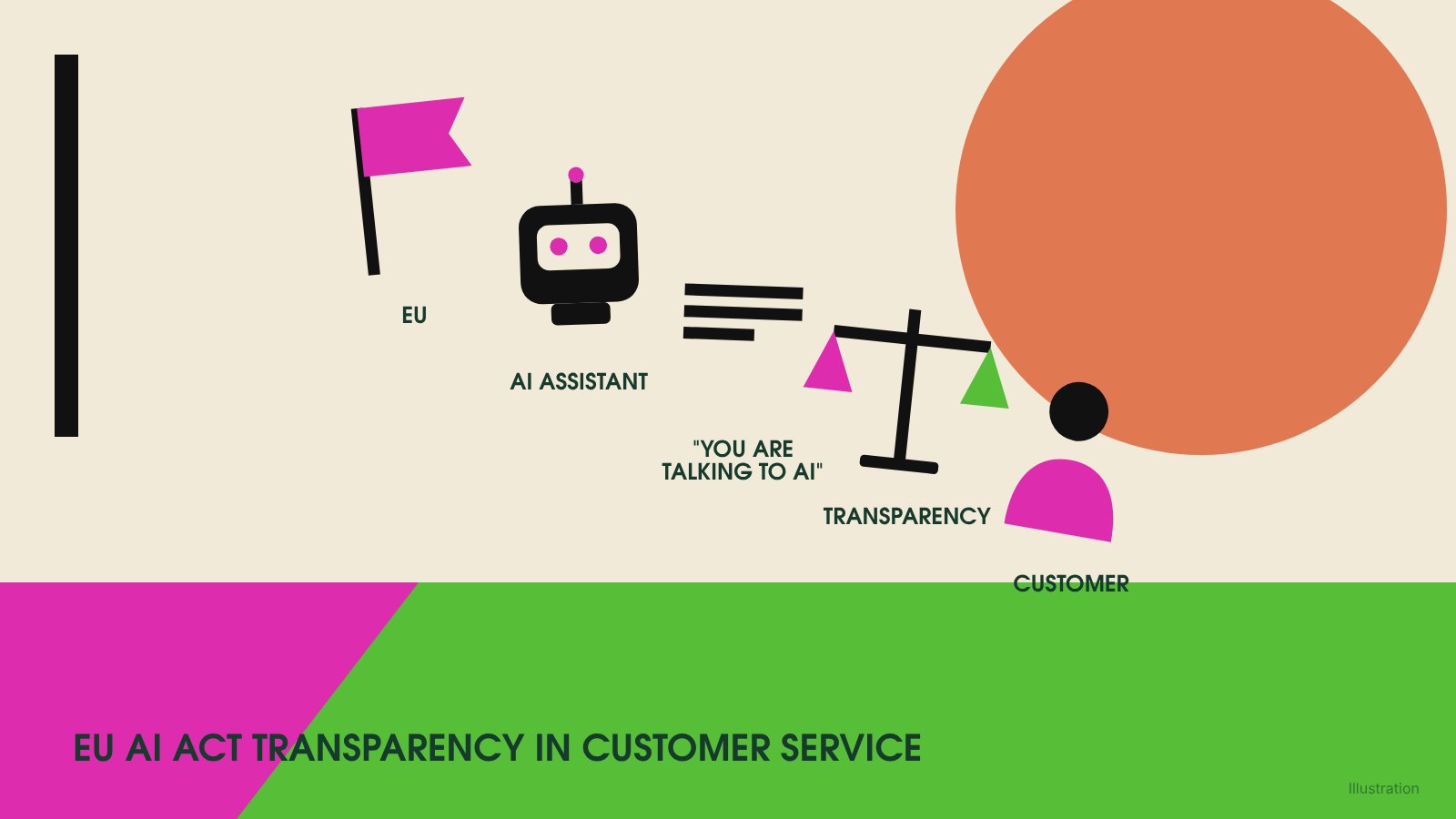
If your support team uses AI to answer customers in the European Union, a new rule has applied since 2 August 2026: people must be able to tell when they are dealing with an AI system. That covers the chatbot on your website, the AI that answers your help-desk tickets and the voice agent on your phone line.
The EU AI Act is long, and most of it is about high-risk systems, which customer service AI generally isn't. For support teams, the part that matters is Article 50, the transparency rules. This guide covers what it requires, what the July 2026 amendments did and didn't change, the grey areas, and a practical checklist.
Here's how it can go at a company that sells smart thermostats across Europe. The company and events are illustrative:
- Chat: the website bot introduces itself as "Mia from the support team". Nothing says Mia is an AI.
- Email: AI-written replies go out signed "The Support Team".
- Phone: a natural-sounding voice agent answers calls; several callers think they're talking to a person.
- A complaint: a customer in Germany, annoyed after a long exchange, asks: "Was I talking to a machine the whole time?" Nobody can show which replies the AI wrote.
- Asking for a person: another customer types "I want to talk to a human" twice and gets two more AI answers.
None of this was malicious. It just wasn't designed for the rule.
First, the basics
- The EU AI Act is the EU regulation on artificial intelligence (Regulation (EU) 2024/1689).
- Article 50 holds the transparency rules, including telling people they're interacting with AI.
- A provider develops an AI system or places it on the market under its own name; a deployer uses it professionally.
- The Digital Omnibus on AI (Regulation (EU) 2026/1744) amended deadlines in July 2026.
- A disclosure is a clear statement that the customer is dealing with AI.
- An AI record shows what the AI did on a ticket: when, which sources, how confident, whether a person reviewed it.
Why does this matter? Customers have a right to know when they're talking to AI, and support is where most of them meet it. Getting disclosure right is simple, and the practices around it (a way to a person, a record of what the AI did) make support more trustworthy anyway.
The problem, in plain terms
- AI personas with human names and no disclosure.
- AI-written emails signed as if a person wrote them.
- Voice agents that sound human with no greeting disclosure.
- No record of which replies the AI wrote.
- Requests for a person that get more AI answers.
The short version
- Article 50(1): AI systems that interact directly with people must be designed so those people are told they are interacting with an AI system, unless that is obvious from the context to a reasonably well-informed, observant and circumspect person.
- Applies from: 2 August 2026.
- Still applies after the Omnibus: the EU's "Digital Omnibus on AI" (Regulation (EU) 2026/1744, in force since 27 July 2026) postponed several high-risk deadlines to December 2027 and August 2028. It did not postpone the chatbot disclosure duty. The only Article 50 grace period is for machine-readable marking of AI-generated content (Article 50(2)) by systems already on the market before 2 August 2026, which have until 2 December 2026.
- Penalties: breaches of Article 50 fall in the AI Act's tier of fines up to €15 million or 3% of worldwide annual turnover, whichever is higher. For SMEs and start-ups, the lower of the two applies. These are maximums, not automatic fines.
Who does the rule apply to?
The AI Act splits duties between providers (who develop an AI system or place it on the market under their own name) and deployers (who use it professionally). The chatbot disclosure duty in Article 50(1) is written as a design obligation on providers. In practice, a company that puts an AI support agent in front of its customers will want the disclosure in place whichever role it holds. That's where customers will look for it, and where regulators will ask about it.
The Act applies based on where the people affected are, not where you are based. A US or UK company answering customers in the EU is in scope for those conversations.
What it means channel by channel
Website chat
The clearest case. A chat widget answered by AI interacts directly with visitors. Say so at the start, for example in the greeting: "I'm an AI assistant. I'll get a person if I can't help." Article 50(5) says the information must be clear and distinguishable, and given at the latest at the first interaction.
AI-written email and ticket replies
Less clear-cut. An AI that automatically answers support emails is interacting with the customer. A draft that a person reviews, edits and sends is closer to a person using a writing tool. Many teams take the simple route: add a short disclosure line to replies the AI wrote, on the first reply of a conversation or on every one. That way the question never comes up.
Phone and voice agents
A natural-sounding voice is exactly the case where AI might not be obvious. Put the disclosure in the greeting, before the caller starts explaining their problem. See AI phone agents for customer support.
Messaging channels
WhatsApp, SMS, Messenger and Instagram answers follow the same logic as chat. Tell people on the first interaction.
Beyond the minimum: good practice
The AI Act's Article 50 is about disclosure. Several related practices aren't spelled out there, but customers and regulators expect them, and they make the disclosure meaningful:
- A clear way to reach a person. Telling someone they're talking to AI rings hollow if they can't get past it. Make "talk to a person" easy, and honour it: when a customer clearly asks for a human, stop answering automatically and hand over.
- A record of what the AI did. When a customer complains or a regulator asks, you need to show which tickets the AI handled, what sources it used, how confident it was, and whether a person reviewed the reply.
- Disclosure in the customer's language. A disclosure in English to a German-speaking customer is technically present, but not very clear.
- Other laws still apply. GDPR rules on personal data and automated decision-making, consumer-protection law, and sector rules (financial services, health) apply alongside the AI Act.
How TR-AI supports transparency
TR-AI has transparency settings on every plan (Trust → Transparency):
- AI disclosure: off, on the first reply of each conversation, or on every AI reply. TR-AI adds one line at the end of replies it wrote, in the customer's language. English, German, French, Spanish, Italian, Dutch and Portuguese are built in, and you can use your own wording. Replies held for review include the line too, so what your agent approves is what the customer sees.
- Right to a person (on by default): when a customer clearly asks for a person ("I want to talk to a human", "mit einem Menschen sprechen", "parler à un conseiller"…), TR-AI doesn't answer. The ticket goes to your team with the usual acknowledgement. Quoted earlier emails and phrases like "no need to talk to a person" don't trigger it.
- AI record: enter a ticket or chat number to see every time TR-AI handled it: when, the channel, the model, the sources, the confidence, the outcome, whether a person reviewed or edited the reply, and whether it was sent. Download it as text or JSON. It doesn't repeat customer messages, which stay in your help desk.
- Decision traces give the full step-by-step detail for one ticket when you need to explain an answer. See AI confidence scores.
The chat widget greeting, the phone agent greeting (with optional recording-consent text) and the messaging channels are all yours to word, so the disclosure can sit where customers see it first.
These settings help with transparency. They aren't legal advice, and your legal team should confirm what each market needs.
A practical checklist
- List every place AI talks to customers: chat, email replies, messaging, phone, social replies.
- Add a disclosure at the first interaction on each one, in the customer's language.
- Decide your policy for reviewed drafts, and write it down.
- Make "talk to a person" easy and honoured on every channel.
- Keep records of what the AI did on each ticket, and know how to export them.
- Update your privacy notice to cover AI use and any diagnostics you collect.
- Write it into your support playbook so new agents know the rules.
- Re-check the guidance. Look for the European Commission's latest guidance and codes of practice on Article 50. Practice will settle over time.
A worked example, start to finish
Here's the thermostat company fixing it. The names are illustrative, and the company's legal team confirmed the approach for its markets.
Step 1: list the channels. Pia, the support lead, lists every place AI talks to customers: website chat, email replies, WhatsApp, and the phone line.
Step 2: disclosure. In Trust → Transparency she sets AI disclosure to the first reply of each conversation. TR-AI adds one line at the end of AI-written replies in the customer's language: German for German customers, French for French ones. Replies held for review include the line too.
Step 3: chat and phone greetings. She rewords the chat greeting: "Hi, I'm Mia, an AI assistant. I'll get a person if I can't help." The phone greeting now starts: "You're speaking with an AI assistant."
Step 4: right to a person. It's on by default. She tests it: "mit einem Menschen sprechen" goes straight to the team with the usual acknowledgement, and TR-AI doesn't answer.
Step 5: records. When the German customer from earlier writes in again, Pia enters the ticket number in the AI record and sees each time TR-AI handled it: when, the channel, the model, the sources, the confidence, whether a person reviewed it, and whether it was sent. She downloads it as text and explains exactly which replies the AI wrote.
Step 6: playbook. She adds the rules to the support playbook: disclosure on first reply, reviewed drafts disclosed too, "talk to a person" always honoured.
What changed: customers are told at the first interaction, in their own language; asking for a person works; and any question about what the AI did can be answered from a record.
Five more real-world scenarios
1. A US company with EU customers
Situation. You're based in the US.
How TR handles it. The Act applies based on where the people affected are, so turn disclosure on for those conversations; the setting covers every AI reply.
2. Reviewed drafts
Situation. Agents review every AI draft before sending.
How TR handles it. Replies held for review include the line, so what the agent approves is what the customer sees. Whether you need it is a question for your legal team; many teams keep it.
3. A quoted email
Situation. A customer's thread quotes an old email that said "talk to a person".
How TR handles it. Quoted earlier emails and phrases like "no need to talk to a person" don't trigger the hand-off.
4. A language without built-in wording
Situation. You serve customers in Polish.
How TR handles it. English, German, French, Spanish, Italian, Dutch and Portuguese are built in; you can use your own wording.
5. Explaining one answer in detail
Situation. A regulator asks why the AI said something.
How TR handles it. Decision traces give the full step-by-step detail for one ticket.
Before and after
Before. A human-named bot, AI emails signed by "the team", a voice that sounded human, no record, and requests for a person ignored.
After. Disclosure at the first interaction in the customer's language, greetings that say "AI assistant", a working right to a person, and a downloadable record per ticket.
How to tell it's working
- Every channel discloses at the first interaction.
- Requests for a person reach the team.
- You can show which replies the AI wrote on any ticket.
- Your playbook writes the rules down.
Who it's for
- Support teams answering EU customers with AI.
- Legal and compliance teams checking what's in place.
- Companies outside the EU with EU customers.
Mistakes to avoid
- Human names for AI assistants without disclosure.
- Disclosure in English only.
- Ignoring "talk to a person".
- Treating these settings as legal advice.
Do it in TicketResolve, step by step
Where: Trust → Transparency (/dashboard/trust). You'll need: any plan. Full guides: Transparency: AI disclosure, right to a person, AI records, Decision traces and Website chat widget.
- List every channel where AI talks to customers.
- Set AI disclosure to first reply or every reply.
- Check the wording in each language you serve, or write your own.
- Reword the chat and phone greetings to say they're AI.
- Keep right to a person on and test it.
- Look up a ticket in the AI record and download it.
- Write the rules into your playbook and confirm them with your legal team.
How to check it worked: a new conversation shows the disclosure on the first AI reply in the customer's language, and "I want to talk to a human" reaches the team without an AI answer.
Frequently asked questions
Does the EU AI Act apply to customer service chatbots? Yes, through the transparency rules in Article 50. Since 2 August 2026, AI systems that interact directly with people must make clear they are AI, unless that is obvious from the context. Customer service chatbots are generally not high-risk systems, so most of the Act's heavier obligations don't apply to them.
Did the Digital Omnibus delay the chatbot disclosure rule? No. The Omnibus (Regulation (EU) 2026/1744) postponed high-risk deadlines to December 2027 and August 2028. Chatbot disclosure still applies from 2 August 2026. The only Article 50 grace period is for machine-readable marking of AI-generated content by systems already on the market, until 2 December 2026.
Do AI-drafted email replies need an AI disclosure? Fully automated replies are AI interacting with the customer, so a disclosure is the safe choice. Drafts that a person reviews and sends are a grey area. Many companies disclose anyway, for simplicity and trust. Ask your legal team for your case.
What are the fines for breaking the AI Act's transparency rules? Up to €15 million or 3% of worldwide annual turnover, whichever is higher. For SMEs and start-ups it is whichever is lower. These are maximum amounts.
Does the AI Act give customers a right to speak to a human? Article 50 is about telling people they are dealing with AI. It doesn't itself create a general right to a human agent. Offering one is still good practice, and other laws, such as GDPR's rules on automated decisions, may apply in some cases.
Does it apply to companies outside the EU? Yes, for conversations with people in the EU. The Act applies based on where the people affected are.
Which languages does TR-AI's disclosure cover? English, German, French, Spanish, Italian, Dutch and Portuguese are built in, and you can use your own wording.
Can I show which replies the AI wrote? Yes. The AI record shows every time TR-AI handled a ticket, and you can download it as text or JSON.
Which plans include the transparency settings? Every plan.
Sources: the EU AI Act (Regulation (EU) 2024/1689), Article 50; Regulation (EU) 2026/1744 (the Digital Omnibus on AI).
Explore Topics
Written by
Ghulam Shabbir
Content creator and writer sharing insights and stories.