
AI Confidence Scores in Customer Support: How an AI Decides to Send, Review or Escalate
What a confidence score should actually measure, why averaging sources hides good answers, which checks sit behind the score, and how thresholds decide which AI replies reach customers on their own. With illustrative tickets in each band.
Every AI support tool claims to know when it's right. The difference between one you can trust with customers and one you can't is what that confidence is based on — and what the tool does with it.
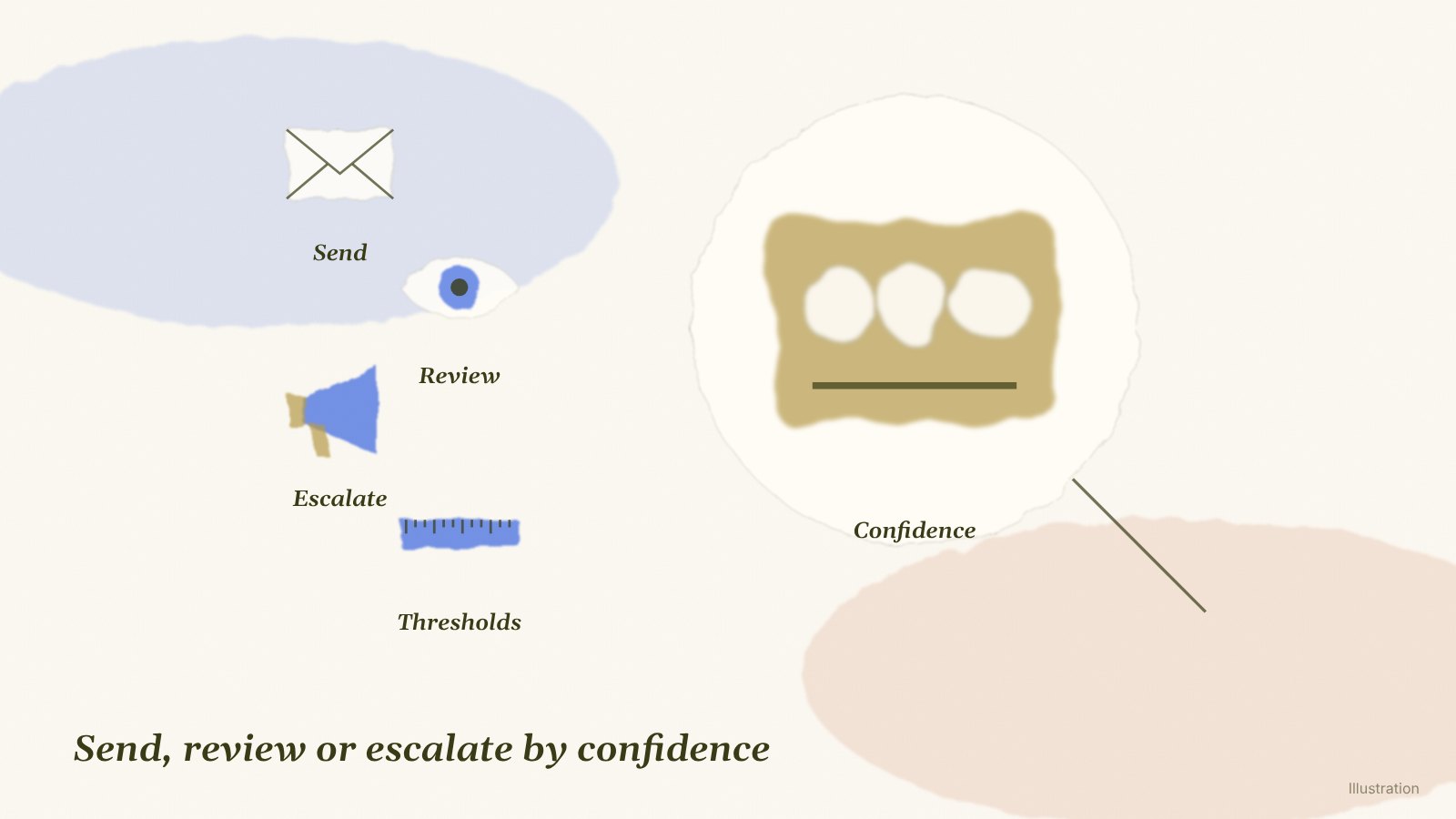
Short answer: an AI confidence score for a support reply should measure how well your own sources back the answer — your help articles, what the AI learned about your product, and tickets your team already solved — not how sure the language model feels. Score each source on its own and let the best one count. Then use thresholds: send replies backed by a strong source automatically, hold mid-range drafts for a person to approve, and hand weak ones to your team.
Here's the confusion at a company that sells a booking system for gyms, using a tool that scores replies differently. The tickets are illustrative:
- Monday: a reply with an invented menu path is sent because the model rated itself 93%.
- Tuesday: "How do I export my members?" The help article answers it perfectly, but no past ticket was similar. The tool averages the two, lands near 70%, and holds a correct answer.
- Wednesday: the team raises the threshold to stop Monday's mistake. Now half of all good answers wait for review.
- Thursday: an agent asks why a reply was held. The ticket only shows "68%". Nobody can tell whether the knowledge base or the AI is at fault.
- Friday: the support lead concludes the scores are "random".
The scores weren't random. They measured the wrong thing.
First, the basics
- A confidence score says how well your sources back a reply.
- A source score is the score for one source: help articles, product knowledge, past resolutions or web search.
- The best source is the one that scored highest; it sets the reply's score.
- A threshold turns a score into an action.
- A wrong-fact check finds a specific error, such as an opposite meaning or a number bound to the wrong thing.
- The AI score is the model's own confidence, shown but not counted.
Why does this matter? The score decides what customers receive without a person looking. If it's based on evidence you can check, you can trust high scores, fix low ones, and set thresholds that send good answers and hold bad ones.
The problem, in plain terms
- Models rate themselves highly whether right or wrong.
- Averaging sources hides good answers.
- One global threshold trades caution for coverage everywhere.
- Scores without reasons can't be acted on.
- Teams lose trust in automation.
Why the model's own confidence isn't enough
Language models are fluent whether they are right or wrong. Ask one to rate its own answer and it will often say 90% for a confident-sounding paragraph that invents a menu path. The model's self-rating is useful as a signal, but it should never be the thing that decides whether a customer receives the reply.
A trustworthy score is built from evidence you can check:
- Does a source match the question? An article about exporting invoices is a strong match for "How do I export my invoices?".
- Does the source back the answer? Each sentence in the reply should be traceable to a sentence in an article, a learned product screen, or a past resolution.
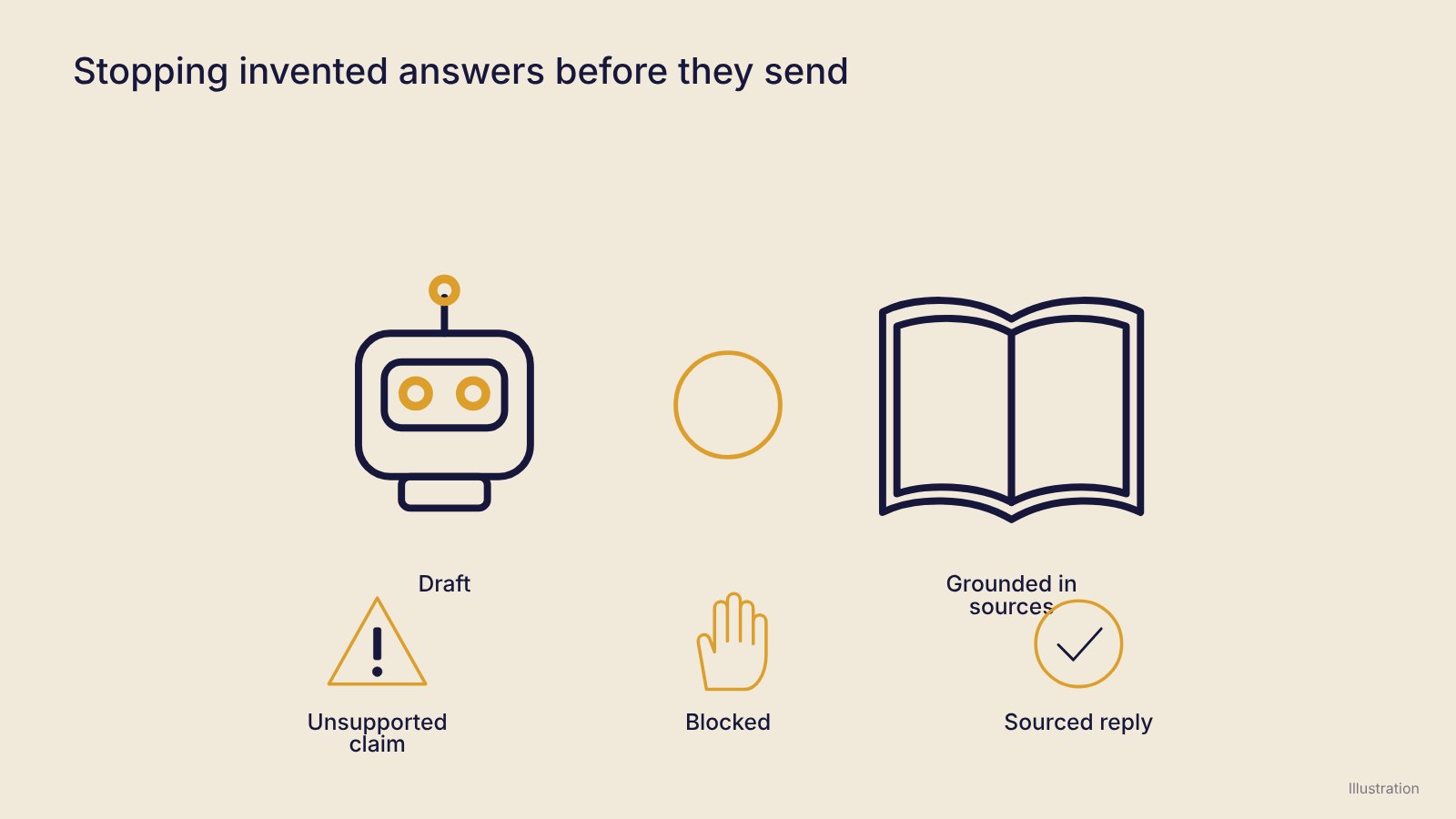
- Is anything in the answer unsupported? A menu name, number or feature that appears in no source is a warning sign.
Score each source separately — don't average them
A common mistake is blending everything into one average. Imagine a ticket where your help article backs the answer perfectly (95%), but no past ticket was similar (40%). An average lands around 70% and the reply gets held — even though the article alone answers it completely.
TicketResolve scores each source on its own and uses the best:
| Source | What it is |
|---|---|
| User Guide / Help Articles | Your help centre, product guides and documents |
| Product Domain Knowledge | What the AI learned by using your product's screens and workflows |
| Past Resolutions | Tickets your team solved (human answers only) |
| Web Search | Your own site searched live, then paid web search as a last resort |
| AI Score | The model's own confidence — shown, not counted |
Sources don't compete or cancel out. A help article at 92% gives the reply a 92% score, whatever the other sources say.
What the thresholds do
Thresholds turn a score into an action. These are TicketResolve's defaults; you can make them stricter per ticket type.
| Best source score | What happens |
|---|---|
| Above 88% | Sent, unless a fact check finds a wrong fact (opposite meaning, a plan, number or limit bound to the wrong thing, a limitation turned into a capability, invented list items or details). Softer checks are shown as notes. A reply that isn't really an answer — off topic, not backed, cut off, or a repeat — is held. |
| 82–88% | Sent when every check passes; held for review if a check fails |
| 60–82% | Held for a person to approve, edit or reject |
| Below 60% | Handed to your team |
A web answer is held to a higher bar: it goes out on its own only when its score reaches 90%.
The checks behind the score
Scores alone miss specific failure types, so each draft is also checked:
- Backed by the sources: enough of the answer is traceable to them.
- Answers every question: a ticket with two questions shouldn't get one answer.
- No contradictions: a sentence doesn't say the opposite of the source ("you can" vs "you can't").
- No invented specifics: names, menu labels and numbers appear in a source or the customer's message.
- Not a repeat: the same reply isn't sent twice to the same customer.
When a strong source backs the answer, only checks that find a wrong fact hold it; softer checks become notes on the ticket, so good answers aren't blocked by an over-cautious rule. A strong source match says the source covers the question, not that the reply quotes it correctly — which is why a reply that says "available on every plan" when the source says "Business and Enterprise" is still held. In the 82–88% band every check decides between sending and review.
How to choose your own thresholds
- Start in assisted mode. Every reply waits for approval for the first week, whatever its score. You see what the AI would have sent.
- Look at approvals by score band. If almost every draft above 85% is approved without edits, the defaults are safe for you.
- Tighten per category, not globally. Billing and account-security tickets may deserve a stricter threshold than how-to questions.
- Watch reopens. A reply that's reopened wasn't a resolution. Measure resolution rate excluding reopens, not sends.
Reading a score on a ticket
A good score should explain itself. In TicketResolve each ticket shows which source scored highest, how much of the answer it backed, which checks fired, and the articles or past tickets used. If a reply was held, the reason is written in plain words — for example, "not every question was answered".
That audit trail is what makes a high threshold workable: when a borderline answer is held, an agent can see in seconds whether the knowledge base or the AI is at fault.
Checklist for evaluating confidence scoring
- Is the score based on your sources, or on the model rating itself?
- Is each source scored separately, or averaged?
- Can you see which source and which sentences backed the reply?
- Are invented names, numbers and contradictions checked?
- Can you set stricter thresholds per ticket type?
- Is there an assisted mode for the first weeks?
A worked example, start to finish
Here's the gym-booking company with source-based scoring. The scores are illustrative.
Ticket 1. Above 88%. "How do I export my members?" The help article scores 95%; past resolutions score 40%. The best source counts, so the reply scores 95%. No fact check finds a wrong fact. Sent.
Ticket 2. Above 88%, with a wrong fact. "Is class waitlisting on my plan?" The pricing article scores 92%, but the draft says "available on every plan" where the source says "Business and Enterprise". A plan bound to the wrong thing is a wrong fact. Held, even at 92%.
Ticket 3. 82–88%. A two-part question about refunds and class times scores 86%. The partial-answer check fails (class times aren't covered). In this band every check decides, so it's held. The reason on the ticket reads: "not every question was answered".
Ticket 4. 60–82%. A question about a rare payment-terminal error scores 74% from a past resolution. Held for a person to approve, edit or reject. The agent approves with a small edit.
Ticket 5. Below 60%. A question about a feature no source covers scores 45%. Handed to the team with the AI's notes.
Ticket 6. A web answer. A question about a third-party payment provider's error is answered from the provider's docs via web search, scoring 87%. Web answers need 90%, so it's held.
Reading the scores. Each ticket shows which source scored highest, how much of the answer it backed, which checks fired and the sources used. When ticket 3 was held, the agent saw in seconds that the knowledge base lacked class-time content, not that the AI had erred.
Tuning. After a week in assisted mode, almost every draft above 85% was approved without edits. The team keeps the defaults, tightens billing tickets in Thresholds by ticket type, and runs a regression test after the change.
What changed: correct answers no longer held by averaging, wrong facts caught even at high scores, reasons agents can act on, and one stricter threshold where it mattered instead of everywhere.
Five more real-world scenarios
1. A repeat reply
Situation. The same answer would go to the same customer twice.
How TR handles it. The not-a-repeat check holds it.
2. Off-topic draft
Situation. A draft is fluent but doesn't answer the question.
How TR handles it. A reply that isn't really an answer (off topic, not backed, cut off or a repeat) is held even above 88%.
3. A limitation turned into a capability
Situation. The source says "can't be scheduled"; the draft says it can.
How TR handles it. That's a wrong fact, so it's held.
4. More automatic answers wanted
Situation. You want more replies sent.
How TR handles it. Improve help articles to raise source scores rather than lowering the bar.
5. A softer check fires on a strong answer
Situation. A minor check fires on a 94% reply.
How TR handles it. When a strong source backs the answer, softer checks become notes on the ticket rather than blocking it.
Before and after
Before. A self-rated 93% invented menu path sent, a correct answer averaged down to 70% and held, a global threshold that halved automation, and "68%" with no explanation.
After. Each source scored separately, the best counting, fact checks catching wrong details at any score, reasons on every ticket, and stricter thresholds only for billing.
How to tell it's working
- Approved-unedited rate is high above your threshold.
- Held drafts have clear reasons.
- Reopens on sent replies stay low.
- Automatic answers grow as articles improve.
Who it's for
- Support leads deciding what to automate.
- Teams evaluating AI support tools.
- Anyone tuning thresholds.
Mistakes to avoid
- Trusting model self-ratings.
- Averaging sources.
- One threshold for every ticket type.
- Skipping assisted mode.
Do it in TicketResolve, step by step
Where: Settings → Automation and Settings → Answer engine (/dashboard/settings). You'll need: your knowledge sources connected. Full guides: Confidence scores, Rolling out safely: assisted mode and the review queue, Decision traces and Replay test.
- Start in assisted mode for the first week.
- Read held tickets' reasons and source breakdowns.
- Check approvals by score band.
- Open Settings → Automation to change the auto-send and review thresholds.
- Set stricter thresholds for sensitive types in Settings → Answer engine → Thresholds by ticket type.
- Run a regression test after any change.
- Watch reopens, not just sends.
How to check it worked: a ticket shows its best source, the share of the answer it backed and any checks fired, and a draft with a wrong fact is held even above 88%.
Frequently asked questions
What is a good auto-send threshold for AI support replies? Around 82% is a sensible default when the score is based on source evidence. Above roughly 88%, a reply backed by a single strong source can be sent safely. Validate on your own tickets in assisted mode before relying on any number.
Why was a correct answer held for review? Usually because its best source scored in the middle band and a check failed — for example, part of the question went unanswered — or because the knowledge base covers the topic only partly. The ticket's audit trail shows which.
Does a higher threshold mean fewer automatic answers? Yes. Raising the threshold trades coverage for caution. Improving your help articles raises source scores, which increases automatic answers without lowering the bar.
Is the AI's own confidence used at all? It's shown for context, but it doesn't decide whether a reply is sent.
Which sources are scored? User Guide / Help Articles, Product Domain Knowledge, Past Resolutions and Web Search. The AI Score is shown but not counted.
Where do I change thresholds? Settings → Automation for the defaults; Settings → Answer engine → Thresholds by ticket type for stricter levels per type.
What do web answers need? A score of 90% to go out on their own.
Can a strong source still be held? Yes, if a fact check finds a wrong fact, or the reply isn't really an answer.
Related: how AI resolves up to 80% of L1 tickets, preventing AI hallucinations in support and the AI draft review workflow.
Explore Topics
Written by
Ghulam Shabbir
Content creator and writer sharing insights and stories.