
Turn Your Support SOPs Into AI Procedures That Actually Take Action
Your standard operating procedures already describe how refunds, cancellations and order changes should be handled. Turn them into AI procedures with named steps, customer confirmations, team approvals for money, versions and saved tests, so the AI follows your policy instead of improvising one. With an illustrative cancellation SOP, start to finish.
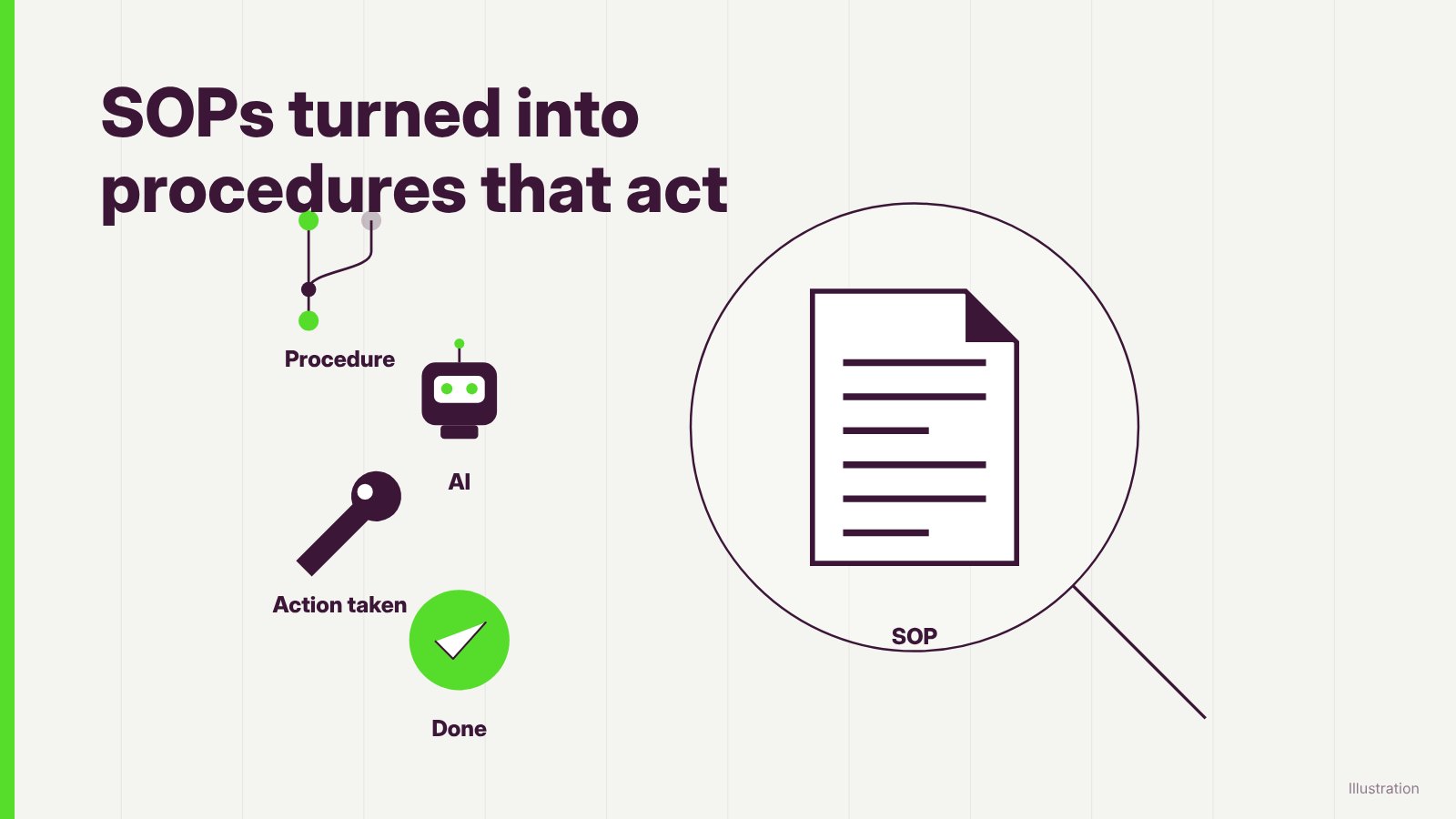
Every support team has standard operating procedures: how to handle a refund under a certain amount, what to check before cancelling an order, when a damaged item gets a replacement. They live in documents, wikis and the heads of senior agents. Answering questions from documentation is what AI support does well. Doing things (looking up the order, issuing the refund, changing the address) needs something more structured: a procedure.
This post covers how to turn SOPs into AI procedures safely.
Here's the gap between SOP and practice at a company that sells meal-prep subscriptions:
- The SOP (a nine-page Word document) says orders can be cancelled free within two hours, partially refunded until packing, and not after shipping.
- Senior agents follow it from memory. New agents follow it from a wiki page that's missing the "partial refund until packing" rule.
- Monday: two agents handle the same situation differently. One customer gets a full refund, another gets none.
- Tuesday: someone suggests "just let the AI handle cancellations". The AI, with only the help centre, tells a customer "you can cancel anytime before delivery", which isn't the policy.
- Wednesday: finance asks why refunds don't match the policy.
The policy was clear. It just wasn't anywhere a person or an AI could follow step by step, with the right tools, the right checks and the right approvals.
First, the basics
- An SOP (standard operating procedure) is a written policy for handling a type of request.
- An AI procedure is a written policy the AI follows step by step, using tools connected to your systems.
- A tool is a connection to a system, such as "look up an order in Shopify" or "create a refund in Stripe".
- A customer confirmation asks the customer to say yes before a change is made.
- A team approval asks a teammate to approve before money moves.
- A version is a saved state of a procedure, with who changed it.
- A saved test is a sample ticket a procedure is run against as a dry run.
Why does this matter? Policies only help customers if they're applied the same way every time. Turning SOPs into procedures makes the AI follow your rules exactly, gives new agents the same steps, and keeps changes to money behind confirmations and approvals.
The problem, in plain terms
- SOPs live in documents nobody follows step by step.
- Agents apply them differently.
- An AI without a procedure improvises policy.
- Changes to money happen without checks.
- Policy updates don't reach the people (or AI) using them.
What an AI procedure is
A procedure is a written policy the AI follows step by step, using tools connected to your systems: Shopify, Stripe, your order database, your help desk. For example:
- Find the customer's order.
- If it has shipped, give the tracking link.
- If it hasn't shipped and was placed less than two hours ago, offer to cancel it.
- Otherwise, hand the ticket to a person.
The AI doesn't invent the policy. It follows yours. See AI support agents that take action safely.
Three ways to start
- From your SOP document. Upload the PDF or Word file, or point to the page, and let AI draft procedures from it, one per type of request.
- From past tickets. Find requests your team keeps handling by hand that no procedure covers yet, and draft the procedure your agents actually followed, with the evidence.
- From a sentence. "Handle refund requests for orders under $50" becomes named steps, a "when to use" and the tools needed.
However a draft starts, it should start switched off. Review it before it touches a customer.
Structure for the tricky parts
Plain-English steps are enough for simple procedures. When there are branches, add structure:
- Look up, Check (if/then), Ask the customer, Confirm, Do, Reply, Hand off.
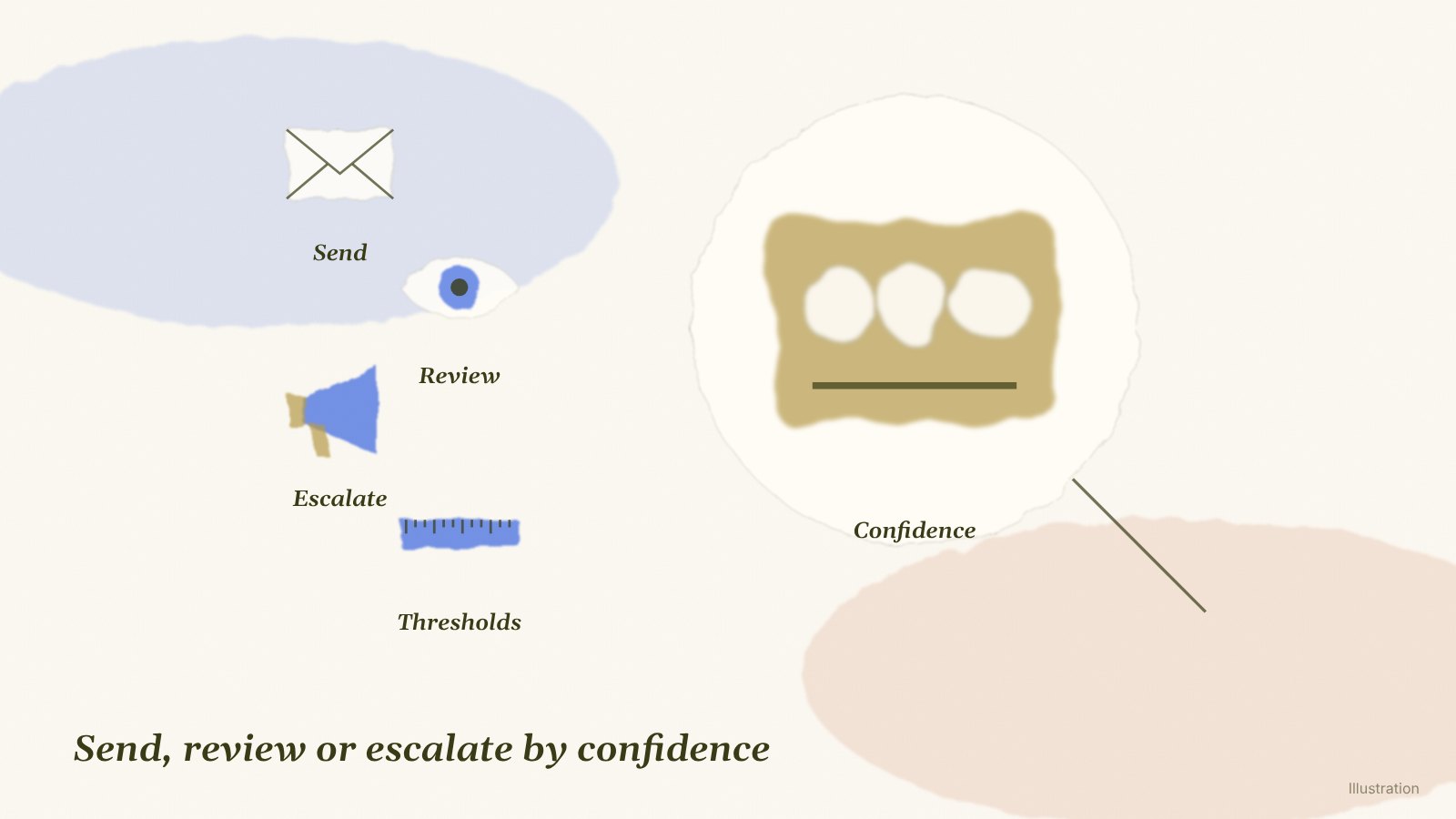
- Customer confirmation before changes: "I can cancel order #4471 and refund $38. Shall I go ahead?" Only a clear yes runs it. Two unclear answers hand the ticket to a person.
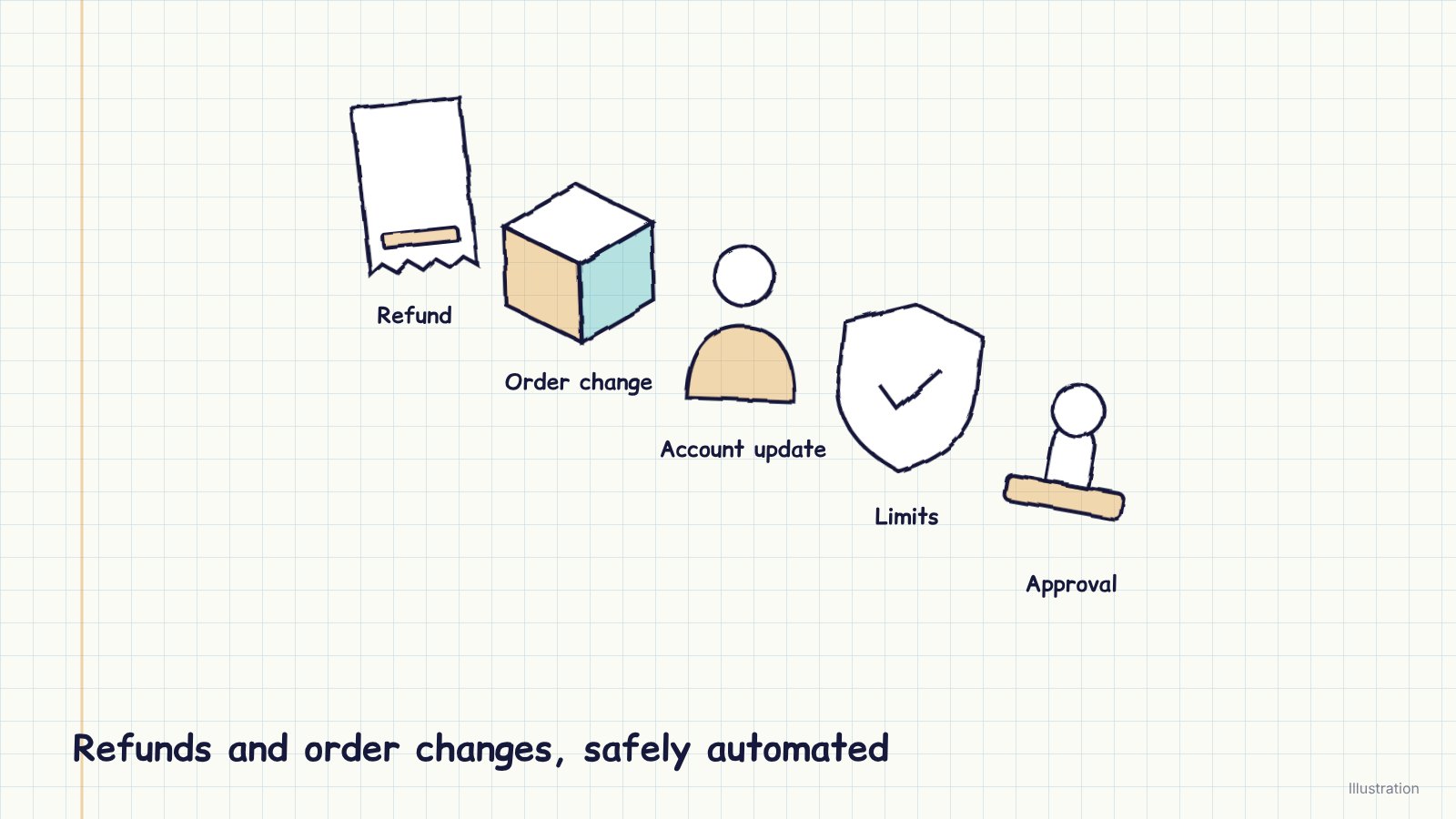
- Team approval for money: refunds and payments wait for a teammate unless you've explicitly auto-approved them within limits.
Versions and tests
Policies change. Keep every version, with who changed it, and compare or restore. Keep saved tests too: a sample ticket, the customer's replies, which tools must or must not be called, and words the reply must or must not contain. Run them after every edit, as dry runs that change nothing.
Industry starting points
If you're starting from scratch, templates help: where-is-my-order, returns and damaged items for e-commerce; plan changes and bug reports for SaaS; failed payments and identity checks for fintech; booking changes for travel; password resets and access requests for an internal IT helpdesk. Install them switched off, then edit the wording to match your real policy.
How TR-AI handles procedures
- AI-drafted procedures (Bronze and Growth Pro): draft from a sentence, from past tickets your team resolved by hand, or from an SOP document (PDF, Word, text or Markdown up to 15 MB, or a public, Confluence or Notion page). Up to three procedures per document. "Improve" reviews a procedure's last 20 runs and suggests edits. Every draft is saved switched off. Customer names, emails and order numbers in an SOP are masked before it's sent to the AI.
- Procedure builder (Bronze and Growth Pro): structured if/then steps at no extra AI cost, customer confirmation before changes or refunds, version history with compare and restore, and saved tests that run as dry runs.
- Industry templates (all plans; procedures need Bronze or Growth Pro): e-commerce, SaaS, fintech, travel and IT helpdesk packs. Procedures are installed switched off, and nothing you already have is changed.
- Approvals: financial actions wait for a teammate unless you auto-approve them within limits.
Procedures live in Procedures (/dashboard/procedures).
A worked example, start to finish
Here's the meal-prep cancellation SOP turned into a procedure. The names, amounts and limits are illustrative.
Day 1. Draft from the document. Andrés, the support operations lead, uploads the nine-page SOP to Procedures. Customer names and order numbers in it are masked before it's sent to the AI. It drafts three procedures (the maximum per document): Cancel an order, Skip a week and Damaged box. All are saved switched off.
Day 1. Review "Cancel an order". The draft, in structured steps:
- Look up the order in Shopify.
- Check: if shipped → Reply with tracking and the returns policy.
- Check: if placed less than 2 hours ago → Confirm with the customer: "I can cancel order #4471 and refund the full amount. Shall I go ahead?" → Do cancel and refund.
- Check: if not yet packed → Confirm a partial refund → Do cancel and partial refund (waits for team approval).
- Otherwise → Hand off.
Andrés notices the draft missed one rule: subscribers on an annual plan get a full refund until packing. He adds a check. The change is saved as version 2, with his name.
Day 2. Tests. He saves four tests: a 30-minute-old order; an unpacked order from yesterday; a shipped order; an annual subscriber. Each says which tools must be called (or must not, such as "refund" for the shipped one) and words the reply must contain. He runs them as dry runs. Three pass; the annual-subscriber test fails because the reply says "partial". He fixes the wording and re-runs: all pass.
Day 3. Approvals. Full refunds under a set amount are auto-approved; partial refunds and anything above wait for a teammate.
Day 3. Switch on. A customer writes: "Please cancel my order, I placed it by mistake 20 minutes ago." TR-AI looks up the order, asks for confirmation, gets a clear "yes", cancels and refunds. Another customer replies "hmm, maybe" twice: the ticket goes to a person.
Week 3. Improve. Andrés clicks Improve. It reviews the last 20 runs and suggests asking for the order number earlier when customers have several orders. He accepts; version 3; tests still pass.
What changed: the same policy for every customer, applied by the AI and new agents alike, with changes to money behind confirmations and approvals, and a record of every version.
Five more real-world scenarios
1. A procedure from past tickets
Situation. Agents keep handling "change delivery day" by hand.
How TR handles it. Draft from past tickets your team resolved, with the evidence of what they actually did.
2. A policy change
Situation. The free-cancellation window changes from two hours to one.
How TR handles it. Edit the check, save a new version, and re-run the saved tests.
3. A bad edit
Situation. A change broke something.
How TR handles it. Compare versions and restore the previous one.
4. A Confluence SOP
Situation. Your SOPs live in Confluence.
How TR handles it. Point the drafter at the page instead of uploading a file.
5. Starting from nothing
Situation. A new SaaS team has no SOPs yet.
How TR handles it. Install the SaaS industry template switched off and edit it to match your policy.
Before and after
Before. A nine-page SOP, agents applying it differently, an AI telling customers "cancel anytime", and refunds finance couldn't explain.
After. Three procedures drafted from the document, a missing rule added, four saved tests passing, confirmations before every change, approvals for partial refunds, and a version history.
How to tell it's working
- Refunds match the policy.
- Fewer hand-offs for routine requests.
- Tests pass after every edit.
- New agents follow the same steps as the AI.
Who it's for
- Support operations leads who own SOPs.
- E-commerce, SaaS, fintech and travel teams with routine requests.
- Finance teams who care about refunds matching policy.
How it fits with the rest of TicketResolve
Procedures use live-data connectors (Shopify, Stripe and others), runbooks for preconditions and rollback, backend actions and approvals, and decision traces to show what was checked. Workflows handle multi-step automation across systems.
How do you stop AI from issuing refunds it shouldn't?
Require customer confirmation before any change, require team approval for money unless explicitly auto-approved within limits, and test procedures on sample tickets before switching them on. Those three checks catch nearly every mistake before a customer or finance does.
Writing SOPs that become good procedures
The best source SOPs are already close to steps: "if the order shipped, then…; otherwise…". Long narrative documents work too, but drafts from them need more review. If you're updating an SOP anyway, write each decision as a clear condition, name the system to check, and say what happens when something is unclear. That makes the drafted procedure better, and makes the SOP better for people too.
Mistakes to avoid
- Switching drafts on without reviewing them.
- No saved tests.
- Auto-approving all refunds.
- Editing policy in the SOP but not in the procedure.
Do it in TicketResolve, step by step
Where: Procedures (/dashboard/procedures). You'll need: Bronze or Growth Pro; the tools your procedure uses connected. Full guides: Drafting procedures with AI, Procedure builder, Procedures with live-data connectors and Industry templates.
- Draft from your SOP document, past tickets or a sentence.
- Review each draft (saved switched off) against your real policy.
- Add structure where there are branches: look up, check, confirm, do, reply, hand off.
- Save tests for the main cases and run them as dry runs.
- Set approvals for refunds and payments.
- Switch on and watch the first runs.
- Use "Improve" after 20 runs, and keep versions as the policy changes.
How to check it worked: saved tests pass, changes ask the customer first, and refunds wait for approval unless auto-approved within limits.
Frequently asked questions
Can AI follow our support SOPs? Yes, if the SOP is turned into a procedure: named steps, conditions and the tools to use. The AI follows your policy rather than improvising one, and anything outside the procedure goes to a person.
How do you stop AI from issuing refunds it shouldn't? Require customer confirmation before any change, require team approval for money unless explicitly auto-approved within limits, and test procedures on sample tickets before switching them on.
Can AI write procedures from our documents? It can draft them from an SOP document or from past tickets your team resolved. Drafts should start switched off and be reviewed and tested before use.
What is a dry-run test for a procedure? Running a procedure on a sample ticket without changing anything in your systems, then checking which tools it would call and what it would say.
Which plans include procedures? Bronze and Growth Pro.
Which documents can be used? PDF, Word, text or Markdown up to 15 MB, or a public, Confluence or Notion page.
Is customer data in SOPs protected? Names, emails and order numbers are masked before the document is sent to the AI.
What happens if the customer's answer is unclear? Two unclear answers hand the ticket to a person.
Do structured steps cost extra? No, structured if/then steps run at no extra AI cost.
Explore Topics
Written by
Ghulam Shabbir
Content creator and writer sharing insights and stories.