
AI Live Chat for Your Website: Instant Answers With a Real Hand-Off to Your Team
Website chat should give answers, not link lists, and a real way to a person. How AI live chat answers confidently from your knowledge base, reads screenshots, hands off to your help desk with the full transcript, and keeps the chat open during hours you can actually staff. With an illustrative chat, start to finish.
Website chat has a reputation problem. Too many visitors have typed a question into a chat bubble, got three irrelevant help-article links and a "Was this helpful?", and then spent five minutes trying to reach a person. The bubble that promised help became a wall.
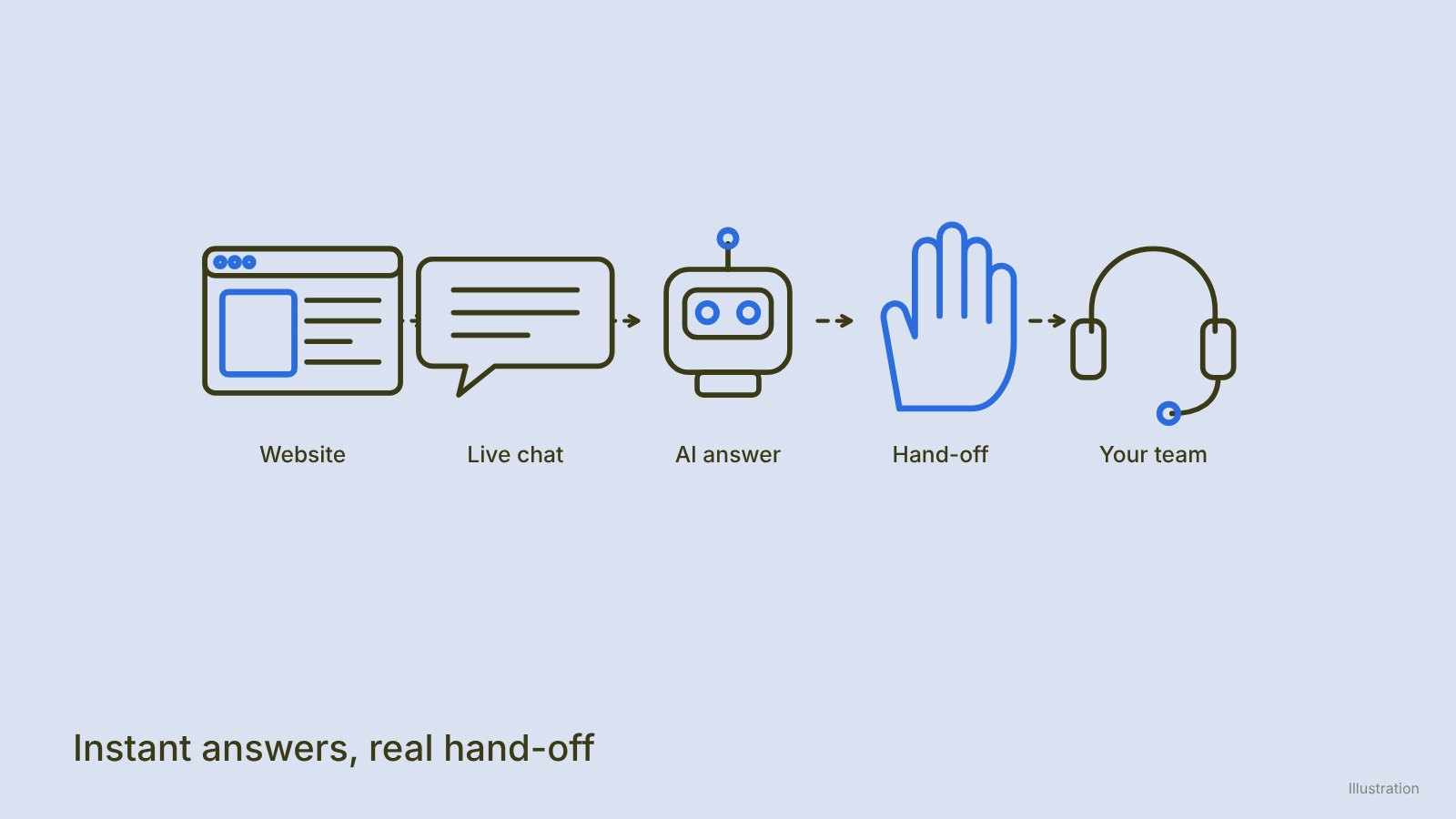
It doesn't have to be. A website chat built on a real resolution engine answers questions from your knowledge base in seconds. When it can't help, it hands the visitor to a real agent without losing what they already typed. This guide covers what separates good AI live chat from the bad kind, how the hand-off should work, and how to roll it out without promising more than your team can deliver.
Here's the wall in action at a company that sells accounting software to freelancers. The events are illustrative:
- 14:02: a visitor asks: "Why won't my bank feed connect?" The bot offers three articles: "Getting started", "Billing FAQ" and "Bank feeds overview".
- 14:04: "Was this helpful?" The visitor clicks no. Another three links.
- 14:07: the visitor types "human" four times. The bot says it didn't understand.
- 14:09: they find an email form and explain everything again.
- The next day: an agent replies by email, asking for the error message. The visitor has already signed up with a competitor.
The answer (the bank had changed its login method) was in the knowledge base. The bot couldn't find it, and wouldn't let go.
First, the basics
- AI live chat answers visitors in real time from your knowledge base.
- A confidence score decides whether an answer is shown or handed to a person.
- A hand-off turns the chat into a ticket in your help desk, with the full transcript.
- Live chat hours are when agents reply inside the chat itself.
- A widget key connects a chat widget to a brand.
Why does this matter? Visitors in chat are often minutes from buying or leaving. A confident answer or a real person quickly keeps them; a wall of links loses them.
The problem, in plain terms
- Link lists instead of answers.
- No way to a person.
- Repeating everything after the hand-off.
- Live chat promised but not staffed.
- "It shows an error" with no detail.
What visitors actually want from website chat
- An answer, not a link list. If the answer is in your help centre, give it in the chat, with the source linked for anyone who wants more.
- A way out. "Talk to a person" should always be visible, not hidden behind three failed attempts.
- No repeating themselves. Whoever picks up the conversation should see everything already said.
- Honest expectations. If nobody is online, say so and say when they'll hear back, rather than leaving them waiting in a chat.
Chatbot vs AI resolution in the chat
Classic chatbots follow decision trees or match keywords to articles. They work for a handful of anticipated questions and fail on everything else. An AI resolution engine reads the question, searches your knowledge base by meaning, writes an answer from the sources it found, and scores its own confidence. Confident answers are shown. Anything else goes to a person rather than being guessed. The difference is covered in depth in chatbot vs AI ticket resolution.
What a good hand-off looks like
The hand-off is where most website chats lose customers. A good one:
- Triggers at the right time: when the AI isn't confident, or the visitor asks for a person.
- Asks for an email only when it's needed, so the team can reply if the visitor leaves.
- Creates a ticket in your existing help desk, with the full transcript, so it lands in the queue your agents already work.
- Keeps the chat open during staffed hours, so the agent's reply shows up in the chat while the visitor is still there.
- Falls back gracefully. If nobody replies in time, the visitor is told the team will reply by email, and the chat closes politely.
Live chat hours you can actually staff
Advertising live chat and then leaving people waiting is worse than not offering it. Set live-chat hours to the times agents are actually watching the queue. A short, honest window beats a long one with missed chats. Outside those hours, hand-offs become normal email tickets. Use your support schedule to pick hours you can actually cover.
Screenshots in the chat
"It shows an error" is the least useful sentence in support. Letting visitors paste or drag a screenshot into the chat, and having the AI read the error message in it, often turns a vague question into an answerable one. Screenshots can contain personal data, so they should be read and then discarded, not stored.
How TR-AI's chat widget works
TR-AI's website chat widget is included on every plan:
- Install: turn it on, choose the title, greeting, colour and position, list the sites allowed to use it, and paste one script tag before
</body>(or add it through your tag manager). - Answers: confident answers appear instantly, from the same knowledge base and confidence rules as your help-desk tickets. Drafts that would normally go to review aren't shown to visitors unless you choose to show them.
- Screenshots: visitors can attach up to 3 screenshots per message. TR-AI reads them with the message, holds them in memory for at most 15 minutes, and never stores them.
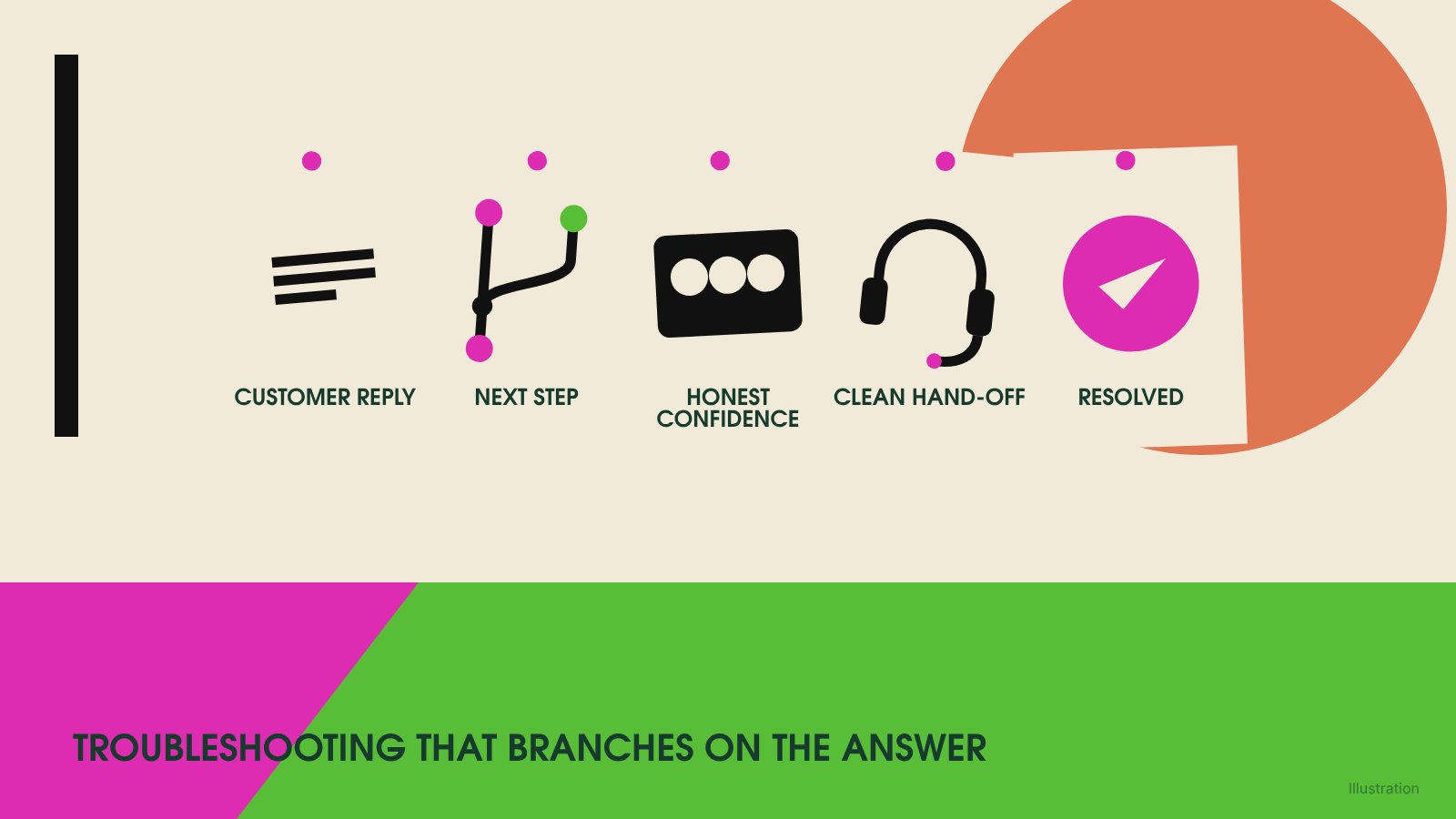
- Hand-off: when TR-AI can't help, or the visitor clicks "Talk to a person", the chat becomes a ticket with the full transcript in whichever help desk you connected: Zendesk, Freshdesk, Intercom, HubSpot, Salesforce, Zoho Desk, ServiceNow or Jira Service Management. TR-AI never auto-answers its own hand-off tickets. With no help desk connected, the transcript is emailed to your hand-off address with Reply-To set to the visitor.
- Live chat: turn on "Live chat with your team" and set your hours (in your time zone, overnight ranges included). During those hours the conversation stays open. Your agent replies on the Zendesk or Freshdesk ticket as usual, and the visitor sees "Sam from Support joined" followed by the reply. What the visitor types next is added to the same ticket. Internal notes never reach the widget. If nobody replies within your maximum wait (30 seconds to 30 minutes, default 3 minutes), the visitor is told the team will reply by email. Live chat uses no AI calls.
- Brands: assign each widget key to a brand, so replies use that brand's voice and knowledge. See brand voice for AI support.
For e-commerce stores, the shopping assistant (Growth Pro plan) also recommends products from your Shopify catalog as cards in the chat, with price, link and an add-to-cart link.
Rolling it out
- Start on your help-centre pages, where visitors already have questions, before putting chat on pricing or checkout pages.
- Write a greeting that sets expectations: "Ask me anything about billing, setup or integrations. I'll get a person if I can't help."
- Turn on live chat for a short window you know is staffed, and widen it once you know how many hand-offs to expect.
- Read the hand-offs weekly. They show exactly which questions your knowledge base is missing. Feed them into a gap analysis.
- Create a help-desk view for live chats (filter on the
tr_ai_chattag in Zendesk or Freshdesk) so they stand out from email.
A worked example, start to finish
Here's the accounting company with TR-AI's chat widget. The names are illustrative.
Set-up. Noor, the support lead, turns on the widget, sets the greeting: "Ask me anything about bank feeds, invoices or tax. I'll get a person if I can't help.", lists the company's site and help centre as allowed sites, and pastes the script tag. Zendesk is connected. She turns on live chat for 09:00–17:00 on weekdays, when agents watch the queue, with a 3-minute maximum wait.
14:02. A confident answer. "Why won't my bank feed connect?" TR-AI finds the article and answers: "Your bank recently changed how it signs in. Disconnect the feed under Banking → Feeds, then reconnect and approve the new sign-in in your bank's app." The source is linked.
14:04. A screenshot. "I did that, now it shows this." The visitor pastes a screenshot. TR-AI reads the error in it, consent expired (code 409), with the message. The screenshot is held in memory for at most 15 minutes and never stored. TR-AI isn't confident about this code.
14:04. The hand-off. The visitor sees "Talk to a person" and clicks it. The chat becomes a Zendesk ticket with the full transcript, tagged tr_ai_chat. TR-AI never auto-answers its own hand-off tickets.
14:05. Live. It's within live-chat hours, so the conversation stays open. Sam replies on the Zendesk ticket as usual: "That code means the bank's consent lapsed before you approved it. Try again and approve straight away." The visitor sees "Sam from Support joined" and the reply. Sam's internal note to a colleague never reaches the widget.
14:08. "That worked, thanks!" is added to the same ticket.
19:30. After hours. Another visitor asks for a person. The chat becomes a normal ticket and they're told the team will reply by email.
Weekly. Noor reads the hand-offs: three were about code 409, so she adds it to the bank-feeds article.
What changed: an answer in seconds, a screenshot read rather than described, a person in under a minute without repeating anything, and an honest email fallback after hours.
Five more real-world scenarios
1. Nobody replies in time
Situation. All agents are busy.
How TR handles it. If nobody replies within the maximum wait (30 seconds to 30 minutes, default 3 minutes), the visitor is told the team will reply by email.
2. No help desk connected
Situation. You only have a shared inbox.
How TR handles it. The transcript is emailed to your hand-off address with Reply-To set to the visitor.
3. An overnight team
Situation. Your team works 22:00–06:00.
How TR handles it. Live chat hours are in your time zone, overnight ranges included.
4. Two brands
Situation. You run two websites.
How TR handles it. Assign each widget key to a brand, so replies use that brand's voice and knowledge.
5. A Shopify store
Situation. Visitors ask for product suggestions.
How TR handles it. On Growth Pro, the shopping assistant recommends products from your Shopify catalog as cards with price, link and add-to-cart.
Before and after
Before. Link lists, "human" ignored four times, an email form, a reply the next day, and a lost customer.
After. A confident answer with its source, a screenshot read, a Zendesk ticket with the transcript, and an agent replying in the chat within a minute.
How to tell it's working
- Hand-offs come with transcripts.
- Live chats are answered within your maximum wait.
- Hand-off topics shrink as the knowledge base improves.
- Few visitors ask for a person twice.
Who it's for
- SaaS and e-commerce websites.
- Small teams that can staff a short live window.
- Zendesk and Freshdesk users who don't want a separate chat console.
Mistakes to avoid
- Hiding "talk to a person".
- Advertising hours you can't staff.
- Showing low-confidence drafts to visitors.
- Not reading hand-offs.
Do it in TicketResolve, step by step
Where: Chat widget (/dashboard/chat-widget). You'll need: any plan; Zendesk or Freshdesk for live replies in the chat. Full guides: Website chat widget, Hand-offs to your team and Shopping assistant.
- Turn the widget on and choose title, greeting, colour and position.
- List the sites allowed to use it.
- Paste the script tag before
</body>, or add it through your tag manager. - Check your hand-off destination: your help desk, or a hand-off email address.
- Turn on live chat with hours you can staff and a maximum wait.
- Create a help-desk view filtered on the
tr_ai_chattag. - Read hand-offs weekly and fill knowledge gaps.
How to check it worked: a test question gets an answer with its source, and "Talk to a person" during your hours creates a ticket whose reply appears in the chat.
Frequently asked questions
What is AI live chat? AI live chat is a website chat where an AI agent answers visitors' questions from your knowledge base in real time, and hands the conversation to a human agent when it can't help or the visitor asks for one.
How does an AI chat hand off to a human agent? It creates a ticket in your help desk with the full transcript, asks for the visitor's email if needed, and during staffed hours keeps the chat open so the agent's reply appears in it. Outside those hours the ticket is answered by email.
Can AI live chat work with Zendesk or Freshdesk? Yes. Hand-off tickets can be created in Zendesk, Freshdesk and other help desks. With Zendesk and Freshdesk, agents can also reply live into the chat from the ticket, without a separate chat console.
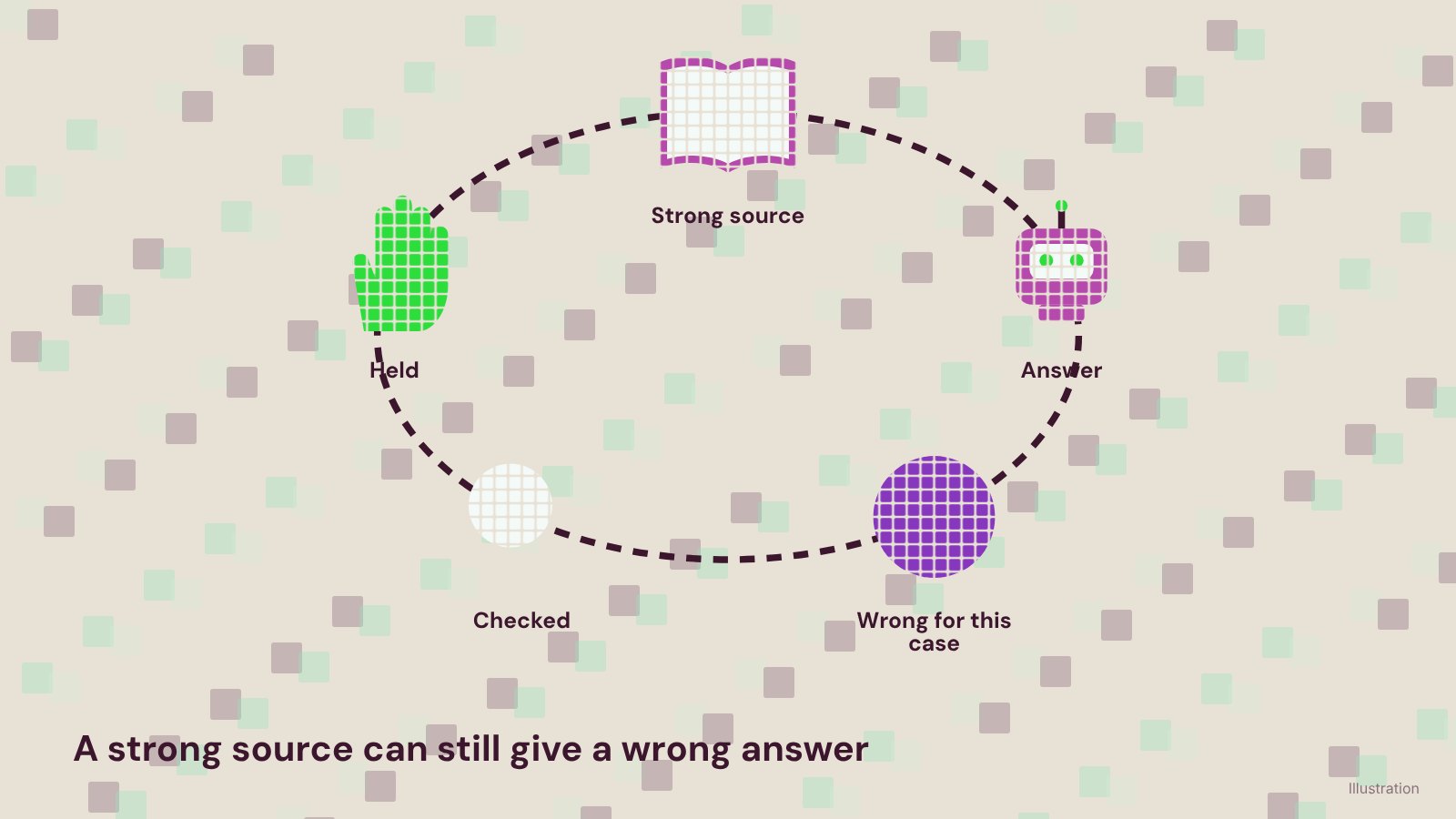
Will an AI chat widget give wrong answers? A well-built one only shows answers it is confident in, cites its sources and hands everything else to a person. See how to prevent AI hallucinations in support replies.
How many screenshots can visitors attach? Up to 3 per message. They're held in memory for at most 15 minutes and never stored.
Which help desks receive hand-offs? Zendesk, Freshdesk, Intercom, HubSpot, Salesforce, Zoho Desk, ServiceNow and Jira Service Management. Live replies in the chat work with Zendesk and Freshdesk.
Does live chat use AI calls? No.
Can agents' internal notes reach the visitor? No, internal notes never reach the widget.
Which plans include it? The chat widget and live chat are on every plan; the shopping assistant is on Growth Pro.
Explore Topics
Written by
Ghulam Shabbir
Content creator and writer sharing insights and stories.