
From Team Call to Task List: Automatic Call Notes and Action Items for Support Teams
Support huddles and escalation calls end with “I’ll handle that”, and half of it is forgotten by Monday. Transcripts with speakers made in each person’s browser, a short summary, action items with owners and due dates, “needs an owner” for what nobody took, and a personal task list close the gap, privately. With an illustrative huddle, start to finish.
Support teams talk a lot: the morning huddle, a quick call to unblock an escalation, the weekly review with the lead. Most of these calls end the same way: "I'll update that article", "Can you check the billing macro?", "Let's follow up with Acme on Friday." Then the call ends, everyone goes back to the queue, and nobody wrote any of it down.
This post covers why action items from calls get lost, and how automatic notes and a personal task list fix it.
Here's a typical week at a company that sells a membership app to gyms:
- Monday huddle: five things agreed in ten minutes. The refund article needs updating, a macro has the wrong link, someone should call a gym chain about failed payments, the weekend rota needs a swap, and engineering should be asked about a sync bug.
- Tuesday: the macro is fixed. Everyone assumed someone else would update the article.
- Wednesday: the gym chain calls, angry nobody followed up. "Someone" was supposed to.
- Thursday: the lead asks who was asking engineering about the sync bug. Two people thought the other one was.
- Friday: the weekend rota hasn't been swapped. An agent has two shifts at once.
Five decisions, one done. Nobody was lazy; nobody wrote anything down, and nobody owned anything by name.
First, the basics
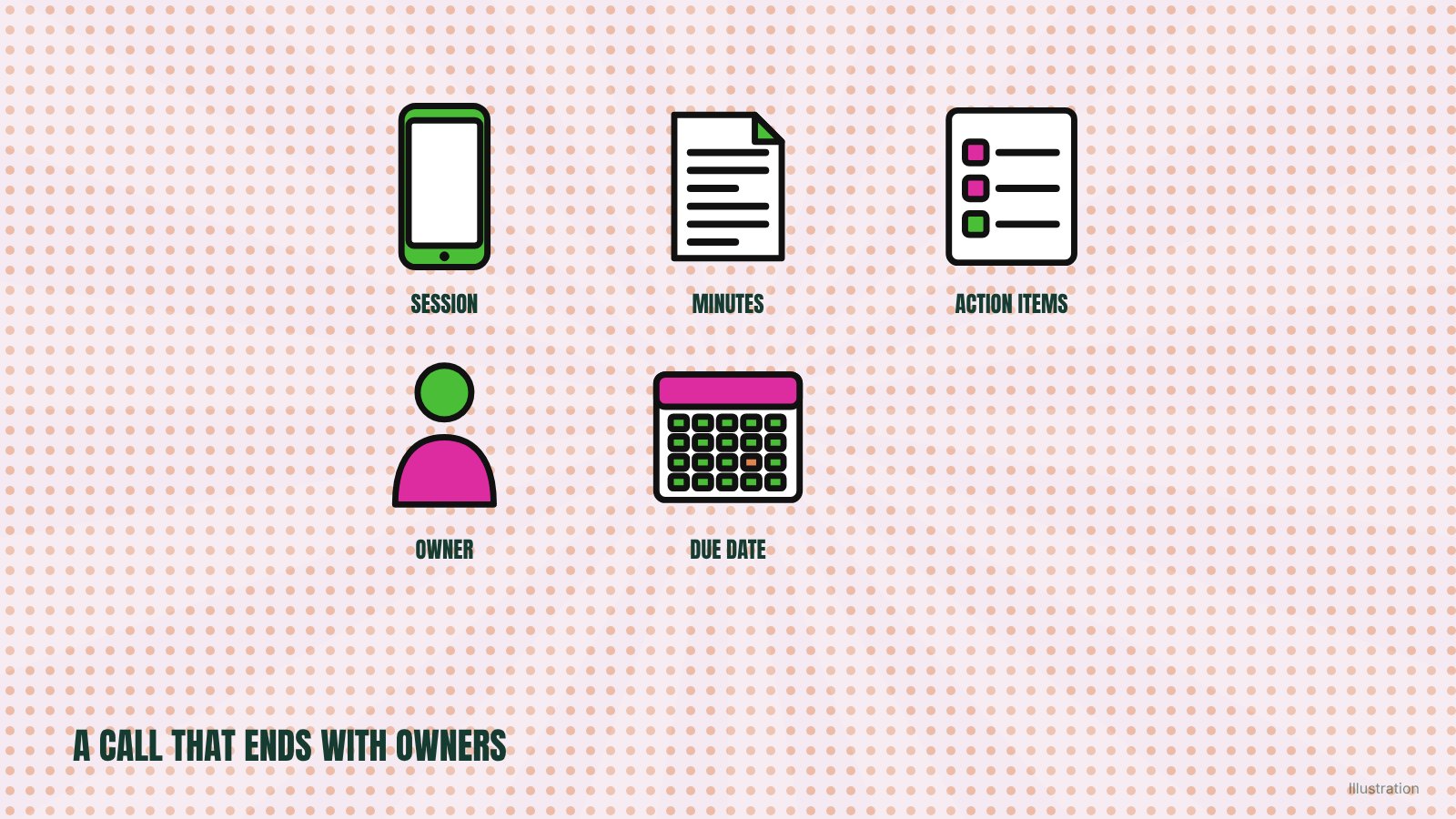
- A transcript is the text of what was said, ideally with who said each line.
- A summary is two to four sentences on what was discussed and decided.
- An action item is a concrete task someone agreed to do.
- An owner is the one person responsible for an action item.
- A due date is when it should be done, if one was said.
- "Needs an owner" marks items nobody clearly took on.
- My tasks is each person's list of their own action items, in TR-AI's sidebar.
Why does this matter? Support teams decide a lot of small, important things on calls. Each forgotten follow-up becomes an angry customer, a duplicated effort or a missed shift. Capturing owners and dates automatically, and putting them where people already work, turns "I'll handle that" into something that actually gets handled.
The problem, in plain terms
Why action items from calls get lost
- Nobody is the note-taker. On a five-minute call, nobody stops to write minutes.
- Ownership is implied, not stated. "Someone should check the macro" ends with everyone assuming someone else will.
- Dates are spoken, not recorded. "By Friday" lives only in memory.
- Tasks live in the wrong place. Even when someone writes them down, they end up in a chat thread nobody scrolls back to.
What good call notes look like
- A transcript with speakers. Who said what matters, because "I'll do it" means different things from different people.
- A short summary. Two to four sentences on what was discussed and decided, for anyone who missed the call.
- Action items with an owner. Each one is a concrete task, owned by the person who agreed to do it, with a due date when one was said.
- Unowned items made visible. When nobody clearly took something on, everyone on the call should see it until someone does.
- A list each person actually checks. Action items belong in the same tool agents work in all day, not a separate app.
Privacy matters on internal calls
Internal calls often mention customers. Good practice:
- Audio shouldn't be stored at all; text is enough.
- Only people who were on the call can read the transcript.
- Transcripts are encrypted and deleted after a fixed period.
- People can switch transcription off for themselves, and it pauses when they mute.
How TR-AI handles call notes
TR-AI includes team chat and calls on every plan. Call notes and My tasks build on them:
- Transcribed in each person's browser. Each browser turns its own user's speech into text, so every line has a speaker and audio never reaches TR-AI. It works in Chrome, Edge and Safari. A "Transcribing" badge shows in the call, with a button to turn it off for yourself.
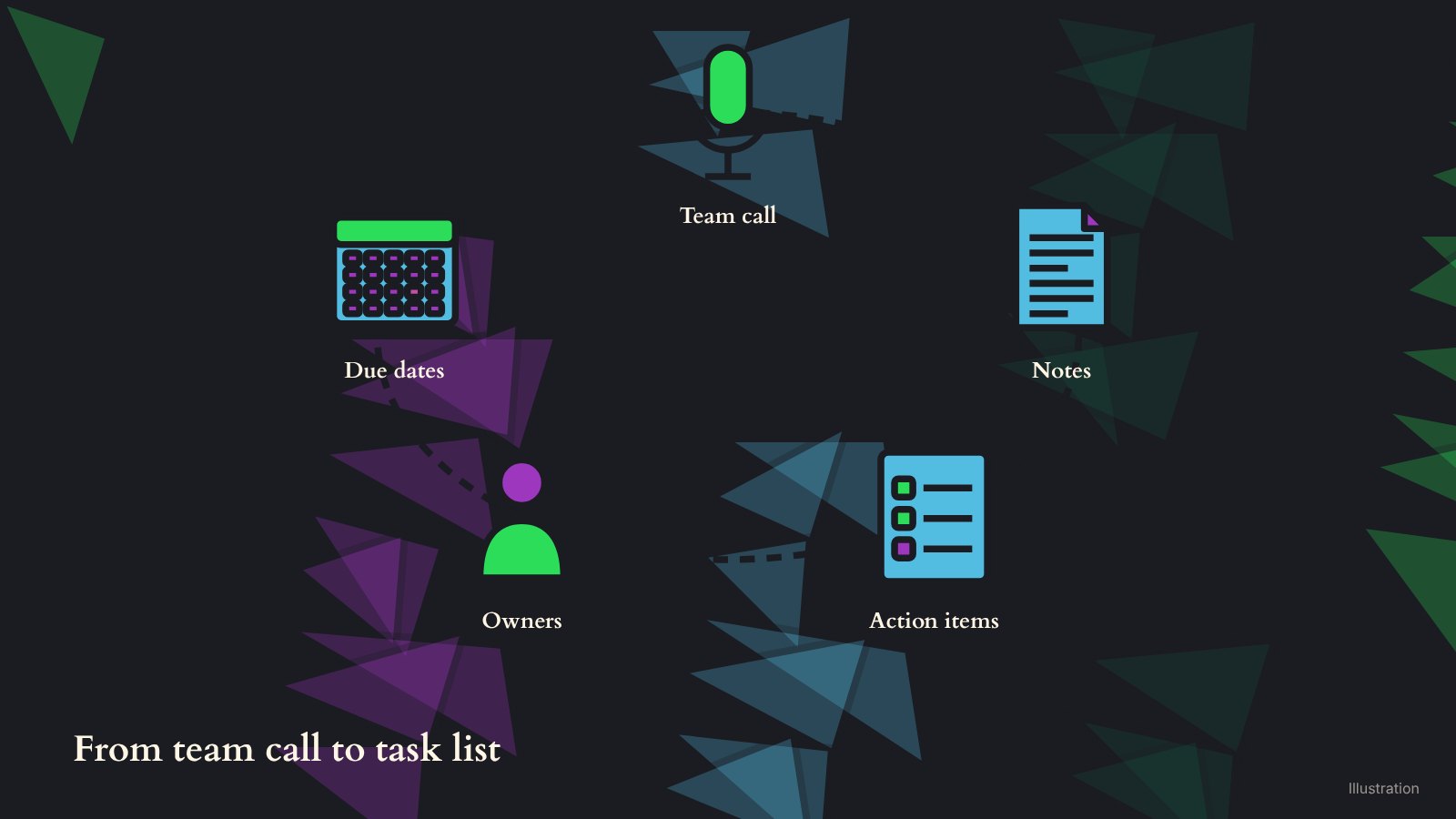
- Notes about a minute after the call. One short AI call writes the summary and the action items, each with an owner from the people on the call and a due date when one was said ("by Friday" becomes that Friday's date). Calls with very little said are skipped.
- My tasks in the sidebar (
/dashboard/tasks). Your items are grouped into Overdue, Due today, Coming up and No due date, next to tasks you add yourself. Items nobody took on show under "Needs an owner" for everyone on the call, with an "I'll take it" button. - Change it after the call. Anyone who was on the call can open its notes from Recent calls and change an item's owner.
- Private by design. Transcripts are encrypted, readable only by people on the call, and deleted after 90 days.
Pair it with a support playbook and a support schedule, so decisions made on calls become procedures, and handovers have owners.
A worked example, start to finish
Here's the gym-app Monday huddle with call notes. The names are illustrative.
09:00. Kemi, the support lead, starts a call in TR-AI with four agents. A "Transcribing" badge shows for everyone. Diego, who's in a noisy café, turns transcription off for himself; his lines won't be transcribed, but he can still talk.
09:01–09:10. The team talks through the week. Some lines:
- Kemi: "Aisha, can you update the refund article by Wednesday?" Aisha: "Yes, I'll do it."
- Tom: "I'll fix the macro link today."
- Kemi: "Someone needs to call FitChain about the failed payments." Silence.
- Aisha: "I'll ask engineering about the sync bug before Friday."
- Diego (not transcribed) agrees to swap a weekend shift.
09:11. About a minute after the call. The notes appear:
- Summary: Weekly huddle. Refund article and macro link to fix; FitChain payment follow-up needed; sync bug to raise with engineering; weekend rota swap discussed.
- Action items:
- Update refund article · Aisha · due Wednesday.
- Fix macro link · Tom · due today.
- Ask engineering about sync bug · Aisha · due Friday.
- Call FitChain about failed payments · Needs an owner.
09:15. In everyone's sidebar, "Needs an owner" shows the FitChain call. Tom selects I'll take it. It moves to his My tasks, Due today.
09:20. Kemi opens the call's notes from Recent calls and adds the rota swap as Diego's, since his part wasn't transcribed.
Wednesday 16:00. Aisha's refund article appears under Due today. She finishes it.
Friday. Every item is done. FitChain was called on Monday afternoon, before they got angry.
What changed: five decisions, five owners, dates where they were said, and a list each person checked anyway.
Five more real-world scenarios
1. A quick escalation call
Situation. A three-minute call to unblock one ticket.
How TR handles it. Calls with very little said are skipped; longer ones get notes.
2. Someone mutes
Situation. An agent mutes to take a delivery.
How TR handles it. Transcription pauses while they're muted.
3. "By Friday"
Situation. Someone says "by Friday".
How TR handles it. It becomes that Friday's date.
4. The wrong owner
Situation. The notes give a task to the wrong person.
How TR handles it. Anyone on the call can change the owner from Recent calls.
5. Someone who missed the call
Situation. An agent was off sick.
How TR handles it. They can't read the transcript (it's for people on the call), but tasks given to them appear in their My tasks.
Before and after
Before. Five decisions, one done, an angry customer, a question asked twice, and a double shift.
After. A transcript with speakers, a summary, every item with an owner and date, "needs an owner" taken within minutes, and a Friday with nothing forgotten.
How to tell it's working
- Follow-ups happen without reminders.
- "Needs an owner" empties quickly after calls.
- Fewer "who was doing that?" questions.
- Overdue items are rare.
Who it's for
- Support leads running huddles.
- Agents who agree to things on calls.
- Teams spread across time zones who can't all attend.
How it fits with the rest of TicketResolve
Call notes build on team chat and calls. Tasks land in My tasks next to action items from customer sessions. Decisions that become procedures belong in the playbook, and rota changes in the support schedule.
Is it safe to transcribe internal support calls?
It can be, if audio isn't stored, transcripts are encrypted and readable only by participants, people can turn transcription off for themselves, and transcripts are deleted after a set period. Transcribing in each person's browser also means every line has a speaker without recording anyone's audio centrally.
Who owns an action item when nobody volunteers?
Keep it visible to everyone on the call as "needs an owner" until someone takes it. Silent assignment leads to tasks nobody feels responsible for. An "I'll take it" button is a small thing, but it turns an awkward silence into a clear decision.
Making huddles shorter, not longer
Notes that write themselves change how huddles run. Nobody needs to pause to write things down or repeat decisions for the note-taker, so calls stay short. A good habit is to end each huddle by saying each action out loud with a name and a day ("Aisha, refund article, Wednesday"), which also makes the notes more accurate. Within a few weeks most teams find their huddles take less time and produce fewer forgotten follow-ups.
Mistakes to avoid
- Assuming someone else took the task.
- Leaving "needs an owner" items unclaimed.
- Keeping tasks in chat instead of My tasks.
- Saying "soon" instead of a day.
Do it in TicketResolve, step by step
Where: Calls (/dashboard/calls), Team chat (/dashboard/team-chat) and My tasks (/dashboard/tasks). You'll need: Chrome, Edge or Safari for transcription. Full guides: My tasks: action items from your calls, Calls and Team chat.
- Start a call with your team in TR-AI.
- Check the "Transcribing" badge; turn it off for yourself if you need to.
- Say each action with a name and a day before you hang up.
- Open the notes about a minute after the call.
- Take unowned items with "I'll take it".
- Correct owners from Recent calls if needed.
- Work from My tasks: Overdue, Due today, Coming up, No due date.
How to check it worked: the call's notes show a summary and action items with owners, and each person sees their items in My tasks.
Frequently asked questions
How do I capture action items from team calls automatically? Use a tool that transcribes the call with speaker names, then extracts each agreed task with the person who agreed to it and any date mentioned. The tasks should land in a list each person already checks.
Who owns an action item when nobody volunteers? Keep it visible to everyone on the call as "needs an owner" until someone takes it. Silent assignment leads to tasks nobody feels responsible for.
Is it safe to transcribe internal support calls? It can be, if audio isn't stored, transcripts are encrypted and readable only by participants, people can turn transcription off for themselves, and transcripts are deleted after a set period.
Do call notes use my ticket allowance in TR-AI? No. Each call uses one short AI call for its notes, separate from your daily ticket limit.
Is audio stored? No. Each browser turns its own user's speech into text.
Which browsers work? Chrome, Edge and Safari.
How long are transcripts kept? 90 days, encrypted.
Who can read a transcript? Only people who were on the call.
Can I turn transcription off? Yes, for yourself, with the button by the badge.
Explore Topics
Written by
Ghulam Shabbir
Content creator and writer sharing insights and stories.