
The Day After Signing: From Sales Hand-off to a Plan That Tells the Truth
The contract is signed and sales has handed over what was promised. Now someone has to turn that into a plan the customer believes, and get a dozen people on three sides to deliver it on time. TicketResolve’s Implementations module takes a signed customer from sales hand-off to go-live, with a plan generated from what was sold, one accountable person per task, every dependency tracked against the date it’s really needed, and go-live decided at a gate.
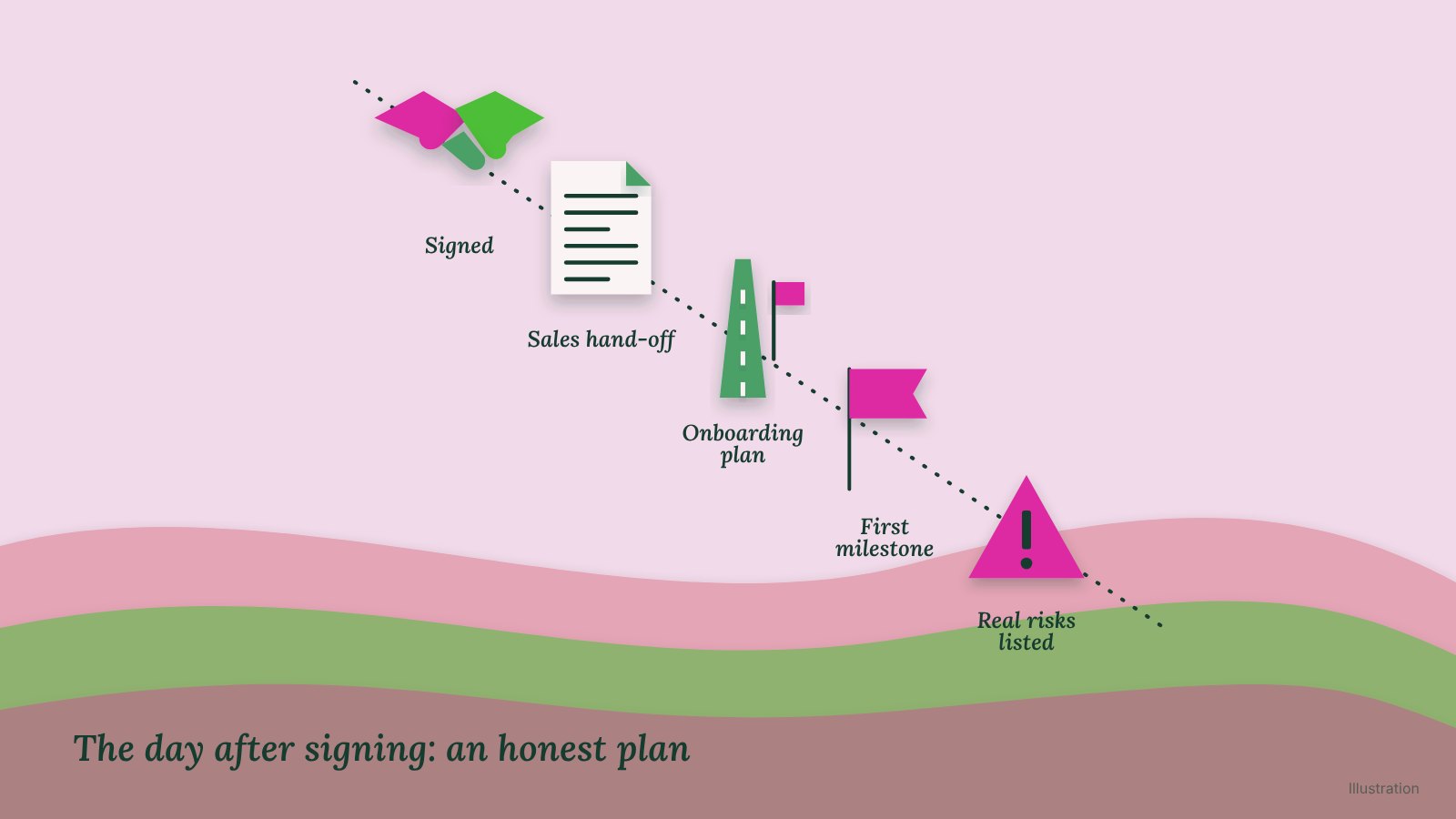
On Friday afternoon, a 600-seat logistics company signs a contract. The deal includes single sign-on, a Salesforce integration, migration of three years of support history, and a contractual go-live date of 15 December. On Monday, Daniel, the implementation manager, opens the previous customer's project plan, renames it and sends it to the customer.
Three weeks in, things go wrong. The plan has no task for the Salesforce field mapping the sales engineer promised, because the previous customer didn't use Salesforce. The customer's IT administrator didn't know she owned three of the first ten tasks. The API credentials for the old help desk are "coming next week" for the third week in a row. Nobody has noticed that, even on paper, the plan never fitted 15 December.
The contract is signed, but the hard part has just begun.
First, the basics
- An implementation is the project of getting a newly signed customer live on your product: setup, integrations, data migration, training.
- A sales hand-off is the summary sales gives delivery: what was sold, what the customer must have, open questions and agreed success criteria.
- A must-have requirement is something the customer can't go live without, such as single sign-on.
- A workstream is a stream of related work, such as integrations or data migration.
- The critical path is the longest chain of tasks that depend on each other. It decides the earliest possible finish date: if any task on it slips, the whole project slips.
- A dependency is something the plan is waiting for from outside, such as a credential from the customer's IT team or a decision from their legal department.
- A go-live gate is a checklist that must be complete before the customer is switched on. Go / no-go is the final decision. Hypercare is the period of extra attention just after go-live.
Why does this matter? Implementations decide a customer's first impression and the time until they get value. A plan that fits the contract, with named owners and visible dependencies, prevents missed dates, awkward conversations and a rocky start to the relationship.
The problem, in plain terms
- Plans are copied, not built. The last customer's plan doesn't contain this customer's requirements.
- Plans pretend to fit. When go-live doesn't fit, tasks are quietly squeezed until it does on paper.
- Ownership is vague. "The customer will provide" isn't an owner. A named person at the customer is.
- Dependencies surprise everyone. Waiting items are discovered when they block, not before.
- Go-live is a date, not a decision. Teams go live because the calendar says so, not because the checks are done.
A plan generated from what was sold
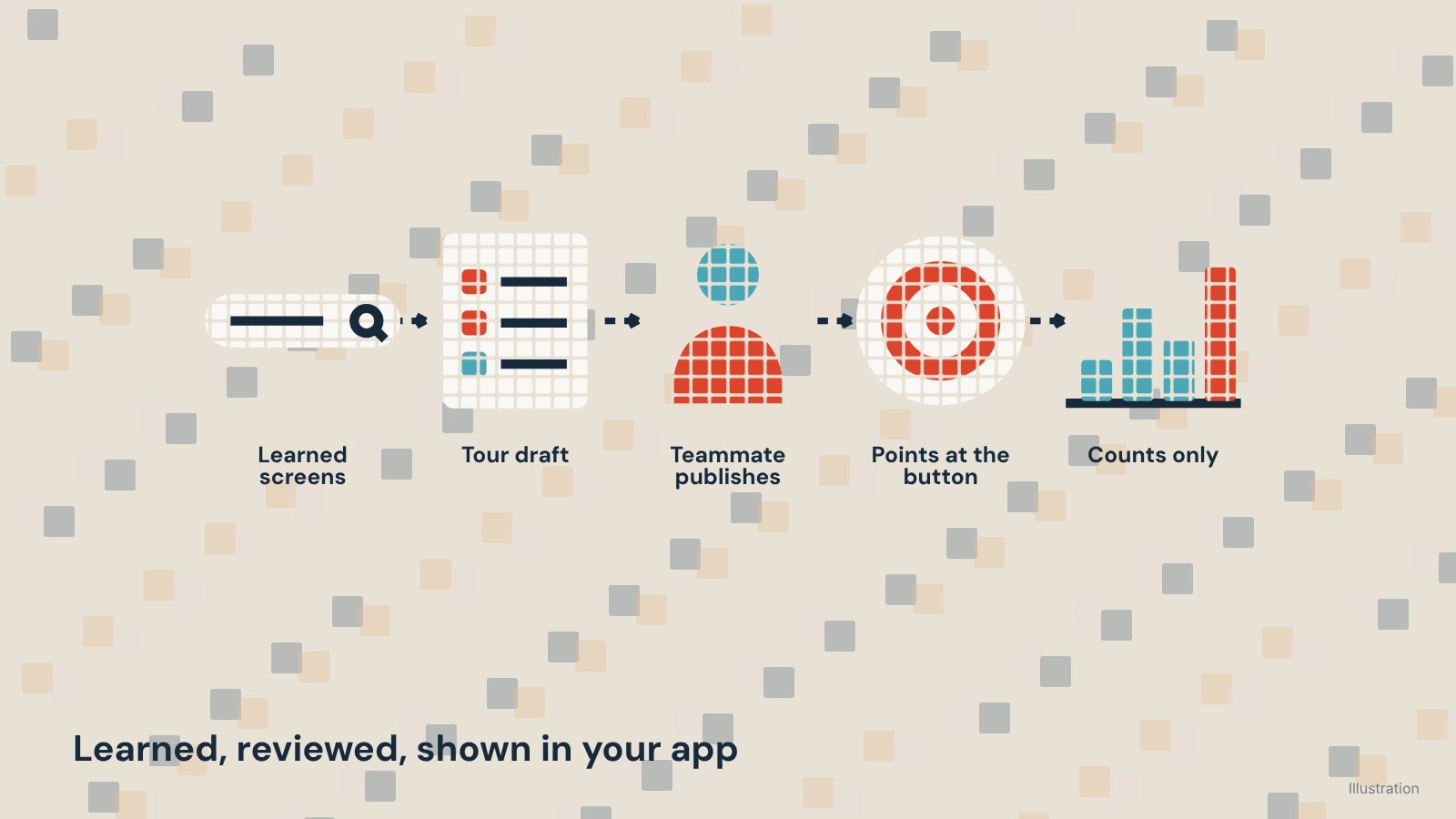
When delivery accepts a sales hand-off, it appears under Implementations → Ready to start. Starting it drafts a plan from the hand-off itself:
- Each must-have requirement gets its own task in the right workstream: integrations, data, single sign-on or configuration. Everything else is grouped, so nothing is dropped.
- Gaps the sales engineer recorded become a risk and a decision the customer must take before acceptance testing is prepared.
- Items still to verify become early verification tasks.
- PoC success criteria become acceptance criteria, next to the must-have requirements.
- The stakeholders become the customer's people, by name and title, with a suggested role each.
The plan is built from rules, not a language model. No model is called.
A plan that says when it doesn't fit
Durations are counted in working days and scaled by segment: an enterprise rollout isn't a small-business one. Technical work runs in one lane per consultant, because a single consultant can't configure five things at once.
The plan is scheduled with the critical-path method and compared with the target and contractual go-live dates. If go-live doesn't fit, the plan says so:
Go-live is forecast for 24 Dec, 9 working days after the target. The longest chain: kickoff → set up the workspace → Salesforce sync → acceptance testing → go / no-go → go live.
It never quietly squeezes the plan to make the date work. You choose what to change: shorten a task, add a consultant, move work out of scope, or agree a later date.
Once your team has finished three implementations, the template durations are adjusted by how long your work actually took, workstream by workstream. The plan shows how many implementations that adjustment is based on.
One accountable person for every task
Before the plan can be accepted, every role it uses must have a person on the right side:
- Us: implementation manager, technical consultant, trainer.
- The customer: project lead, IT administrator, data owner, executive sponsor.
- Third parties: named people at a partner or vendor.
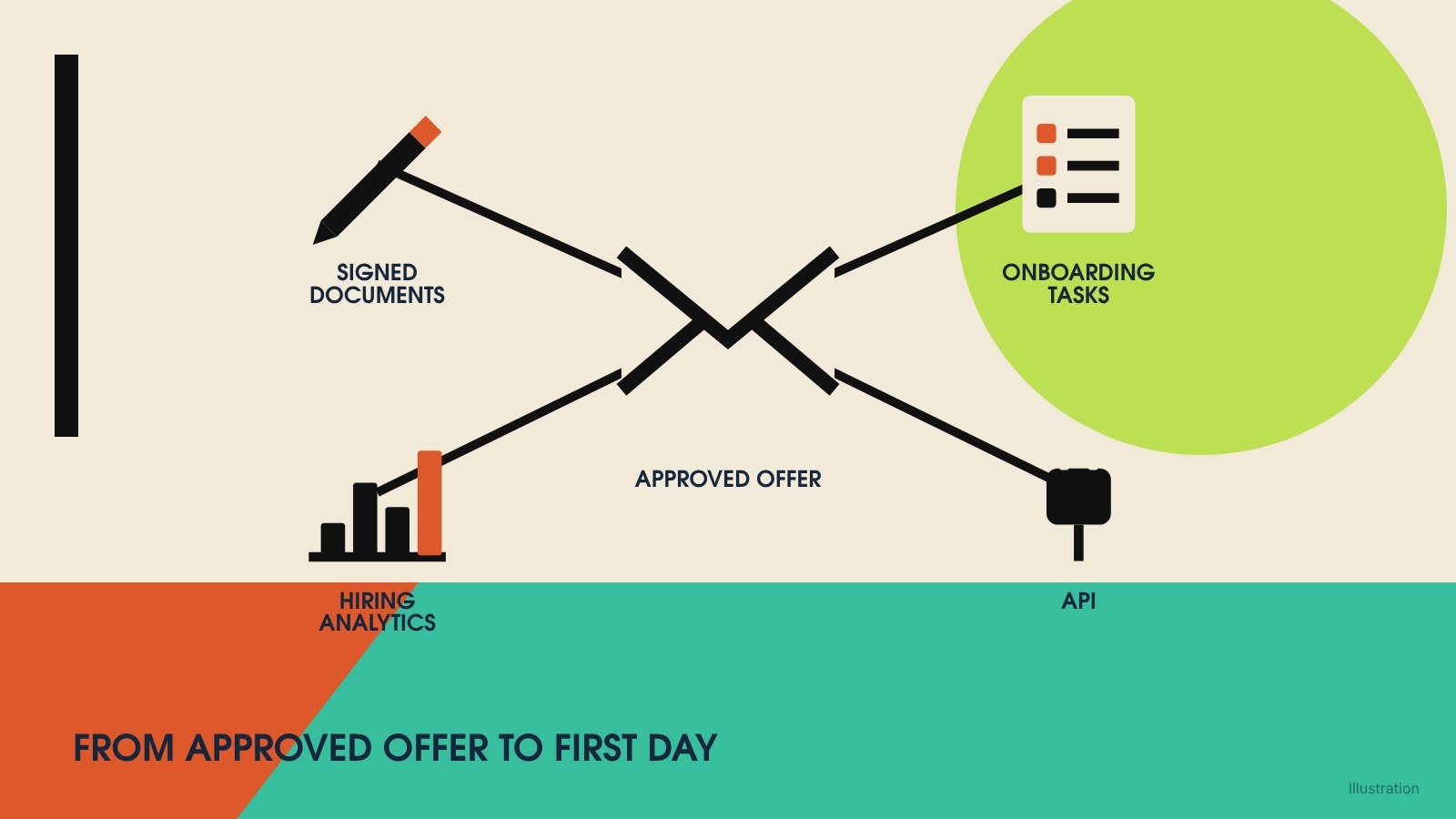
Accepting the plan creates the tasks, links, milestones, risks and dependencies. The implementation also appears in the AI Project Manager, so baselines, change requests and status reports work as usual.
Every dependency, against the date it's really needed
External dependencies come in five kinds: a customer action, a third-party delivery, access or an environment, a decision, and contract or legal. Each one blocks a specific task.
TicketResolve works out the needed-by date: the latest that task can start without moving go-live. It then compares the promise with it:
- On track: time to spare.
- At risk: due within five working days.
- Blocking go-live: promised after the needed-by date, or the date has passed. The plan shows by how many working days go-live moves.
Waiting on lists everything open across your implementations, grouped by who it's waiting on: us, the customer or a third party.
The customer sees their own actions, and nothing else
Each person at the customer, or at a third party, can be given a personal link to a page with only their own actions and dates. No sign-in is needed. The link expires, can be revoked, and only a fingerprint of it is stored.
When they mark something done, it shows as reported by the customer. It only counts once one of your team confirms it. TicketResolve never e-mails the customer for you: you send the link yourself.
Go-live is a decision, not a date
Go-live is checked at a gate:
- every must-have requirement delivered;
- acceptance testing signed off;
- no open dependency;
- no open critical or high issue;
- integrations tested;
- data reconciled;
- training done;
- a cutover and rollback plan;
- a named hypercare owner.
The checks that can be calculated from the plan are calculated; the rest need evidence from a person. Only someone with Approve go-live can waive a check (never the implementation manager), and they must give a reason.
The go / no-go is decided by someone other than the implementation manager and the person who asked for it. A "go" records who signed off for the customer. Even then, the customer isn't marked live until a person confirms it actually happened. Neither a date passing nor a successful deploy counts.
After hypercare, the implementation is handed to the customer's CSM. They accept it, and a success plan is created from the acceptance criteria. Or they return it with what's missing.
Four real-world scenarios
1. Daniel's plan, built from what was sold
How TR handles it. The hand-off's must-haves (SSO, Salesforce sync, history migration) each get their own task. The sales engineer's gap ("custom field mapping not yet agreed") becomes a risk and a customer decision. The feasibility line is red on day one: forecast 24 Dec, 9 working days late; longest chain runs through the Salesforce sync. Daniel adds a second consultant and re-drafts. It's now green with two days to spare, before the customer sees anything.
2. The IT administrator who didn't know
How TR handles it. In Who does what, the customer's IT administrator is named for SSO configuration, the API credential and the sandbox. Daniel creates her action page link and sends it himself. She sees her three actions and dates, and nothing else.
3. The credentials that keep slipping
How TR handles it. The dependency "help-desk API credentials" shows a needed-by date of 4 November. When the customer promises 11 November, it turns blocking go-live, and the plan shows go-live moving by five working days. Daniel escalates to the executive sponsor with the number, not a feeling.
4. Go-live on the calendar, but not ready
Situation. It's 15 December, but data reconciliation isn't signed off.
How TR handles it. The gate shows data reconciled unmet. The go / no-go isn't requested until it's done. The customer goes live on 17 December, properly, rather than on 15 December with missing history.
Before and after
Before. A copied plan that never fitted, vague owners, surprise blockers and a go-live decided by the calendar.
After. A plan built from the hand-off that says honestly whether it fits, a named owner for every task, dependencies measured against when they're really needed, and a go-live decided at a gate.
Who it's for
- Implementation and onboarding managers running several customers at once.
- Delivery and professional-services leaders who need forecasts they can trust.
- Customer success managers receiving the account after go-live.
How it fits with the rest of TicketResolve
Hand-offs come from Sales Engineering. Accepted plans appear in the AI Project Manager, with baselines, change requests and status reports. After hypercare, the account moves to Customer Success with a success plan built from the acceptance criteria.
Mistakes to avoid
- Re-drafting until the line turns green by shrinking tasks. Change scope, people or dates instead.
- Counting customer-reported items as done. Confirm them.
- Waiving gate checks without a real reason. The reason is recorded.
Do it in TicketResolve, step by step
Where: Implementations (/dashboard/implementations). You'll need: delivery to have accepted the sales hand-off, and someone with Approve go-live for the gate. Full guides: Starting an implementation, Giving every task one accountable person, Tracking dependencies, Sharing an action page with the customer and Go-live: the gate, go / no-go and hand-off.
- Start it. Implementations → Ready to start lists accepted hand-offs; click Start implementation. (No hand-off? Use Start without a hand-off and enter the requirements.)
- Give the dates and team size. Kickoff date, target go-live, the contractual go-live if there is one, the segment and how many technical consultants will work on it.
- Read the feasibility line. Green means go-live fits, with working days to spare. Red says how many working days late it is and which chain of tasks sets it.
- Adjust and re-draft. Change the dates, segment or number of consultants, then Re-draft, until the plan is honest and acceptable.
- Name every owner. Check the customer's people (add anyone missing with Add a person), then fill in Who does what for every role.
- Accept the plan. Tasks, links, milestones, risks and dependencies are created, and the project appears in the AI Project Manager.
- Share action pages. People tab → Create action page link next to each customer person. Copy it straight away (it's shown only once) and send it yourself.
- Work the dependencies. In Dependencies, record each owner's Promised for date. Work Implementations → Waiting on daily, most urgent first. Close each with a link or note.
- Confirm what the customer reports. Under Reported done by the customer, choose Confirm done or Not done yet.
- Pass the gate. On the Go-live tab, meet the checks and record evidence for the cutover plan and hypercare owner. Then Request go / no-go; someone other than you decides.
- Confirm go-live and hand over. When the customer is actually live, confirm the date and hypercare starts. Then, on the Hand-off tab, choose the CSM.
How to check it worked: the feasibility line stays green or tells you exactly why not, "Waiting on" shrinks every week, and the CSM accepts the hand-off with a success plan created.
What's next
This release covers signed to go-live. Next comes deployment of TicketResolve itself, then adoption and value realisation. Implementations are included in every plan, with no seats.
Frequently asked questions
Is the plan written by an AI? No. It's generated by rules from the sales hand-off; no model is called.
What if go-live doesn't fit? The plan says how late it is and which chain sets it. It never compresses itself; you decide what to change.
Does the customer need a login? No. Each person gets a personal, expiring, revocable link to their own actions.
Can the implementation manager approve go-live? No. Waivers need someone with Approve go-live, and the go / no-go is decided by someone other than the implementation manager and the requester.
When is a customer marked live? Only when a person confirms it actually happened, not when a date passes.
Explore Topics
Written by
Ghulam Shabbir
Content creator and writer sharing insights and stories.