
Requirements That Cite the Customer
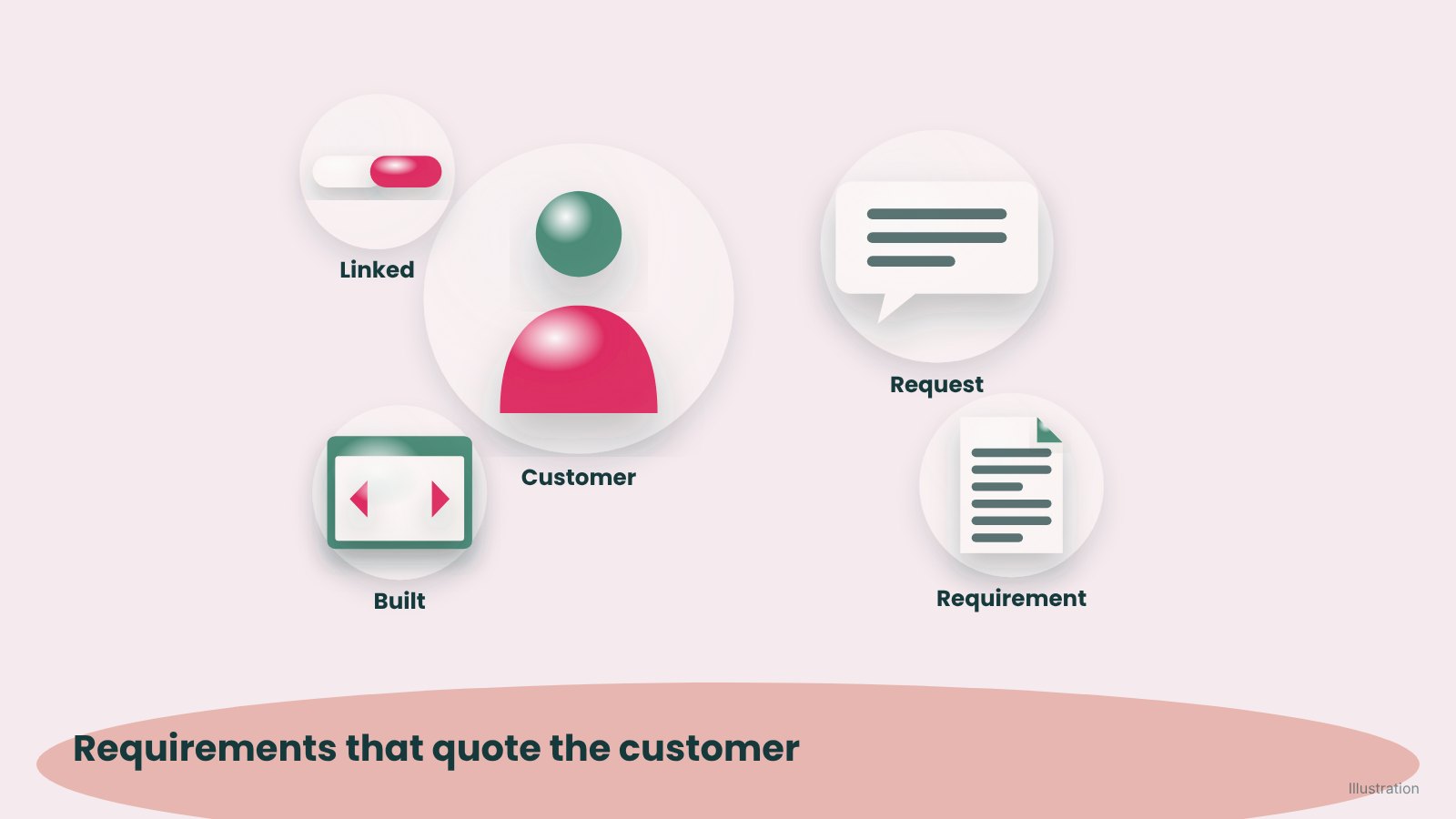
An AI can write a convincing PRD in seconds, and that’s the problem: “supports SSO, exports to CSV, handles 10,000 users” reads like a requirement whether or not anyone asked for it. Product Management Intelligence assembles PRDs from the opportunity’s evidence, has AI sections cite it, gets approval from a named person, writes stories with testable acceptance criteria and hands off to engineering without ever creating the same ticket twice.
At a project-management software company, a PM named Theo needs a PRD for "Client portal": letting agencies share project status with their own clients. He has an approved opportunity with 23 customers' feedback attached. He asks a general AI tool to write the PRD.
It's done in a minute, and it's impressive: personas, user stories, 31 functional requirements. Among them: "Single sign-on for client users via SAML", "White-label custom domains", "Supports 10,000 client users per workspace", "Real-time chat with clients".
Engineering estimates it at two quarters. In the kickoff, the engineering lead asks which customers asked for SAML for client users. Nobody did. Custom domains? Two customers, as a nice-to-have. Real-time chat? Not mentioned anywhere. 10,000 users? The largest customer has 400 clients.
The PRD read like requirements. Most of them were the AI's idea of what a client portal should have.
First, the basics
- A PRD (product requirements document) describes what to build and why: the problem, who it's for, what it must do and how success is measured.
- An opportunity is a problem worth solving, with customer evidence attached.
- Customer evidence is what customers actually said, with quotes and the number of unique customers.
- Functional requirements say what the product must do. Non-functional requirements cover qualities like performance or security.
- Acceptance criteria say how to check a requirement is met, often as "Given … when … then …".
- Personas are descriptions of typical users. A strategic objective is a business goal, often with a KPI to measure it.
- Epics, stories and tasks break the work down for engineering.
- A hand-off sends ready work to engineering; the engineering owner accepts it or returns it.
- A named approver is a specific person who signs off.
Why does this matter? Requirements decide what engineering spends months building. When a PRD's requirements point back to real customer evidence, engineering builds what customers need, and everyone can see why. When they don't, teams build expensive features nobody asked for.
The problem, in plain terms
- AI-written PRDs invent requirements that sound reasonable.
- Customer evidence gets lost between the opportunity and the PRD.
- Gaps are papered over instead of marked.
- PRDs change after approval without a record.
- Acceptance criteria are vague, so nobody can test them.
- Hand-offs create duplicate tickets on retry.
Assembled first, written second
A PRD has 21 sections. About half come straight from the records:
- the problem;
- the customer evidence, with quotes and the number of unique customers;
- the business context from the linked strategic objectives;
- personas;
- technical notes, dependencies and risks;
- success metrics from the objectives' KPIs;
- the release plan from the roadmap.
The AI then drafts the narrative sections (summary, use cases, functional and non-functional requirements, acceptance criteria) in one call.
- Every line has to cite what it's based on: the opportunity, a piece of feedback, an objective, a persona.
- A line that cites nothing is dropped.
- A section the evidence doesn't support stays empty, marked "needs input".
- UX, security and privacy, and what's out of scope are written by a person.
The PRD also lists what's missing: no KPI to measure success, no personas, a release date engineering hasn't committed to.
Approved by someone else
Comment on any section. When the functional requirements and acceptance criteria are there, send it to a named approver. Changing an approved PRD starts a new version, and the old one stays as it was approved.
Stories engineering can test
From the approved version, epics, stories and tasks are drafted.
- Each one must implement a listed requirement.
- Acceptance criteria are written as "Given … when … then …".
- You can also add them by hand.
Mark them ready and send: each becomes one engineering ticket and goes on to Jira, GitHub or Linear if you have one connected. A double click or a retry never creates a second ticket.
The product's engineering owner accepts the hand-off or returns it saying what's missing, and ticket status flows back onto the stories.
A worked example, start to finish
Here's Theo's client-portal PRD, written in Product Management Intelligence.
Monday, 09:00. Theo opens the approved opportunity Client portal and chooses Draft a PRD with AI.
09:01. The assembled sections appear:
- Problem: agencies spend time sending status updates to their clients by e-mail.
- Customer evidence: 23 unique customers, with quotes such as "I spend Friday afternoons writing status e-mails to six clients" and "Clients keep asking 'where are we?'".
- Business context: linked objective Increase agency-segment retention, KPI agency logo churn.
- Personas: Agency project lead, Agency client.
- Release plan: roadmap item targeted for Q3 (target, not committed).
09:02. The AI-drafted sections, each line citing its basis:
- "Agency project leads can share a read-only project status page with a client." [opportunity; feedback 14, 19, 22]
- "Clients see milestones and their due dates, but not internal tasks or comments." [feedback 7, 11]
- "Project leads choose which milestones are visible." [feedback 3]
- "Clients receive an e-mail when a milestone is completed." [feedback 9, 16]
Several things are not there: SAML for clients, real-time chat and 10,000 users. They had no evidence, so they never made it. Non-functional requirements is marked "needs input": the evidence doesn't say anything about performance.
09:10. Missing information lists: no success metric tied to the portal itself; release date not committed by engineering. Theo adds a metric: share of agency projects with a client portal enabled.
09:30. Theo writes the person-only sections: UX (with the designer), security and privacy (client access via expiring links, no client accounts in v1) and out of scope (custom domains, client comments, chat).
Tuesday. The design lead comments on the use cases. Theo sends the PRD to the head of product, the named approver. She approves it.
Wednesday. From the approved version, stories are drafted, each implementing a listed requirement, with criteria like: "Given a project lead has enabled the portal, when a client opens the link, then they see the milestones the lead made visible, and no internal tasks." Theo adds one story by hand, marks 9 ready and sends.
Wednesday, 15:00. Nine Jira tickets are created. Theo's browser times out and he clicks send again. No second set of tickets is created.
Thursday. The engineering owner returns the hand-off: "Missing: expected behaviour when a link has expired." Theo adds that criterion and sends again. It's accepted. As engineering works, ticket status flows back onto the stories.
Kickoff. Engineering estimates six weeks, not two quarters.
Five more real-world scenarios
1. A requirement with no evidence
Situation. The AI's draft includes "supports 10,000 users".
How TR handles it. If it cites nothing, it's dropped.
2. A section the evidence doesn't cover
Situation. No customer said anything about accessibility.
How TR handles it. The section stays empty, marked "needs input", for a person to write.
3. Changing an approved PRD
Situation. Product wants to add a requirement after approval.
How TR handles it. A new version starts; the approved version stays as it was.
4. Drafting from the records only
Situation. A team prefers not to use AI for a sensitive PRD.
How TR handles it. Choose From the records only: the assembled sections come in, and the narrative is written by people.
5. A double-sent hand-off
Situation. Someone clicks "send" twice.
How TR handles it. Each ready item becomes one engineering ticket. A retry never creates a second.
How to review an AI-drafted PRD in twenty minutes
A PRD drafted from evidence is quicker to review, because every line tells you where it came from. A practical order:
- Read Missing information first. It tells you what the PRD can't yet answer.
- Check the customer evidence section. Are the quotes and the number of unique customers what you expect?
- Read each functional requirement next to its citation. Open one or two citations at random and check the feedback really says that.
- Look for what's not there. Requirements you expected but which were dropped had no evidence. Either they don't belong, or they need a person to add them with a reason.
- Fill every "needs input" section, and write UX, security and privacy, and out of scope.
Then send it to the approver. They can follow the same citations, so approval becomes a check rather than an act of faith.
Before and after
Before. A fluent PRD with 31 requirements, many invented, and a two-quarter estimate for features nobody asked for.
After. A PRD assembled from evidence, AI lines that cite customers or objectives, gaps marked for people, approval by a named person, testable stories, and one ticket per story.
How to tell it's working
- Every requirement cites evidence, or was written by a person.
- "Needs input" sections are filled before approval.
- Engineering returns hand-offs less often as criteria improve.
- No duplicate tickets appear in the tracker.
Who it's for
- Product managers writing PRDs.
- Engineering leads who receive hand-offs.
- Designers, security and privacy reviewers who own their sections.
How it fits with the rest of TicketResolve
This was phase 3 of Product Management Intelligence, after feedback and themes, and opportunities and roadmaps. Tickets go to Jira, GitHub or Linear if connected. Next came product analytics and experiments, then the AI Product Manager.
Mistakes to avoid
- Deleting "needs input" markers without writing the section.
- Approving without reading the citations.
- Writing acceptance criteria that can't be tested. Use Given/when/then.
Do it in TicketResolve, step by step
Where: Product Management → PRDs (/dashboard/product-management/prds). You'll need: a PM seat, an approved opportunity, a named approver with Approve product decisions, and optionally Jira, GitHub or Linear connected. Full guide: Writing a PRD and handing it to engineering.
- Draft. Open the opportunity → Draft a PRD with AI (or From the records only).
- Fill the gaps. Read Missing information, write the sections marked "needs input" (UX, security and privacy, out of scope) and check every cited line.
- Approve. Send for approval to someone with Approve product decisions.
- Stories. Draft with AI or add by hand; check the acceptance criteria and mark items ready.
- Send. Send ready items to engineering. The engineering owner accepts or returns the hand-off; Sync status shows progress.
How to check it worked: every requirement in the approved PRD has a citation or was written by a person, and each story has exactly one engineering ticket.
Product Management Intelligence is $99 per PM seat a month and in the 7-day free trial.
Frequently asked questions
Which PRD sections come from the records? The problem, customer evidence, business context, personas, technical notes, dependencies, risks, success metrics and the release plan.
What does the AI write? The summary, use cases, functional and non-functional requirements and acceptance criteria, each line citing its basis.
What happens to uncited lines? They're dropped.
Which sections are always written by a person? UX, security and privacy, and out of scope.
What happens if I change an approved PRD? A new version starts; the approved one stays as it was.
How are acceptance criteria written? As "Given … when … then …".
Can a hand-off create duplicate tickets? No. A double click or retry never creates a second ticket.
Can engineering push back? Yes. The engineering owner accepts the hand-off or returns it saying what's missing.
How should I review an AI-drafted PRD? Start with Missing information, check the evidence and citations, then fill every "needs input" section.
Explore Topics
Written by
Ghulam Shabbir
Content creator and writer sharing insights and stories.