
Feedback Counted by Customers, Not Copies
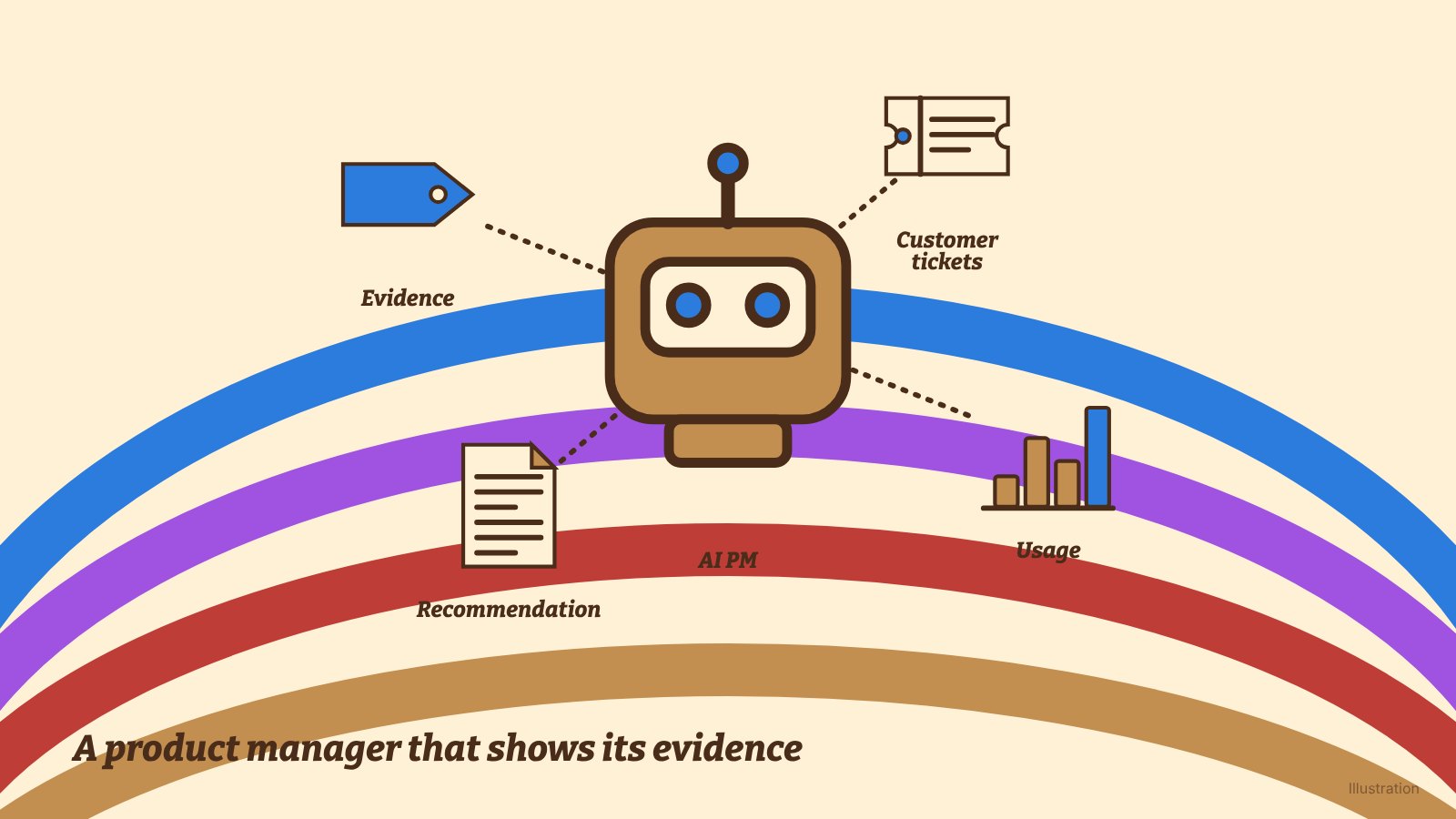
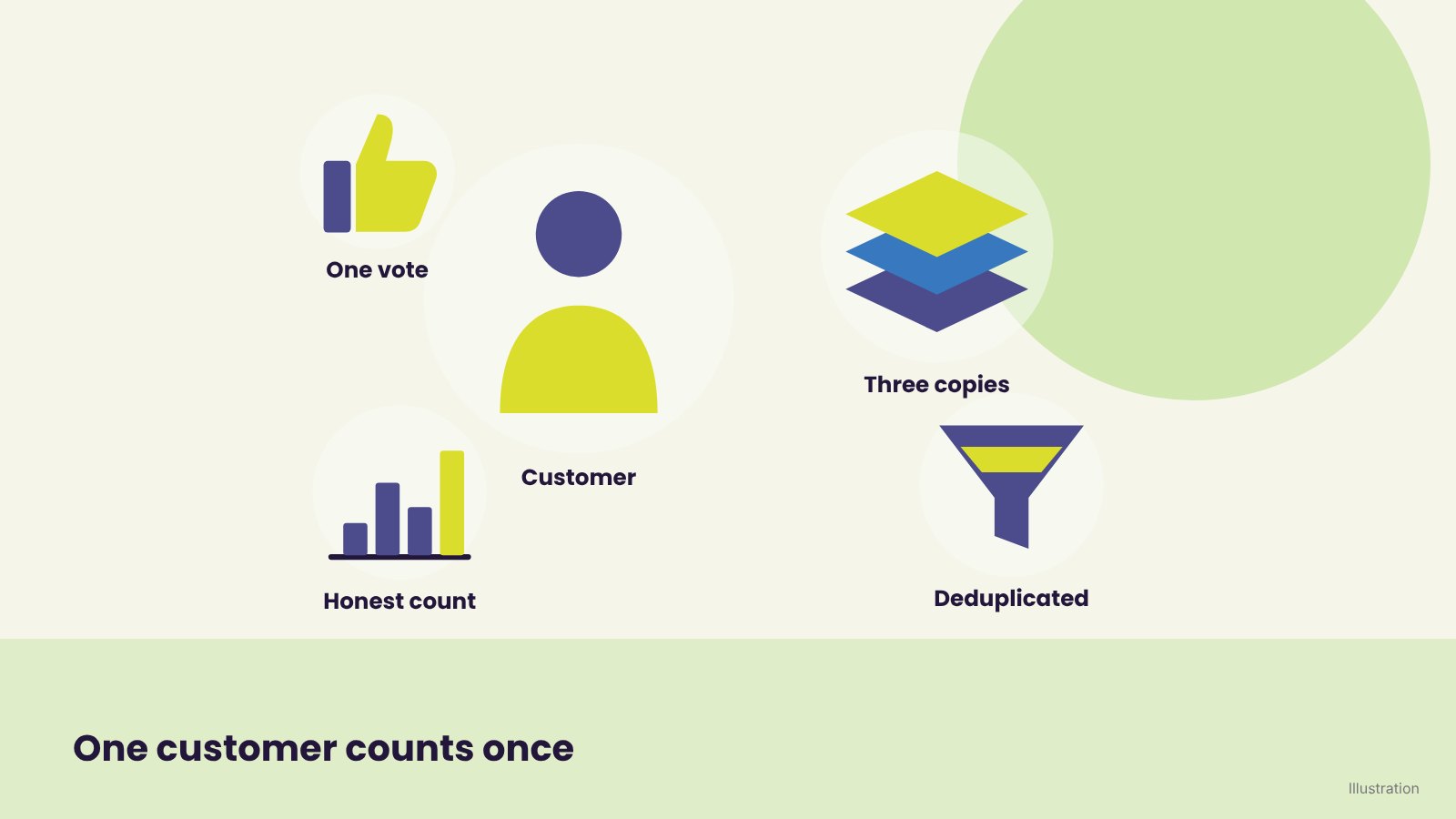
“Twenty people asked for this.” Often it was one customer asking twenty times. Product Management Intelligence brings feedback from support, sales engineering, interviews and imports into one place, counts duplicates from the same customer once, ranks themes by unique customers, and links opportunities to their evidence and to strategy.
In the quarterly planning meeting at a project-management software company, the product manager for integrations has a slide that reads: "Microsoft Teams integration: 47 requests." It's the most-requested feature on the board. The engineering lead nods. The VP of product asks to see the list.
It takes a while to go through, but here's what it shows. Thirty-one of the 47 requests came from one customer: a large consulting firm whose operations manager mentions it on almost every support ticket, raised it on two sales calls, and posted about it in the community forum four times. Another six came from that firm's colleagues. The remaining ten came from eight different companies.
So "47 requests" was really nine customers. Meanwhile, a less glamorous request, for bulk-editing task due dates, had 22 mentions from 19 different customers, including four of the company's ten largest accounts. It hadn't made the slide because its count looked smaller.
Feature-request counts reward whoever is loudest. Roadmaps built on them drift away from the customers who matter.
First, the basics
- Product management decides what a product should do next and why. A product manager (PM) owns those decisions for a product or area.
- Feedback is anything a customer tells you about what they need: a feature request on a support ticket, a comment on a sales call, a quote from an interview.
- A mention is one piece of feedback. A unique customer is one company, however many times it mentions the same thing.
- A duplicate is the same customer saying the same thing again.
- A theme is a group of feedback about the same underlying need, such as "bulk editing".
- An opportunity is a problem worth solving, written up with its evidence, so it can be prioritised against others.
- A strategic objective is a goal the business has set, such as "grow mid-market retention". Good opportunities connect to one.
- A segment is a group of customers, such as enterprise or small business.
Why does this matter? Teams have limited engineering time. If feedback is counted by noise rather than breadth, that time goes to the loudest customer, and the needs of many quieter customers go unmet. Counting customers, not copies, puts the roadmap back in proportion.
The problem, in plain terms
- Feedback lives everywhere. Support tickets, sales calls, interviews, spreadsheets and community posts each hold a piece, and nobody sees the whole.
- Copies inflate counts. One persistent customer can outweigh twenty quieter ones.
- Unknown sources become "extra customers". Feedback with no company attached gets counted as if each were a different customer.
- Grouping is subjective. Whoever tidies the spreadsheet decides what counts as the same request.
- AI summaries invent things. A summary of an interview can state needs the customer never actually expressed.
- Opportunities drift from evidence and strategy. By the time something reaches the roadmap, the original customer words, and the reason it mattered, are lost.
One place for what customers asked
Feedback arrives from where it already lives:
- feature requests your support team files as engineering tickets, one record per requester;
- field feedback from Sales Engineering;
- problems confirmed from customer interviews;
- CSV imports;
- notes added by hand.
Every record keeps its source and reference, so syncing again never adds it twice.
Customers, not copies
Two numbers are kept apart on every theme and opportunity:
- Mentions: every record.
- Unique customers: distinct companies, with legal suffixes ("Ltd", "Inc") and e-mail addresses normalised, so "Acme Ltd", "ACME Inc." and someone@acme.com count as one.
A record from the same customer saying the same thing is marked a duplicate and shown, but not counted again. If it's actually different, a PM can mark it "not a duplicate". Records without a customer are shown as "customer unknown", never as extra customers.
Themes by fixed rules
Records for a product that share enough words fall into a theme. Themes are ranked by unique customers and show:
- where the feedback came from (support, sales engineering, interviews, imports);
- which segments are asking;
- how severe it is;
- whether it's rising: the last 30 days against the 30 before.
No model decides what counts. The grouping follows fixed rules, so the same records always give the same themes.
Interviews with the customer's own words
Paste interview notes and, if you want, ask for an AI summary. Every problem it proposes must quote the notes word for word. Anything it can't quote is dropped. The summary is labelled as AI interpretation, and you confirm which problems become feedback. The quote goes with it as evidence.
Opportunities tied to evidence and strategy
Create an opportunity from a theme and its records come with it as evidence. If it looks like an open opportunity, you're shown the existing one first, so the same problem isn't written up twice.
Opportunities with no strategic objective are flagged. Approval comes from someone other than the owner, and deferrals and rejections are recorded with their reason.
A worked example, start to finish
Here's how the integrations PM rebuilds her slide.
Monday, 9:00. She opens Product Management → Feedback and clicks Sync. Feature requests from support engineering tickets and field feedback from Sales Engineering come in. Last month's records are already there, so only new ones are added.
9:10. She pastes a CSV of community-forum requests exported by the community manager, with a text column and a company column.
9:20. Under Records, eleven imported rows have no product. She assigns them to Integrations or Task management.
9:30. She reads the themes. Microsoft Teams integration: 47 mentions, 9 unique customers, 38 duplicates shown greyed out, flat over the last 30 days. Bulk-edit due dates: 22 mentions, 19 unique customers, mostly mid-market, rising. Two records in the Teams theme are actually about Teams notifications, which is a different need, so she marks them "not a duplicate" and moves them.
10:15. She opens last week's interview with a mid-market customer and clicks Summarise with AI. It proposes three problems. One is "needs to shift dozens of deadlines when a project slips", with the customer's exact words: "When the client moves the launch, I spend an afternoon changing dates one by one." She confirms it as feedback. A fourth problem the AI suggested had no matching quote, so it never appeared.
10:40. On the bulk-edit theme she clicks Create an opportunity. All 22 records come with it as evidence. TicketResolve shows an existing, older opportunity called "Mass update tasks", so she adds the new evidence there instead of creating a duplicate.
11:00. She links it to the objective Improve mid-market retention and moves it to Ready for prioritization. The VP, who isn't the owner, approves it with the note "19 customers incl. 4 top-10".
The new slide reads: Bulk-edit due dates: 19 customers (4 of our top 10), rising. Teams integration: 9 customers, flat.
Five more real-world scenarios
1. The customer with no name
Situation. An imported spreadsheet from a trade show has 30 requests, but the company column is blank for 12.
How TR handles it. Those 12 show as customer unknown. They're visible as mentions, but they don't inflate the unique-customer count.
2. Two subsidiaries of the same group
Situation. "Northwind Logistics Ltd" and "Northwind Logistics, Inc." both ask for the same report.
How TR handles it. Legal suffixes are normalised, so they count as one customer. If they're genuinely separate customers, the PM can mark the record "not a duplicate".
3. An interview summary that overreaches
Situation. An AI summary of a sales call suggests the customer "needs SSO for contractors".
How TR handles it. The notes don't contain anything about contractors, so there's no quote and the item is dropped. Only problems the customer actually expressed reach the feedback list.
4. The rising theme nobody noticed
Situation. Requests for offline mobile access had been steady for months.
How TR handles it. The theme shows as rising: 14 unique customers in the last 30 days against 5 in the 30 before. The PM investigates and finds a new field-services segment adopting the product.
5. An opportunity without a reason
Situation. An engineer's pet project is written up as an opportunity with no strategic objective.
How TR handles it. It's flagged as having no objective. The approver defers it with the reason "doesn't support this year's objectives; revisit in Q3", and the reason is recorded.
Before and after
Before. "47 requests" that were really nine customers, a spreadsheet only one person understands, and an AI summary nobody can check.
After. Every source in one place, each customer counted once, themes ranked by unique customers with their trend, interview problems backed by quotes, and opportunities linked to evidence, strategy and a recorded decision.
How to tell it's working
- Unique customers, not mentions, lead the conversation in planning meetings.
- "Customer unknown" shrinks as teams learn to record the company on feedback.
- Every approved opportunity has an objective and evidence records attached.
- Rising themes get looked at within a few weeks, not discovered a year later.
Who it's for
- Product managers who want an honest count of what customers need.
- Heads of product who need roadmaps tied to evidence and strategy.
- Support and sales engineering teams whose feedback should reach product, intact.
How it fits with the rest of TicketResolve
Feedback comes from support (feature requests filed as engineering tickets) and Sales Engineering. Next come transparent prioritisation, roadmaps that separate target dates from committed ones, PRDs and engineering hand-off, all in Product Management Intelligence.
Mistakes to avoid
- Presenting mentions as demand. Lead with unique customers.
- Leaving records without a product. They won't fall into a theme until assigned.
- Confirming AI-proposed problems without reading the quote. The quote is the evidence.
- Approving your own opportunity. It needs someone other than the owner.
Do it in TicketResolve, step by step
Where: Product Management → Feedback (/dashboard/product-management/feedback) and Opportunities (/dashboard/product-management/opportunities). You'll need: a Product Management Intelligence PM seat, your products set up under Portfolio, and someone with Approve product decisions for approvals. Full guides: Setting up products and strategy, Collecting feedback and reading themes and Discovery and opportunities.
- Set up products and objectives. Portfolio → Add a product for each product line. Then Strategy → Add an objective, with a KPI, target and period.
- Sync feedback. Feedback → Sync from support and Sales Engineering. Syncing again only adds new records.
- Import or add. Paste a CSV (a text column is required; add a company column if you have one) or add what a customer said by hand.
- Assign products. Records without a product appear under Records; choose the product for each.
- Read the themes. Themes are ranked by unique customers. Duplicates from the same customer are shown but not counted; mark one not a duplicate if it's different.
- Add interviews. Discovery → Add an interview with the notes or transcript, then Summarise with AI. Read each quote and Confirm as feedback for the real problems.
- Create an opportunity. On a theme, Create an opportunity. Its records are linked as evidence. If an existing one is shown, add to it instead.
- Work the opportunity. Fill in outcomes, dependencies and risks, link an objective, and move it to Ready for prioritization.
- Get it approved. Someone with Approve product decisions who isn't the owner approves it. Deferring or rejecting needs a reason.
How to check it worked: your top themes show unique customers next to mentions, duplicates are greyed out but visible, and each opportunity lists its evidence and objective.
Product Management Intelligence is $99 per PM seat a month and in the 7-day free trial.
Frequently asked questions
What's the difference between mentions and unique customers? Mentions count every record. Unique customers count distinct companies, so repeats from the same customer count once.
Are duplicates deleted? No. They're shown, marked as duplicates, and not counted again.
What if two records were wrongly marked duplicates? Mark one "not a duplicate".
How are themes formed? By fixed rules: records for a product that share enough words. No model decides.
Can the AI summary add problems the customer didn't mention? No. Every proposed problem must quote the notes word for word, or it's dropped.
What happens to feedback without a company? It's shown as "customer unknown" and never counted as an extra customer.
Who approves opportunities? Someone with Approve product decisions who isn't the owner. Deferrals and rejections need a reason.
Will syncing twice create duplicates? No. Each record keeps its source and reference, so it's only added once.
Explore Topics
Written by
Ghulam Shabbir
Content creator and writer sharing insights and stories.