
Work That Moves Between Teams on Its Own
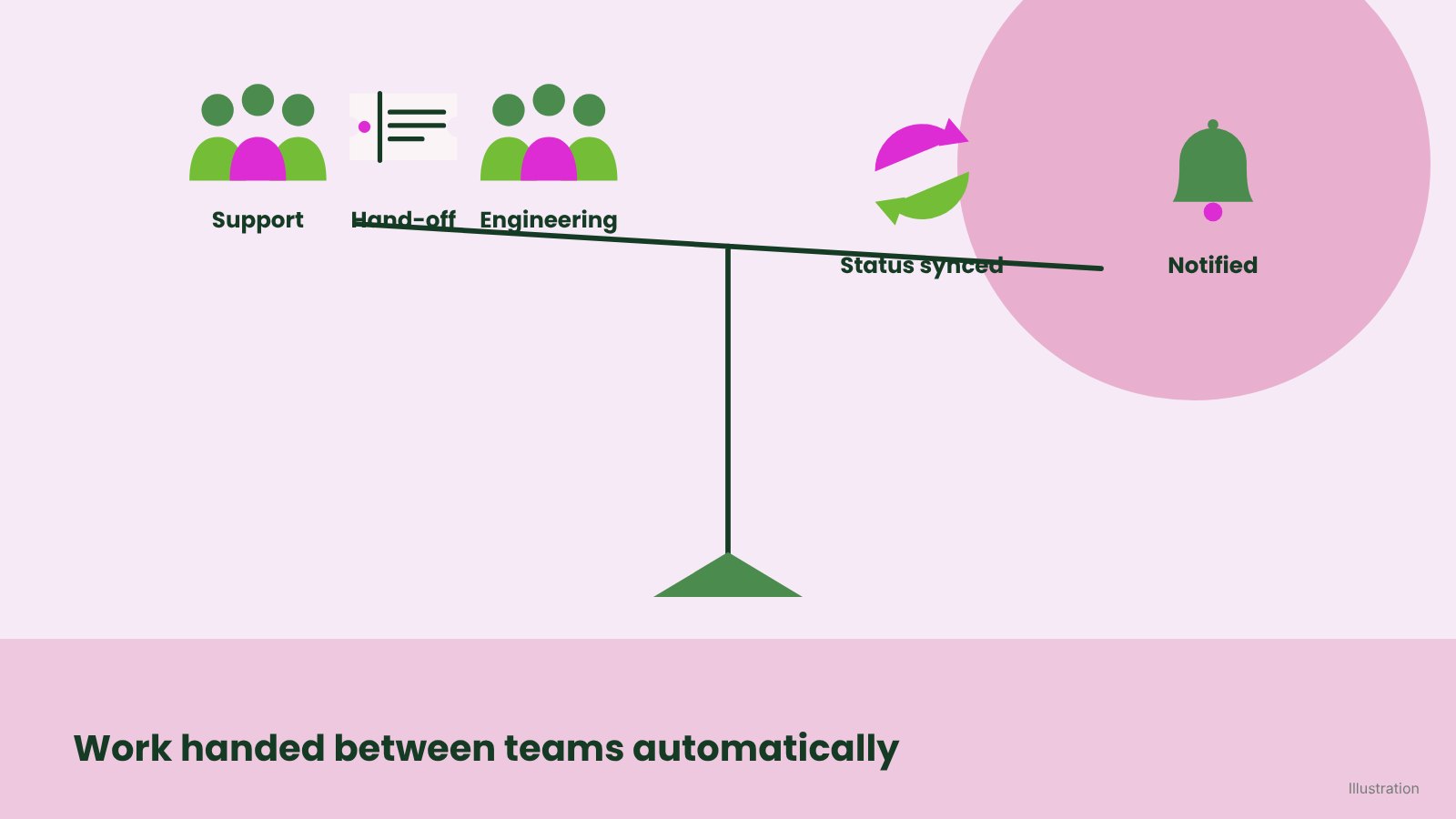
Most handoffs between teams aren’t decisions. They’re someone noticing something in one tool and retyping it into another. The Automation center shows what every product does by itself and what waits for a named approver, and adds flows that carry work across teams: support spikes, failed deployments, resolved incidents and lost deals.
At a 300-person software company, on a Thursday afternoon, four things happen in four different tools:
- A production deployment of the billing service fails. The DevOps engineer rolls it back. Nobody opens an incident, because it "only failed for a minute". The release, already approved for the following week, stays approved.
- Support sees a spike: 46 tickets in two hours about invoices showing the wrong tax. The support lead posts in a Slack channel. An engineering manager sees it at 18:30.
- An incident from an alert is resolved after a cache filled up. The on-call engineer writes a good root-cause summary. Nobody turns it into a runbook, so the next time the alert fires, someone works it out again from scratch.
- A $90,000 deal is lost because the product doesn't support multi-entity invoicing. The account executive records the reason in the CRM. Product never hears about it.
None of these needed a decision to move forward. They needed someone to notice something in one tool and retype it into another. Nobody did.
First, the basics
- A handoff is when work moves from one team to another: support to engineering, sales to product.
- A flow here is an automatic connection between two products in TicketResolve: when something happens in one, something is prepared in another.
- A named approver is a specific person who must decide before something happens.
- A deployment releases code. An approved release has been reviewed and scheduled.
- A support spike is a sudden rise in tickets about the same thing.
- A runbook is step-by-step instructions for handling a situation, such as an alert.
- Product feedback is what customers and teams tell product management they need.
- Automation that runs on its own happens without a person; prepared for an approver waits for a person; only a person does means automation never does it.
Why does this matter? Retyping between tools is slow, easy to forget and invisible when it doesn't happen. Flows that carry the work, with the decisions still left to people, mean the right team hears about things in minutes. And knowing exactly what runs by itself, and what never does, is what makes automation safe to trust.
The problem, in plain terms
- Handoffs depend on someone noticing and retyping.
- Failed deployments don't become incidents, so releases built on them stay approved.
- Support spikes reach engineering late, through chat.
- Incident knowledge isn't reused.
- Lost-deal reasons never reach product.
- Nobody can say what the automation does on its own and what it never does.
Flows between products
- A production deployment fails → a DevOps & SRE incident opens, linked to the deployment because the deployment itself failed, and any approved release of that service goes back to planning for another review.
- A support spike opens → the AI Director of Engineering proposes a tracker issue with the spike's size and what customers wrote. A named approver creates it, or doesn't.
- An alert-driven incident is resolved and no runbook reacts to that alert → a runbook draft is written from the incident's summary and root cause. It can't run until someone other than its author approves it.
- A deal is lost with a reason → the reason lands in Product Management feedback, once, with the company it came from.
- Every hour, feature requests from support and Sales Engineering flow into product feedback, and each morning the AI Product Manager's proposals are waiting.
Each flow acts on each record once, only runs for the products you hold, and can be switched off.
The line, written down
For every leadership product, the center lists:
- what runs by itself: syncs, scores, alerts, reports, drafts;
- what's prepared for a named approver;
- what only a person ever does.
Merging, deploying, server changes, customer messages, money, prices and contracts stay on the human side.
A worked example, start to finish
Here's the same Thursday, with the flows switched on.
14:02. The billing service's production deployment fails. Within the minute, a DevOps & SRE incident opens, linked to the deployment because the deployment itself failed. Next week's approved release of the billing service goes back to planning. The release manager sees it there, with the link to the incident, and schedules another review once the cause is known.
14:40. Support's spike detection opens a spike: 46 tickets in two hours about wrong tax on invoices. The AI Director of Engineering proposes a tracker issue with the spike's size and excerpts of what customers wrote. It waits for the named approver, the billing team's engineering manager.
14:48. The engineering manager reads the proposal, sees the link to the failed deployment's incident, and creates the issue. Engineering is working on it 4 hours earlier than the Slack message would have managed.
16:15. The cache incident from the morning's alert is resolved. No runbook reacts to that alert, so a runbook draft is written from the incident's summary and root cause: check the cache fill level, clear expired keys, raise the memory limit. It can't run. The on-call lead, who didn't write the incident summary, reviews and approves it the next morning.
17:30. The $90,000 deal is marked lost in the CRM with the reason "no multi-entity invoicing". The reason lands once in Product Management feedback, with the company it came from. It joins 11 other mentions of multi-entity invoicing from support and Sales Engineering.
Friday, 08:00. The AI Product Manager's proposals are waiting: one is to open an opportunity for multi-entity invoicing, citing 12 records.
Friday, 10:00. The head of operations opens Setup → Automation center → What the flows did: the incident, the proposal that was approved, the runbook draft, the product feedback, each with a link.
Five more real-world scenarios
1. A product you don't hold
Situation. A company doesn't use Product Management Intelligence.
How TR handles it. The lost-deal flow doesn't run. Flows only run for the products you hold.
2. Switching a flow off
Situation. The engineering team wants to handle spikes manually for a quarter.
How TR handles it. Someone with Change automation switches the spike flow off; it stops at its next run.
3. The same deal lost twice
Situation. A CRM sync re-sends a lost deal.
How TR handles it. Each flow acts on each record once. The reason lands in feedback once.
4. A runbook draft that's wrong
Situation. The incident summary missed a step.
How TR handles it. The draft can't run until someone other than its author approves it. The reviewer adds the step first.
5. Asking what automation can do
Situation. An auditor asks whether any automation can deploy code or message customers.
How TR handles it. The Automation center lists merging, deploying, server changes, customer messages, money, prices and contracts as human-only.
Which flows matter most, and why
Not every team feels every flow the same way. A simple way to decide where to look first:
- If releases ever ship after a failed deployment, the deployment flow matters most. It turns a quiet rollback into an incident and puts the release back in front of a person.
- If engineering hears about customer problems through chat, the spike flow matters most. The proposal arrives with the numbers and customers' own words, and the approver decides in one place.
- If the same alerts are worked out from scratch every time, the runbook flow matters most. Each resolved incident leaves a draft behind, and the next on-call engineer starts from it once it's approved.
- If product decisions rarely mention lost deals, the lost-deal flow matters most. Reasons arrive once, with the company, next to everything support and Sales Engineering have said.
In every case, the flow only moves information. The decision (create the issue, approve the runbook, re-review the release, prioritise the feature) stays with a named person.
Before and after
Before. A failed deployment with no incident, a spike that reached engineering at 18:30, an incident nobody turned into a runbook, and a lost-deal reason product never heard.
After. An incident and a release back in planning within a minute, a proposed issue in eight minutes, a runbook draft waiting for approval, and the lost reason in product feedback, with every decision still made by a named person.
How to tell it's working
- Failed production deployments always have an incident.
- Spike proposals are decided within the hour.
- Alert-driven incidents leave runbooks behind.
- Lost-deal reasons appear in product feedback.
- "What the flows did" is reviewed weekly.
Who it's for
- Operations and engineering leaders who want handoffs that don't depend on someone noticing.
- Product managers who want customer and sales signals in one place.
- Risk and compliance teams who need to know exactly what automation does.
How it fits with the rest of TicketResolve
The flows connect DevOps & SRE, support spikes, the AI Director of Engineering, incidents and runbooks, Revenue Operations, Sales Engineering and Product Management Intelligence. Approvals stay with named people in each product.
Mistakes to avoid
- Turning flows off instead of tuning the products behind them. If spikes are noisy, adjust spike detection.
- Approving runbook drafts without reading them. They come from one incident's summary.
- Assuming automation does more than the center says. If it isn't listed as running on its own, it doesn't.
Do it in TicketResolve, step by step
Where: Setup → Automation center (/dashboard/automation-center). You'll need: the products the flows connect, and Change automation to switch flows off. Full guide: The Automation center.
- Open it. Setup → Automation center.
- Read each product. Every product lists what runs on its own, what's prepared for a named approver and what only a person does.
- Check the flows. Between products: support spikes, failed deployments, resolved incidents and lost deals. Each shows when it last acted.
- Switch one off if needed. With Change automation you can turn any flow off; it stops at its next run.
- See what happened. What the flows did lists every result with a link: an incident, a proposal waiting for approval, product feedback.
How to check it worked: after your next failed production deployment, an incident appears linked to it, and "What the flows did" lists it.
Frequently asked questions
Does a failed deployment always open an incident? Yes, for production deployments, linked because the deployment itself failed.
What happens to an approved release when its deployment fails? It goes back to planning for another review.
Does a support spike create an engineering issue automatically? No. The AI Director of Engineering proposes one; a named approver creates it, or doesn't.
Can a runbook draft run straight away? No. Someone other than its author must approve it.
Will a lost deal's reason be added twice? No. Each flow acts on each record once.
Can automation deploy code or message customers? No. Merging, deploying, server changes, customer messages, money, prices and contracts stay with people.
Can I turn a flow off? Yes, with Change automation. It stops at its next run.
Do flows run for products we don't use? No. They only run for the products you hold.
Where can I see what the flows have done? In What the flows did, with a link to every result.
Explore Topics
Written by
Ghulam Shabbir
Content creator and writer sharing insights and stories.