
One Workspace for Customer-Side Diagnostics
TicketResolve Connect grew a browser recorder, evidence intelligence, reproduction, test scenarios and before / after verification, all on one long page. Connect 2.0 brings authorization, browser diagnostics, reproduction, evidence, investigation, verification and the audit trail into one session workspace with seven tabs, plus a public API and webhooks for teams that automate around it.
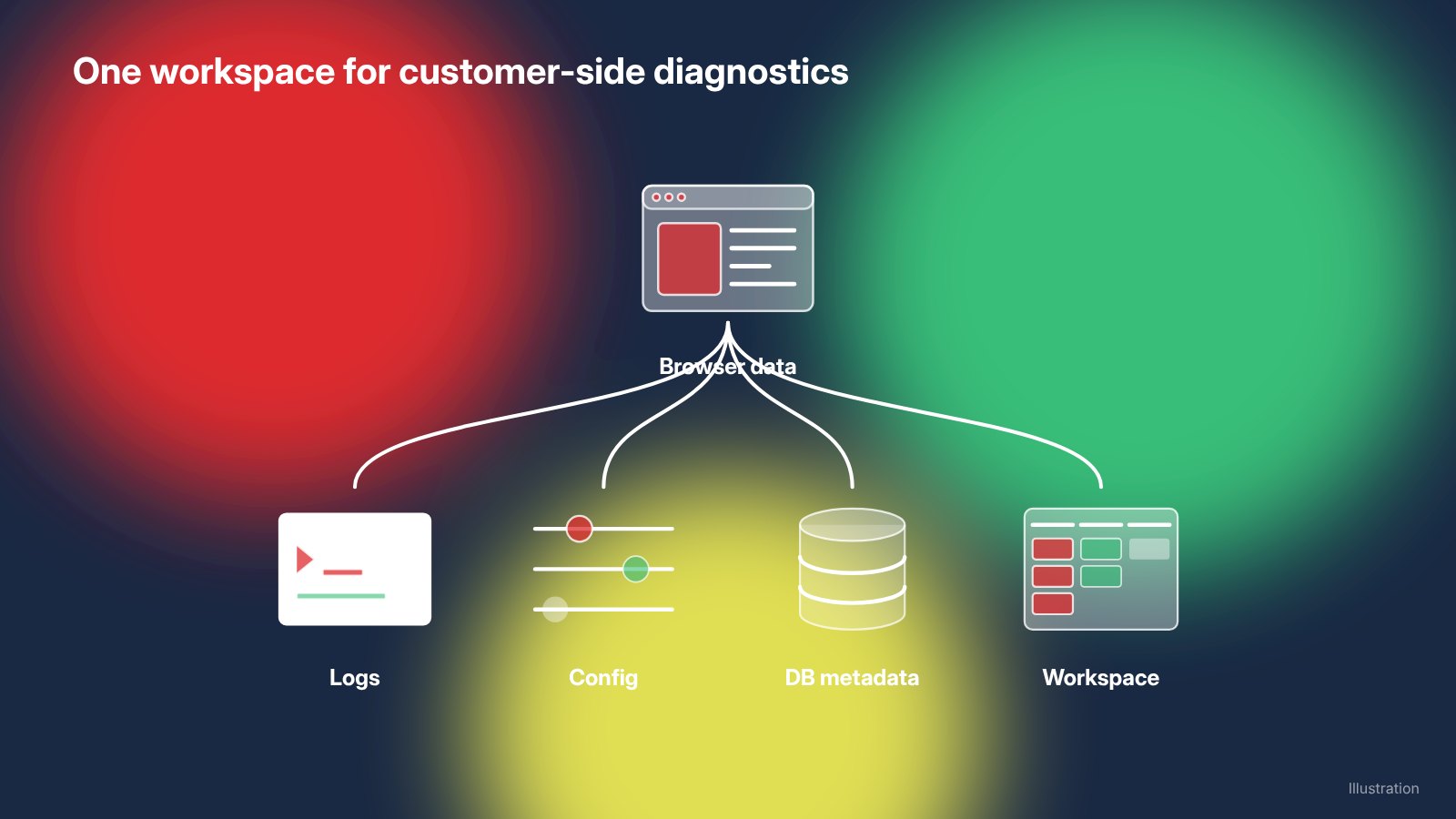
Over the last few releases TicketResolve Connect grew a browser recorder, evidence intelligence, browser reproduction, test scenarios and before / after verification. Each was useful on its own. Together, on one long page, they were hard to follow.
Picture a technical support engineer, Kofi, running a typical session before Connect 2.0. A customer's dashboard wouldn't load. He sent the authorization link, waited, scrolled down to see what the customer allowed, scrolled further to see what the browser recorded, scrolled back up to check the agent was still running, opened a different section for reproduction, and finally found the verification result near the bottom, after the fix. When his manager asked who had viewed the customer's evidence, he didn't know where to look.
And when his team wanted to start a Connect session automatically for every ticket in their "Integrations" queue, there was no API to do it.
First, the basics
- TicketResolve Connect lets a customer approve diagnostic access to their environment for a support request, choose what may be collected, and end it any time.
- A session is one approved access. An authorization link is what the customer opens to approve.
- The agent is the small program that collects. Read-only tasks look but don't change anything.
- Browser diagnostics is what the customer's browser recorded (with their review). Reproduction is re-running the failure in their environment.
- A scenario is a set of reproduction steps; a test is built from it.
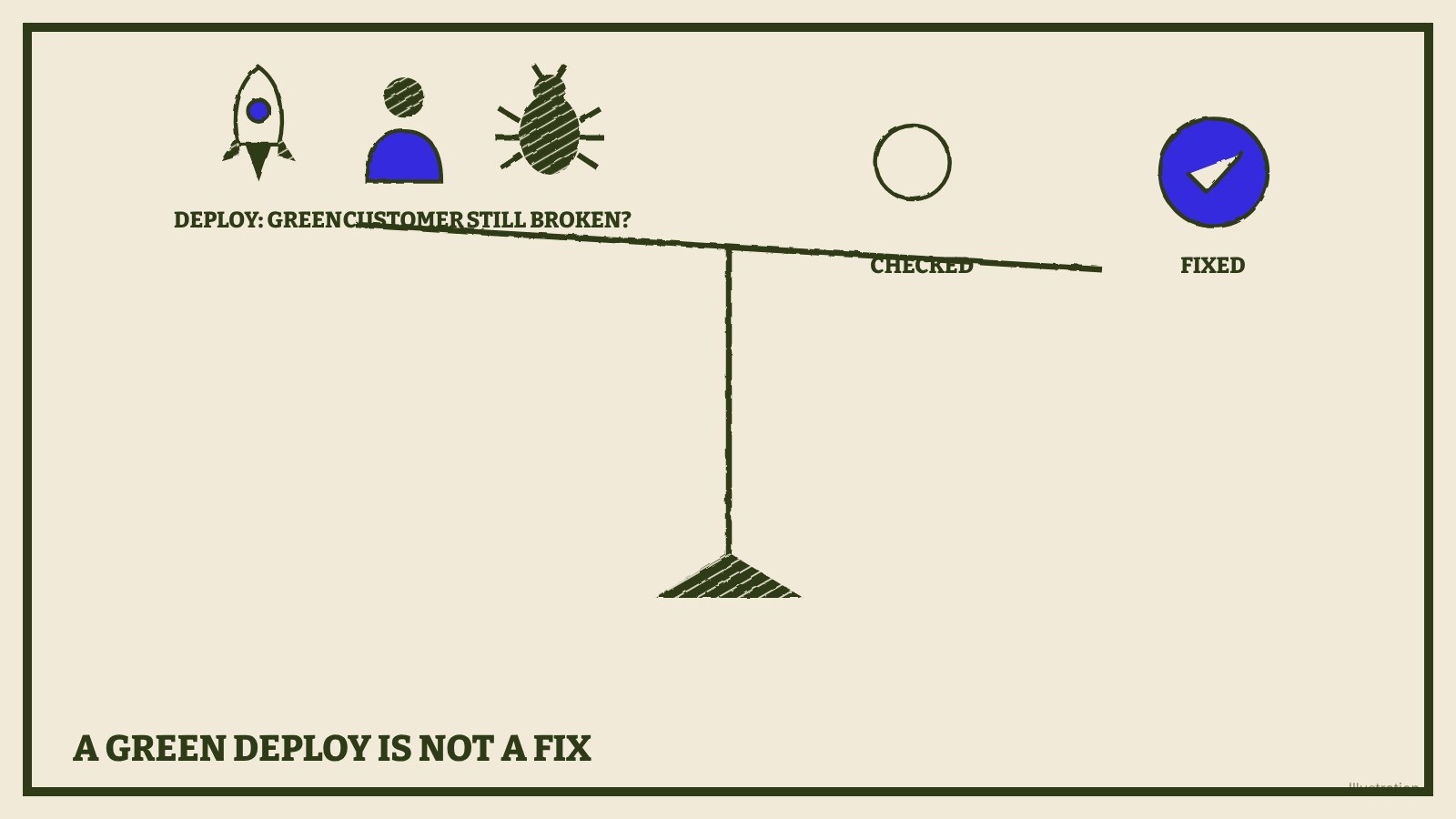
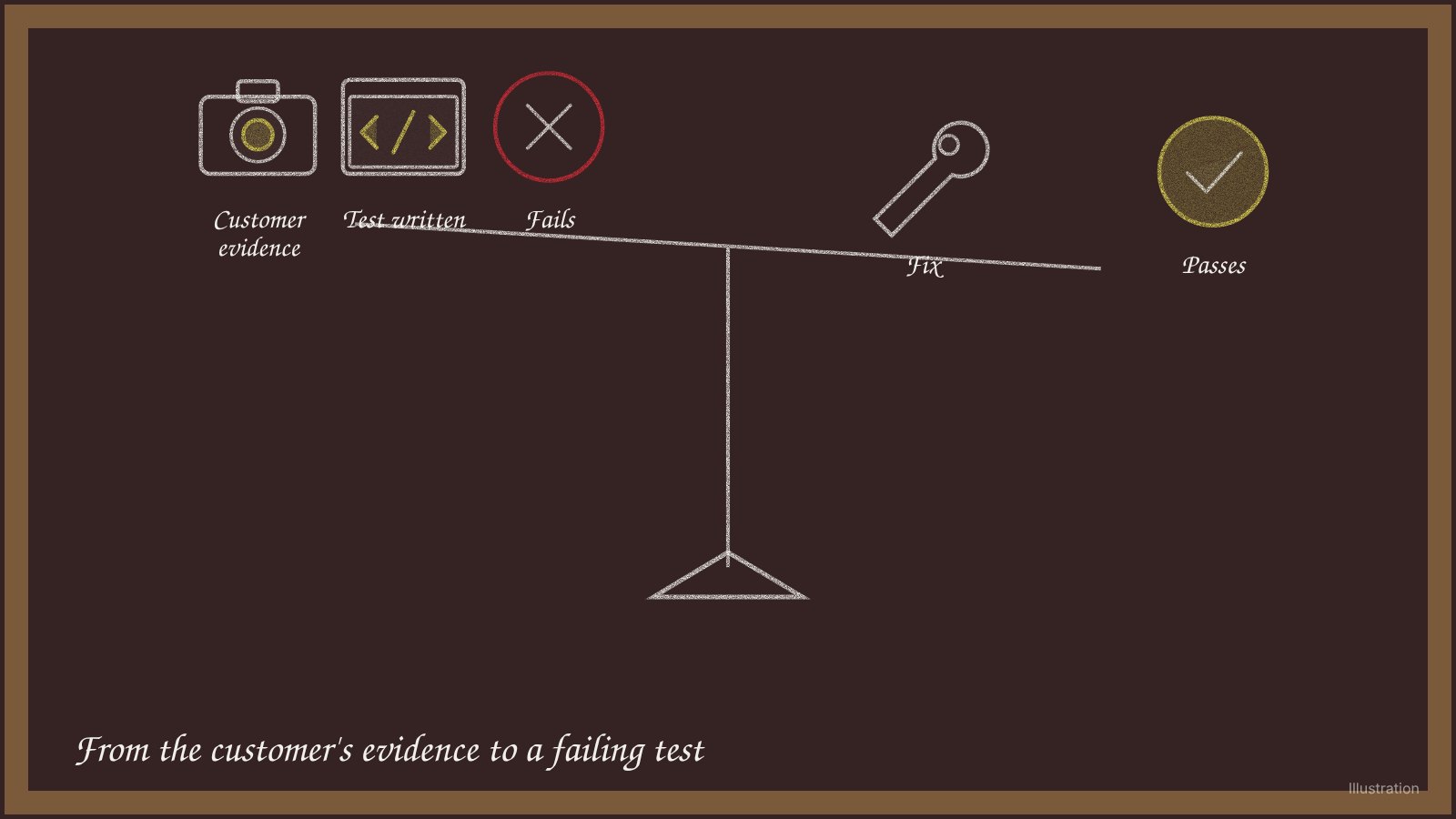
- Before / after verification checks whether the fix stopped the customer's original failure.
- An API lets your systems drive Connect. A webhook notifies your systems when something happens.
- An idempotency key makes a retried call safe: it never makes a duplicate. Pagination returns results in pages.
Why does this matter? Customer-side diagnostics involve many steps, people and permissions. Putting them in the order of the work, with a full audit trail, makes sessions easier to run and to trust, and an API lets teams start them automatically.
The problem, in plain terms
- One long page for a multi-step process.
- Consent, evidence and verification hard to find.
- No audit view of who saw what.
- No API for teams that automate.
Seven tabs, in the order of the work
Connect 2.0 opens every session in one workspace with seven tabs. They follow the order of the work:
- Overview: what the customer allowed, what the agent is doing, and ending access.
- Browser diagnostics: reproduction requests sent to the customer, and what their browser recorded.
- Reproduction: runs in the customer's environment, and the scenarios and tests built from them.
- Evidence: everything collected, with quality, integrity, redaction and the places where sources disagree.
- Investigation: observations, browser-to-server links, suspected hypotheses, gaps and the next step.
- Verification: whether the fix stopped the customer's original failure, and in which environment that was checked.
- Audit: every event, from the customer's approval to each time someone opened the evidence.
Built for people, open to automation
Some teams want to start a session automatically when a ticket hits a certain queue, or feed CI results back without anyone clicking. The /v1/connect API covers that loop:
- create a session and get the customer's authorization link (once);
- check what the customer allowed, and revoke access;
- queue read-only tasks and read agent health;
- page through evidence, generate a scenario draft, and record test executions from CI;
- read or save the before / after report.
Creating sessions, queueing tasks and recording executions accept an idempotency key, so a retried call never makes a duplicate. Lists paginate with limit and starting_after. Four webhooks cover authorization, completion, revocation and verification reports.
Some steps stay with people: approving a scenario, adding a test to a fix, approving reproduction steps, and resolving the ticket.
Security that holds up
The model hasn't changed:
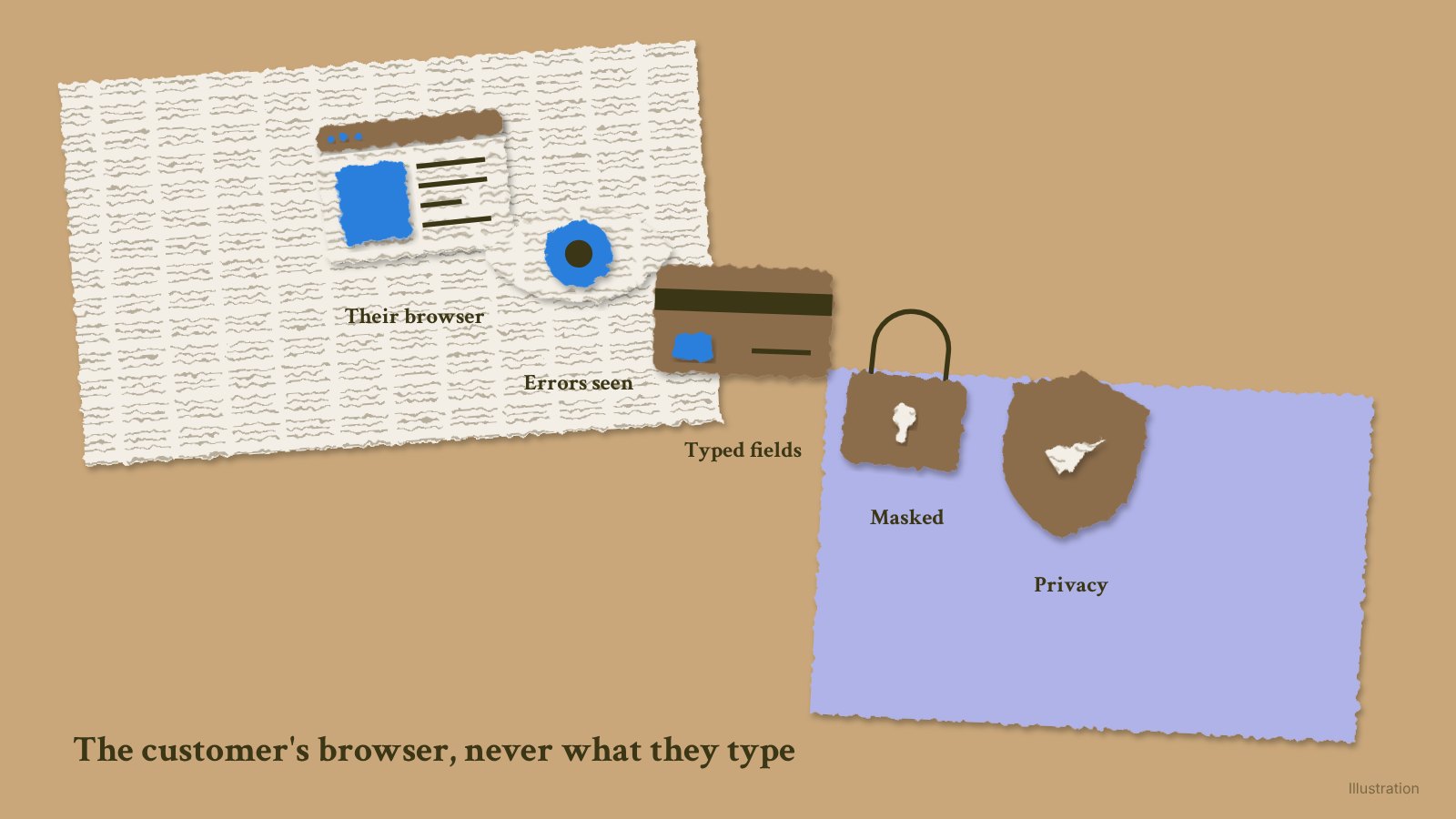
- the customer decides what to share, can stop it at any time, and reviews browser recordings before they're sent;
- collection is read-only unless they separately allow more;
- secrets are always masked, and the API never returns their name or e-mail;
- each workspace sees only its own sessions;
- evidence is customer-reported and treated as untrusted;
- nothing an AI suggests is run as a command.
The audit tab shows every one of those decisions.
A worked example, start to finish
Here's Kofi's team, with Connect 2.0 and the API. The details are illustrative.
Setup. Their platform engineer writes a small integration: when a ticket enters the Integrations queue in their help desk, it calls POST /v1/connect with an idempotency key based on the ticket number, and gets the customer's authorization link once. If the call is retried after a timeout, no duplicate session is made. The link goes into the agent's first reply.
Day 1, 09:00. A ticket: "The dashboard is blank after login." The integration creates a session. The authorization webhook fires at 09:20 when the customer approves.
09:21, Overview tab. Kofi sees what the customer allowed: browser diagnostics and environment details, read-only. The agent is connected.
09:30, Browser diagnostics tab. Kofi sends a reproduction request: "Please log in and open the dashboard." The customer records it, reviews the recording, and sends it. Secrets are masked.
09:45, Evidence tab. The recording shows GET /api/widgets → 401 after login, and a console error. Quality high, integrity checked, redaction applied. Sources disagree: the customer's environment details say a proxy is set; the browser recording shows a request header stripped.
09:50, Investigation tab. Observations, a browser-to-server link (the 401 matches a server log line for a missing authorization header), and suspected hypotheses: proxy strips the Authorization header. A gap: proxy configuration not collected. Next step: ask the customer for it.
Day 2, Reproduction tab. A run in the customer's environment reproduces the 401. A scenario draft is generated through the API; a person approves the scenario and the reproduction steps. A test is built from it.
Day 3. Engineering ships a fix that sends the token in a header the proxy keeps. Their CI records the test execution through /v1/connect. Kofi adds the test to the fix; that step stays with people.
Day 3, Verification tab. The before / after report: the customer's original failure no longer occurs, checked in the customer's environment. The verification report webhook fires. Kofi resolves the ticket himself.
Day 4, Audit tab. His manager asks who opened the evidence. The Audit tab lists every event: the customer's approval at 09:20, each recording sent, and each time someone on the team opened the evidence. The customer revokes access; the revocation webhook fires.
Five more real-world scenarios
1. A retried API call
Situation. A network error makes the integration retry session creation.
How TR handles it. The idempotency key means no duplicate session.
2. A large evidence list
Situation. A long session has hundreds of evidence items.
How TR handles it. Lists paginate with limit and starting_after.
3. An AI-suggested command
Situation. An investigation suggests a command to run on the customer's machine.
How TR handles it. Nothing an AI suggests is run as a command.
4. The customer stops it
Situation. Halfway through, the customer ends access.
How TR handles it. They can stop any time; the revocation webhook fires.
5. Asking for the customer's e-mail
Situation. An integration wants the customer's name from the API.
How TR handles it. The API never returns their name or e-mail.
Which tab to open when
Most sessions don't need every tab in order. A quick guide:
- A customer says they approved, but nothing's happening: Overview shows what they allowed and what the agent is doing.
- You need to see what the customer saw: Browser diagnostics.
- You want to know if it happens every time: Reproduction.
- Two sources disagree: Evidence lists where they do, with quality and integrity for each.
- You're writing the escalation: Investigation has the observations, browser-to-server links, hypotheses and gaps.
- Engineering says it's fixed: Verification shows whether the original failure stopped, and where that was checked.
- Someone asks who saw what: Audit.
Before and after
Before. One long page, scrolling between consent, evidence and verification, no way to see who opened the evidence, and no API.
After. Seven tabs in the order of the work, an audit trail of every decision, and a /v1/connect API with idempotency, pagination and four webhooks, while people still approve scenarios, add tests to fixes and resolve tickets.
How to tell it's working
- Sessions start automatically for the queues you choose.
- Every verification says where it was checked.
- Audit questions are answered from one tab.
Who it's for
- Technical support engineers who run Connect sessions.
- Platform engineers who automate around tickets and CI.
- Security and compliance teams who need the audit trail.
How it fits with the rest of TicketResolve
Connect is part of Customer environment connect. Its evidence feeds investigations, its verification feeds Resolution Assurance, and Connect Health shows agents and sessions.
Mistakes to avoid
- Calling the API without an idempotency key for creates.
- Treating customer evidence as trusted. It's customer-reported.
- Resolving the ticket before verification says the original failure stopped.
Do it in TicketResolve, step by step
Where: Connect (/dashboard/connect). You'll need: Customer environment connect; an API key for automation. Full guides: TR Investigate: from a ticket to a verified fix and Public API and outbound webhooks.
- Create a session from the ticket, or with
POST /v1/connectand an idempotency key. - Send the authorization link to the customer. It's returned once.
- Check the Overview for what the customer allowed and the agent's state.
- Request browser diagnostics. The customer reviews recordings before they're sent.
- Read Evidence and Investigation: quality, integrity, redaction, disagreements, browser-to-server links, hypotheses and gaps.
- Reproduce and approve the scenario. Record CI test executions through the API.
- Read Verification: whether the fix stopped the original failure, and where it was checked.
- Check Audit for every event, and subscribe to the four webhooks.
How to check it worked: a session shows all seven tabs, and the Audit tab lists the customer's approval and each time someone opened the evidence.
Read the guide: Connect workspace, security and API.
Frequently asked questions
What are the seven tabs? Overview, Browser diagnostics, Reproduction, Evidence, Investigation, Verification and Audit.
Can we start sessions automatically?
Yes, with the /v1/connect API.
What if an API call is retried? Creates, task queues and executions accept an idempotency key, so no duplicates.
Which webhooks are there? Authorization, completion, revocation and verification reports.
What stays with people? Approving a scenario, adding a test to a fix, approving reproduction steps, and resolving the ticket.
Does the customer see recordings first? Yes. They review browser recordings before they're sent.
Does the API return customer details? No. It never returns their name or e-mail.
Can AI run commands? No. Nothing an AI suggests is run as a command.
Where do I check the agent is running? On the Overview tab, with what the customer allowed.
Where do I see sources disagreeing? On the Evidence tab.
Explore Topics
Written by
Ghulam Shabbir
Content creator and writer sharing insights and stories.