
From the Customer’s Evidence to a Failing Test
Support finally has the evidence: the customer recorded the problem, the failing step is known, and the 500 has a request ID. Then a developer asks, “Can you write down how to reproduce it?” TicketResolve Connect turns a customer’s browser recording and failed requests into Playwright, Cypress and API tests engineering can run, and into hypotheses the investigation can test, without calling any of them confirmed.
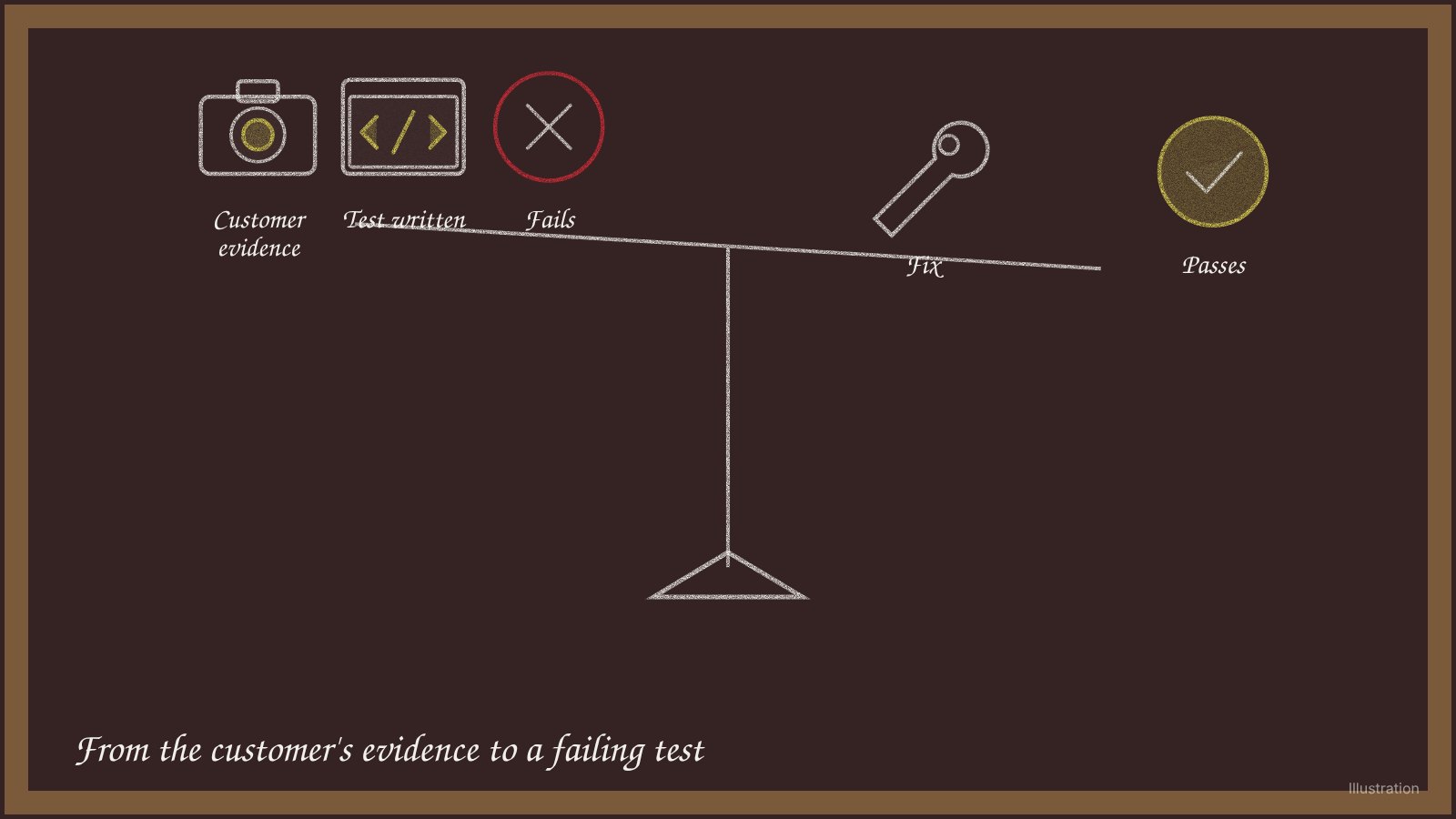
Support finally gets the evidence: the customer recorded the problem, the failing step is known, and the request that returned a 500 has a request ID. Then a developer asks: "Can you write down how to reproduce it?"
Someone retypes the steps into a ticket, and the precision is lost.
Here's how that went at a travel-booking software company. The customer recorded: open a booking, change the traveller's name, press Save; the request PUT /api/bookings/8841/travellers/2 returned 500, with request ID req-7d2a. The support engineer, Mei, wrote in the engineering ticket: "Customer can't save traveller name changes. Get a 500." The developer tried it on a test booking. It worked. He closed it as cannot reproduce.
The detail that mattered, that the booking had two travellers and the customer was editing the second, was in the recording. It didn't survive the retyping.
First, the basics
- TicketResolve Connect collects diagnostics from a customer's environment with their consent, including a browser recording of what happened.
- A reproduction scenario describes how to make a failure happen: preconditions, steps, expected and actual results, and the failure point.
- Playwright and Cypress are browser test tools; an API script, an HTTP file and a Postman collection test endpoints directly; a manual checklist is for people.
- Environment variables hold addresses and credentials outside the test code.
- A draft is a test that hasn't run. Unverified means no execution has been recorded.
- The original failure is the approved scenario, kept as the baseline for checking a fix.
- A hypothesis is a possible explanation; suspected means not confirmed.
- Correlation means things happen together; it isn't causation.
Why does this matter? The most precise description of a bug is the customer's own recording. Turning it straight into a test keeps that precision, so engineering reproduces the real problem, and the same test later proves the fix.
The problem, in plain terms
- Steps are retyped and details are lost.
- "Cannot reproduce" closes real bugs.
- Tests use real customer data or accounts.
- Generated tests are trusted before they've run.
- Analysis is taken as root cause.
One scenario, six ways to run it
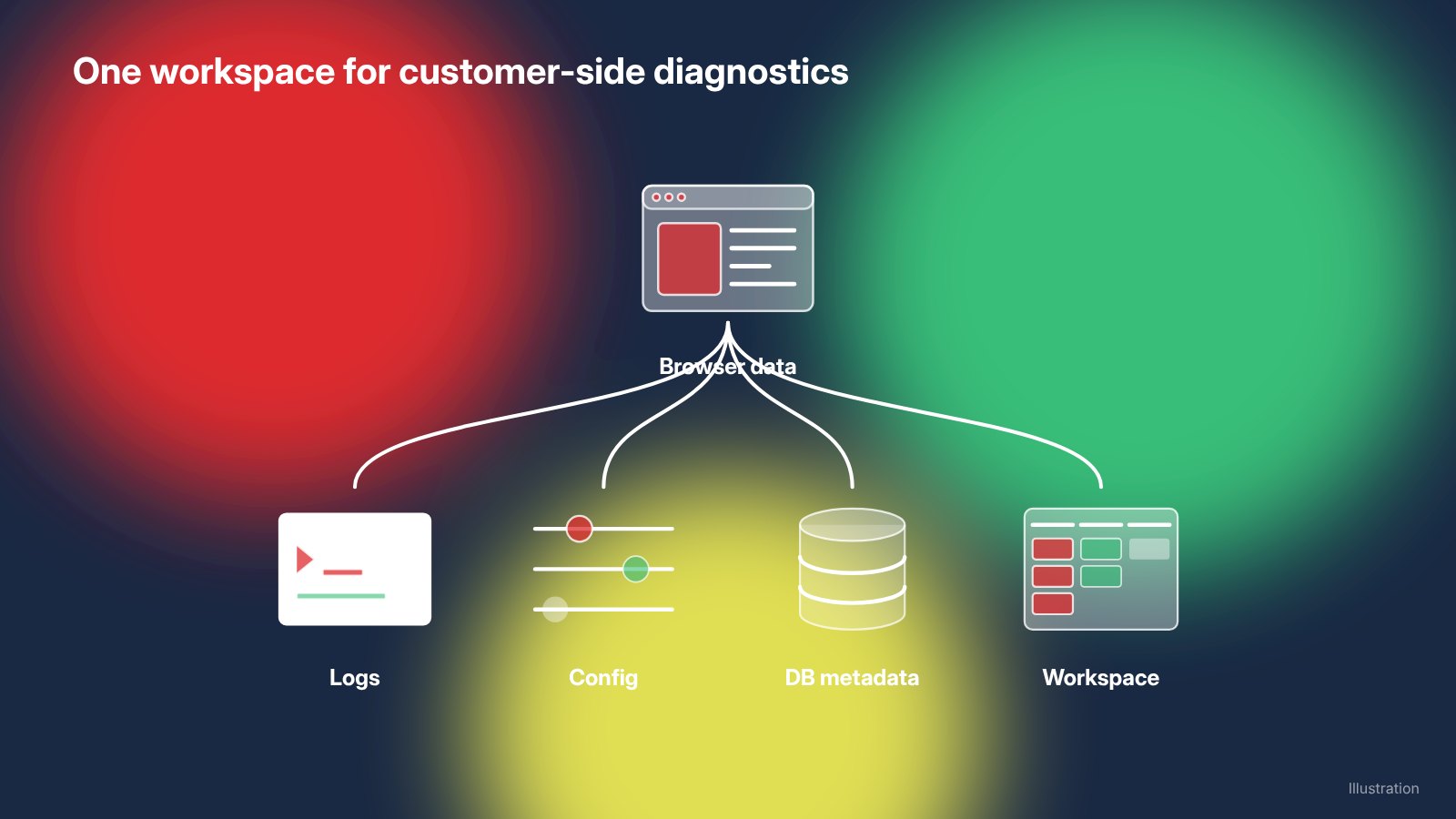
Generate from evidence reads what the session collected:
- the customer's step-by-step browser reproduction and the step where it failed;
- the failed requests seen in the browser and by the Connect agent;
- console errors, screenshots, versions and environment;
- the links between browser and server evidence.
It writes down the preconditions, steps, expected and actual results and the failure point, and generates the same scenario as:
- a Playwright test (or Cypress, if that's what your repository uses);
- an API script, an HTTP file and a Postman collection for the failing endpoints;
- a manual checklist.
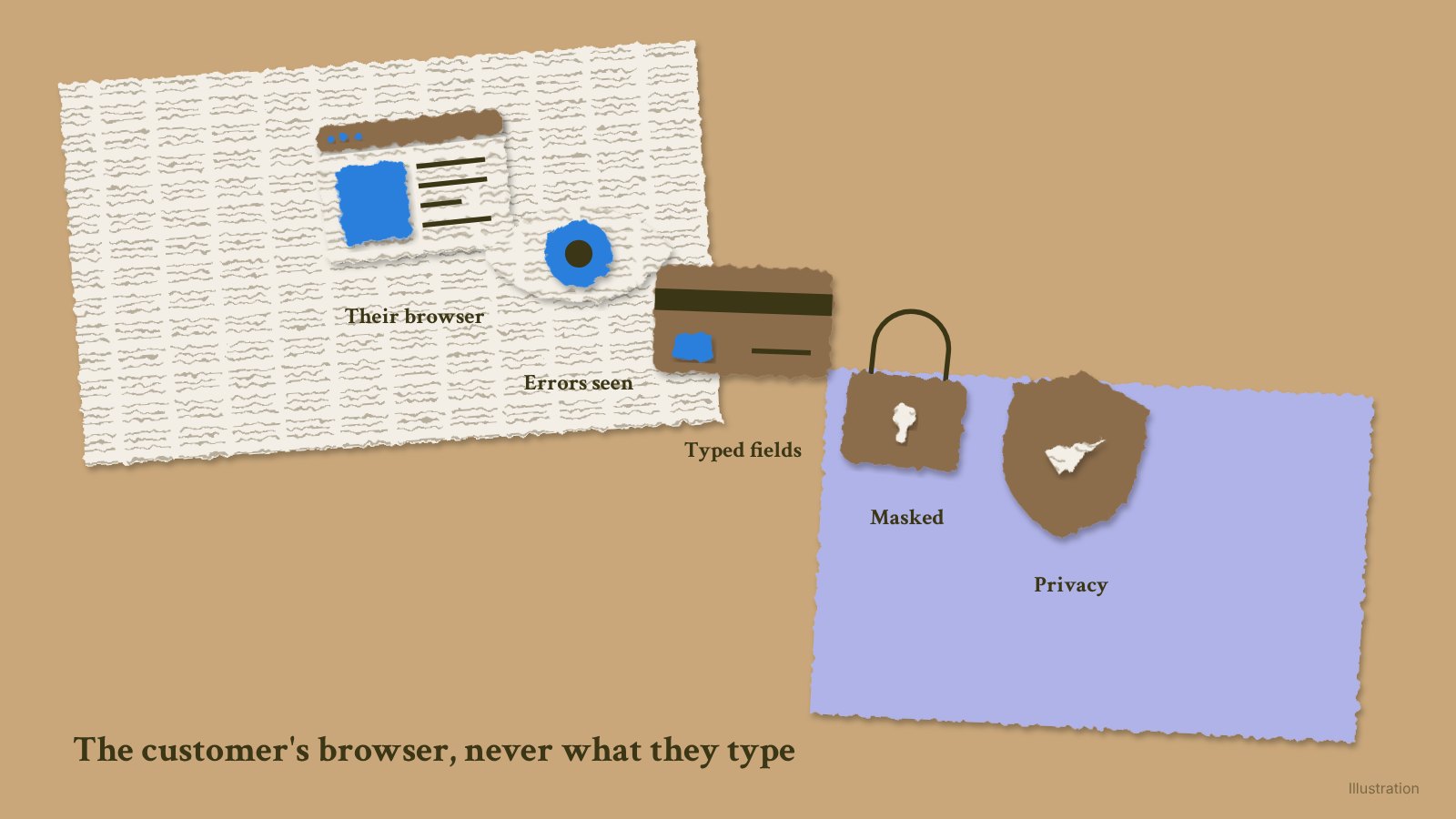
Addresses and credentials come from environment variables, and real e-mail addresses and IDs are replaced with safe test values. The tests need a test user with the same role, never the customer's account.
Unverified until it has run
A generated test is a draft. It says unverified until someone records an execution, and TicketResolve doesn't run it on its own infrastructure.
A person edits it if needed; every save is a new version, and anything that looks like a real key is refused. Someone approves it, and an edited version needs a different approver. The approved version is kept as the original failure, the baseline that a fix will be checked against.
Add test to the fix proposal places the approved test in the investigation's fix, which goes back to review before the draft pull request. Nothing is merged or deployed from there.
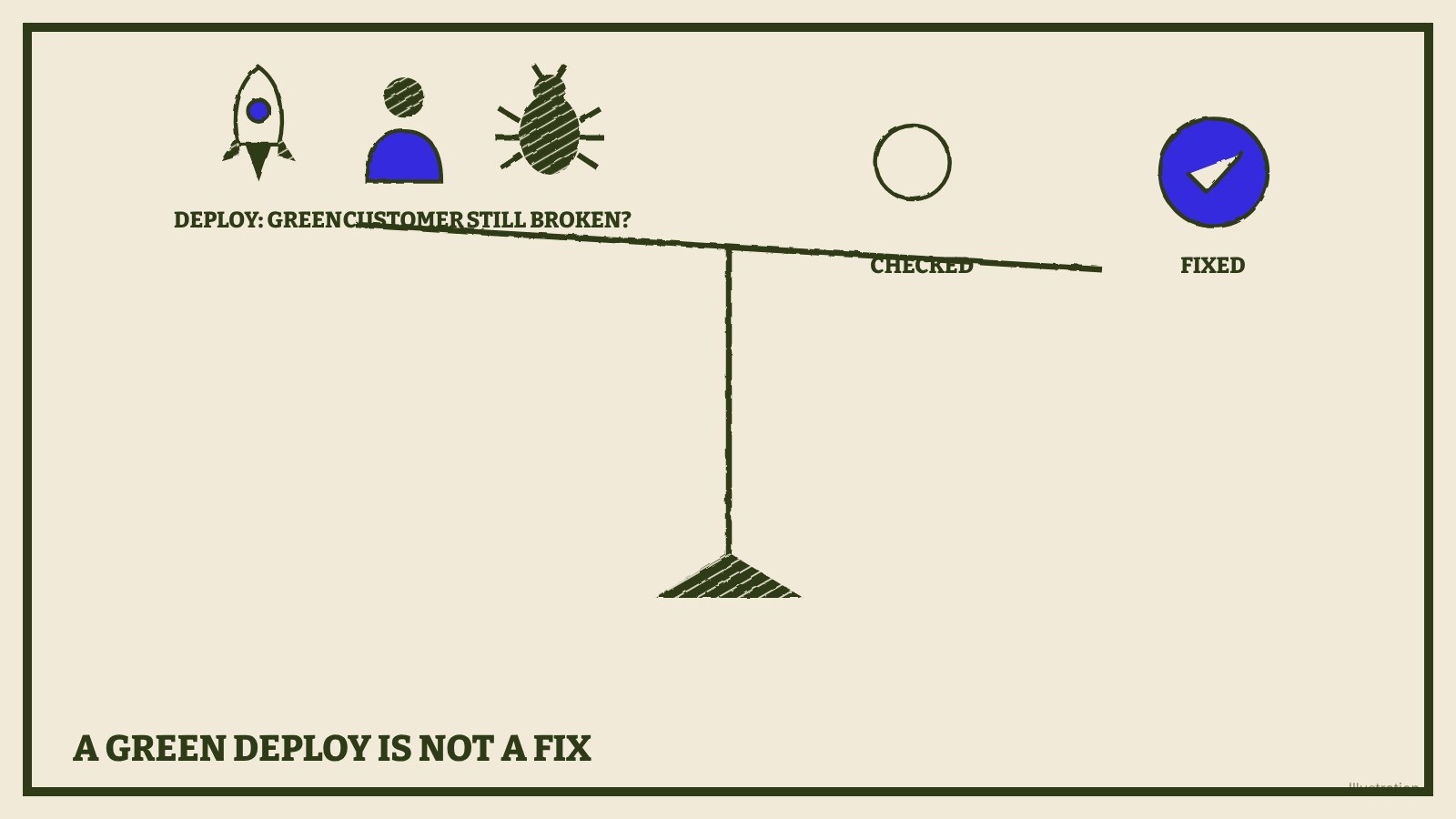
Then every run is recorded with where it ran (CI, staging, production, the customer's environment, a laptop), when in the fix's life (before the fix, after it, after deploying it) and what happened. A pass in staging is recorded as a pass in staging, not as a fix in production.
What the investigation learns
The same evidence feeds the investigation. When the session finishes, TicketResolve records:
- what was observed: failed requests, exceptions, the failing step;
- which browser failures line up with server logs and traces, by request ID or by endpoint and time;
- deployments shortly before the first failure, labelled as timing only;
- ranked hypotheses such as a server-side error in one handler, a CORS or network block, an authentication failure, or a failure that depends on this user's session because the same endpoint works from the server;
- what is missing, and the next diagnostic step.
Each hypothesis carries its supporting and contradicting evidence and a test to run. All of them go into the investigation as suspected. Customer-collected evidence can mislead, and correlation isn't causation. A root cause is confirmed by a person, not by the analysis.
A worked example, start to finish
Here's the traveller-name ticket at the same company, with scenarios generated from evidence. The details are illustrative.
Day 1, 14:00. The Connect session finishes. Mei opens the Reproduction tab and presses Generate from evidence. The scenario:
- Preconditions: a booking with two travellers; user with the Agent role.
- Steps: 1. Open booking. 2. Edit traveller 2's name. 3. Press Save.
- Expected: name saved. Actual: error toast;
PUT /api/bookings/{id}/travellers/2 → 500. - Failure point: step 3.
It's generated as a Playwright test (their repository uses Playwright), an HTTP file and a Postman collection for the endpoint, and a manual checklist. The booking ID and traveller names are replaced with safe test values; the base URL and test user's credentials come from environment variables.
14:10, the investigation. Recorded:
- Observed: the 500 at step 3; a console error.
- Browser-to-server link: request ID
req-7d2amatches a server log line:IndexError: traveller index 2 out of rangein the travellers handler. - Deployment two days before the first failure, labelled as timing only.
- Hypotheses (suspected): 1. server-side error in the travellers handler (supported by the log line); 2. authentication failure (contradicted: the request was authenticated).
- Next step: run the test against staging with two travellers.
14:30. Mei shows the draft to the developer, Arjun. It says unverified. He edits one selector (a new version is saved) and his lead, Dana, approves it: an edited version needs a different approver from the editor. It's kept as the original failure.
15:00. Arjun runs the Playwright test in staging, before the fix: fails at step 3. Recorded: staging, before fix, failed. He sees it: the handler counts travellers from 1, the API sends 0-based indexes.
Day 2. Arjun fixes the indexing. Add test to the fix proposal puts the approved test in the investigation's fix, which goes back to review before the draft pull request. In CI, after the fix: passes. Recorded: CI, after fix, passed. Merging and deploying happen in their own pipeline.
Day 2, after deploy. The test runs in staging after deploying: passes. Recorded as staging, not production. The customer's own environment is checked next, through before / after verification.
Day 2. Arjun confirms the root cause in the investigation: off-by-one in the travellers handler. A person confirmed it, not the analysis.
Five more real-world scenarios
1. A key in the test
Situation. Someone pastes an API key into the test while editing.
How TR handles it. Anything that looks like a real key is refused.
2. Using the customer's account
Situation. A developer wants to run the test as the customer.
How TR handles it. Tests need a test user with the same role, never the customer's account.
3. The endpoint works from the server
Situation. The agent's check of the same endpoint returns 200; the browser saw 500.
How TR handles it. A hypothesis that the failure depends on this user's session.
4. A deployment before the failure
Situation. A release went out an hour before the first error.
How TR handles it. It's listed as timing only, not as a cause.
5. Cypress shop
Situation. The repository uses Cypress.
How TR handles it. The scenario is generated as a Cypress test.
Before and after
Before. A precise recording retyped as "can't save names, get a 500", a developer who couldn't reproduce it, and a real bug closed.
After. A scenario with the two-traveller precondition and the failing step, tests in four formats with safe test values, an approved original failure, a failing run before the fix and a passing one after, each labelled with where it ran, and a root cause confirmed by a person.
How to tell it's working
- "Cannot reproduce" becomes rare.
- Approved tests travel with fixes.
- Every run says where it ran and when in the fix's life.
Who it's for
- Support engineers handing over technical tickets.
- Developers and QA who need to reproduce bugs.
- Engineering leads who approve tests.
How it fits with the rest of TicketResolve
Scenarios come from TicketResolve Connect evidence and browser reproduction. Approved tests go into the investigation's fix proposal, and runs feed before / after verification and Resolution Assurance.
Mistakes to avoid
- Trusting a draft test before it has run.
- Treating the top hypothesis as the root cause.
- Reading a staging pass as a production fix.
Do it in TicketResolve, step by step
Where: Connect → the session's Reproduction and Investigation tabs (/dashboard/connect). You'll need: Customer environment connect; a test user with the same role; a second person to approve. Full guides: TR Investigate: from a ticket to a verified fix and Reproduction scenarios and investigation findings.
- Finish a Connect session with a browser reproduction and failed requests.
- Press Generate from evidence on the Reproduction tab.
- Check the scenario: preconditions, steps, expected and actual, failure point.
- Pick a format: Playwright or Cypress, API script, HTTP file, Postman collection, or manual checklist.
- Edit if needed (each save is a version) and have someone else approve it.
- Run it and record each execution with where, when in the fix's life, and what happened.
- Add test to the fix proposal. The fix goes back to review before the draft pull request.
- Read the Investigation tab: observed, browser-to-server links, hypotheses (suspected), missing and next step. A person confirms the root cause.
How to check it worked: the scenario shows its approved version and a list of executions, each with environment, stage and result.
Read the guide: Reproduction scenarios and investigation findings.
Frequently asked questions
What formats are generated? Playwright or Cypress, an API script, an HTTP file, a Postman collection and a manual checklist.
Does it use real customer data? No. Real e-mail addresses and IDs are replaced with safe test values.
Does TicketResolve run the tests? No. It doesn't run them on its own infrastructure; you record executions.
When is a test verified? When someone records an execution.
Who approves a test? Someone other than the editor of that version.
Is a staging pass a fix? No. It's recorded as a pass in staging.
Are hypotheses root causes? No. They're suspected until a person confirms.
Does it merge or deploy? No. Nothing is merged or deployed from there.
Explore Topics
Written by
Ghulam Shabbir
Content creator and writer sharing insights and stories.