

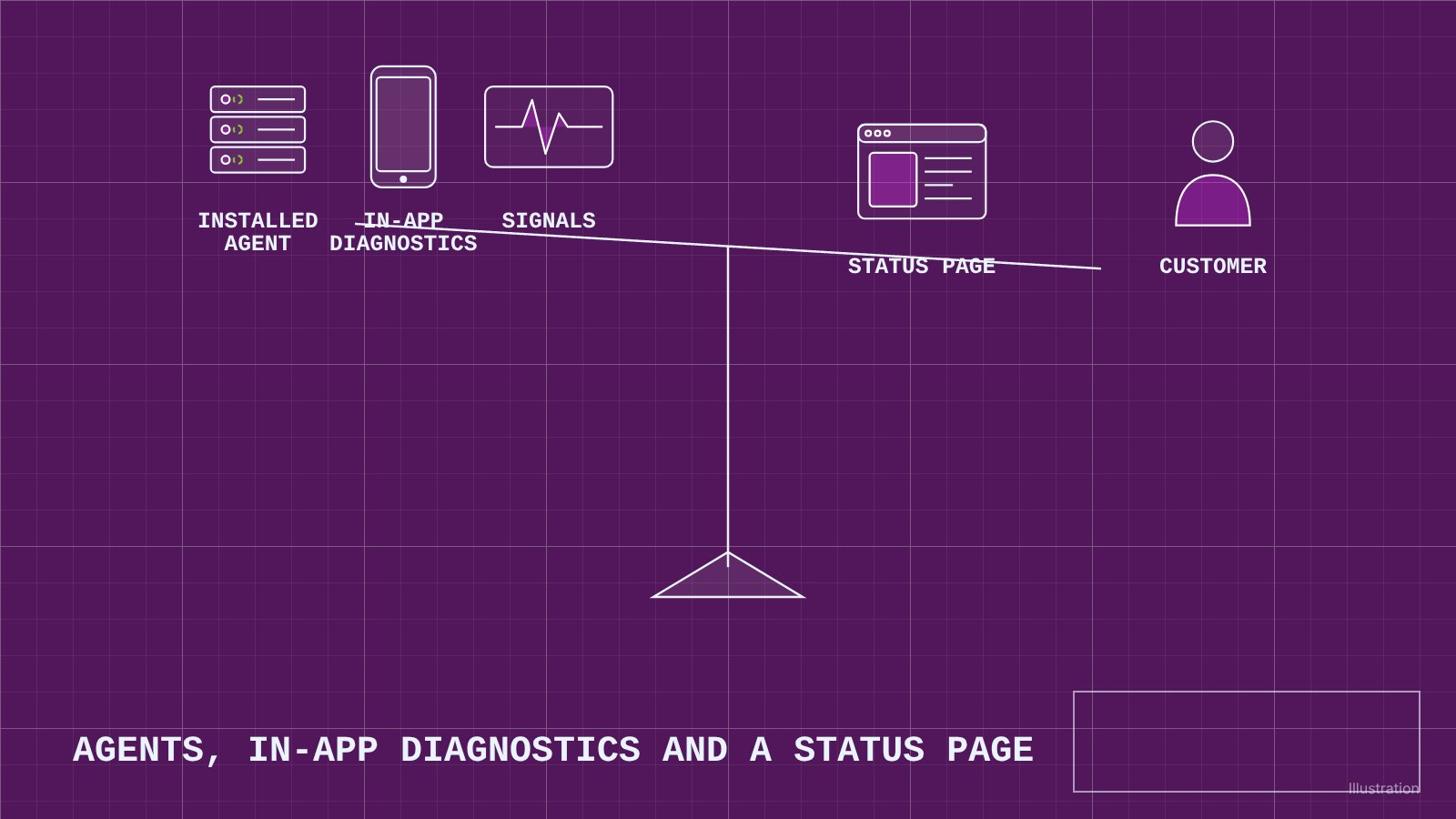
Closer to Where Problems Happen: Installed Agents, In-App Diagnostics and a Status Page
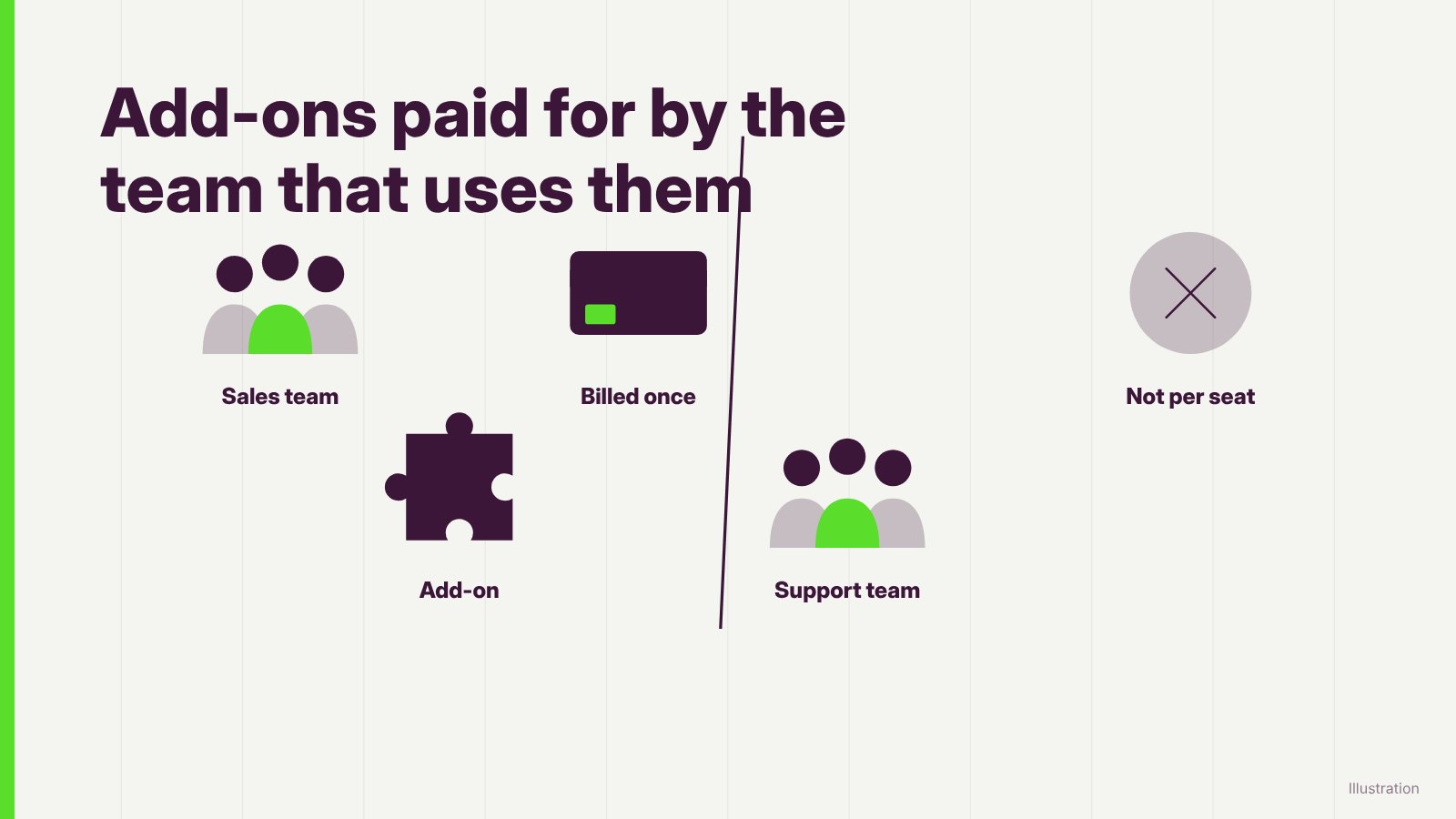
The slowest part of many technical tickets isn’t the fix. It’s getting the facts and telling the customer it’s fixed. Three add-ons shorten each step: the Connect agent installed for good on the machines that matter, a “Send diagnostics” button in your own app, and a public status page that e-mails subscribers only when a fix is verified. The customer still decides at every step.
A company that sells point-of-sale software to restaurants gets a ticket from a chain with 40 sites: "Card terminals at three sites keep disconnecting from the till."
Here's how the next week goes:
- Day 1. The engineer asks for the till's logs. The chain's IT manager has to drive to one of the sites, find the machine and send them.
- Day 2. The engineer asks them to run TicketResolve Connect for diagnostics. The IT manager downloads it, starts it, approves access, and it collects. Useful, but he says he'll have to do this every time.
- Day 3. A cashier at another site reports "the screen froze when I pressed pay". Support asks which browser, which version, what the screen said. Nobody remembers.
- Day 5. Engineering fixes the bug. The chain doesn't find out until they ask on day 8, because nobody told the 12 other customers who'd reported the same thing, and the release notes only said "stability improvements".
Every one of those delays was about getting facts or giving them back.
First, the basics
- TicketResolve Connect lets a customer approve diagnostic access for one support request and run our agent to collect what they allow.
- An agent here is a small program on the customer's machine that collects diagnostics. Installed for good means it's set up once and waits.
- Consent is the customer approving access, per request, choosing what may be collected and which machine.
- A heartbeat is the agent checking in regularly; revoking a machine stops it at its next heartbeat.
- An SDK (software development kit) is code you add to your own product. A script tag is one line that loads it.
- Masking hides secrets, tokens, e-mail addresses and card numbers.
- Customer-supplied evidence is what the customer sends; it's evidence, not fact.
- A known issue is a recorded problem affecting several customers. A status page shows known issues publicly.
- A verified fix is confirmed in production by fix verification, or marked resolved by a person on your team.
Why does this matter? Technical tickets stall on two things: getting the facts from the customer's systems, and telling the customer it's fixed. Shortening both, while the customer stays in control, means faster fixes and fewer "any update?" tickets.
The problem, in plain terms
- Every diagnostic request means the customer downloads and starts the agent again.
- End users can't describe what their browser saw.
- Customers aren't told when a shared problem is fixed.
- "Fixed" is announced when a deploy goes out, not when it's confirmed.
Connect fleet: $499 a month
TicketResolve Connect already lets a customer approve diagnostic access for one ticket and run our agent. For customers who open many tickets, downloading and starting the agent every time is the slow step.
With Connect fleet their IT installs the agent once on the machines that matter. It runs as a scheduled task at start-up on Windows, a systemd service on Linux or a launchd job on macOS, and it waits.
Installing it gives no access. For each support request:
- you offer the customer's installed machines on the request,
- the customer opens the authorization page, ticks what may be collected and chooses which machine (or none),
- that machine gets a token for that request only, collects what was ticked, and stops when access ends.
You see every installed machine, whether it's online and which version it runs, and you can revoke any of them; a revoked machine stops at its next heartbeat. Connect fleet works with Customer environment connect, which it needs.
In-app diagnostics SDK: $399 a month
Add one script tag to your product and your users get a "Send diagnostics" button, or you open the dialog from your own code. The dialog lists exactly what will be sent and has a button to show the raw data:
- the page address without anything after
?or#, your app version, browser, system, screen, language and time zone, - recent errors, console errors and warnings,
- failed network requests: method, address and status, never the content.
Nothing leaves the browser until the user presses Send. Secrets, tokens, e-mail addresses and card numbers are masked in the browser and again on our side. If your app passes the ticket reference, the report goes straight into that ticket's investigation as customer-supplied evidence; otherwise the user gets a short code like D-7K3Q9P to quote. The key you put in your app can only send reports, and only from the websites you list.
Customer status page: $249 a month
Known issues already reply to affected tickets and update every linked customer when they're fixed. The status page puts the issues you choose on a public page at /status/your-name, with the customer description, workaround and expected time. It never shows internal notes, ticket text or customer names.
Visitors can subscribe to one issue or the whole page. They confirm by e-mail first, and they get one message when the fix is verified: confirmed in production by fix verification, or marked resolved by a person on your team. An issue that only moved because an engineering ticket closed or a deploy went out sends nothing. Every message has a link to stop them.
A worked example, start to finish
Here's the same restaurant chain, with the three add-ons.
Last month, Connect fleet. The chain's IT manager installed the Connect agent once on each site's till server, 40 machines, as a scheduled task at start-up on Windows. The support team sees all 40 under the customer: online, version, last heartbeat. None of them has any access.
Day 1, 09:00. The disconnect ticket arrives. The engineer offers the customer's installed machines on the Connect request.
09:10. The IT manager opens the authorization page from his phone, ticks network configuration and application logs, and chooses the three affected sites' machines. Each gets a token for this request only. Nothing else is collected.
09:20. The logs show the terminal driver dropping its connection after a router's DHCP lease renews. Access ends; the machines stop collecting.
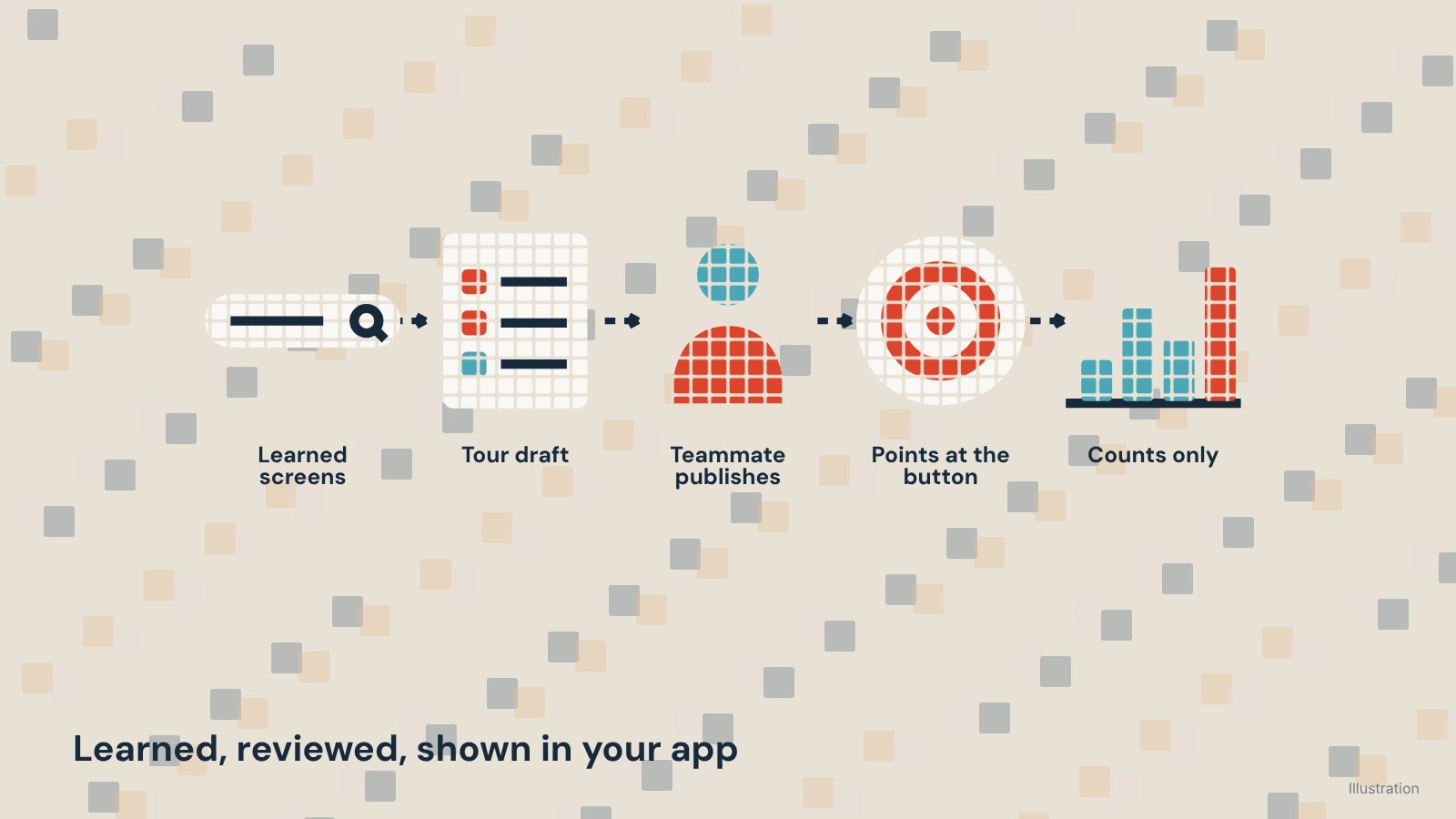
Day 1, 11:00, the SDK. Earlier this year the vendor added the in-app diagnostics script tag to their till web app. A cashier at another site sees the screen freeze on pay and presses Send diagnostics. The dialog lists what will be sent: page address (without the query string), app version 5.8.1, browser, screen, recent console errors, and a failed request: POST /payments/authorize 504. She presses Send. A card number in a console message was masked in the browser. Because the app passed the ticket reference, the report goes straight into the ticket's investigation as customer-supplied evidence.
Day 2, known issue. The engineer links both problems to a known issue: "Card terminals disconnect after router lease renewal", with a customer description and workaround ("restart the terminal; we're fixing the driver"). He ticks Show on the status page. It appears at /status/<vendor>; no customer names, no ticket text.
Day 2–4. 34 people from 12 customers subscribe to the issue, each confirming by e-mail first.
Day 5. Engineering closes their ticket and a deploy goes out. Nothing is sent.
Day 6. Fix verification confirms the fix in production: no disconnects after lease renewals across the affected sites. The issue is verified fixed. One message goes to each of the 34 subscribers, with a link to stop them. The 12 customers' linked tickets are updated by the known issue as before.
Day 6, IT manager. He doesn't have to ask.
Five more real-world scenarios
1. A customer declines
Situation. For a sensitive request, the customer opens the authorization page and chooses no machine.
How TR handles it. Nothing is collected. The installed agent gives no access on its own.
2. A machine leaves the company
Situation. A laptop with the agent installed is lost.
How TR handles it. Revoke it; it stops at its next heartbeat.
3. A key copied into another website
Situation. Someone copies the SDK key into a different site.
How TR handles it. The key only sends reports, and only from the websites you list.
4. A status page issue that moved because of a deploy
Situation. A deploy goes out, but the fix isn't confirmed yet.
How TR handles it. Subscribers get nothing until the fix is verified.
5. Old diagnostics reports
Situation. Reports from months ago.
How TR handles it. Reports are deleted after 90 days.
Before and after
Before. A drive to a site for logs, the agent downloaded again each time, a cashier who couldn't remember what the screen said, and customers who found out about a fix by asking.
After. Agents installed once and given access per request, a button that sends exactly what's listed with secrets masked, and one e-mail to subscribers when the fix is verified, not when it's deployed.
How to tell it's working
- Connect requests complete in minutes, without downloads.
- Diagnostics reports arrive attached to tickets.
- "Any update?" tickets fall for issues on the status page.
- Subscribers are only e-mailed on verified fixes.
Who it's for
- Support teams with B2B customers who open many technical tickets.
- Product teams who want diagnostics from inside their app.
- Customer-facing teams who want to stop answering "is it fixed yet?".
How it fits with the rest of TicketResolve
Connect fleet needs Customer environment connect. SDK reports feed the ticket's investigation. The status page publishes known issues and relies on fix verification. None of the three makes an AI call.
Mistakes to avoid
- Assuming installed means accessible. Every request still needs the customer's consent.
- Not listing your websites for the SDK key.
- Writing internal language in the customer description of a public issue.
Do it in TicketResolve, step by step
Where: Billing → Add-ons, then each add-on's settings. You'll need: a plan; Customer environment connect for Connect fleet; known issues for the status page. Full guides: Add-ons: add only what your team uses and Diagnostics form for customers.
- Add the add-ons. Dashboard → Billing → Add-ons. All three are on during the 7-day free trial.
- Connect fleet. Give the customer's IT the install instructions for Windows, Linux or macOS. Installed machines appear with online status and version.
- Offer machines on a request. On a Connect request, offer the customer's installed machines. The customer ticks what may be collected and chooses which machine, or none.
- Revoke when needed. Revoke any machine; it stops at its next heartbeat.
- Add the SDK. Add the script tag to your product, list the websites the key may send from, and pass the ticket reference when you have one.
- Publish known issues. Choose which known issues appear at
/status/your-name, with the customer description, workaround and expected time. - Let people subscribe. Visitors subscribe to an issue or the page, confirm by e-mail, and hear once when the fix is verified.
How to check it worked: a Connect request completes on an installed machine, an SDK report appears in its ticket's investigation, and a verified issue sends one e-mail to its subscribers.
Connect fleet $499 a month, In-app diagnostics SDK $399 a month, Customer status page $249 a month. Read Connect fleet, In-app diagnostics and Customer status page for setup, or see Pricing.
Frequently asked questions
Does installing the agent give access? No. The customer approves each request and chooses the machine.
What does the agent collect? Only what the customer ticked, for that request, until access ends.
What does the SDK send? Exactly what the dialog lists. Nothing leaves the browser until the user presses Send.
Are secrets sent? No. They're masked in the browser and again on our side.
What does the status page show? The issues you choose, with the customer description, workaround and expected time. Never internal notes, ticket text or customer names.
When are subscribers e-mailed? Once, when the fix is verified. Not when a deploy goes out.
Do these add-ons use AI? No. None of the three makes an AI call.
How long are diagnostics reports kept? 90 days.
Explore Topics
Written by
Ghulam Shabbir
Content creator and writer sharing insights and stories.