

Pay for the Team That Uses It: Add-ons in TicketResolve
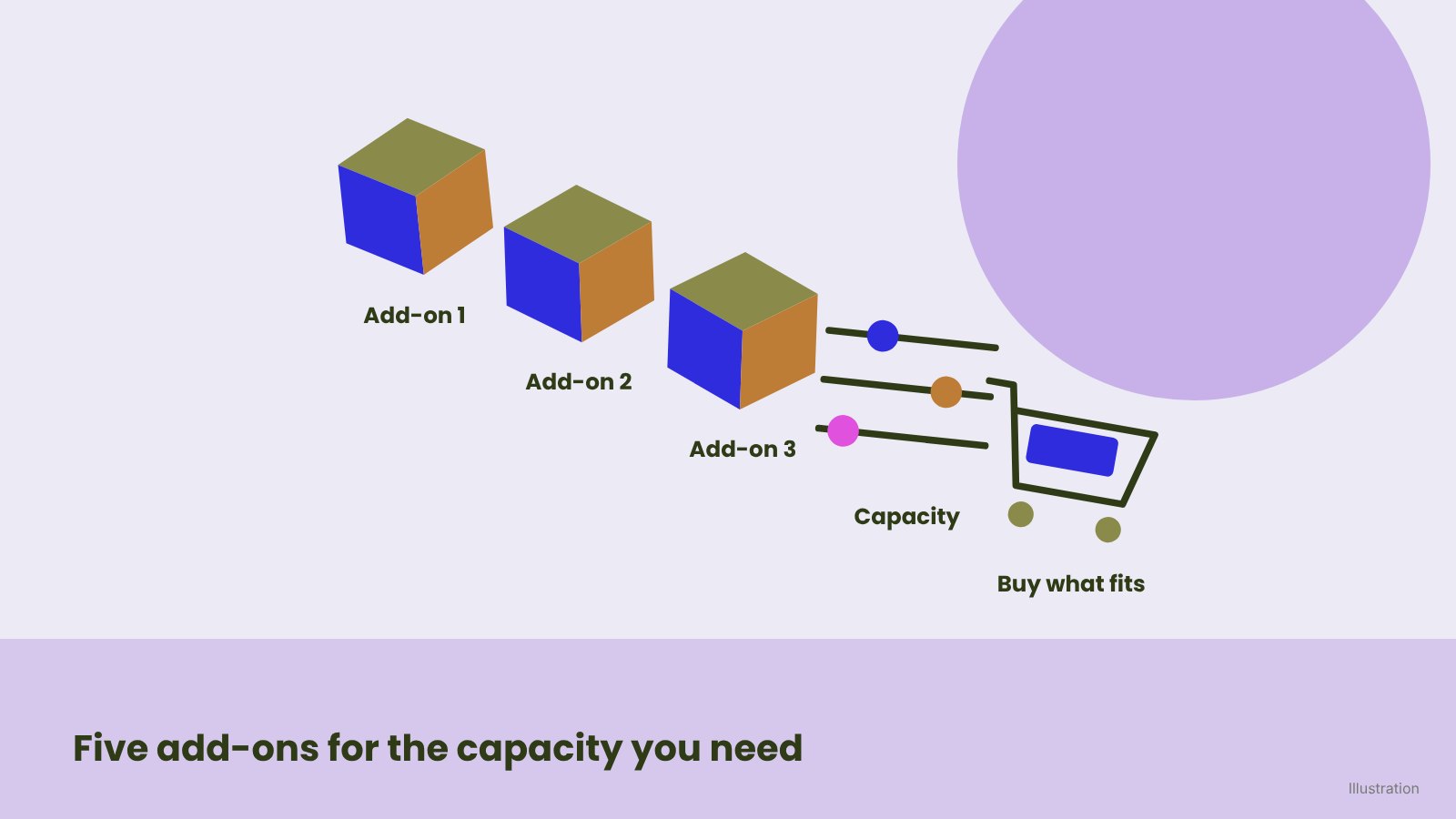
Every plan used to include our whole engineering suite, even for support teams that never touched it. Now ticket resolution stays in every plan, and the engineering, channel and operations modules are add-ons with flat prices and no per-seat fees, so a team pays for the parts it actually uses.
Imagine two TicketResolve customers.
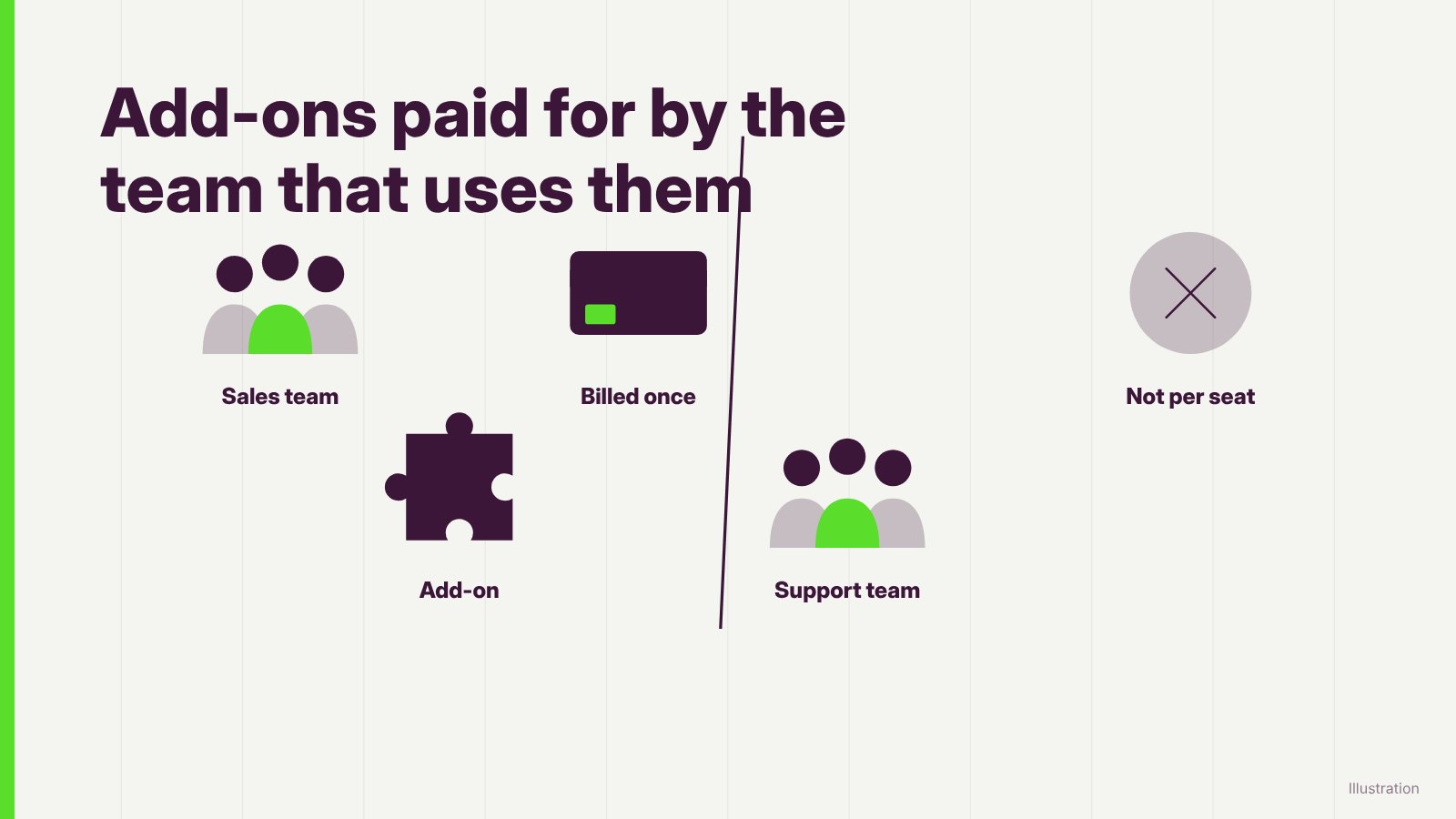
The first is a 12-person support team at an online furniture retailer. They answer questions about orders, deliveries and returns. They use TicketResolve to resolve tickets from their help desk, from e-mail and chat. They've never connected a code repository; they don't have engineers.
The second is a B2B software company with 40 support agents and 60 engineers. They use TicketResolve to resolve tickets, and their engineering team uses its code index, fix proposals, test runs in CI, dependency graphs and predictive alerts every day.
Until today, both paid for the same engineering suite in their plan. The furniture retailer was paying for features it couldn't use, and those modules are the ones that cost the most to run. So we've split them out.
First, the basics
- A plan is TicketResolve's main subscription: Starter ($3,000), Bronze ($4,000) or Growth Pro ($5,000) a month.
- An add-on is an extra module you add to a plan, priced flat per workspace a month.
- Per-seat pricing charges for each user; flat pricing doesn't. Overage is a charge for going over a limit.
- A workspace is one TicketResolve account. Each brand is its own workspace with its own plan.
- Pro rata means charged or credited for the part of the billing period that's left.
- A bundle is several add-ons together at a lower price.
- A list price is a vendor's published price; a quote is what you're actually offered.
Why does this matter? A support team should pay for support. Splitting out the expensive engineering modules keeps every plan focused on resolving tickets, lets small teams add one feature without moving up a whole plan, and lets engineering-heavy teams pay a flat price instead of per engineer.
The problem, in plain terms
- Teams pay for modules they never use.
- Small teams move up a whole plan for one feature.
- Engineering tools are usually priced per seat, so costs grow with headcount.
- Changing plans feels risky: will history be deleted?
What stays in every plan
Everything that decides and sends an answer:
- all five answer sources and the confidence checks that hold a wrong reply,
- investigations, their root cause and the evidence behind it,
- known issues, incidents and escalation,
- fix verification, which stops a customer being told something is fixed before it is.
A plan still covers the job a support team buys us for.
The add-ons
Each add-on is a flat monthly price per workspace. There are no per-seat fees and no overage, and annual billing takes 20% off, the same as the plans.
| Add-on | Per month | What it is |
|---|---|---|
| Autonomous engineering | $999 | Code index, root cause → code, generated regression tests, fix proposals, test orchestration in your CI, governance |
| Reliability intelligence | $799 | Dependency graph, predictive alerts, SLOs, capacity forecasts, resilience experiments, architecture and release risk |
| Customer environment connect | $299 | With the customer's consent: browser capture, read-only keys, browser reproduction, environment twin |
| Engineering bundle | $1,599 | All three, $498 a month less than buying them separately |
| Voice agent | $499 | Phone agent on your Twilio number (in Growth Pro already) |
| Commerce pack | $399 | Shopping assistant and revenue agent (in Growth Pro already) |
| Workforce planning | $199 | 14-day workload forecast and staffing suggestion (in Bronze and Growth Pro already) |
| Reputation pack | $199 | Review replies and Facebook / Instagram comment replies (in Bronze and Growth Pro already) |
The last four give a smaller plan one feature it needs without moving up a whole plan. A Starter team that only needs phone support pays $3,499, not $4,000.
How we set the prices
We priced each add-on against what a team would otherwise pay for the closest tool, and kept ours flat where competitors charge per seat:
- Autonomous engineering. Sentry's AI debugging agent, Seer, is listed at $40 per active contributor a month, which is $800 for 20 engineers.
- Reliability intelligence. PagerDuty's AIOps add-on is listed at $21 per user a month on its Professional plan, on top of the plan itself.
- Customer environment connect. Session capture tools such as Jam start at $14 per creator a month for capture alone.
Those are list prices. Your own quote may differ.
If you're already a customer
Your plan included the engineering suite, so you keep it. Workspaces created before 17 November 2026 keep autonomous engineering, reliability intelligence and customer environment connect at no charge until 17 November 2027. Billing → Add-ons shows the date.
A worked example, start to finish
Here are the two customers from the start, plus a third, choosing add-ons. The figures are the published prices; the teams are illustrative.
The furniture retailer (12 agents, no engineers). They're on Starter, $3,000 a month. During the 7-day free trial every add-on was on; they tried the voice agent because customers often phone about deliveries. They used it; nothing else. When they choose their plan, they keep Voice agent ($499). Total: $3,499 a month, not $4,000 for Bronze. They don't pay for a code index they'd never connect.
The B2B software company (40 agents, 60 engineers). They're on Growth Pro, $5,000 a month. Their engineers use the code index, fix proposals, CI test runs, dependency graph and predictive alerts, and support uses browser capture with customers' consent. They choose the Engineering bundle ($1,599): total $6,599 a month, flat, whether 60 engineers use it or 80. The bundle is $498 a month less than buying the three separately ($999 + $799 + $299 = $2,097).
For comparison, at list prices, Seer alone for 60 active contributors would be 60 × $40 = $2,400 a month, before any reliability or capture tools.
An existing customer. A workspace created in June 2026 had the engineering suite in its plan. Under Billing → Add-ons, it shows autonomous engineering, reliability intelligence and customer environment connect at no charge until 17 November 2027. Nothing changes until then.
Mid-month change. In March, the furniture retailer adds Reputation pack ($199) on the 16th of a 31-day month. It's on at once; the remaining half of the month is charged pro rata on the next invoice. In August, seasonal phone volume drops; they remove the voice agent. Its features switch off at once, and they get a pro-rata credit. Their call history is kept; adding it back next winter brings it back.
Annual billing. If the B2B company pays annually, the 20% discount applies to the plan and the add-ons alike.
Five more real-world scenarios
1. Bronze needs voice
Situation. A Bronze team wants the phone agent.
How TR handles it. Add Voice agent ($499) instead of moving to Growth Pro.
2. Two brands
Situation. A company runs two brands and wants add-ons for both.
How TR handles it. Each brand is its own workspace with its own plan and add-ons. There's no multi-brand add-on in one workspace.
3. Removing an add-on and changing your mind
Situation. A team removes Autonomous engineering, then adds it back three months later.
How TR handles it. Nothing was deleted. The history, code index and evidence come back.
4. A team that only needs capture
Situation. Support wants browser capture with customer consent, but there's no engineering team.
How TR handles it. Customer environment connect alone, $299 a month.
5. Growth Pro already has some
Situation. A Growth Pro team looks at Commerce pack.
How TR handles it. It's already in Growth Pro. The last four add-ons are for smaller plans.
Before and after
Before. Every plan carried the whole engineering suite, whether a team had engineers or not, and a small team moved up a whole plan for one feature.
After. Ticket resolution in every plan, engineering and channel modules as flat-priced add-ons with no per-seat fees, one feature added without changing plan, and existing customers keeping what they had until November 2027.
How to tell it's working
- Your add-ons match what your team uses.
- Costs don't grow with engineering headcount.
- Small teams stay on their plan and add one feature.
Who it's for
- Support-only teams who never touch engineering modules.
- Engineering-heavy teams who want flat pricing.
- Small teams who need one channel feature.
How it fits with the rest of TicketResolve
Plans cover everything that decides and sends an answer. Add-ons switch on modules such as Autonomous engineering, Reliability intelligence and Customer environment connect, and later add-ons follow the same pattern.
Mistakes to avoid
- Removing an add-on mid-investigation without checking who uses it.
- Adding add-ons your plan already includes.
- Comparing list prices as if they were quotes. Your own quote may differ.
Do it in TicketResolve, step by step
Where: Dashboard → Billing → Add-ons (/dashboard). You'll need: a plan; the workspace owner adds and removes. Full guide: Add-ons: add only what your team uses.
- Choose a plan. Add-ons are added to your plan's subscription, so the workspace needs a plan first. During the 7-day free trial every feature add-on is already on.
- See what you used. When you choose a plan, keep the add-ons you used during the trial.
- Add one. Dashboard → Billing → Add-ons. Only the owner sees Add and Remove. Confirm the price: the add-on is on straight away, and the rest of this billing period is charged pro rata on your next invoice.
- Remove one. Press Remove next to a paid add-on. Its features switch off at once and you get a pro-rata credit. Nothing is deleted; adding it again brings your history back.
- Check your free period (existing customers). Billing → Add-ons shows the date your included engineering add-ons run until.
How to check it worked: Billing → Add-ons lists each add-on with its price and status, and your next invoice shows the pro-rata line.
How add-ons work has the details, and Pricing has the full list.
Frequently asked questions
What's included in every plan? All five answer sources and confidence checks, investigations, known issues, incidents, escalation and fix verification.
Are add-ons priced per seat? No. Each is a flat monthly price per workspace, with no overage.
Is there an annual discount? Yes. Annual billing takes 20% off, the same as the plans.
What does the Engineering bundle save? $498 a month compared with buying the three separately.
I'm an existing customer. Do I lose the engineering suite? No. Workspaces created before 17 November 2026 keep it at no charge until 17 November 2027.
What happens when I remove an add-on? Its features switch off and you get a pro-rata credit. Nothing is deleted.
Can I try add-ons first? Yes. Every feature add-on is on during the 7-day free trial.
Can one workspace cover several brands? No. Each brand is its own workspace with its own plan.
Explore Topics
Written by
Ghulam Shabbir
Content creator and writer sharing insights and stories.