

Buy the Capacity You Need: Five New Add-ons
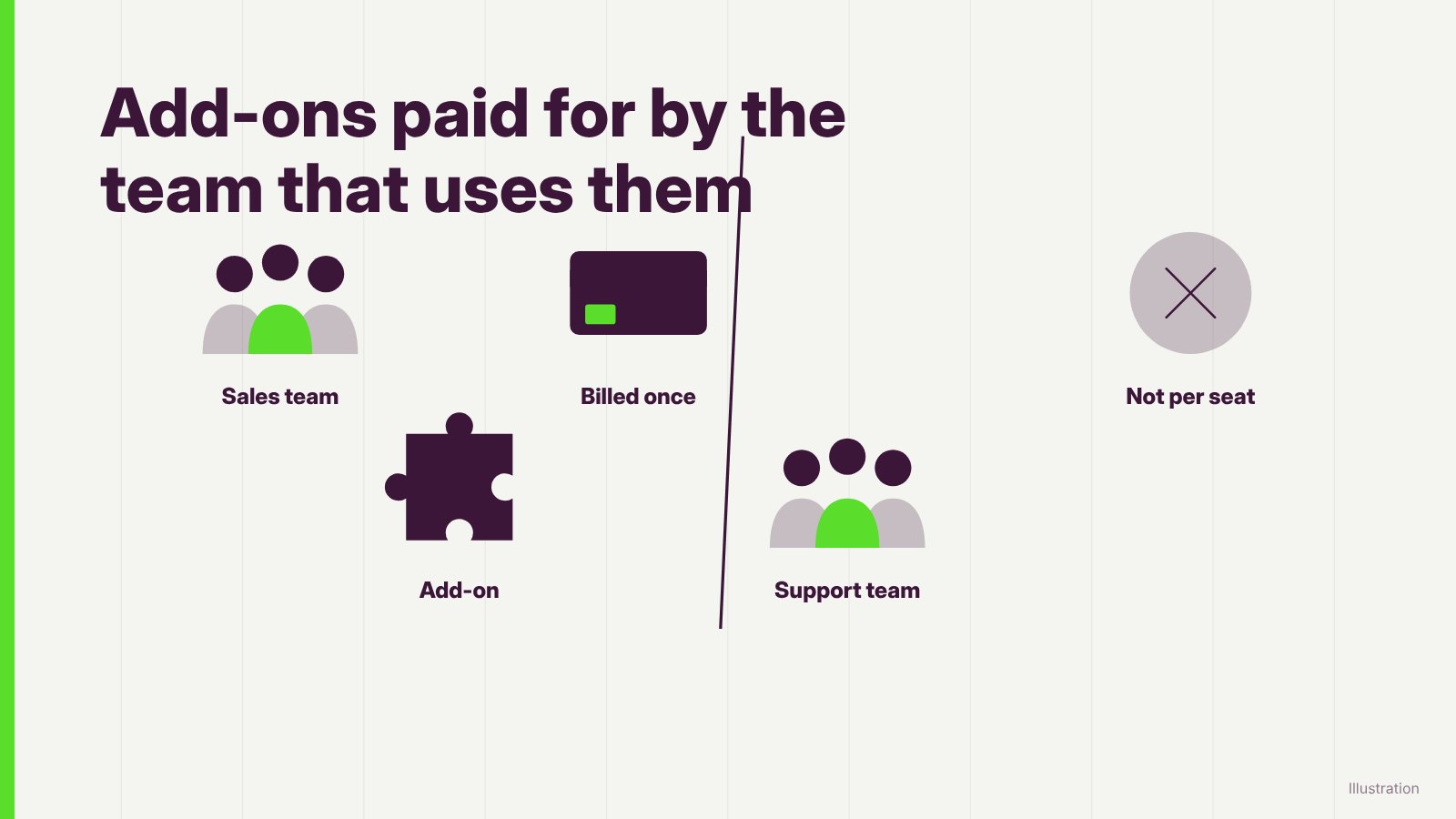
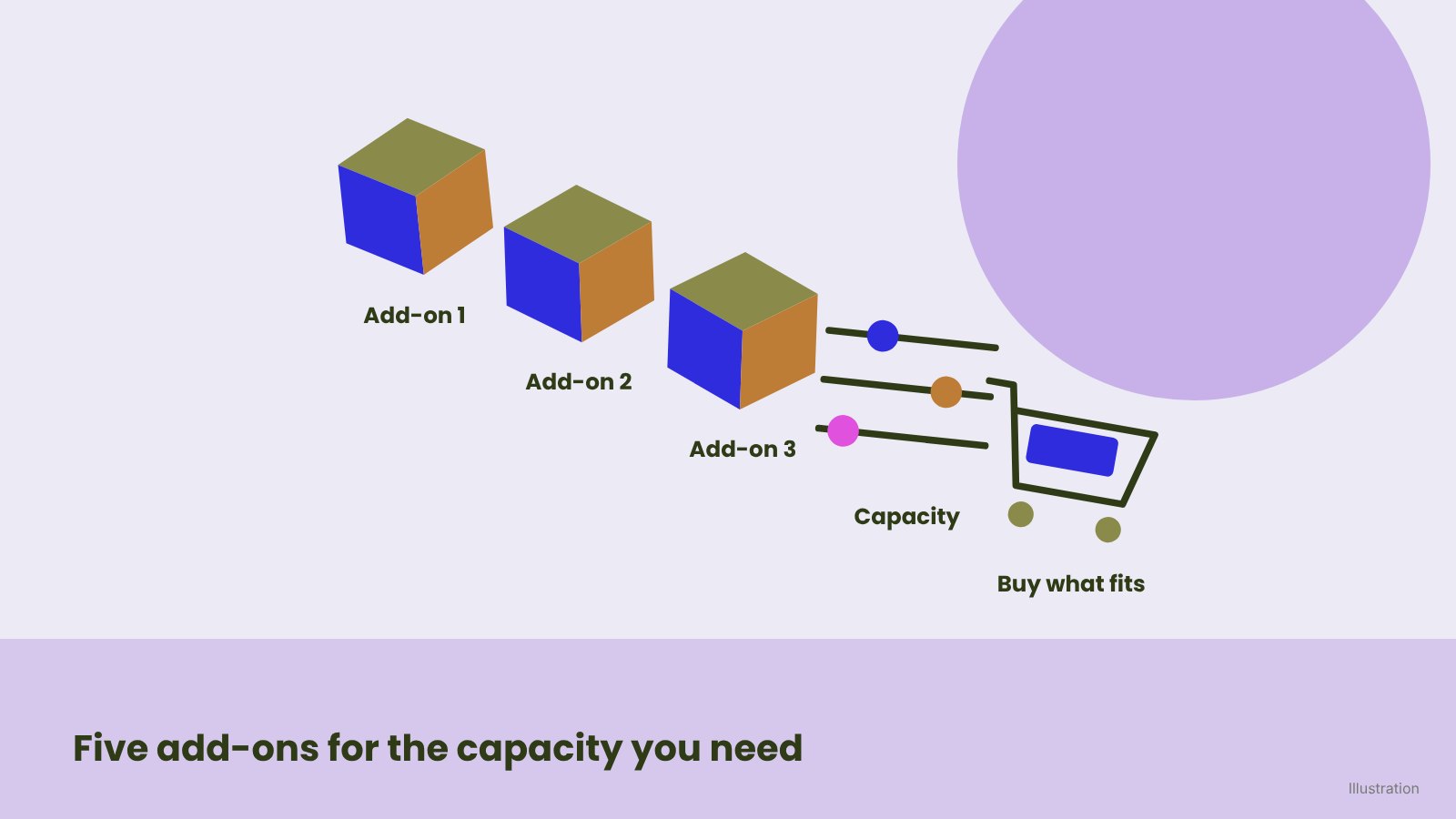
Plans set a few hard limits: how many new tickets TR-AI handles a day, how long ticket data is kept, how fast the API answers. Until now the only way past one was the next plan up, even when that was the only thing you needed. Five add-ons change that: more tickets a day, data kept for 3 or 7 years, five times the API limit, more dig-deeper questions on investigations, and your customers’ session replays as evidence. Flat prices, no per-seat fees.
A 15-person support team at an online ticketing company is on TicketResolve Starter. Most days TicketResolve's TR-AI handles about 180 new tickets, well under their limit. Then a large concert goes on sale. On Friday, 290 new tickets arrive by early evening: payment failures, queue questions, "where are my tickets?".
At the plan's daily limit, new tickets stop going to TR-AI and wait for the team. The team works through them by hand until midnight UTC.
The only fix they could see was moving to Bronze, $1,000 a month more, for a limit they hit four or five days a year. Bronze would also bring features they didn't use.
The same week, their legal team asked whether ticket data could be kept for three years for consumer-protection disputes. Starter keeps it for 90 days. Another plan change.
Two different limits, and the only way past either was the whole next plan.
First, the basics
- TR-AI is TicketResolve's AI that resolves tickets.
- The daily ticket limit is how many new tickets TR-AI handles a day on your plan. Follow-ups on a ticket it already handled don't count. It resets at midnight UTC, and there is never an overage charge.
- Retention is how long ticket data and the audit log are kept. An erasure request is a customer asking for their data to be deleted.
- An API lets your systems talk to TicketResolve. Requests per minute is the API limit. A batch sends many tickets in one request; a page is one chunk of results.
- Dig-deeper questions are follow-up questions you ask on an investigation, answered from its own evidence.
- Session replay tools (PostHog, FullStory, LogRocket) record what a user did in your app, so you can watch it back.
- A read-only key lets TicketResolve read from a tool but not change anything.
- A unit is one block of an add-on you can buy several of. Pro rata means charged or credited for the part of the period left.
Why does this matter? Most teams hit one limit, not all of them. Paying for exactly that limit, at a flat price, is cheaper and simpler than moving up a whole plan, and you can turn it off when you don't need it.
The problem, in plain terms
- Busy days push teams over their daily ticket limit.
- Record-keeping rules need longer retention than the plan offers.
- Bulk imports and integrations run into API limits.
- Investigations need more questions than the daily allowance.
- "The button does nothing" is hard to diagnose without seeing the session.
Extra ticket capacity: $350 a month per 100 tickets a day
Each unit adds 100 new tickets a day to your plan's limit. A Starter team that gets 300 tickets on a busy day buys one unit instead of moving to Bronze, and can buy up to 20. You set the number of units under Billing → Add-ons, and a change is charged or credited pro rata.
The rest of the daily limit works as before: follow-ups on a ticket TR-AI already handled don't count, the limit resets at midnight UTC, and there is never an overage charge.
Extended retention: 3 years ($199) or 7 years ($349)
Starter keeps ticket data and the audit log for 90 days and Bronze for 12 months. Teams with record-keeping rules can now keep them for 3 or 7 years without changing plan. Growth Pro already lets you choose up to 84 months, so it doesn't need this.
Erasure requests and account deletion still take effect straight away. If you remove the add-on, retention goes back to your plan's period and the next retention run deletes what is older.
Higher API limits: $199 a month
Five times your plan's requests per minute, and two things for bulk work:
POST /v1/tickets/batchtakes up to 100 tickets in one request,GET /v1/ticketsreturns up to 500 rows a page.
A batch is not a shortcut around the rules. Each ticket is still resolved once, one after another, under your daily ticket limit, and validation is all or nothing, so one bad ticket rejects the batch with the field that's wrong.
Investigation deep-dive pack: $199 a month per 20 questions a day
Every workspace can ask 5 dig-deeper questions a day on its investigations. Each unit adds 20. The answers work exactly as before: one AI call per question, only from the investigation's own evidence, with every citation checked against it.
Session replay connector: $149 a month
When a customer says "the Export button does nothing", the fastest way to see what happened is to watch their session. Connect PostHog, FullStory or LogRocket with a read-only key, then, on an investigation, enter the customer's email or your app's user ID. TR-AI looks for their sessions from 24 hours before the ticket until an hour after and links each one as evidence: when it started, how long it ran, the page it started on and how many console errors it had.
A few rules:
- An engineer starts every search. The customer's email goes only to your own replay tool, and only then.
- The replays stay in your tool. TR-AI keeps the link and the numbers, not the recording.
- A replay is evidence, not a verdict. It shows what the customer did, not why it failed. LogRocket's own AI summaries are labelled as third-party text and never treated as a fact.
- No AI calls on our side. Finding and linking replays is plain API calls.
A worked example, start to finish
Here's the ticketing company again, with the add-ons. The prices are the published ones; the team is illustrative.
The busy day. The support lead looks at last quarter: on most days TR-AI handled about 180 new tickets; on five on-sale days it was 260–290. The Starter limit covers normal days. She adds one unit of Extra ticket capacity: 100 more new tickets a day, $350 a month. On the next on-sale Friday, 290 new tickets arrive; with Starter's 200 plus 100, all go to TR-AI. Follow-ups on those tickets don't count. The limit resets at midnight UTC.
After the summer season she drops back to zero units; the change is credited pro rata.
Retention. Legal confirms three years. She adds Extended retention, 3 years ($199). Ticket data and the audit log are now kept for 3 years. A customer sends an erasure request in month two; it takes effect straight away, as before.
Bulk import. The ticketing company migrates 12,000 old e-mails from a legacy inbox into TicketResolve for history. With Higher API limits ($199), the engineer sends them through POST /v1/tickets/batch, 100 per request. One batch fails: a ticket has no subject. The whole batch is rejected with that field named; he fixes it and resends. Each ticket is still resolved once, one after another, under the daily limit, so the import runs over several days. He removes the add-on afterwards.
Investigations. During on-sale incidents, engineers ask lots of dig-deeper questions on investigations: "Did failures start before or after the queue service deploy?" Five a day isn't enough. One Investigation deep-dive pack unit adds 20, $199 a month. Each answer is one AI call, only from that investigation's evidence, with every citation checked.
Session replay. A customer writes: "I pressed 'Buy' and nothing happened, twice." On the investigation, an engineer enters the customer's e-mail. The session replay connector (PostHog, read-only key) finds two sessions from the hour before the ticket and links them: started on /event/8812/seats, 6 minutes long, 4 console errors. The engineer opens the replay in PostHog: the "Buy" button was disabled by a seat-map script error. The replay is linked as evidence; it shows what happened, not why. The recording stays in PostHog.
Monthly total during the season: Starter $3,000 + capacity $350 + retention $199 + deep-dive $199 + session replay $149 = $3,897. Moving to Bronze would have cost $4,000 and still wouldn't have given them three-year retention, deep-dive questions or session replay.
Five more real-world scenarios
1. A Growth Pro team asks for 7-year retention
Situation. A Growth Pro team needs seven years.
How TR handles it. Growth Pro already lets you choose up to 84 months, so it doesn't need the add-on.
2. Removing retention
Situation. A team removes the 3-year add-on.
How TR handles it. Retention goes back to the plan's period, and the next retention run deletes what is older. Remove it only if that's intended.
3. A batch with one bad ticket
Situation. One ticket in a batch of 100 has an invalid field.
How TR handles it. Validation is all or nothing; the batch is rejected with the field that's wrong.
4. Searching a customer's sessions
Situation. Someone wants TR-AI to search replays automatically for every ticket.
How TR handles it. An engineer starts every search; the e-mail goes only to your own replay tool, and only then.
5. A LogRocket AI summary
Situation. LogRocket's summary says "the user rage-clicked because the API failed".
How TR handles it. It's labelled as third-party text and never treated as a fact.
Before and after
Before. Five busy days a year and a retention rule pushed a team to the next plan for features they didn't need.
After. One unit of capacity for the busy season, three-year retention, higher API limits for a migration, more investigation questions, and session replays as evidence, each a flat price, each removable.
How to tell it's working
- Busy days don't hit the limit, and quiet months don't pay for units you don't need.
- Retention matches your record-keeping rules.
- Bulk jobs finish without throttling.
- "Nothing happened" tickets have a replay linked as evidence.
Who it's for
- Seasonal or spiky support teams.
- Regulated teams with record-keeping rules.
- Engineers running integrations and migrations, and investigating technical tickets.
How it fits with the rest of TicketResolve
These are add-ons, like the engineering and channel add-ons. Session replays feed investigations as evidence, and deep-dive questions extend them. Retention covers the audit log too.
Mistakes to avoid
- Keeping capacity units all year for a busy season.
- Removing retention without checking what the next retention run will delete.
- Treating a replay as the root cause. It shows what happened, not why.
Do it in TicketResolve, step by step
Where: Dashboard → Billing → Add-ons (/dashboard). You'll need: a plan (capacity add-ons are bought once you have one); the workspace owner adds and removes; a read-only key for your replay tool. Full guides: Add-ons: add only what your team uses and Public API and outbound webhooks.
- Choose a plan. The four capacity add-ons aren't on during the trial, because the trial already runs on Growth Pro limits. The session replay connector is.
- Add capacity. Billing → Add-ons: set the number of Extra ticket capacity units (up to 20), or deep-dive units.
- Add retention. Choose 3 years or 7 years.
- Add higher API limits. Then use
POST /v1/tickets/batch(up to 100) andGET /v1/tickets(up to 500 per page). - Connect session replay. Connect PostHog, FullStory or LogRocket with a read-only key.
- Find a customer's sessions. On an investigation, enter the customer's e-mail or your app's user ID. Sessions from 24 hours before to an hour after the ticket are linked as evidence.
- Change or remove. Changes are charged or credited pro rata.
How to check it worked: Billing → Add-ons shows each add-on and its units, and an investigation lists linked sessions with start time, length, start page and console errors.
How add-ons work has the details, Session replay connector explains the setup, and Pricing has the full list.
Frequently asked questions
Do follow-ups count against the daily limit? No. Only new tickets do.
Is there an overage charge? Never.
How many capacity units can I buy? Up to 20, each adding 100 new tickets a day.
What happens to erasure requests with long retention? They still take effect straight away.
Does a batch skip the daily limit? No. Each ticket is still resolved once, one after another, under your daily limit.
Where do replays live? In your own tool. TR-AI keeps the link and the numbers, not the recording.
Does the session replay connector use AI? No. Finding and linking replays is plain API calls.
Are capacity add-ons in the free trial? No, because the trial already runs on Growth Pro limits. The session replay connector is.
Explore Topics
Written by
Ghulam Shabbir
Content creator and writer sharing insights and stories.