
AI Support in Slack and Microsoft Teams: Answers in the Thread, People When Needed
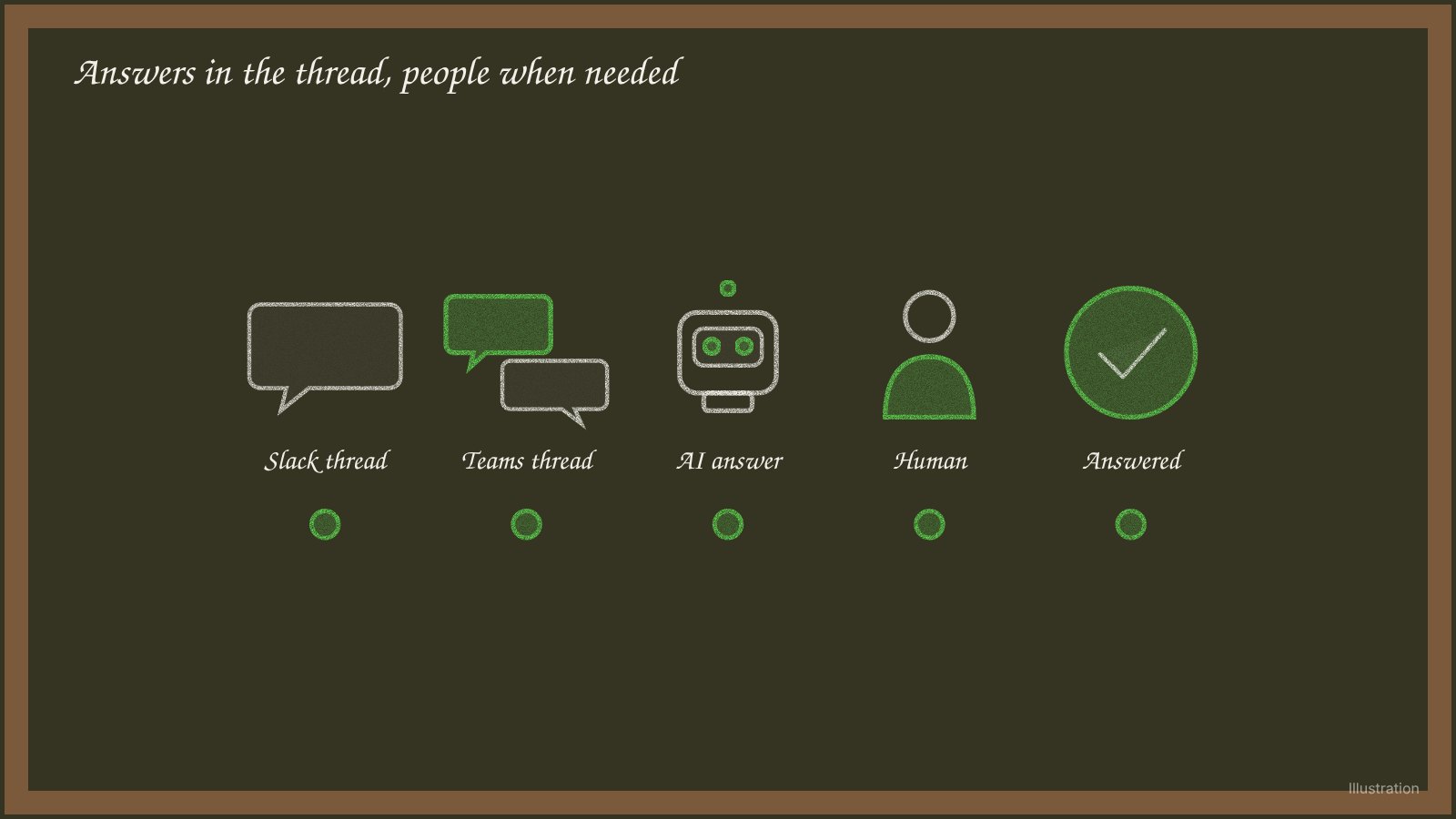
For B2B communities, shared customer channels and internal helpdesks, the question arrives in Slack or Teams, not email. An AI can answer in the thread from your knowledge base, only where invited, step aside the moment a teammate takes over, and hand off with the whole conversation. With an illustrative B2B channel, start to finish.
For a lot of support, the question never arrives as a ticket. A B2B customer posts in a shared Slack channel. A community member asks in your Slack workspace. An employee messages the IT team in Microsoft Teams. People ask where they already work, and they expect an answer there, not a link to a portal.
Answering in chat apps has its own etiquette, though. This post covers how to use AI for support in Slack and Teams without being the bot everyone mutes.
Here's how a bot gets muted at a company that sells a data-pipeline tool to analytics teams:
- Week 1: a bot is added to every shared Slack Connect channel with customers.
- Week 1: it replies to every message, including "thanks!" and "see you at the call", in the main channel, not in threads.
- Week 2: a customer's engineer and the company's solutions engineer are deep in a thread about a schema change. The bot jumps in with a generic article.
- Week 2: it answers from a separate "Slack FAQ" that hasn't been updated since launch.
- Week 3: three customers ask for it to be removed. One mutes the whole channel and stops reading it.
The idea was right; the manners were wrong.
First, the basics
- Slack Connect lets two companies share a Slack channel.
- A thread is a reply chain under one message.
- An @mention addresses the bot directly.
- Takeover means a teammate steps into a thread and the bot stops answering there.
- A takeover emoji is a reaction that tells the bot "I've got this", such as 👀.
- A hand-off ticket is a ticket created in your help desk with the whole conversation.
- An internal helpdesk answers employees' IT, HR or finance questions.
Why does this matter? Customers and employees who ask in Slack or Teams want answers there. A bot that answers well, in the thread, and knows when to step back saves time for everyone. A bot that interrupts gets muted, and a muted channel is worse than no bot.
The problem, in plain terms
- Bots reply in the main channel and flood it.
- They answer everything, including small talk.
- They interrupt people already helping.
- They use separate content that drifts out of date.
- Hand-offs lose the thread.
Where it fits
- Customer communities on Slack.
- Shared customer channels (Slack Connect) for B2B accounts.
- Internal helpdesks: IT, HR, finance and operations questions from employees. See IT helpdesk automation.
Etiquette for a support bot in chat
- Always reply in the thread. Never flood the channel.
- Answer only where invited: @mentions, direct messages, and channels you've explicitly listed.
- Let the asker keep asking in the thread without mentioning the bot again.
- Step aside when a person steps in. As soon as a teammate replies, or reacts with a "taking this" emoji, the bot should stay out of that thread.
- Hand off properly. When it can't help, create a ticket with the thread so nothing is lost.
- Plain text with full links. Chat apps render formatting inconsistently.
Same knowledge, same rules
The answers in Slack should be the same answers customers get by email or chat. One knowledge base, one brand voice, one set of confidence rules. A separate "Slack bot" with its own content drifts out of date within weeks.
How TR-AI works in Slack and Teams
Slack and Microsoft Teams are part of TR-AI's messaging channels (/dashboard/messaging) (Bronze and Growth Pro):
- Slack: create the app from a manifest TR-AI provides, install it, and add the bot token and signing secret. TR-AI answers @mentions and direct messages wherever the bot is, plus every new message in channels you list. It always replies in the thread, and the asker can keep going without mentioning the bot.
- Teammate takeover: as soon as anyone else replies in the thread, or reacts with the takeover emoji (👀 by default) on the question or the answer, TR-AI stays out of that thread.
- Microsoft Teams: connect through an Azure Bot. TR-AI provides the app manifest to upload in Teams.
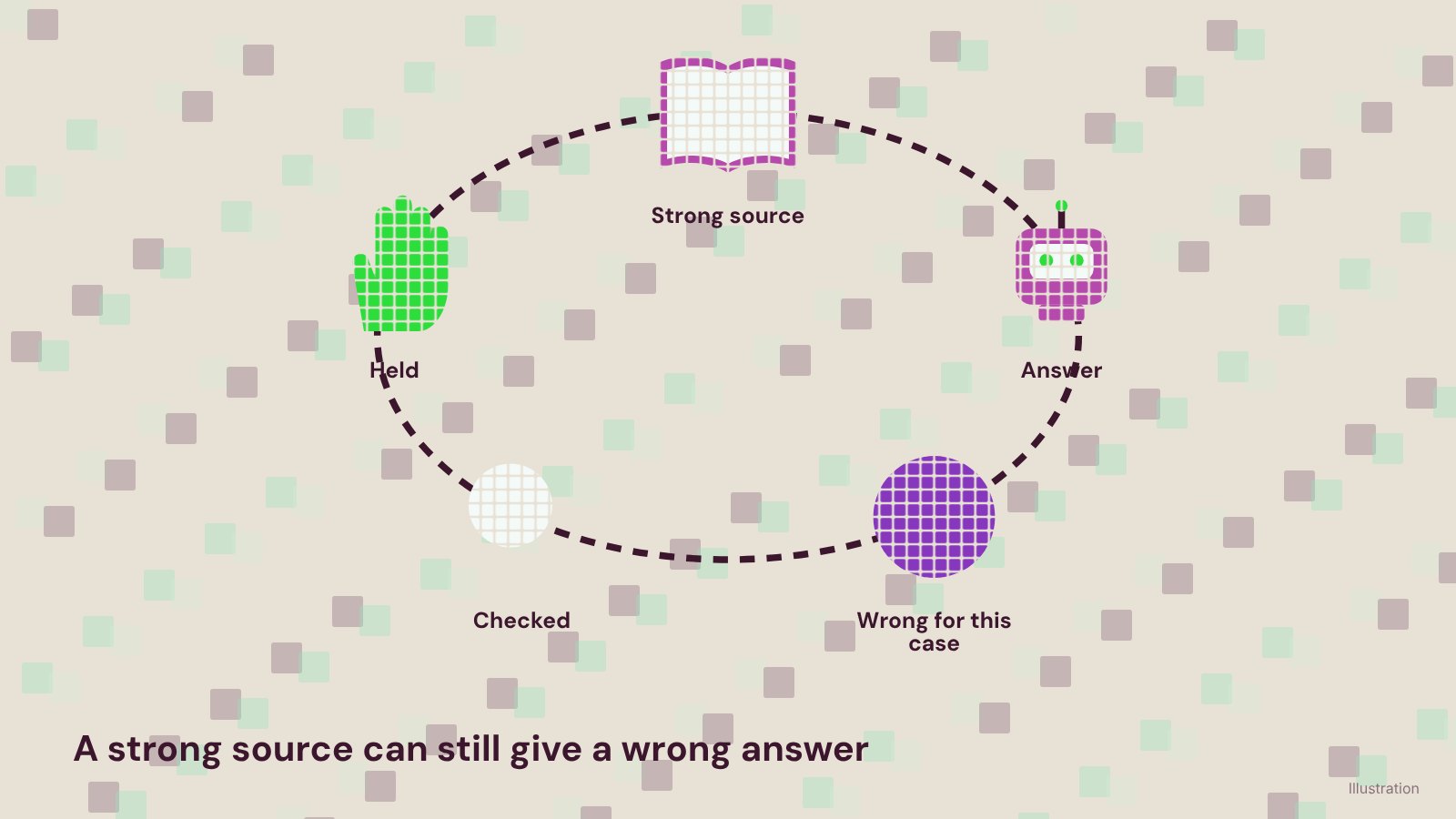
- Answers: one engine run per question, with your knowledge base, brand voice and confidence rules. Confident answers (82% and up) are sent, and anything else is offered to a person. Long answers are split at 3,500 characters.
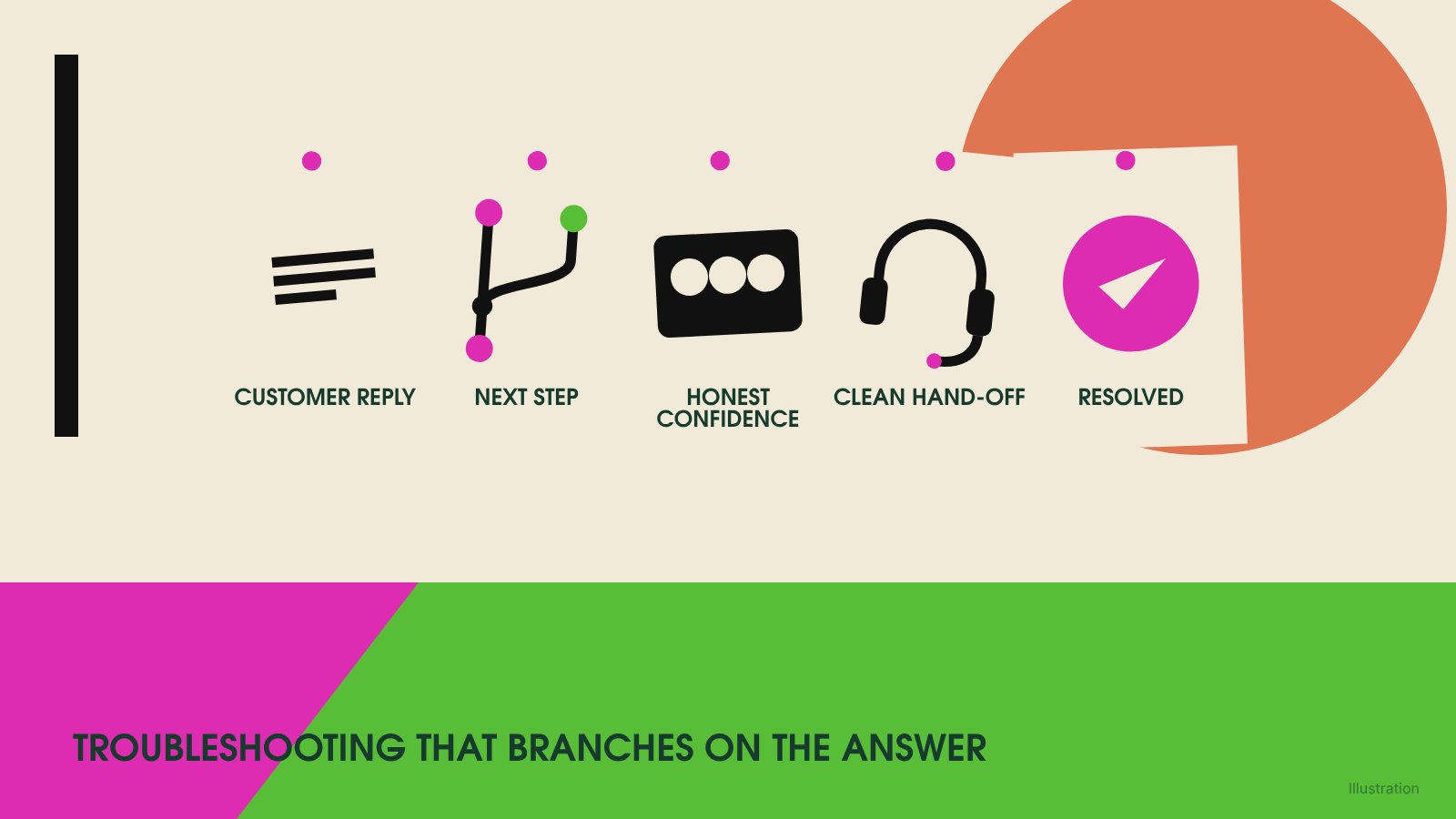
- Hand-off: a hand-off ticket with the conversation goes to any of the 8 supported help desks, or by email.
- Check-ins: optional "did that solve it?" follow-ups close quiet threads, which keeps internal stats honest.
- Internal use: pair it with IT helpdesk mode, so employees on your domains are recognised and IT procedures (access, passwords, hardware) apply.
A worked example, start to finish
Here's the data-pipeline company doing it properly. The names are illustrative.
Set-up. Lucas, the support operations lead, clicks "Show Slack app manifest" in Messaging, creates the app from it at api.slack.com, installs it, and pastes the bot token and signing secret into TR-AI. Check connection succeeds. He invites the bot to the shared channels of three pilot customers, and doesn't list any channel for "every new message". In those channels, the bot answers only @mentions.
Tuesday 10:12. In a shared channel, a customer's analyst writes: "@PipelineHelp how do I backfill a connector for the last 90 days?"
10:12. TR-AI replies in the thread from the same knowledge base customers use by email: the backfill steps, plain text, with the full link to the docs page. Confidence 0.91, so it's sent.
10:15. The analyst asks in the thread: "Does that re-run transformations too?" No @mention needed. TR-AI answers: yes, with the option to skip them.
11:40. In another thread, a customer engineer asks about a schema migration. Their solutions engineer, Maya, is already replying. The bot stays out: a teammate replied.
14:05. A different question: "Why are my row counts different between staging and prod since yesterday?" Confidence is below 82%, so TR-AI offers a person. Lucas's colleague reacts with 👀 on the question; TR-AI stays out of the thread. Later, a hand-off ticket with the whole thread is created in the help desk so the investigation is recorded.
Thursday. A quiet thread from Tuesday gets an optional check-in: "Did that solve it?" The analyst replies "yes". The thread is closed in the stats.
Month 2. The three pilot customers ask for the bot to stay. Lucas adds it to more shared channels, still answering only @mentions.
What changed: answers in the thread from the same content as every other channel, a bot that stayed out of conversations people were already having, and nothing lost when a person took over.
Five more real-world scenarios
1. An internal IT helpdesk
Situation. Employees ask IT questions in Teams.
How TR handles it. Connect Teams through an Azure Bot and pair it with IT helpdesk mode, so employees on your domains are recognised and IT procedures apply.
2. A community channel
Situation. Your public Slack community has a #help channel.
How TR handles it. List #help so every new message there gets an answer in the thread.
3. A long answer
Situation. An answer runs past Slack's comfortable length.
How TR handles it. Long answers are split at 3,500 characters.
4. A teammate wants to take over
Situation. A solutions engineer wants to handle a question personally.
How TR handles it. React with 👀 on the question or answer; TR-AI stays out of that thread.
5. No help desk connected
Situation. A small team doesn't use a help desk.
How TR handles it. The hand-off goes by email with the conversation.
Before and after
Before. A bot in every channel, replies outside threads, answers to "thanks!", interruptions in expert conversations, outdated Slack-only content, and a muted channel.
After. Answers only where invited, always in the thread, from the same knowledge base, out of the way when a teammate steps in, and hand-offs with the whole conversation.
How to tell it's working
- Nobody asks for the bot to be removed.
- Threads with takeovers are left alone.
- Hand-off tickets carry the full conversation.
- Answers match email and chat answers.
Who it's for
- B2B companies with shared customer channels.
- Companies running Slack communities.
- IT and operations teams running internal helpdesks.
How it fits with the rest of TicketResolve
Slack and Teams sit alongside SMS, WhatsApp, Messenger and Instagram in messaging channels, use the same knowledge base, brand voice and confidence thresholds, and hand off to any of the 8 supported help desks. IT helpdesk mode and procedures cover internal requests.
How do you stop a Slack bot from interrupting humans?
Have it reply only in threads, only where invited, and stay out of any thread once a teammate replies or reacts with a takeover emoji. Those three rules are most of the difference between a helpful bot and an annoying one.
Starting small
Start with @mentions only in a few channels with friendly customers, and ask them what they think after two weeks. Add listed channels where every new message gets an answer only for channels that are clearly for questions, such as a community #help channel. Expanding slowly keeps trust, and trust is what keeps the channel unmuted.
Mistakes to avoid
- Listing busy social channels for every message.
- Replying outside threads.
- A separate FAQ just for Slack.
- Ignoring takeovers.
Do it in TicketResolve, step by step
Where: Messaging (/dashboard/messaging). You'll need: Bronze or Growth Pro; access to create a Slack app or an Azure Bot. Full guides: SMS, WhatsApp, Messenger, Instagram, Slack and Teams, Internal IT helpdesk mode and Brand voice and tone.
- Click "Show Slack app manifest" and create the app from it at api.slack.com.
- Install the app, copy the bot token and signing secret into TR-AI, save and check the connection.
- Invite the bot to the channels where it should answer @mentions.
- List channels only where every new message should get an answer.
- For Teams, create an Azure Bot, set its messaging endpoint to the URL TR-AI shows, add the Teams channel and upload the app manifest.
- Tell your team about the takeover emoji.
- Turn on check-ins if you want quiet threads closed.
How to check it worked: an @mention gets an answer in the thread, and a thread where a teammate replied is left alone.
Frequently asked questions
Can AI answer support questions in Slack? Yes. An AI support bot can answer @mentions, DMs and chosen channels from your knowledge base, always in the thread, and hand off to a person when it isn't confident.
How do you stop a Slack bot from interrupting humans? Have it reply only in threads, only where invited, and stay out of any thread once a teammate replies or reacts with a takeover emoji.
Does it work in Microsoft Teams? Yes. Through an Azure Bot registration and a Teams app, with the same answers and hand-off rules as Slack.
Is Slack good for an internal IT helpdesk? Often, yes: employees ask where they already work. Pair the bot with IT procedures for access requests and password resets, and hand anything sensitive to a person.
Which plans include Slack and Teams? Bronze and Growth Pro.
What confidence is needed to send an answer? 82% and up; anything else is offered to a person.
What's the default takeover emoji? 👀.
Where do hand-offs go? To any of the 8 supported help desks, or by email.
Does the asker have to mention the bot every time? No. They can keep going in the thread.
Explore Topics
Written by
Ghulam Shabbir
Content creator and writer sharing insights and stories.