
Your SIEM Already Knows: Sentinel, Splunk, Tenable, Snyk and Wiz in One Risk View
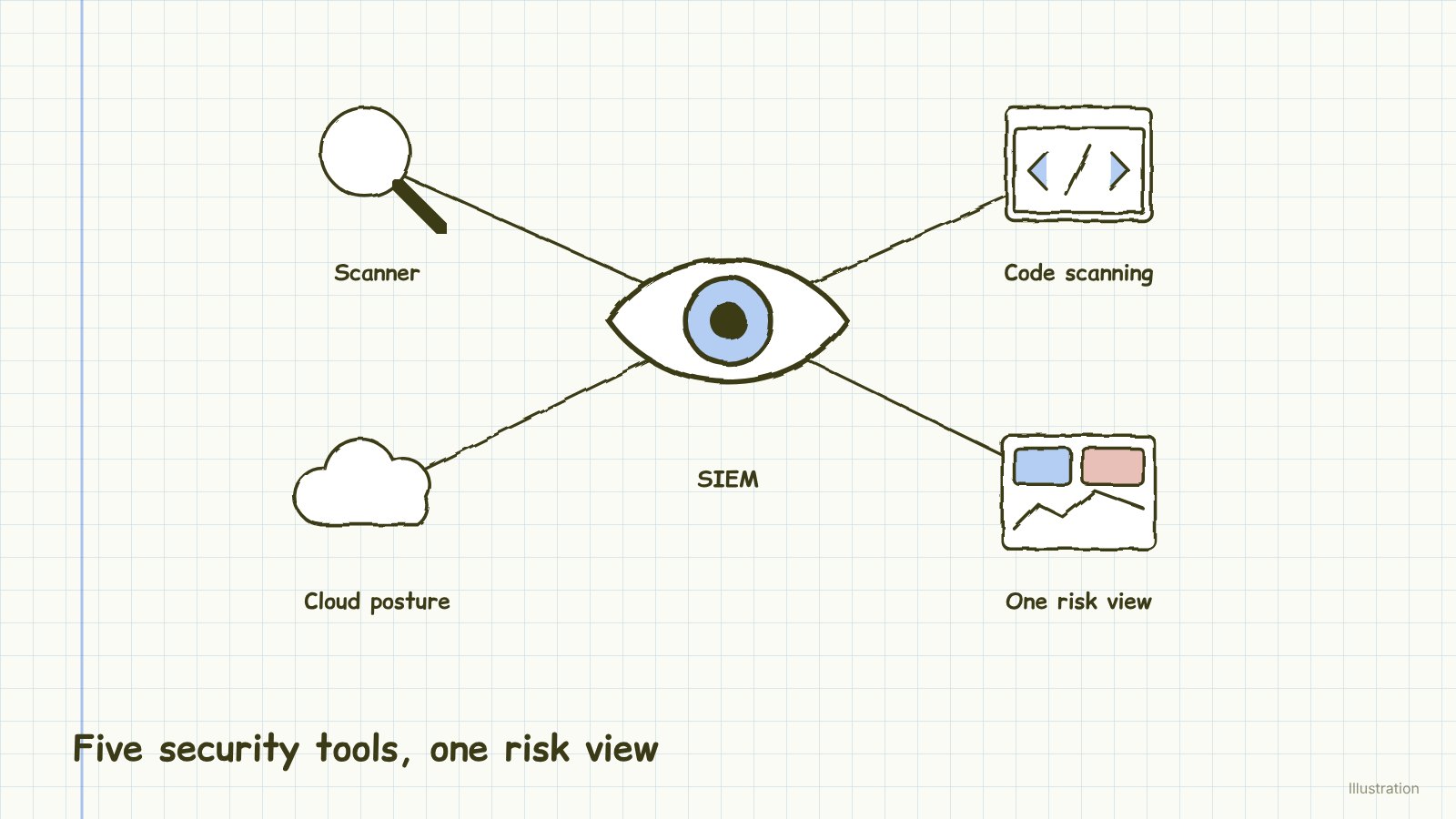
A security team rarely lacks alerts. What it lacks is the moment where a SIEM incident, a scanner finding and a cloud misconfiguration turn out to be about the same machine. TR Security Intelligence now reads Microsoft Sentinel, Splunk Enterprise Security, Tenable, Snyk and Wiz with read-only access, and puts them on the same assets as everything else you connect.
It's Tuesday morning at a mid-sized online insurer. Omar, the only full-time security engineer, opens five browser tabs, as he does every day.
In Microsoft Sentinel there's a medium-severity incident: unusual outbound connections from web-01. In Tenable, buried among 3,400 open vulnerabilities, there's a critical OpenSSL flaw with a public exploit on a host called WEB-01.corp.local. In Wiz, there's an issue saying a virtual machine is exposed to the internet with an over-permissive role. Its resource name is a long cloud ID, and it's the same machine.
Three tools are each telling Omar part of the same story: an internet-facing server with an exploitable flaw is behaving strangely. But each one ranks its own finding as "medium" or "one of thousands", and nothing connects them. Omar notices on Thursday, when he happens to search all three for the same host.
First, the basics
- A SIEM (security information and event management) collects logs and raises incidents when something looks suspicious. Microsoft Sentinel and Splunk Enterprise Security are two widely used SIEMs. Splunk calls its alerts notable events.
- A vulnerability scanner checks machines for known weaknesses. Tenable is one. A CVE is the public ID of a known weakness; CVSS and Tenable's VPR are scores for how serious it is. An exploit is working attack code; if one is public, attackers can use the weakness easily.
- Snyk finds weaknesses in your own software: the libraries it uses, the code itself, containers and infrastructure settings.
- Wiz finds risks in your cloud setup. A toxic combination is several individually minor problems that together are dangerous, such as an exposed machine with a powerful role.
- An asset is anything you need to protect: a server, a laptop, a cloud resource. An asset inventory is the single list of them.
- Read-only access means a connection can look but never change anything.
Why does this matter? Attackers don't care which tool reported a weakness. A risk that's spread across three consoles looks smaller in each of them than it really is. Putting everything about one machine in one place shows the risk at its true size.
The problem, in plain terms
- One machine, many names.
web-01,WEB-01.corp.localand a cloud resource ID are the same machine, but each tool knows only its own name. - Every tool ranks in isolation. "Medium" in the SIEM and "critical among thousands" in the scanner don't add up to "fix this first" anywhere.
- Closed isn't always closed. A ticket marked "done" doesn't mean the vulnerability is gone. Only a fresh scan proves that.
- Integrations that write are risky. A connector that can close incidents or ignore issues can also hide real problems.
Five more tools, read-only
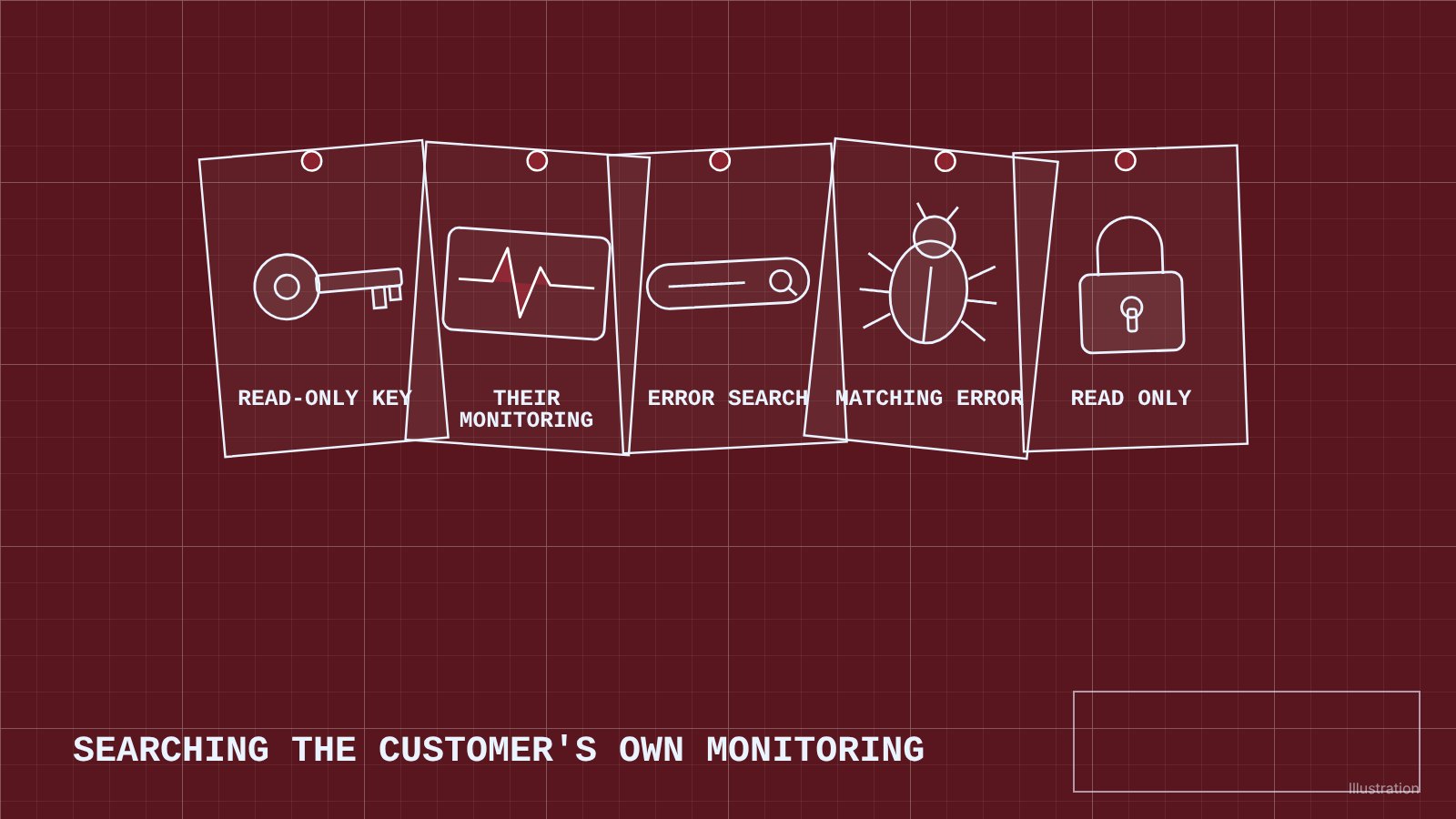
TR Security Intelligence already reads cloud, identity, endpoint and scanner data. Five more tools now join it, each with read-only access you create:
- Microsoft Sentinel: incidents that aren't closed, with severity, alert count, MITRE tactics, owner and the hosts involved.
- Splunk Enterprise Security: notable events from the last 30 days that aren't closed, read through one fixed search. No other search ever runs.
- Tenable Vulnerability Management: open and re-opened vulnerabilities through the export API, with CVEs, CVSS, Tenable VPR and exploit availability.
- Snyk: open issues across your organization's projects: dependencies, code, containers and infrastructure as code. Issues you've ignored in Snyk stay out.
- Wiz: open and in-progress issues on cloud resources, including toxic combinations, with the rule that raised each.
One machine, one asset
Every connector maps what it reads onto the same asset inventory. If Sentinel raises an incident on web-01, Tenable reports an exploitable OpenSSL version on WEB-01.corp.local and CrowdStrike sees the same host, you see one asset with all three, not three rows in three consoles.
That's what makes the risk score useful. An internet-facing machine with an active SIEM incident and a vulnerability with a public exploit ranks above an internal test box with a medium finding.
Closed means closed at the source
- When an incident is closed in Sentinel or Splunk, TR Security Intelligence shows it as closed at the source on the next run.
- Vulnerabilities from Tenable, Snyk and Wiz close only when a complete read no longer reports them. That's a re-scan, not a ticket status.
- A run that fails part-way changes nothing, so a broken connection can't make problems look solved.
Nothing is written back to any of these tools. No incident is assigned or closed, no scan is launched, no issue is ignored.
Four real-world scenarios
1. Omar's three-tab story, on one page
How TR handles it. The asset web-01 shows the open Sentinel incident (outbound connections), Tenable's critical OpenSSL CVE with a public exploit, and Wiz's "internet-exposed VM with over-permissive role". Because it's internet-facing, with an active incident and an exploitable flaw, it's at the top of the risk list on Tuesday morning. Omar isolates it, patches OpenSSL and narrows the role that day.
2. A dependency flaw in a customer-facing app
Situation. Snyk reports a critical issue in an image-processing library used by the customer portal.
How TR handles it. The Snyk issue lands on the portal's asset, next to the fact that it's internet-facing. The team raises a Jira ticket from the finding. The issue only closes in TicketResolve when Snyk stops reporting it after the fix is deployed, not when the Jira ticket is marked done.
3. The issue someone ignored in Snyk
Situation. A developer marked a low-risk test dependency as ignored in Snyk.
How TR handles it. Ignored issues stay out, so the decision made in Snyk is respected and doesn't reappear as noise.
4. Splunk's notable event, and nothing more
Situation. The SOC lead worries about giving another tool access to Splunk.
How TR handles it. The connection runs one fixed search for open notable events from the last 30 days. It can't run any other search, and it can't change anything.
A worked example, start to finish
Here's Omar's Tuesday, with all five tools connected.
Last week. Omar created read-only access in each tool, using the permissions listed on each card: a Sentinel reader role, a Splunk account allowed to run one fixed search, a Tenable API key with read access, a Snyk organisation token and a Wiz service account with read scopes. He connected each one under Security → Integrations, clicked Test, then Run now.
Tuesday, 08:30. He opens the Security Intelligence command center instead of five tabs. The top asset is web-01. It shows:
- Sentinel: an open incident, "unusual outbound connections", medium, three alerts, owner unassigned;
- Tenable: a critical OpenSSL vulnerability with a public exploit, reported on
WEB-01.corp.local; - Wiz: "internet-exposed VM with over-permissive role", a toxic combination;
- CrowdStrike: the same host's endpoint record.
Because the machine is internet-facing, with an active incident and an exploitable flaw, its risk score is the highest in the inventory. The score shows each input.
08:40. Omar raises a ServiceNow incident from the asset for the infrastructure team, and asks them to isolate the machine using their own tools. TicketResolve doesn't isolate anything.
10:15. The infrastructure team patches OpenSSL and narrows the VM's role. Omar marks the finding fixed with a link to the change.
Wednesday. The Sentinel incident is closed in Sentinel after the investigation, and shows as closed at the source on the next run. Tenable's next complete export no longer reports the OpenSSL flaw on that host, so the finding is verified fixed. Wiz's next read no longer reports the exposure.
Thursday. One Tenable run fails part-way because of an API rate limit. Nothing changes; the error is shown, and the next run completes.
How to tell it's working
- Hosts known to several tools appear as one asset.
- The top of the risk list makes sense to the security team, and the score shows why.
- Closed SIEM incidents show as closed at the source after the next run.
- Vulnerabilities close only after a re-scan, never because a ticket was closed.
Before and after
Before. Five consoles, five names for the same machine, and risks ranked in isolation. "Fixed" means a ticket was closed.
After. One asset with everything about it, ranked by combined risk, and closed only when the source stops reporting it.
Who it's for
- Small and mid-sized security teams without the staff to correlate tools by hand.
- SOC analysts who need context on a host the moment an incident arrives.
- IT and engineering leaders who want one prioritized list instead of five.
How it fits with the rest of TicketResolve
These connectors join the existing cloud, identity, endpoint and scanner connectors in Security Intelligence. Findings can raise tickets in Jira or ServiceNow and send signals to Slack, Teams or PagerDuty. Verified remediation feeds the evidence used in compliance readiness. Security Intelligence is part of Your Company Data Protection.
Mistakes to avoid
- Granting more access than the card lists. Read-only is all it needs.
- Treating a closed ticket as a fixed vulnerability. Wait for the source to stop reporting it.
- Connecting only one tool. The value is in seeing them together on the same asset.
Do it in TicketResolve, step by step
Where: Security → Integrations (/dashboard/security/integrations). You'll need: the Security settings permission, and an admin in each tool who can create read-only credentials. Full guide: Connecting security tools.
- Pick the tool. Open Security → Integrations and choose Microsoft Sentinel, Splunk Enterprise Security, Tenable, Snyk or Wiz.
- Create read-only access. In the tool, create the read-only credentials listed on its card under "What it reads and the access it needs".
- Connect. Back in TicketResolve, click Connect and paste the credentials. They're encrypted and never shown again.
- Test, then run. Test checks the access. Run now reads in the background. Each part of the run shows what it read, what's new and what's gone.
- Repeat for the other tools. Connect your SIEM, scanner, Snyk and Wiz so they meet on the same assets.
- Read the asset. Open a high-risk asset to see incidents, vulnerabilities and cloud issues together, with the reasons it ranks where it does.
- Send tickets and signals. Connect Jira or ServiceNow to raise a ticket from a finding, and Slack, Teams or PagerDuty to receive signals.
How to check it worked: a host you know appears in several tools shows as one asset with each tool's findings on it, and closed SIEM incidents show as closed at the source after the next run.
What we haven't verified yet
These five connectors are built and tested against each vendor's documented API, not yet against a live customer account. Until a live connection confirms them, Integration Intelligence shows them below "production verified". If you connect one, tell us what you see. The Security Intelligence docs list exactly what each connector reads and the permissions it needs.
Frequently asked questions
Can TicketResolve close incidents or ignore issues in these tools? No. Nothing is written back to any of them.
When does a vulnerability count as fixed? When a complete read from Tenable, Snyk or Wiz no longer reports it. A ticket status isn't enough.
What happens if a run fails part-way? Nothing changes. A partial run never closes findings.
Which Splunk searches does it run? Only one fixed search, for open notable events from the last 30 days.
Are issues ignored in Snyk shown? No. They stay out.
Do we need new permissions for each tool? Each card lists exactly the read-only access it needs. Create only that.
Which Wiz issues are read? Open and in-progress issues on cloud resources, including toxic combinations, with the rule that raised each.
Does Snyk cover more than dependencies? Yes: dependencies, code, containers and infrastructure as code.
Explore Topics
Written by
Ghulam Shabbir
Content creator and writer sharing insights and stories.