
RevOps Intelligence: Pipeline, Forecast and Revenue Risk Next to the Customers Behind Them
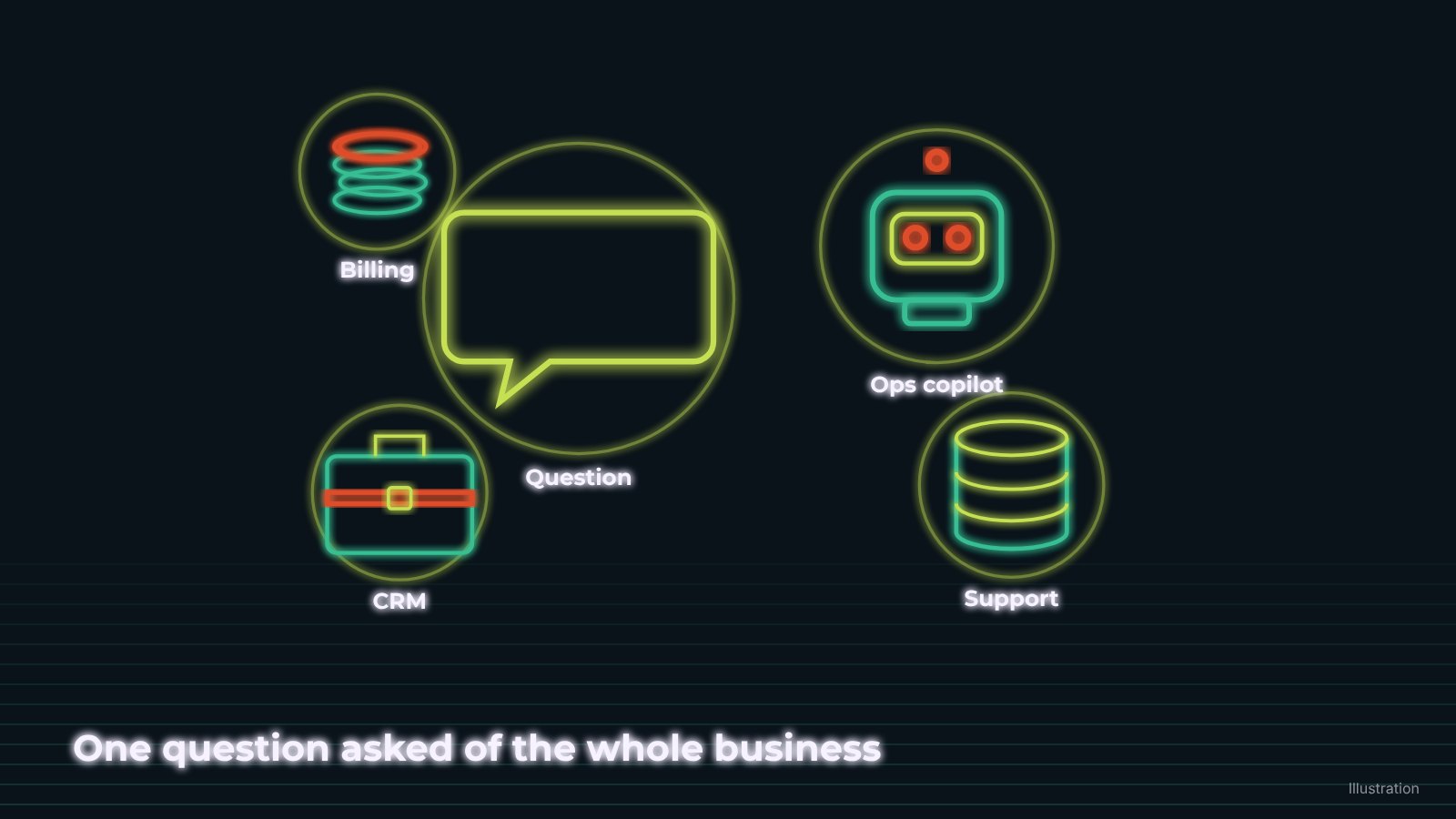
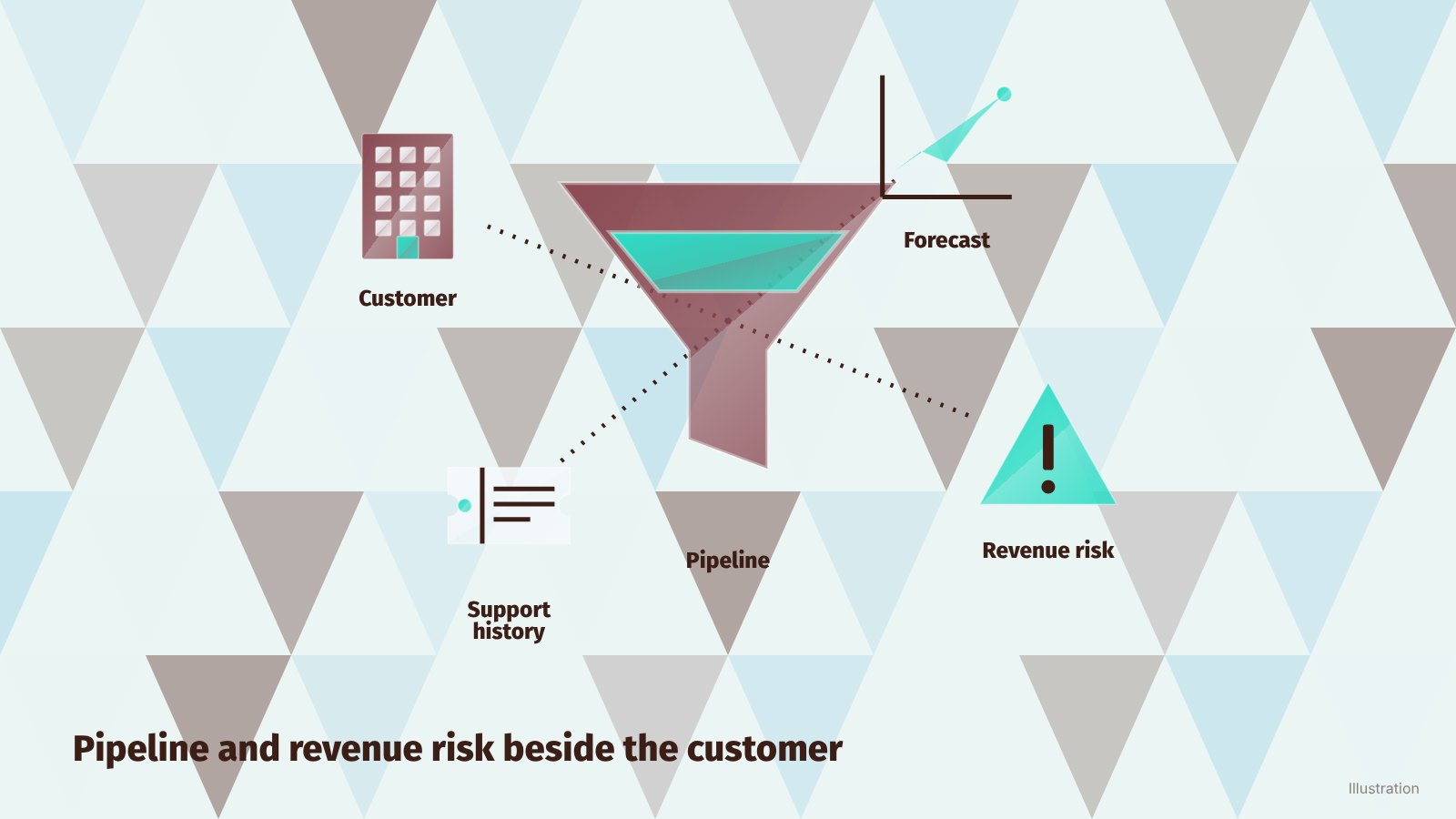
Your CRM knows the deals; your support tool knows the customer with 54 escalations; billing knows the two overdue invoices; the renewal team knows the renewal is in five weeks. RevOps Intelligence puts them together: deals from HubSpot or Salesforce next to customer health, renewals and billing, with a rule-based forecast and measured accuracy, deal risks with their evidence, a revenue risk radar and revenue leakage findings.
At a 180-person software company, the Thursday forecast call follows the same script. The VP of sales goes through the CRM: £2.3M in pipeline closing this quarter, £1.1M in commit. A £240,000 expansion deal with a logistics customer is in commit at 80%.
What nobody on the call knows:
- The logistics customer raised 54 escalations to support last month about a failing integration.
- They have two invoices overdue, totalling £38,000.
- Their renewal is in five weeks, and the renewal team has it flagged as high risk.
- The expansion deal's close date has been pushed three times.
The deal slips into next quarter, then disappears. The quarter misses by £260,000. In the post-mortem, the CRO asks how the forecast could be so wrong. The honest answer: the forecast only looked at the CRM.
Your CRM knows the deals. Your support tool knows the escalations. Your billing system knows the overdue invoices. The renewal team knows the renewal date. In most companies those four facts sit in four places, and the forecast meeting only sees the first one.
First, the basics
- RevOps (revenue operations) connects sales, customer success and finance data so revenue can be planned and protected.
- A CRM (HubSpot or Salesforce) holds deals: potential sales with an amount, a stage, a probability and a close date.
- Pipeline is open deals. Commit, best case and pipeline are forecast categories: how confident the team is.
- A weighted forecast multiplies each deal's amount by a probability.
- Win rate is the share of deals won, here by the furthest stage a deal reached.
- A snapshot freezes the forecast at a point in time, so it can be compared with what actually happened.
- Forecast accuracy is how close a snapshot was to the final result.
- Expansion deals sell more to existing customers; renewal deals renew contracts.
- Revenue leakage is money you should be getting but aren't: billing below contract, contracts that ended without renewal, discounts above policy.
- A risk radar ranks customers by risk across areas.
Why does this matter? Forecasts drive hiring, spending and board expectations. A forecast built only from the CRM misses the customer signals (unhappiness, unpaid invoices, risky renewals) that decide whether expansion and renewal deals close. Seeing them together makes forecasts more honest and risks visible earlier.
The problem, in plain terms
- The forecast only sees the CRM.
- Probabilities are optimistic and never checked against history.
- Forecast accuracy is never measured.
- Deal risks hide in activity logs.
- Customer problems are invisible to sales.
- Leakage goes unnoticed: underbilling, lapsed renewals, unbilled wins.
A forecast you can check
Every open deal sits in exactly one category (commit, best case or pipeline), from the CRM's own forecast category if it has one, otherwise from its probability. On top of that you get two weighted calls side by side:
- CRM-weighted: won, plus each open deal's amount × the probability in your CRM.
- History-weighted: won, plus each open deal's amount × your own win rate from the furthest stage that deal has reached, over the last year.
When the two disagree, that's worth a conversation. Renewals come from Renewal Intelligence, and CRM renewal deals are left out so nothing is counted twice.
A snapshot is taken every week and can't be changed afterwards. When a period ends, TicketResolve compares each snapshot with what was actually won and shows the error of each method. We don't claim an accuracy figure in advance: it depends on your data, so it's measured.
None of this uses AI. The categories, the calls, the win rates and the thresholds are rules you can read and change in Settings, and each snapshot records the settings version it used.
Deal risk, including the customer's
Each open deal shows the risks found, with what was found: close date passed, stalled in a stage, no activity, close date pushed again and again, amount cut since the deal was first seen.
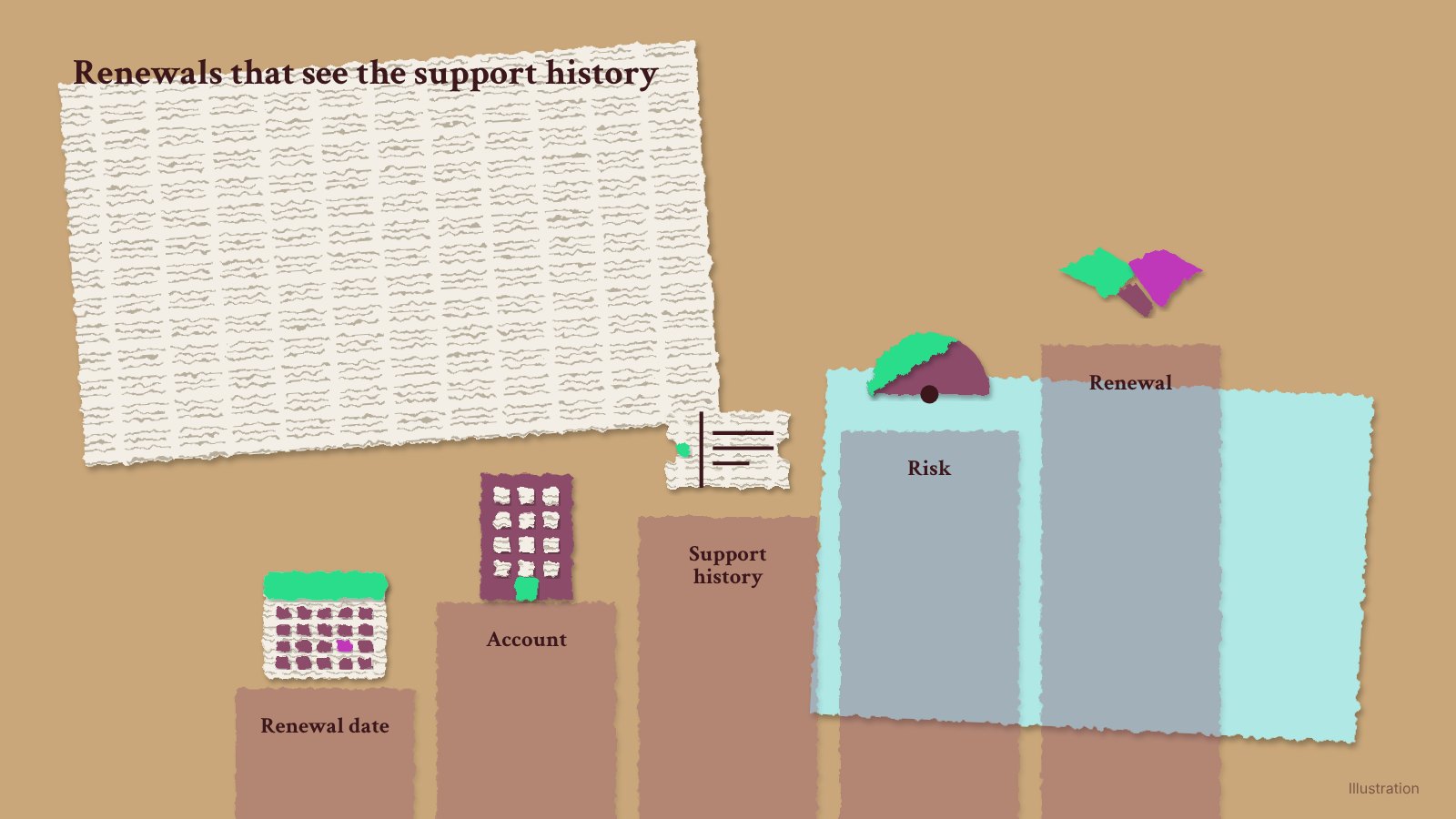
Expansion and renewal deals also show the customer: health at risk, overdue invoices, failed payments, a high-risk renewal. An upsell to a customer who hasn't paid their last two invoices is a different conversation.
The revenue risk radar
The radar lists every customer with at least one risk area (low health, a risky renewal, overdue invoices or failed payments, deals at risk, leakage) and ranks them by points, with the ARR exposed counted once per customer. Each row links to the renewal, the deal and the billing page behind it.
The score is a ranking, not a probability of churn. And a support problem showing up next to a risky renewal is an association; the radar never presents it as the cause.
Revenue leakage
Five rules run every day:
- billed below contract;
- a renewal date passed with no outcome;
- a deal won but nothing billed since;
- a discount above your policy;
- a contract that ended while the customer is still raising tickets.
Each finding gives an estimate and says how it was made. It's something to check, not a proven loss: mark it expected or resolved.
What it doesn't do
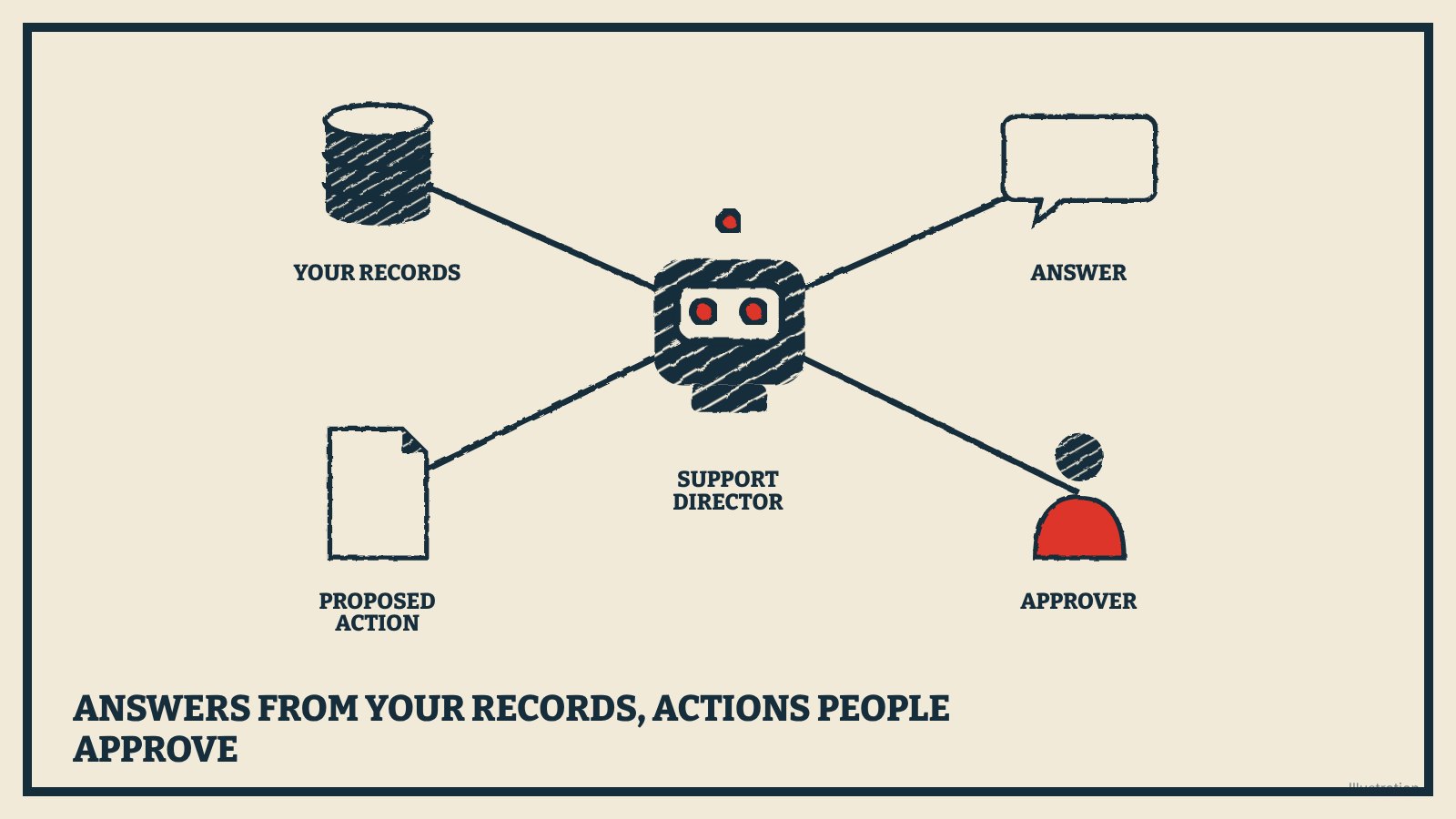
The CRM sync only reads; nothing is written to HubSpot or Salesforce. Currencies are never converted or added together. RevOps playbooks alert people, save notes in TicketResolve or call your own webhook; they don't contact customers or change deals. The RevOps Copilot calculates what it can without AI; written executive, deal and account summaries quote the rule-based forecast rather than making their own, and share the daily limit with the Success, Renewal and Billing Copilots.
A worked example, start to finish
Here's the same company's next quarter, with RevOps Intelligence.
Week 1, Monday. The RevOps lead, Mika, connects HubSpot under Connectors with a private-app token that can read deals and companies. In RevOps → Integrations, she clicks Sync now. 412 deals arrive; from now on they sync every 30 minutes.
Monday, 10:00. Deals are matched to customers by CRM company id, then domain, then name. 23 deals are not linked. She links one for a subsidiary on its deal page, and that company's other deals follow.
Monday, 11:00. Forecast for Q3, GBP:
- Won so far: £180,000.
- Commit: £1.0M; best case: £640,000; pipeline: £900,000.
- CRM-weighted call: £1.42M.
- History-weighted call: £1.08M. The company's own win rate from "proposal sent" is 31%, while the CRM's probability for that stage is 60%.
The two disagree by £340,000. That becomes the first agenda item on Thursday.
Monday, 11:30. Pipeline shows the logistics customer's £240,000 expansion deal with its risks:
- close date pushed 3 times;
- customer health at risk (38);
- 2 invoices overdue (£38,000);
- renewal high risk (in 5 weeks).
Monday, 12:00. The revenue risk radar puts the logistics customer first, with points from four risk areas and £410,000 ARR exposed, counted once. The row links to the renewal, the deal and the overdue invoices.
Tuesday. Leakage shows three findings:
- Billed below contract: a customer billed for 80 seats with a contract for 120; estimate £19,200 a year, with how it was made.
- A deal won but nothing billed since: a £36,000 deal won 7 weeks ago.
- A contract ended while the customer is still raising tickets: 14 tickets since the contract ended.
The finance manager confirms the first is a real underbilling, fixes it in the billing system and marks it resolved. The second was billed under a different company name; marked expected, with a note.
Thursday, forecast call. The team moves the logistics expansion from commit to best case until the integration issue and invoices are sorted. The CSM, support and collections leads take actions. The call ends with a forecast both methods can live with.
Every Monday. A snapshot is taken automatically and can't be changed.
Quarter end. Forecast → Accuracy: the CRM-weighted call was 24% high; the history-weighted call was 6% low. Next quarter, the team plans around the history-weighted call.
Five more real-world scenarios
1. Too few closed deals
Situation. A new product line has only six closed deals.
How TR handles it. Win rates need at least 10 closed deals in the last year; until then the history-weighted call can't use them.
2. Two currencies
Situation. Deals in euros and pounds.
How TR handles it. Currencies are never converted or added together; the command centre shows one currency at a time.
3. A renewal deal in the CRM
Situation. The CRM also has a renewal deal for a customer whose renewal is in Renewal Intelligence.
How TR handles it. CRM renewal deals are left out of the forecast, so nothing is counted twice.
4. A playbook that would e-mail a customer
Situation. Someone wants a playbook to e-mail customers with overdue invoices.
How TR handles it. Playbooks alert people, save notes or call your own webhook. They don't contact customers.
5. Changing the rules
Situation. The team decides "stalled" should mean 21 days, not 30.
How TR handles it. Change it in Settings. Each snapshot records the settings version it used.
Before and after
Before. A CRM-only forecast, an expansion deal in commit for a customer with 54 escalations and unpaid invoices, and a £260,000 miss nobody saw coming.
After. Two forecast calls side by side, deals showing the customer's health, invoices and renewal, a risk radar across areas, leakage findings to check, and accuracy measured at the end of every period.
How to tell it's working
- The gap between the two calls is discussed every week.
- Forecast accuracy improves quarter on quarter.
- Expansion deals with customer risks are handled before the forecast call.
- Leakage findings are resolved or marked expected.
Who it's for
- RevOps and sales operations leaders.
- CROs and VPs of sales who own the forecast.
- Customer success and finance teams whose data affects revenue.
How it fits with the rest of TicketResolve
RevOps Intelligence reads deals from your CRM and combines them with Customer Success, Renewal and Billing Intelligence, and support data. It's sold separately at $99 per RevOps seat a month and is part of the 7-day free trial. The AI CRO reads bookings and pipeline from it.
Mistakes to avoid
- Ignoring the history-weighted call because it's lower.
- Leaving deals unlinked. Unlinked deals can't show customer risks.
- Treating leakage estimates as proven losses. Check them.
Do it in TicketResolve, step by step
Where: RevOps → Integrations, Pipeline, Forecast and Radar (/dashboard/revops/forecast). You'll need: a RevOps seat, and a HubSpot private-app token (read access to deals and companies) or a Salesforce connected app. Full guides: Connecting your CRM and reading the command centre, Pipeline, deal risk and the forecast and The revenue risk radar and leakage.
- Connect the CRM. Connectors → HubSpot or Salesforce. RevOps only reads; nothing is written back.
- Sync. RevOps → Integrations → Sync now. After that, deals sync every 30 minutes. Deals from another system: Pipeline → Import CSV.
- Link unmatched deals. Integrations → Not linked lists deals without a customer; link one on its deal page and that company's other deals follow.
- Check deal risks. Pipeline shows each open deal's risks, and for expansion and renewal deals, the customer's health, renewal risk, overdue invoices and failed payments.
- Compare the two calls. Forecast shows the CRM-weighted and history-weighted calls.
- Take snapshots and measure accuracy. A snapshot is taken every week, or press Take snapshot. When a period ends, Forecast → Accuracy compares each snapshot with what was won.
- Work the radar and leakage. Open each finding, check the linked records, and mark it Expected (with a note) or Resolved. Tune thresholds under Settings → Leakage.
How to check it worked: the forecast shows both calls for this quarter, your biggest expansion deal shows its customer's risks, and the radar lists customers with the ARR exposed once each.
Read how it works or see RevOps Intelligence.
Frequently asked questions
Does RevOps Intelligence write to our CRM? No. It only reads.
What are the two forecast calls? CRM-weighted (CRM probabilities) and history-weighted (your own win rate from each deal's furthest stage).
Is AI used for the forecast? No. It's all rules you can read and change.
How is accuracy measured? Weekly snapshots are compared with what was actually won when the period ends.
Are renewals counted twice? No. Renewals come from Renewal Intelligence; CRM renewal deals are left out.
Is the radar score a churn probability? No. It's a ranking.
Are leakage findings losses? No. They're estimates to check, marked expected or resolved.
Are currencies combined? No. They're never converted or added together.
Explore Topics
Written by
Ghulam Shabbir
Content creator and writer sharing insights and stories.