
The AI Ops Copilot: Ask Your Whole Business a Question
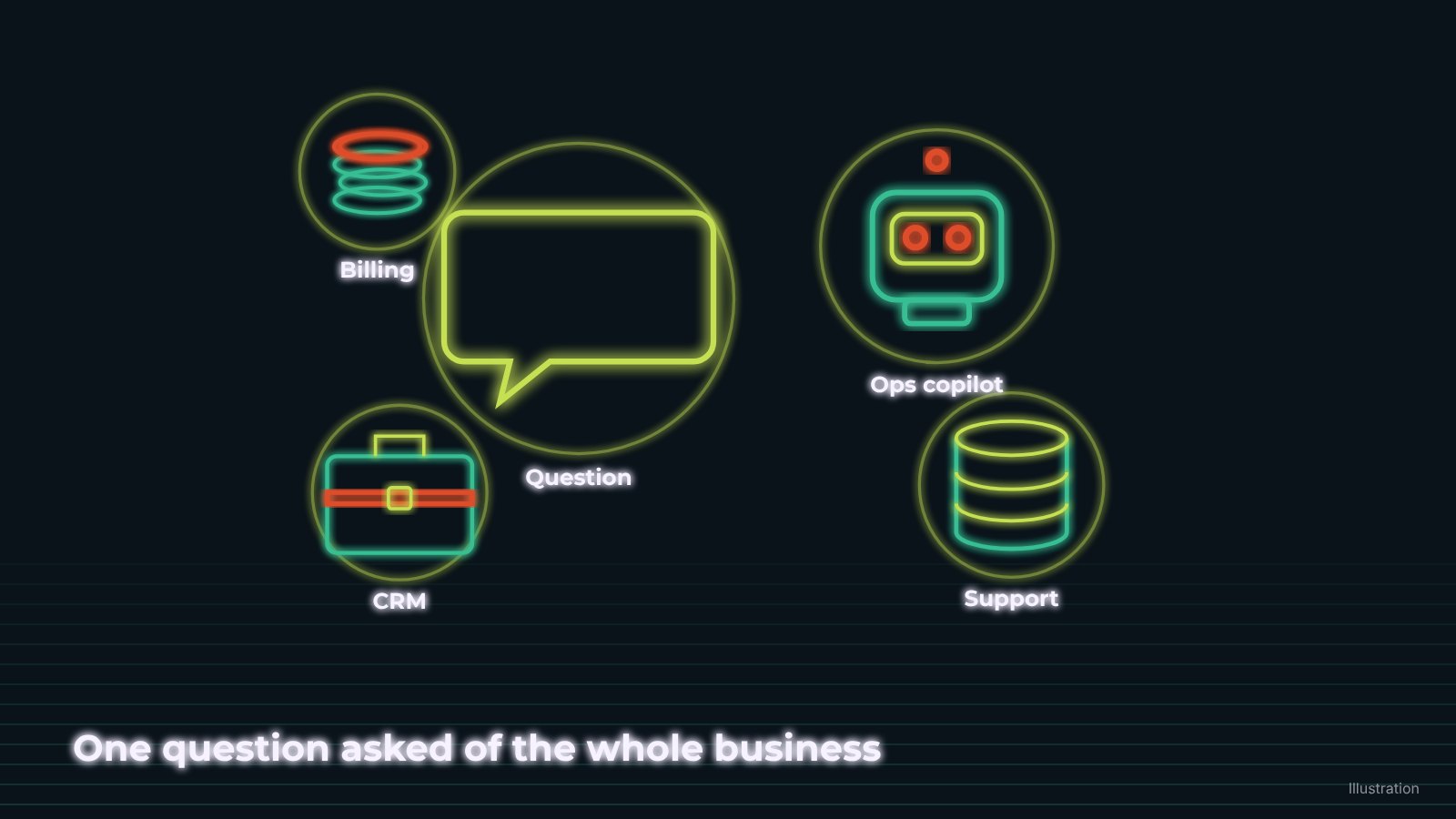
“How is the business doing?” is a simple question with an awkward answer: support, customer success, renewals, finance and RevOps each hold part of it. The AI Business Operations Copilot answers across all five, calculated from each module’s rules where it can, written from the evidence where it can’t, and clear about what it couldn’t see. Included with any Intelligence add-on.
On the first Monday of the quarter, the CEO of a 250-person software company asks her leadership team a simple question: "How is the business doing?"
The answer takes an hour and five people:
- The head of support says ticket volume is up 12%, with two big escalations.
- The head of customer success says nine accounts are at risk.
- The renewals lead says three of those have renewals in the next 60 days.
- The finance manager says £180,000 is overdue, a third of it from one customer.
- The RevOps lead says the quarter's forecast is £1.4M.
Nobody mentions that the customer with £60,000 overdue is also one of the nine at risk, has a renewal in five weeks, and raised 31 support tickets last month. Each person saw their piece. Nobody saw the customer.
"How is the business doing?" is a simple question with an awkward answer.
First, the basics
- The AI Business Operations Copilot (AI Ops Copilot) answers questions across your business: support, customer success, renewals, billing and revenue.
- A module is one part of TicketResolve, such as Customer Success Intelligence or Billing Intelligence. Each has its own rules for calculating figures.
- A calculated answer comes straight from those rules, with no AI.
- A written answer is AI-written from records. Evidence is the records it uses; citing means pointing to them.
- Health is a customer's health score. Churn risk is the risk they'll leave.
- ARR is annual recurring revenue. The forecast is expected revenue this quarter.
- The risk radar lists customers with risks across areas.
- Receivables are money owed to you. Failed payments are card or bank payments that didn't go through.
- The daily limit caps how many written answers the workspace uses each day.
Why does this matter? The most important risks are often spread across teams: a customer who's unhappy, behind on payments and up for renewal. One place to ask, that sees across modules and only shows each person what they're allowed to see, turns a one-hour meeting into a minute.
The problem, in plain terms
- Each team sees its own slice.
- Cross-team risks are missed.
- Numbers disagree between dashboards and AI summaries.
- AI invents scores and forecasts.
- People see data they shouldn't, or AI answers about modules you don't have.
Calculated first
Most business questions have exact answers, so the Copilot calculates them rather than asking an AI to guess:
- "How is the business doing?" gives one line per area: tickets and how many TR-AI resolved, escalations, SLA breaches and CSAT; customers, average health and churn risk; renewals at risk; receivables, overdue and failed payments; ARR, this quarter's forecast and the customers on the risk radar.
- Questions about one area (invoices, renewals, deals, health) go to that module's own calculated answers, so the Copilot never disagrees with the module.
- Support figures are there on every plan.
Calculated answers use no AI and have no limit.
Written from the evidence
When a question needs prose (a business brief for leadership, or "what could put this customer's renewal at risk?"), the Copilot gathers the records from every area you can see, labels each with its area, and makes one AI call to write the answer.
- Every fact has to cite a record; anything that doesn't is dropped.
- Scores, risk levels and forecasts are quoted from the modules' rules, never invented.
- The records used are listed under the answer.
Written answers share the daily limit of all the Copilots: 10 a day per workspace by default, up to 50.
Only what you may see
The Copilot answers as the person asking. If your workspace doesn't have Billing Intelligence, or you can't view it, billing is left out, and the answer says so. A question about a module you don't have gets that explanation, not a made-up answer.
What it doesn't do
The Copilot reads and explains. It doesn't change records, contact customers or move money; next steps are suggestions for people. Cross-module investigations, an Action Center where people approve each action, and scheduled executive reports came in later releases.
A worked example, start to finish
Here's the CEO's next quarterly Monday, with the AI Ops Copilot.
Monday, 08:30. She opens Dashboards & reports → AI Ops Copilot and asks "How is the business doing?". It's calculated, one line per area:
- Support: 4,820 tickets (+12%), 41% resolved by TR-AI, 2 escalations to management, 18 SLA breaches, CSAT 4.2.
- Customer success: 312 customers, average health 71, 9 at churn risk.
- Renewals: 3 renewals at risk in the next 60 days.
- Billing: £1.1M receivables, £180,000 overdue, 6 failed payments.
- Revenue: ARR £14.2M; this quarter's forecast £1.4M; 5 customers on the risk radar.
No AI used, no limit touched.
08:32. She asks: "Which customers owe the most overdue?" It goes to Billing Intelligence's own calculated answer: Northwind Freight, £60,000 over 45 days, then four others.
08:35. She chooses Ask about one customer…, picks Northwind Freight, and asks: "What could put this customer's renewal at risk?" The Copilot gathers that customer's health, renewals, invoices, payments, deals and tickets, labels each with its area, and makes one AI call:
- Health is 38, at risk [Customer Success: health record].
- The renewal is due in 5 weeks, rated high risk [Renewal: renewal record].
- £60,000 is overdue across two invoices [Billing: invoices].
- 31 tickets last month, 9 about shipment sync failures [Support: tickets].
- An expansion deal is open in the CRM [RevOps: deal].
A sentence suggesting "they are likely evaluating competitors" cited nothing and was dropped. The records are listed under the answer.
08:40. She presses Write a business brief for the leadership meeting. It's written from the evidence across every area she can see, with each fact cited, and uses one of today's written answers.
09:00, leadership meeting. The meeting starts with Northwind Freight. The CSM, the renewals lead and the collections lead agree on one joint call this week: fix the sync issue, sort out the invoices, then discuss the renewal.
Same day. The head of support, who can't view Billing, asks the Copilot about Northwind. The answer leaves billing out, and says so.
Five more real-world scenarios
1. A module you don't have
Situation. A workspace without RevOps Intelligence asks about the forecast.
How TR handles it. It explains the module isn't available, rather than inventing a number.
2. A score the AI wants to estimate
Situation. A written answer needs a churn-risk level.
How TR handles it. It quotes the module's rule-based risk, never its own.
3. Hitting the limit
Situation. The workspace has used its 10 written answers for the day.
How TR handles it. Calculated answers still work, with no limit. The administrator can raise the written limit to up to 50.
4. Asking it to send a reminder
Situation. Someone asks the Copilot to e-mail an overdue customer.
How TR handles it. It doesn't contact customers. It can suggest the step for a person.
5. A support-only plan
Situation. A company has only Customer Support AI and one Intelligence add-on.
How TR handles it. Support figures are there on every plan; other areas appear when you have them.
Good questions to start with
The Copilot is most useful when questions match how leaders actually think. Some that work well:
- "How is the business doing?" One calculated line per area, for a weekly start.
- "How is support doing this month?" Support's own figures, calculated.
- "Which customers owe the most overdue?" Billing's own answer, with the customers listed.
- "Which renewals are at risk this quarter?" Renewal Intelligence's calculated list.
- "What could put this customer's renewal at risk?" A written answer, drawn from one customer's health, renewal, invoices, payments, deals and tickets, each cited.
- "Write a business brief for the leadership meeting." A short written summary from the evidence across every area you can see.
Calculated questions cost nothing and can be asked as often as you like. Save the written answers for the questions that genuinely need prose.
Before and after
Before. An hour, five people, five slices, and a customer at risk in every area that nobody connected.
After. One calculated line per area in seconds, single-area answers straight from each module, and written answers that gather one customer's records across areas, cite each, and leave out what you can't see.
How to tell it's working
- Leadership meetings start from the Copilot's overview.
- Cross-area risks are spotted before they become escalations.
- Written answers' records are opened for important decisions.
- Nobody asks why the Copilot disagrees with a module. It doesn't.
Who it's for
- CEOs and COOs who want one view of the business.
- Customer success, renewals, finance and support leaders.
- Anyone preparing a leadership brief.
How it fits with the rest of TicketResolve
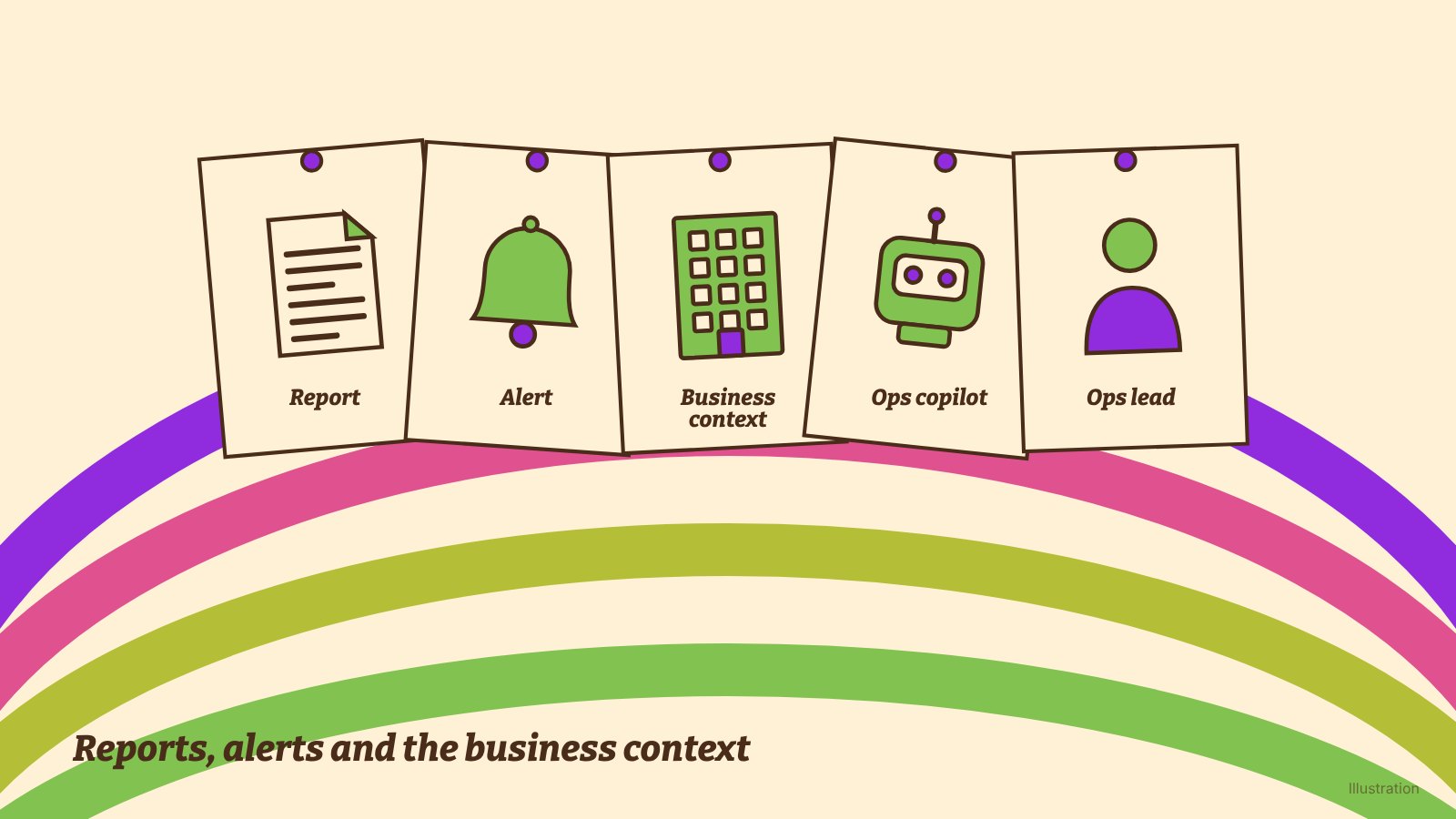
The Copilot reads from Customer Success, Renewal, Billing and RevOps Intelligence and support data, using each module's own rules. It's included, at no extra price, with any Intelligence add-on. Later releases added investigations, the Action Center, scheduled reports, alerts and business context.
Mistakes to avoid
- Using written answers for status. Status is calculated.
- Treating dropped statements as hidden truths. They were dropped because nothing supported them.
- Expecting answers about modules you don't have.
Do it in TicketResolve, step by step
Where: Dashboards & reports → AI Ops Copilot (/dashboard/ops-copilot). You'll need: any TicketResolve Intelligence add-on. Full guide: Asking the AI Ops Copilot.
- Ask a question. Try "How is the business doing?", "How is support doing this month?" or "Which customers owe the most overdue?". These are calculated from each module's rules, with no AI and no limit.
- Write a business brief. Press Write a business brief for a short written summary for leadership from the evidence across every area you can see. It uses one written answer from the daily limit.
- Ask about one customer. Choose Ask about one customer…, pick the account and ask. The answer draws on that customer's health, renewals, invoices, payments, deals and tickets only.
- Check the evidence. Written answers list the records they used. Facts carry their evidence ids; anything without valid evidence is dropped.
How to check it worked: "How is the business doing?" returns one line per area you can see, and a one-customer answer lists its records by area.
Read how it works or see the AI Business Operations Copilot.
Frequently asked questions
Does every answer use AI? No. Most business questions are calculated from each module's rules.
Will the Copilot ever disagree with a module? No. Single-area questions go to that module's own calculated answers.
What happens to facts without evidence? They're dropped.
Does it make up scores or forecasts? No. They're quoted from the modules' rules.
What's the daily limit? 10 written answers a day per workspace by default, up to 50, shared by all the Copilots.
What if I can't see Billing? Billing is left out, and the answer says so.
Can it contact customers or change records? No. It reads and explains; next steps are suggestions for people.
What does it cost? It's included with any Intelligence add-on.
Which questions should I start with? "How is the business doing?" for an overview, then single-area questions, then one-customer written answers where you need them.
Explore Topics
Written by
Ghulam Shabbir
Content creator and writer sharing insights and stories.