
“We Said Friday”: Customer Impact and Commitments in Business Operations
Every incident review asks which customers an outage actually reached, and whether anything promised to them is now at risk. Business Operations Intelligence shows the customers an outage reaches, each counted once. It also keeps track of what your team promised, from the exact sentence in a meeting note to the delivery that closed it.
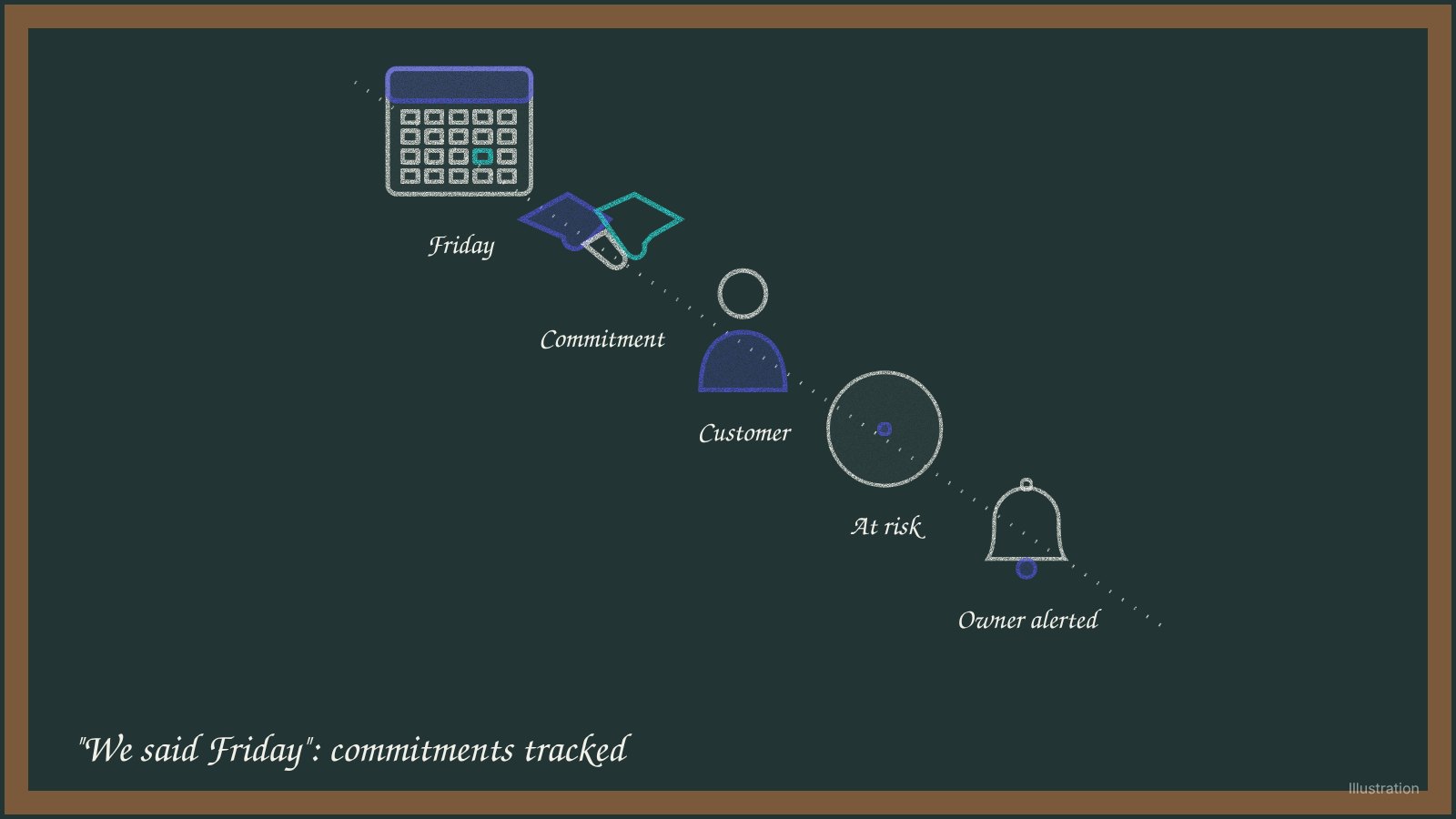
On Tuesday, Hannah, a customer success manager, has a quarterly review with a 900-seat healthcare customer. Their IT lead is frustrated about single sign-on. Hannah says what CSMs say: "We'll deliver the SAML fix by Friday." She types it into her meeting notes and moves on to the next agenda item.
On Thursday morning, the authentication service starts failing intermittently. Engineering is heads-down on the incident. Nobody connects it to the SAML fix, which depends on that same service. Nobody connects the incident to Hannah's customer either, although they are one of the most exposed. On Friday at 5 p.m. the customer's IT lead writes: "You said Friday."
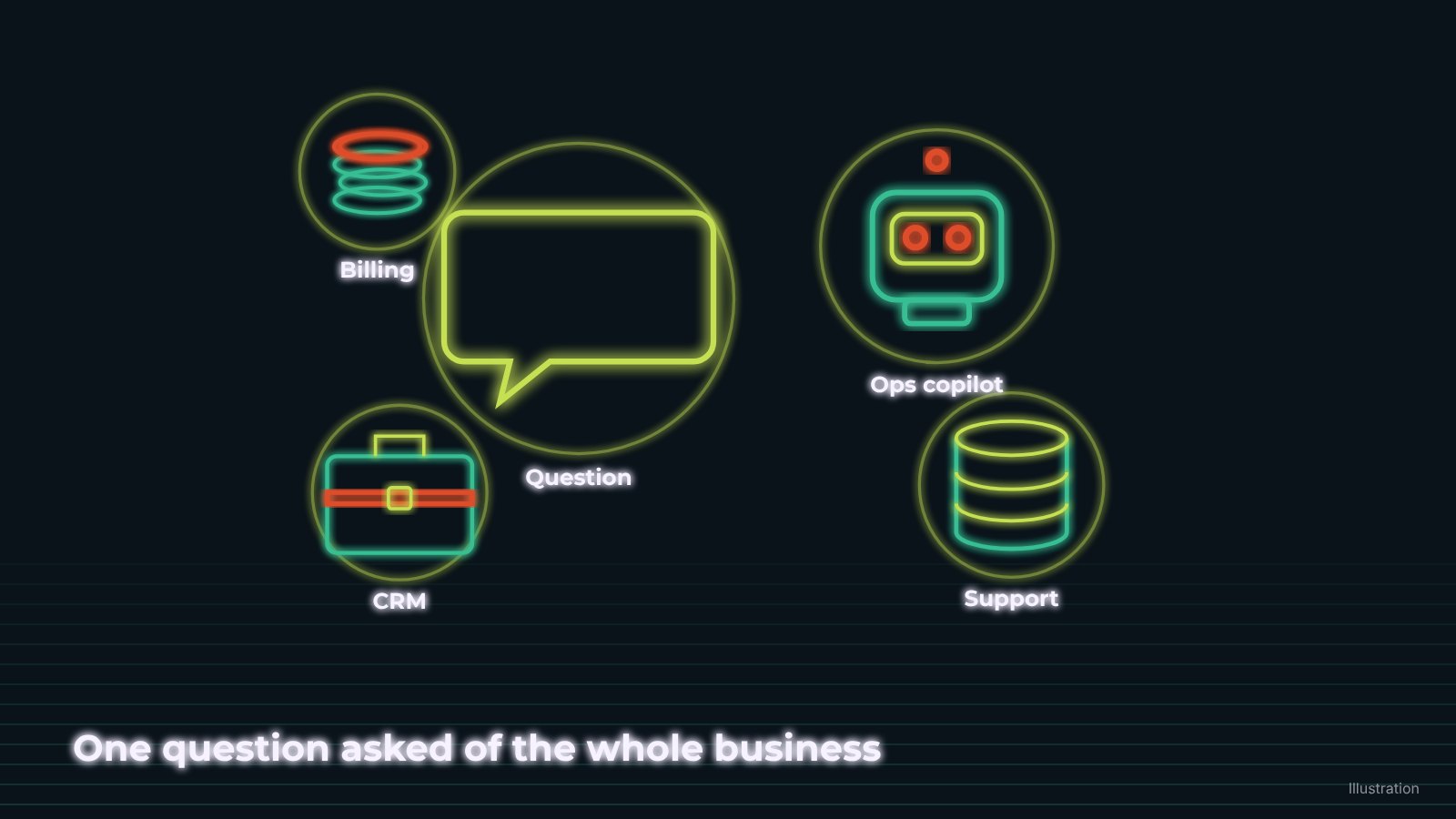
Two questions come up in every incident review: which customers did this actually reach? And did we have anything promised to them that this puts at risk? The answers usually live in different places: the first in monitoring and the support queue, the second in a CSM's meeting notes.
First, the basics
- Customer impact means which customers an outage affects. Exposure means they use something that's broken. They may or may not have noticed yet.
- Counted once means a customer who uses two broken parts is still one affected customer, not two.
- A commitment is a promise made to a customer, such as "we'll deliver the fix by Friday".
- A QBR (quarterly business review) is a regular meeting with a customer to review how things are going, where promises are often made.
- An SLA clock is the timer on a support promise, such as "first reply within 4 hours". At risk means it's close to being missed.
- A candidate is a possible commitment found in notes, waiting for a person to confirm it.
Why does this matter? Broken promises damage customer trust more than outages do. Spotting a promise at risk early lets your team warn the customer in time, instead of hearing "you said Friday".
The problem, in plain terms
- Customer impact is guessed or inflated. Counting "affected customers" per incident and per component double-counts the same customer over and over, and confuses "reaches a broken component" with "saw an error".
- Commitments are invisible. Promises live in meeting notes, e-mails and calls. They're rarely written down as commitments, so they can't be tracked.
- Nobody connects the two. When a business service is affected, nobody asks which promises depend on it, until a customer reminds you.
Customer impact, counted once
Customers & commitments lists every business service that is affected right now. "Affected" means something it depends on is failing, or has an open incident. For each one you see:
- what is wrong, for example "payments: 1 open incident";
- the customers exposed: customers who reach an affected component through the dependency graph, or who depend on the business service directly;
- how long it has lasted, from the earliest open incident;
- SLA clocks at risk or breached this week for those customers;
- commitments tied to that business service.
Every customer is counted once per business service, and once in the total, however many incidents or components reach them. A customer who uses both the checkout API and the payments service doesn't become two affected customers when payments fails.
The label stays honest: this is exposure. A customer listed here reaches something broken. That doesn't mean they've seen an error yet.
Commitments, with a lifecycle
Commitments already existed in Customer Success, and we didn't make a second list. Business Operations gives them a lifecycle:
- confirmed or in progress, then completed or cancelled;
- at risk: set by a person, or worked out when the commitment is due within a week and not started, or when the business service it depends on is affected;
- overdue, once the date passes.
Each commitment can be linked to a business service and a ticket. While that business service is affected, the commitment shows as at risk, with the reason.
Closing one takes evidence. Completing needs a note saying how it was delivered. Cancelling needs a reason.
Promises found in your own records
Most commitments are never written down as commitments. They're said in a QBR and typed into a note.
Every 6 hours, Business Operations reads the last 90 days of Customer Success meetings, notes, e-mails, calls and conversations. It looks for promises with a date:
- "We will…", "I'll…", "Our team will…"
- "by Friday", "within 5 business days", "by the end of the month".
Requests and questions are ignored, so "Could you share the logs?" isn't a commitment.
Each possible commitment keeps the exact sentence it came from, plus the date it names, worked out from when the note was written. It stays a candidate until someone confirms it (adjusting the wording or the date if needed) or dismisses it with a reason. Only then does it become a Customer Success commitment, with that sentence as its evidence.
No AI model reads your notes for this. It's pattern matching you can check: the sentence is right there.
Five real-world scenarios
1. Hannah's Friday promise, caught on Tuesday night
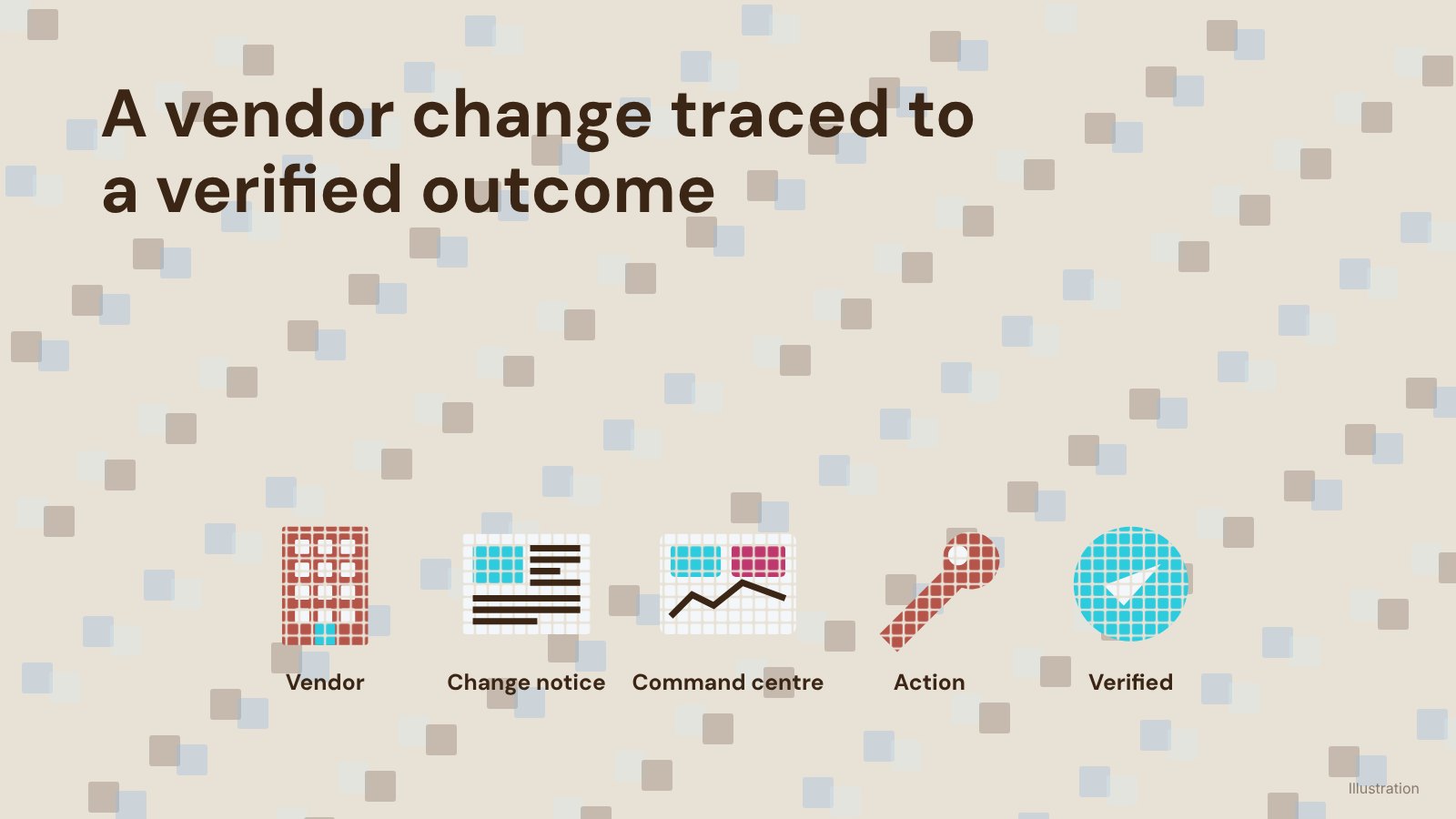
How TR handles it. Within six hours of the QBR, the sentence "We'll deliver the SAML fix by Friday" appears as a candidate commitment, dated to that Friday. Hannah confirms it and links it to the Authentication business service and the engineering ticket. On Thursday, when the authentication service starts failing, the commitment flips to at risk, reason: Authentication is affected (1 open incident). Hannah sees it at 9:30 a.m., warns the customer with a realistic new date, and the Friday e-mail never happens.
2. "How many customers did the payments incident reach?"
Situation. The incident review needs a number for the customer communication.
How TR handles it. Customers & commitments shows 184 customers exposed to Checkout, each counted once, even though 61 of them use both the checkout API and the payments service. The communication goes to 184 accounts, worded as "you may have experienced", because exposure isn't confirmed impact.
3. SLA clocks under pressure
Situation. A support-platform outage lasts three hours.
How TR handles it. The affected business service shows SLA clocks at risk or breached this week for the exposed customers, so the support lead can prioritise those accounts first when queues come back.
4. A request that isn't a promise
Situation. A call transcript contains "Could you send us the audit logs by Monday?"
How TR handles it. It's a request from the customer, not a promise from your team, so it isn't proposed as a commitment.
5. Closing with evidence
Situation. The SAML fix ships the following Wednesday.
How TR handles it. Hannah marks the commitment completed, with a note: "Released in v4.18, confirmed working by the customer's IT lead on Wednesday's call." The commitment's history shows the sentence, the risk, the new date and the delivery.
Before and after
Before. The promise is in Hannah's notes, the incident is in engineering's channel, and the customer is the first to connect them.
After. The promise becomes a tracked commitment with its original sentence. It turns at risk the moment the service it depends on is affected, and it closes with evidence of delivery. Customer impact is a de-duplicated count, honestly labelled as exposure.
Who it's for
- Customer success managers, who keep promises without keeping a separate list.
- Incident commanders, who need a real customer count fast.
- Support and account leadership, who want to see which commitments a bad week has put at risk.
How it fits with the rest of TicketResolve
Exposure follows the operations twin and business relationships, the same graph that drives predictions and recoveries. Commitments are Customer Success records, not a parallel list, so they appear in account health and renewal views too. SLA clocks come from your existing SLA policies.
Who can see what
Commitments and the sentences behind them are customer records. Reading them needs View Customer Success as well as View business operations, and a refused attempt is written to the audit log.
Mistakes to avoid
- Confirming every candidate without reading it. Adjust the wording and date so the commitment says what was really promised.
- Calling exposure "impact" in customer messages. Use "may have experienced" unless errors are confirmed.
- Closing commitments without notes. The note is the evidence that it was delivered.
A worked example, start to finish
Here's the same week, with commitments tracked.
Tuesday, 14:00. Hannah's meeting notes go into Customer Success. Within six hours, the sentence "We'll deliver the SAML fix by Friday" is found and listed under Customers & commitments as a possible commitment, with the exact sentence and the date it names.
Wednesday, 09:00. Hannah confirms it, adjusting the wording to "SAML fix for SSO login failures, delivered by Friday 24th". She links it to the Authentication business service and to the engineering ticket for the fix.
Thursday, 08:40. Authentication starts failing intermittently. Business operations marks the service affected. Within the hour, Hannah's commitment shows at risk, with the reason: Authentication affected since 08:40.
Thursday, 09:00. The incident commander opens Customers & commitments. Authentication shows 214 customers exposed, each counted once, two SLA clocks at risk, and 3 commitments at risk, including Hannah's. The customer list for the incident update is de-duplicated, so nobody gets three e-mails.
Thursday, 10:00. Hannah sees the at-risk commitment and calls the customer's IT lead before he notices anything: "There's an issue with the service the SAML fix depends on. Realistically, it'll be Tuesday." She adds a note to the commitment.
Monday. Authentication is stable. The SAML fix ships in v4.18.
Tuesday. On a short call, the customer confirms SSO works. Hannah marks the commitment completed: "Released in v4.18, confirmed on Tuesday's call."
The customer's IT lead never writes "You said Friday".
How to tell it's working
- Possible commitments are confirmed or dismissed within a day or two of the meeting.
- Every confirmed commitment is linked to the service it depends on.
- At-risk commitments lead to an early call, with a realistic new date.
- Commitments close with evidence, not just a status change.
Do it in TicketResolve, step by step
Where: Business operations → Customers & commitments (/dashboard/intelligence/business). You'll need: "View business operations" plus "View Customer Success" to see commitments. Full guide: Customer impact and commitments.
- See who is affected. Open Customers & commitments. Each affected business service shows the customers exposed (each counted once), how long it has lasted and the SLA clocks at risk.
- Confirm what you promised. Possible commitments found in Customer Success meetings, notes, e-mails and calls are listed with the exact sentence and the date it names ("We'll deliver the SAML fix by Friday"). Confirm the real ones, adjusting the wording or due date if needed, or dismiss them with a reason.
- Link each commitment to its service. Link Hannah's commitment to Authentication (and to the engineering ticket). While Authentication is affected, the commitment shows at risk with the reason.
- Act on "at risk". Tell the customer early, with a realistic new date, and add a note to the commitment.
- Close with evidence. Mark it completed with how it was delivered ("released in v4.18, confirmed on Wednesday's call"), or cancelled with why.
How to check it worked: the next incident on a service with open commitments shows them at risk within the hour, and the customer list for your incident communication is de-duplicated.
Frequently asked questions
Does an AI read our meeting notes? No. Commitments are found by pattern matching on promises with dates, and the exact sentence is kept as evidence.
Is every customer on an affected service counted as impacted? No. They're counted as exposed, once each.
What makes a commitment "at risk"? A person marks it, or it's due within a week and not started, or the business service it depends on is affected.
Can I see commitments without Customer Success access? No. Commitments need both View Customer Success and View business operations.
Where are possible commitments found? In Customer Success meetings, notes, e-mails and calls. Each is listed with the exact sentence.
Is a found sentence a commitment automatically? No. A person confirms it, or dismisses it with a reason.
Who can see commitments? People with View business operations and View Customer Success.
Explore Topics
Written by
Ghulam Shabbir
Content creator and writer sharing insights and stories.