
Billing Intelligence: Billing Problems Next to the Customer Behind Them
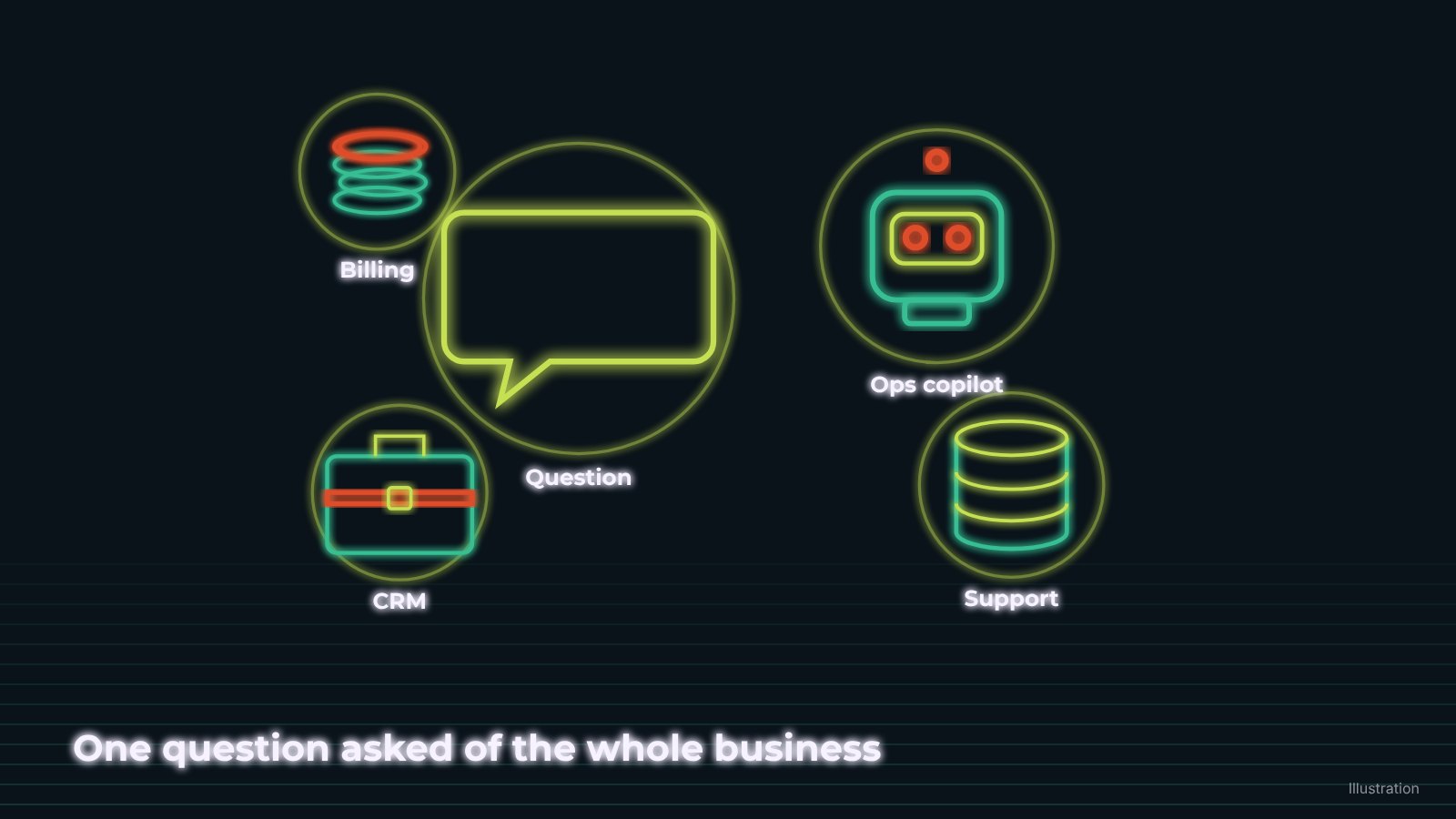
“You charged me twice.” Support sees an angry ticket, finance sees two charges and a dispute arriving next week, and the account manager sees nothing until the renewal call. Billing Intelligence puts the invoices, payments, refunds and chargebacks from your own Stripe account next to the customer’s tickets, health and renewal, and moves money only after a second person approves.
On a Tuesday morning, a customer of a project-management software company writes to support: "You charged me twice this month. Fix it or I'm disputing it with my bank." The support agent, Dara, can't see payments. She forwards the ticket to finance with "please check".
Finance is two people. One of them, Ines, finds it on Thursday: a duplicate charge of £1,240 after a card update. She refunds one of them in Stripe, alone, from her own login, and replies to finance's shared inbox. Nobody tells Dara. The customer, who heard nothing for two days, has already raised a chargeback with their bank. Now there's a refund and a dispute for the same £1,240, plus a £15 dispute fee.
The account manager learns about it three weeks later, on the renewal call, when the customer brings it up.
Every person was looking at the same customer, in three different tools.
First, the basics
- Stripe is a payments platform: it holds your invoices, payments (charges), refunds, credit notes and disputes.
- A chargeback (dispute) is when a customer asks their bank to reverse a payment. The bank sets an evidence due date for you to respond.
- Receivables are money owed to you. Ageing groups them by how overdue they are. DSO (days sales outstanding) is how long, on average, it takes to get paid.
- Payment failure rate is the share of charges that fail. Recovery is how many failed payments are eventually collected.
- Dunning is the schedule of reminders for overdue invoices.
- Reconciliation checks that records agree, such as an invoice marked paid having a payment.
- A billing case groups a billing ticket with the invoice and payment it concerns.
- An idempotency key makes sure an action runs only once, even if it's sent twice.
- A restricted key is a Stripe API key limited to certain permissions, such as read-only.
Why does this matter? Billing problems are where customers get angriest and where money is actually lost: duplicate charges, failed payments nobody chases, refunds without approval, disputes that miss their deadline. Putting billing next to the customer, and making money move only with a second person, protects both the relationship and the revenue.
The problem, in plain terms
- Support can't see payments, so billing tickets get forwarded and stall.
- Failed payments are retried blindly, even when retrying can't work.
- Collections live in a spreadsheet.
- Duplicate charges and mismatches are found by customers.
- One person can move money, with no second check.
- Disputes miss their deadlines.
What it does
- Receivables you can trust. Amount due, overdue, ageing buckets, DSO, invoiced and collected, refunded, payment failure rate and recovery after a failed payment, per currency, with the definition under each figure. Currencies are never added together.
- Failed payments explained. Every failed charge shows Stripe's reason in plain words, what usually fixes it, and whether Stripe's own retries can help. An expired card won't start working on a retry; insufficient funds might. Failures are grouped by reason so you can see which problem is costing the most.
- Collections without the spreadsheet. One case per overdue customer and currency, worked through your dunning schedule (reminder, second reminder, call, final notice, escalate). Reminders are template drafts listing the overdue invoices and their payment links, for a person to send from their own mail. Promises to pay, notes and write-offs are kept on the case.
- Reconciliation by rules. After every sync, eight fixed rules look for possible duplicate charges, refunds above the payment, invoices marked paid without a payment, amounts that don't match, overdue invoices Stripe never tried to collect, active subscriptions with unpaid invoices, currency mismatches and customers not linked to an account. These are things to check, not proven errors.
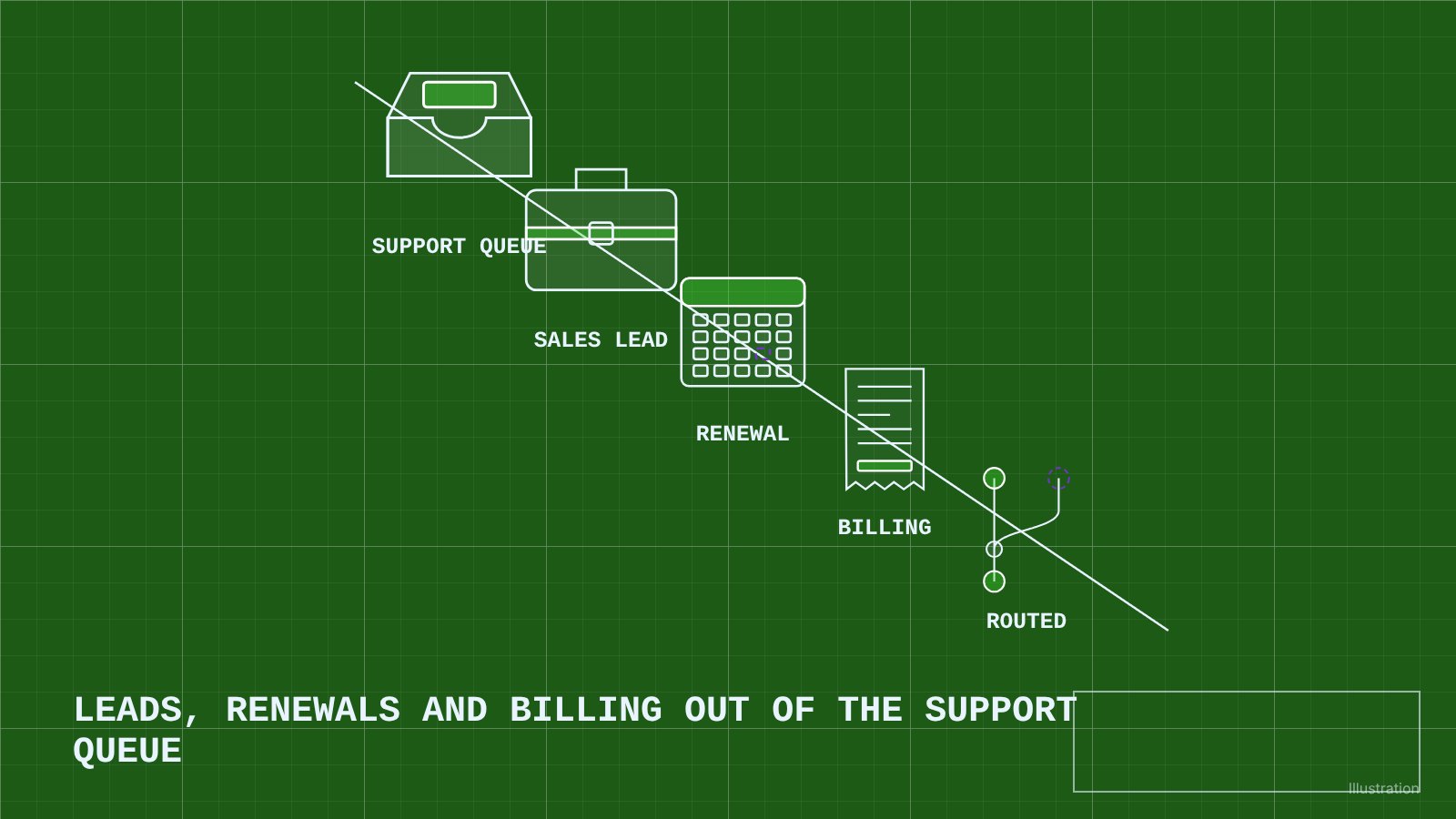
- Billing cases from tickets. Billing tickets without a case are listed with a suggested kind (charged twice, wrong amount, refund not received…) that a person confirms. A case holds the ticket, the invoice and the payment, and ends with how it was resolved. Chargebacks get an owner, notes and the evidence due date.
- Money moves only with a second person. Refunds, credit notes, payment links and coupons are requested with a reason, approved by someone else, and run once in Stripe with an idempotency key, within per-action and daily limits you set.
- A Copilot that shows its work. "Who owes the most overdue?" and "Why are payments failing?" are calculated from your records with no AI. A customer's billing summary, an explanation of their charges or a collection e-mail draft is written from that customer's records, with every fact citing its record, within the daily limit shared by the Success, Renewal and Billing Copilots.
- Connected to renewals. With Renewal Intelligence, overdue invoices and failed payments show up as risk signals on the customer's renewal, with the invoice or payment as evidence.
A worked example, start to finish
Here's the same Tuesday, with Billing Intelligence.
Last month. The finance lead connected Stripe under Connectors → Stripe with a restricted key (read access to invoices, charges, refunds, disputes and credit notes, plus write access for approved actions). Billing → Integrations → Sync now read the last year; it now syncs every 15 minutes. A few Stripe customers weren't matched by Stripe id or e-mail domain; she linked them from Invoices.
Tuesday, 03:00. After the overnight sync, reconciliation flags a possible duplicate charge: two charges of £1,240 to the same customer, 40 seconds apart, after a card update. It's listed as something to check.
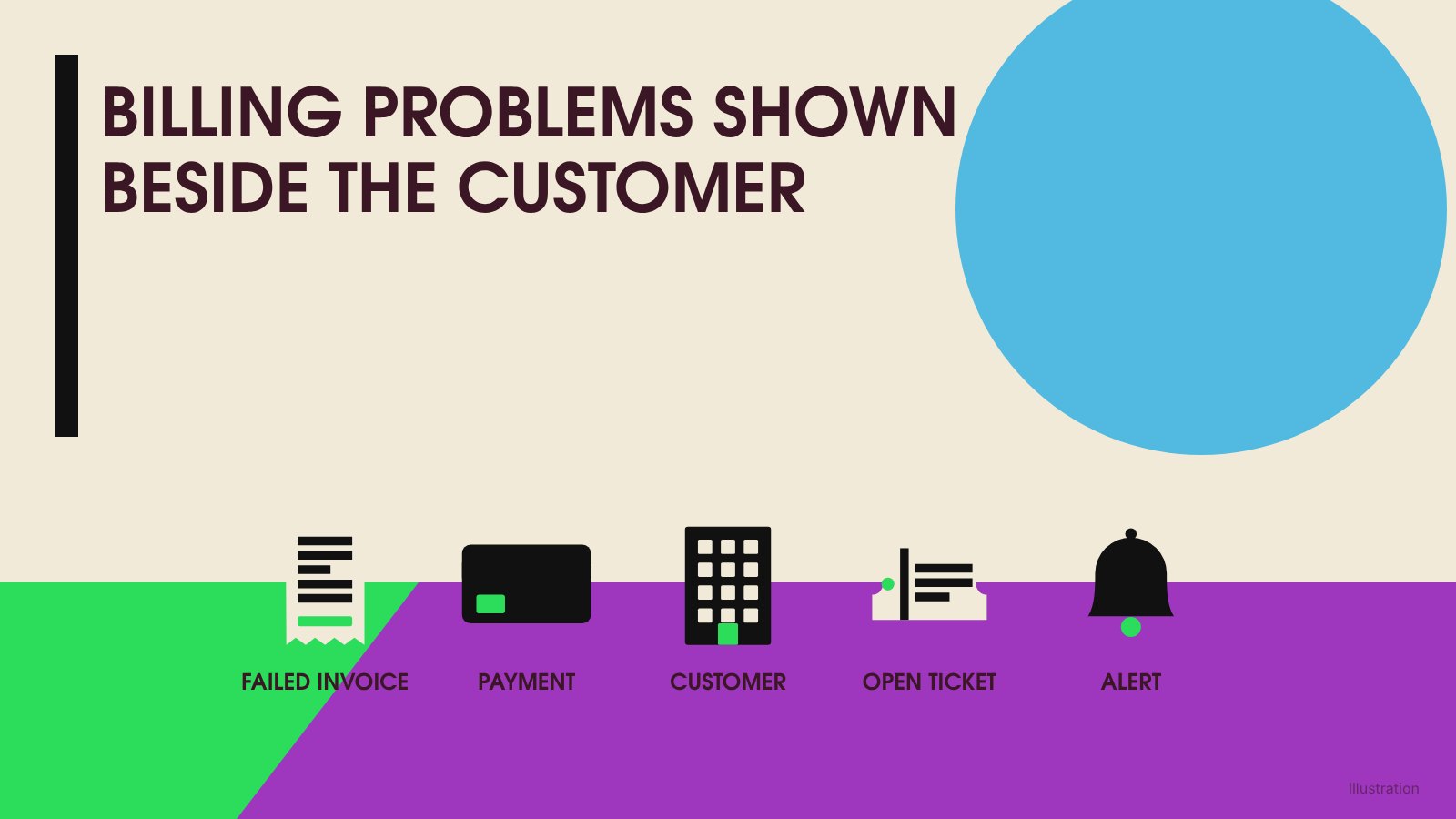
Tuesday, 09:10. The customer's ticket arrives. Billing cases lists it as a billing ticket without a case, with a suggested kind: charged twice. Dara opens it: the customer's page shows their invoices, both payments and the reconciliation finding, on one timeline with their tickets. She opens a case, confirms the kind, and adds the payment.
09:15. Dara replies to the customer: "I can see the two charges of £1,240. A refund for the duplicate is being approved now; you'll see it within 5–10 days."
09:20. On the duplicate payment, Dara presses Request a refund: £1,240, reason "Duplicate charge after card update; customer ticket #88213." She can't approve it. Ines, who has Approve billing actions, approves it from Actions & approvals at 09:40.
09:41. The refund runs once in Stripe, with an idempotency key. Its Stripe id is kept on the action. The case is resolved with refunded. The reconciliation finding is marked resolved.
09:45. Dara tells the customer it's done. No chargeback is raised.
Same week, failed payments. Receivables & collections shows failures grouped by reason: expired card (14), insufficient funds (6), card declined by bank (3). For expired cards, the explanation says Stripe's retries won't help; the customer needs to update the card. The collections lead uses the draft for each, which lists the overdue invoices and the payment link, and sends them from her own mail, then presses Contacted by e-mail.
Week 3. A different customer's chargeback appears with an evidence due date in 6 days. It gets an owner and notes; she submits the evidence in Stripe on day 3.
Renewal call. The account manager sees the refunded duplicate on the customer's timeline before the call. It comes up, and he already knows it was fixed within the hour.
Five more real-world scenarios
1. An invoice marked paid without a payment
Situation. Someone marked an invoice paid in Stripe by mistake.
How TR handles it. A reconciliation rule flags it for checking.
2. Approving your own refund
Situation. Ines requests a refund and tries to approve it.
How TR handles it. Nobody approves their own request.
3. A refund over the daily limit
Situation. Refunds today have reached the daily limit you set.
How TR handles it. The next one can't run until the limit allows it.
4. A customer who promises to pay
Situation. An overdue customer promises to pay by the 20th.
How TR handles it. Set Promise to pay with the date; it pauses the schedule.
5. Two currencies
Situation. Customers pay in euros and pounds.
How TR handles it. Receivables are shown one currency at a time, never added together.
Before and after
Before. A forwarded ticket, a two-day wait, a refund by one person with no record, a chargeback and a fee, and an account manager who found out at the renewal call.
After. The duplicate flagged overnight, a billing case opened from the ticket, a refund requested with a reason and approved by someone else, run once in Stripe, and the customer told within the hour.
How to tell it's working
- Billing tickets have cases, resolved with how.
- Every refund and credit has a different approver.
- Reconciliation findings are checked after each sync.
- Chargebacks are answered before their evidence due dates.
Who it's for
- Finance and collections teams.
- Support agents who handle billing tickets.
- Account managers and customer success who need billing context before calls.
How it fits with the rest of TicketResolve
Billing Intelligence uses the same customer accounts as Customer Success and feeds risk signals to Renewal Intelligence. Its figures appear in the AI Ops Copilot and RevOps Intelligence, and receivables feed AI CFO.
Mistakes to avoid
- Giving the Stripe key more access than needed. Read access is enough to start.
- Retrying expired cards. Ask the customer to update the card.
- Treating reconciliation findings as errors without checking them in Stripe.
Do it in TicketResolve, step by step
Where: Billing (/dashboard/billing/integrations). You'll need: a billing seat, your own Stripe key, and colleagues with Approve billing actions. Full guides: Connecting Stripe and reading the overview, Failed payments and collections, Reconciliation, billing cases and chargebacks and Refunds, credits and approvals.
- Add Billing Intelligence. Start the 7-day free trial, or add it under Billing → Add-ons.
- Connect your key. Connectors → Stripe: paste your own key. A restricted key with read access to Invoices, Charges, Refunds, Disputes and Credit notes is enough; approved actions also need write access.
- Sync. Billing → Integrations → Sync now reads the last year. After that it syncs every 15 minutes. Syncing only reads.
- Link unmatched customers. Invoices → Status: Not linked lists the rest; press Link and choose the account.
- Read the overview. Receivables, overdue and ageing, DSO, invoiced and collected, failure rate and recovery, one currency at a time.
- Work collections. Receivables & collections: one case per overdue customer and currency. Press a draft button for a template e-mail, send it yourself, then record what happened.
- Check reconciliation and cases. Open each finding, check it in Stripe, and mark it Resolved, Expected or Ignore. Turn billing tickets into cases and resolve them with how.
- Request and approve money movements. On a payment, Request a refund; on an invoice, Request a credit note or Request a payment link, with a reason. Someone else approves on Actions & approvals.
How to check it worked: a customer's page shows invoices, payments and tickets on one timeline, and your first approved refund shows its Stripe id.
$79 per billing seat a month, with unlimited invoices and customers. People who only view billing, or only approve refunds and credits, don't need a seat. See how it works or visit the Billing Intelligence page.
Frequently asked questions
Does syncing change anything in Stripe? No. Syncing only reads.
How often does it sync? Every 15 minutes, after the first sync reads the last year.
Are reminders sent automatically? No. They're drafts a person sends from their own mail.
What do reconciliation findings mean? Things to check, not proven errors.
Who can approve a refund? Someone else with Approve billing actions. Nobody approves their own request.
Can an approved refund run twice? No. It runs once in Stripe with an idempotency key.
Are currencies combined? No. They're never added together.
Do approvers need a seat? No. People who only view or only approve don't need a seat.
Explore Topics
Written by
Ghulam Shabbir
Content creator and writer sharing insights and stories.