
Smart Routing: Getting Leads, Renewals and Billing Questions Out of the Support Queue
Not every message to support is a support question: a quote for 200 seats, a contract renewing next month, a question about an invoice. Smart routing spots new leads, renewals and billing questions, tags and assigns them to the right team, e-mails that team, and writes a note that says only what actually happened.
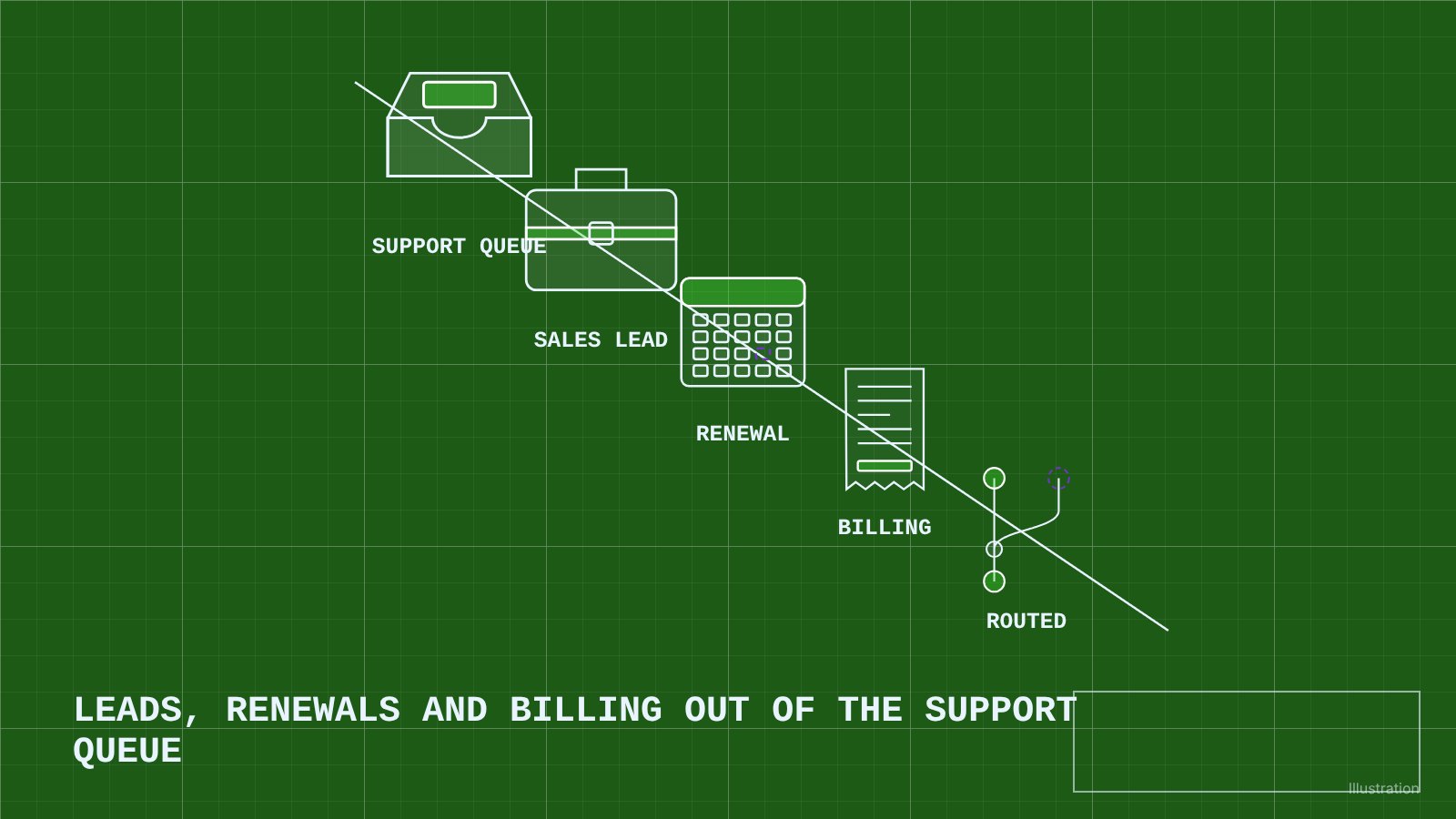
Your support address gets more than support questions: someone asking for a quote for 200 seats, a customer whose contract renews next month, a question about an invoice. In a support queue, these wait behind password resets, and sales hears about the lead a day late.
Here's a Monday morning at a company selling collaboration software. Among 400 tickets in the support queue:
- "We're a hospital group of 2,000 staff evaluating tools. Can someone send pricing for an enterprise plan?" It sits at position 287. A support agent gets to it at 16:00, forwards it to sales, and sales replies Tuesday morning. The prospect has already booked demos with two competitors.
- "Our contract renews on the 30th; we'd like to discuss adding 50 seats." It's answered with a link to the pricing page.
- "Why was I charged twice in October?" It goes back and forth between support and finance for two days.
Each message reached the company. None of them reached the right team quickly.
First, the basics
- Routing decides where a ticket goes.
- A lead is a potential new customer. A renewal is an existing customer continuing or changing their contract.
- A classifier decides what kind of ticket it is. An intent is the kind: new lead, renewal, billing or standard support.
- A tag labels a ticket in your help desk. A group or queue is where a team picks up work.
- Manual triage means a person decides where it goes.
- An internal note is visible to your team, not the customer.
- Tokenising replaces personal data with placeholders before an AI call.
- Smart triage writes intent, sentiment and details into help-desk fields; escalation rules send tickets to people.
Why does this matter? Sales, renewals and billing messages are often worth more than any single support ticket, and they're time-sensitive. Getting them out of the support queue and to the right team, with an honest note about what happened, turns a day's delay into minutes.
The problem, in plain terms
- Leads wait behind password resets.
- Renewals get support answers.
- Billing questions bounce between teams.
- Automation claims actions that didn't happen.
- Unsure cases fall through the cracks.
Four kinds of tickets
Smart routing classifies each incoming ticket:
- New lead: tagged
new_lead, assigned to your sales group or queue, and e-mailed to sales. - Renewal: tagged
renewal, set to high priority, assigned to your renewals group, and e-mailed to renewals. - Billing: tagged
billing, assigned to your billing group, and e-mailed to billing. - Standard support: nothing changes, and normal resolution continues.
If the classifier isn't sure, the ticket is tagged requires_manual_triage. The same happens when an intent has no destination set, so nothing falls through the cracks.
Careful with your help desk
- Tags are only added. Existing tags are never replaced.
- Changes go through your help desk's own API (Zendesk, Freshdesk and the others), which reports what actually happened.
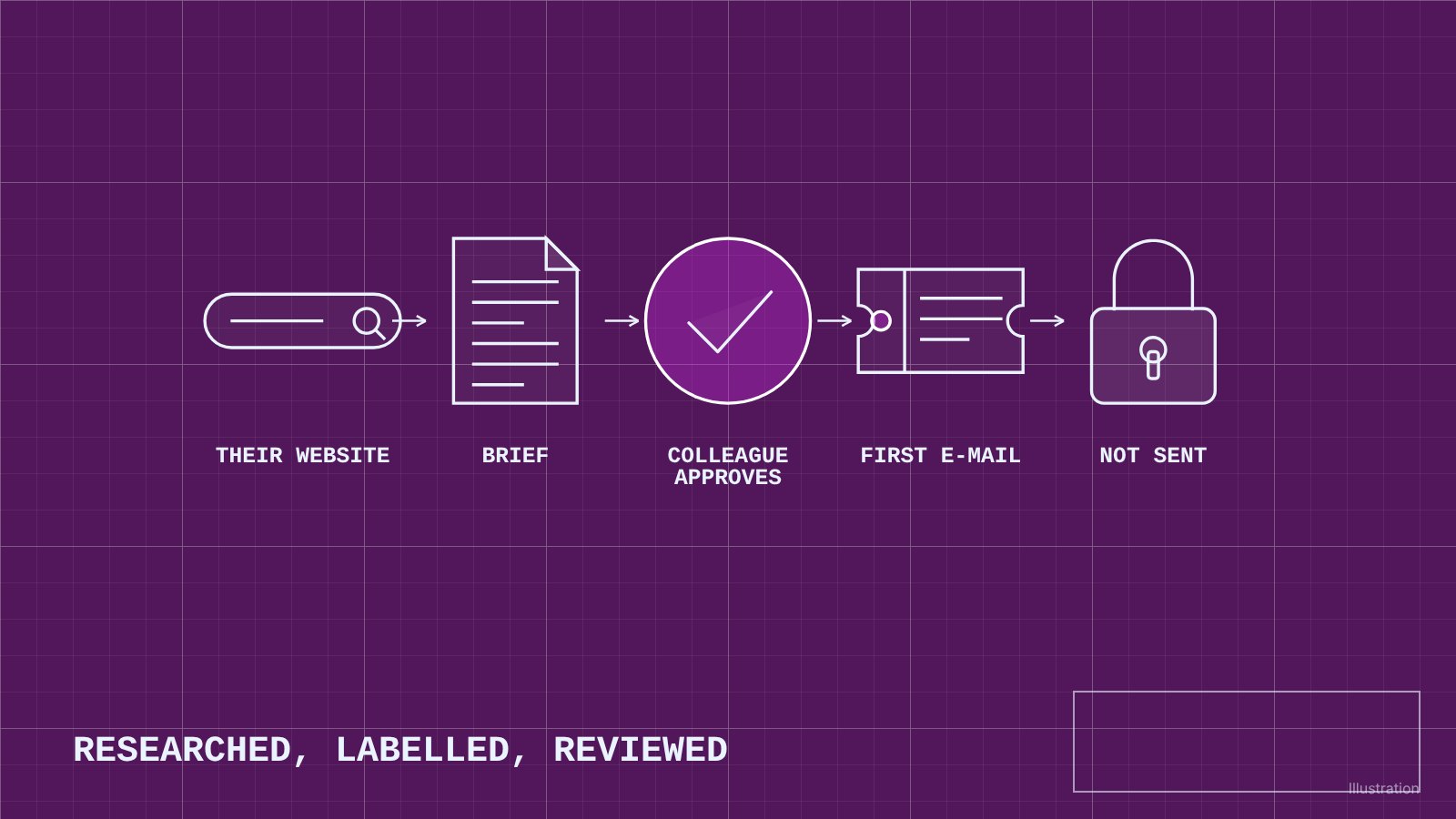
- The internal note on the ticket states only what was actually applied or sent. If an assignment failed, the note doesn't claim it worked.
- Personal data in the ticket text is tokenised before the classification call.
Smart routing works alongside smart triage, which writes intent, sentiment and key details into your help-desk fields, and alongside escalation rules for tickets that need a person.
Smart routing is included in Bronze and Growth Pro.
A worked example, start to finish
Here's the same Monday, with smart routing. The details are illustrative.
Setup. The support operations lead, Dominik, opens Smart routing: sales group Sales – Inbound, e-mail sales@; renewals group Account Management, e-mail renewals@; billing group Finance, e-mail billing@.
08:02, the hospital group. "Can someone send pricing for an enterprise plan for 2,000 staff?" Classified: new lead. Personal data tokenised before the call. Through Zendesk's API: tag new_lead added (existing tags kept), assigned to Sales – Inbound, and e-mailed to sales. The internal note: "Routed as new lead: tag new_lead added; assigned to Sales – Inbound; e-mailed sales@." A sales rep replies at 08:20.
08:10, the renewal. "Our contract renews on the 30th; we'd like to add 50 seats." Classified: renewal: tag renewal, high priority, assigned to Account Management, e-mailed renewals@. The account manager calls them that morning.
08:15, the billing question. "Why was I charged twice in October?" Classified: billing: tag billing, assigned to Finance, e-mailed billing@. Finance answers directly.
08:30, an unsure case. "Can we talk about our account?" The classifier isn't sure: lead? renewal? billing? Tagged requires_manual_triage. A support agent reads it and moves it to Account Management.
09:00, a failed assignment. A ticket classified as billing can't be assigned: someone renamed the Finance group over the weekend. Zendesk's API reports the failure. The note says the tag was added and the e-mail was sent, but the assignment failed. It doesn't claim it worked. Dominik updates the group name in Smart routing.
All day, standard support. Password resets, how-to questions and bugs: nothing changes; normal resolution continues.
End of day. Sales answered the hospital group 18 minutes after it wrote, not the next morning.
Five more real-world scenarios
1. No destination set
Situation. Renewals has no group configured yet.
How TR handles it. Renewal tickets are tagged requires_manual_triage, so nothing falls through.
2. Existing tags
Situation. A ticket already has tags from a help-desk rule.
How TR handles it. Tags are only added; existing ones are never replaced.
3. Freshdesk
Situation. The company uses Freshdesk.
How TR handles it. Changes go through Freshdesk's own API, which reports what happened.
4. A complaint that needs a person
Situation. An angry customer threatens to leave.
How TR handles it. Escalation rules handle tickets that need a person, alongside routing.
5. A Starter plan
Situation. A Starter workspace wants smart routing.
How TR handles it. It's included in Bronze and Growth Pro.
Setting destinations well
A few choices make routing work better from day one:
- Use a group or queue the team actually watches. Routing to a group nobody checks just moves the delay.
- Use a shared e-mail address, not one person's, so leads don't wait for someone back from holiday.
- Set all three destinations. An intent without a destination goes to manual triage, which is safe but slower.
- Tell the teams what the tags mean, so sales can filter
new_leadand finance can filterbillingin the help desk. - Review manual triage for a week after switching on. Patterns there show where the classifier needs clearer destinations or where your customers' messages are genuinely ambiguous.
What the classifier looks for
The four kinds are broad on purpose. New leads are people who aren't customers yet asking about buying. Renewals are customers talking about continuing, extending or changing their contract. Billing covers invoices, charges, payments and refunds. Everything else is standard support. When a message mixes kinds, such as a customer asking a how-to question and mentioning their renewal, and the classifier isn't sure, it says so with requires_manual_triage rather than guessing.
Before and after
Before. An enterprise lead at position 287, answered the next day; a renewal answered with a pricing link; a billing question bouncing for two days.
After. Leads, renewals and billing questions tagged, assigned and e-mailed to their teams within minutes, unsure cases sent to manual triage, and notes that only say what actually happened.
How to tell it's working
- Sales replies to leads within the hour.
- Renewals reach account managers with high priority.
- Billing questions stop bouncing.
- Notes match reality, including failures.
What stays the same
Standard support tickets aren't touched: no tags, no reassignment, no e-mails. Normal resolution continues exactly as before. Smart routing only acts on the three kinds of message that belong elsewhere, and on unsure cases it hands the decision to a person.
Who it's for
- Support operations leads who manage queues.
- Sales, renewals and finance teams who need their messages fast.
- Support agents who shouldn't have to forward them.
How it fits with the rest of TicketResolve
Smart routing works alongside smart triage (intent, sentiment and details in your help-desk fields) and escalation rules (tickets that need a person). With Billing Intelligence, billing tickets can also be turned into billing cases.
Why the note only says what happened
Automation that claims an action it didn't complete is worse than no automation: people trust the note, the lead sits in the wrong place, and nobody notices. Because changes go through your help desk's own API, which reports what actually happened, the note can be exact: what was applied, what was sent, and what failed. When something fails, you find out from the note, not from an unhappy prospect.
Mistakes to avoid
- Leaving destinations unset. Tickets go to manual triage.
- Renaming groups without updating Smart routing.
- Routing support questions to sales. Standard support stays put.
Do it in TicketResolve, step by step
Where: Smart routing (/dashboard/smart-routing). You'll need: Bronze or Growth Pro; a connected help desk; groups and e-mail addresses for sales, renewals and billing. Full guides: Smart routing for sales, renewals and billing and Smart triage into help-desk fields.
- Open Smart routing.
- Set destinations: a group or queue and an e-mail address for new leads, renewals and billing.
- Leave standard support to normal resolution.
- Watch tags
new_lead,renewal,billingandrequires_manual_triagein your help desk. - Read internal notes for what was applied or sent.
- Work manual triage for unsure tickets.
- Fix destinations if a note reports a failed assignment.
How to check it worked: routed tickets show their tag, group and a note listing exactly what was applied or sent.
Frequently asked questions
What kinds of tickets are routed? New leads, renewals and billing. Standard support continues normally.
What happens to renewals? Tagged, set to high priority, assigned to your renewals group and e-mailed.
What if the classifier isn't sure?
The ticket is tagged requires_manual_triage.
Are existing tags replaced? No. Tags are only added.
How are changes made? Through your help desk's own API.
What does the note say? Only what was actually applied or sent; failures aren't claimed as successes.
Is personal data sent to the classifier? It's tokenised before the classification call.
Which plans include it? Bronze and Growth Pro.
What if a message mixes a support question and a renewal?
If the classifier isn't sure, it's tagged requires_manual_triage for a person to decide.
Should destinations be a person's e-mail? A shared address is better, so messages don't wait for one person.
Does routing change standard support tickets? No. Nothing changes; normal resolution continues.
Is the classification audited? The internal note on each routed ticket records what was applied or sent, so your team can see every decision.
Can I turn routing off for one kind? Leave that kind without a destination and its tickets go to manual triage instead.
Explore Topics
Written by
Ghulam Shabbir
Content creator and writer sharing insights and stories.