
Outreach From Your Own Mailbox, With the Brakes Built In
Lead Generation now sends approved first emails from your own mailbox, within sending limits you set, with an unsubscribe link in every one. It reads the replies, and a person decides who goes to sales.
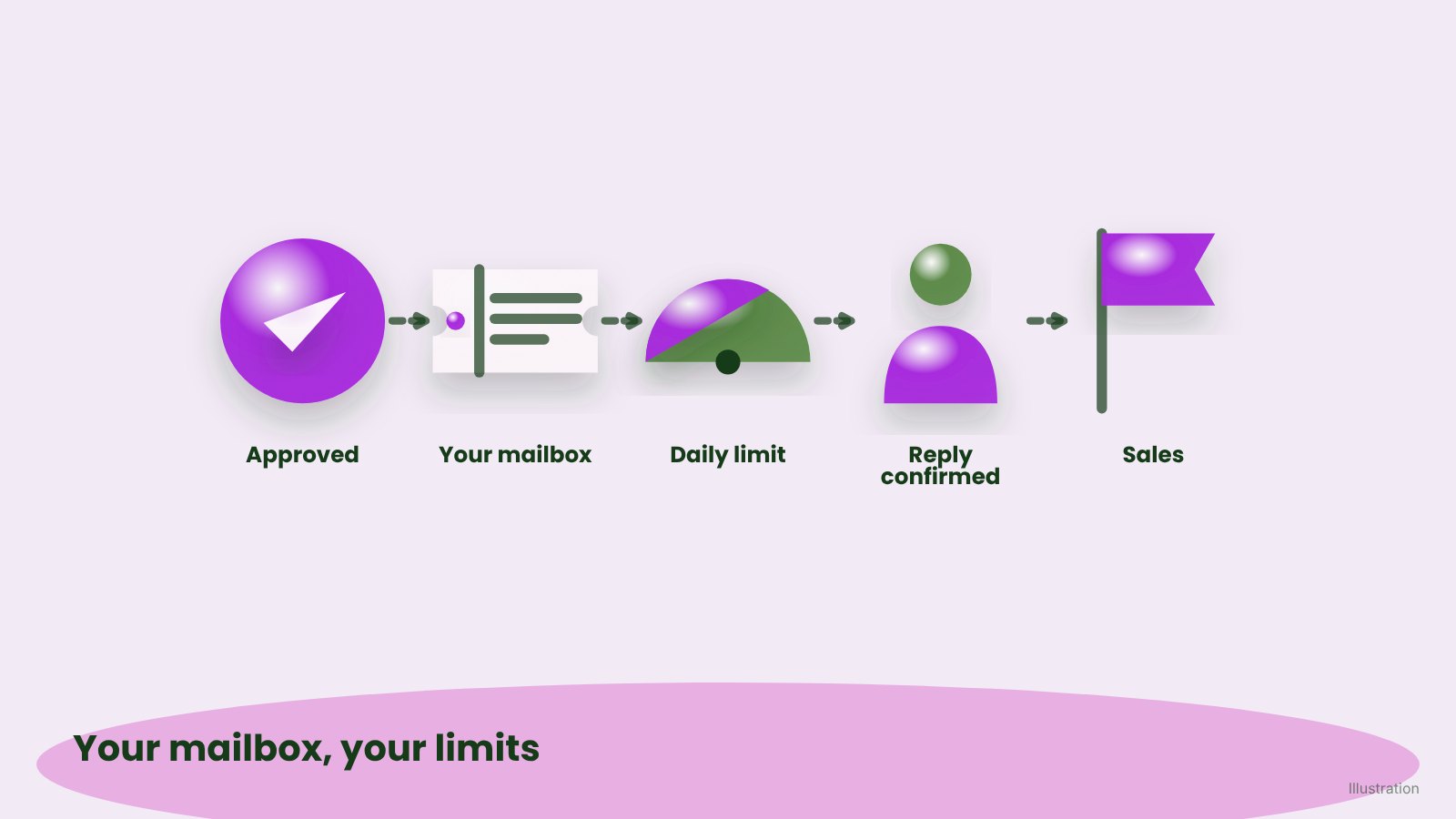
Release 7.160.0 completes the outbound loop in TicketResolve Lead Generation: send, read the replies, hand off.
Why your own mailbox
Cold email sent from a shared platform address gets judged by the platform's reputation, and each customer's mistakes become everyone's problem. So Lead Generation never sends prospecting email from TicketResolve. An admin connects your mailbox:
- the address you'd use anyway, on your own business domain;
- SMTP to send;
- IMAP to read the replies.
The password is encrypted and never shown again. Use an app password where your provider offers one; Google Workspace and Microsoft 365 both do.
Sending stays off until four things are true:
- a connection test has passed;
- the From address is a business address, not a personal one;
- a sender name is set;
- a postal address is set, since many countries require one in commercial email.
Campaigns of approved email only
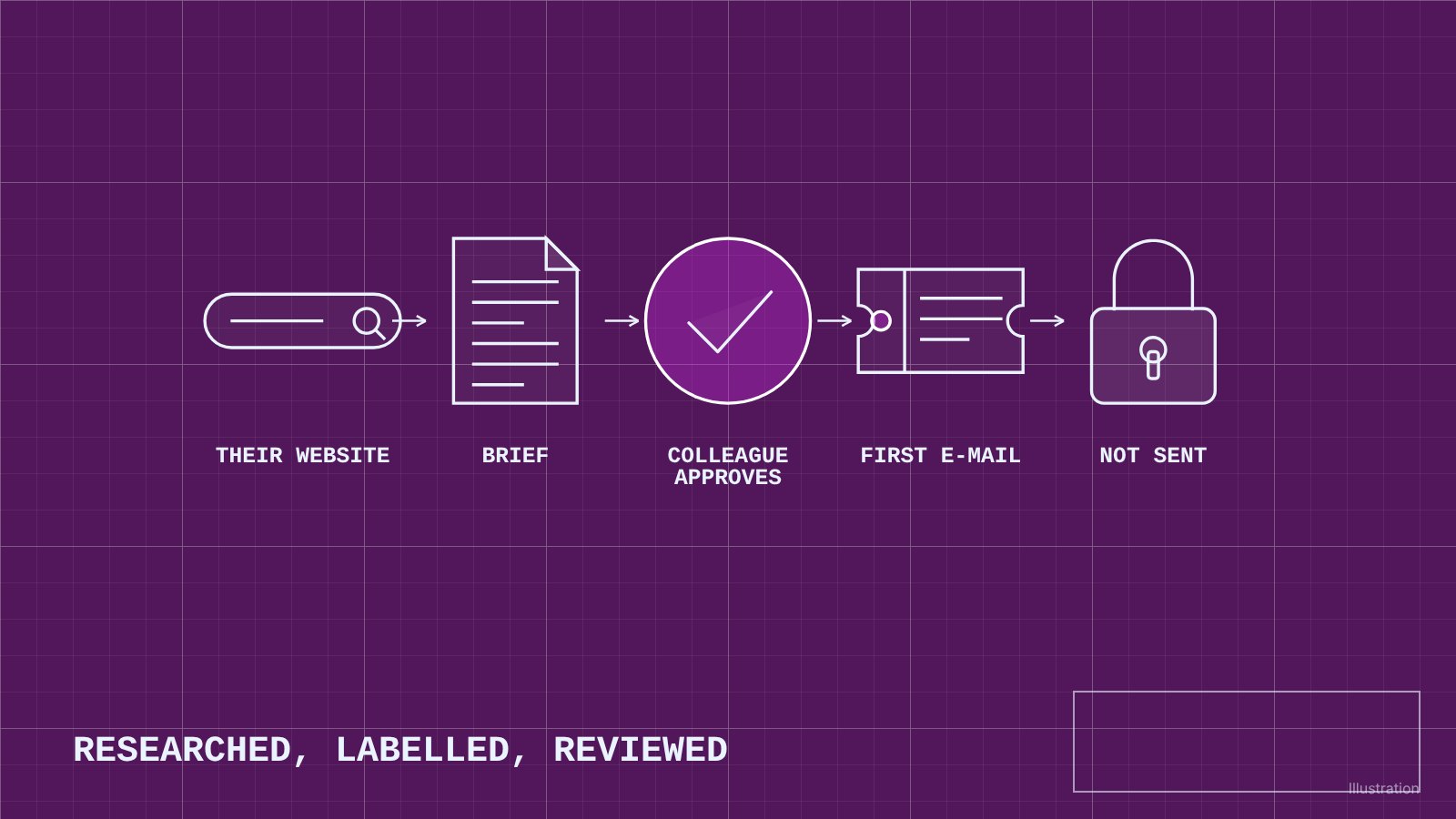
A campaign holds approved first emails from the previous release: researched, checked and approved by a colleague. Nothing else can be added, and nobody on the do-not-contact list can be added.
Once an admin activates the campaign, emails go out one at a time:
- only inside your sending hours;
- under your daily and weekly limits;
- with a gap between messages.
Each email is the approved text, followed by your name, your company, your postal address and an unsubscribe link. The message headers also support mail providers' one-click unsubscribe.
Right before each send, it checks again that the draft is still approved and the person and company can still be contacted. If your mailbox refuses a message, sending switches off until someone looks.
Replies, with a person deciding
Every few minutes, Lead Generation reads your inbox. It keeps two kinds of message: replies to your outreach, and bounces for your contacts. Everything else is ignored, and the text it keeps is encrypted.
Some things happen on their own:
- an opt-out reply, an unsubscribe click or a permanent bounce puts the address on the do-not-contact list;
- any reply stops the queued emails to that company.
For a genuine reply, the AI suggests what kind it is: a meeting request, a question, interested, not now, wrong person and so on. A person confirms the suggestion and chooses what happens: hand to sales with an owner, record as not interested, add to do not contact, or nothing. Handed-off people are tracked by owner and stage until they're won or lost.
What it doesn't do yet
Hand-offs stay inside TicketResolve: nothing is written to HubSpot or Salesforce yet. Reply rates appear only once a campaign has sent 20 emails, next to the counts they come from. Sending rules differ by country (CAN-SPAM, CASL, GDPR and PECR, among others), and checking the ones that apply to the people you email is your call.
Explore Topics
Written by
Ghulam Shabbir
Content creator and writer sharing insights and stories.