
Why Did the AI Say That? Decision Traces, Supervisor Checks and Audit Trails for AI Support
When an AI answer surprises you, you need to know why in seconds, not hours. Decision traces show how each ticket was handled step by step, a supervisor check catches risky automatic replies before they go out, and an exportable audit trail and AI record answer your team, your customers and auditors. With an illustrative complaint, start to finish.
Sooner or later, an AI support answer will surprise someone. A customer complains, a manager asks why a ticket was held for a day, or a compliance team asks how a decision was made. "The AI decided" isn't an acceptable answer in any of those conversations.
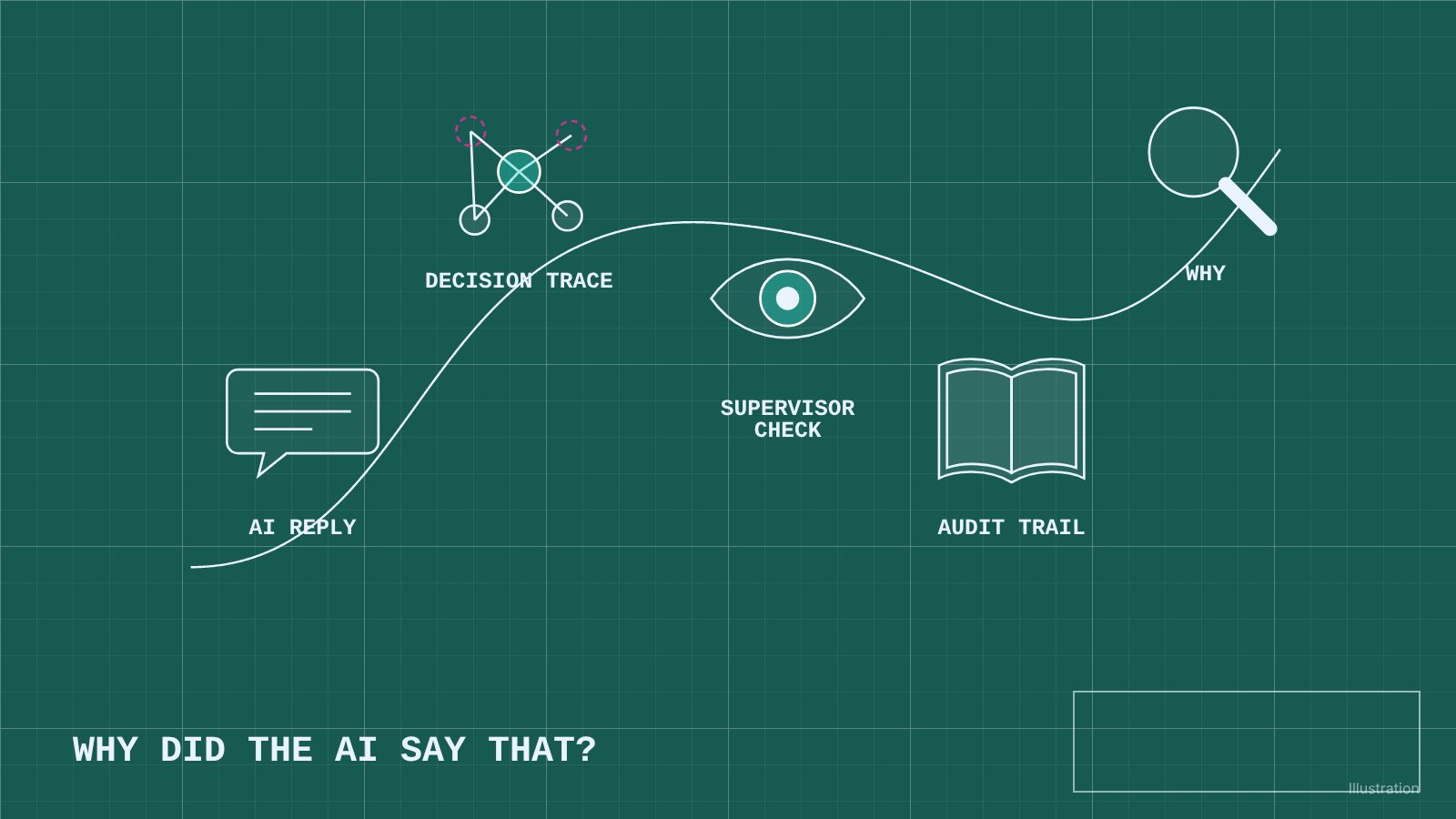
Explainability in AI support isn't a research problem. It's a record-keeping problem. This post covers the three layers that make AI support explainable: decision traces, supervisor checks and audit trails.
Here's how the question lands without them at a company that sells a home-energy app linked to smart meters:
- Monday: a customer complains that the AI told him he'd get "a full refund of your last three bills". Nobody offered that.
- Monday afternoon: the support lead tries to work out why. The help-desk thread shows the reply, but not what the AI read or why it was sent without review.
- Tuesday: an engineer pulls logs. They show an AI call, but not the sources, the confidence or which checks ran.
- Wednesday: compliance asks for a record of how the decision was made. There isn't one.
- Thursday: the company honours the refund to avoid a dispute, and turns off automatic sending for everything.
The fix for the AI might have been small: one ambiguous article. Without a record, nobody could find it, so the team switched off the whole thing.
First, the basics
- A decision trace is a timeline of how one ticket was handled, from classification to outcome.
- Match scores show how closely each source matched the question.
- A confidence score summarises how sure the system is, compared with a threshold for sending automatically.
- A supervisor check (or guardrail) is a second check on automatic replies before they're sent.
- An audit trail records sources, scores, outcomes and every human override, per ticket.
- An AI record is a per-ticket summary of what the AI did, shareable with the customer.
- An override is a person approving, editing or rejecting an AI draft.
Why does this matter? Trust in AI support depends on being able to explain it. With a trace, a check and a record, a surprising answer becomes a five-minute investigation and a targeted fix, instead of a reason to switch everything off.
The problem, in plain terms
- Help-desk threads show replies, not reasons.
- Logs show calls, not decisions.
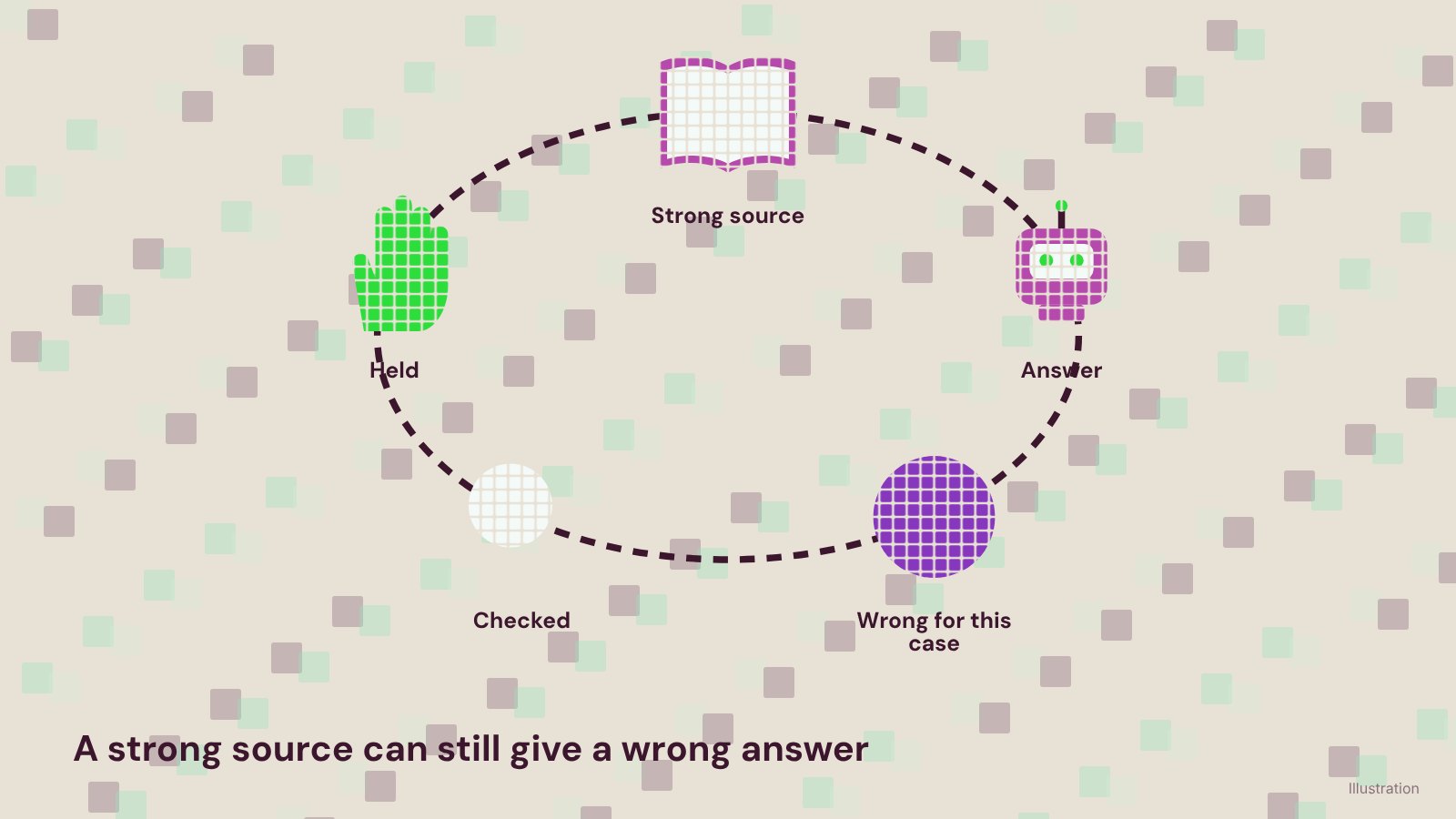
- Risky promises slip through without a second check.
- Compliance asks for records nobody kept.
- One bad answer leads to switching off everything.
Layer 1: a decision trace for every ticket
A decision trace is a timeline of how one ticket was handled, in order:
- How it was classified (category, intent, urgency, language).
- Which knowledge-base articles and past tickets were considered, with match scores.
- Whether a cached answer was reused.
- Each AI call, with its type, tokens and time.
- Free site search and paid web search decisions.
- Safety checks, escalation rules and the confidence score against the threshold.
- The final outcome.
When a reply surprises you, the trace answers "why" in seconds. Look for the first check that held the ticket, or the confidence step. A ticket with many AI calls or a paid web search usually points to a missing article. See AI confidence scores.
Layer 2: a supervisor check before sending
For automatically sent replies, a second check catches what the first pass missed:
- Personal data: card numbers, bank accounts, social security numbers, secret keys, other people's emails. These are rule-based checks that cost nothing.
- Your words to avoid and competitor names. Also rule-based.
- Promises and advice: refunds, credits, compensation, guarantees, legal, medical or financial advice, admitting fault. One small AI call.
- Topics your escalation rules send to people, such as legal threats or cancellations.
If the check fails, or the check itself can't run, the reply is held for review. It's never sent unchecked. See how to prevent AI hallucinations.
Layer 3: an audit trail you can export
For each ticket, keep the sources with links, the confidence breakdown, the outcome and every agent override (approved, edited, rejected). Make it exportable, because compliance teams keep their own records. Pair it with data retention you control and an erase tool for privacy requests.
A shareable AI record per ticket (when the AI handled it, on which channel, with which model and sources, the confidence and outcome, and whether a person reviewed it) also answers transparency questions from customers. See the EU AI Act and customer service AI.
How TR-AI makes answers explainable
- Decision traces (all plans): open any ticket in the ticket log and click "Decision trace" for the colour-coded timeline. Traces are stored encrypted, visible to agents and admins only, follow your retention period and are erased with GDPR requests.
- Supervisor guardrail (Growth Pro): a second check on every automatic reply, covering email, help desk, chat widget and messaging. It's about one small AI call per automatically sent reply. A failed or unavailable check holds the reply.
- Audit trail, retention and GDPR (all plans; configurable retention on Growth Pro): sources, confidence breakdown, outcome and every override per ticket, exportable as CSV. Retention is 90 days on Starter and 12 months on Bronze, configurable up to 84 months on Growth Pro. You can erase a customer by email, phone or ticket ID.
- AI record (all plans): a per-ticket summary of what TR-AI did, downloadable as text or JSON.
A worked example, start to finish
Here's the home-energy complaint with traces, a supervisor check and an audit trail. The names and numbers are illustrative.
Monday 09:00. The complaint. A customer says the AI promised "a full refund of your last three bills". Gemma, the support lead, opens the ticket in the ticket log and clicks Decision trace.
09:02. The trace.
- Classified as billing · estimated reading dispute · English · normal urgency.
- Sources: "Disputing an estimated meter reading" (match 0.91), "Refunds after a reading correction" (0.84).
- No cached answer. One AI call for the reply.
- No web search.
- Confidence 0.88 against the auto-send threshold of 0.85. Sent automatically.
09:05. The cause. Gemma opens the second article. It says "If the corrected reading shows you were overcharged, we'll refund the difference on your last three bills." The AI turned "the difference" into "a full refund". The article is ambiguous; the trace showed exactly where.
09:15. The fix. The knowledge team rewrites the sentence: "we'll refund the overcharged amount (the difference between estimated and actual usage), shown on your next bill." Gemma replies to the customer with an apology and the correct amount.
09:30. The second layer. The company is on Growth Pro but hadn't turned on the supervisor guardrail. Gemma turns it on. From now on, every automatic reply that mentions refunds, credits or compensation goes through one small AI check; if it promises more than the sources support, it's held for review.
Wednesday. A test. A similar question arrives. The draft says "you'll receive a refund for the overcharged amount". The supervisor check passes. Another draft, on a different topic, says "we guarantee this won't happen again". The check flags a guarantee and holds it. An agent edits it before sending.
Thursday. Compliance. The compliance team asks how the original decision was made. Gemma exports the audit trail for the ticket as CSV (sources, confidence breakdown, outcome and her later override) and downloads the AI record as JSON for the customer file.
What changed: a five-minute investigation instead of three days, one article fixed instead of automation switched off, a guardrail that catches promises before they're sent, and a record compliance could keep.
Five more real-world scenarios
1. A ticket held for a day
Situation. A manager asks why a simple ticket waited.
How TR handles it. The trace shows the first check that held it, such as an escalation rule for cancellations.
2. Many AI calls on one ticket
Situation. A trace shows several calls and a paid web search.
How TR handles it. That usually means a missing article; write it.
3. A card number in a draft
Situation. A draft repeats a card number the customer pasted.
How TR handles it. The rule-based personal-data check fails and holds the reply.
4. The check can't run
Situation. The supervisor check is briefly unavailable.
How TR handles it. The reply is held for review, never sent unchecked.
5. A customer asks what the AI did
Situation. A customer asks whether a person reviewed their answer.
How TR handles it. Share the AI record: channel, model, sources, confidence, outcome and whether a person reviewed it.
Before and after
Before. A promise nobody made, three days of digging through threads and logs, no record for compliance, and automatic sending switched off.
After. A trace that pointed to one ambiguous sentence in five minutes, a fixed article, a supervisor check on every automatic reply, and an exported record.
How to tell it's working
- Surprising answers are explained in minutes.
- Fixes target specific articles, not whole features.
- Held replies show their reason.
- Compliance requests are answered with exports.
Who it's for
- Support leads investigating answers.
- Knowledge teams fixing the content behind them.
- Compliance and legal teams.
How it fits with the rest of TicketResolve
Decision traces sit on every ticket; the supervisor guardrail sits in front of every automatic reply; the audit trail and AI record support AI transparency obligations. AI quality shows patterns across tickets, and traces explain the individual ones.
How can I see why an AI support agent gave an answer?
Through a decision trace: a step-by-step record of which sources were considered and how they scored, which checks ran, the confidence against the threshold, and the outcome. The trace is the starting point for every investigation.
Why the supervisor fails safe
If the check fails, or the check itself can't run, the reply is held for review. A check that sends replies through when it's unavailable isn't a safeguard. Holding the reply costs a few minutes of a person's time; sending an unchecked promise can cost a great deal more.
Using traces in weekly reviews
Traces aren't only for complaints. Once a week, open a handful of traces from tickets that were reopened or overridden, and look for patterns: the same article appearing in failures, a threshold that's slightly too low for one topic, a check that holds too many replies. These reviews take half an hour and usually produce two or three small, specific improvements, which add up over a quarter far more than any single big change.
Mistakes to avoid
- Switching off automation instead of finding the cause.
- Relying on logs that don't show sources or checks.
- Keeping records forever instead of setting retention.
- Leaving promise-heavy topics without a supervisor check.
Do it in TicketResolve, step by step
Where: the ticket log (Decision trace on each ticket, /dashboard) and Trust & controls (/dashboard/trust) for the supervisor guardrail. You'll need: agent or admin access; Growth Pro for the supervisor guardrail and configurable retention. Full guides: Decision traces, Supervisor guardrail, Audit trail, data retention and GDPR and AI transparency.
- Open a ticket in the ticket log and click "Decision trace".
- Read the timeline: classification, sources and scores, AI calls, searches, checks, confidence and outcome.
- Find the first check that held it, or the confidence step.
- Fix the source behind a wrong answer.
- Turn on the supervisor guardrail for automatic replies.
- Export the audit trail as CSV when compliance asks.
- Download the AI record as text or JSON for a customer.
How to check it worked: every ticket has a decision trace, held replies show a reason, and the audit trail exports with sources, scores, outcome and overrides.
Frequently asked questions
How can I see why an AI support agent gave an answer? Through a decision trace: a step-by-step record of which sources were considered and how they scored, which checks ran, the confidence against the threshold, and the outcome.
What is a supervisor check in AI support? A second check before an automatic reply is sent, looking for personal data, banned words, promises like refunds or guarantees, and topics that must go to a person. Failed checks hold the reply for review.
Do AI support tools need an audit trail? Yes, for debugging, for quality reviews and increasingly for compliance. It should record sources, scores, outcomes and every human override, and be exportable.
How long should AI support records be kept? As short as your business allows, set by your retention policy, with an erase tool for privacy requests. Compliance teams can export what they need to keep.
Who can see decision traces? Agents and admins only. They're stored encrypted.
Which channels does the supervisor cover? Email, help desk, chat widget and messaging.
What does the supervisor cost? About one small AI call per automatically sent reply.
What formats can I export? The audit trail as CSV; the AI record as text or JSON.
Are traces erased with GDPR requests? Yes.
Explore Topics
Written by
Ghulam Shabbir
Content creator and writer sharing insights and stories.