
Who Can Actually Do What: Identities Across Your Identity Provider and Cloud
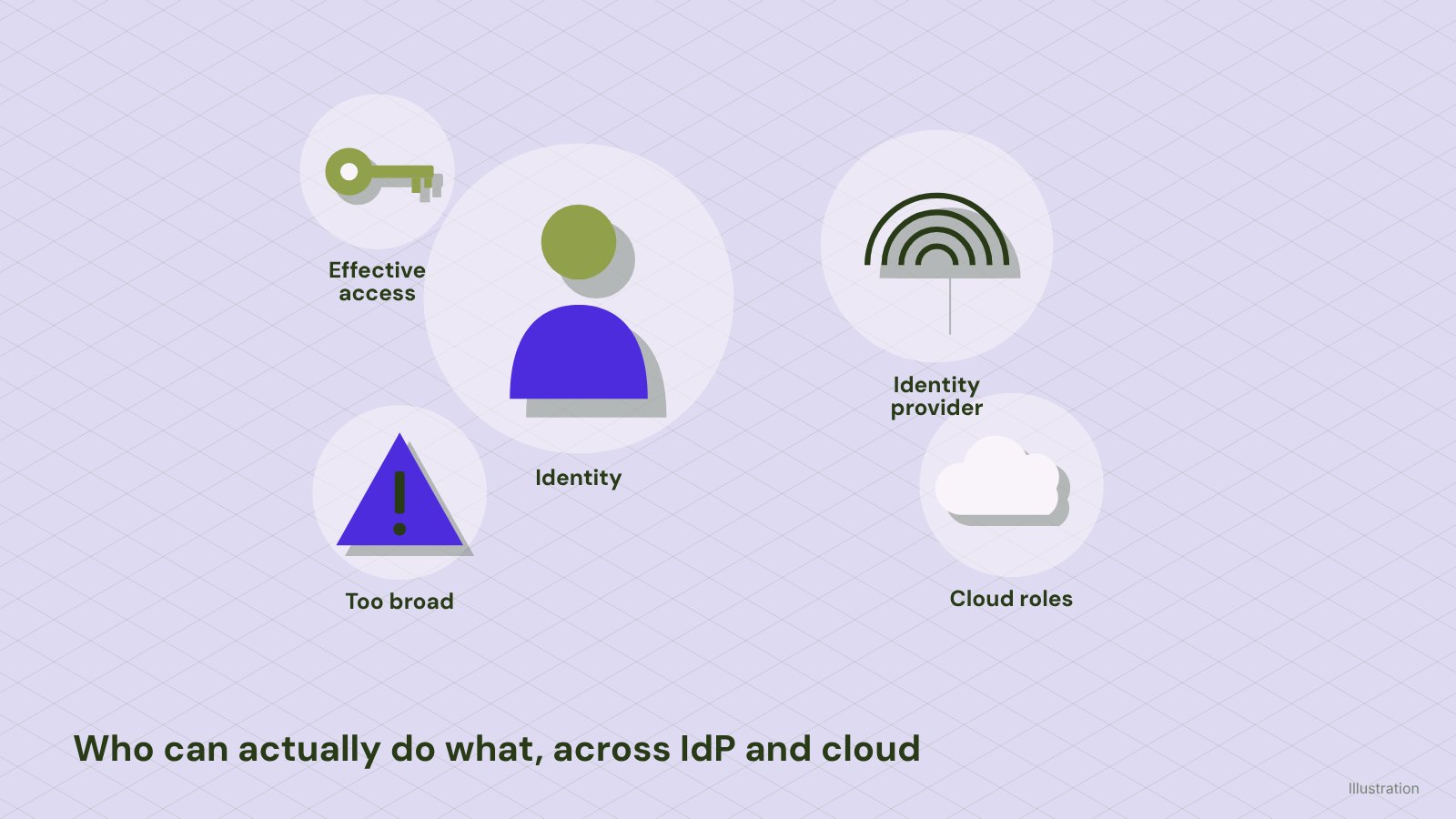
Most breaches start with an account that can do too much: an admin without MFA, a CI user with a two-year-old key, a role another company can assume. TR Security Intelligence brings people, service accounts, cloud roles, app credentials and your own AI agents into one identity view, showing who is privileged and why, who has no MFA, which credentials are old and which roles can be assumed from outside.
In March, a growing software company runs its first serious access review. The security engineer exports administrators from Okta: eleven people. That seems fine. Then she looks at AWS and finds a user called ci-deploy with AdministratorAccess, an access key created 26 months ago, and no MFA, because it's a machine. Then she finds a role called vendor-support that a third-party account can assume without an external ID, created for a consultant who finished their project last year. Then Entra ID shows an app registration whose client secret is valid until 2031.
None of these appear in the Okta export. None of them are people. All of them can do more damage than most of the eleven admins she started with.
Most breaches don't start with an exploit. They start with an account that can do too much.
First, the basics
- An identity is anything that can log in or act in your systems: a person, a guest, a service account (a login used by software), or a cloud role (a set of permissions that people or software can take on).
- Privileged means it has powerful access, such as administrator rights.
- MFA (multi-factor authentication) means logging in needs something extra besides a password, such as a code on your phone. Without it, a stolen password is enough.
- An access key or client secret is a password for software. Old ones are risky because they've had more time to leak.
- Assuming a role means borrowing its permissions. A role that another company can assume is a door into your cloud from outside.
Why does this matter? Most breaches start with an account that can do too much, and many of those accounts belong to machines rather than people. A single list that shows who, or what, can do what is the start of a sensible access review.
The problem, in plain terms
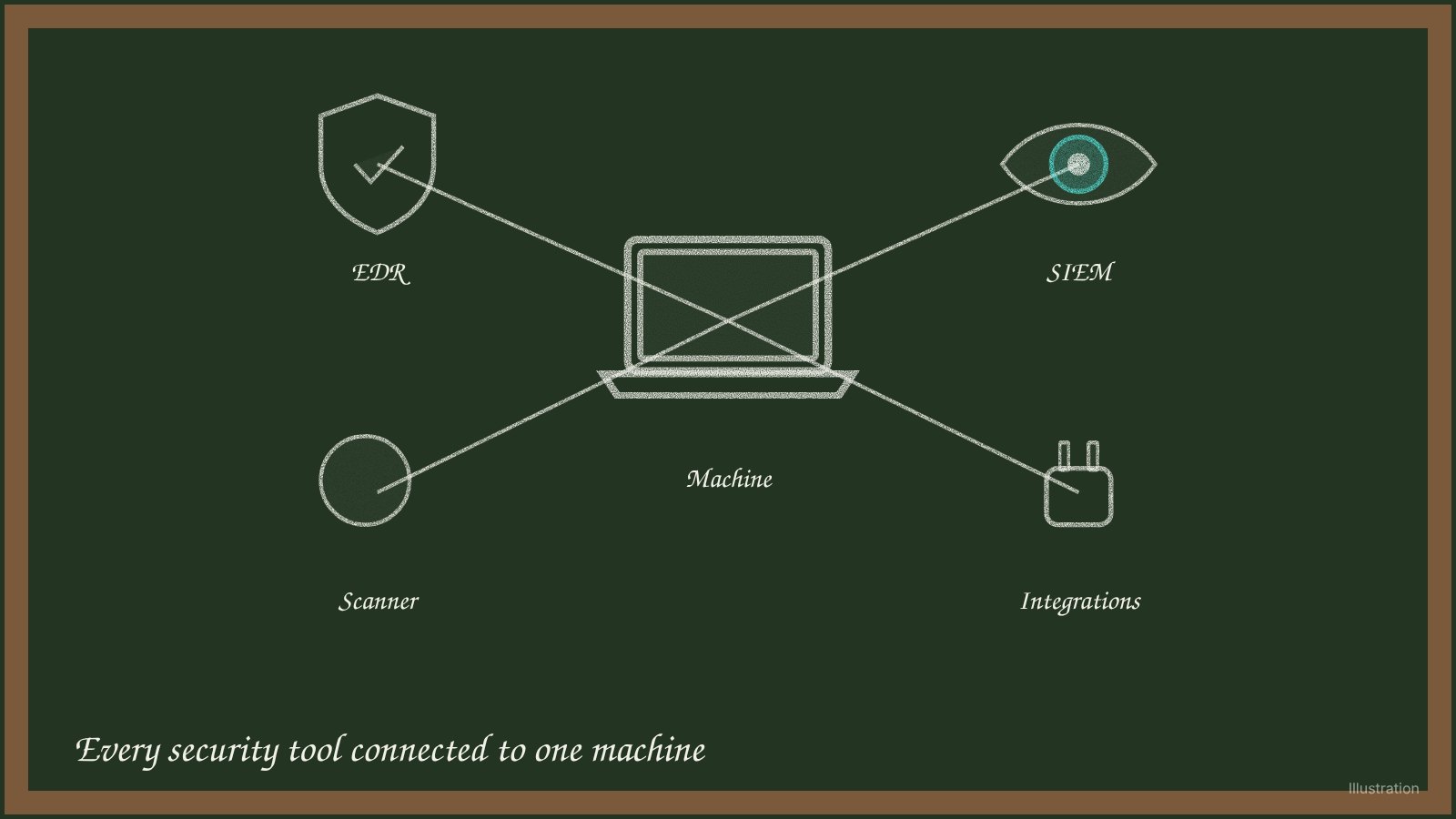
The answer to "who can do what?" is split across tools that don't talk to each other:
- Okta knows who its admins are.
- AWS knows which policies allow everything, and how old each key is.
- Entra ID knows when an app's secret expires.
- Your AI tools have their own permissions, usually invisible to security.
Access reviews usually start from the identity provider, which covers people well and machines badly. Yet the riskiest identities are often non-human: CI users, service accounts, cross-account roles and long-lived app secrets.
One view of identities
Identities in TR Security Intelligence lists every identity your connected tools report: people, guests, service accounts, cloud roles and root accounts.
For each one, you see what the source states:
- Privileged, and why. For example, an Okta administrator role,
AdministratorAccesson an AWS user, or a group policy that allows every action on every resource. The reason is spelled out, not just a "privileged" badge. - MFA. On, off, or unknown when no source says.
- Last use, plus the age and expiry of each credential.
- Who can assume it: whether a role can be assumed from outside the account.
When two tools say different things about the same identity, the facts are merged. The AWS credential report knows the key's age; AWS IAM knows the user is an admin. You see both on one row.
Nothing is guessed. If no source states a fact, it shows as unknown, never as "probably fine".
What's read, and how
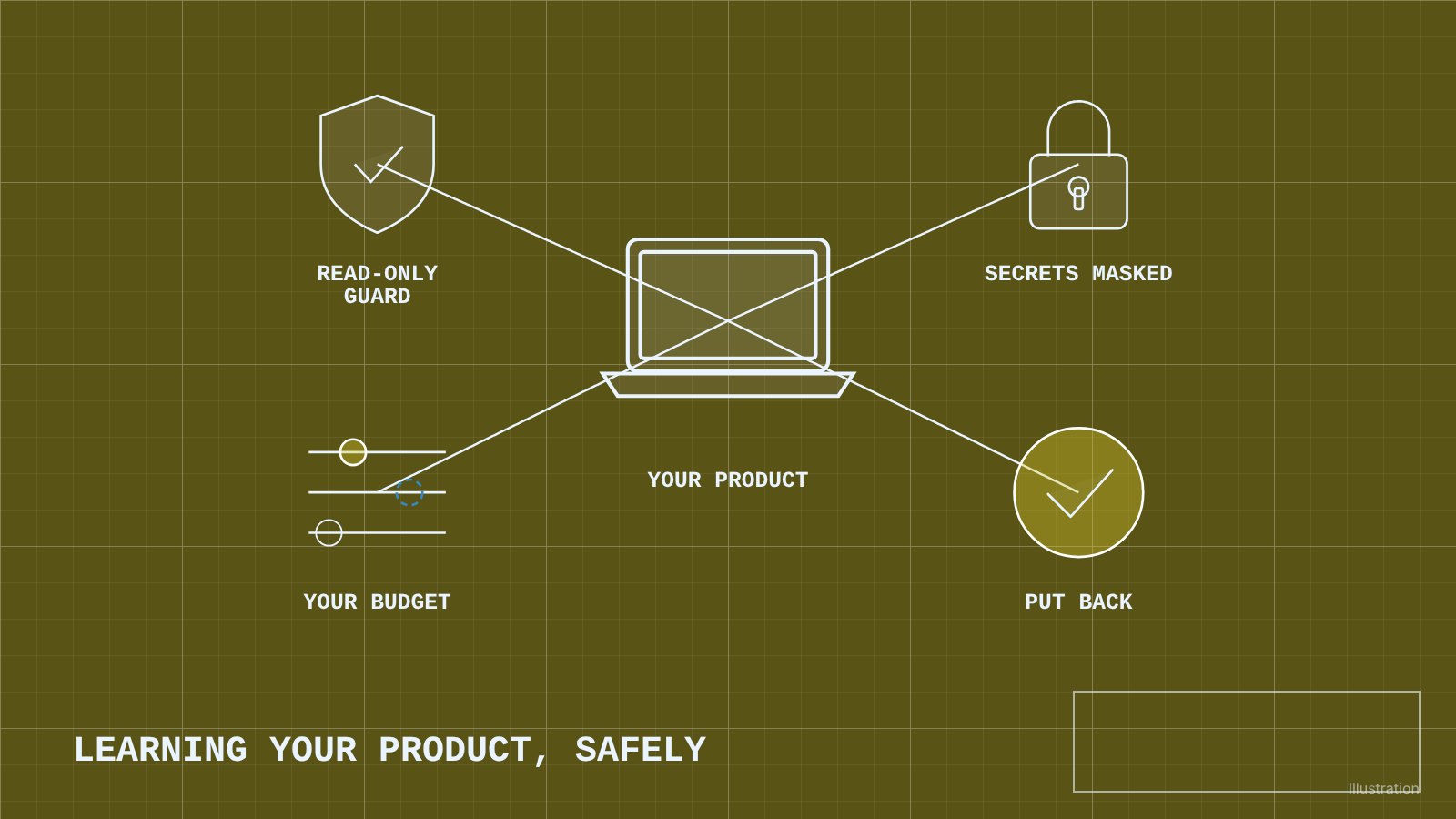
Everything is read-only, from credentials you already give TicketResolve:
- AWS IAM authorization details: admin-equivalent access through managed, inline and group policies; roles anyone can assume, or roles another account can assume without an external ID; and privileged roles nobody has used for 90 days.
- AWS Security Hub: failed controls appear as cloud posture findings on the bucket, instance, database or role they're about.
- Entra ID app registrations: client secrets and certificates that have expired, expire within 30 days, or are valid for years. Only the dates are read, never the secret values.
Your AI agents are identities too
The same page lists TicketResolve's own AI agents, from the AI Control Plane registry. For each one, you see what it may do (read, write drafts, or propose actions) and how those actions get approved. An AI agent that can propose refunds is an identity with privileges, and it belongs in the same review as the humans and the CI users.
Five real-world scenarios
1. The CI user with the keys to everything
Situation. ci-deploy has administrator access through an attached managed policy, a 26-month-old key and, as a machine user, no MFA.
How TR handles it. The row reads: privileged (AdministratorAccess via managed policy), MFA off, access key 790 days old, last used yesterday. The platform team replaces it with a scoped deployment role, and the old key is deleted. The review that used to take a week of exports takes an afternoon.
2. The consultant's role that never went away
Situation. vendor-support can be assumed by an external account without an external ID, and hasn't been used for 140 days.
How TR handles it. It's flagged twice: assumable from outside without an external ID, and privileged but unused for 90+ days. Nobody needs to remember the consultant's project to see that this role should be removed.
3. The secret that expires on a Saturday
Situation. An Entra app registration used by the payroll integration has a client secret expiring in 9 days.
How TR handles it. It's listed under expires within 30 days, with the date. IT rotates it on a Tuesday, instead of payroll failing on a Saturday morning. The value is never read; only the date matters.
4. The admin whose MFA status nobody knew
Situation. An Okta admin shows MFA unknown, because the Okta connection doesn't report factor enrolment for that account type.
How TR handles it. "Unknown" stays unknown; it isn't shown as on. The engineer checks it by hand and finds it isn't enrolled. "Unknown" turned out to be the most important word on the page.
5. An AI agent with action rights
Situation. The CFO asks whether "the AI" can issue refunds.
How TR handles it. The AI agents section shows that the refund agent may propose refunds, and that proposals need approval by a person. It can't execute them on its own. The answer comes from the registry, not from memory.
Before and after
Before. An access review is a spreadsheet stitched together from three exports, covering people well and machines poorly. Cross-account roles and app secrets are found during incidents.
After. One list of every identity your tools know about, with the reason it's privileged, its MFA status, its credentials' age and expiry, and whether outsiders can assume it. Unknowns are visible as unknowns, and AI agents are on the list too.
Who it's for
- Security engineers running access reviews and hunting for over-privileged machine identities.
- IT and identity teams tracking app secret expiry before it breaks integrations.
- Compliance owners who need evidence that privileged access is reviewed, including non-human access.
How it fits with the rest of TicketResolve
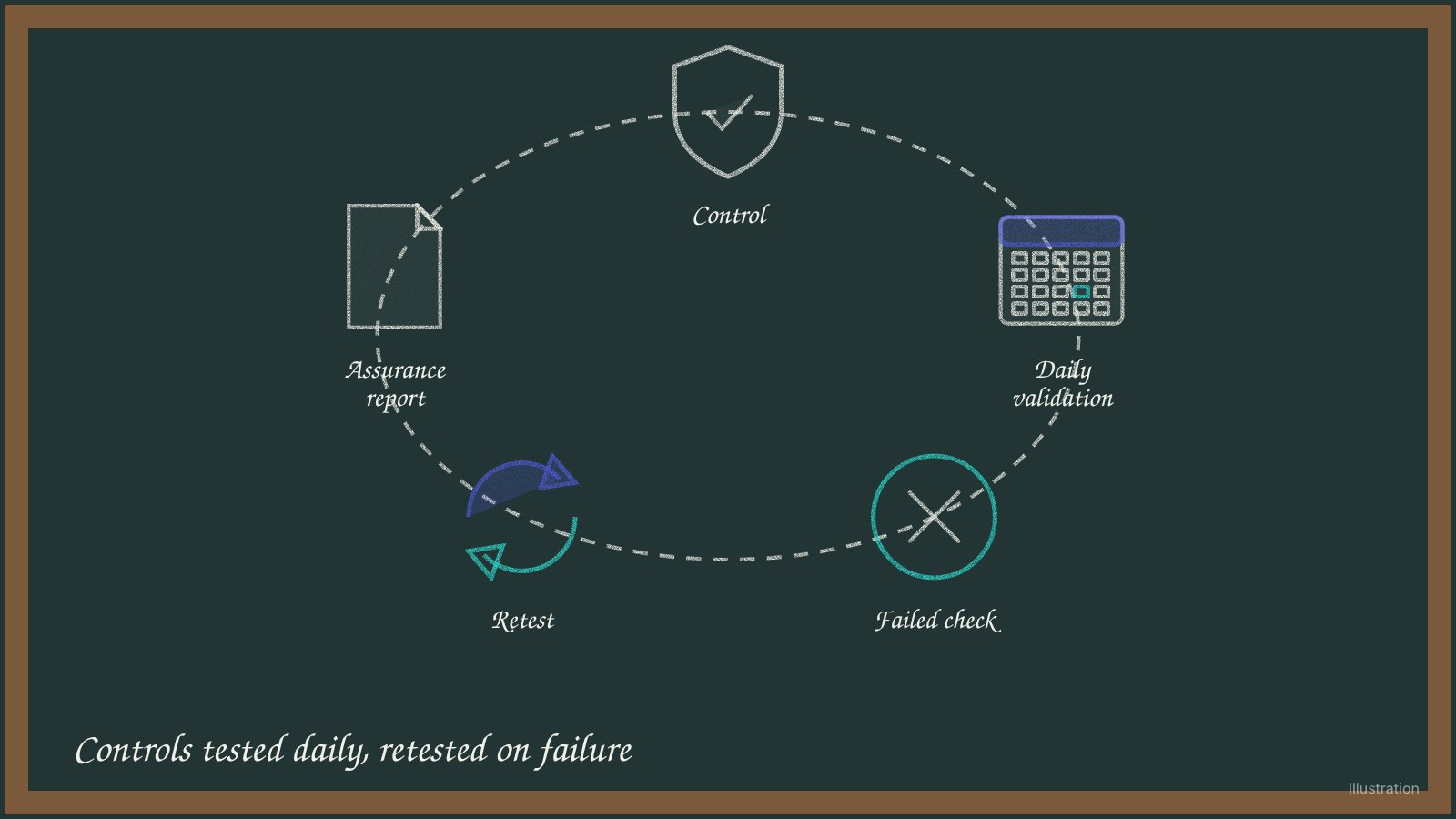
Identities feed attack paths: a weakly protected privileged identity is an entry point, followed to the assets and business services it can reach. Privileged accounts without MFA are checked daily in assurance. And when an incident needs disable account or require MFA, the response is verified from the same identity sources.
Mistakes to avoid
- Reviewing only people. The riskiest rows are often machines and roles.
- Treating "unknown" as fine. Unknown means no source said; check it.
- Deleting unused privileged roles blindly. "Unused for 90 days" is a strong signal, not proof. Check for quarterly jobs first.
A practical quarterly access review, step by step
- Filter to privileged identities. Read the "why" column, not just the badge. "Super administrator" and "can assume a role that allows everything" are both privileged, for very different reasons.
- Sort by credential age. Anything over a year deserves a question: who owns it, and can it be replaced by a short-lived credential?
- Read every "assumable from outside" row. Each one should map to a current contract or partner. If nobody can name the partner, remove the trust.
- Resolve every "unknown". Unknown MFA is a gap in your tooling, and closing it is part of the review.
- Check the AI agents. Confirm that agents which propose actions still require a person to approve them.
Do it in TicketResolve, step by step
Where: Security → Identities (/dashboard/security/identities). You'll need: Okta, Entra ID, Google Workspace and/or AWS connected under Security → Integrations. For AWS, the SecurityAudit policy covers IAM authorization details and Security Hub; for Entra ID, add Application.Read.All for app credentials. Full guide: Finding risky identities.
- Connect the sources listed above. Identities appear after the first read.
- Start with "Privileged without MFA". Each row says why the identity is privileged: the role or policy. Turn on MFA, or remove the privilege, starting with people.
- Check non-human identities. Filter to service accounts, cloud roles and app registrations. Sort by credential age; keys over a year old (like
ci-deploy's) should be replaced with short-lived credentials or rotated. - Review roles assumable from outside. Any role another AWS account can assume without an external ID, or that anyone can assume, is raised as a finding. Match each to a current partner, or remove the trust.
- Rotate expiring secrets. Entra app secrets that expire within 30 days are listed with their dates. Rotate them before integrations break.
- Resolve the unknowns. "MFA unknown" means no source said. Check those accounts by hand.
- Review your AI agents. Confirm that agents which propose actions still need a person's approval.
How to check it worked: the "Privileged without MFA" filter is empty, no outside-assumable role lacks a known partner, and Assurance's privileged-MFA control passes the next morning.
Frequently asked questions
Can TicketResolve change permissions or disable accounts? No. Identity data is read-only. Changes are made in your own tools.
Do you read secret values? No. Only creation and expiry dates are read.
What happens when two tools disagree? Facts are merged per identity, and each is shown with the source that stated it.
Why are AI agents listed with identities? Because they have permissions too. Seeing what they may do, and how it's approved, belongs in the same review.
How old should a key be before we rotate it?
The view sorts by credential age; keys over a year old, like ci-deploy's, should be replaced with short-lived credentials or rotated.
What does "MFA unknown" mean? No connected source said whether MFA is on. Check those accounts by hand.
Which Entra app secrets are flagged? Those that expire within 30 days, with their dates, so you can rotate them before integrations break.
Are AI agents included in the review? Yes. Confirm that agents which propose actions still need a person's approval.
Explore Topics
Written by
Ghulam Shabbir
Content creator and writer sharing insights and stories.