
One Machine, Every Security Tool: Security Integrations in TR Security Intelligence
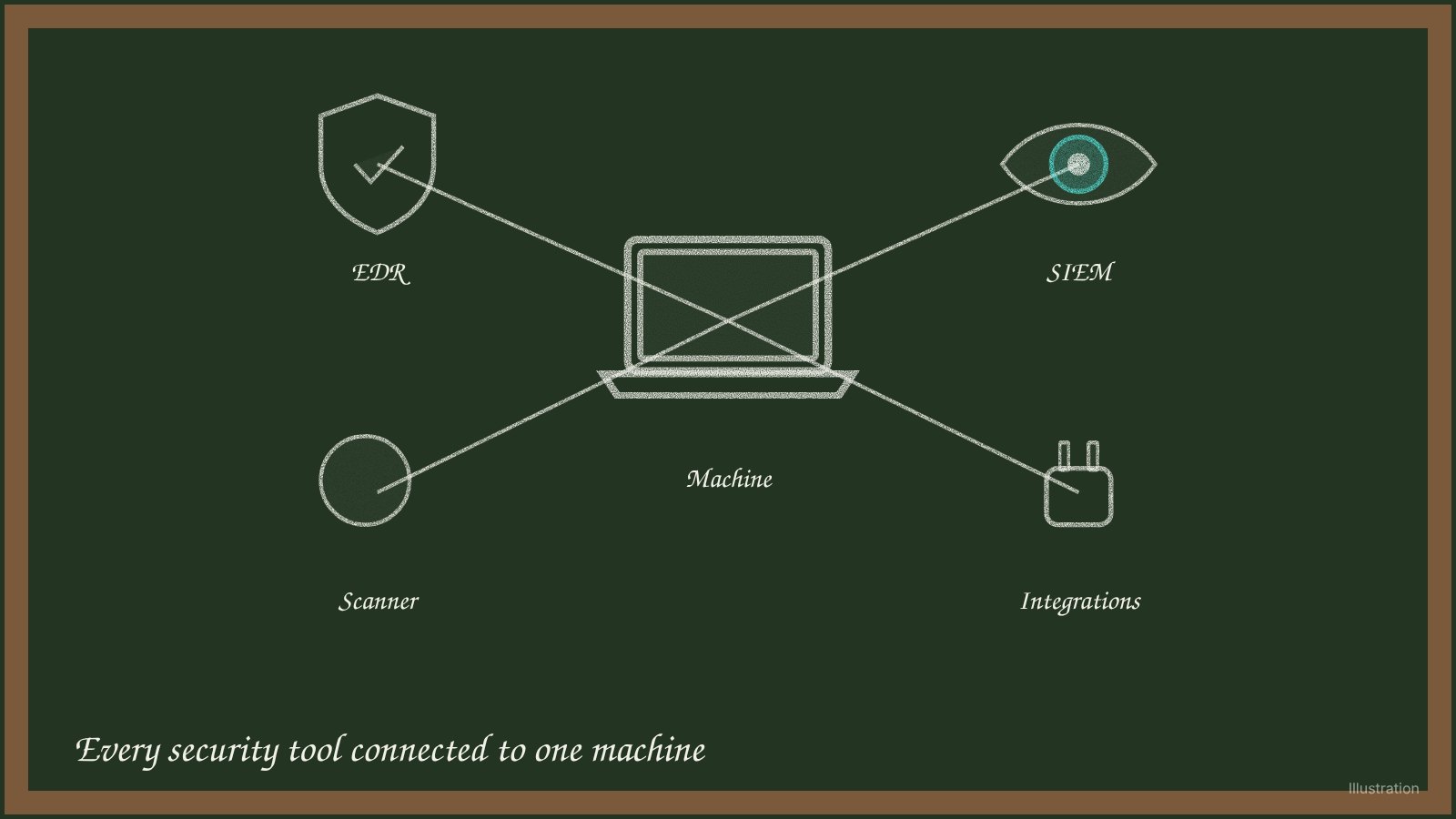
A security team usually runs a cloud console, an identity provider, an EDR, a vulnerability scanner and a few rating services, and the same laptop shows up five times under five names. TR Security Intelligence reads AWS, Azure, Google Cloud, Entra ID, Okta, CrowdStrike, Defender, SentinelOne, Qualys, InsightVM, Kubernetes and more, read-only, and turns them into one inventory where a finding closes only when the tool proves it.
Priya is the IT and security lead at a 250-person accounting firm. She's the security team, along with one part-time contractor. Her tools are what most firms of that size have accumulated: Microsoft Entra ID for sign-in, Microsoft Defender for Endpoint on laptops, Qualys for vulnerability scans, AWS for the client portal, and a SecurityScorecard rating that their largest client checks every quarter.
Every Monday she spends half a day building a spreadsheet from five exports. The same laptop, ACC-LT-0412, appears in Defender as acc-lt-0412.firm.local, in Qualys by its IP address, and in Entra ID as a device assigned to a partner. Qualys says it has a critical browser vulnerability; Defender has an alert for suspicious PowerShell on it. The partner who uses it has no multi-factor authentication. Each tool rates its own finding as one of many.
Then there's the "fixed" column. Last month her contractor closed thirty Jira tickets for patched vulnerabilities. Qualys still reported eleven of them on the next scan.
First, the basics
- Cloud security tools (AWS Inspector and GuardDuty, Azure Defender for Cloud, Google Security Command Center) find weaknesses and threats in your cloud accounts.
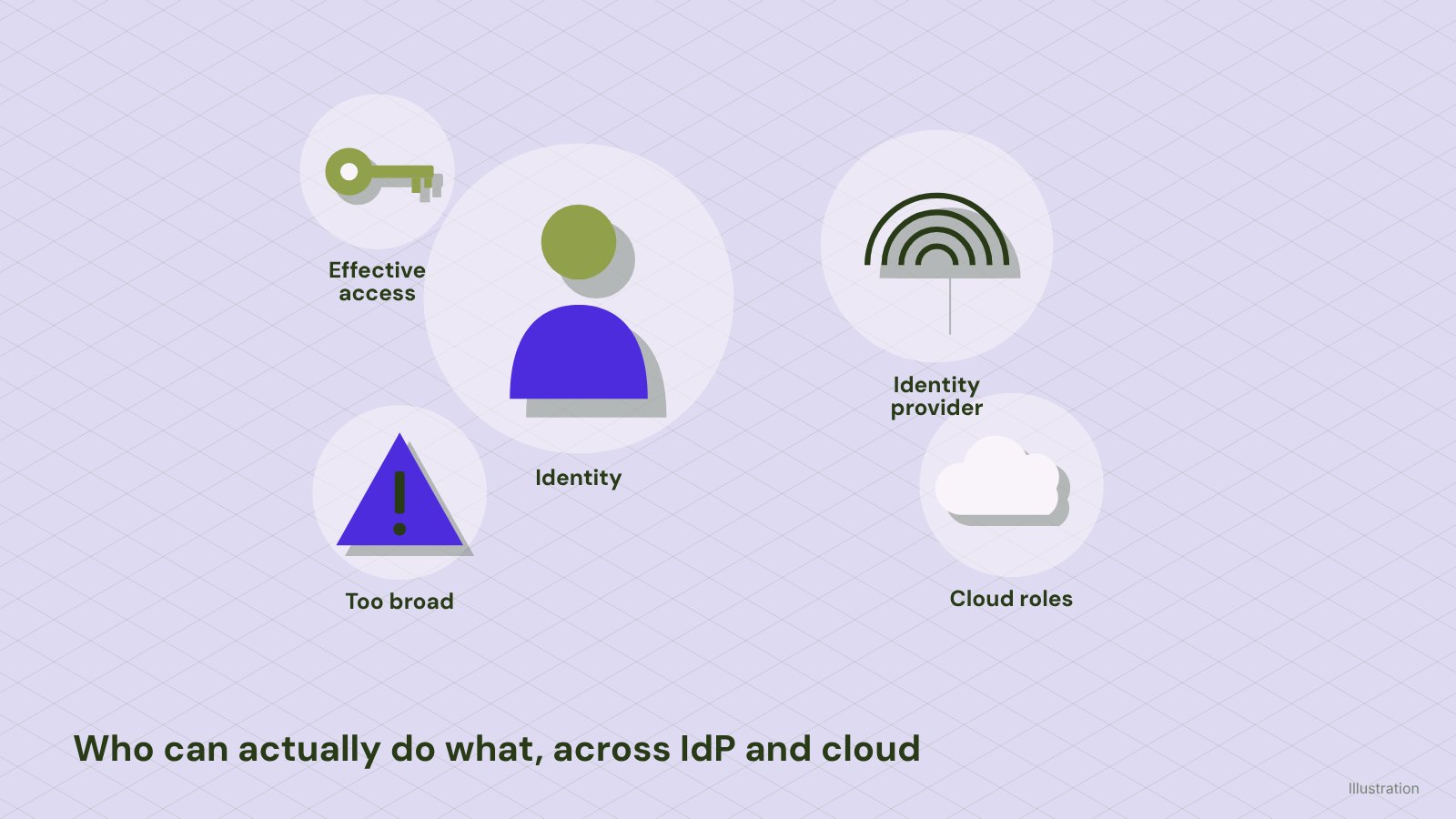
- An identity provider (Microsoft Entra ID, Okta, Google Workspace) manages who can sign in. MFA (multi-factor authentication) means a second check beyond the password, such as a phone prompt.
- EDR (endpoint detection and response: CrowdStrike, Defender for Endpoint, SentinelOne) watches laptops and servers for attacks.
- A vulnerability scanner (Qualys, Rapid7 InsightVM) checks machines for known weaknesses. CISA's known-exploited list (KEV) names weaknesses attackers are actively using.
- Kubernetes runs containerised applications. A privileged container has more power over its host than it should.
- Outside-in ratings (SecurityScorecard, BitSight) score your security from the internet, the way clients and insurers see you.
- A finding is one problem a tool reports. An asset is a thing you protect: a laptop, server, cloud resource or account.
- Read-only, least-privilege access means the connection can look at only what it needs, and can't change anything.
Why does this matter? Small security teams don't have time to merge spreadsheets. When the same machine's problems are scattered across tools, the most dangerous combinations, such as an exploitable flaw plus an active alert plus an account without MFA, look like separate minor issues. And "fixed" that isn't fixed is worse than "open", because nobody looks again.
The problem, in plain terms
- One machine, five names. Each tool identifies assets its own way.
- Manual merging. Hours each week spent building a combined view that's out of date by Tuesday.
- Tickets treated as fixes. A closed ticket says someone did something, not that it worked.
- Failed syncs that look like progress. A connector that fails part-way can make findings disappear.
- Tools that can act. An integration that can isolate machines or close alerts is a risk in itself.
What it connects
- Cloud: AWS (Inspector, GuardDuty, the IAM credential report, S3 Block Public Access and CloudTrail sign-ins), Azure (Defender for Cloud recommendations) and Google Cloud (Security Command Center).
- Identity: Microsoft Entra ID, Okta and Google Workspace. It finds who has no MFA (admins first) and accounts nobody has used in 90 days.
- Endpoint: CrowdStrike Falcon (alerts and Spotlight vulnerabilities with CISA known-exploited flags), Microsoft Defender for Endpoint and SentinelOne.
- Scanners: Qualys VMDR, Rapid7 InsightVM, and GitHub and GitLab security reports, including GitHub secret scanning. For a secret it records only what kind of secret it is and where, never the value.
- Kubernetes: workloads that run privileged, share the host's namespaces, run as root or use unpinned images, and which of them are exposed through a load balancer.
- Outside-in: SecurityScorecard and BitSight ratings, plus Shodan, VirusTotal and GreyNoise lookups for your own internet-facing IPs and domains.
- Out: Jira and ServiceNow tickets when someone asks, and signals to Slack, Teams and PagerDuty.
- Anything else: a webhook that accepts findings from any tool.
Every connection is read-only, with least-privilege access listed on its card. Credentials are encrypted, never shown again and never sent to the AI. Nothing is ever written back except a ticket someone asks for: no containment, no isolation, no response actions.
One machine is one asset
CrowdStrike, Defender, SentinelOne, Qualys and InsightVM all report the same laptop. In TR it's one asset, matched by host name, with every tool's findings on it. That makes its risk score honest.
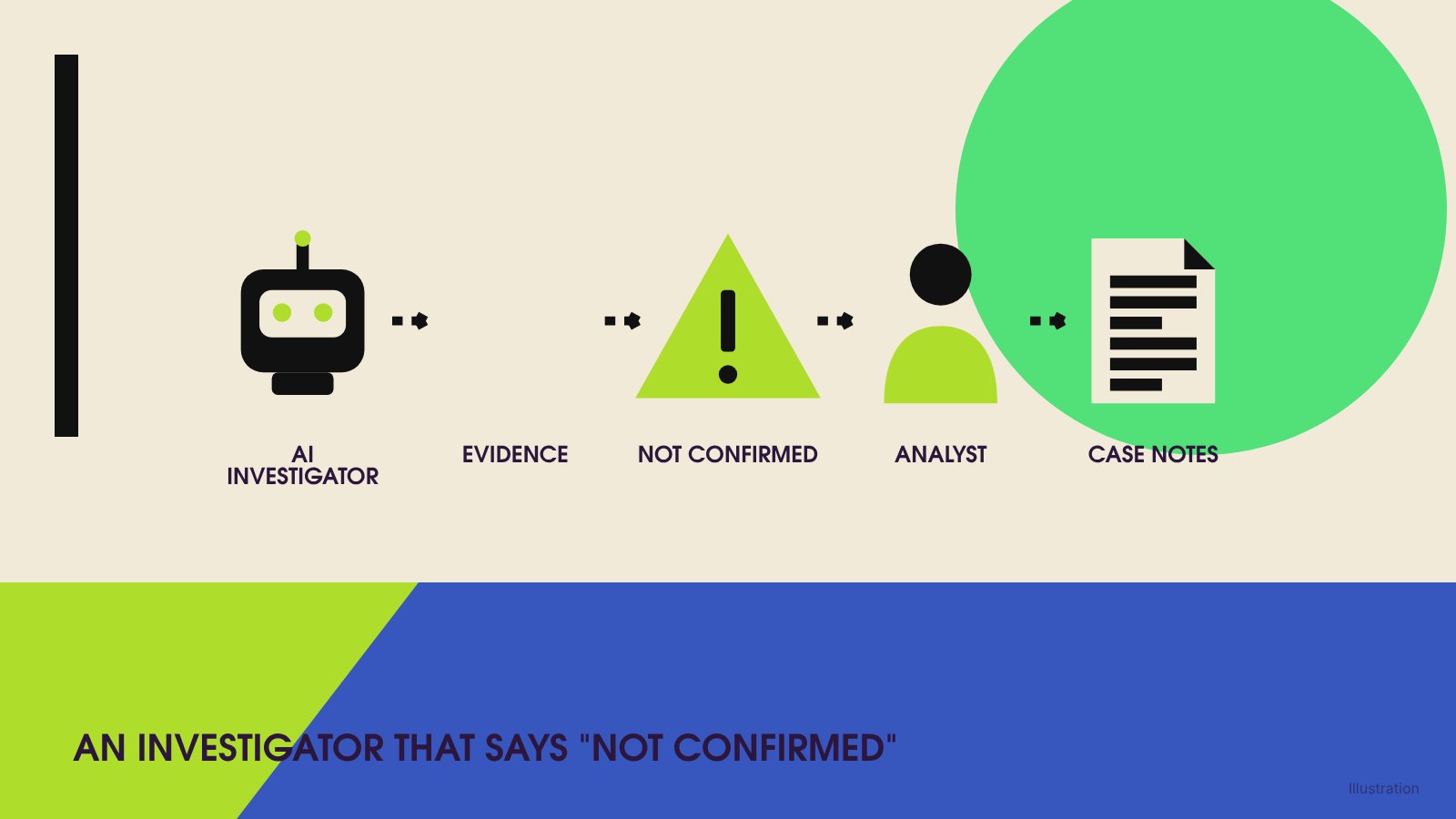
A failed run never closes anything
Each run has parts: Inspector in one region, GuardDuty in another, Spotlight, alerts. A part that finishes completely closes what the tool no longer reports. Vulnerabilities are verified fixed by re-scan, and alerts are marked closed at the source.
A part that fails (rate limited, a missing permission) changes nothing. Its error is shown, and it's read again next time. A failed sync quietly "fixing" a hundred findings is exactly the kind of false progress this is built to avoid.
Tickets aren't fixes
Raise a Jira issue or ServiceNow incident from a finding or remediation plan. Its status shows next to the finding, but closing the ticket doesn't close the finding. A re-scan, or a second person with evidence, does.
A worked example, start to finish
Here's Priya's first week.
Monday, 9:00. In Security → Integrations, she opens the Entra ID card. It lists the read-only permissions it needs. She creates an app registration with exactly those, pastes the details into TicketResolve and clicks Connect, then Test. Then the same for Defender for Endpoint, Qualys, AWS (a read-only SecurityAudit role) and SecurityScorecard.
9:45. She clicks Run now on each. Each run shows its parts: Defender alerts and machines, Qualys detections, AWS Inspector in two regions, GuardDuty, the IAM credential report. One part, GuardDuty in eu-west-2, fails with a missing permission. The error is shown; nothing it reported before is touched.
10:30. She opens Assets and searches for ACC-LT-0412. It's one asset with Qualys's critical browser vulnerability (on CISA's known-exploited list), Defender's suspicious-PowerShell alert, and, through Entra ID, a partner account with no MFA. It's at the top of the command center.
11:00. She calls the partner, gets the laptop on the network for patching, and asks Defender's own console to isolate it. TicketResolve doesn't do that; it only reads. She enforces MFA for the partner in Entra ID.
11:30. In Identities, she filters for privileged without MFA: two more admin accounts. She fixes both.
Tuesday. She adds the missing GuardDuty permission. The next run completes that part.
Thursday. Qualys rescans. The browser vulnerability is no longer reported, so the finding is verified fixed by re-scan. Defender closes its alert, so TicketResolve marks it closed at the source. On Monday, the eleven vulnerabilities her contractor's tickets claimed were fixed are still open, with their Jira status shown alongside: Done in Jira, still reported by Qualys.
Her Monday spreadsheet is gone.
Five more real-world scenarios
1. An S3 bucket open to the internet
Situation. A developer turned off Block Public Access on a bucket to share a file.
How TR handles it. The AWS connection reads S3 Block Public Access settings, and the bucket appears as a finding on its asset. It closes only when a complete run no longer reports it.
2. A secret pushed to GitHub
Situation. An API key is committed to a repository.
How TR handles it. GitHub secret scanning reports it. TicketResolve records that it's, say, an AWS access key in config/dev.yml, and never stores the value.
3. A privileged Kubernetes workload exposed to the internet
Situation. A container running as root with host networking sits behind a load balancer.
How TR handles it. The Kubernetes connection flags it as privileged, root and exposed. That combination ranks high.
4. A dormant admin account
Situation. An admin who left months ago still has an Okta account.
How TR handles it. Identity findings list accounts nobody has used in 90 days, admins first.
5. A tool with no connector
Situation. The firm's email security gateway has no built-in connector.
How TR handles it. Its findings are sent to the webhook, landing on the same assets as everything else.
Before and after
Before. Five exports, one spreadsheet, the same laptop under five names, and "fixed" that wasn't.
After. One inventory with each asset's findings from every tool, ranked honestly, closed only when the tool proves it, and never touched by a failed run.
How to tell it's working
- Assets aren't duplicated: a known laptop shows once, with findings from every tool.
- Every run part completes, or shows a clear error to fix.
- Privileged accounts without MFA trend to zero.
- "Done in the ticket, still reported" findings are followed up, not ignored.
Who it's for
- Small and mid-sized IT and security teams without time to merge tools by hand.
- Security leads who need an honest picture for clients, insurers and auditors.
- IT managers responsible for identity, laptops and cloud.
How it fits with the rest of TicketResolve
This is the foundation of Security Intelligence, alongside asset context, SLAs, verification of fixes, exceptions and remediation plans, attack paths, identity and data risk. Newer connectors (Sentinel, Splunk, Tenable, Snyk and Wiz) map onto the same assets. It's part of Your Company Data Protection: $500 a month or $4,800 a year per company, with no charge per integration, user, asset or finding.
Mistakes to avoid
- Granting broad admin roles "to be safe". Use the least-privilege access on each card.
- Closing findings because a ticket is done. Wait for the re-scan.
- Ignoring failed run parts. They change nothing, which also means they find nothing new.
- Expecting TicketResolve to contain threats. It never isolates or blocks; use your EDR for that.
Do it in TicketResolve, step by step
Where: Security → Integrations (/dashboard/security/integrations), then Assets, Findings and Identities. You'll need: the Security settings permission, admins in each tool to create read-only access, and someone with Approve security decisions to verify fixes with evidence. Full guides: Connecting security tools, Bringing in your findings, Fixing and verifying findings and Finding risky identities.
- Create read-only access. In each tool, create the credentials listed on its card under "What it reads and the access it needs".
- Connect. Integrations → choose the tool → Connect. Credentials are encrypted and never shown again.
- Test and run. Test checks the access; Run now reads in the background. Each part of the run shows what it read, what's new and what's gone.
- Fix failed parts. Read each failed part's error (often a missing permission), fix it in the tool, and run again.
- Describe your assets. In Assets, set each important asset's environment, criticality, exposure and owner. Criticality and internet exposure raise the risk score.
- Set SLAs. Settings → days to fix per severity.
- Work the command center. Known-exploited, overdue and highest-risk findings come first, each with its inputs.
- Check identities. Identities → Privileged without MFA first, then unused accounts.
- Mark fixed, then let it verify. Open a finding, say what was changed and Mark fixed. The next complete scan verifies it, or someone else with Approve security decisions records the evidence.
- Raise tickets and signals. Connect Jira or ServiceNow to raise tickets, and Slack, Teams or PagerDuty for signals.
How to check it worked: a laptop you know appears once with findings from several tools, and fixed findings move to verified only after a re-scan.
How it was tested
Each connector is built against the vendor's documented API, and tested with responses in those formats and with the AWS Signature Version 4 test vectors. Connect a test account first to confirm the access in your own environment.
Frequently asked questions
Can TicketResolve isolate a laptop or block a user? No. It only reads. Nothing is written back except a ticket someone asks for.
How are the same machines matched across tools? By host name, so one machine is one asset with every tool's findings.
What happens if part of a run fails? That part changes nothing. Its error is shown and it's read again next time.
Does closing a Jira ticket close the finding? No. A re-scan, or a second person with evidence, does.
Are secrets stored? No. Only what kind of secret it is and where it was found.
Are credentials sent to the AI? No. They're encrypted, never shown again and never sent to the AI.
Is there a charge per integration or asset? No. It's $500 a month or $4,800 a year per company, with no charge per integration, user, asset or finding.
What if our tool isn't listed? Send its findings to the webhook.
Explore Topics
Written by
Ghulam Shabbir
Content creator and writer sharing insights and stories.