
The Critical Path Is Arithmetic
“Can we still make the date?” has an exact answer when the plan has dependencies: a forward pass and a backward pass over task durations. The AI Project Manager schedules with dependencies and lag, the critical path and float for every task, a Gantt view, a forecast at the current rate, baselines and change requests approved by someone else, and risk and issue registers.
A manufacturing company is moving its warehouse management system to a new supplier. The go-live date, 3 November, has been promised to the operations director, because the old contract ends that week. The project manager, Leila, has a task list of 60 items with dates, and every week she reports "on track".
In mid-September, the label-printer integration slips by eight days because the supplier's test environment was late. Leila assumes eight days is fine; there's plenty of slack in the plan. The team carries on.
It wasn't fine. The label-printer integration fed into end-to-end testing, which fed into staff training, which fed into the cutover weekend. There was no slack in that chain at all. The eight days became eight days on the go-live date. By the time anyone traced the chain, it was October and the old contract couldn't be extended. The warehouse ran on a half-tested system for two weeks.
"Can we still make the date?" has an exact answer when the plan has dependencies. It's not a judgement call; it's a forward pass and a backward pass over task durations.
First, the basics
- A dependency links two tasks: one must finish (or start) before the other can start (or finish). The most common is finish to start: B can't start until A finishes. Lag is a wait between them, such as "two days for the paint to dry".
- Duration is how long a task takes.
- The forward pass works out the earliest each task can start and finish, from the beginning of the plan. The backward pass works out the latest each can start and finish without moving the end date.
- Float (or slack) is the gap between the two: how many days a task can slip without delaying the finish.
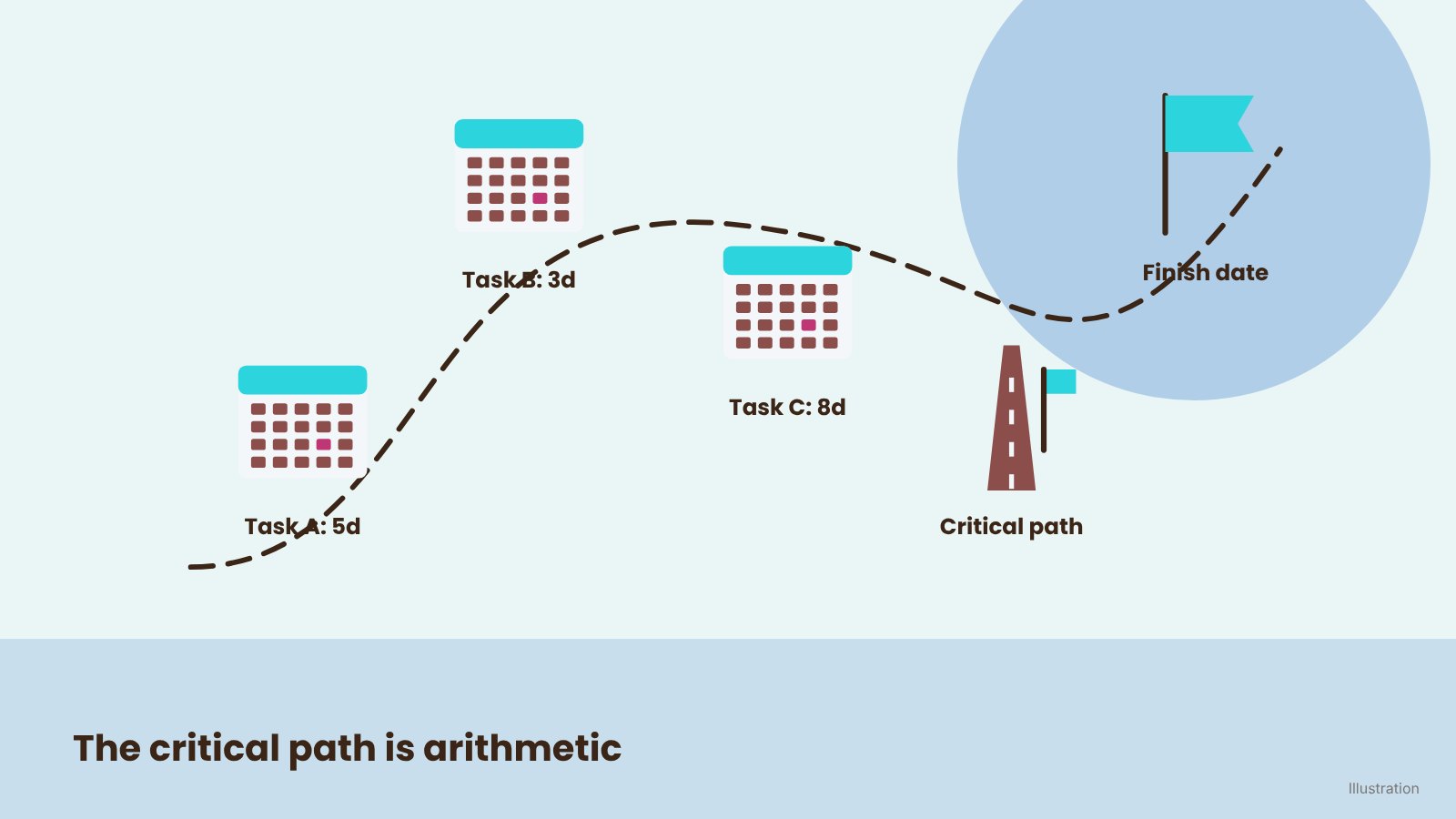
- The critical path is the chain of tasks with no float. If any of them slips, the finish date slips.
- A Gantt chart draws each task as a bar on a timeline.
- A baseline is an approved snapshot of the plan, used to measure slippage. A change request formally changes dates, budget or scope.
- A risk might happen; an issue is already happening.
Why does this matter? Not all delays are equal. A week's slip on a task with three weeks of float costs nothing; a day's slip on the critical path costs a day at the end. Knowing which is which, every time a date moves, is the difference between a calm reschedule and a missed go-live.
The problem, in plain terms
- Task lists hide chains. Without dependencies, every task looks independent.
- People guess at slack, usually optimistically.
- The plan can be late before anyone slips, if the critical path never fitted the target.
- Dates change without a record, so "on track" is measured against whatever the plan says today.
- Risks and issues live in separate documents, if anywhere.
Dependencies and the critical path
Link the lowest-level tasks: finish to start, start to start or finish to finish, with a lag in days. Every task gets its earliest and latest start and finish and its float: how many days it can slip without moving the finish. Tasks with no float are the critical path.
The critical path's finish is set against the target date. If it lands after the target, the project is late on paper before anyone has slipped, and the page shows by how many days. A link that would create a loop is refused.
Durations come from each task's dates, or its estimate at eight hours a day. The page says so.
A Gantt view that shows the baseline
The Gantt view draws each task with its progress, outlines the critical path, and puts today, the target date and the milestones on the same axis. When a baseline is approved, a thin line under each bar shows where the task was supposed to be.
Baselines and change requests
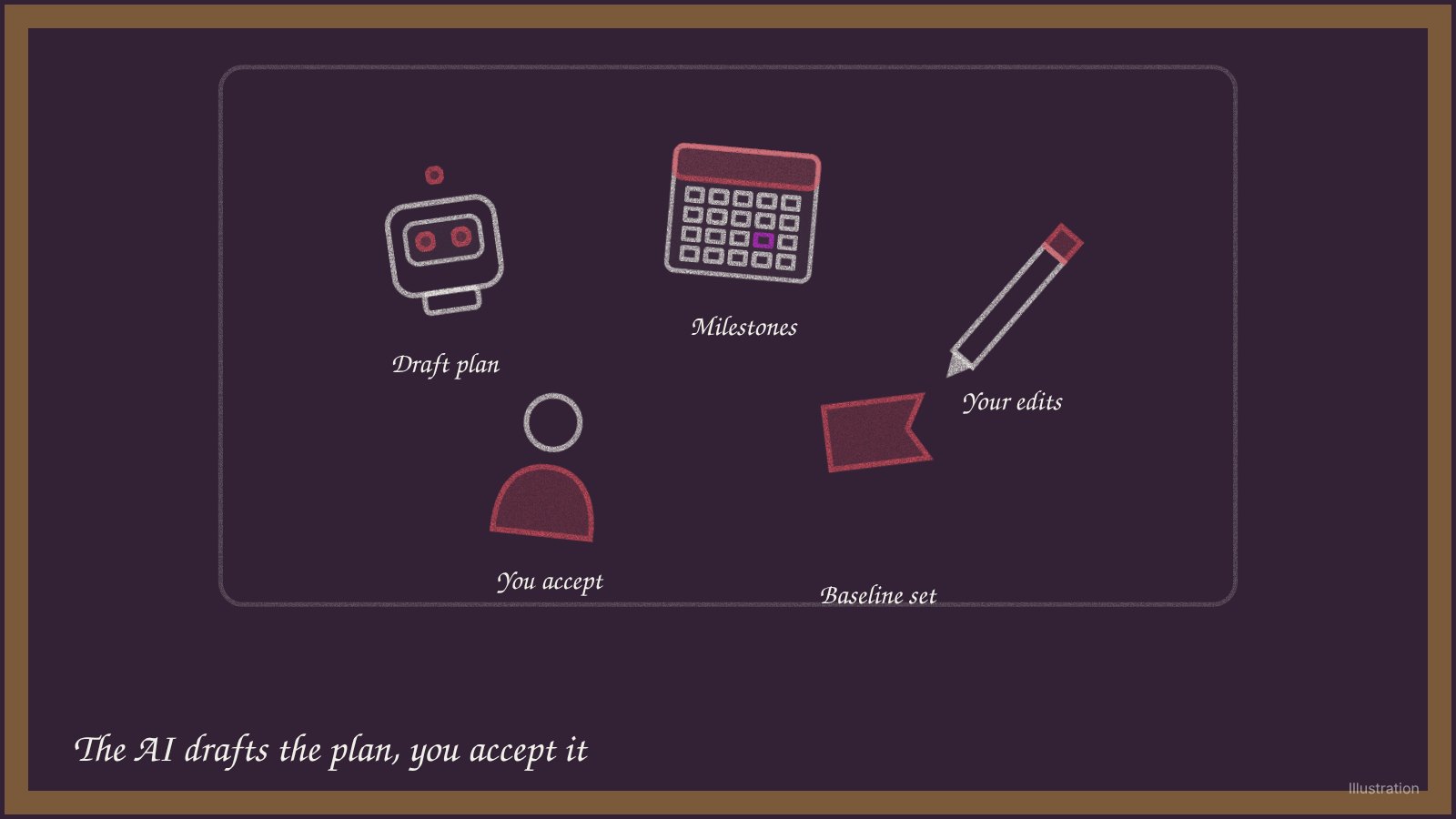
A baseline is a snapshot of every task and milestone date and the target date. The project manager proposes it and someone else approves it. From then on, slippage is measured against it, task by task.
Change requests carry their reason and impact: days, a new target date, a budget change, extra effort. Someone other than the requester decides, and a budget increase needs an approver within their limit. An approved new target moves the project's target date. Nothing else changes by itself.
Risks, issues and a forecast
- Risks are scored probability × impact, with an owner and a response; high risks without a response are flagged.
- Issues (things already going wrong) have a severity and need a resolution to be closed.
- A forecast: the finish date if the team keeps working at the rate it has so far. It's labelled as an estimate, because it is one.
A worked example, start to finish
Here's Leila's warehouse project, scheduled in the AI Project Manager.
August, week 1. Leila opens Schedule → Dependencies and links the tasks:
- Supplier test environment ready → Label-printer integration (finish to start);
- Label-printer integration → End-to-end testing (finish to start);
- Data migration rehearsal → End-to-end testing (finish to start, 2 days' lag for the data check);
- End-to-end testing → Staff training (finish to start);
- Staff training → Cutover weekend (finish to start).
August, week 1, 10:30. The critical path appears: supplier environment → label-printer integration → end-to-end testing → staff training → cutover. It finishes on 31 October, three days before the 3 November target. Those three days are the only margin on the whole project. The data migration rehearsal, by contrast, has 9 days of float.
August, week 2. Leila proposes a baseline. The IT director, not Leila, approves it. Slippage is measured against it from now on.
August, week 2. In the risk register, she records "Supplier test environment late": probability 3, impact 4, score 12, high. It's flagged until she adds a response: weekly check-in with the supplier; agree a fallback environment by 1 September.
Mid-September. The supplier's test environment arrives eight days late. Leila updates the task. Immediately:
- the label-printer integration shifts by eight days, and so does everything after it on the critical path;
- the critical path's finish moves to 8 November, five days after the target. The page shows late by 5 days in red;
- the Gantt shows the bars sliding right of their thin baseline lines.
Same day. Leila looks for float. End-to-end testing can overlap with training for the first warehouse shift if testing is split. She changes the training dependency to start to start with a 3-day lag for the first shift. The critical path now finishes on 2 November, one day before target.
Same week. She logs an issue: "Supplier environment 8 days late", severity high. She also raises a change request for two contractor days to support split testing: reason, impact (no change to the target, +£1,600 budget). The IT director, within his limit, approves it.
Late October. The forecast at the current rate says 2 November, labelled an estimate. Cutover happens on the weekend of 1–2 November. The issue is closed with its resolution.
Five more real-world scenarios
1. Late on paper
Situation. A new project's critical path finishes nine days after its target, before work starts.
How TR handles it. The page shows the project is late by nine days. The team changes scope, people or the target date before committing.
2. A loop in the plan
Situation. Someone links testing back to design, which already leads to testing.
How TR handles it. The link is refused, because it would create a loop.
3. A slip with plenty of float
Situation. A documentation task slips by a week but has 12 days of float.
How TR handles it. The finish date doesn't move, and the page shows the remaining float.
4. Moving the target quietly
Situation. A project manager wants to push the target date by two weeks.
How TR handles it. It needs a change request decided by someone else. An approved new target moves the project's target; nothing else changes by itself.
5. A high risk without a response
Situation. A risk scored high has no owner response.
How TR handles it. It's flagged until a response is recorded.
Before and after
Before. A 60-item list, an eight-day slip assumed to be harmless, and a go-live missed because nobody traced the chain.
After. Dependencies that make the chain visible, the critical path and float calculated for every task, slippage measured against an approved baseline, and a change request that records how the date was protected.
How to tell it's working
- Every project's critical path fits its target, or the gap is known and decided on.
- Slips are checked against float the day they happen.
- Baselines are approved before execution, and slippage is read against them.
- High risks have responses, and issues close with resolutions.
Who it's for
- Project and program managers with date-critical projects.
- Sponsors and directors who need an honest answer to "will we make it?"
- PMOs that want slippage measured consistently.
How it fits with the rest of TicketResolve
This was the second phase of the AI Project Manager, after projects, charters, the work breakdown and calculated status. Next came resources, budgets, earned value and sprints, then the AI Project Manager assistant.
Mistakes to avoid
- Linking summary tasks instead of the lowest-level tasks. Link the work itself.
- Leaving estimates blank. Durations come from dates or estimates; without either, the arithmetic can't help.
- Reading the forecast as a promise. It's labelled an estimate for a reason.
Do it in TicketResolve, step by step
Where: AI Project Manager → a project → Schedule, Changes, and Risks and issues (/dashboard/projects/list). You'll need: a Project Manager seat, and someone with Approve project decisions for baselines and change requests. Full guide: Scheduling, baselines and changes.
- Link the tasks. Open a project → Schedule → Dependencies: choose which task comes before which, the type and any lag.
- Read the critical path. Tasks with no float are on the critical path; if it finishes after the target date, the date shows in red.
- Check the Gantt. Each bar shows progress, the critical path is outlined, and today, the target and milestones are on the same axis.
- Baseline the plan. Propose a baseline when the plan is agreed. Someone else approves it; slippage is measured against it from then on.
- Control changes. Changes → Request a change with its impact on schedule, budget and effort. Someone else decides it; an approved new target date moves the project's target.
- Track risks and issues. Risks and issues → record probability and impact, an owner and a response. High risks without a response are flagged. Issues need a resolution to close.
- Read the forecast. The finish date at the current rate, labelled as an estimate.
How to check it worked: the critical path is outlined on the Gantt, its finish is compared with the target, and every bar has a baseline line under it.
The AI Project Manager is $99 per Project Manager seat a month and in the 7-day free trial.
Frequently asked questions
What's float? How many days a task can slip without moving the finish.
What makes a task critical? Having no float.
Which dependency types are supported? Finish to start, start to start and finish to finish, with a lag in days.
Where do durations come from? Each task's dates, or its estimate at eight hours a day.
Who approves a baseline? Someone other than the project manager who proposed it.
Does an approved change request change anything else? An approved new target moves the target date. Nothing else changes by itself.
How are risks scored? Probability × impact, with an owner and a response.
Is the forecast a commitment? No. It's the finish date at the current rate, labelled as an estimate.
Explore Topics
Written by
Ghulam Shabbir
Content creator and writer sharing insights and stories.