
A Plan the AI Drafts and You Accept
An AI that writes a project plan is easy to build and hard to trust: nothing tells you which parts came from the brief and which were made up. The AI Project Manager answers from your plans and cites them, drafts plans from a brief that you accept piece by piece, and adds templates and a portfolio report.
Mei, a project manager at a regional healthcare provider, is asked to plan the rollout of a new patient-booking system across nine clinics. She pastes the brief into a general AI chat tool and asks for a project plan.
Thirty seconds later she has a beautiful one: six phases, 74 tasks, a Gantt chart description and confident estimates. "Data migration: 8 days." "Staff training: 3 days per clinic." "Integration testing: 5 days."
She's tempted to send it to the steering committee. Then she starts checking. The brief never mentioned data migration from the old booking system; the AI assumed it. The training estimate came from nowhere. The plan has a task for "NHS Spine integration", which isn't part of this project at all. And there's no way to tell which of the 74 tasks came from the brief and which were the AI's own invention.
She spends two days reworking it, and still isn't sure what's left of the AI's guesses.
An AI that writes a project plan is easy to build and hard to trust. The plan looks complete, the estimates look confident, and nothing tells you which parts came from the brief and which were made up.
First, the basics
- A project plan breaks work into phases and tasks, with estimates (how long each takes), dependencies (which must finish before another starts), milestones (key dates) and risks.
- A brief describes what a project must deliver.
- A draft is a proposal. Accepting it makes it part of the real plan.
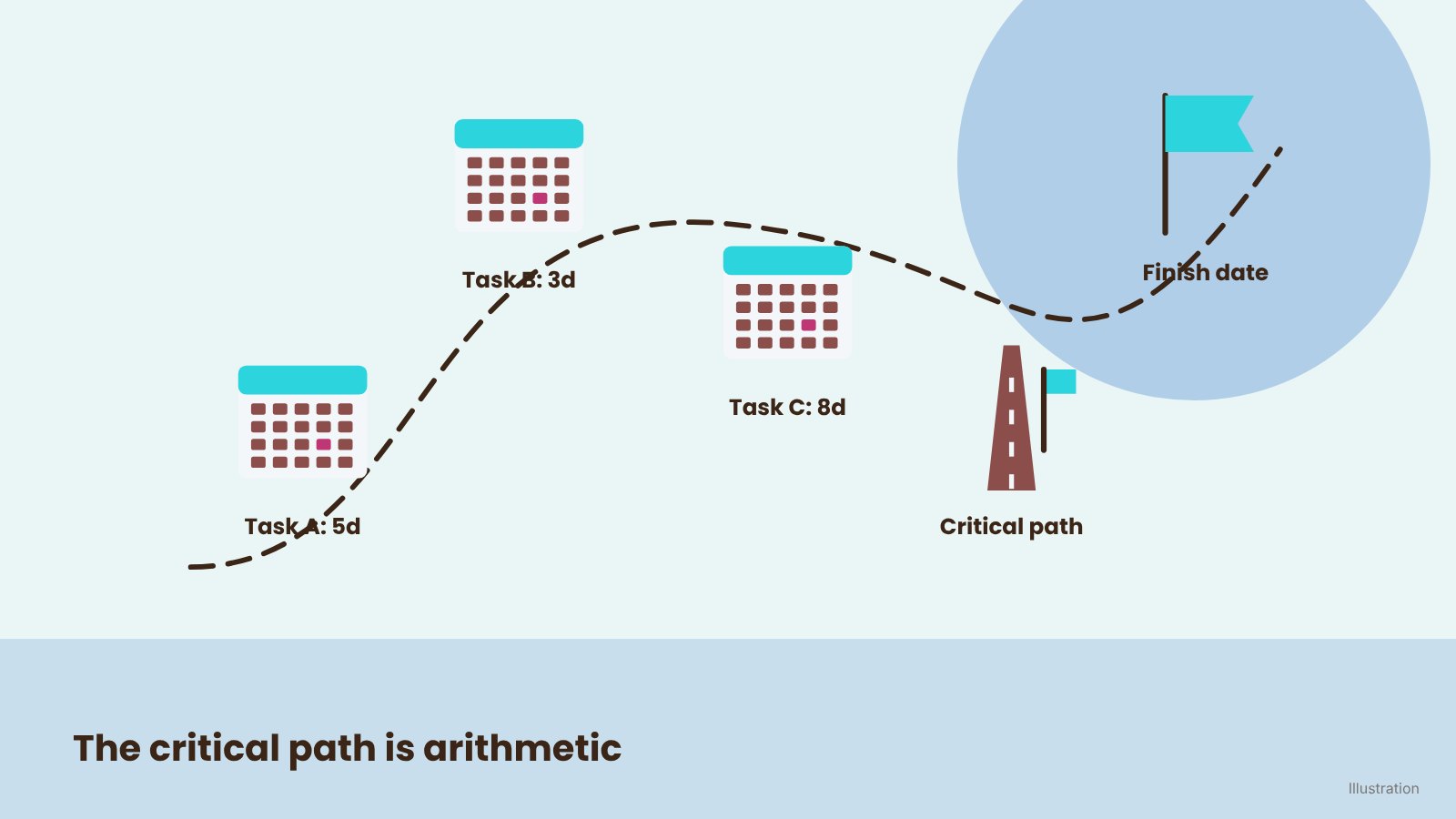
- Project status is on track, at risk or delayed. The critical path is the chain of tasks that decides the finish date.
- Capacity is how much work a person can take on. Over capacity means they're allocated more than they can do.
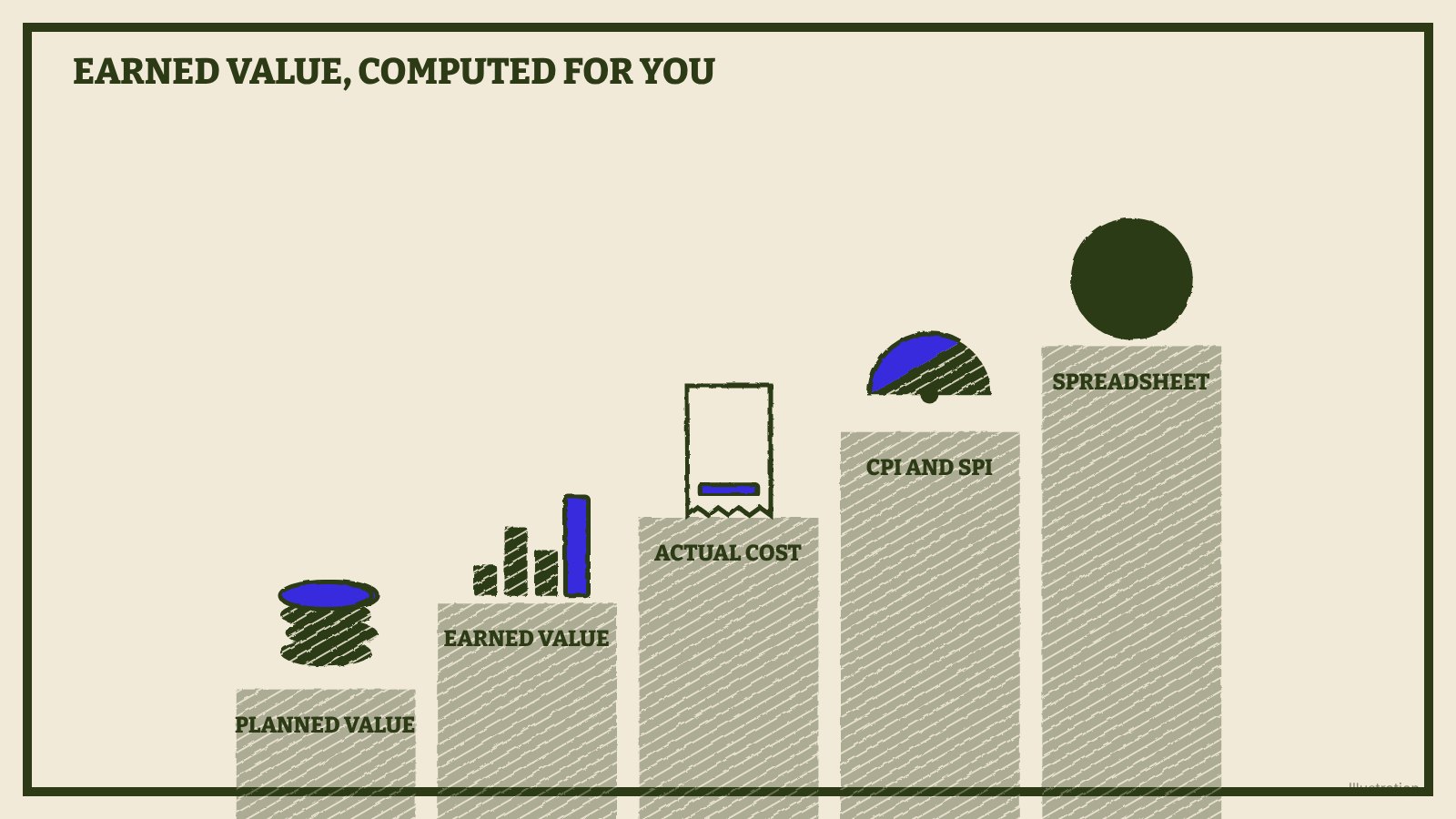
- Earned value compares progress with budget and time.
- A template is a reusable plan from a project that went well. A portfolio is all of an organisation's projects together.
- A program is a group of related projects.
Why does this matter? Plans drive commitments: dates promised to customers, budgets, people's time. An AI-drafted plan that mixes facts from the brief with invented tasks and estimates can lock a team into commitments nobody actually reasoned about.
The problem, in plain terms
- AI plans arrive whole, so it's all-or-nothing.
- Invented content looks just like real content.
- Estimates look authoritative but have no basis.
- Status questions get AI answers when they could be calculated exactly.
- Restricted projects leak if an assistant can see everything.
- Good plans aren't reused, so every project starts from scratch.
Answers from the plans, with their sources
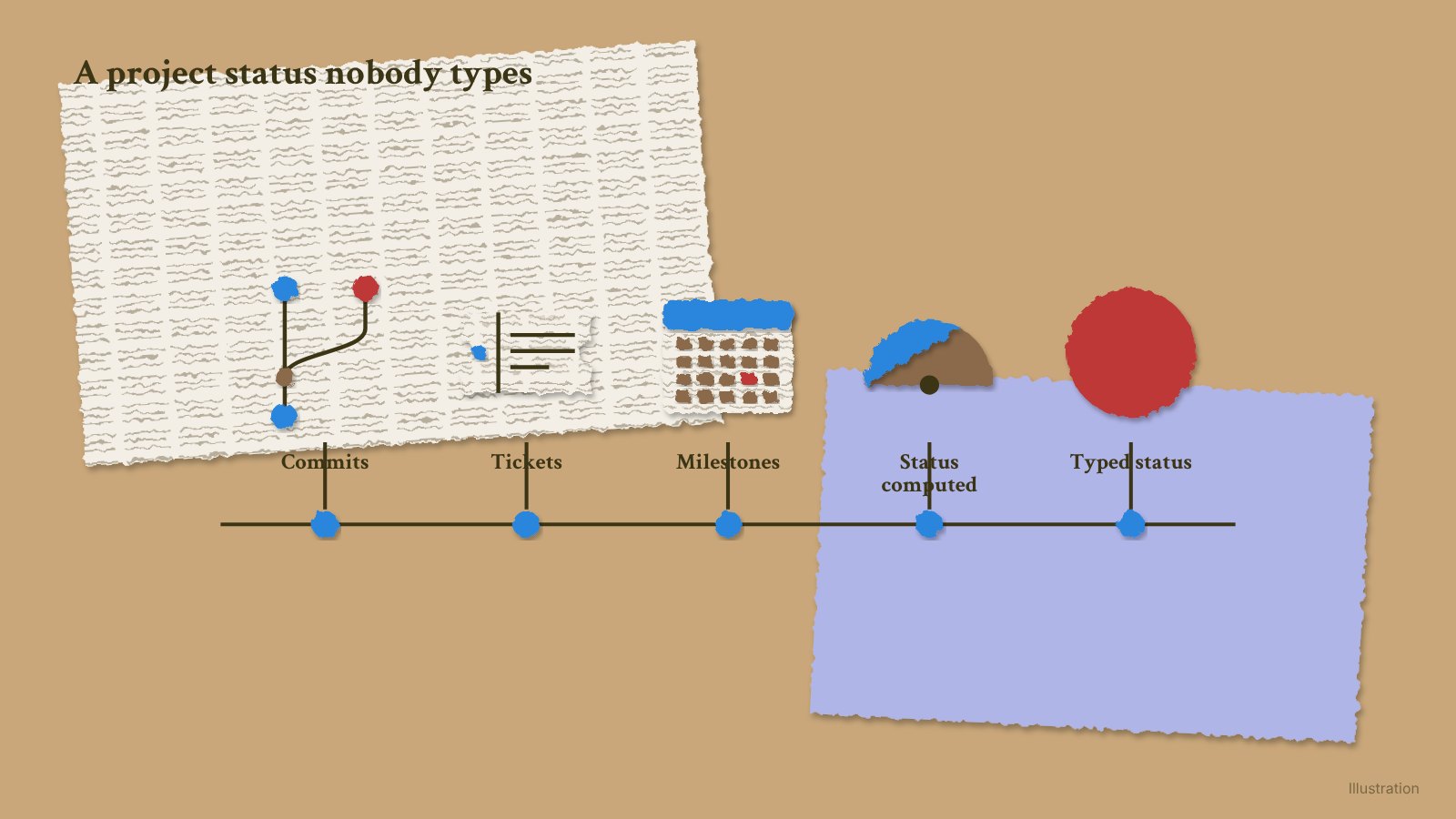
Ask "which projects are delayed?" or "who is over capacity?" and the answer is calculated straight from the plans, schedules, risks and allocations. No AI is used and nothing counts against the daily limit.
Ask something that needs judgement ("what should each team prioritise this week?") and the assistant writes an answer from numbered figures: each project's status and the reasons for it, the critical path against the target, milestones, high risks, decisions waiting, people over capacity and, for people who can see budgets, earned value.
- Every point cites the figures it used.
- Points without a citation are dropped.
- Numbers that aren't in the figures are flagged.
Restricted projects you can't see never reach the assistant at all.
Plans drafted, then accepted
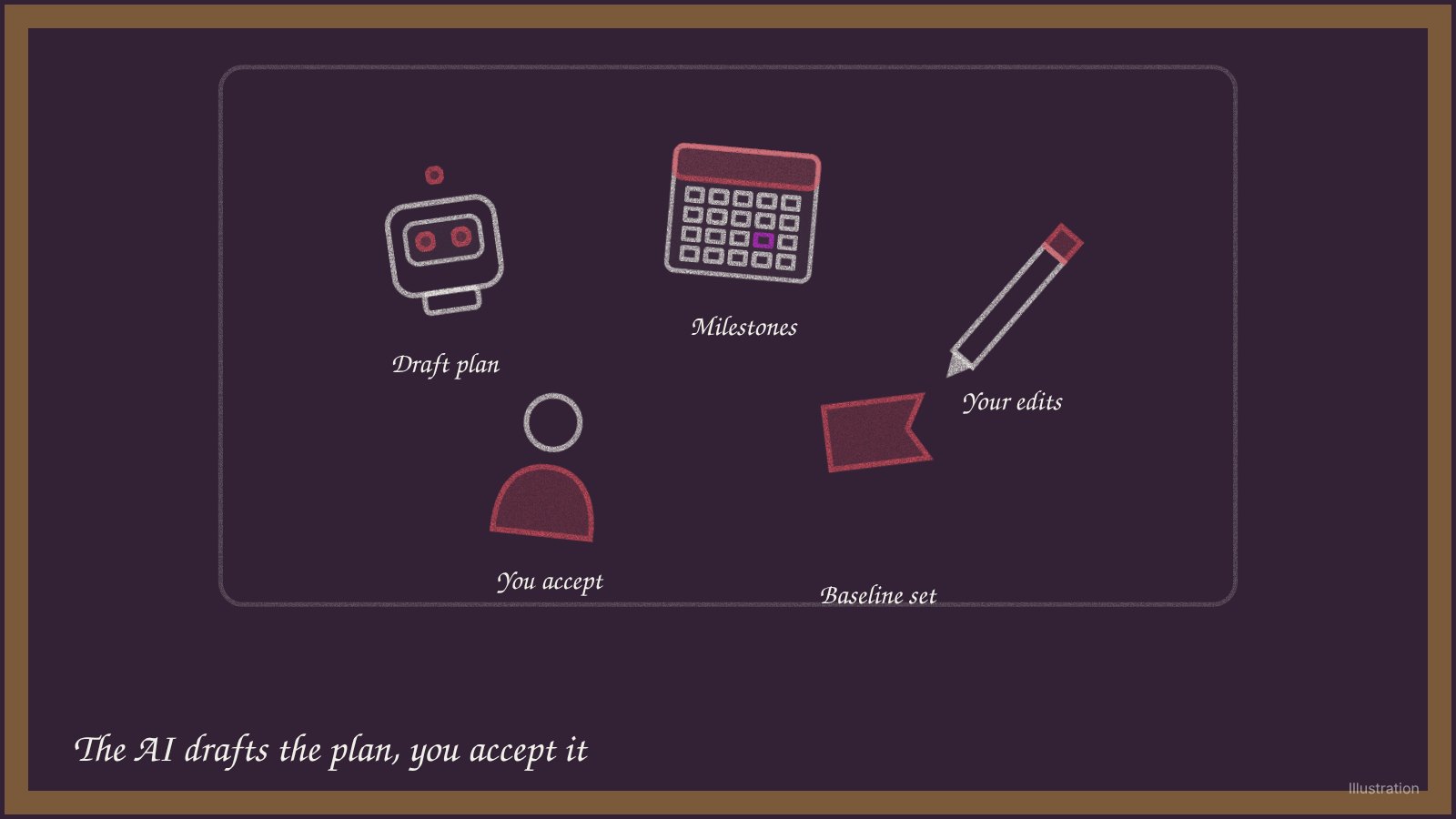
Inside a project, Draft with AI turns a brief into phases, tasks with estimates and dependencies, milestones and risks, using one written output. It lands as a draft. Nothing is added to the plan until you tick the tasks you want and accept them.
Then they become ordinary tasks, linked in order, with milestones and risks alongside, and from that moment they're yours to change like any other.
The estimates are a starting point, and the page says so.
Templates and the portfolio report
A project that went well can become a template: its breakdown and estimates, its milestones as days from the start, and its charter's deliverables and acceptance criteria. New projects start from it with their milestone dates set from their own start date, and their charter still needs approval.
The portfolio report lists every active project you can see by program, with its status, progress against time, target, next milestone, the reasons behind its status and its high risks. It's calculated and downloads as Markdown.
A worked example, start to finish
Here's Mei's booking-system rollout in the AI Project Manager.
Week 1, Monday. The project's charter was approved last week by the operations director, who didn't propose it. Mei opens the project and chooses Draft with AI. She describes what it must deliver: "New patient-booking system live in nine clinics by 31 March. Reception staff trained in each clinic. Online booking enabled for patients. The old system runs in parallel for two weeks per clinic. No data migration: historic bookings stay in the old system, read-only."
Monday, 09:20. The draft appears: four phases (Set-up, Pilot clinic, Rollout waves, Close-down), 38 tasks with estimates and dependencies, 6 milestones and 5 risks. The page says the estimates are a starting point.
Monday, 09:40. Mei reads it. Two tasks don't belong: "Configure SMS reminders" (a later phase, out of scope) and "Accessibility audit of patient portal" (handled by the supplier). She unticks them. She keeps the rest, adjusting nothing yet, and clicks Accept selected. 36 tasks, their dependencies, 6 milestones and 5 risks are added. Now they're ordinary tasks she can edit.
Monday, 10:30. She changes the training estimate from the draft's 2 days per clinic to 3, based on the pilot clinic's staffing, and assigns people.
Week 3. In the Monday stand-up, the clinical operations lead asks the AI Project Manager: "Which projects are delayed?" It's calculated, with no AI: two projects, with their reasons.
Week 3, later. Mei asks: "What should the rollout team prioritise this week?" The written answer cites its figures:
- the pilot clinic milestone is in 4 days, with 3 tasks still open [figure 2];
- a high risk, "reception rota gaps during training", has no response yet [figure 5];
- one trainer is at 130% allocation this week [figure 8].
A sentence suggesting "extending the deadline by two weeks" had no figure behind it and was dropped.
Week 4. Another clinic group's project is restricted to its members. When Mei asks about the portfolio, its details never reach the assistant.
Month 4. All nine clinics are live. Mei saves the project as a template. Next year's dental-clinic rollout starts from it: the breakdown, estimates and milestones (as days from the start), and the charter's deliverables. Its charter still needs approval before work can start.
Every Friday. The portfolio report goes to the steering committee: every active project by program, status, progress against time, target, next milestone, reasons and high risks.
Five more real-world scenarios
1. Accepting part of a draft
Situation. An AI draft includes a phase that belongs to another team.
How TR handles it. Untick those tasks. Only what you accept is added.
2. A capacity question
Situation. A director asks who's over capacity next week.
How TR handles it. Calculated from allocations and task hours, with no AI.
3. A number from nowhere
Situation. A written answer says "the project is 40% over budget".
How TR handles it. If that number isn't in the figures, it's flagged.
4. Earned value for some, not others
Situation. A team lead without budget access asks about project health.
How TR handles it. Earned value is included only for people who can see budgets.
5. A template that skips approval
Situation. A new project starts from a template and the manager wants to begin work immediately.
How TR handles it. Its charter still needs approval.
Before and after
Before. A 74-task AI plan with invented tasks, unexplained estimates and two days of rework.
After. A draft you accept piece by piece, estimates labelled as a starting point, status calculated from the plans, written answers that cite their figures, templates from projects that worked and a calculated portfolio report.
How to tell it's working
- Drafts are reviewed and partly unticked, not accepted wholesale.
- Status questions use no AI.
- Written answers' figures are checked for important decisions.
- New projects start from templates where a similar project went well.
Who it's for
- Project and program managers who plan and report on projects.
- PMO leads who need a portfolio view.
- Executives and steering committees who read the weekly report.
How it fits with the rest of TicketResolve
With this release the AI Project Manager is complete: a gated lifecycle, a calculated status, scheduling with the critical path, baselines and change control, capacity, budgets with earned value, sprints, and an assistant that shows its sources. Implementations use it too: accepted implementation plans appear here.
Mistakes to avoid
- Accepting everything because it looks complete. Untick what the brief doesn't support.
- Keeping AI estimates unchanged. They're a starting point.
- Using the AI for status. Status questions are calculated exactly.
Do it in TicketResolve, step by step
Where: AI Project Manager (/dashboard/projects/assistant). You'll need: a Project Manager seat, and someone with Approve project decisions for charters. Full guides: Asking the AI Project Manager and drafting plans and Running your first project.
- Propose the project and get the charter approved. Projects → Propose a project, write the charter, and have someone who didn't propose it approve it.
- Draft a plan. Open the project → Draft with AI → describe what it must deliver. Review the phases, tasks, milestones and risks.
- Accept what you want. Untick tasks you don't want and Accept selected. Only then are tasks, dependencies, milestones and risks added.
- Adjust estimates and assign people. The draft's estimates are a starting point.
- Ask. AI Project Manager → type a question or pick a suggestion. Status questions are calculated with no AI; others use one written answer from today's limit.
- Check the figures. Open Figures used to see what each point cites and go to the project.
- Reuse it. Save the project as a template, then start new projects from it under Templates.
- Report. Download the portfolio report from the AI Project Manager page.
How to check it worked: the plan contains only the tasks you accepted, status questions show no AI used, and the portfolio report lists every project you can see.
The AI Project Manager is $99 per Project Manager seat a month and in the 7-day free trial.
Frequently asked questions
Is anything added to the plan automatically? No. The draft lands as a draft; only the tasks you accept are added.
Are the AI's estimates reliable? They're a starting point, and the page says so.
Which questions use the AI? Only judgement questions. Status questions are calculated.
Can the assistant see restricted projects? Only if you can. Restricted projects you can't see never reach it.
What's in a template? The breakdown and estimates, milestones as days from the start, and the charter's deliverables and acceptance criteria.
Does a project from a template skip approval? No. Its charter still needs approval.
Who sees earned value in answers? Only people who can see budgets.
How does the portfolio report download? As Markdown.
Explore Topics
Written by
Ghulam Shabbir
Content creator and writer sharing insights and stories.