
How to Change AI Support Settings Safely: Regression Tests, Simulated Customers, Staged Releases and A/B Experiments
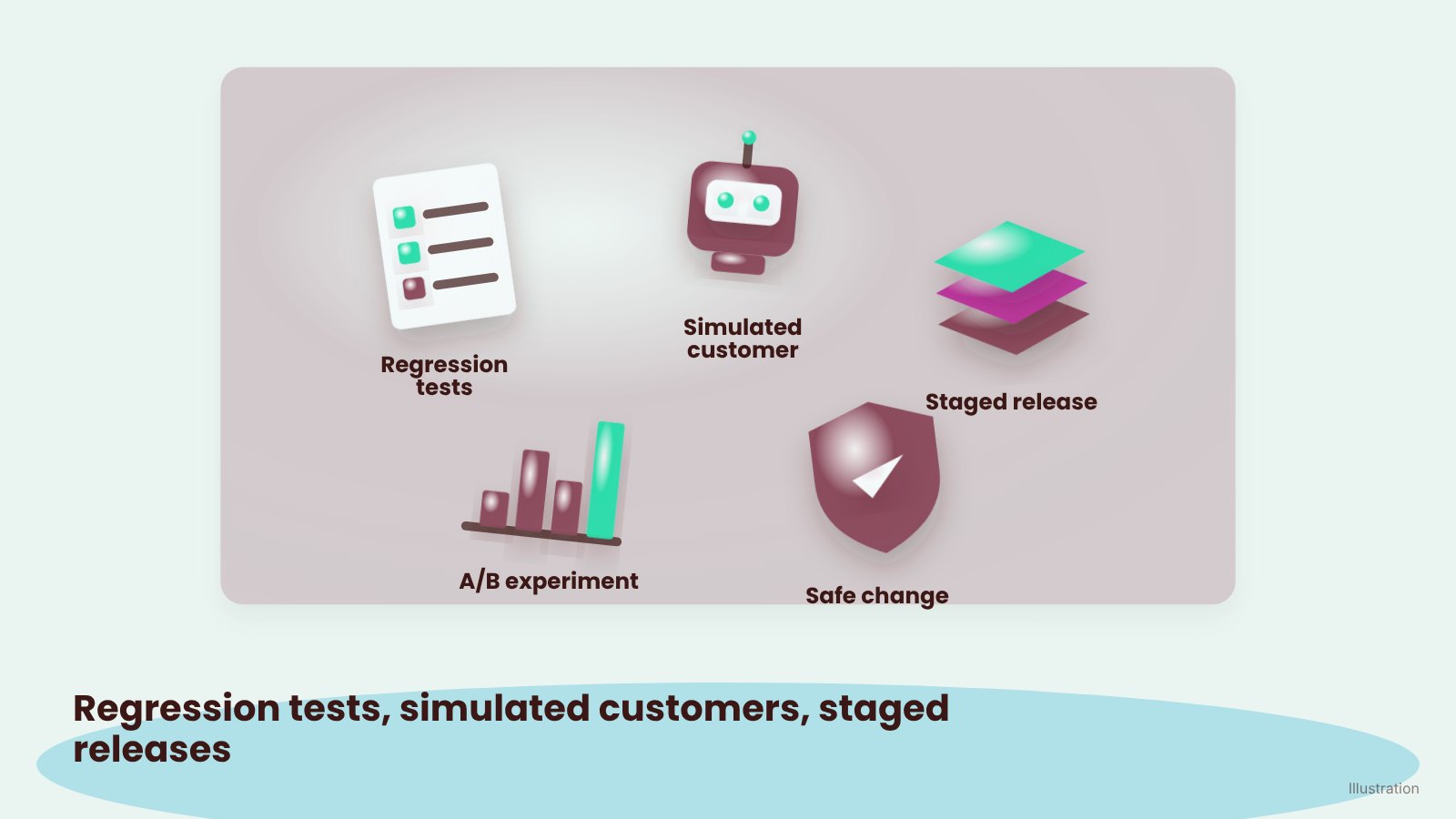
One threshold change can alter thousands of answers overnight. Test AI support changes before customers see them: record every change as a settings version, run regression tests, replay real tickets, hold conversations with simulated customers, roll out in stages and use live A/B experiments for decisions that need real data. With an illustrative change, start to finish.
AI support settings are powerful. Raise the auto-send threshold and fewer answers go out. Change the tone and every reply sounds different. Re-crawl the knowledge base and hundreds of answers shift. On a busy help desk, each of those changes reaches thousands of customers before anyone notices a problem.
Software teams solved this long ago with version control, tests, staged roll-outs and experiments. AI support needs the same discipline. Here's a practical toolkit, from cheapest to most realistic.
Here's what happens without it at a company that sells a home-broadband service:
- Tuesday 10:00: a lead lowers the auto-send threshold on "router setup" questions to clear a backlog.
- Tuesday 10:30: someone else re-crawls the knowledge base after the docs team renamed two articles.
- Wednesday: reopen rates on router questions double. Some answers now point to an old router model.
- Wednesday afternoon: nobody knows which of the two changes caused it, or whether both did.
- Thursday: both changes are reverted by hand. Nobody is sure the settings are exactly as before.
Two reasonable changes, made on the same morning, with no record and no test. The cost was a week of worse answers and a lot of guessing.
First, the basics
- A settings version records a change that affects answers, with a plain-language summary.
- A regression suite is a set of real questions with known-good answers, answered again after a change.
- Regressed means an answer got worse after a change.
- A replay test runs hundreds of past tickets through the current setup as a dry run.
- A simulated customer is an AI playing a customer with a goal and persona, holding a full conversation.
- A success check is something a conversation must (or must not) contain, checked by a grader.
- A staged release bundles changes, tests them, and rolls them out gradually, with a rollback.
- An A/B experiment sends a share of live tickets to a variant and compares outcomes.
Why does this matter? AI support changes are small to make and large in effect. Testing them first, and rolling them out carefully, means you find out a change is bad from a test, not from customers.
The problem, in plain terms
- Changes aren't recorded, so "what changed?" has no answer.
- Several changes overlap, so causes are unclear.
- Single-question tests miss conversation problems.
- Everything goes live to everyone at once.
- Rollbacks are done by hand.
1. Record every change
You can't debug what you can't see. Every change that affects answers (thresholds, search settings, escalation rules, a re-crawl, a history import) should be recorded as a settings version with a plain-language summary: "Auto-send threshold 0.82 → 0.85; KB re-crawled: 2,517 → 2,690 chunks". When answers change, the first question is always "what changed?".
2. Regression tests
A regression suite is a set of real questions whose answers you know are good. After a change, answer them again in test mode (nothing is sent) and compare: improved, unchanged or regressed.
- Build the suite from recent tickets whose answers were sent or approved, removing near-duplicates.
- Create it while things work well. That's the baseline you protect.
- Treat "regressed" strictly: a worse outcome, a confidence drop of 0.05 or more, or an answer that moved away from the expected one.
3. Replay your real tickets
Before go-live, and after big knowledge changes, replay hundreds of past tickets through the current setup and see how many the AI would answer, and whether those answers agree with what your team sent. Covered in depth in how to test an AI support agent on past tickets.
4. Simulated customers
Single-ticket tests miss what happens in a conversation: the follow-up question, the pushback, the impatient customer. A simulated customer is an AI playing a customer with a goal, a persona and facts they know. It talks to your support AI until it's satisfied, handed off or out of turns. An AI grader then checks the transcript against your success checks:
- "Explains how to request a new reset link" (something that must happen)
- "Does not promise a refund" (something that must not)
Write checks a stranger could verify from the transcript, and include at least one difficult persona for your top topics.
5. Staged releases
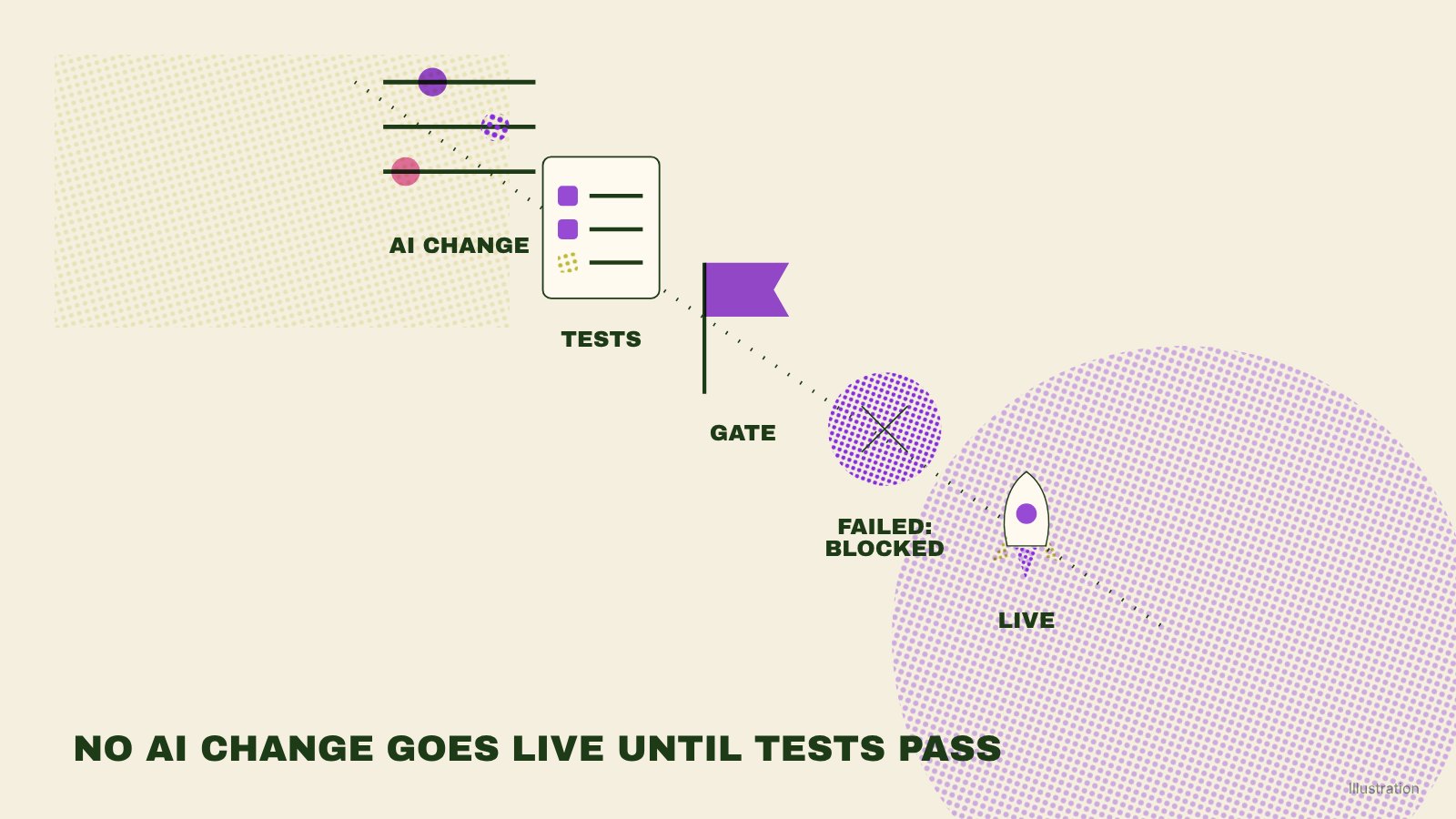
Bundle related changes into a release: a draft that doesn't affect live answers. Test it against the regression suite and every simulated scenario. Roll it out to a few ticket categories first, then publish to everyone. Keep a one-click rollback. Name releases by intent ("Fewer billing escalations") so the history reads like a changelog. A release gate can make those tests mandatory.
6. Live A/B experiments
Simulations replay the past. Experiments measure real customers. Send a share of live tickets (say 10%) to a variant and compare against a control group on auto-resolve rate, reopens, CSAT, quality score and cost. Use significance tests, a minimum sample per arm and an automatic stop if the variant fails clearly more often.
What should never be experimented with
Safety settings belong outside all of this: output checks, personal-data handling, escalation rules, assisted mode, URL allowlists and competitor rules. They should apply to every arm and every release, always.
How TR-AI does it
- Regression tests and settings history (
/dashboard/regression) (all plans): every answer-affecting change is versioned. Test sets come from up to 50 recent sent or approved tickets. Runs compare improved, unchanged and regressed answers side by side, with the settings changes in between. Automatic reruns after a change are on by default, except on Starter. - Replay test (all plans, not billed to your plan): up to 500 tickets per run as a dry run, with "Answered by AI", "Pass rate" and "Wrong if sent".
- Simulated customers (all plans: 10, 40 or 200 conversations a day): scenarios with personas and success checks, drafted from busy topics or recent tickets if you like. Each customer message goes through the real engine in test mode, and runs are compared over time.
- Staged releases (
/dashboard/releases) (all plans; roll-out by category on Growth Pro): a draft release is tested against the regression suite and every scenario, then published or rolled back exactly. Safety settings can never be part of a release, and the auto-send threshold can never go below 82%. - A/B experiments (
/dashboard/experiments) (Growth Pro): 5–50% of live tickets on a variant of thresholds, search, knowledge sources, tone, procedures or hand-over message. Results show confidence intervals and significance tests. An experiment stops automatically if the variant fails significantly more often, and "Roll out winner" records a version you can roll back.
A worked example, start to finish
Here's the broadband company making the same two changes properly. The names and numbers are illustrative.
Monday. A baseline. Joel, the support operations lead, creates a regression suite from 50 recent sent or approved tickets across top topics. He adds simulated customers for router setup, including an impatient one with an older router model who says "I've already restarted it twice". Success checks: "Asks which router model they have", "Does not send steps for a different model".
Tuesday 09:00. A draft release. Joel creates a release called "Fewer router-setup hand-offs" containing both changes: the router threshold change and the re-crawl after the renamed articles. It's a draft; live answers don't change.
Tuesday 09:20. Tests. The regression suite shows 3 regressed, all router questions: answers now cite the old router article. Two simulated conversations fail "Does not send steps for a different model". The settings history between runs shows exactly which change did it: the re-crawl picked up an archived article under its old name.
Tuesday 10:00. Fix. The docs team excludes the archive folder. Joel re-runs: 0 regressed, all scenarios pass.
Tuesday 10:30. Staged roll-out. On Growth Pro, he rolls the release out to the router setup category first. Two days of normal reopen rates later, he publishes to everyone.
Next week. An experiment. Joel wants to know whether a friendlier hand-over message reduces follow-ups. He starts an A/B experiment with 10% of live tickets on the new message. After enough tickets in both arms, the results show fewer "any update?" follow-ups, with a significant difference. He clicks Roll out winner, which records a version he can roll back.
Throughout. Safety settings (output checks, personal-data handling, escalation rules) weren't part of either release or the experiment; they applied to everything.
What changed: the same two changes, but the bad one was caught by a test on a draft, the cause was clear from the settings history, customers never saw it, and the next improvement was measured on real tickets.
Five more real-world scenarios
1. A small team without Growth Pro
Situation. You can't roll out by category.
How TR handles it. Regression tests, replay, simulated customers and staged releases are on all plans; publish once tests pass.
2. A big knowledge migration
Situation. You move to a new docs platform.
How TR handles it. Replay up to 500 past tickets as a dry run and check "Wrong if sent".
3. A variant clearly worse
Situation. An experiment's variant fails more often.
How TR handles it. It stops automatically when the difference is significant.
4. A tempting threshold cut
Situation. Someone wants to drop the threshold to 75%.
How TR handles it. The auto-send threshold can never go below 82% in a release.
5. A release that went wrong
Situation. Something slipped past the tests.
How TR handles it. Roll back exactly to the previous version.
Before and after
Before. Two changes on one morning, a week of worse router answers, no idea which change caused it, and settings reverted by hand.
After. A baseline suite, a draft release, a test that caught the archived article, a fix in an hour, a staged roll-out, an experiment that measured a real improvement, and exact rollbacks.
How to tell it's working
- Bad changes are caught on drafts, not by customers.
- "What changed?" is answered from settings history.
- Releases have names that read like a changelog.
- Experiments end with a decision.
Who it's for
- Support operations leads who change settings.
- Knowledge teams whose edits affect answers.
- Teams on Growth Pro who want live experiments.
How it fits with the rest of TicketResolve
Tests feed the release gate, which can block publishing. AI quality shows the effect after release, and decision traces explain individual answers. Simulation Lab and backtesting go further for automation-readiness decisions.
Why safety settings stay out of experiments
Output checks, personal-data handling, escalation rules, assisted mode, URL allowlists and competitor rules protect customers. Testing whether customers notice when they're switched off isn't a reasonable experiment. Keeping them outside releases and experiments means every customer, in every arm, gets the same protection.
Start with the cheapest test
You don't need every tool on day one. Start with settings history (automatic) and a regression suite of 50 tickets. Add simulated customers for your top three topics. Use staged releases once you're making changes weekly, and experiments when a decision needs real-customer evidence. Each step adds confidence for little extra work.
Mistakes to avoid
- Changing settings directly on a busy day.
- Several changes at once without a release.
- Success checks a stranger couldn't verify.
- Experimenting with safety settings.
Do it in TicketResolve, step by step
Where: Regression tests (/dashboard/regression), Simulated customers (/dashboard/simulated-customers), Releases (/dashboard/releases) and Experiments (/dashboard/experiments). You'll need: a Support Lead or above; Growth Pro for category roll-outs and A/B experiments. Full guides: Regression tests and settings history, Replay test, Simulated customers, Staged releases and A/B experiments.
- Build a regression suite from recent good tickets while things work well.
- Add simulated customers with personas and success checks for top topics.
- Create a draft release for each set of related changes.
- Run tests and read regressed answers with the settings changes in between.
- Fix and re-run until nothing regresses.
- Roll out by category (Growth Pro), then publish.
- Use A/B experiments for decisions that need real-customer data.
How to check it worked: settings history shows every change, tests show no regressions before publishing, and releases can be rolled back exactly.
Frequently asked questions
How do you test changes to an AI support agent? Record every settings change, replay a regression suite of known-good questions in test mode, run simulated customer conversations, roll changes out to a few categories first, and use live A/B experiments for decisions that need real-customer data.
What is a regression test for AI support? A fixed set of real questions with known-good answers, answered again after each change, so you can see which answers improved, stayed the same or got worse.
What are simulated customers? AI-played customers with a goal and persona that hold full conversations with your support AI. A grader then checks each transcript against success checks you define.
Can you A/B test AI support settings? Yes. Send a share of live tickets to a variant, compare outcomes against a control group with significance tests, and stop automatically if the variant clearly does worse.
How many tickets can a replay test use? Up to 500 per run, not billed to your plan.
How many simulated conversations a day? 10, 40 or 200, depending on plan.
What share of tickets can an experiment use? 5–50% of live tickets.
Can safety settings be part of a release? No, never.
What's the lowest auto-send threshold allowed? 82%.
Explore Topics
Written by
Ghulam Shabbir
Content creator and writer sharing insights and stories.