
A Release Gate for AI Support Changes: Tests Must Pass Before Anything Goes Live
A new knowledge article, prompt or threshold can quietly break answers that worked yesterday. A release gate blocks publishing until regression tests on past tickets and simulated customers pass the bar you set, checks again at every step of a staged rollout, and holds failing releases with the numbers and examples. With an illustrative release, start to finish.
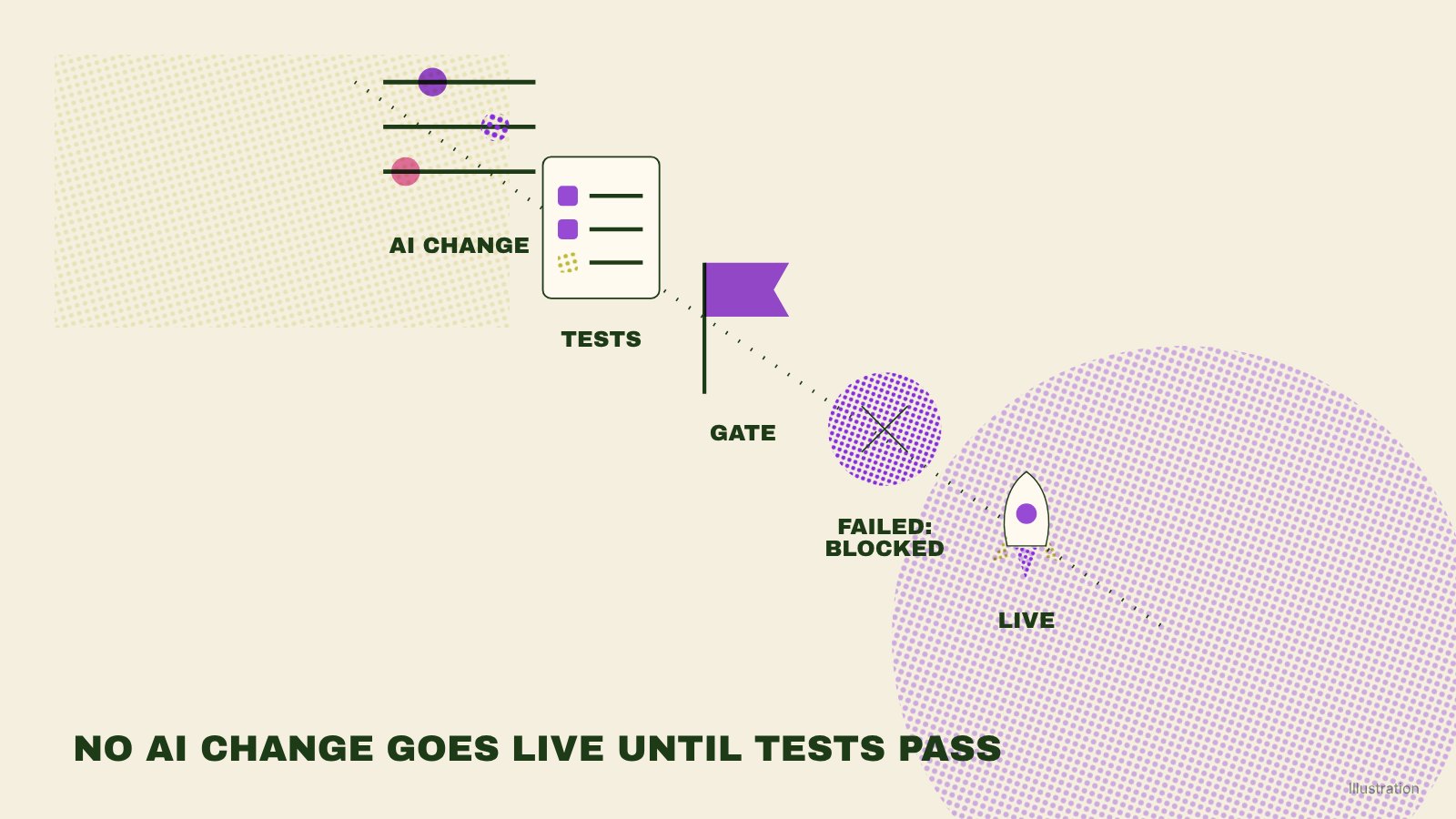
Software teams don't ship without passing tests. AI support settings often change with no test at all: a rewritten article, a new procedure, a lower confidence threshold. Each can break answers that worked yesterday.
Testing changes safely is the first half. A release gate is the second: it makes the test count.
Here's how an untested change goes wrong at a company that sells a home-security app with cameras and alarms:
- Monday: the knowledge team rewrites the "camera offline" article to cover a new camera model.
- Monday 15:00: the rewrite goes live. Nobody runs a test.
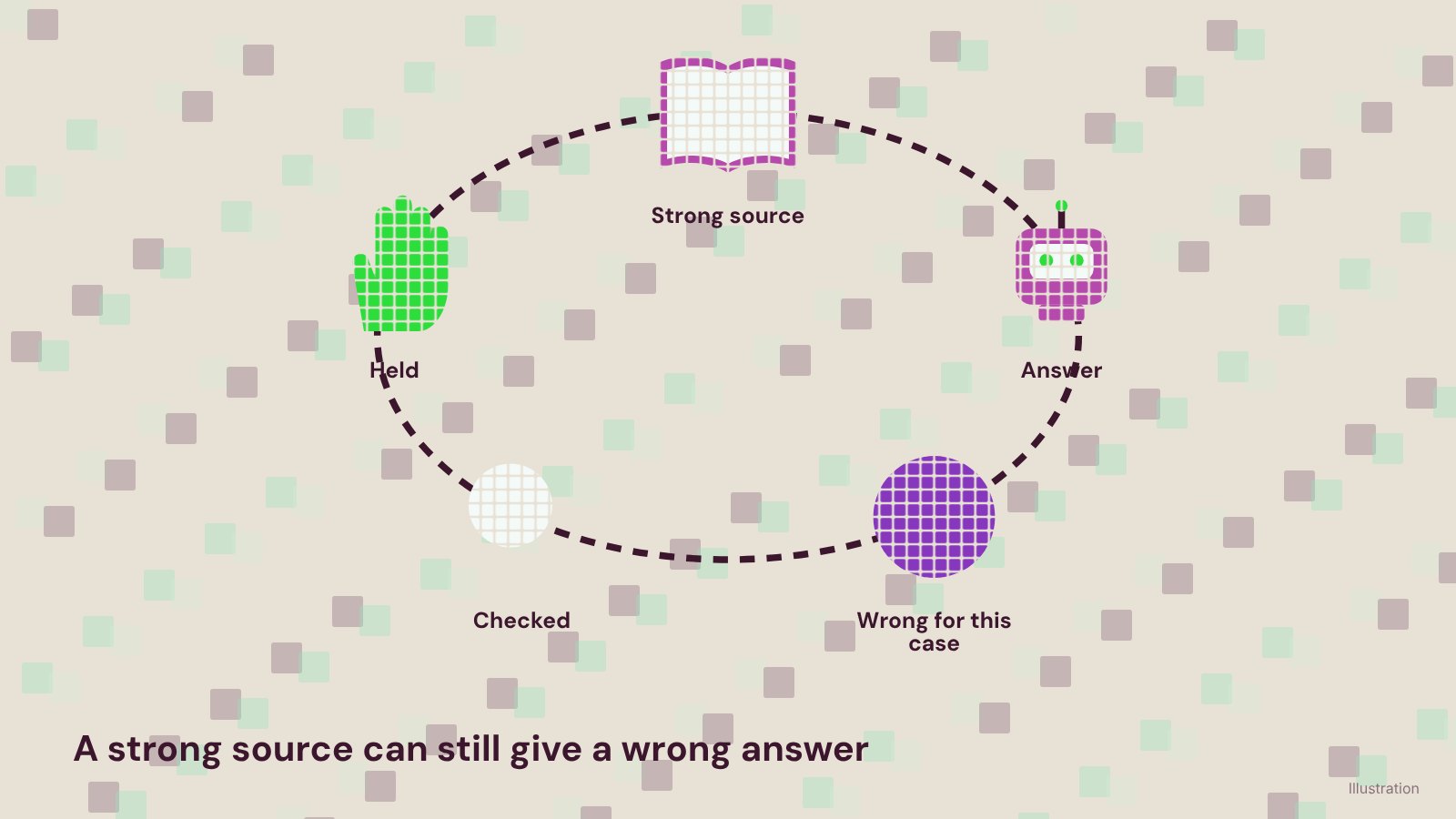
- Tuesday: the AI starts telling owners of older cameras to hold the reset button for 10 seconds. That instruction is for the new model; on older cameras it wipes the recording schedule.
- Wednesday: 60 customers have lost their schedules. Some only notice after a night with no recording.
- Thursday: the article is reverted. The support team spends the week apologising and restoring settings by hand.
There was a test suite. It would have caught the problem in minutes. Nobody had to run it, so nobody did.
First, the basics
- A change here means anything that affects AI answers: a knowledge article, a procedure, a prompt, a brand-voice setting or a confidence threshold.
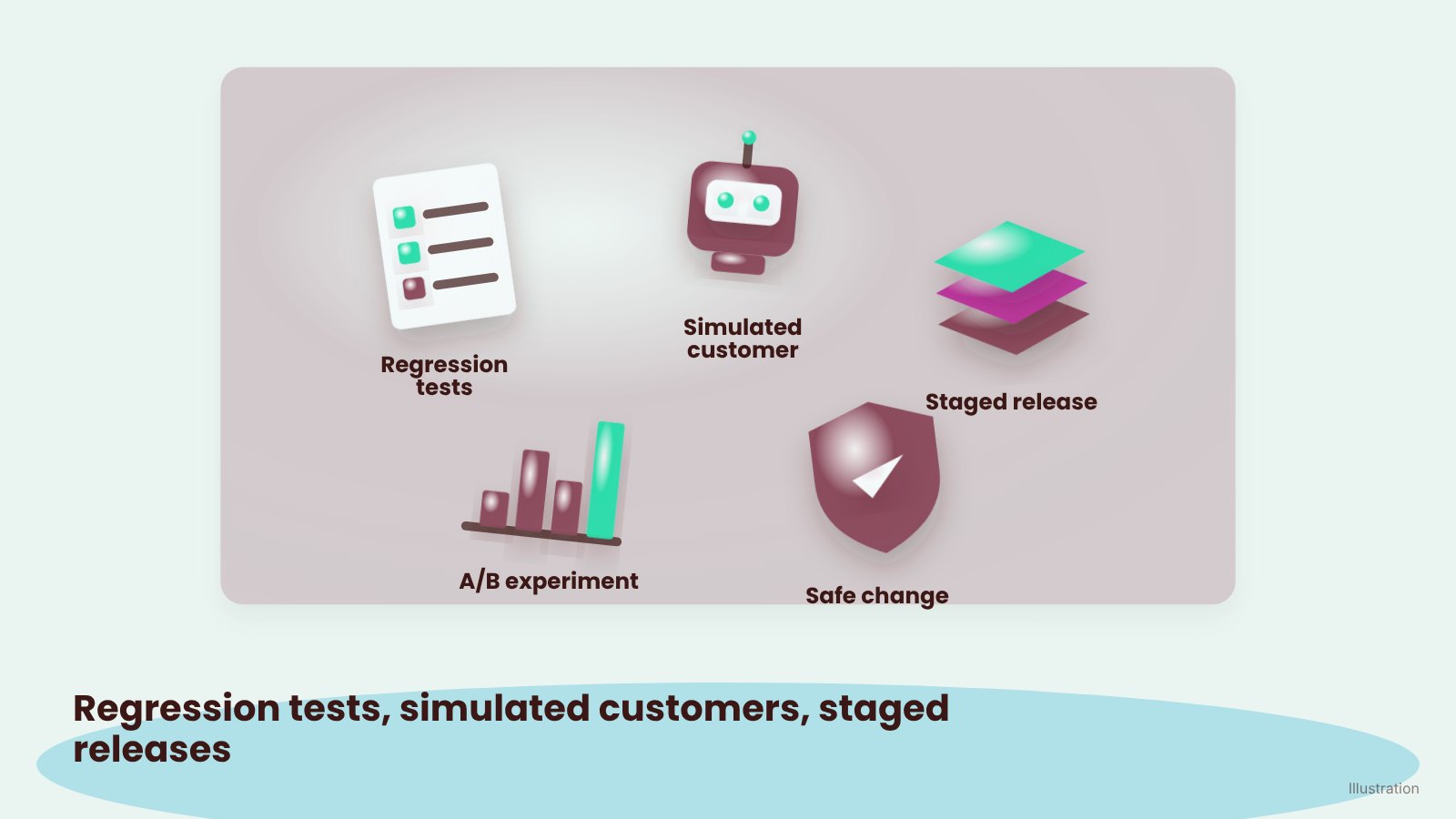
- A regression test runs the change against past tickets that already have known good answers, and checks whether any got worse.
- Regressed means a past ticket's answer is now worse than before.
- Simulated customers are realistic test conversations, including awkward ones, that a change must handle.
- A pass rate is the share of simulated conversations that passed.
- A release gate is a rule that blocks a change from going live until its tests meet set thresholds.
- A staged rollout releases a change to a small share of traffic first, then more.
Why does this matter? AI answers are only as good as the content and settings behind them, and those change all the time. A gate turns "we should test" into "we can't publish without testing", so the article that would have wiped 60 schedules never goes live.
The problem, in plain terms
- Content changes skip testing, because they don't feel like code.
- Tests exist but are optional.
- Breakage shows up in customers' accounts, not in a report.
- Staged rollouts are checked once, at the first step.
- Nobody can say why a change was allowed through.
What the gate checks
- Regression: run the change against past tickets with known good answers. What share got worse?
- Simulated customers: realistic conversations, including awkward ones. What share passed?
Set the thresholds
- Maximum regressed, for example 5% of past tickets answered worse.
- Minimum simulation pass rate, for example 80%.
A release that misses either is held, with the numbers and the failing examples, until it's fixed or an admin deliberately turns the gate off.
Apply it to staged rollouts
If you roll changes out gradually, check the gate before each step, not only the first. Real traffic can surface what tests missed.
In TR-AI
Turn on the release gate in Testing → Releases (/dashboard/releases) and set both thresholds. Publishing or rolling out a staged release checks the latest test results; a release that fails is held with the reason. No AI model is used for the check itself. Regression tests live in /dashboard/regression and simulated customers in /dashboard/simulated-customers.
A worked example, start to finish
Here's the home-security article change, with a release gate. The names and numbers are illustrative.
Set-up, done once. Dimitri, the support operations lead, turns on the release gate with a maximum of 5% regressed and a minimum 80% simulation pass rate. The regression suite holds 400 past tickets with known good answers, including 35 about offline cameras. There are 50 simulated customers, among them an owner of an older camera who says "my camera keeps going offline, I've already restarted the router".
Monday 14:00. The knowledge team creates a release containing the rewritten "camera offline" article.
Monday 14:10. Regression runs against the 400 past tickets. 31 answers got worse (7.8%), all about older camera models. The failing examples show the new reset instruction appearing where it doesn't belong.
Monday 14:15. Simulated customers run. The older-camera owner gets the 10-second reset instruction and fails. Pass rate: 76%.
Monday 14:16. The writer tries to publish. The release is held. The reason: regressed 7.8% (limit 5%), simulation 76% (minimum 80%), with the failing examples linked.
Monday 15:00. The writer splits the article: one section for the new model, one for older models, each with its own reset steps. Tests run again: 0.5% regressed, 92% pass.
Monday 15:20. The release passes the gate. Dimitri publishes it as a staged rollout: 10% of traffic first.
Tuesday 09:00. Before moving to 50%, the gate checks the latest results again. Still passing. The rollout continues.
What didn't happen: no older camera lost its schedule, and nobody spent Thursday apologising.
Five more real-world scenarios
1. A lower confidence threshold
Situation. Someone wants to lower the auto-send threshold to send more answers automatically.
How TR handles it. It's a change like any other; regression shows how many past answers would now be sent wrongly.
2. A new procedure
Situation. A refund procedure is added.
How TR handles it. Simulated customers include awkward refund requests; the release waits until they pass.
3. An urgent fix
Situation. A legal change must go live today and a test fails for an unrelated reason.
How TR handles it. An admin can deliberately turn the gate off, and that decision is visible.
4. A problem only real traffic shows
Situation. A staged rollout looks fine at 10% but a new issue appears at 50%.
How TR handles it. The gate is checked before each step, so the next step waits for fresh results.
5. A weak test suite
Situation. Your regression set is small.
How TR handles it. Start with modest thresholds and tighten them as you add past tickets.
Before and after
Before. An article rewritten and published in an afternoon, a reset instruction that wiped schedules, 60 affected customers, and a week of apologies.
After. A gate that held the release with the numbers and failing examples, a fixed article an hour later, a staged rollout checked at each step, and no customer harm.
How to tell it's working
- Held releases show clear reasons and get fixed.
- Fewer "the AI started saying something wrong" incidents.
- Gate overrides are rare and explained.
- The regression suite grows as you add past tickets.
Who it's for
- Support operations leads responsible for AI quality.
- Knowledge-base and procedure authors.
- Admins who manage thresholds and settings.
How it fits with the rest of TicketResolve
The gate uses results from regression tests and simulated customers, applies to staged releases, and protects what the AI quality page measures. Settings history shows what changed and when.
Why no AI model checks the gate
The gate compares two numbers with two thresholds. That's arithmetic, not judgement, and it should be predictable. The judgement happens earlier, in the tests themselves; the gate just makes sure their results are respected.
Choosing thresholds
Many teams start around 5% maximum regression and 80% simulation pass rate, then tighten as tests improve. If your suite is small or noisy, a strict threshold will hold good releases for bad reasons; start looser and tighten as the suite gets better. What matters most is that the gate is on.
Building the regression suite
A gate is only as good as the tests behind it. Start with past tickets your team is confident were answered well, especially the common topics and the ones where a wrong answer would hurt. Add tickets whenever a mistake slips through, so the same mistake can never pass the gate twice. For simulated customers, include the awkward ones: the customer who has already tried the obvious fix, the one on an older version, the one who writes in another language. Those are exactly the conversations a careless change breaks first.
What a held release should tell you
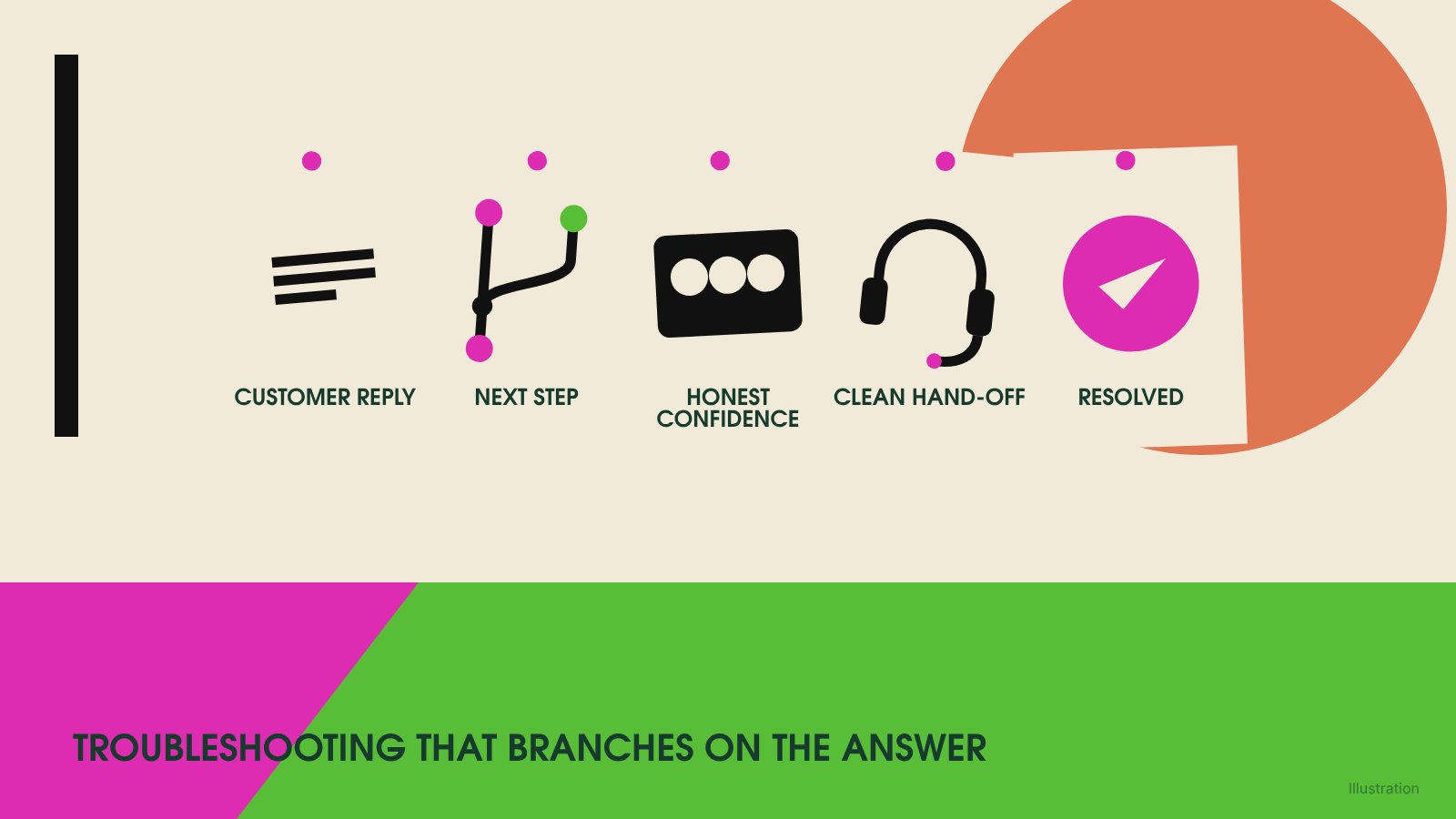
A held release is only useful if it explains itself. The reason should name the threshold that was missed and by how much, list the past tickets that got worse and the simulated conversations that failed, and show the answer before and after the change for each. With that, the author can usually see the problem in a minute, as in the camera example, where every failing ticket mentioned an older model. Without it, a held release just feels like an obstacle, and people start asking for the gate to be turned off.
Who should own the gate
Give the gate one owner, usually the support operations lead, who sets the thresholds, reviews any override and keeps the regression suite healthy. Authors still run their own tests; the owner makes sure the bar doesn't quietly drop when deadlines get tight.
Mistakes to avoid
- Treating content changes as "not real changes".
- Turning the gate off to save time.
- Checking only the first rollout step.
- Never adding to the regression suite.
Do it in TicketResolve, step by step
Where: Testing → Releases (/dashboard/releases), Regression tests (/dashboard/regression) and Simulated customers (/dashboard/simulated-customers). You'll need: a regression suite and some simulated customers. Full guides: Release gate: tests must pass before changes go live, Regression tests and settings history, Simulated customers and Staged releases.
- Build a regression suite from past tickets with good answers.
- Add simulated customers, including awkward ones.
- Open Testing → Releases and turn on the release gate.
- Set the thresholds: maximum regressed and minimum simulation pass rate.
- Create a release for your change and run the tests.
- Publish; if the release is held, read the reason and failing examples.
- Fix and re-run, then publish or start a staged rollout.
How to check it worked: a release that misses either threshold is held with the reason, and staged rollouts check the gate before each step.
Frequently asked questions
What is a release gate? A rule that blocks a change from going live until its tests meet set thresholds.
What thresholds should we start with? Many teams start around 5% maximum regression and 80% simulation pass rate, then tighten as tests improve.
What does the gate check? The share of past tickets answered worse, and the simulated-customer pass rate.
What happens when a release fails? It's held with the numbers and failing examples until fixed.
Can the gate be turned off? Only deliberately, by an admin.
Does it apply to staged rollouts? Yes, before each step.
Is an AI model used for the check? No.
What counts as a change? Articles, procedures, prompts, settings and thresholds that affect answers.
Where are the thresholds set? In Testing → Releases.
Explore Topics
Written by
Ghulam Shabbir
Content creator and writer sharing insights and stories.