
Reshape the Data, Check the Connector: Workflows That Fail Less
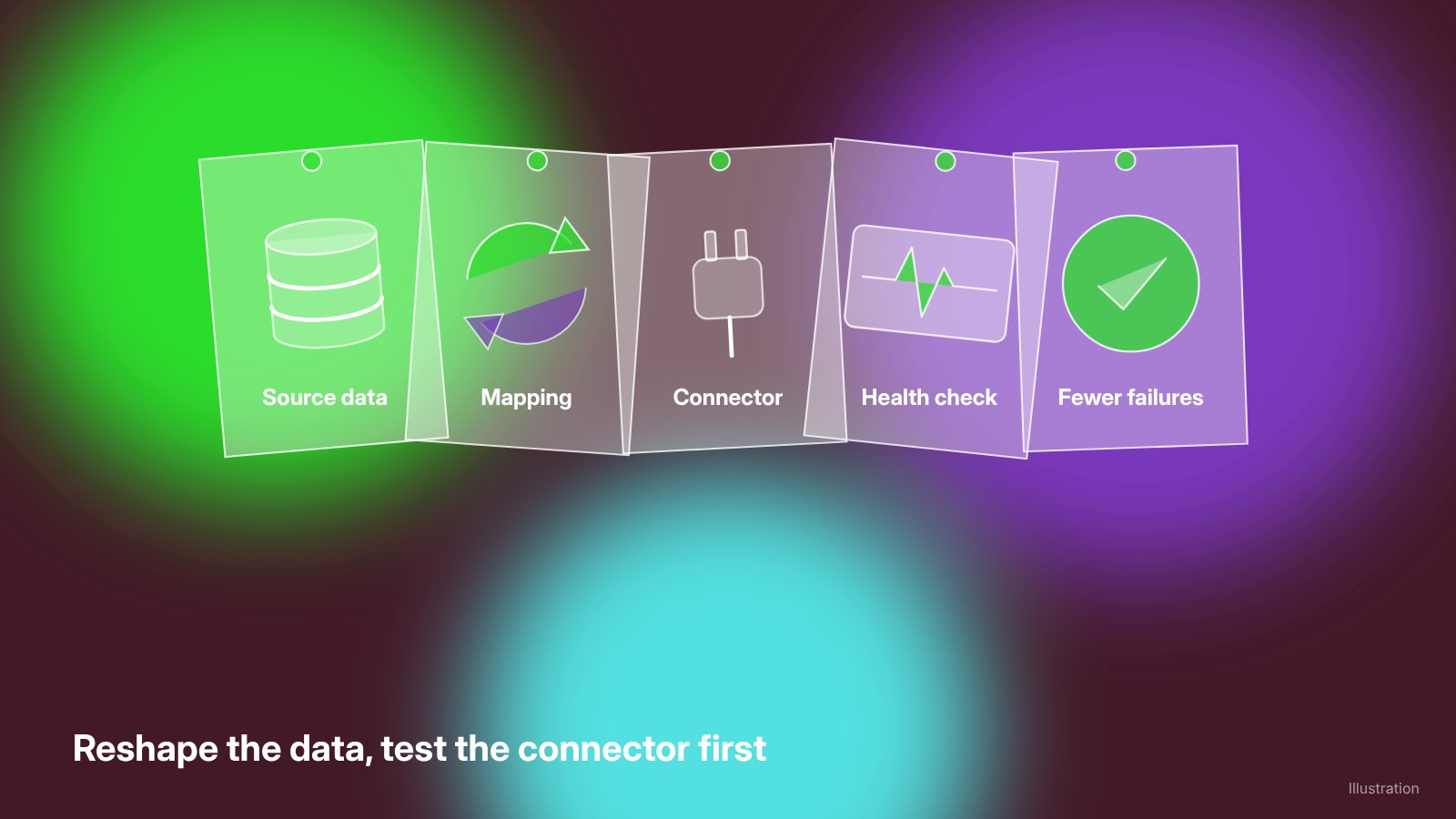
Most workflow failures are quiet: a list where a number was expected, a field nobody mapped, a key that expired on Friday. TR Workflow OS now reshapes connector results without code, refuses to switch on a workflow with a missing required argument, and shows failing connectors while you build.
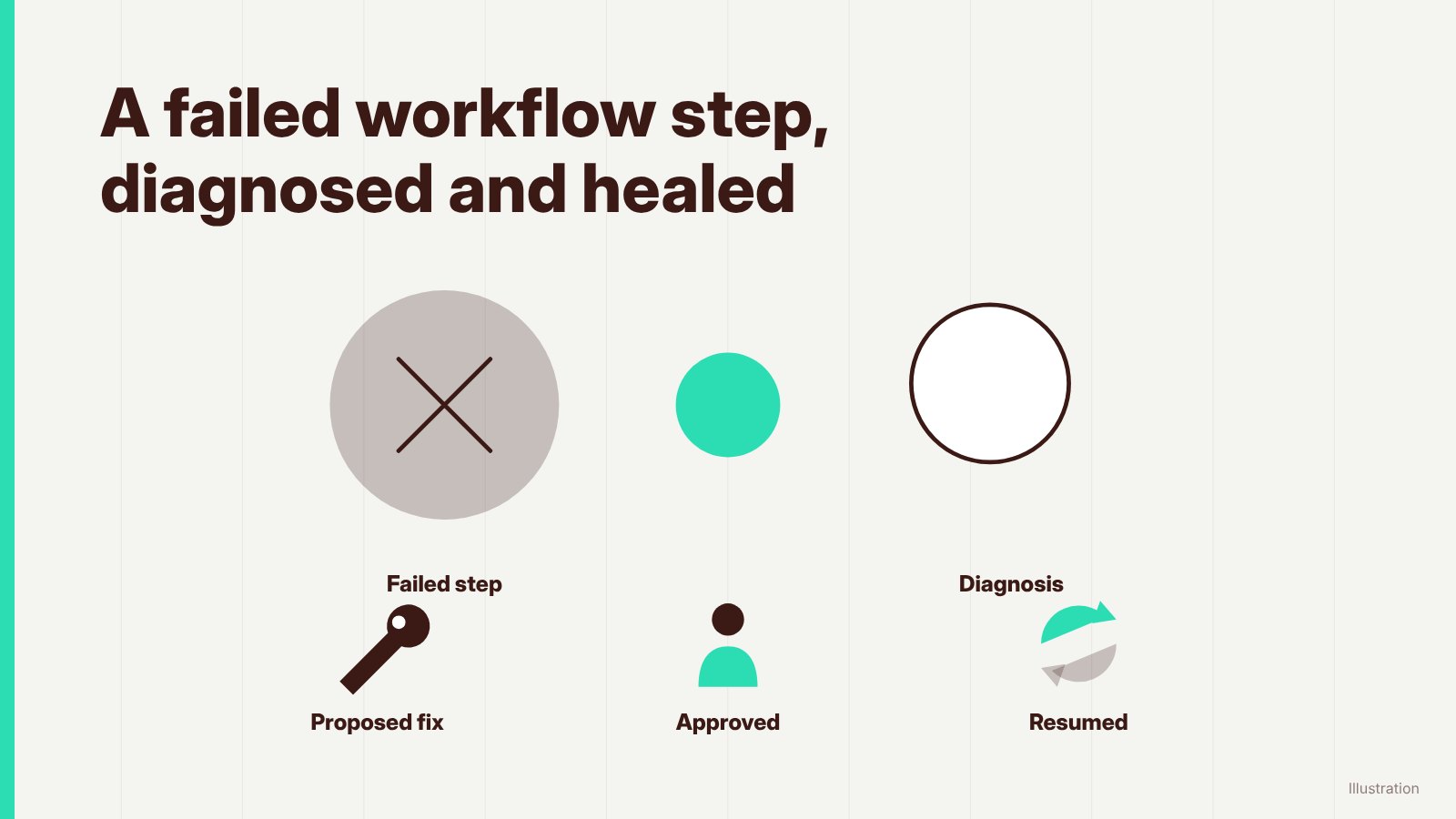
On a Monday morning, Marco opens his team's refund workflow and finds 41 failed runs since Friday evening. Nothing crashed and nobody was paged. The billing system's API key had expired at 6 p.m. on Friday, and every run since had failed quietly at the same step. Customers who had been promised refunds had been waiting all weekend.
The week before, the same workflow had a different bug. A step that was supposed to send "the total refunded this month" sent the raw list of refunds instead, because the connector returned a list and nobody had added them up.
Neither of these is a dramatic failure. They are the normal way workflows break, and this release goes after them.
First, the basics
- A workflow is a set of automatic steps a computer follows when something happens, for example issuing a refund and telling finance.
- A connector links TicketResolve to another product, such as a billing system. When a step asks that product for information, the answer comes back as data: sometimes one value, sometimes a long list.
- The shape of the data means its form. "30 refunds, each with an amount" is a list; "$1,240" is a single number. A step that expects a number can't use a list, just as you can't pay a bill with a stack of receipts.
- A required argument is a piece of information an action must have to work, like an account number on a bank transfer.
- An API key is a password that lets one system talk to another. When it expires, every request fails until someone replaces it.
Why does this matter? Most automation doesn't fail dramatically. It fails quietly, for small reasons, often over a weekend. Catching those small reasons while you build is far cheaper than discovering them from unhappy customers.
The problem, in plain terms
Workflows sit between systems, and systems disagree about shape:
- Data comes back in the wrong shape. A connector returns a list of 30 invoices when the next step needs "the number of unpaid ones". Without a way to reshape it, people either write code or give up on automating the step.
- A required field is never mapped. The workflow is switched on, and the first real run fails because
customer_idwas left blank. - A connector breaks and nobody can see it. A token expires, an API starts timing out, a circuit breaker trips. The person editing the workflow has no idea, so they keep building on a broken foundation.
Reshape the data without code
A Transform step takes a value from the run (a connector's result, an earlier value, or a JSON list) and reshapes it. It can:
- filter the items that meet a condition, such as
status = paid; - list one field from every item, such as every order ID;
- count, add up, join, sort or remove duplicates;
- keep only some fields of an object, or of every item in a list;
- take the first or last item.
The result is saved as a value that later steps can use, and a list feeds straight into a For each loop.
If the data doesn't fit (counting something that isn't a list, or adding up text), the step stops with a plain message instead of passing nonsense along. A failed run that says "Can't add up 'pending': it isn't a number" is far better than a customer e-mail that says "Your refunds this month: [object Object]".
Check the connector before the run does
Connector actions now come with their schema. Under each action, the builder shows the arguments it takes and which ones are required.
- A workflow can't be switched on while a required argument is missing. You can still save it switched off and keep working on it.
- The execution plan warns about:
- arguments an action doesn't take (usually a typo);
- actions whose connector isn't connected;
- actions that failed at least 30% of the time in workflow runs this week, with the last error;
- actions paused by the circuit breaker, and connectors whose last connection test failed.
- The action picker shows the same health, so a failing connector is visible while you build, not after you ship.
Three real-world scenarios
1. "Tell finance how much we refunded this month"
A support operations lead wants a monthly Slack message to finance with the refund total. The billing connector's list refunds action returns every refund as a list of objects.
How TR handles it. One Transform step filters refunds to status = succeeded. A second adds up the amount field. The Slack step uses the saved total. No script and no spreadsheet. If a refund ever comes back without a numeric amount, the step fails with the reason instead of posting a wrong number.
2. The workflow that would have failed on its first run
An onboarding coordinator builds a "create the customer in the CRM" step but leaves the required account owner field empty.
How TR handles it. The builder marks the argument as required. When she tries to switch the workflow on, it refuses and points at the empty field. She saves the draft, asks sales who owns new accounts, fills in the field and switches it on. The first real run works.
3. Marco's expired key, caught on Friday instead of Monday
Back to the refund workflow. With connector health in the builder and in the execution plan, the billing connector's failed connection test shows up the moment anyone opens the workflow or the action picker. Actions failing in 30% or more of runs this week are listed with the last error: 401 Unauthorized. The team reconnects the key the same evening, instead of discovering 41 failed runs on Monday.
What we deliberately didn't add
We didn't add a free-form "call any URL" step. It's convenient, and it's also how secrets end up pasted into workflows and money-moving calls skip every approval.
Instead, your own APIs connect as HTTP connectors with defined actions, rate limits, sandbox mode and money caps, and MCP servers connect the same way. Their actions go through Backend Actions with approvals, like everything else. Workflows use that model as it is.
Before and after
Before. A developer writes a small script to add up refunds, and it lives on someone's laptop. A required field is discovered empty on the first real run. An expired key fails silently for a weekend, and the first sign is customers asking where their refunds are.
After. The total is two Transform steps anyone on the team can read. The empty field blocks switching on, with the field named. The expired key shows up in the action picker and the execution plan the moment anyone opens the workflow, and the "failing in 41% of runs this week" line makes the weekend visible on Saturday.
Who it's for
- Operations leads who build workflows but don't write code.
- Workflow owners who need to know a connector is unhealthy before customers do.
- Platform and security teams who want integrations to go through defined connectors with limits and approvals, not ad-hoc URL calls.
Mistakes to avoid
- Ignoring warnings because the workflow "still saves". Saving switched off is allowed so you can keep working; the warnings are what stops a broken workflow from running.
- Passing whole lists to steps that expect one value. Add a "count", "first" or "add up" transform in between.
- Treating a failing connector as the workflow's problem. Fix the connection, run its test, then retry the failed runs.
A worked example, start to finish
Here's Marco's week once the refund workflows are rebuilt.
Monday, 10:00. Marco reconnects the billing connector under Integrations with a new API key, runs its connection test, and sees it pass. He sets a calendar reminder for the key's next expiry date.
10:20. He opens the monthly finance workflow. The List refunds step has the id lookup. He adds Transform → filter, reading steps.lookup.data.refunds, keeping items where status = succeeded, saved as paid_refunds. Then Transform → add up, reading vars.paid_refunds and the field amount, saved as refund_total. The Slack step now says "Refunds this month: {{vars.refund_total}}".
10:35. The builder shows the arguments List refunds takes and marks created_after as required. Marco had left it empty, which is why last month's list included every refund ever made. He fills it in with the first day of the month.
10:40. He reads the execution plan. It flags one warning: the Send refund action in a different workflow uses an argument called ammount, which the action doesn't take. It's a typo, and it would have failed every run. He fixes it.
10:45. He runs the workflow as a test run. The run detail shows 38 refunds fetched, 35 kept by the filter, a total of 4,912.40, and the message text with that number.
10:50. He switches it on.
Three weeks later, Friday 18:00. The billing connector's key expires again, earlier than the date Marco noted. The connection test fails. The next time Marco opens the refund workflow's execution plan, the connector warning is at the top. Runs that fail hit the circuit breaker, which pauses the action instead of failing quietly forty times.
Monday, 09:05. Marco reconnects the key before the first customer is affected.
How to tell it's working
- Execution plans have no unresolved warnings when workflows are switched on.
- Reports show totals, not raw lists, and test runs show every intermediate value.
- Expired credentials are caught by connection tests, not by customers.
Do it in TicketResolve, step by step
Where: Workflows (/dashboard/workflows). You'll need: permission to manage automation and the connector (for example your billing system) connected. Full guide: Transforming data and checking connector actions.
This builds the "tell finance how much we refunded this month" workflow and catches connector problems before they bite.
- Fetch the data. In your workflow, add the connector action that lists refunds (for example List refunds) and give the step an id such as
lookup. - Filter it. Add Transform → filter. Read from
steps.lookup.data.refunds, keep items wherestatus = succeeded, and save the result aspaid_refunds. - Add it up. Add another Transform → add up, reading
vars.paid_refundsand the fieldamount, and save it asrefund_total. - Use the result. In your Slack or e-mail step, write "Refunds this month: {{vars.refund_total}}".
- Fill in every required argument. Under each connector action, the builder lists the arguments it takes and marks the required ones. Fill them all in; the workflow won't switch on while one is missing.
- Read the execution plan before switching on. Look for:
- actions whose connector isn't connected;
- arguments an action doesn't take (usually a typo);
- actions failing in at least 30% of recent runs, with the last error;
- connectors whose last connection test failed or that the circuit breaker paused.
- Fix connector warnings at the source. If the billing connector's test failed, reconnect it under Integrations, run its connection test, and come back.
- Switch it on.
How to check it worked: run it as a test run first; the run detail shows the filtered list, then the total, then the message text with the number. If a refund ever arrives without a numeric amount, the Transform step stops with a plain explanation instead of posting a wrong total.
Frequently asked questions
Do I need to write code to transform data? No. Filter, list a field, count, add up, join, sort, de-duplicate, keep fields, and first or last are all point-and-click.
What happens if a transform gets data it can't handle? The step stops with a plain explanation, and the run shows exactly which value didn't fit.
Can I save a workflow that's missing a required argument? Yes, switched off. It can't be switched on until the argument is filled in.
Why can't I just call any URL? Because your APIs should be connectors with defined actions, limits and approvals. That's what keeps secrets out of workflows and money-moving calls behind a person.
What happens if a refund has no numeric amount? The Transform step stops with a plain explanation instead of posting a wrong total.
Can I switch on a workflow with a required argument missing? No. It won't switch on while one is missing.
When does the execution plan flag an action as failing? When it failed in at least 30% of recent runs. The last error is shown.
Explore Topics
Written by
Ghulam Shabbir
Content creator and writer sharing insights and stories.