
Test the Workflow Before It Runs: Test Cases, Failure Injection and Replay
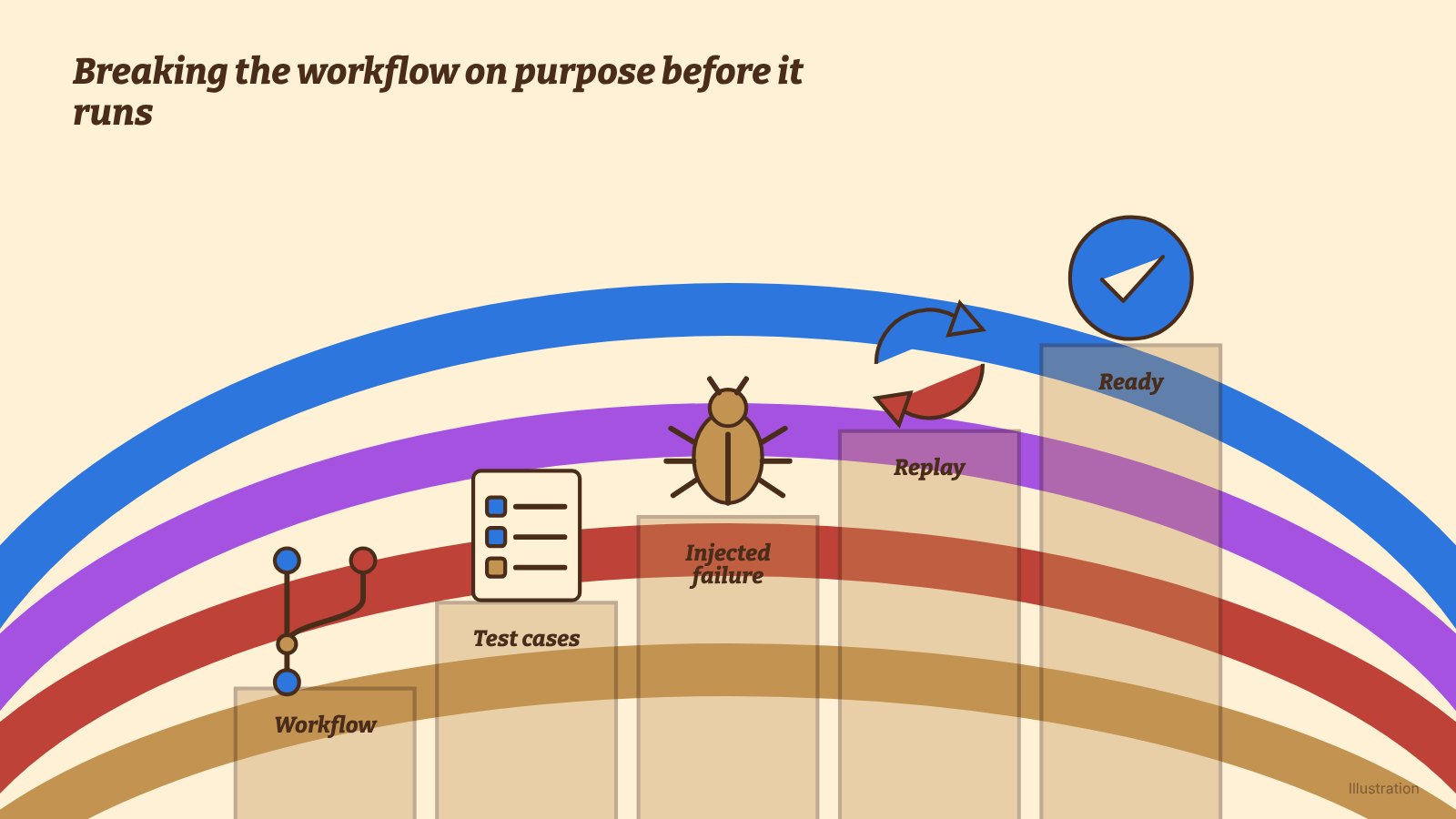
A workflow that refunds customers or routes VIPs is software, and changes deserve the same confidence. TR Workflow OS now lets you save test cases with expected results, simulate what systems and the AI return, inject failures and replay last week’s real runs on a changed workflow. A changed workflow with tests only switches on when they pass.
The finance team asks support operations for a small change: raise the automatic refund limit from $50 to $75. It's a one-field edit. Marco makes it on a Thursday afternoon and switches the workflow back on.
On Monday, finance notices something they didn't ask for. Annual-plan customers have been getting automatic refunds of up to $75 too, and annual refunds are supposed to always go to a person, because they affect revenue recognition. The old limit had been quietly protecting that rule: almost no annual-plan refund was under $50. Nobody had written the rule down as its own condition, and nobody tested the change, because how do you test a refund workflow without refunding someone?
First, the basics
- A workflow is an automated process, such as one that issues refunds under a certain amount without asking anyone.
- A test case is a pretend situation with a known correct answer: "an annual-plan customer asks for a $70 refund; the workflow must not refund automatically".
- A simulation runs the workflow on that pretend situation without touching any real system, so no money moves and no e-mails go out.
- Injecting a failure means deliberately pretending a step broke, for example that the payment system timed out, to check the workflow handles it properly. Fire drills work the same way: you practise before the real fire.
- Replay re-runs last week's real situations through the changed workflow, to see what would have turned out differently.
Why does this matter? A small change to an automated process can quietly break a rule nobody wrote down, and the first person to notice is often a customer or the finance team. Testing before switching on catches it while it's still harmless.
The problem, in plain terms
A workflow that moves money, opens engineering tickets or routes your biggest customers is software. But it's usually changed with none of the safety nets software has:
- No record of what "correct" means. The expected behaviour lives in people's heads.
- No safe way to try it. Running it for real means real refunds, real e-mails, real tickets.
- Failures can't be produced on demand. You can't ask Stripe to time out so you can see what your workflow does.
- No way to ask "what would last week have looked like?" A change that looks right on three examples can behave differently on three hundred real cases.
Test cases that say what should happen
A test case has three parts:
- What the run starts with: values and, optionally, a ticket.
- What the outside world does: a simulated result for any step. That can be what a connector returns, what the AI answers, or whether a verification passes.
- What should happen: how the run ends, the values it ends with, and the steps that should or shouldn't run.
Each test case runs as a simulation of the saved workflow. It's a test run, so nothing changes in any system, and waits are skipped so a "wait one day" step doesn't take a day. You see each check alongside what actually happened, such as "category is 'billing' — got 'bug'".
Break it on purpose
The failures you care about rarely happen on demand, so you can inject them into any step:
- error or timeout: the step fails after its retries, so you can see the dead-letter path;
- fail: the step fails at once;
- reject: a person rejects the approval, or the AI step's review.
Then check that the run ends the way you designed it.
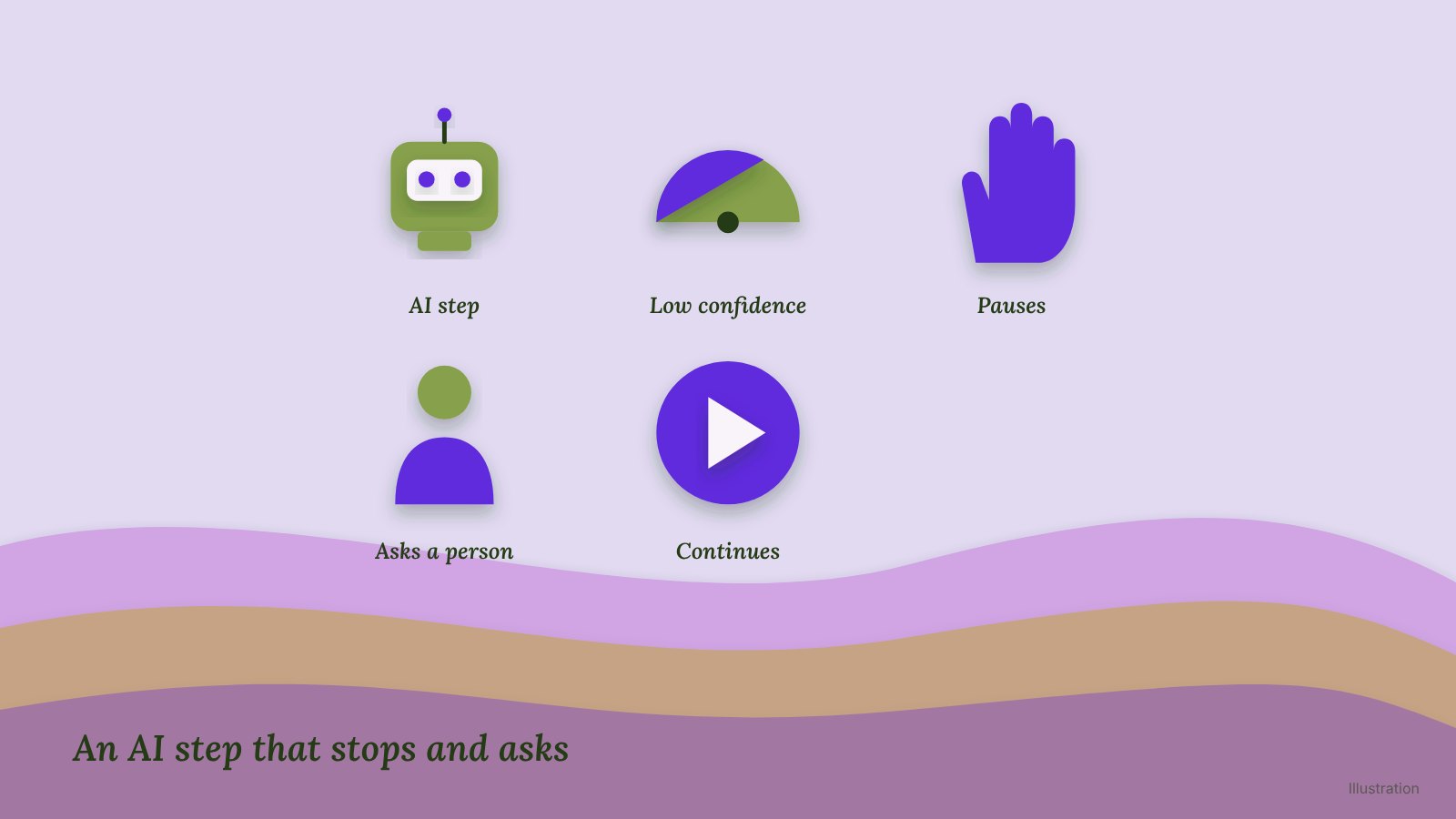
An AI step with a simulated answer doesn't call the AI. The simulated answer still goes through the step's checks and its confidence threshold. That means you can test what happens when the AI returns something that isn't on your list, without waiting for it to happen in production.
Switched on only when the tests pass
Once a workflow has test cases, changing it and switching it on runs them first. If one fails:
- the change is saved (your work isn't lost);
- the workflow stays switched off;
- the message names the case and the check that failed.
That holds whether you save the workflow switched on or flip the switch afterwards. There's no back door.
Replay what really happened
Test cases cover what you thought of. Replay covers what actually happened.
It re-runs your recent real runs on the current version, as test runs, following what really happened in each one:
- the connector results that were recorded;
- the decisions people made;
- the AI answers that were used;
- the step that failed, if one did.
Each run comes back as the same or changed, with how it would end now and which steps it would now run or skip. The AI isn't asked again: replay uses the answers it actually gave, so the comparison is fair and costs nothing.
Replay starts from the values each run started with. Those are kept from this release onwards, so older runs replay without them.
Four real-world scenarios
1. Marco's limit change, caught before it went live
How TR handles it. The refund workflow has four test cases. Marco saves version 12 with the new $75 limit:
- Normal refund, monthly plan, $42: passed.
- Annual plan, $70, must not auto-refund: failed. The step "Refund via Stripe" should not run, but it ran.
- Stripe timeout (injected) → dead letter: passed.
- AI answers "refund_please" (not a label): passed.
Version 12 is saved but stays switched off. Marco adds an explicit "annual plan → team lead" condition, saves version 13, all four cases pass, and it switches on. Finance never sees the problem.
2. "What would last week have done?"
Situation. Before switching version 13 on, the support ops lead wants to know how many real refunds it changes.
How TR handles it. Replay of the last 7 days on v13: 212 runs, 198 the same, 14 changed. All 14 are monthly-plan refunds between $50 and $75 that would now be automatic instead of waiting for a lead. That's exactly the intended effect, and nothing else moved.
3. Proving the dead-letter path works
Situation. An auditor asks what happens to a refund if Stripe is down.
How TR handles it. The test case with an injected timeout on "Refund via Stripe" shows the run retrying, failing and landing in the dead letter with the customer's request preserved, plus a notification to the team. The auditor sees the test, its result and the date it last passed.
4. An AI step that answers off-script
Situation. The ticket-classification AI step might, one day, answer with a label that doesn't exist.
How TR handles it. A test case simulates the answer refund_please. The step's own checks reject it as not on the list, the run goes to a person, and the test asserts exactly that. The behaviour you want is pinned down before the AI ever does it for real.
Who writes the test cases?
The best person to write a test case is whoever knows what must or must not happen, which is often not the person who builds the workflow. In practice:
- Finance knows that annual-plan refunds must go to a person.
- The support lead knows that VIP tickets must never wait in the general queue.
- Security knows that an account must never be unlocked without a verified identity.
Each of those rules becomes one test case: the starting values, the simulated world, and the steps that should or shouldn't run. Once it exists, it guards every future change, including changes made by people who never heard about the rule.
Mistakes to avoid
- Only testing the happy path. The case that broke Marco's change was a "must not" case. Write at least one per workflow.
- Simulating everything as success. Inject at least one timeout or rejection, because that's the path nobody looks at until it matters.
- Skipping replay on big changes. Test cases cover what you imagined; replay shows what last week's real traffic would have done.
A worked example, start to finish
Here's Marco's Thursday change, with tests in place.
Last month. Marco added three test cases to the refund workflow: Monthly plan, $42 (refund should run), Annual plan, $70 (refund should not run; team lead should approve) and Stripe timeout (run ends in the dead letter; team notified).
Thursday, 15:00. Finance asks for the limit to go from $50 to $75. Marco edits the field and switches the workflow on.
15:01. The tests run first, with nothing changed in any system. Monthly plan, $42 passes. Stripe timeout passes. Annual plan, $70 fails: Refund via Stripe ran; expected it not to run. The change is saved, but the workflow stays off, and the message names the case and the check.
15:10. Marco realises the annual-plan rule was never written down. He adds a condition before the refund: if plan = annual, go to Team lead approves, whatever the amount. He runs the tests again. All three pass.
15:15. Before switching on, he chooses Replay recent runs. Of the last 30 days' runs, 46 are marked changed: monthly refunds between $50 and $75 that would now be automatic. None are annual-plan refunds. That's exactly what finance asked for.
15:20. The workflow switches on. On Monday, finance finds nothing they didn't ask for.
How to tell it's working
- Every important workflow has tests for the normal case, the case that must not happen and a failure.
- Failed tests keep a change switched off until they're fixed.
- Replays are read before big changes, especially the runs marked changed.
Do it in TicketResolve, step by step
Where: Workflows → your workflow → Tests and simulation (/dashboard/workflows). You'll need: permission to manage automation. Full guide: Testing a workflow before it goes live.
Here's how to protect Marco's refund workflow with three tests and a replay.
- Add the normal case. Open the workflow, then Tests and simulation → Test case. Name it Monthly plan, $42, and set the starting values (
plan=monthly,amount=42). Under What should happen, say the run should succeed and that Refund via Stripe should run. Save. - Add the case that must not happen. New test case Annual plan, $70: starting values
plan=annual,amount=70. Say that Refund via Stripe should not run and that Team lead approves should. Save. This is the test that would have caught Marco's change. - Add an injected failure. New case Stripe timeout: inject
refund_via_stripe=timeout. Say the run should end in the dead letter and that the team should be notified. - Simulate an AI answer, if the workflow has an AI step. Give the step a simulated result such as
{"result": "refund_please", "confidence": 0.9}, and assert that the run goes to a person, because that label isn't on your list. - Run all tests. Each check shows its result and what actually happened. Nothing changes in any system, and waits are skipped.
- Make your change and switch on. If any test fails, the change is saved but the workflow stays off, and the message names the case and check.
- Replay before big changes. Choose Replay recent runs and read the runs marked changed. Each shows how it would end now, and which steps it would now run or skip.
How to check it worked: the tests are listed with their last result and date. Every future edit runs them before switching on.
Frequently asked questions
Do test runs refund, send or post anything? No. Simulations are test runs: nothing changes in any system and waits are skipped.
Does a simulated AI answer cost an AI call? No. A simulated answer isn't sent to the AI. It's still checked against the step's rules and threshold.
What happens to my change if a test fails? It's saved, but the workflow stays switched off and you see which case and check failed.
Does replay call the AI again? No. It reuses the answers each real run actually got, so the comparison is like for like.
Can I replay runs from before this release? Yes, but they start without their original starting values, which are only kept from this release onwards.
Does running tests refund anyone? No. Nothing changes in any system, and waits are skipped.
What happens if a test fails when I switch on? The change is saved, but the workflow stays off, and the message names the case and check.
Explore Topics
Written by
Ghulam Shabbir
Content creator and writer sharing insights and stories.