

Why Did It Fail, and What Now? Self-Healing for Workflows
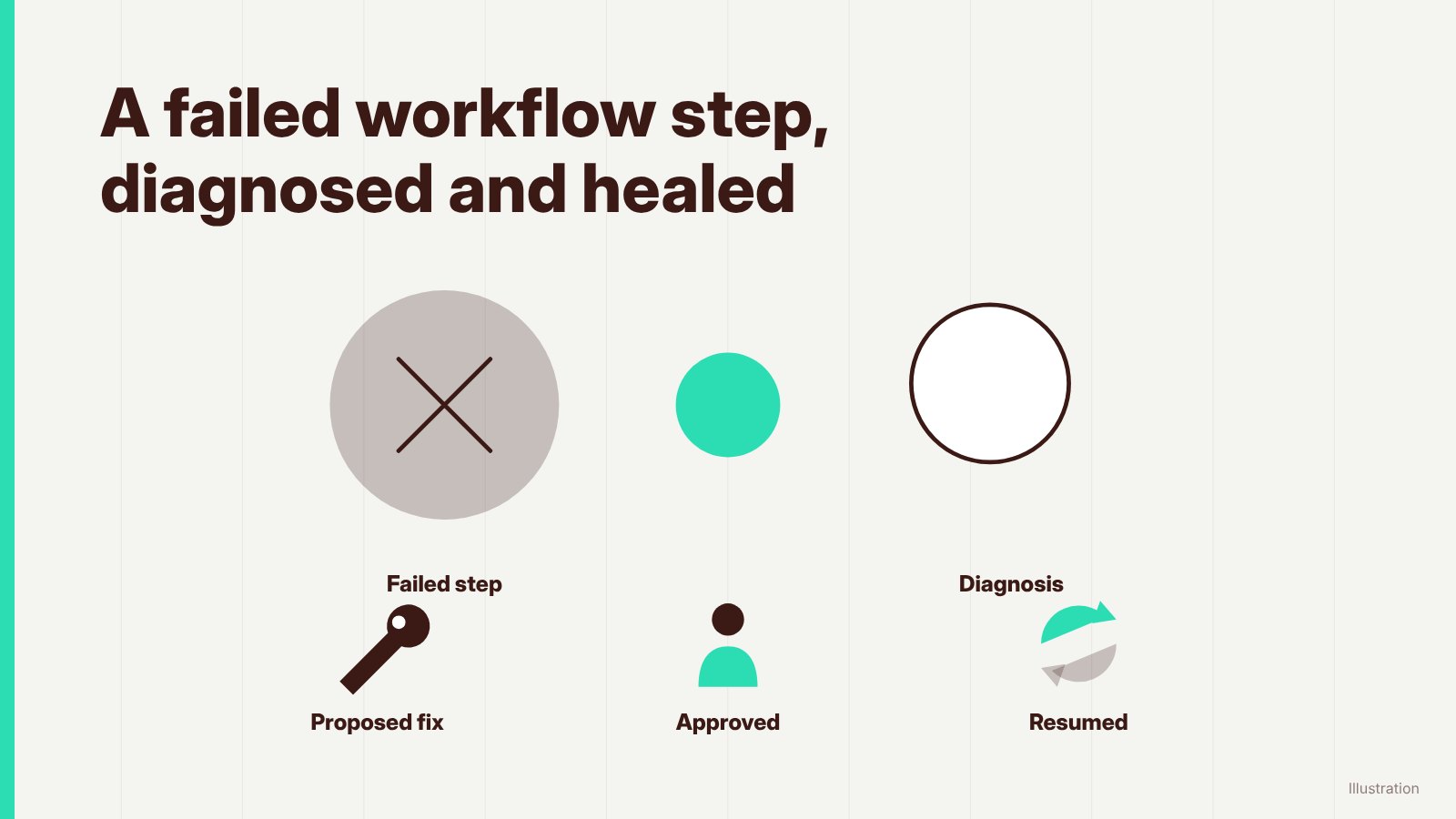
A dead-letter queue tells you something failed. It doesn’t tell you that eleven runs failed because a service was down, nine because a token expired and three because nobody approved in time. TR Workflow OS now groups failures by cause, spots drift from normal and proposes small repairs, and a person applies every one, checked by the workflow’s own tests.
On Monday morning, Aisha opens the refunds workflow and finds 23 failed runs from the weekend in the dead-letter queue. The list is a wall of red: Step failed, Step failed, Step failed. Her first instinct is to click Retry all and move on.
That would have been a mistake. Eleven of those runs failed because the help desk was unreachable for an hour on Saturday night, and retrying them now will work. Nine failed because the Stripe token expired on Friday, and retrying them will fail again, nine more times. The last three failed because the approval expired: nobody on the team was working on Sunday. Those need a decision about the approval rules, not a retry.
Three different problems, three different fixes, one undifferentiated pile of failures.
First, the basics
- A workflow run is one execution of an automated process, for example one refund being handled.
- A dead-letter queue is where runs that failed completely end up, so they aren't lost, like a "returned mail" box.
- A retry runs a failed step again. It helps when the problem was temporary, and makes things worse when it wasn't.
- "Not authorised" usually means a password or key between two systems expired or was changed. "Rate limited" means the other system is saying "slow down, too many requests".
- Drift here means a workflow's behaviour slowly changing from normal, for example taking longer or needing people more often, while still technically succeeding.
- A repair is a small, specific change to the workflow's settings, proposed by the system and applied by a person.
Why does this matter? Treating every failure the same wastes hours and creates new failures. Grouping failures by cause tells you what to do next, the way a doctor treats a cold differently from a broken arm.
The problem, in plain terms
Workflow failures are usually treated as one thing, but they're not:
- Transient problems (a service down, a rate limit) fix themselves. The right response is to wait, then retry.
- Configuration problems (an expired token, a missing argument) won't fix themselves. Retrying just multiplies the failures.
- Process problems (approvals that expire, AI steps that keep asking for a person) mean the workflow's design doesn't fit how people actually work.
On top of that, some of the most important problems don't show up as failures at all. A workflow that suddenly takes four times as long, or whose AI step sends a third of its tickets to a person instead of one in twelve, is telling you something has changed, while every run still "succeeds".
Failures, grouped by cause
The Health tab on a workflow reads every failed run from the last week. It groups them by the step where they stopped and by cause, worked out from the error itself:
- not authorised;
- rate limited;
- service unavailable;
- rejected input;
- unexpected data;
- an AI step that couldn't produce a usable answer;
- an approval that expired;
- and a few more.
Each group comes with its likely cause and the recovery that fits. "Reconnect the connector and run its connection test, then retry the failed runs" is far more useful than nine identical stack traces. Once you've fixed the cause, Retry these runs picks up that group only.
Changes from normal
Health also compares the last week with the four weeks before, to catch problems that aren't failures:
- Is the failure rate climbing?
- Are runs taking much longer?
- Is a step reached by far more, or far fewer, runs than usual? That often means the incoming data has changed: a new ticket form, a renamed field, a new customer segment.
- Are AI steps sending more answers to a person? The AI is less sure than it used to be, often because the inputs changed.
- Is there a new kind of failure?
It stays quiet until there are at least ten runs on each side of the comparison. A swing from one run to two isn't a trend, and Health won't pretend it is.
Small repairs, applied by a person
Where a small, safe change fits, Health proposes a repair:
- More retries for a step whose service keeps erroring or timing out.
- Fewer runs per hour when a service is rate-limiting you.
- Escalating an approval to managers when it expires, instead of failing, or giving people longer to decide.
Credentials, arguments and data problems don't get an automatic change. They get a diagnosis and a recommendation, because fixing them needs knowledge only a person has: which account the token belongs to, what the field should contain, why the data changed.
Nothing is applied on its own. A person applies or dismisses each repair. Applying one saves a new version through the same checks as any edit, including the workflow's test cases. If those tests fail, the version that was running is put back automatically.
Afterwards, the repair keeps watch: it shows whether the same failure has come back at that step.
Four real-world scenarios
1. Aisha's weekend, untangled
How TR handles it. Health shows three groups:
- Post note to ticket, service unavailable: 11 runs, all between 02:10 and 03:05 on Saturday. Recovery: retry now that the help desk is back.
- Fetch subscription, not authorised: 9 runs. Recovery: reconnect Stripe, run the connection test, then retry.
- Team lead approves, approval expired: 3 runs. Proposed repair: escalate to managers when the approval expires.
Aisha retries the first group straight away and all 11 succeed. She reconnects Stripe, tests it and retries the second group. She applies the escalation repair; the workflow's tests pass and version 14 goes live. Twenty minutes, instead of 23 blind retries and 12 new failures.
2. The drift nobody would have noticed
Situation. The "classify plan tier" AI step used to send about 8% of tickets to a person. This week it's 34%. Every run still succeeds, so nobody notices.
How TR handles it. Health flags the drift with both numbers. The team looks at the waiting tickets and finds that marketing launched a new "Team" plan, which isn't one of the step's labels. They add the label, and the hand-offs drop back.
3. Rate limits during a busy launch
Situation. A product launch triples ticket volume, and the CRM starts returning 429 Too Many Requests.
How TR handles it. The failures group under rate limited, and Health proposes fewer runs per hour for that workflow. The team lead applies it. Runs queue a little longer but stop failing, and the repair shows that no new rate-limit failures appeared at that step.
4. A repair that didn't pass the tests
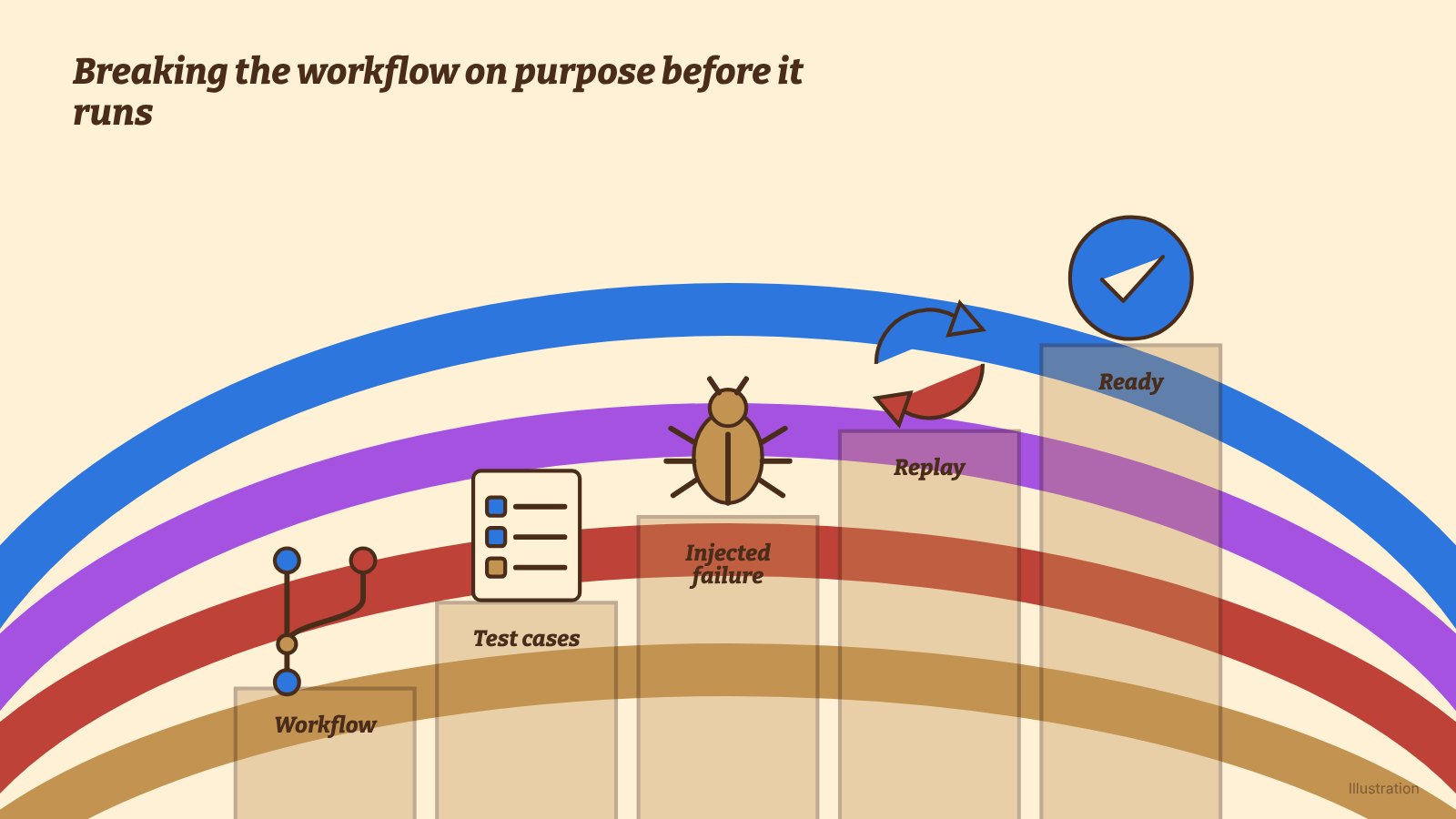
Situation. Someone applies a "more retries" repair to a step that charges cards.
How TR handles it. The workflow has a test case asserting that a declined card must not be retried more than twice. The new version fails that test, so the running version is put back and the person sees exactly which test case blocked the change. The tests did their job.
Before and after: a week of failures
Before. Failures pile up in a dead-letter queue, sorted by time. Someone retries everything on Monday, the token problem fails nine more times, and the approval problem fails again the next Sunday. The workflow's owner learns about the AI drift from a customer complaint three weeks later.
After. Failures arrive already sorted into causes, each with the next step written out. Transient problems are retried as a group once the service is back. Configuration problems are fixed first and then retried. Process problems become a proposed repair that a person reviews and the workflow's tests check. Drift is visible in the same place before it becomes a complaint.
Mistakes to avoid
- Retrying before reading. "Retry all" on an authorisation failure doesn't fix anything; it just adds failures and noise. Read the cause groups first.
- Treating drift as a bug report. A step reached by fewer runs isn't necessarily broken. It often means the incoming data changed. Look at a few of the affected runs before changing the workflow.
- Applying repairs without tests. Repairs are checked by the workflow's test cases. A workflow with no test cases gets far less protection, so add the normal case and one failure case first.
A worked example, start to finish
Here's Aisha's Monday, cause group by cause group.
09:00. She opens Workflows → Health. The refunds workflow is at the top: 23 failures, and one repair waiting for a decision.
09:05. Instead of reading 23 runs, she reads three cause groups: service unavailable (11), not authorised (9) and approval expired (3).
09:10. The help desk is up again, so she clicks Retry these runs on the service unavailable group. All 11 succeed.
09:15. For not authorised, she goes to Integrations, reconnects Stripe with a new token, and runs its connection test. It passes. Back in Health, she retries that group. All 9 succeed.
09:25. For approval expired, Health proposes escalate to managers when it expires. She reads it and applies it. A new version is saved, and the workflow's test cases run. They pass, so the new version stays. Then she handles the three expired refunds by hand.
09:35. The drift section shows the AI hand-off rate has doubled compared with the four weeks before. She opens a few affected runs: a new kind of refund request is coming in after a pricing change. She makes a note to add a label rather than changing anything now.
The next Monday. The applied repair reads no recurrence. Two approvals expired over the weekend, and both escalated to managers, who approved them.
How to tell it's working
- Failures are handled by cause group, not with Retry all.
- Configuration causes are fixed before retrying.
- Applied repairs show "no recurrence" a week later.
Do it in TicketResolve, step by step
Where: Workflows → Health (/dashboard/workflows). You'll need: permission to manage automation; reconnecting a connector also needs integration rights. Full guide: Keeping workflows healthy.
Here's how Aisha cleared her weekend's 23 failures properly.
- Open Health. Go to Workflows → Health. Workflows with failures, changes from normal or repairs waiting for a decision are listed first.
- Open the workflow and read the cause groups, not the individual runs. You'll see, for example:
- Post note to ticket, service unavailable (11 runs);
- Fetch subscription, not authorised (9 runs);
- Team lead approves, approval expired (3 runs).
- Handle temporary causes first. For service unavailable, check the service is back, then click Retry these runs on that group only.
- Fix configuration causes before retrying. For not authorised, go to Integrations, reconnect Stripe, run its connection test, then return and Retry these runs for that group.
- Decide on repairs. For the expired approval, Health proposes escalate to managers when it expires. Read it, then Apply or Dismiss with a reason. Applying saves a new version and runs the workflow's test cases; if they fail, the running version is put back.
- Check changes from normal. Read the drift section: failure rate, run time, step counts, AI hand-off rate and new failure types, compared with the 4 weeks before. Open a few affected runs before changing anything.
- Come back in a week. Each applied repair shows whether the same failure has come back at that step.
How to check it worked: the retried groups show as succeeded, the not-authorised group no longer grows, and the repair's outcome reads "no recurrence".
Frequently asked questions
Will Health change my workflow automatically? No. It proposes repairs, and a person applies or dismisses each one.
Why doesn't it fix expired credentials? Because only a person knows which account to reconnect and whether the change is safe. You get a clear diagnosis and the steps to take.
What if a repair makes things worse? It's saved as a new version and checked by the workflow's test cases. If they fail, the previous version is put back. Afterwards, the repair shows whether the failure came back.
Why don't I see drift on a quiet workflow? Drift needs at least ten runs in each period, so small numbers don't create false alarms.
Can I retry just one group of failures? Yes. Retry these runs works per cause group.
Does applying a repair change the running workflow straight away? It saves a new version and runs the workflow's test cases. If they fail, the running version is put back.
What does drift compare against? The 4 weeks before.
Explore Topics
Written by
Ghulam Shabbir
Content creator and writer sharing insights and stories.