
“Can’t Reproduce” Is Not an Answer: Reproducing Bugs in the Customer’s Environment
Bugs that only one customer can see bounce between “works for us” and “still broken for me” until someone reproduces them. Reproduce with TicketResolve AI plans steps from what’s already recorded, runs each one several times in the customer’s own environment, and tells you whether the bug reproduced, was only suspected, or didn’t happen, with the reasons.
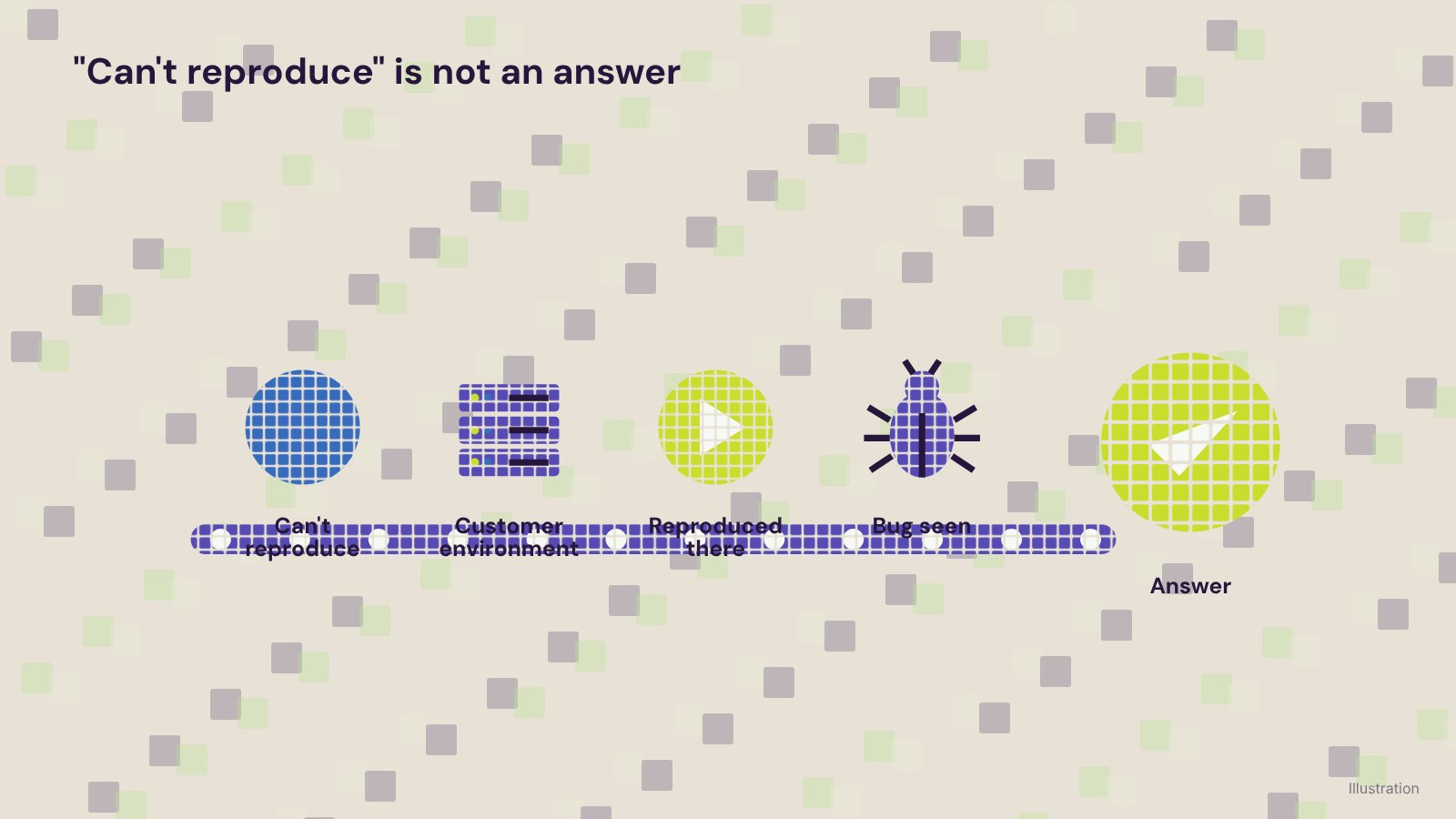
Most bugs that only one customer can see need one thing before engineering will pick them up: a reliable reproduction. Without it, the ticket bounces between "works for us" and "still broken for me."
Here's a three-week loop at a company that sells inventory software to retailers. A garden-centre chain reports: "Stock transfers between stores fail sometimes."
- Week 1. Engineering tries a transfer on their test system. It works. "Can't reproduce."
- Week 1, Friday. The customer: "It failed again twice today."
- Week 2. Engineering tries ten transfers. All work. They ask for screenshots. The customer sends one of an error toast.
- Week 3. Someone notices the customer's transfers involve stores in two time zones, and the test system has one. The failure happens when a transfer crosses midnight in one store but not the other. Nobody could reproduce it because nobody ran it where it happened.
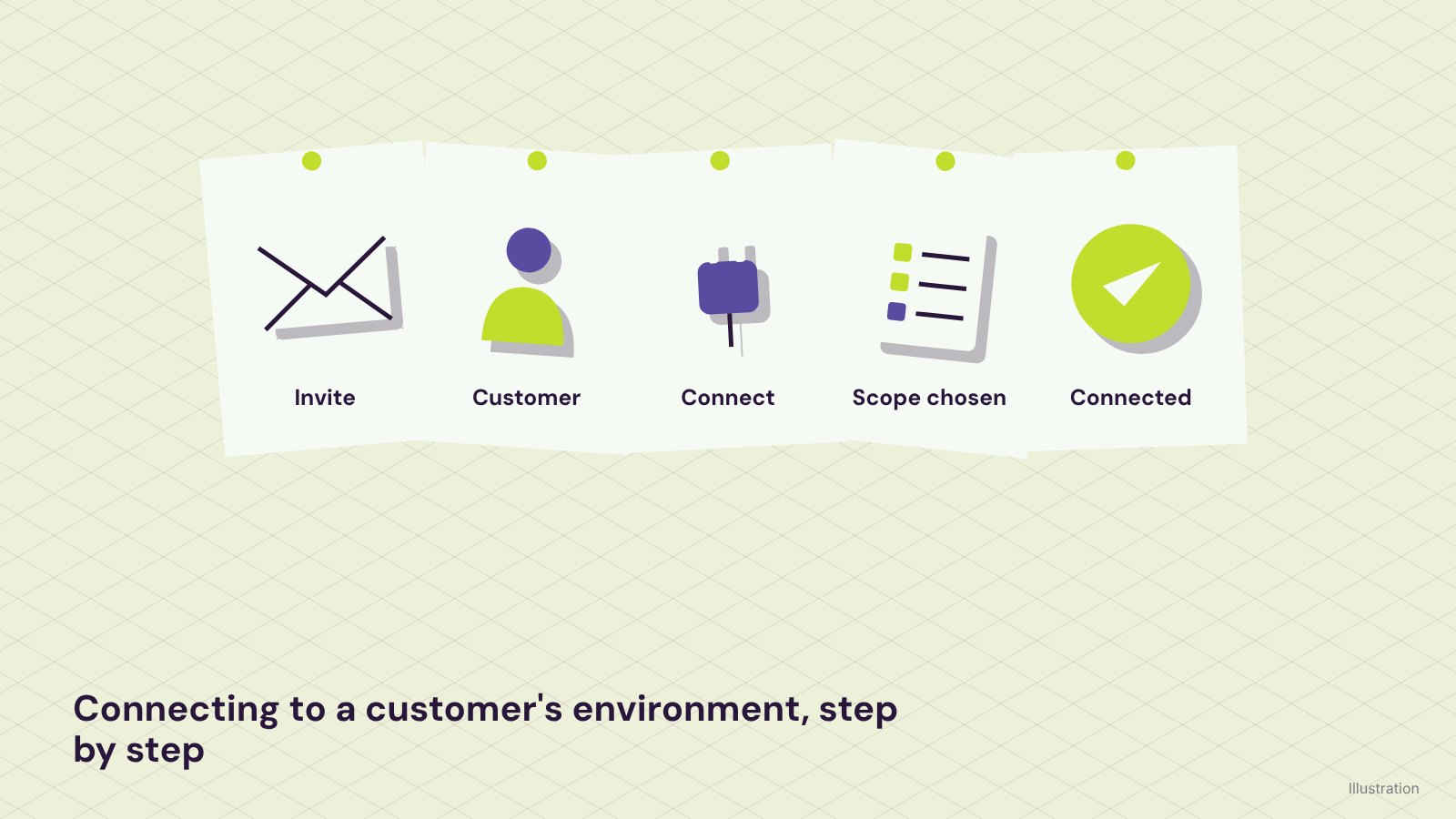
With TicketResolve Connect, the customer approves diagnostic access and runs the Connect agent. Reproduce with TicketResolve AI then turns what's already known into a reproduction, run where the bug actually happens.
First, the basics
- A reproduction makes a bug happen on demand, so engineering can see it and later check the fix.
- The customer's environment is their own setup: data, configuration, network, time zones.
- TicketResolve Connect gives support diagnostic access, within what the customer approves. The Connect agent runs there and collects.
- A HAR file is a browser's record of network requests; API checks call endpoints directly.
- An attempt is one run of a step. Running a step several times catches intermittent bugs.
- Indirect signs are clues without the failure itself: matching log lines, container restarts, database lock waits.
- Read-only requests (GET, HEAD, GraphQL queries) don't change data; others (like submitting a form) do.
- A verdict summarises what happened: reproduced, suspected, not reproduced or inconclusive.
Why does this matter? "Can't reproduce" usually means "can't reproduce here". Running the reproduction where the bug happens, several times, with an honest verdict, turns weeks of back-and-forth into a morning.
The problem, in plain terms
- Bugs are tried on test systems, not where they happen.
- Intermittent bugs pass a single try.
- Steps are guessed from descriptions.
- Suspicions are presented as reproductions.
- Reproductions that change data are risky in customers' systems.
Steps from evidence, not from a guess
The plan is built from what's recorded. No AI writes the steps:
- requests that failed in the customer's browser (from the HAR they shared) or in earlier API checks, limited to the endpoints listed on the session
- the error text from the ticket, looked for in the logs the customer allowed
- container, pod and database checks, if the customer allowed those
You can remove steps and choose how many times each one runs. If nothing has failed yet, each endpoint on the session is checked.
A verdict you can rely on
Every attempt of every step is compared with what should happen:
| Verdict | When |
|---|---|
| Reproduced | The reported failure happened in at least two attempts of a step |
| Suspected | It happened once, the step failed differently, or only indirect signs appeared (matching log lines, restarts, lock waits) |
| Not reproduced | Every step behaved as expected in the customer's environment |
| Inconclusive | Nothing could run |
A suspicion is never presented as a reproduction. Each verdict lists its reasons and every attempt.
Changing data needs the customer's say-so
Most reproductions only read: GET, HEAD and GraphQL queries. When a step has to change data, such as submitting the form that fails, two things are required. The customer must have allowed Run reproduction steps. Then they approve the exact list, with each address and body, on their own page. Request bodies with real-looking e-mail addresses, card numbers or tokens are refused, so test data is used.
From reproduction to pull request
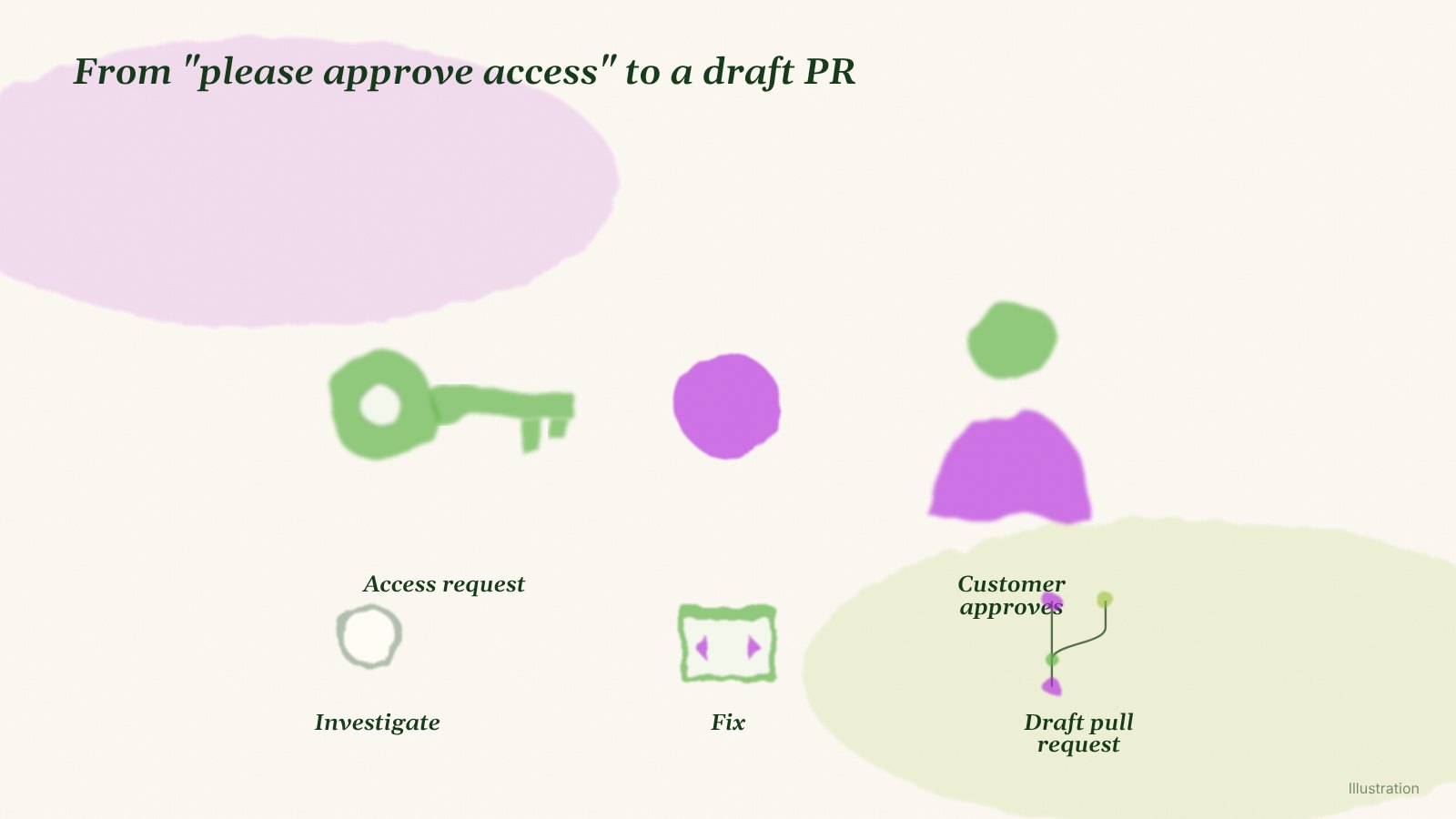
The verdict and its reasons go into the investigation as customer-environment evidence. From there it's the familiar path:
- confirm the root cause
- propose a fix, which opens a draft pull request with a regression test
- run the targeted tests in your CI
- check the validation report
Your engineers review and merge. TicketResolve never merges or deploys.
A worked example, start to finish
Here's the garden-centre chain's transfer bug, with Reproduce with TicketResolve AI. The details are illustrative.
Day 1, 09:00. Support requests Connect access, listing the endpoints /api/transfers and /api/stock/:store, and asking for browser errors, application logs, database metadata and Run reproduction steps. The chain's IT manager approves and runs the agent.
09:30, evidence. The HAR the store manager shared shows POST /api/transfers → 409 once, at 23:58 local time. The application log has transfer date mismatch: source 2026-11-03, destination 2026-11-04 four times this week.
09:40, plan. Support chooses Plan a reproduction. Steps built from what's recorded:
GET /api/stock/:storefor both stores (read-only).- Look for "transfer date mismatch" in the allowed logs.
- Database metadata: lock waits on the transfers table.
POST /api/transfersbetween a store in one time zone and one in another, at a time that crosses midnight in one of them. Changes data.
Support sets each step to run 5 times.
09:45, approval. Step 4 changes data, so the customer's page shows the exact list: address, body (test SKUs, two test stores the chain set up, no real e-mail addresses or tokens). The IT manager approves it.
10:00, run.
- Step 1: 5 of 5 as expected.
- Step 2: log lines found (an indirect sign).
- Step 3: no lock waits.
- Step 4: the reported failure, 409 with "transfer date mismatch", in 4 of 5 attempts. The one pass was a transfer that didn't cross midnight in either store.
Verdict: reproduced: the reported failure happened in at least two attempts of a step. Reasons and every attempt listed.
10:15, to engineering. The verdict goes into the investigation as customer-environment evidence. An engineer confirms the root cause: transfer dates are computed in each store's local time and compared directly. A fix proposal opens a draft pull request with a regression test using two time zones. Targeted tests run in their CI: fail on base, pass on fix. The validation report passes. Their engineers merge.
Three weeks of "can't reproduce" became one morning.
Five more real-world scenarios
1. Failed once
Situation. A step failed in 1 of 5 attempts.
How TR handles it. Suspected, not reproduced.
2. Nothing has failed yet
Situation. There's no HAR or failed API check yet.
How TR handles it. Each endpoint on the session is checked.
3. A real card number in a body
Situation. A reproduction step's body contains a real-looking card number.
How TR handles it. It's refused; test data is used.
4. Only indirect signs
Situation. Log lines match, but the request itself succeeds.
How TR handles it. Suspected, with the indirect signs listed.
5. Everything works
Situation. All steps behave as expected.
How TR handles it. Not reproduced in the customer's environment, recorded as exactly that.
How many attempts to choose
The number of attempts per step is the main choice you make, and it depends on how the bug behaves:
- "Every time" bugs: two or three attempts are enough. "Reproduced" needs the failure in at least two.
- "Sometimes" bugs: five or more. A failure that happens one time in four can easily pass two tries.
- Bugs tied to timing, such as midnight, month-end or a nightly job: run the steps at the time it happens, or choose test data that crosses the boundary, as in the example above.
- Read-only checks on a busy production system: keep attempts low and spread out, so the reproduction itself doesn't add load.
When the verdict comes back "suspected", look at its reasons before adding attempts. "Failed differently" often means the steps need a different body or endpoint, not more runs.
Before and after
Before. Three weeks of "works for us" on a single-time-zone test system, a screenshot of an error toast, and a lucky guess.
After. Steps built from the customer's own failed requests and logs, a data-changing step the customer approved line by line, five attempts each, "reproduced" with its reasons, and a fix with a regression test the same morning.
How to tell it's working
- "Can't reproduce" closures fall.
- Verdicts are mostly reproduced or not reproduced, with clear reasons.
- Fixes arrive with regression tests from the reproduction.
Who it's for
- Support engineers with customer-specific bugs.
- Engineering who need a reliable reproduction.
- Customers' IT teams who want control over what runs.
How it fits with the rest of TicketResolve
Reproduction is part of TicketResolve Connect (Customer environment connect). Its verdict feeds investigations, Autonomous engineering's fixes and tests, and before / after verification.
Mistakes to avoid
- Running each step once. Intermittent bugs need several attempts.
- Treating "suspected" as reproduced.
- Asking to change data when reading would do.
Do it in TicketResolve, step by step
Where: the Connect session (/dashboard/connect), from the investigation. You'll need: Customer environment connect; the customer's approval, including Run reproduction steps if a step changes data. Full guides: TR Investigate: from a ticket to a verified fix and the TicketResolve Connect guide.
- Request access with the endpoints listed, and Run reproduction steps if needed.
- Collect evidence: failed browser requests, API checks, logs.
- Choose Plan a reproduction. Steps are built from what's recorded.
- Remove steps you don't need and set how many times each runs.
- Get approval for data-changing steps: the customer approves the exact list on their page.
- Run it and read the verdict, reasons and every attempt.
- Continue to the pull request: confirm the cause, propose a fix, run tests, check validation.
How to check it worked: the session shows a verdict with its reasons and every attempt of every step.
Frequently asked questions
Does AI write the steps? No. They're built from what's recorded.
Where do steps come from? Failed browser requests and API checks on the session's endpoints, the ticket's error text in allowed logs, and allowed container, pod and database checks.
When is a bug "reproduced"? When the reported failure happened in at least two attempts of a step.
What's "suspected"? It happened once, failed differently, or only indirect signs appeared.
Can a step change data? Only if the customer allowed Run reproduction steps and approved the exact list.
What test data is used? Bodies with real-looking e-mails, card numbers or tokens are refused.
Is "not reproduced" a dismissal? No. It's recorded as exactly that, with the reasons.
Does TicketResolve merge the fix? No. Your engineers review and merge.
How many attempts should each step run? Two or three for bugs that happen every time; five or more for intermittent ones.
Explore Topics
Written by
Ghulam Shabbir
Content creator and writer sharing insights and stories.